DinexSpace Opening Range Levels
- Indicators
-
Huu Tho Tran
 DinexSpace - trading automation studio for MetaTrader 5.
We validate your trading idea with real costs in two stages before we code it. If the idea fails validation, we stop - you don't pay for the bot.
Live track record - Version: 1.0
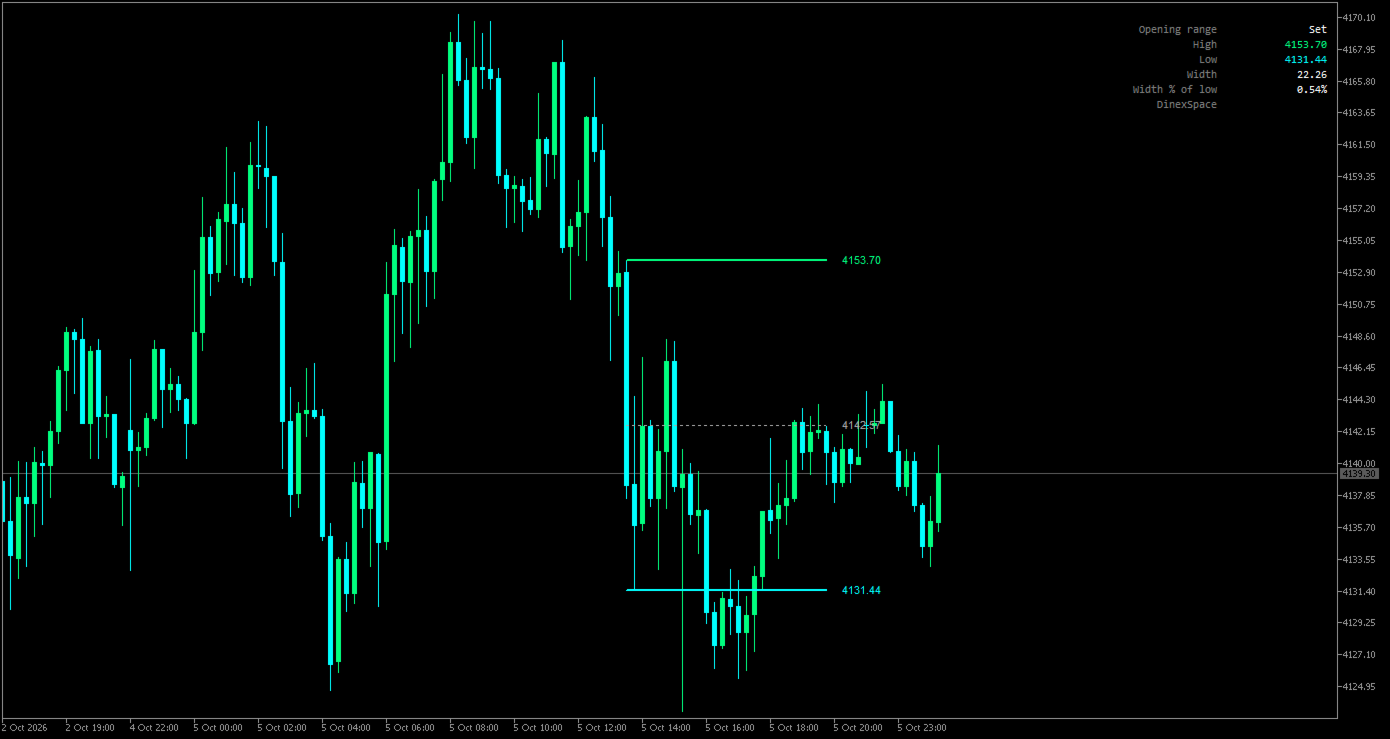
Opening Range Levels marks the high, low and middle of the opening range, the first minutes of a session you choose, and carries those levels through the rest of the day.
How it works
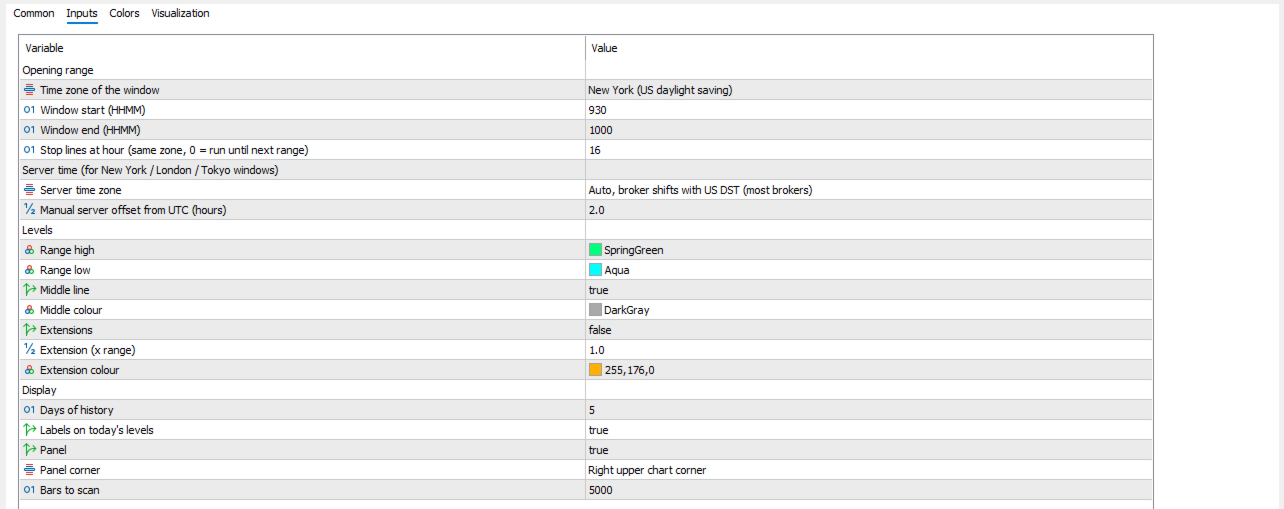
- You set the window and its time zone: New York (default 09:30-10:00), London, Tokyo or your broker's server time.
- US and UK daylight saving are applied automatically. Your broker's server offset is detected from the terminal; most brokers shift their clock with US daylight saving, which is the default, and a fixed or manual offset is also available.
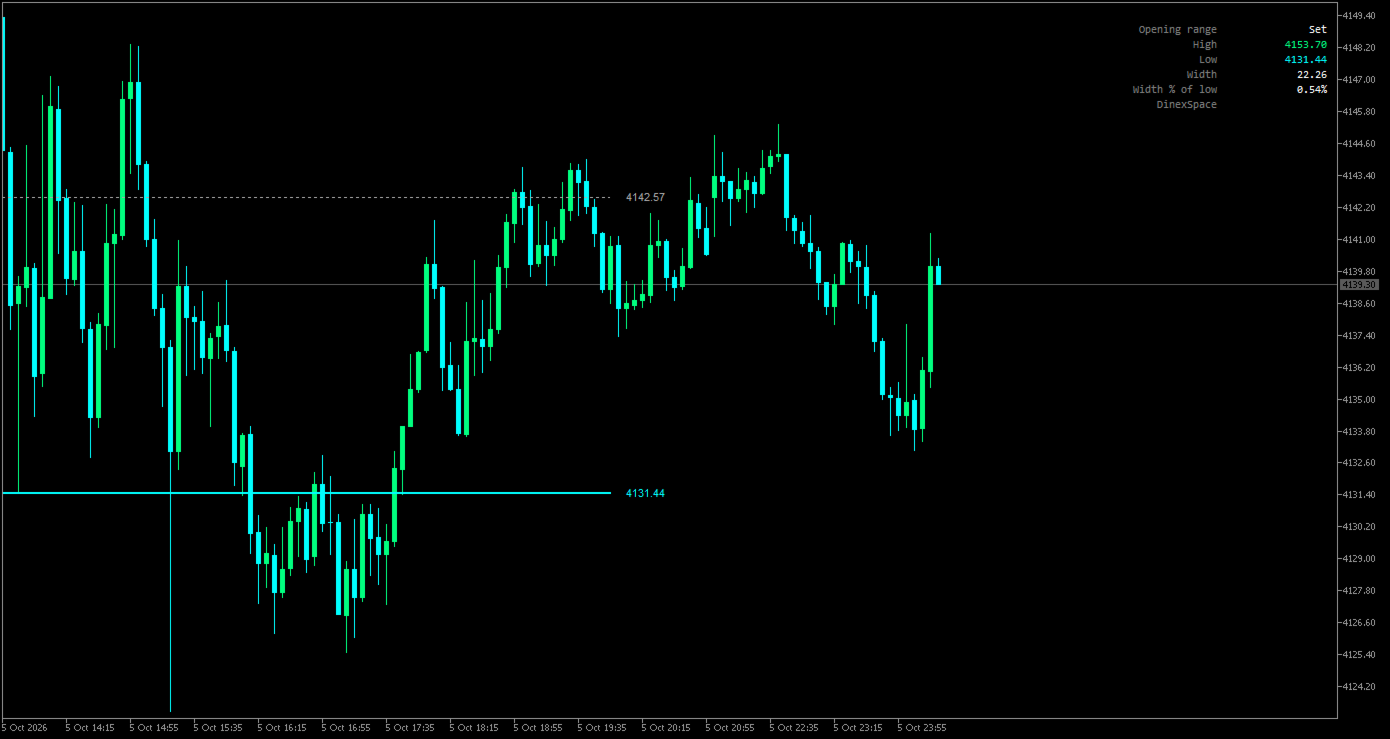
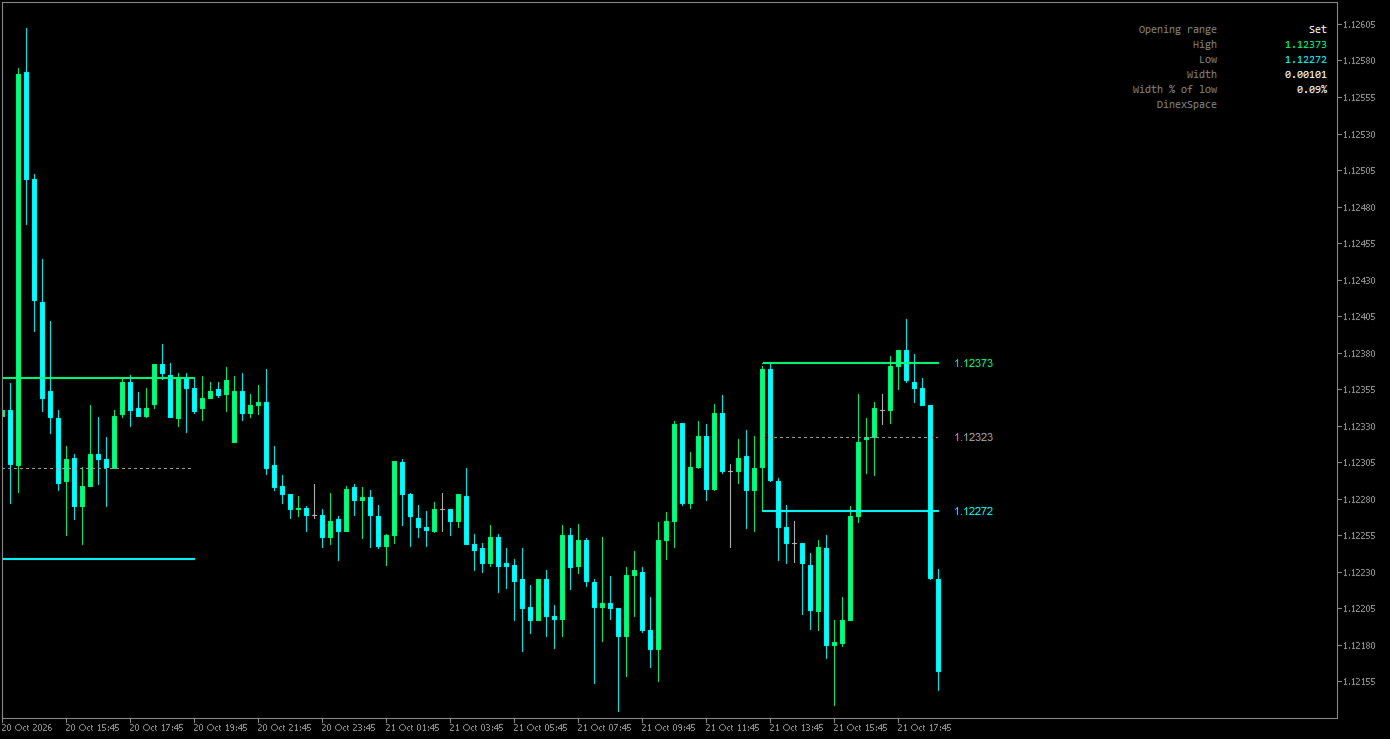
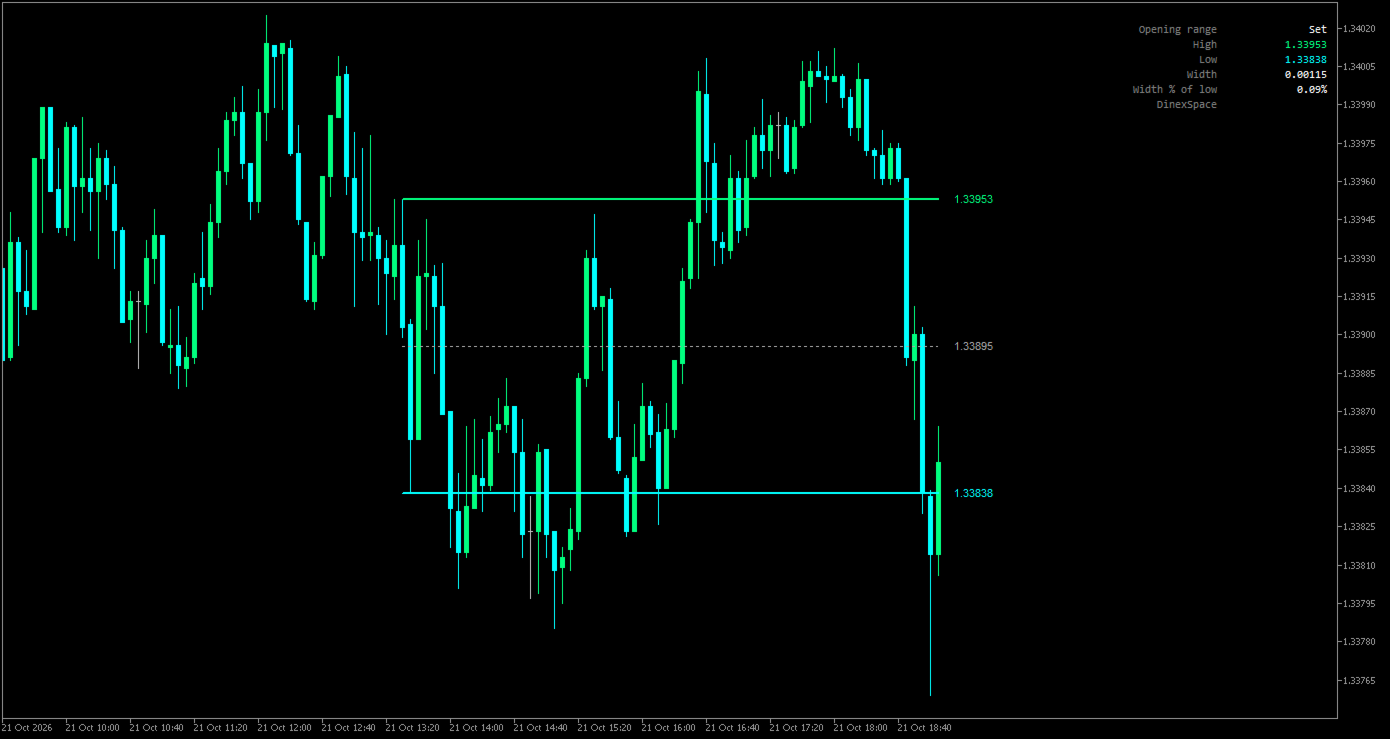
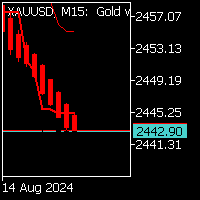
- While the window is open the indicator tracks its high and low. When it closes, it draws the range high, low and (optionally) middle from the start of the window.
- The lines extend bar by bar until the stop hour you choose (16:00 by default), or until the next range starts if you set 0.
- Optional extension lines sit a chosen multiple of the range above the high and below the low.
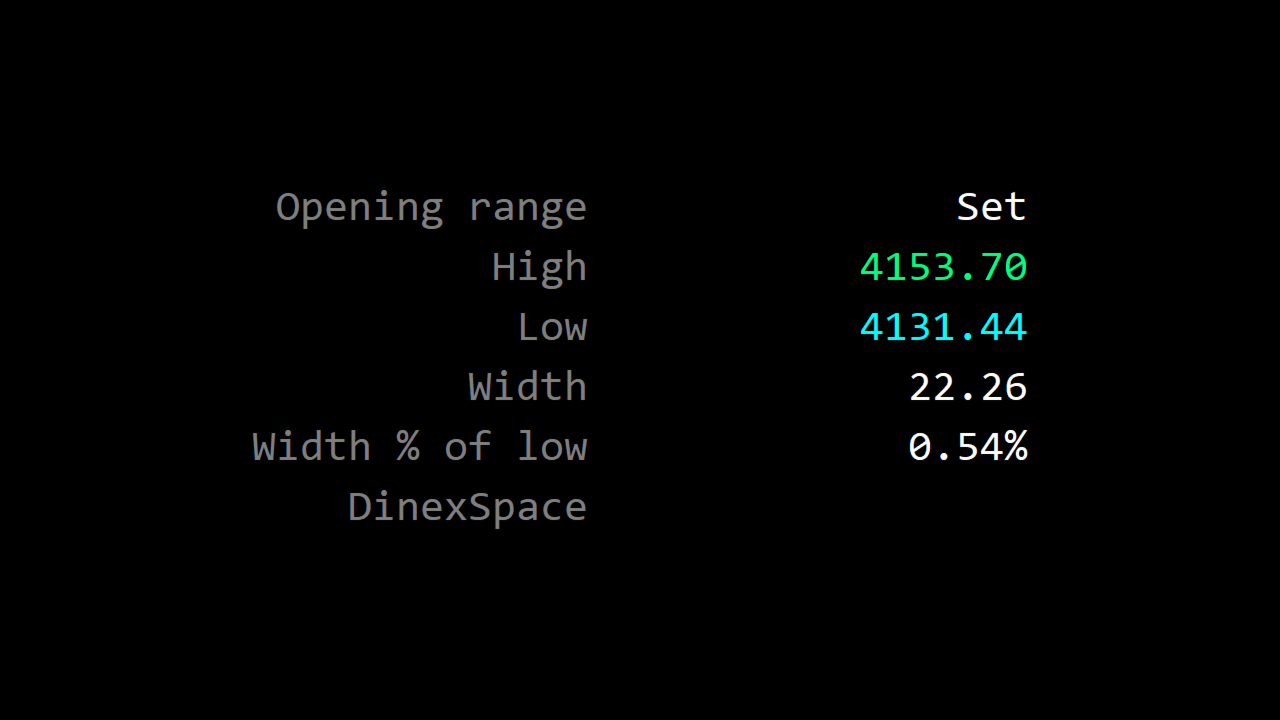
- Each day keeps its own set of lines; you choose how many days stay on the chart. A panel shows whether today's range is waiting, forming or set, its high and low, and its width.
Inputs
- Opening range: time zone, window start and end, stop hour.
- Server time: detection mode and manual offset.
- Levels: colours, middle line, extensions and multiple.
- Display: days of history, labels, panel and corner, bars to scan.
Limits
- Needs an intraday chart with a timeframe no longer than the window.
- The range is built from chart bars; a window that starts inside a bar begins at the next bar.
The indicator only draws levels. It does not trade or give signals.