DinexSpace Opening Range Levels
- Indicatori
-
Huu Tho Tran
 DinexSpace - studio di automazione del trading per MetaTrader 5.
Validiamo la tua idea di trading con costi reali in due fasi prima di programmarla. Se l'idea non supera la validazione ci fermiamo e non paghi il robot.
Storico live - Versione: 1.0
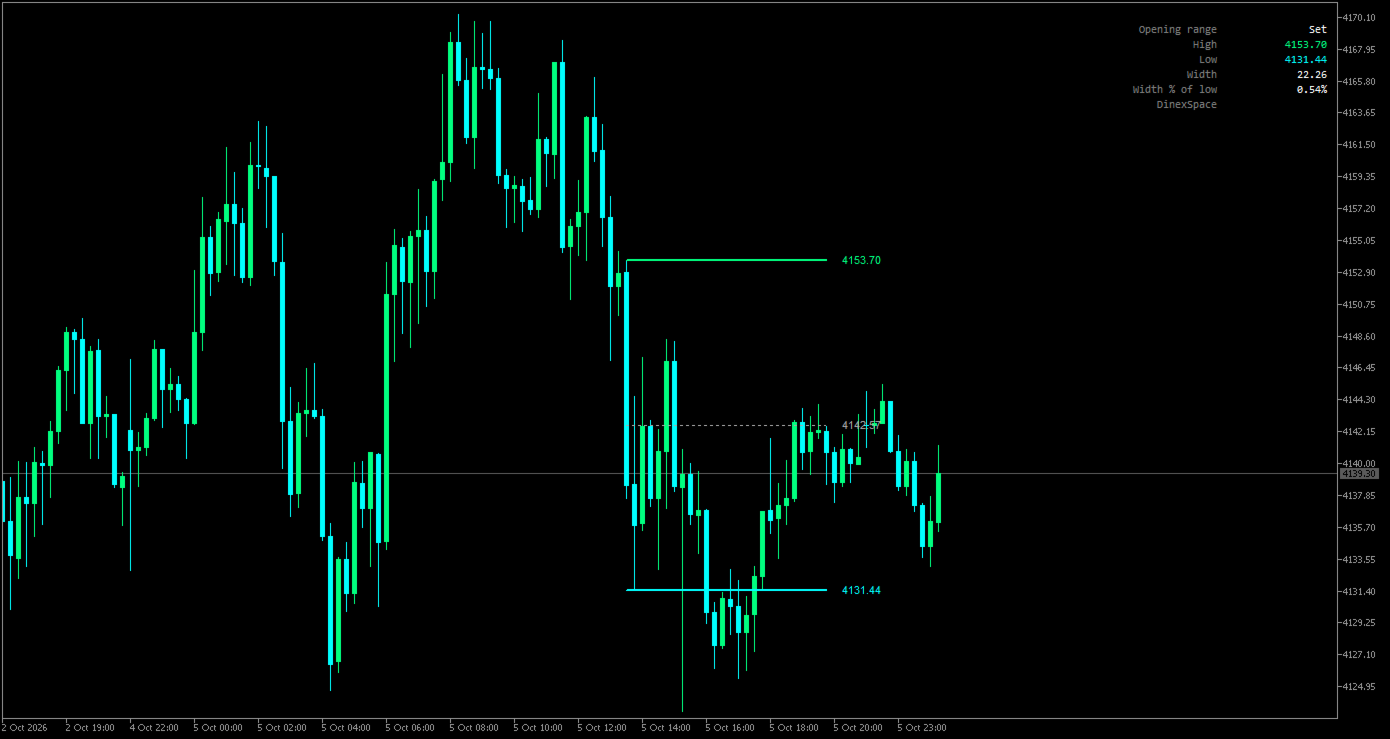
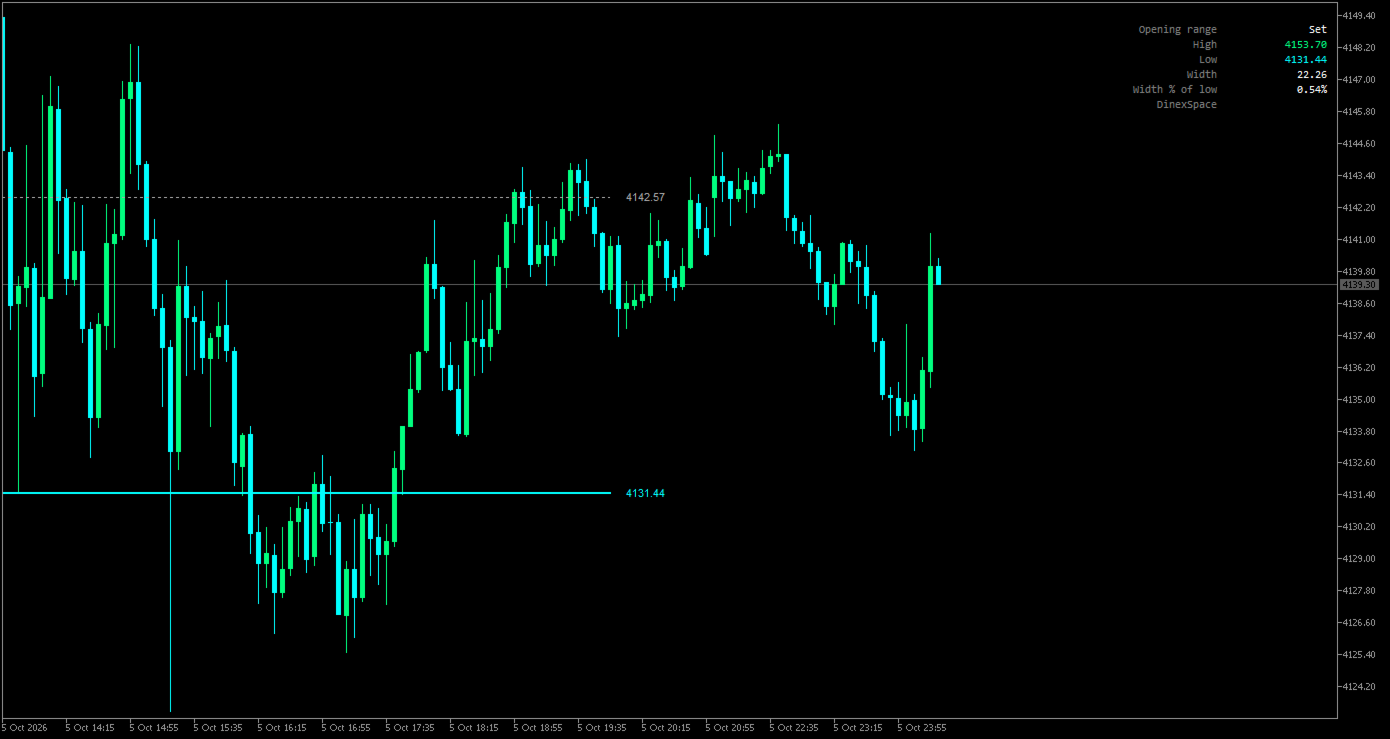
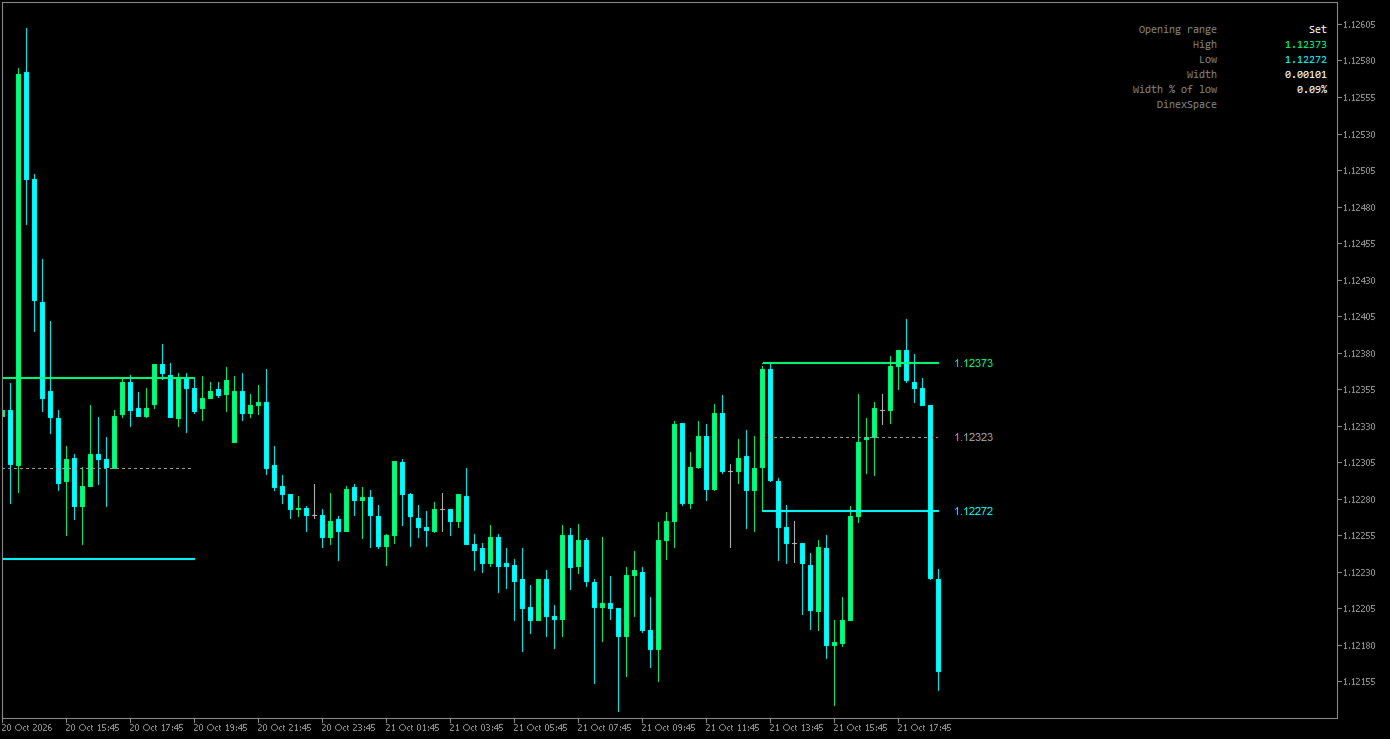
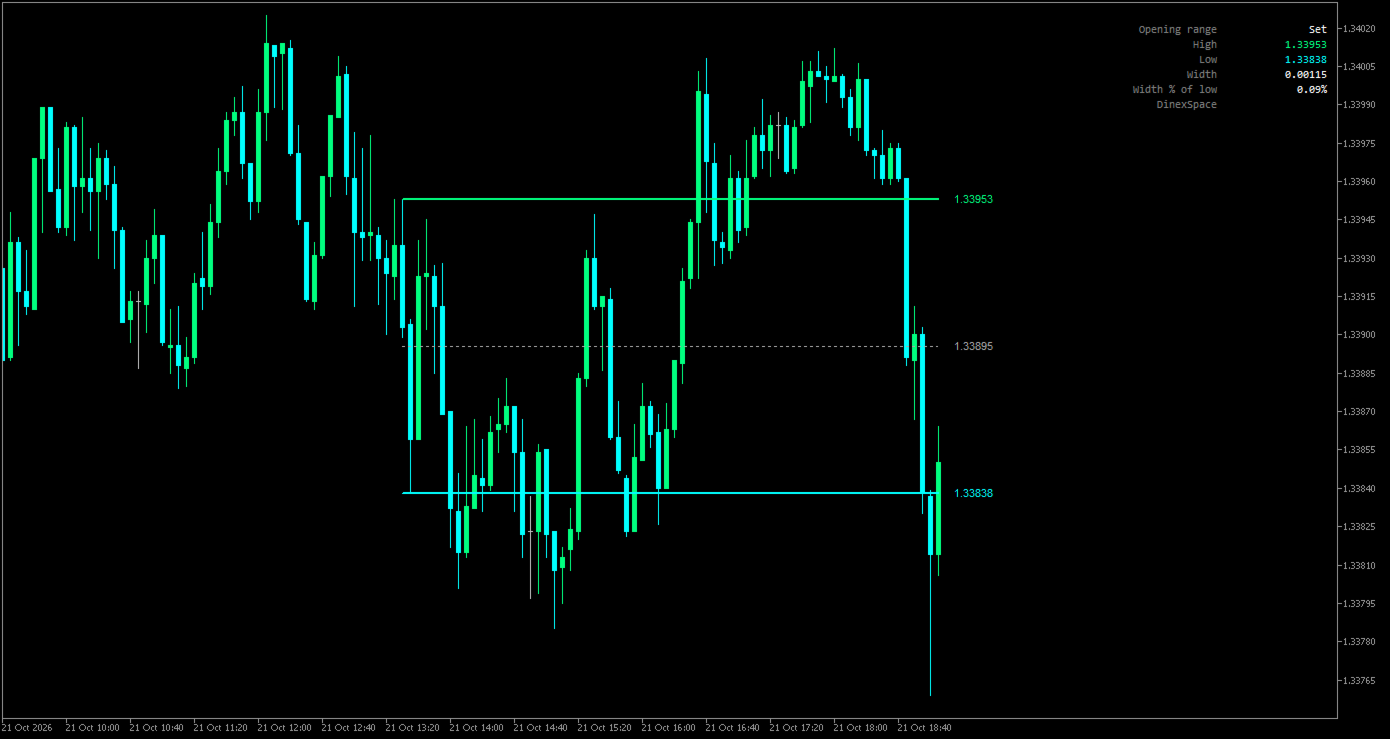
Opening Range Levels marks the high, low and middle of the opening range, the first minutes of a session you choose, and carries those levels through the rest of the day.
How it works
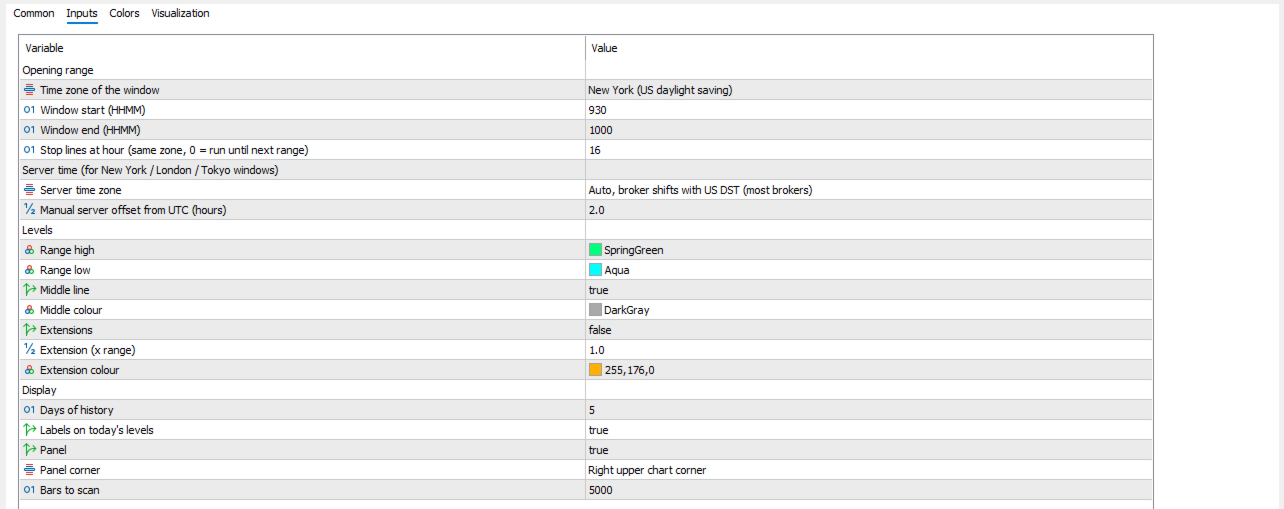
- You set the window and its time zone: New York (default 09:30-10:00), London, Tokyo or your broker's server time.
- US and UK daylight saving are applied automatically. Your broker's server offset is detected from the terminal; most brokers shift their clock with US daylight saving, which is the default, and a fixed or manual offset is also available.
- While the window is open the indicator tracks its high and low. When it closes, it draws the range high, low and (optionally) middle from the start of the window.
- The lines extend bar by bar until the stop hour you choose (16:00 by default), or until the next range starts if you set 0.
- Optional extension lines sit a chosen multiple of the range above the high and below the low.
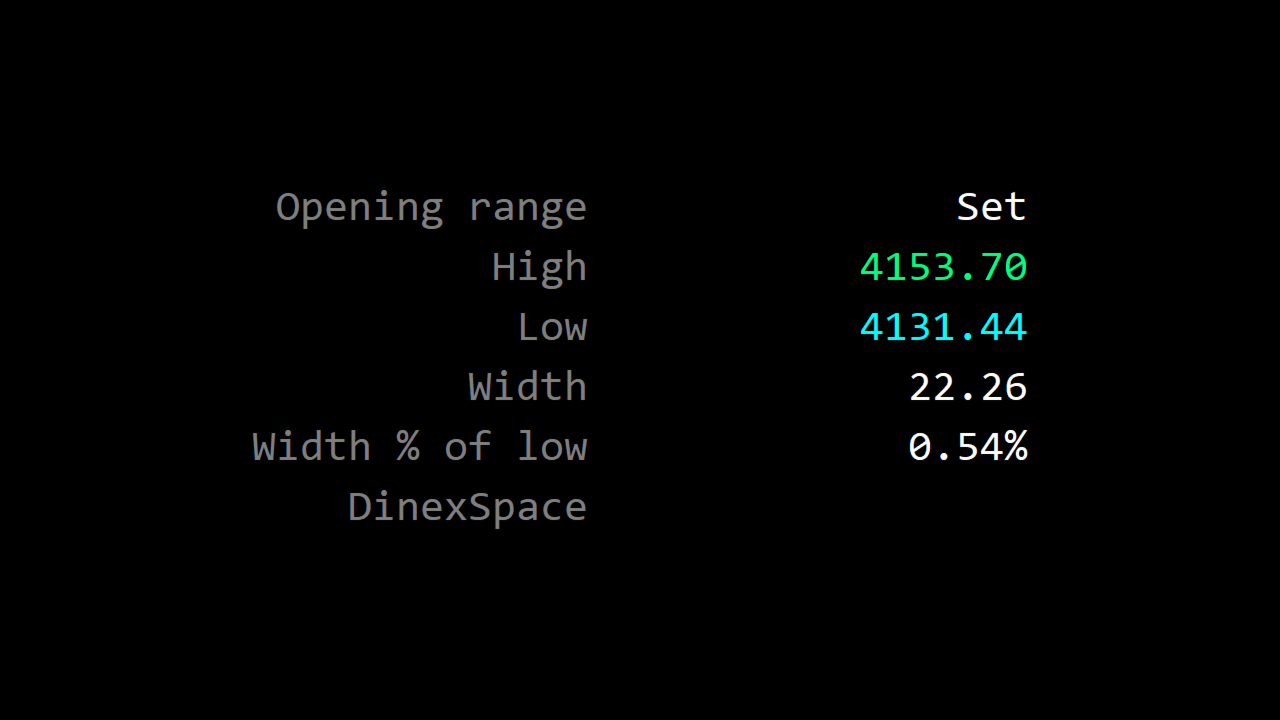
- Each day keeps its own set of lines; you choose how many days stay on the chart. A panel shows whether today's range is waiting, forming or set, its high and low, and its width.
Inputs
- Opening range: time zone, window start and end, stop hour.
- Server time: detection mode and manual offset.
- Levels: colours, middle line, extensions and multiple.
- Display: days of history, labels, panel and corner, bars to scan.
Limits
- Needs an intraday chart with a timeframe no longer than the window.
- The range is built from chart bars; a window that starts inside a bar begins at the next bar.
The indicator only draws levels. It does not trade or give signals.