ToolForge Correction Geometry Mapper
- Indicators
-
Mariusz Piotr Wrzeszczynski
 **ToolForge Labs — Practical tools. Reliable workflows.**
I'm Mariusz Wrzeszczynski, creator of ToolForge Labs. I develop practical software, automation workflows and technical resources, with an emphasis on clear logic, repeatable processes and documentation. - Version: 1.0
- Activations: 5
TOOLFORGE CORRECTION GEOMETRY MAPPER — MT5 INDICATOR
MAP RETRACEMENTS. PROJECT SIMILAR CORRECTIONS. VISUALIZE CONFLUENCE.
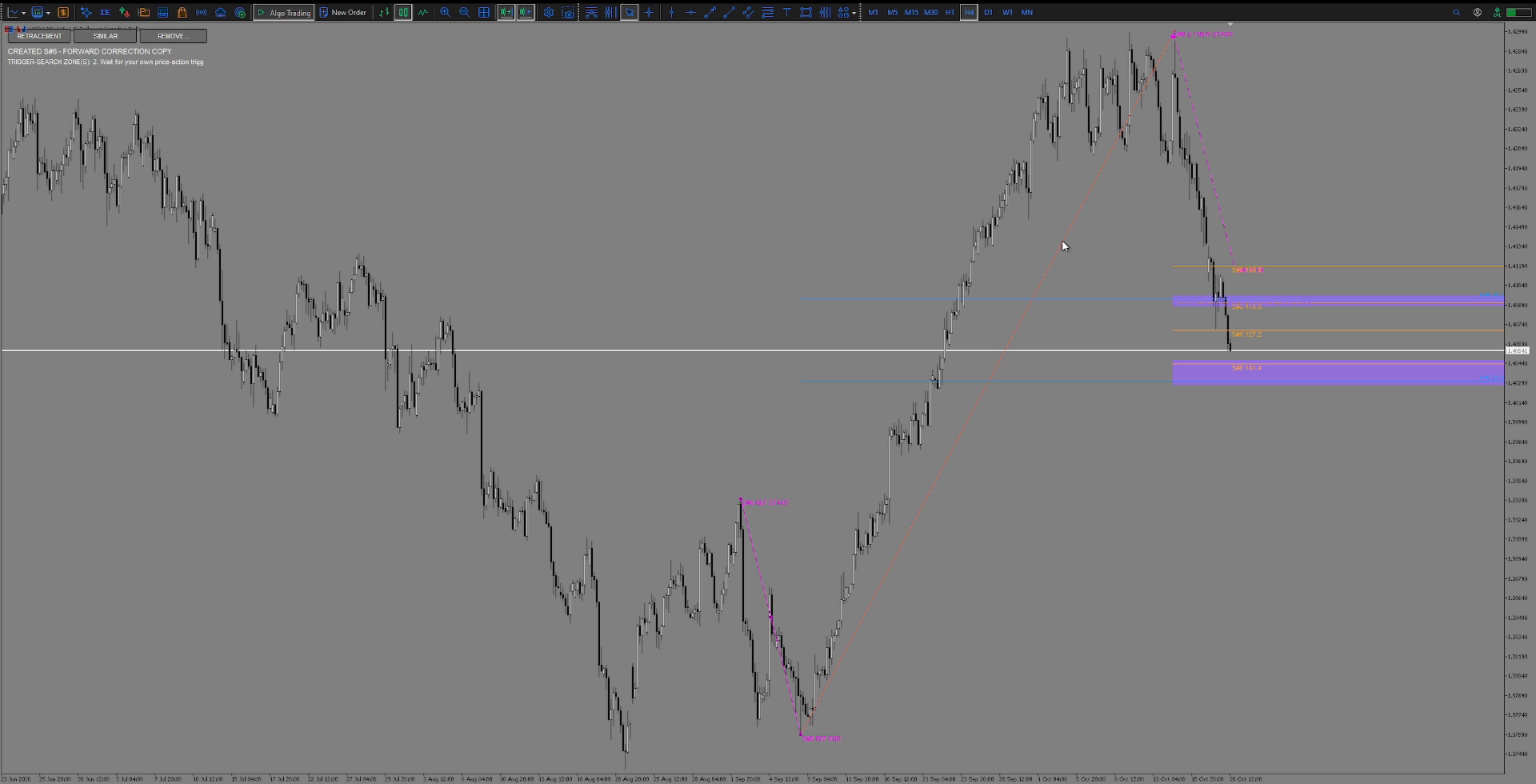
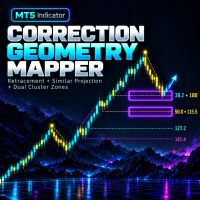
ToolForge Correction Geometry Mapper is a manual chart-analysis indicator for MetaTrader 5. It combines a Fibonacci retracement selected by the trader with projections based on an earlier, manually selected correction. When an active retracement and an active similar-correction level are close enough, the indicator highlights their overlap as a purple analysis zone. This is a place to look for further confirmation, not an automatic trade signal.
HOW IT WORKS
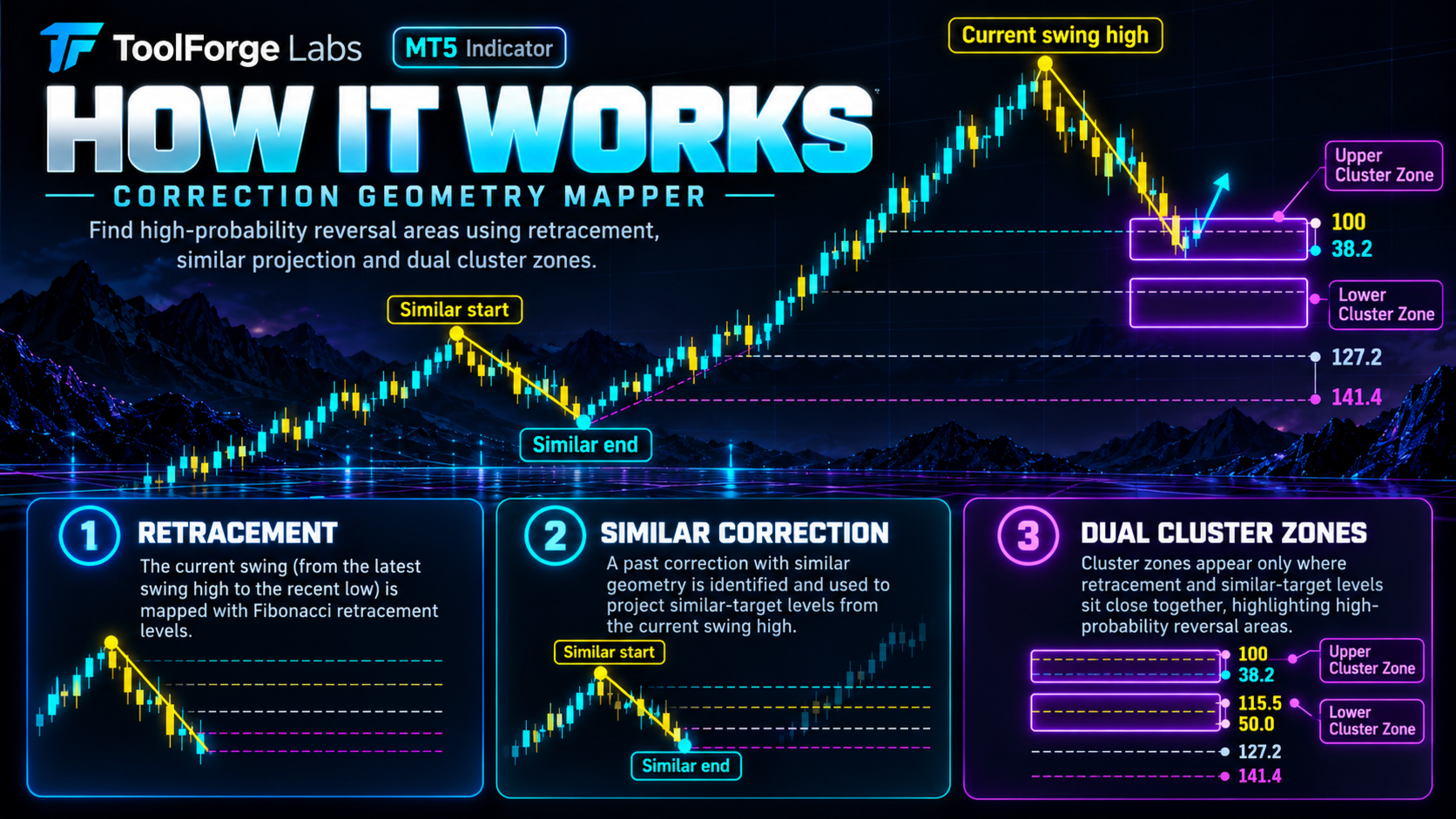
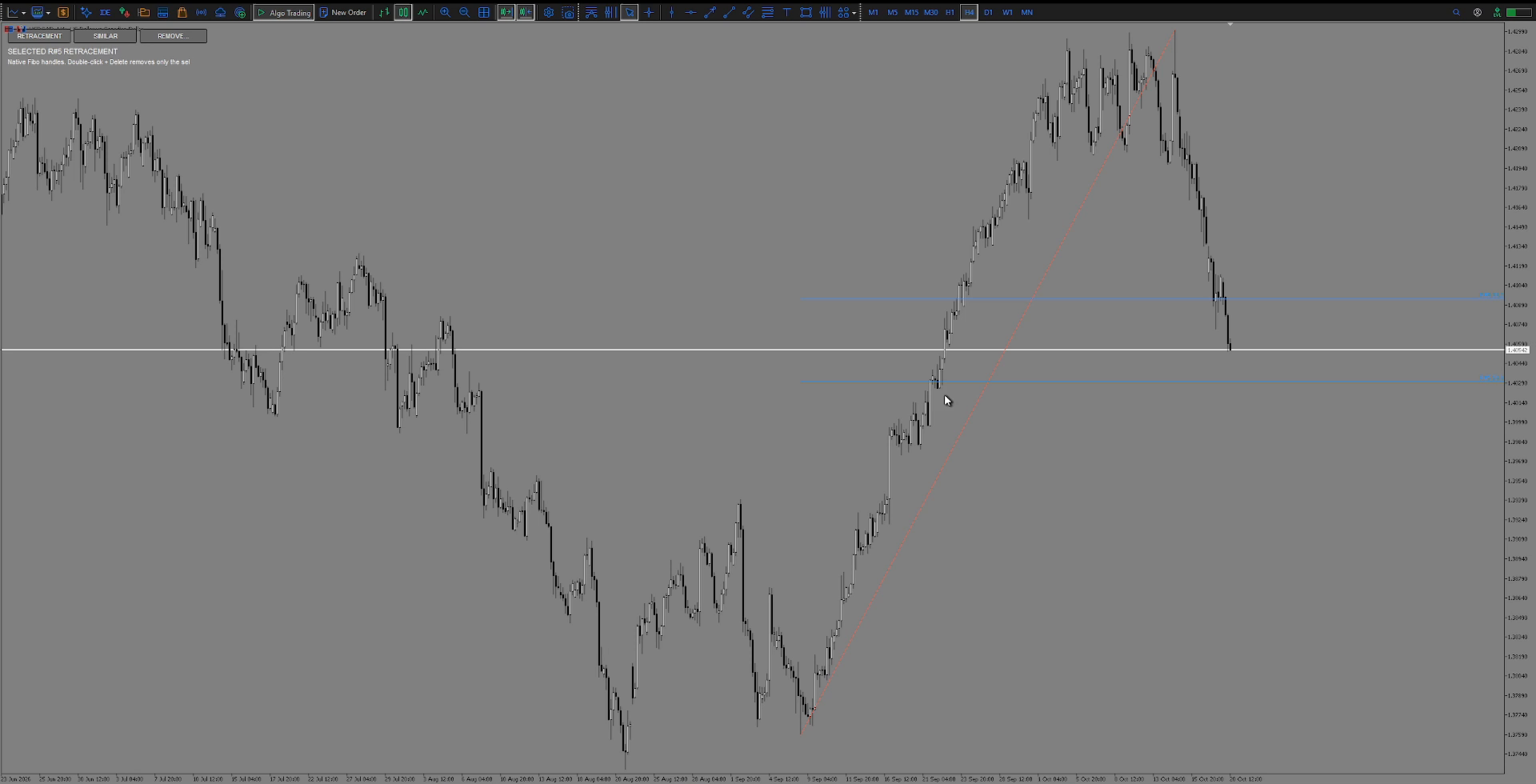
1. RETRACEMENT: Mark the price impulse on the chart. The default active retracement levels are 38.2% and 50.0%. Level 61.8% is available but disabled by default.
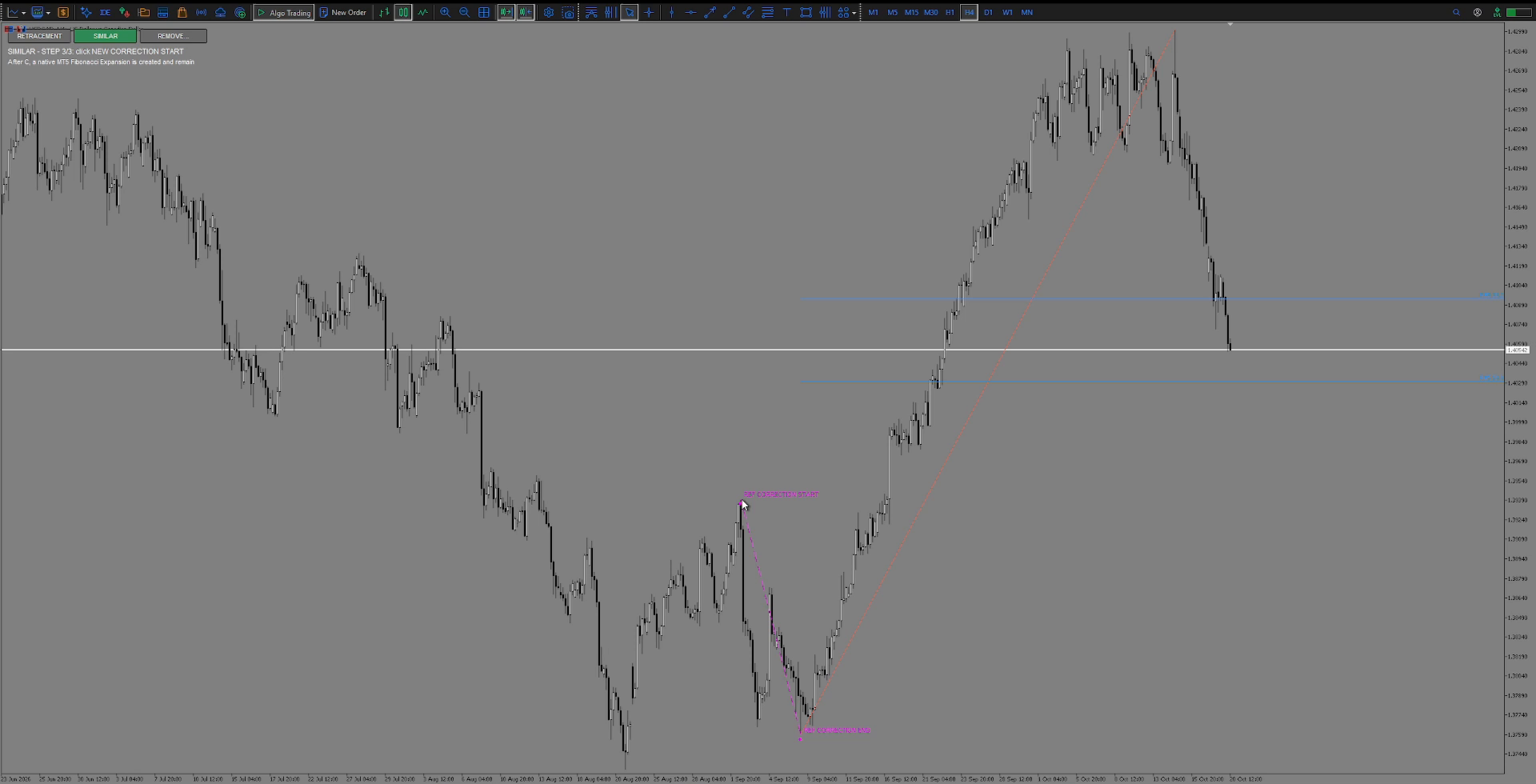
2. SIMILAR: Mark a reference correction and the starting point of a new correction. The default projection levels are 100%, 115.5%, 127.2% and 141.4%; 161.8% is optional and disabled by default. A magenta copy visualizes the selected correction's price change and duration in bars.
3. PURPLE CLUSTERS: An analysis zone appears only where an enabled retracement level and an enabled similar-correction projection lie within the selected geometric tolerance. The default relative tolerance is 5% of the reference correction's range, with a minimum threshold of 10 points. A wider tolerance does not imply a higher chance of a successful trade.
CHART CONTROLS
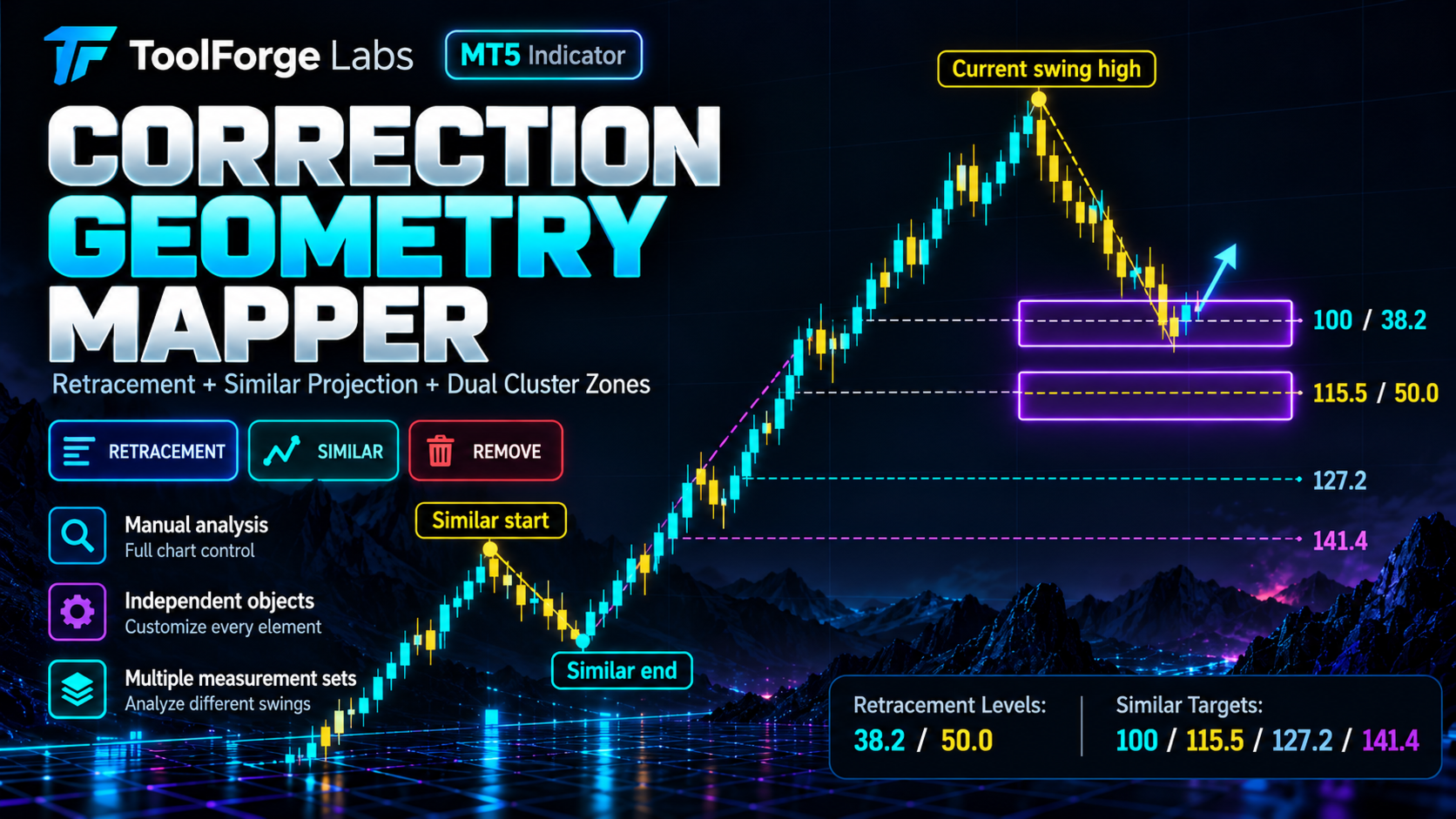
- Compact on-chart buttons: RETRACEMENT, SIMILAR, REMOVE.
- Independent editing and removal of the two measurement types.
- Existing purple zones can remain as independent, movable rectangles after a source measurement is removed.
- Active measurements persist across timeframe and input changes; active zones recalculate when relevant settings change.
- Multiple measurement sets on one chart; actions are limited to this chart and this indicator's objects.
- No automatic order opening, closing or modification.
GETTING STARTED
1. Install the MT5 indicator and open the chart you want to analyze.
2. Use RETRACEMENT to mark an impulse.
3. Use SIMILAR to identify a previous correction and project it from a new starting point.
4. Inspect purple overlap zones and apply your own market context, confirmation and risk management.
MARKETING IMAGES AND RISK
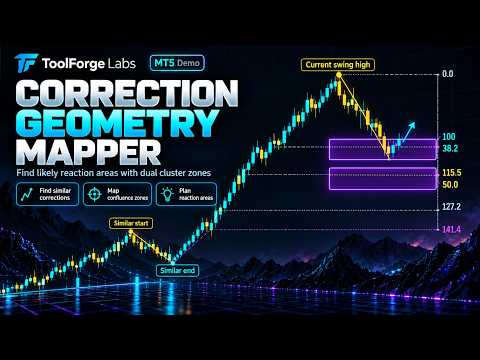
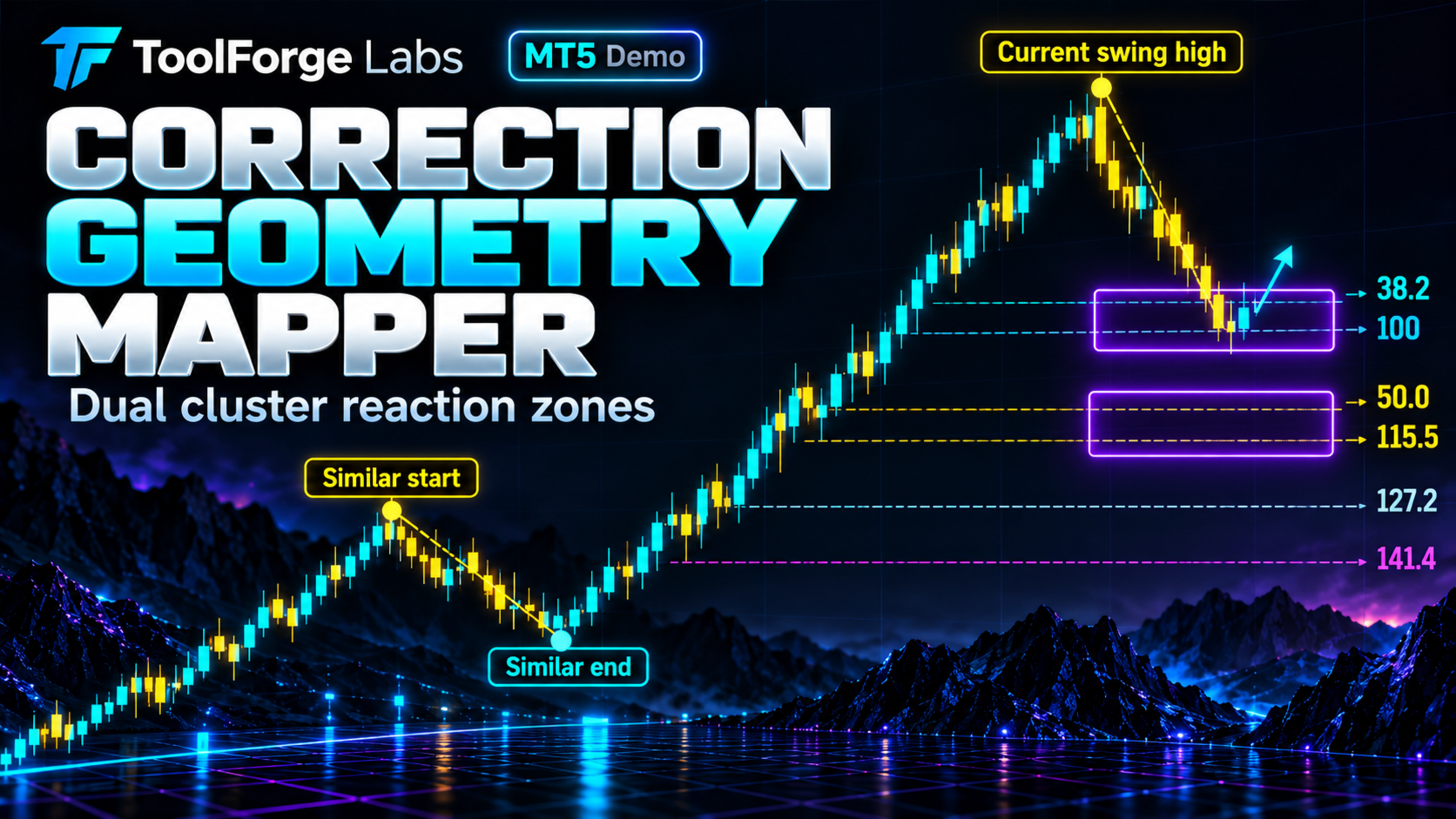
Illustrated two-cluster promotional graphics are schematic examples, not real historical results. Actual zones depend on the measurements and settings. The tool does not predict price reversals or guarantee profits. Trading involves risk; all trading decisions remain with the user.
Developer: ToolForge Labs.