Fibo Correction
- Experts
- Version: 1.0
- Activations: 5

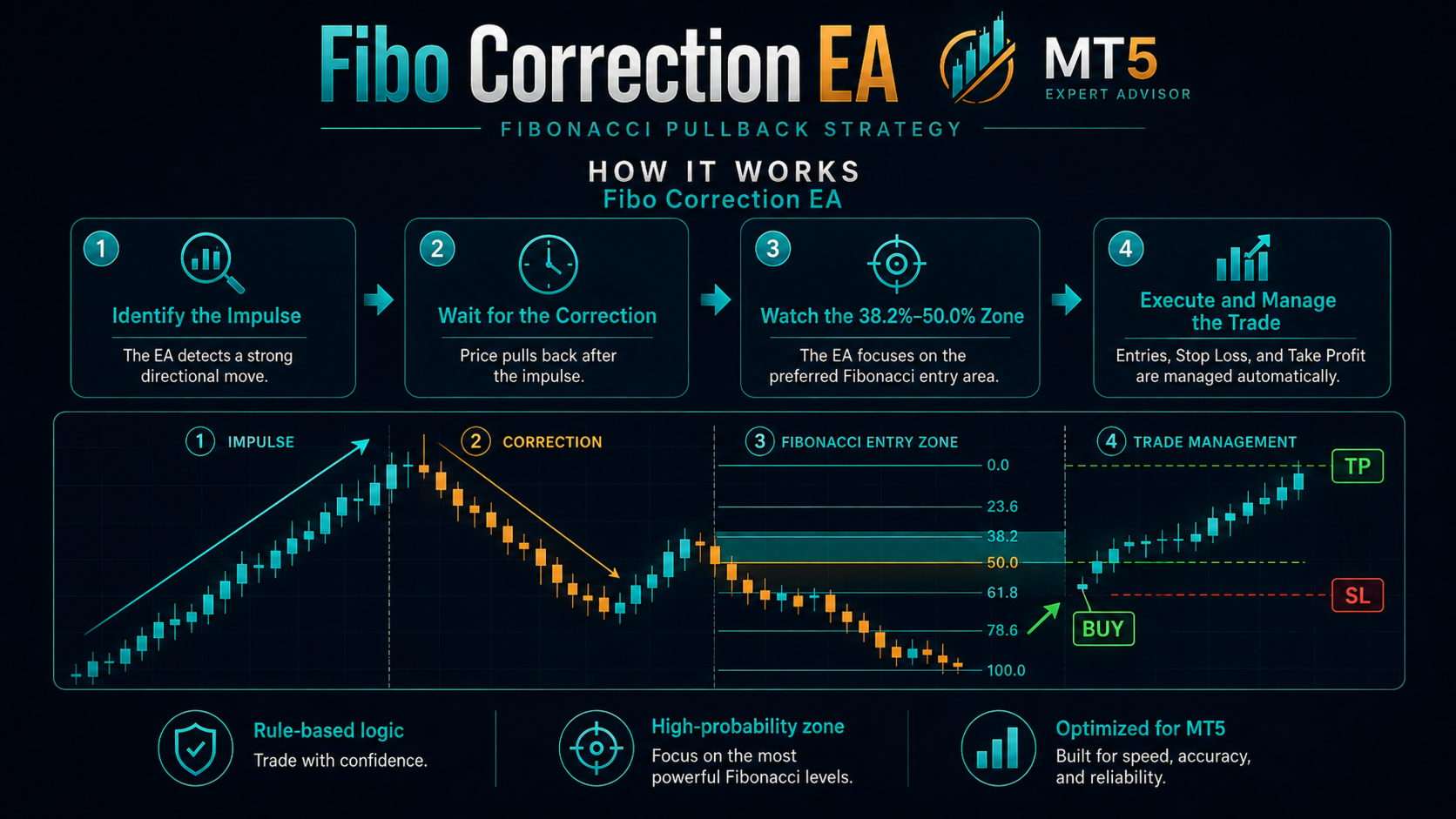
Fibo Correction is a rule-based Expert Advisor for MetaTrader 5 built around a simple impulse-and-correction workflow.
HOW IT WORKS
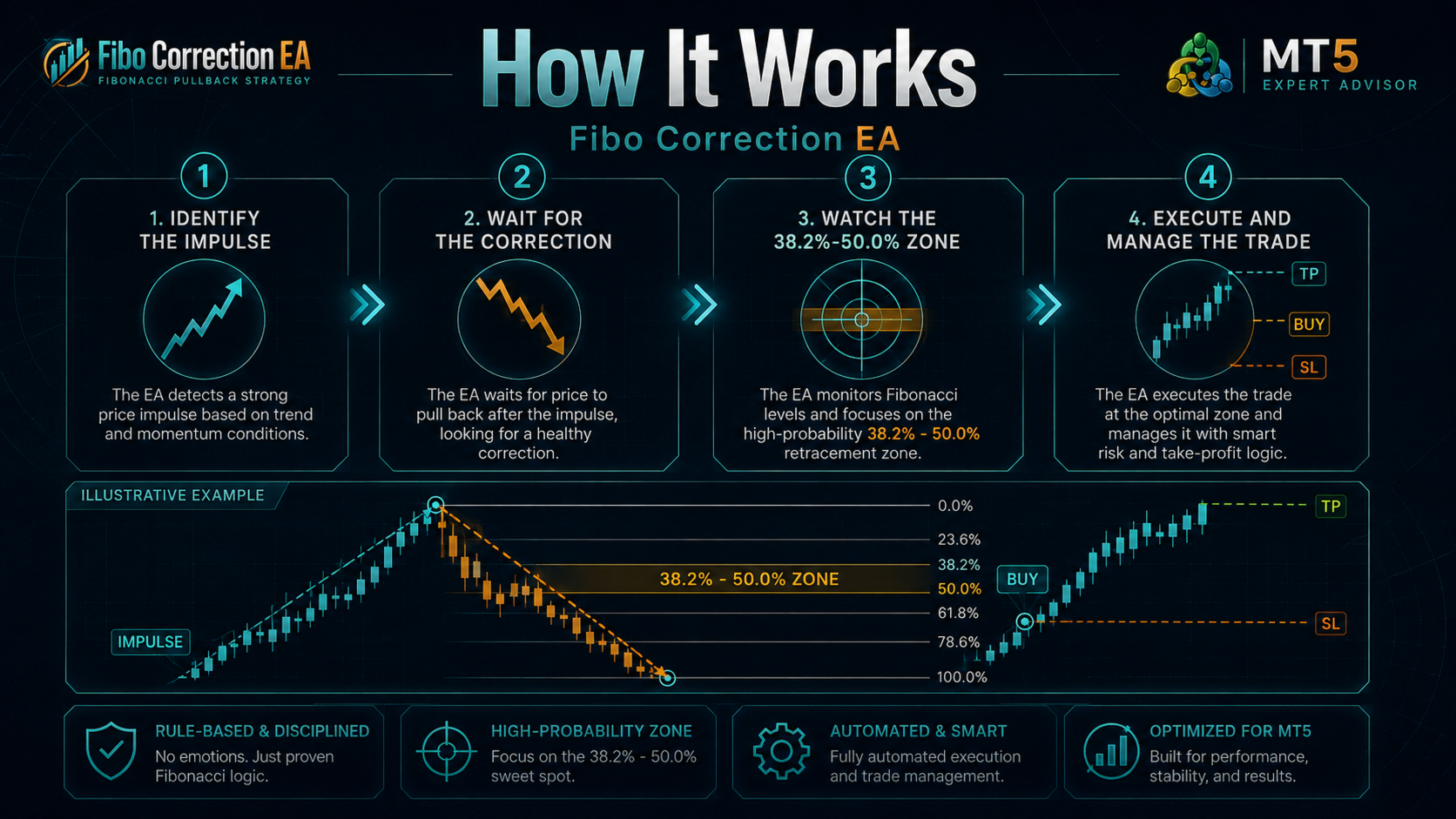
The Expert Advisor identifies a recent directional price impulse using confirmed swing pivots. It then waits for price to retrace into a configurable Fibonacci zone and checks supported candlestick formations before opening a position.
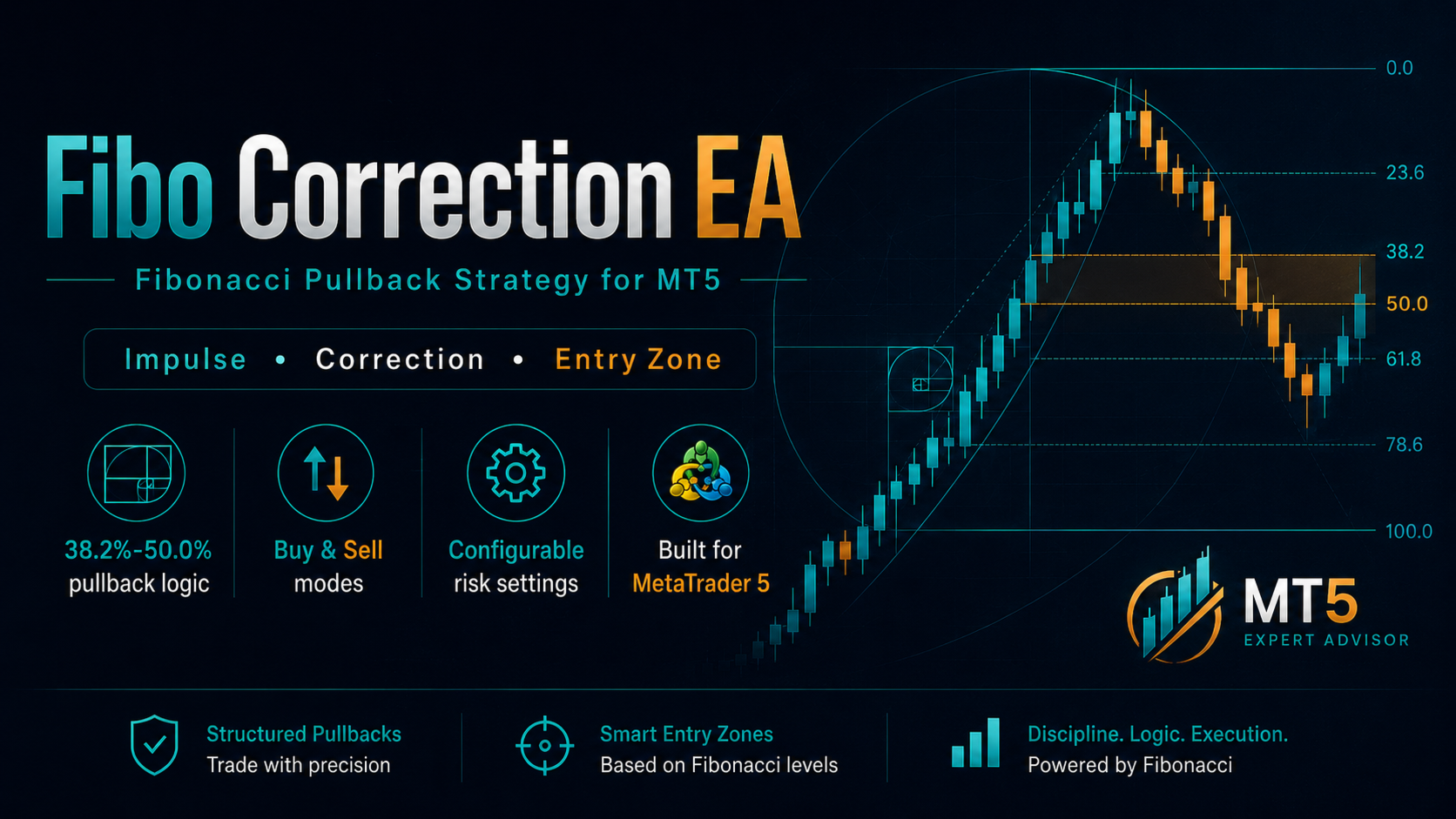
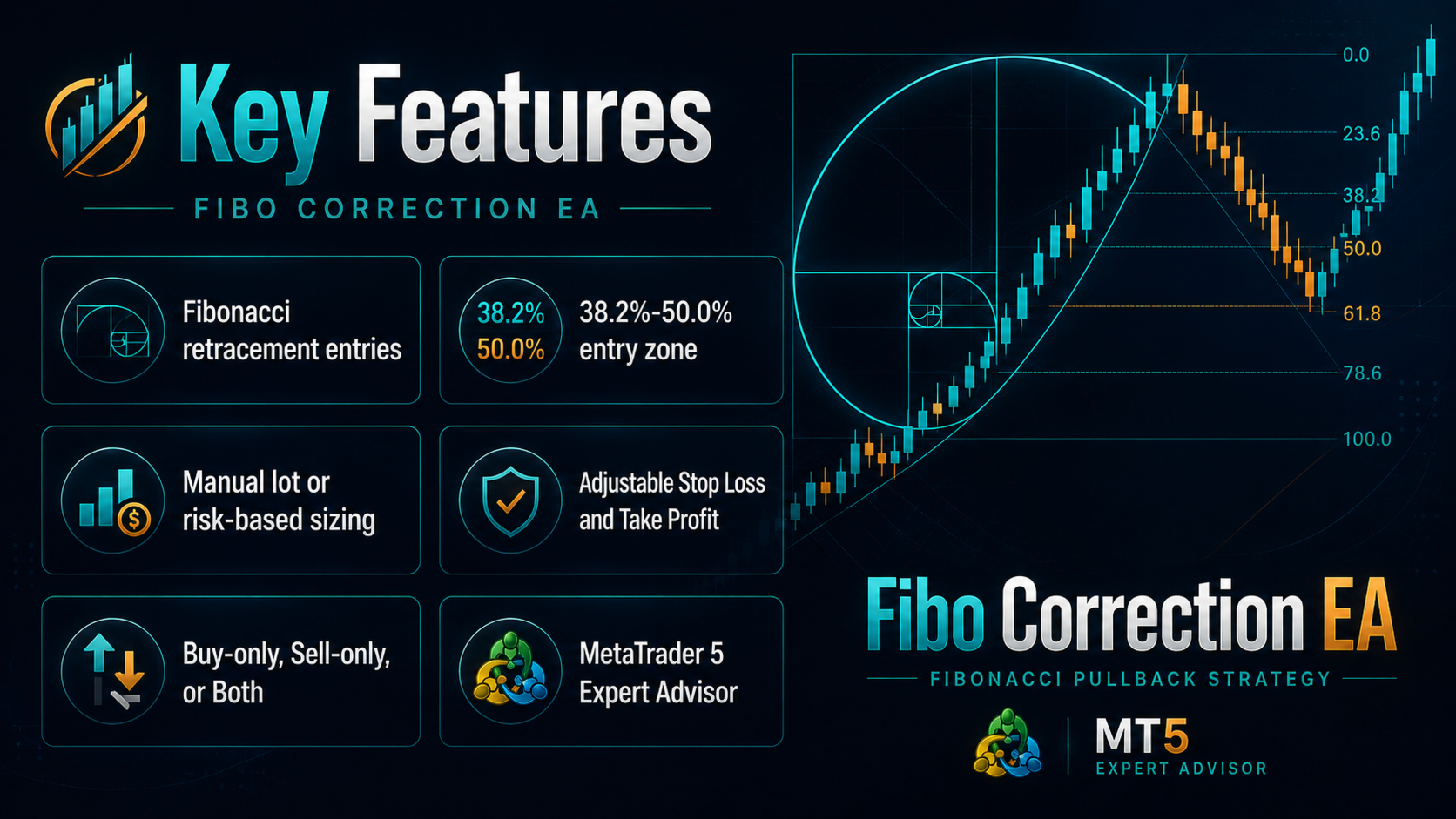
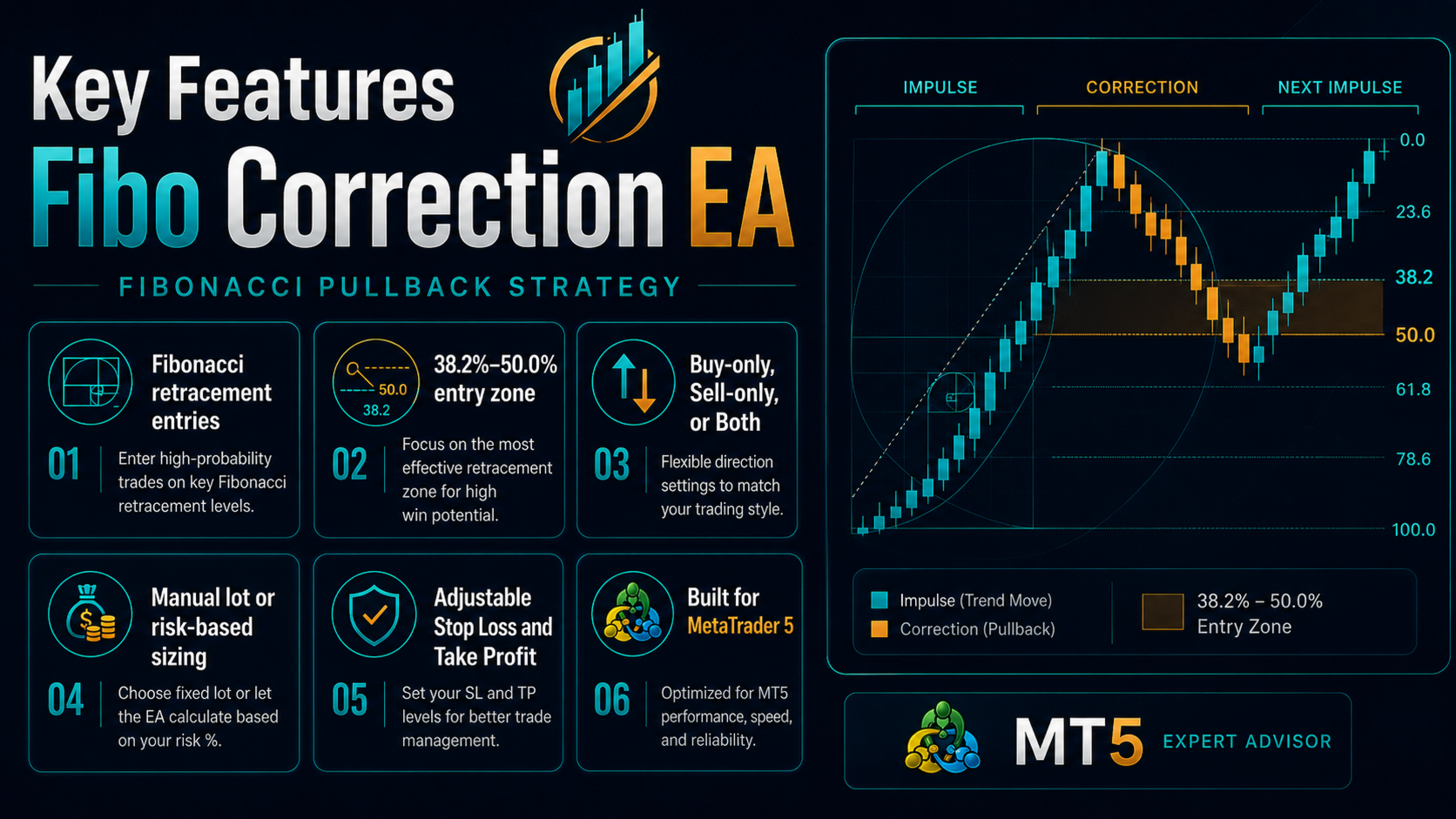
The standard strategy uses the 38.2%-50.0% retracement zone. The Expert Advisor can work in Buy-only, Sell-only or Both directions.
MAIN SETTINGS
- Built-in preset selector
- Configurable Fibonacci entry zone
- Adjustable pivot depth and minimum impulse size
- Optional break confirmation after the candlestick pattern
- Fixed Risk:Reward target or optional swing target
- Fixed lot, fixed cash risk or percentage-of-balance risk mode
- Maximum spread filter
- ATR-based spread safeguard
- One-position-at-a-time option
- Daily trade limit and daily loss limit
- Optional broker-server-time session filter
- Optional force-close time
- Chart panel with Entry, Stop Loss and Take Profit levels
SUPPORTED PRICE-ACTION PATTERNS
Bullish patterns:
Hammer, Piercing, Bullish Engulfing, Morning Star.
Bearish patterns:
Shooting Star, Dark Cloud, Bearish Engulfing, Evening Star.
BUILT-IN PRESETS
- EURJPY H4 Default
- EURJPY H4 Conservative
- USDJPY H4 Aggressive
- EURUSD H4 Standard
- GBPJPY H4 Standard
- Custom
Built-in presets adjust the strategy parameters. Risk settings and execution safeguards remain configurable by the user.
HISTORICAL TESTING
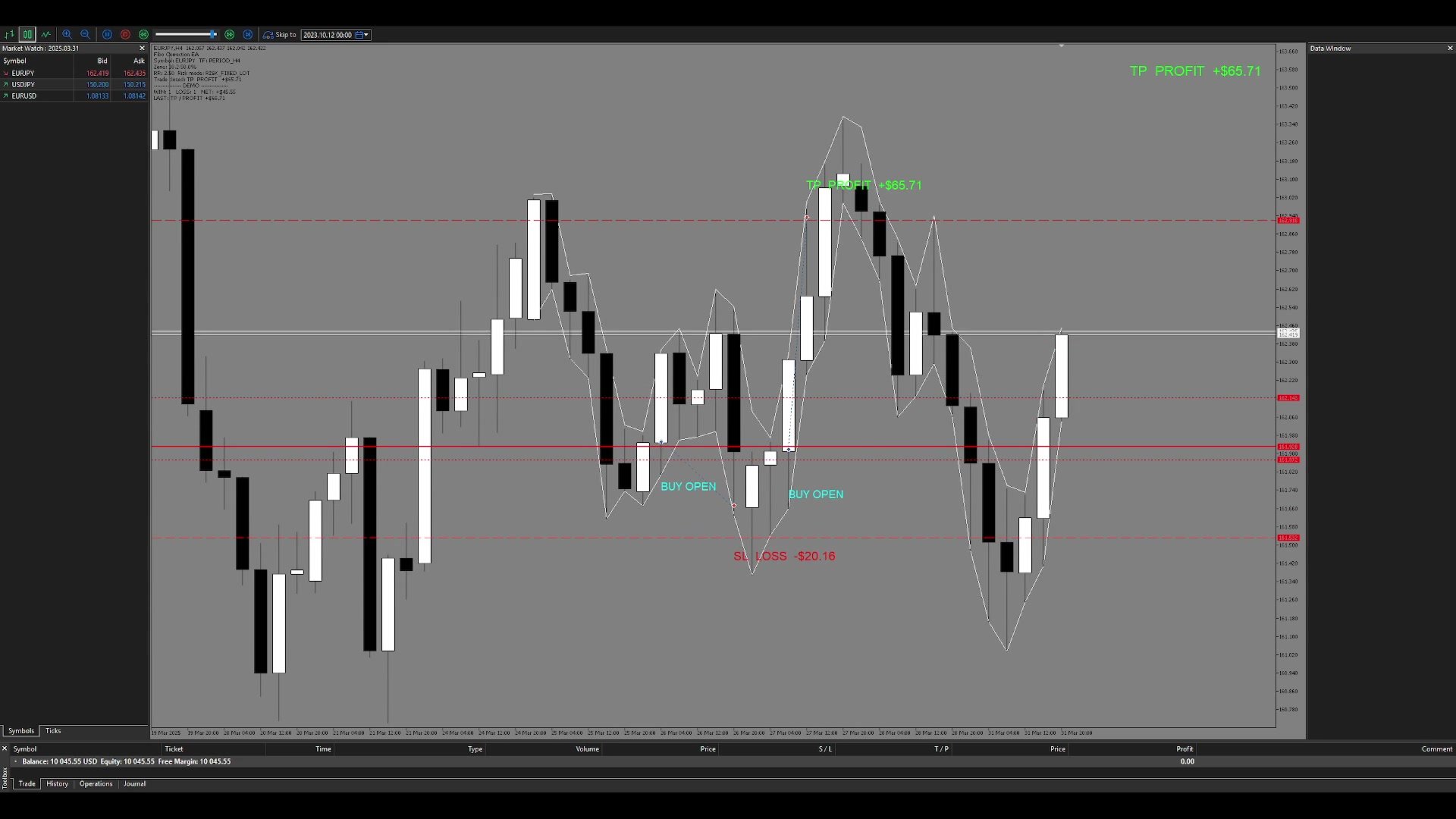
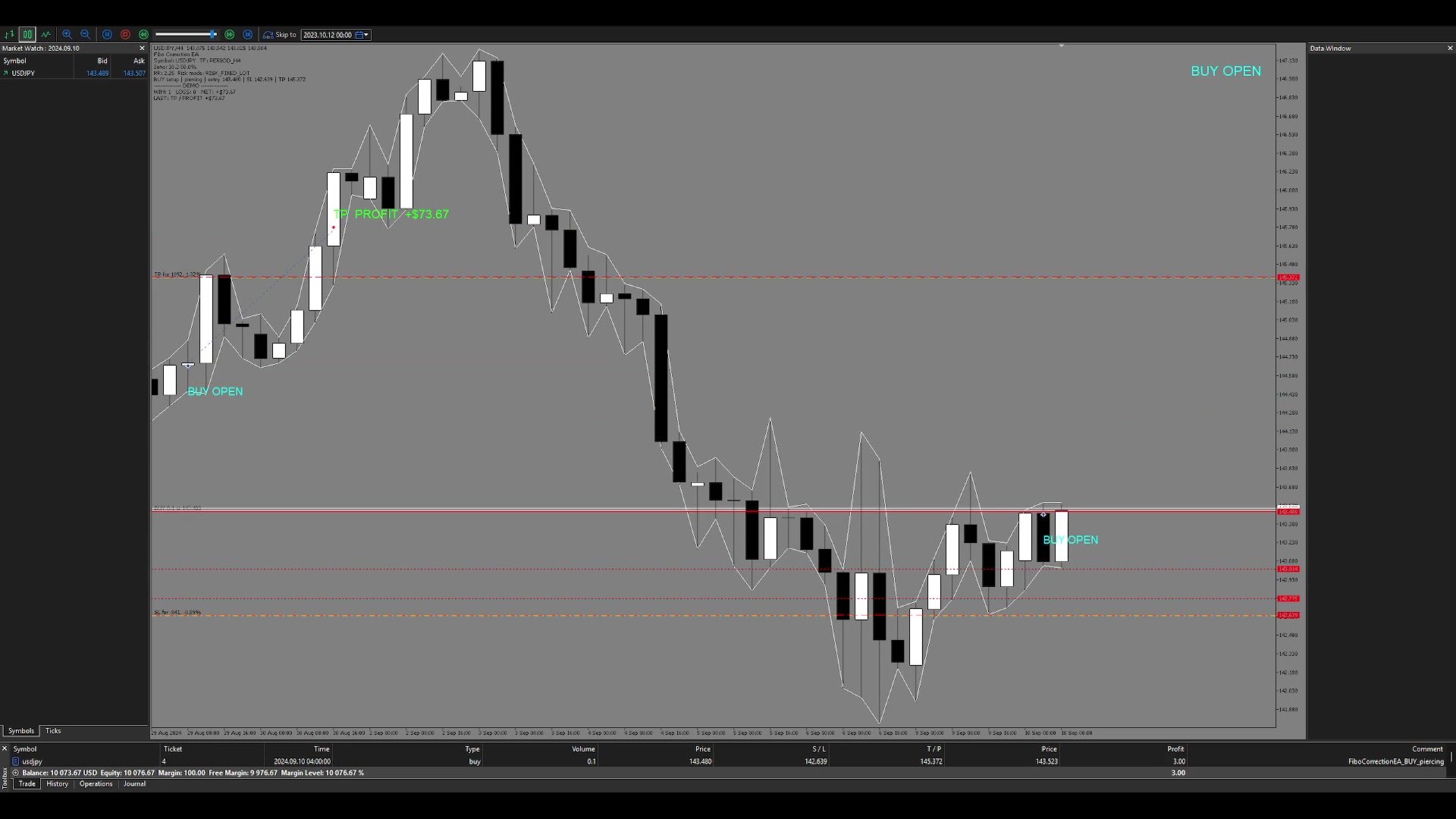
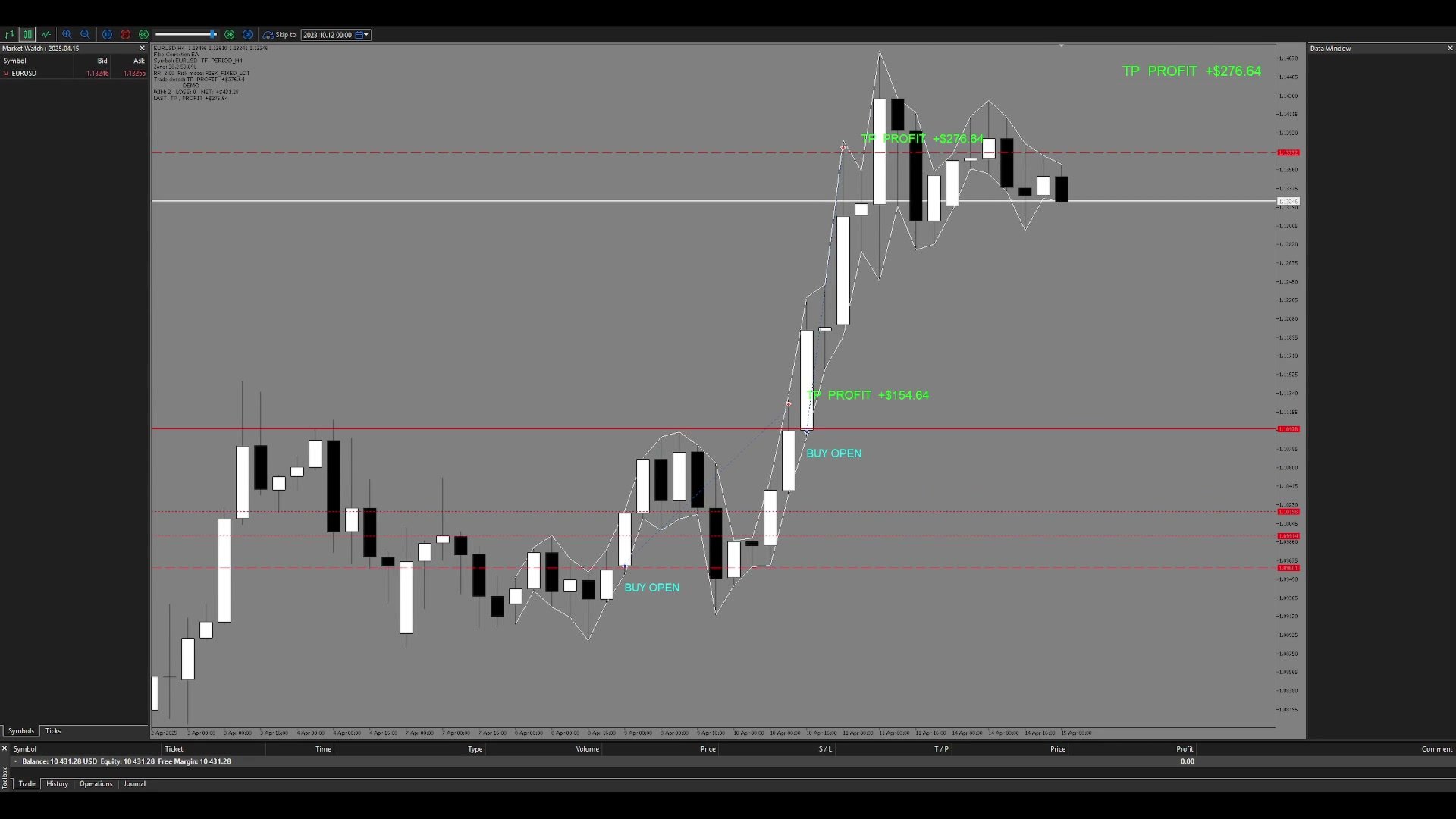
The screenshots and demo videos show historical MetaTrader 5 Strategy Tester simulations. They are not live trading results.
Reference testing was performed on H4 data over the period 2024.07.01-2026.07.07 using Every tick based on real ticks. Results can differ because of broker data, spread, commission, execution conditions and symbol specifications.
QUICK START
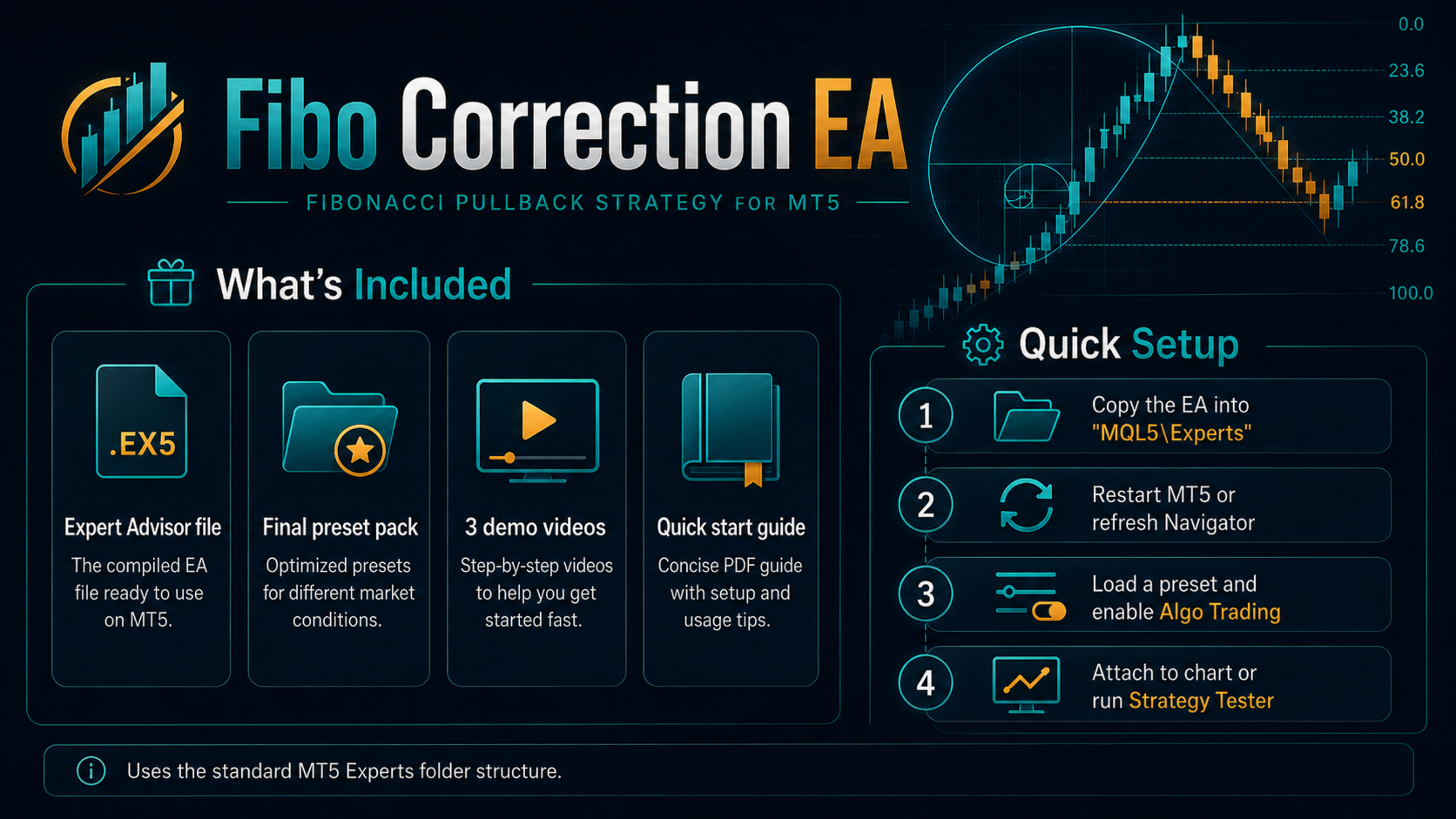
1. Install the Expert Advisor through MetaTrader 5 Market.
2. Open the intended symbol and timeframe.
3. Attach Fibo Correction to the chart.
4. Select a built-in preset or Custom.
5. Review the risk settings.
6. Enable Algo Trading.
Trading involves risk. Historical test results do not guarantee future performance. Test the selected configuration in Strategy Tester and on a demo account before using it on a live account.