ToolForge Correction Geometry Mapper
- 指标
-
Mariusz Piotr Wrzeszczynski
 **ToolForge Labs — Practical tools. Reliable workflows.**
I'm Mariusz Wrzeszczynski, creator of ToolForge Labs. I develop practical software, automation workflows and technical resources, with an emphasis on clear logic, repeatable processes and documentation. - 版本: 1.0
- 激活: 5
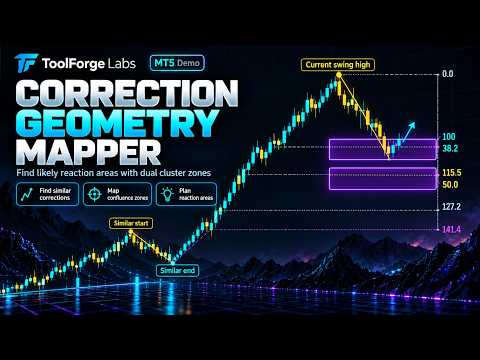
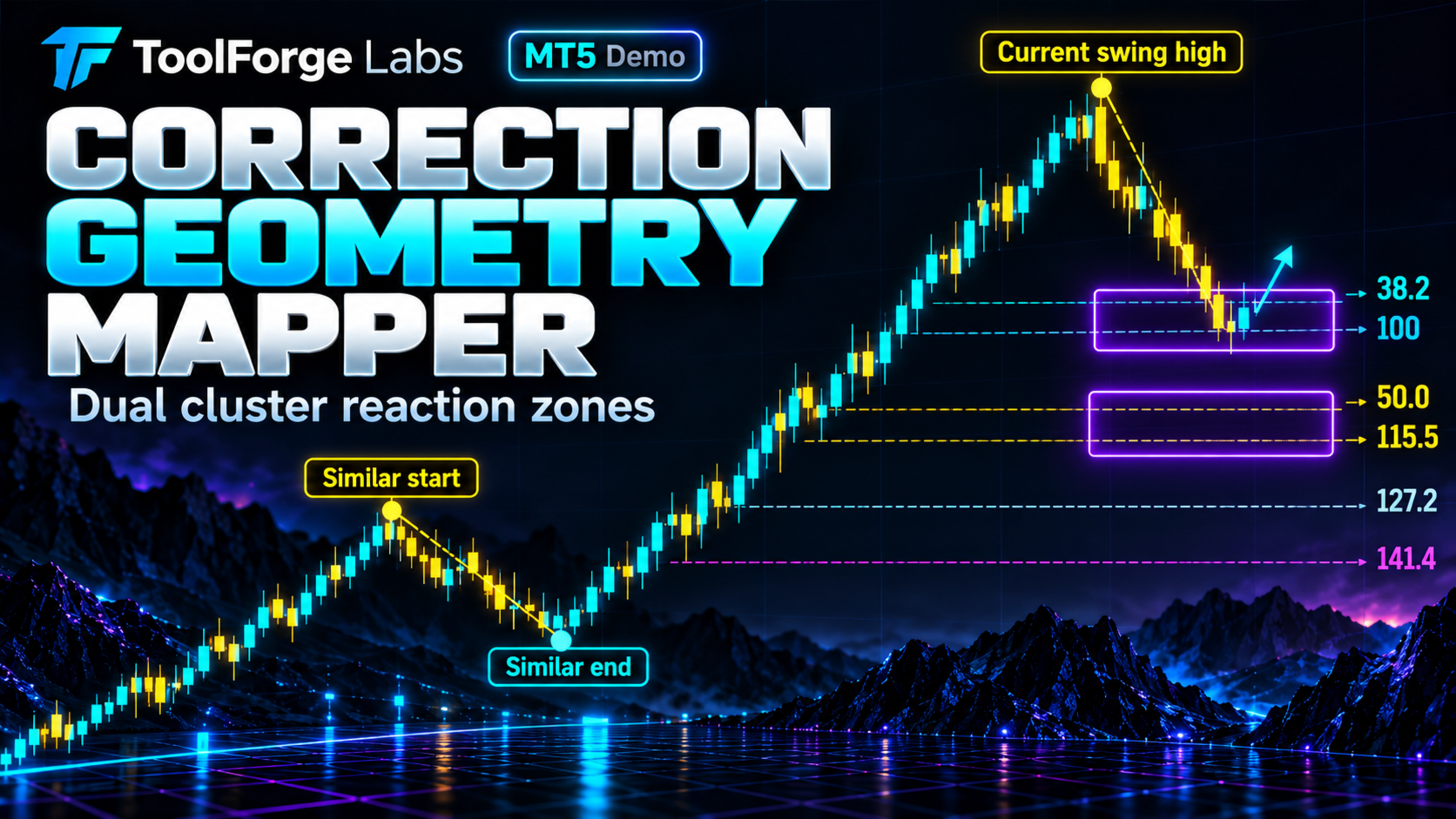
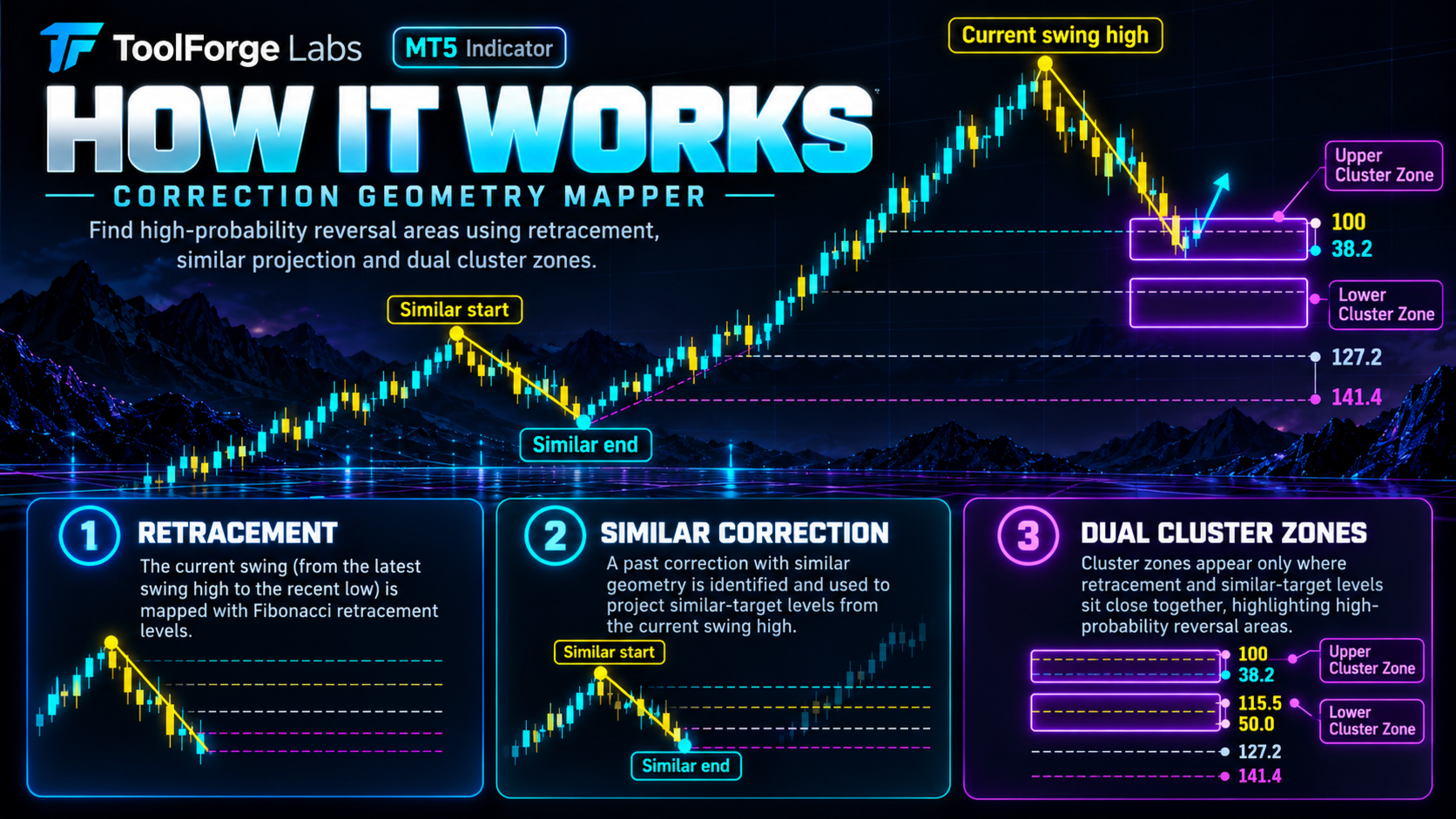
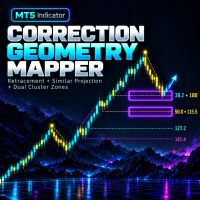
ToolForge Correction Geometry Mapper is a manual chart-analysis indicator for MetaTrader 5. It combines two measurements: a Fibonacci retracement of a selected price movement and a projected similar correction based on a reference correction selected by the trader.
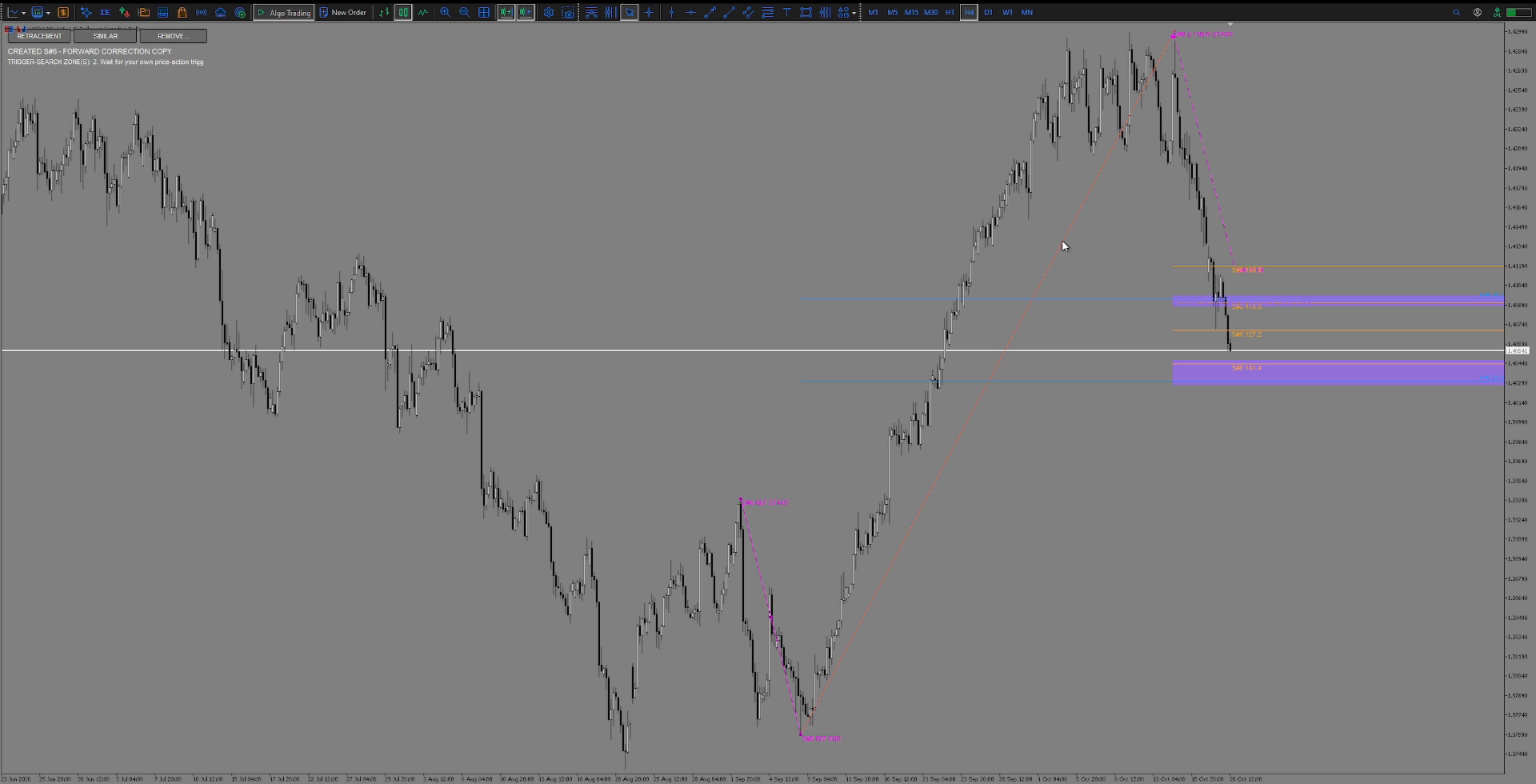
When an enabled retracement level and an enabled similar-correction projection fall within the configured distance, the indicator draws a purple analysis zone. This zone shows where the two measurements overlap. It is intended as an area to examine for a potential discretionary setup, not as an automatic buy or sell signal.
How to use it
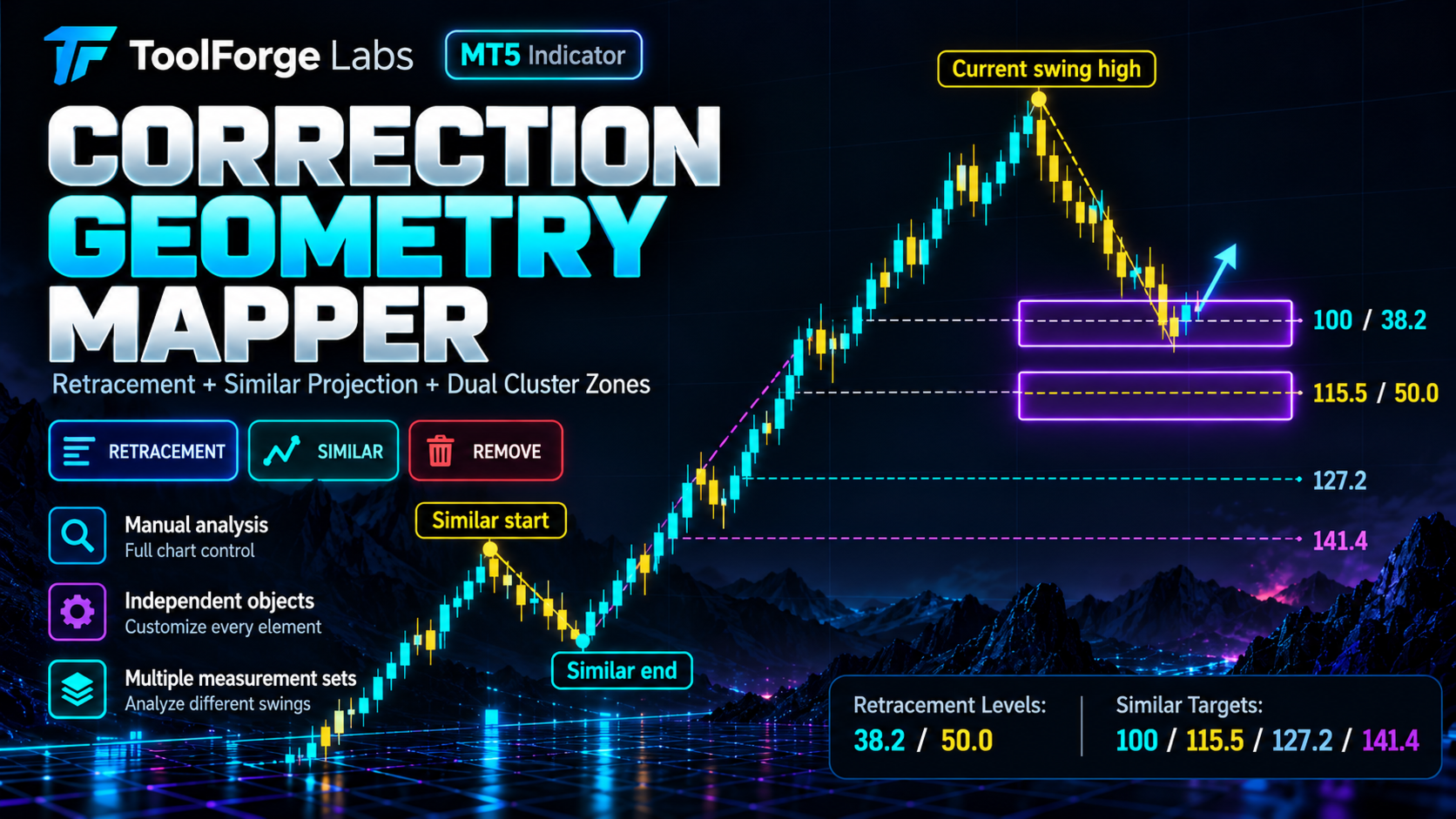
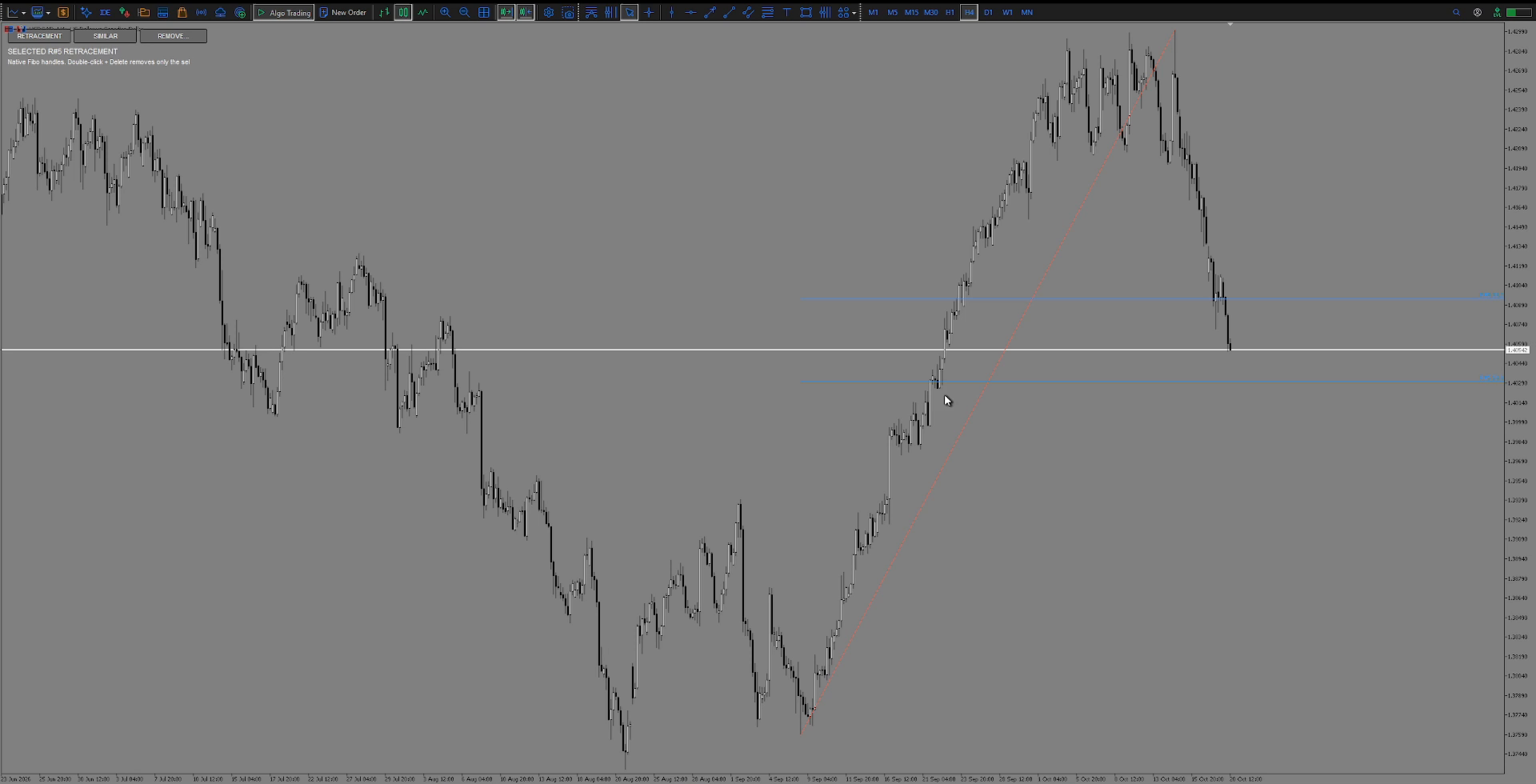
1. Choose RETRACEMENT to mark a price movement. The default enabled retracement levels are 38.2% and 50.0%; 61.8% is optional.
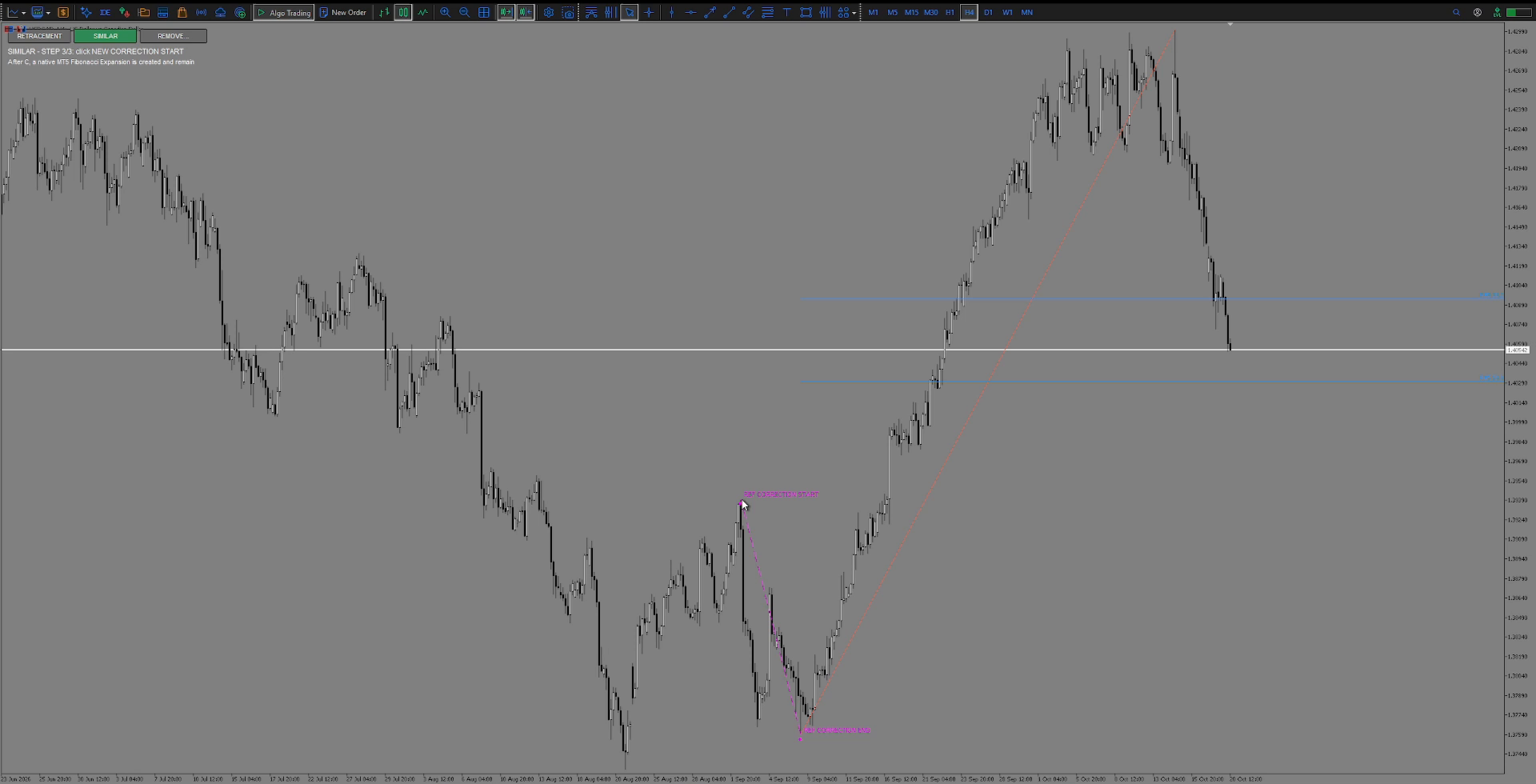
2. Choose SIMILAR to select a reference correction and the starting point for its projection. The default enabled levels are 100%, 115.5%, 127.2% and 141.4%; 161.8% is optional.
3. Review any purple zones where enabled retracement and projection levels meet within your tolerance.
4. Use market context and your own entry criteria before making any trading decision.
Main features
- Manual retracement and similar-correction measurements on the current chart.
- A visible magenta projection of the reference correction, including price movement and bar spacing.
- Adjustable geometry overlap tolerance: 5% of the reference correction range by default, with a minimum 10-point floor.
- Independently selectable and removable measurements and preserved rectangles.
- Several measurement sets on the same chart, with persistence across timeframe and input changes.
- Compact on-chart toolbar: RETRACEMENT, SIMILAR and REMOVE.
Editing and removal
Double-click and delete an individual retracement or similar correction without deleting the other measurement. An already-created overlap zone can remain as an independent, draggable rectangle when its source measurement is removed. The REMOVE menu offers KEEP ALL, KEEP ZONES and DELETE ALL for ToolForge objects on the current chart. Direct removal through MT5's Indicators List uses the removal policy selected in the indicator inputs.
Notes
This is a discretionary analysis indicator. It does not open, close or modify positions, manage orders or provide an automated trading system. Increasing the overlap tolerance makes the matching condition less restrictive; it does not improve the probability of any trade. Trading decisions and risk management remain the user's responsibility. No future result or profitability is guaranteed.