Articles with examples of trading robots developed in MQL5

An Expert Advisor is the 'pinnacle' of programming and the desired goal of every automated trading developer. Read the articles in this section to create your own trading robot. By following the described steps you will learn how to create, debug and test automated trading systems.
The articles not only teach MQL5 programming, but also show how to implement trading ideas and techniques. You will learn how to program a trailing stop, how to apply money management, how to get the indicator values, and much more.
Add a new article

You are missing trading opportunities:
- Free trading apps
- Over 8,000 signals for copying
- Economic news for exploring financial markets
Registration
Log in
You agree to website policy and terms of use
If you do not have an account, please register

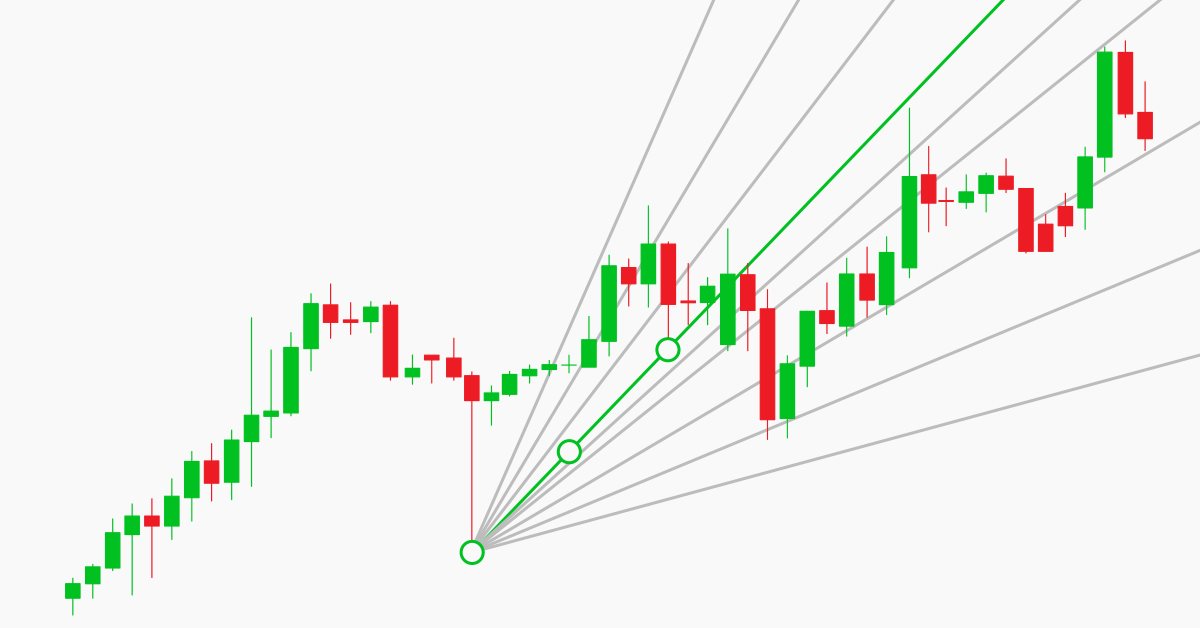
Manual charting and trading toolkit (Part II). Chart graphics drawing tools
This is the next article within the series, in which I show how I created a convenient library for manual application of chart graphics by utilizing keyboard shortcuts. The tools used include straight lines and their combinations. In this part, we will view how the drawing tools are applied using the functions described in the first part. The library can be connected to any Expert Advisor or indicator which will greatly simplify the charting tasks. This solution DOES NOT use external dlls, while all the commands are implemented using built-in MQL tools.


Graphical Interfaces III: Groups of Simple and Multi-Functional Buttons (Chapter 2)
The first chapter of the series was about simple and multi-functional buttons. The second article will be dedicated to groups of interconnected buttons that will allow the creation of elements in an application when a user can select one of the option out of a set (group).


Automating Trading Strategies in MQL5 (Part 9): Building an Expert Advisor for the Asian Breakout Strategy
In this article, we build an Expert Advisor in MQL5 for the Asian Breakout Strategy by calculating the session's high and low and applying trend filtering with a moving average. We implement dynamic object styling, user-defined time inputs, and robust risk management. Finally, we demonstrate backtesting and optimization techniques to refine the program.

Graphical Interfaces X: Updates for Easy And Fast Library (Build 2)
Since the publication of the previous article in the series, Easy And Fast library has received some new features. The library structure and code have been partially optimized slightly reducing CPU load. Some recurring methods in many control classes have been moved to the CElement base class.

Cross-Platform Expert Advisor: Custom Stops, Breakeven and Trailing
This article discusses how custom stop levels can be set up in a cross-platform expert advisor. It also discusses a closely-related method by which the evolution of a stop level over time can be defined.


Neural networks made easy (Part 4): Recurrent networks
We continue studying the world of neural networks. In this article, we will consider another type of neural networks, recurrent networks. This type is proposed for use with time series, which are represented in the MetaTrader 5 trading platform by price charts.

MQL5 Cookbook: How to Avoid Errors When Setting/Modifying Trade Levels
In continuation of our work on the Expert Advisor from the previous article of the series called "MQL5 Cookbook: Analyzing Position Properties in the MetaTrader 5 Strategy Tester", we will enhance it with a whole lot of useful functions, as well as improve and optimize the existing ones. The Expert Advisor will this time have external parameters that can be optimized in the MetaTrader 5 Strategy Tester and will in some ways resemble a simple trading system.

Resolving entries into indicators
Different situations happen in trader’s life. Often, the history of successful trades allows us to restore a strategy, while looking at a loss history we try to develop and improve it. In both cases, we compare trades with known indicators. This article suggests methods of batch comparison of trades with a number of indicators.


Using AutoIt With MQL5
Short description. In this article we will explore scripting the MetraTrader 5 terminal by integrating MQL5 with AutoIt. In it we will cover how to automate various tasks by manipulating the terminals' user interface and also present a class that uses the AutoItX library.

Creating a trading robot for Moscow Exchange. Where to start?
Many traders on Moscow Exchange would like to automate their trading algorithms, but they do not know where to start. The MQL5 language offers a huge range of trading functions, and it additionally provides ready classes that help users to make their first steps in algo trading.

MQL5 Cookbook - Programming moving channels
This article presents a method of programming the equidistant channel system. Certain details of building such channels are being considered here. Channel typification is provided, and a universal type of moving channels' method is suggested. Object-oriented programming (OOP) is used for code implementation.


The correct way to choose an Expert Advisor from the Market
In this article, we will consider some of the essential points you should pay attention to when purchasing an Expert Advisor. We will also look for ways to increase profit, to spend money wisely, and to earn from this spending. Also, after reading the article, you will see that it is possible to earn even using simple and free products.

Graphical Interfaces X: Text Edit box, Picture Slider and simple controls (build 5)
This article will consider new controls: Text Edit box, Picture Slider, as well as additional simple controls: Text label and Picture. The library continues to grow, and in addition to introduction of new controls, the previously created ones are also being improved.


Multibot in MetaTrader: Launching multiple robots from a single chart
In this article, I will consider a simple template for creating a universal MetaTrader robot that can be used on multiple charts while being attached to only one chart, without the need to configure each instance of the robot on each individual chart.

Building interactive semi-automatic drag-and-drop Expert Advisor based on predefined risk and R/R ratio
Some traders execute all their trades automatically, and some mix automatic and manual trades based on the output of several indicators. Being a member of the latter group I needed an interactive tool to asses dynamically risk and reward price levels directly from the chart. This article will present a way to implement an interactive semi-automatic Expert Advisor with predefined equity risk and R/R ratio. The Expert Advisor risk, R/R and lot size parameters can be changed during runtime on the EA panel.


How to develop any type of Trailing Stop and connect it to an EA
In this article, we will look at classes for convenient creation of various trailings, as well as learn how to connect a trailing stop to any EA.


Automating Trading Strategies in MQL5 (Part 7): Building a Grid Trading EA with Dynamic Lot Scaling
In this article, we build a grid trading expert advisor in MQL5 that uses dynamic lot scaling. We cover the strategy design, code implementation, and backtesting process. Finally, we share key insights and best practices for optimizing the automated trading system.


Matrices and vectors in MQL5
By using special data types 'matrix' and 'vector', it is possible to create code which is very close to mathematical notation. With these methods, you can avoid the need to create nested loops or to mind correct indexing of arrays in calculations. Therefore, the use of matrix and vector methods increases the reliability and speed in developing complex programs.

Graphical Interfaces VII: the Tables Controls (Chapter 1)
The seventh part of the series on MetaTrader graphical interfaces deals with three table types: text label, edit box and rendered one. Another important and frequently used controls are tabs allowing you to show/hide groups of other controls and develop space effective interfaces in your MQL applications.


Creating an Interactive Graphical User Interface in MQL5 (Part 1): Making the Panel
This article explores the fundamental steps in crafting and implementing a Graphical User Interface (GUI) panel using MetaQuotes Language 5 (MQL5). Custom utility panels enhance user interaction in trading by simplifying common tasks and visualizing essential trading information. By creating custom panels, traders can streamline their workflow and save time during trading operations.


Implementing a Bollinger Bands Trading Strategy with MQL5: A Step-by-Step Guide
A step-by-step guide to implementing an automated trading algorithm in MQL5 based on the Bollinger Bands trading strategy. A detailed tutorial based on creating an Expert Advisor that can be useful for traders.

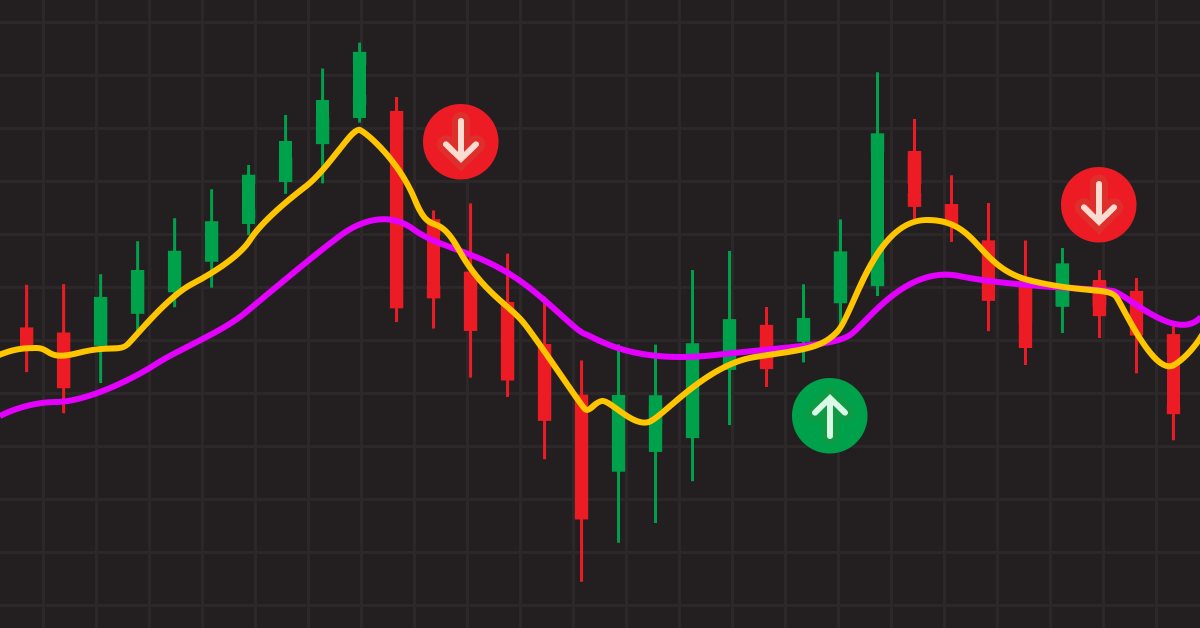
Can Heiken-Ashi Combined With Moving Averages Provide Good Signals Together?
Combinations of strategies may offer better opportunities. We can combine indicators or patterns together, or even better, indicators with patterns, so that we get an extra confirmation factor. Moving averages help us confirm and ride the trend. They are the most known technical indicators and this is because of their simplicity and their proven track record of adding value to analyses.

Graphical Interfaces V: The Combobox Control (Chapter 3)
In the first two chapters of the fifth part of the series, we developed classes for creating a scrollbar and a view list. In this chapter, we will speak about creating a class for the combobox control. This is also a compound control containing, among others, elements considered in the previous chapters of the fifth part.


Automating Trading Strategies in MQL5 (Part 24): London Session Breakout System with Risk Management and Trailing Stops
In this article, we develop a London Session Breakout System that identifies pre-London range breakouts and places pending orders with customizable trade types and risk settings. We incorporate features like trailing stops, risk-to-reward ratios, maximum drawdown limits, and a control panel for real-time monitoring and management.

MQL5 Cookbook: The History of Deals And Function Library for Getting Position Properties
It is time to briefly summarize the information provided in the previous articles on position properties. In this article, we will create a few additional functions to get the properties that can only be obtained after accessing the history of deals. We will also get familiar with data structures that will allow us to access position and symbol properties in a more convenient way.


Making charts more interesting: Adding a background
Many workstations contain some representative image which shows something about the user. These images make the working environment more beautiful and exciting. Let's see how to make the charts more interesting by adding a background.


Using JSON Data API in your MQL projects
Imagine that you can use data that is not found in MetaTrader, you only get data from indicators by price analysis and technical analysis. Now imagine that you can access data that will take your trading power steps higher. You can multiply the power of the MetaTrader software if you mix the output of other software, macro analysis methods, and ultra-advanced tools through the API data. In this article, we will teach you how to use APIs and introduce useful and valuable API data services.

Cross-Platform Expert Advisor: The CExpertAdvisor and CExpertAdvisors Classes
This article deals primarily with the classes CExpertAdvisor and CExpertAdvisors, which serve as the container for all the other components described in this article-series regarding cross-platform expert advisors.


Build Self Optmising Expert Advisors in MQL5
Build expert advisors that look forward and adjust themselves to any market.

Universal Expert Advisor: the Event Model and Trading Strategy Prototype (Part 2)
This article continues the series of publications on a universal Expert Advisor model. This part describes in detail the original event model based on centralized data processing, and considers the structure of the CStrategy base class of the engine.

Liquid Chart
Would you like to see an hourly chart with bars opening from the second and the fifth minute of the hour? What does a redrawn chart look like when the opening time of bars is changing every minute? What advantages does trading on such charts have? You will find answers to these questions in this article.


Building a Custom Market Regime Detection System in MQL5 (Part 2): Expert Advisor
This article details building an adaptive Expert Advisor (MarketRegimeEA) using the regime detector from Part 1. It automatically switches trading strategies and risk parameters for trending, ranging, or volatile markets. Practical optimization, transition handling, and a multi-timeframe indicator are included.


Automating Trading Strategies in MQL5 (Part 44): Change of Character (CHoCH) Detection with Swing High/Low Breaks
In this article, we develop a Change of Character (CHoCH) detection system in MQL5 that identifies swing highs and lows over a user-defined bar length, labels them as HH/LH for highs or LL/HL for lows to determine trend direction, and triggers trades on breaks of these swing points, indicating a potential reversal, and trades the breaks when the structure changes.

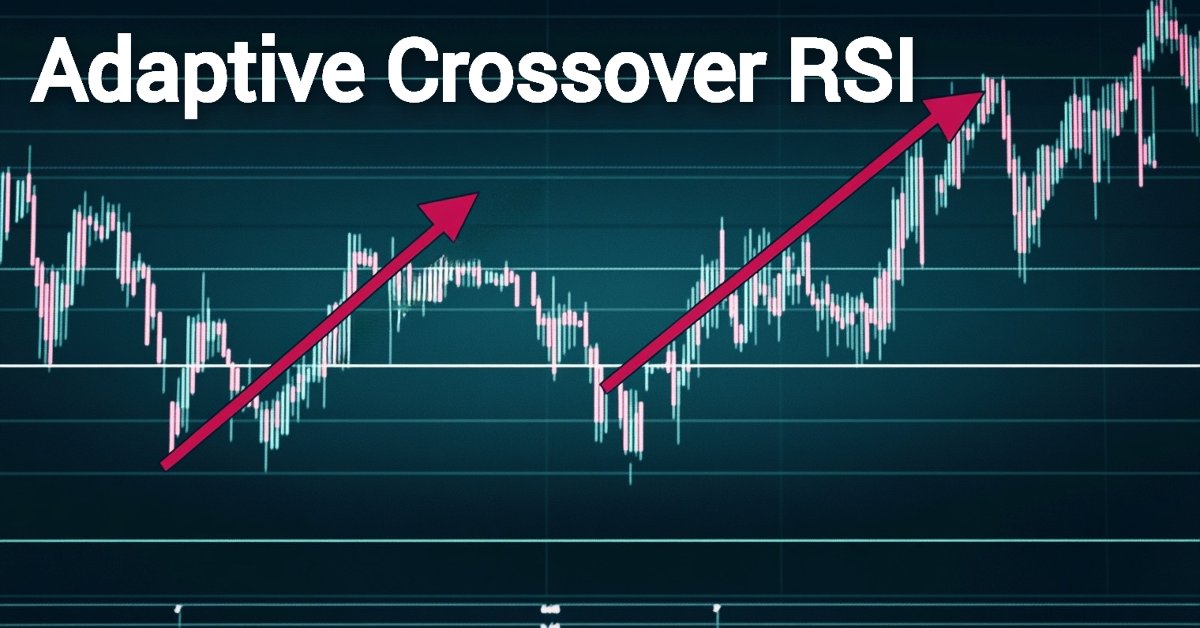
Automating Trading Strategies in MQL5 (Part 5): Developing the Adaptive Crossover RSI Trading Suite Strategy
In this article, we develop the Adaptive Crossover RSI Trading Suite System, which uses 14- and 50-period moving average crossovers for signals, confirmed by a 14-period RSI filter. The system includes a trading day filter, signal arrows with annotations, and a real-time dashboard for monitoring. This approach ensures precision and adaptability in automated trading.

Simulink: a Guide for the Developers of Expert Advisors
I am not a professional programmer. And thus, the principle of "going from the simple to the complex" is of primary importance to me when I am working on trading system development. What exactly is simple for me? First of all, it is the visualization of the process of creating the system, and the logic of its work. Also, it is a minimum of handwritten code. In this article, I will attempt to create and test the trading system, based on a Matlab package, and then write an Expert Advisor for MetaTrader 5. The historical data from MetaTrader 5 will be used for the testing process.

Using Layouts and Containers for GUI Controls: The CBox Class
This article presents an alternative method of GUI creation based on layouts and containers, using one layout manager — the CBox class. The CBox class is an auxiliary control that acts as a container for essential controls in a GUI panel. It can make designing graphical panels easier, and in some cases, reduce coding time.

Another MQL5 OOP Class
This article shows you how to build an Object-Oriented Expert Advisor from scratch, from conceiving a theoretical trading idea to programming a MQL5 EA that makes that idea real in the empirical world. Learning by doing is IMHO a solid approach to succeed, so I am showing a practical example in order for you to see how you can order your ideas to finally code your Forex robots. My goal is also to invite you to adhere the OO principles.

Graphical Interfaces X: Text selection in the Multiline Text box (build 13)
This article will implement the ability to select text using various key combinations and deletion of the selected text, similar to the way it is done in any other text editor. In addition, we will continue to optimize the code and prepare the classes to move on to the final process of the second stage of the library's evolution, where all controls will be rendered as separate images (canvases).


Automating Trading Strategies in MQL5 (Part 43): Adaptive Linear Regression Channel Strategy
In this article, we implement an adaptive Linear Regression Channel system in MQL5 that automatically calculates the regression line and standard deviation channel over a user-defined period, only activates when the slope exceeds a minimum threshold to confirm a clear trend, and dynamically recreates or extends the channel when the price breaks out by a configurable percentage of channel width.

Graphical Interfaces II: the Menu Item Element (Chapter 1)
In the second part of the series, we will show in detail the development of such interface elements as main menu and context menu. We will also mention drawing elements and create a special class for it. We will discuss in depth such question as managing program events including custom ones.