MasterGrid
- Experts
- Version: 1.0
- Activations: 5

MasterGrid - Grid Trading Expert Advisor
MasterGrid is a configurable grid trading EA designed to automate trade execution, grid management, lot sizing, and profit-taking according to your preferred trading parameters. With flexible entry filters, multiple lot-sizing methods, adjustable grid spacing, configurable profit targets, and account drawdown controls, MasterGrid helps traders customize their grid trading strategies.
KEY FEATURES
1. Flexible Trading Direction
- Choose whether MasterGrid opens buy trades only, sell trades only, or both buy and sell trades. Additional settings allow you to configure reversal entries, RSI thresholds, and higher-timeframe filters.
2. Intelligent Grid Management
- Configure the distance between grid levels and control how the spacing changes as the grid expands. Choose between fixed grid spacing and multiplier-based spacing to customize how additional positions are distributed. Grid management persists across EA re-initializations. MasterGrid is designed to identify and continue managing its existing grids after events such as changing chart settings or restarting the EA, subject to the EA's supported position and order identification rules.
3. Flexible Lot Management- Select from several position-sizing methods:
- Fixed lot sizing.
- Dynamic lot sizing based on account balance.
- Dynamic lot sizing based on account equity.
- Fixed lot sizes for grid positions.
- Multiplier-based lot progression.
- Incremental lot progression.
These options allow you to customize position sizing and grid exposure according to your strategy.
4. Customizable Take Profit and Stop Loss
- Set profit targets in points or monetary values. Additional options include swap-aware profit targets, break-even management, and grid-level stop-loss controls.
5. Account Drawdown Protection
- Configure drawdown limits using different reference balances, including the strategy's configured deposit, the account's peak balance, or the strategy's peak balance. When the configured drawdown threshold is reached, MasterGrid can close managed trades and either resume trading or stop trading until the EA is restarted.
6. Trading Schedule Management
- Define your preferred trading hours and select the days of the week on which the EA is permitted to trade. A separate Friday stop time allows you to restrict trading later on Fridays.
7. Economic News Filter
- Configure the news filter using economic-event keywords and selected currencies. Set how many minutes before an event trading should stop and how long after an event trading should remain restricted.
8. Execution Controls
- Set maximum permitted spread and slippage values, configure a unique magic number, and choose whether the EA can open trades in both directions.
9. On-Chart Controls
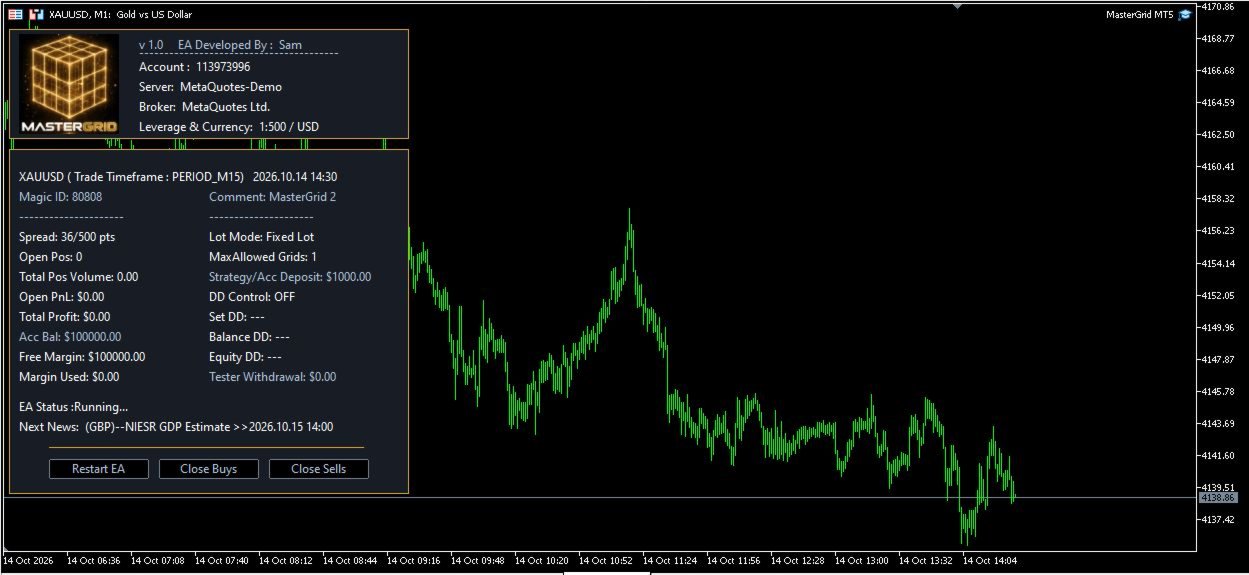
- Display the EA's information panel and optionally enable manual trading buttons, where supported by the EA interface.
10. Strategy Testing Support
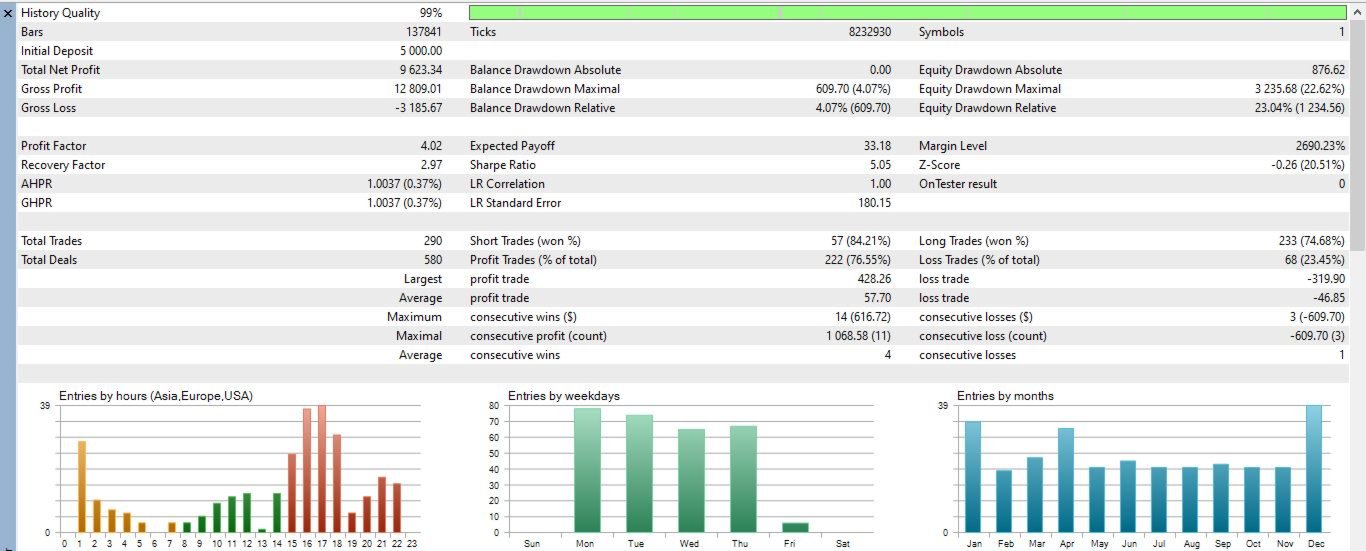
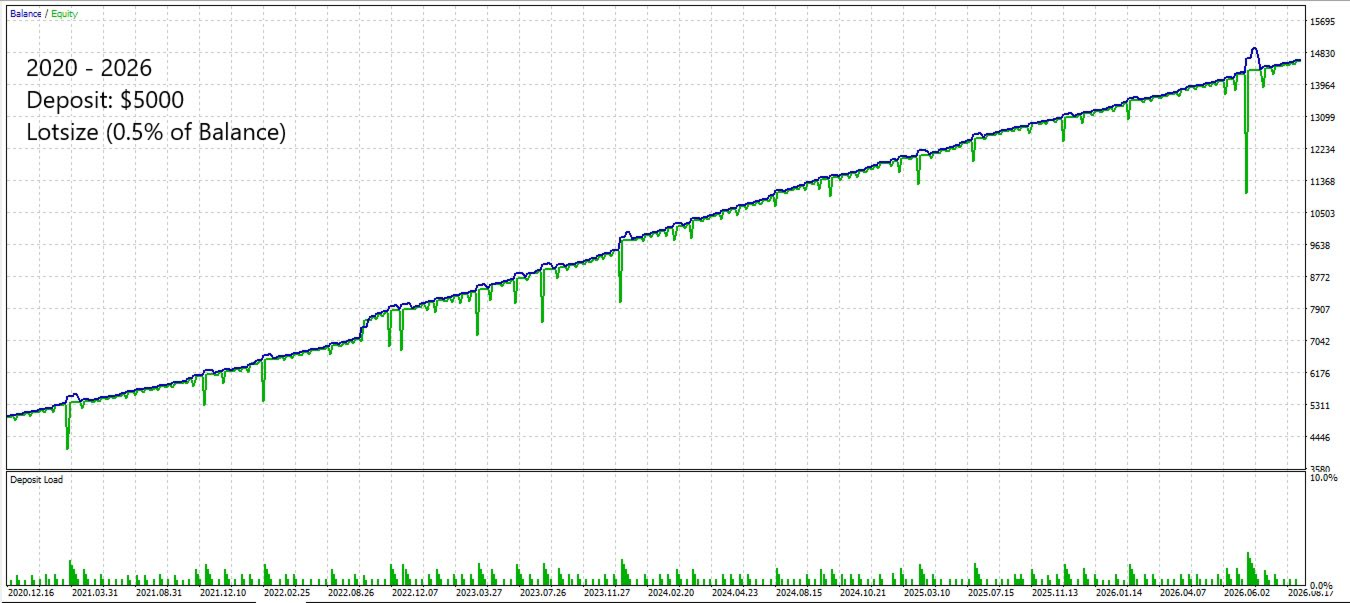
- MasterGrid includes an optional tester-only profit withdrawal simulation to help users explore how hypothetical withdrawals may affect back test results.
RECOMMENDATIONS
Platform: MetaTrader 5
Symbol: Preferred XAUUSD (Gold)
Chart Timeframe: Any, trade timeframe is run internally
Account type: Hedging (ECN/RAW / low spreads Broker recommended)
VPS strongly recommended
Important Risk Warning:
Grid trading can accumulate multiple positions and substantial exposure during prolonged adverse market movements. Lot multipliers can increase exposure rapidly, and drawdown controls cannot guarantee that losses will remain within a specified limit under all market conditions. MasterGrid does not guarantee profits. Always test your configuration in the Strategy Tester and on a demo account before considering live trading.