ChartSync PRO MT5
- Utilities
- Version: 1.0
- Activations: 10

ChartSync Pro turns a set of MetaTrader 5 charts into one connected workspace. You do your analysis once, on a single chart, and the rest of your charts follow it.
Full user guide, setup examples and a free trial for demo accounts: https://www.mql5.com/en/blogs/post/773654
What you can do with it:
- work on many charts at the same time, without redrawing the same analysis on each one
- keep a whole group of charts in sync, controlled from one chart of your choice
- spread your charts over several monitors and keep them working as one set
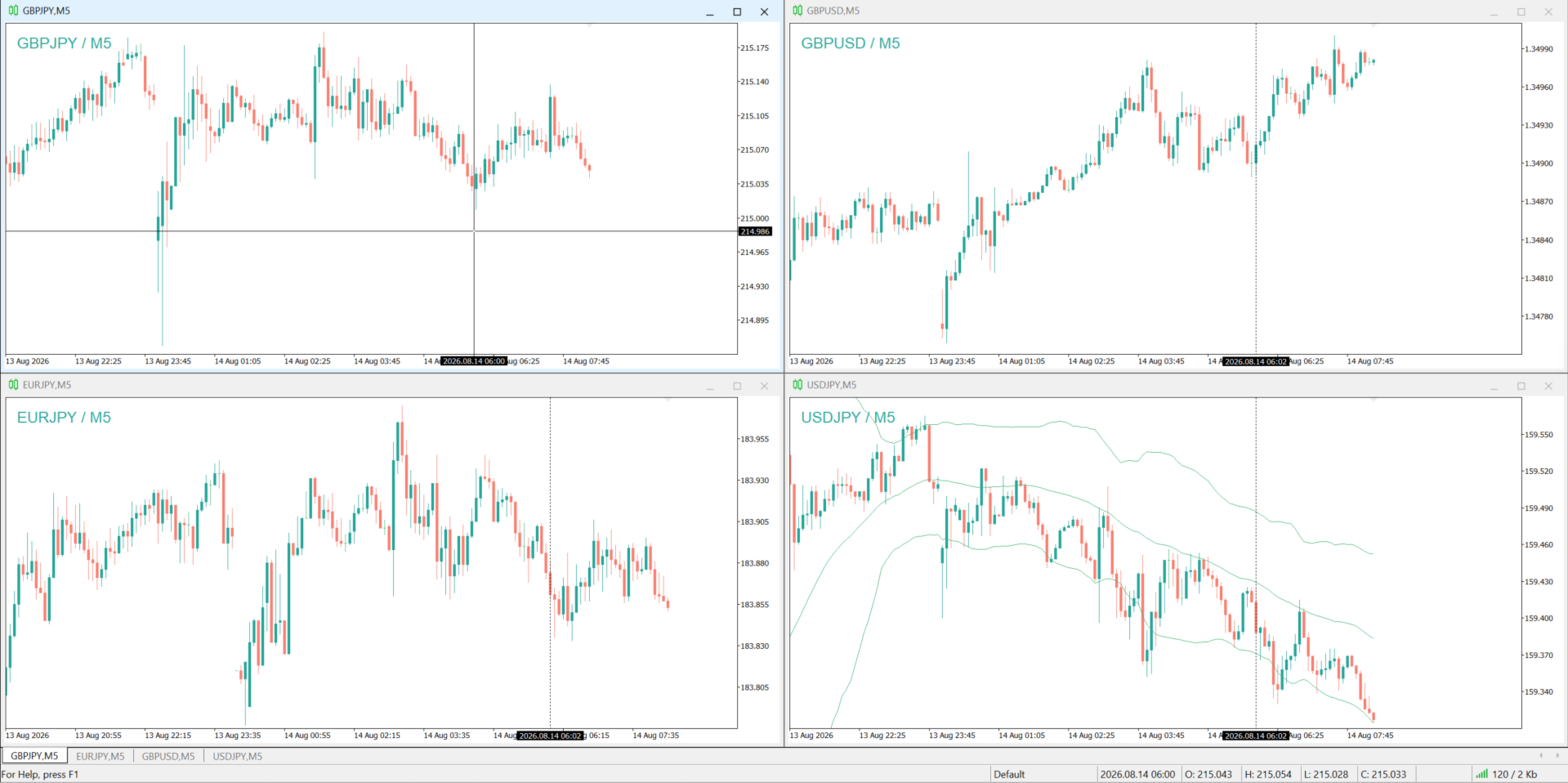
- use the advanced mode (instrument mapping) to give every following chart a different symbol that you assign to it
- run separate independent groups at the same time, for example currencies, indices and metals
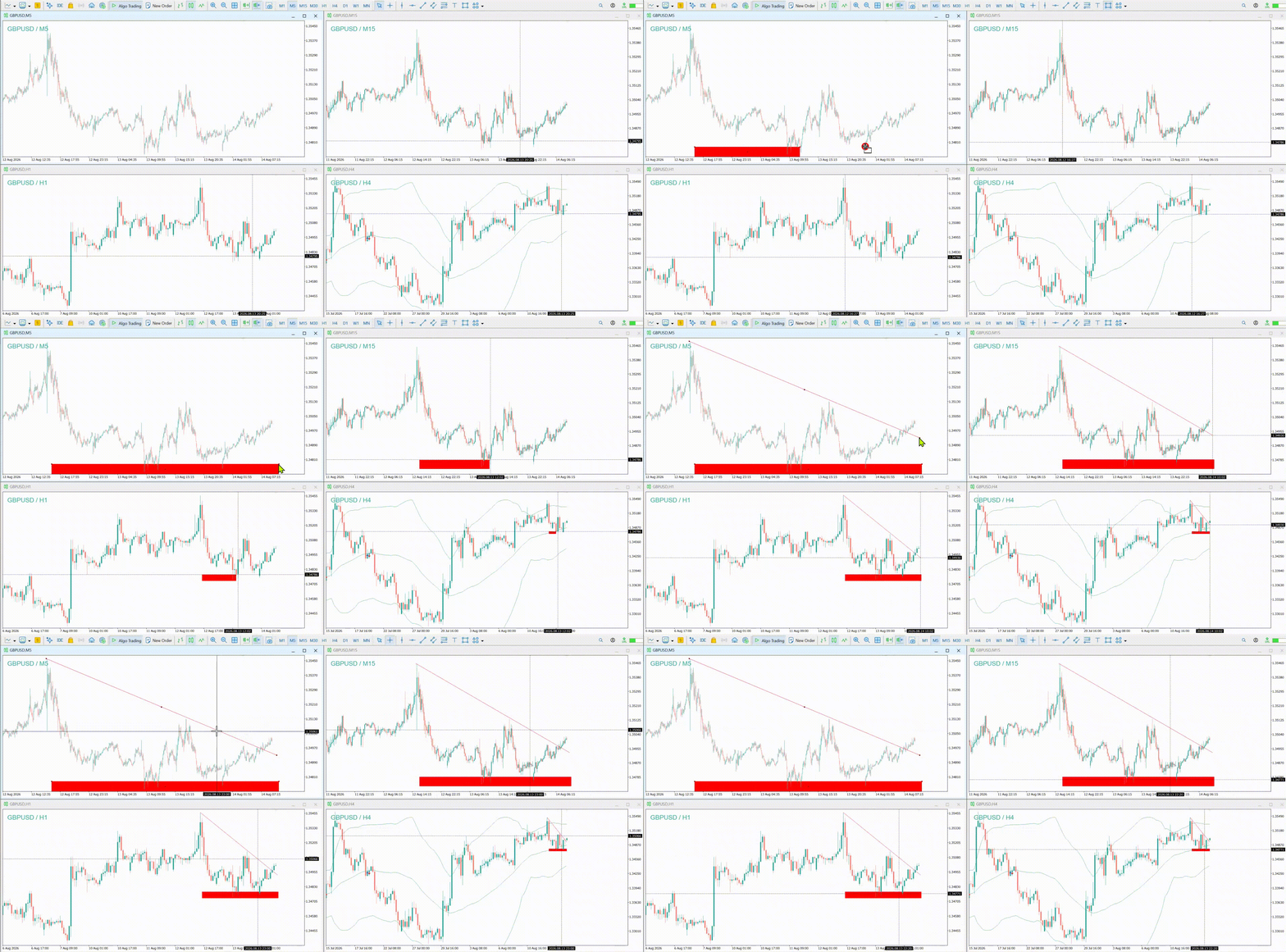
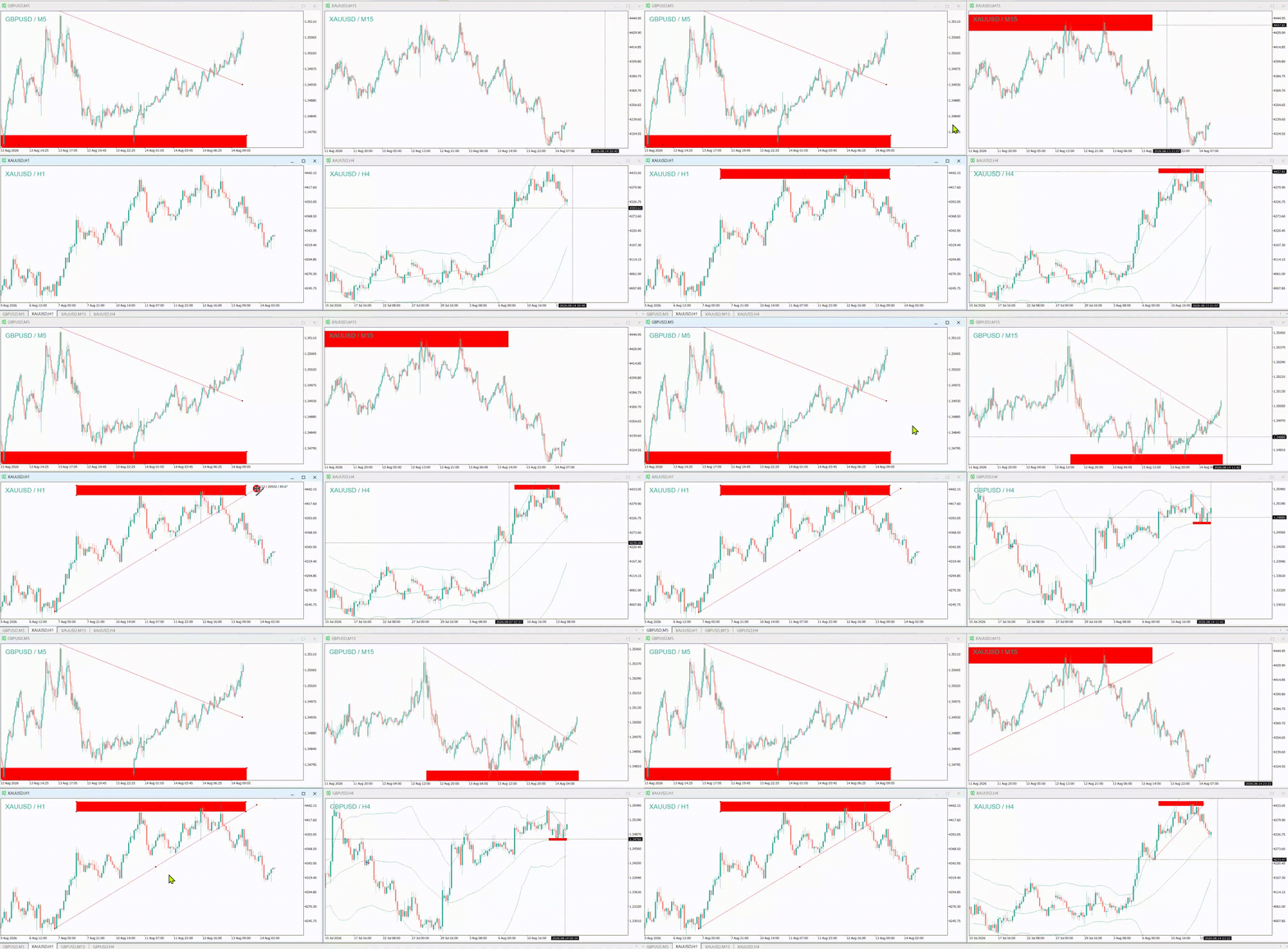
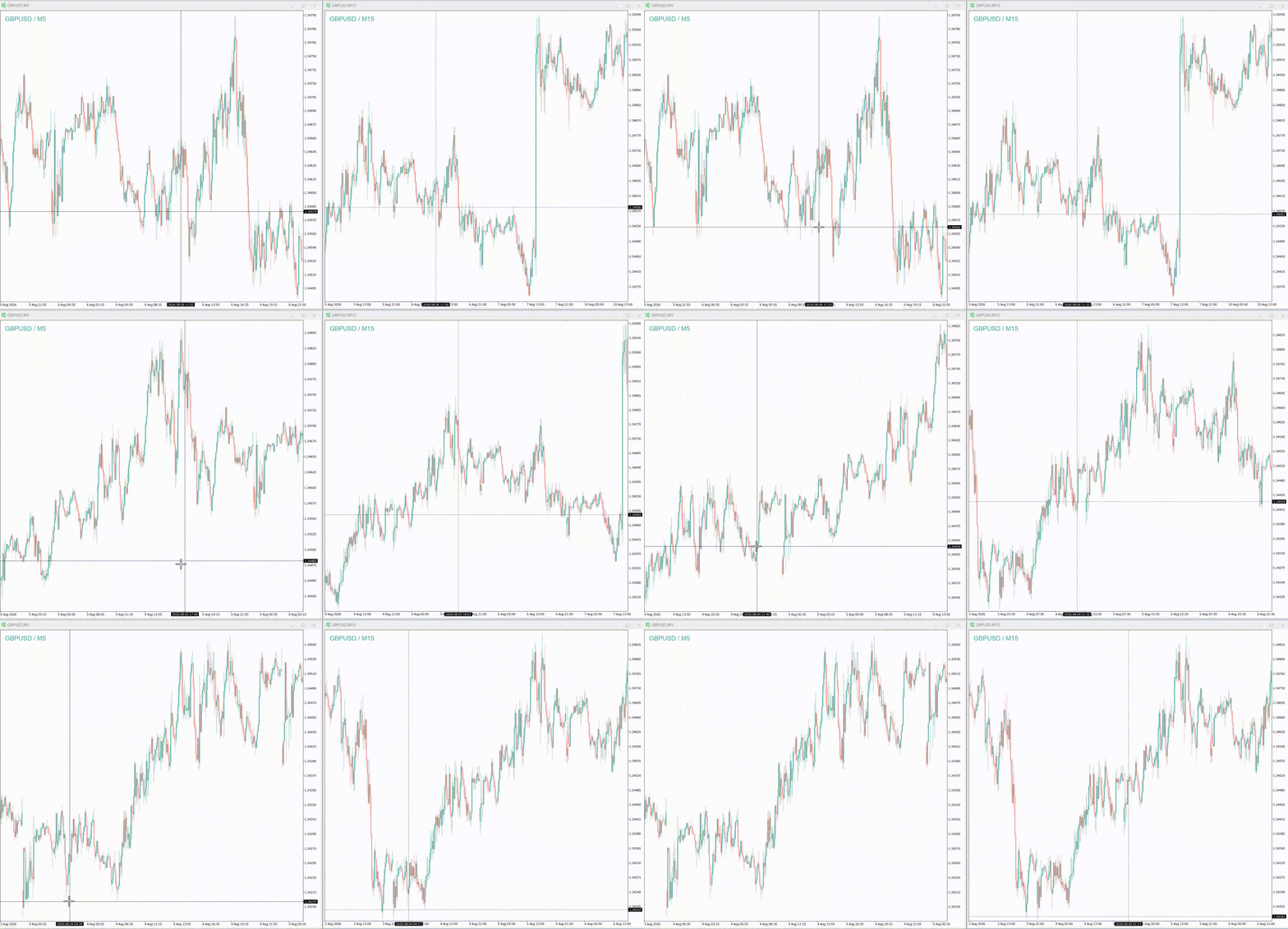
Draw a trend line on one chart and it appears on the others. Move the crosshair to inspect a candle and every chart follows the same moment in time. Change the symbol or the timeframe on the leading chart and the others react the way you configured them.
How it is organised. One chart acts as Master and leads, the others are Slaves and follow. Charts communicate only when they share the same Group of Charts ID, so groups you set up separately never interfere with each other. Inside a group you have up to four channels, and this is what makes the more advanced layouts possible.
There are two working modes. The simple mode mirrors the leading chart, which fits multi timeframe analysis of a single instrument: mark a level on H4 and see it on M5, H1 and D1. The advanced mode (mapping) goes further. You assign a different instrument to each following chart, with an optional fixed timeframe, so a single screen can show the pair you trade together with the instruments correlated to it. When a chart shows a different symbol than the leading one, only time based objects are shared, because a price level from one instrument does not carry over to another.
Synchronization covers the crosshair, the zoom level and scrolling, the symbol and the timeframe, and the objects you draw: trend lines, horizontal and vertical lines, channels and Gann tools, Fibonacci tools and expansions, rectangles, triangles, ellipses, arrows, text and labels. Every object type can be enabled or disabled on its own, and you can exclude objects by name prefix so that drawings belonging to other indicators are left untouched. Objects placed in indicator subwindows are kept per symbol and timeframe.
ChartSync Pro runs entirely inside MetaTrader 5. It uses no DLL and no external server. It does not read your account, your passwords or your funds, and nothing leaves your terminal.
Please note that on a Master chart the drawings in the main window are cleared when you change the symbol on that chart. For analysis you want to keep, use a chart dedicated to that instrument.