TradeEcho Slave Subscriber
- Utilities
- Version: 3.1
- Updated: 31 August 2026

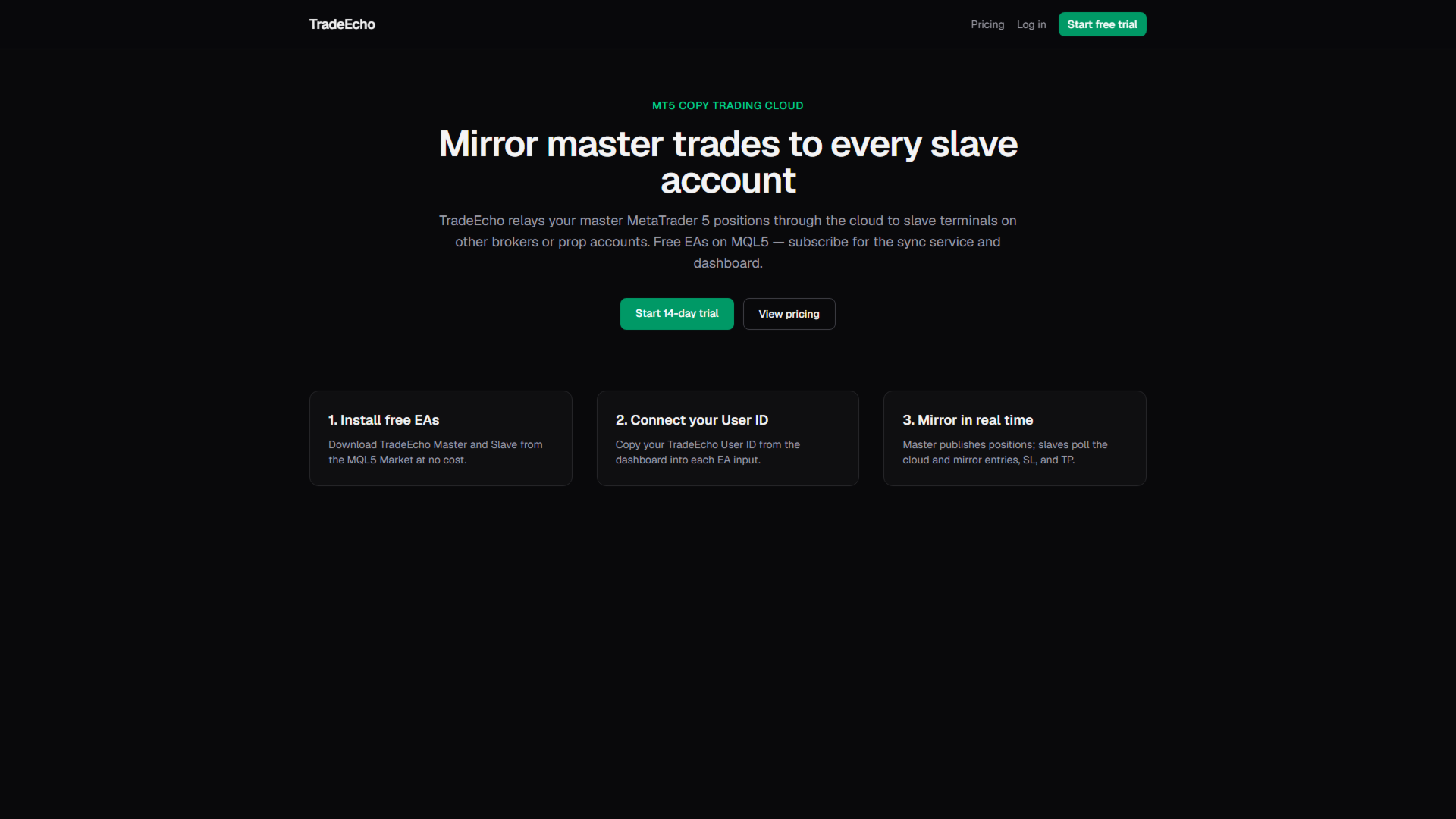
This product has been rebranded to PositionRelay Slave Subscriber.
Install PositionRelay Slave Subscriber from the MQL5 Market. This TradeEcho listing is superseded and will be hidden. Market titles cannot be renamed.
Same User ID and cloud API. Uninstall TradeEcho Slave Subscriber, then attach PositionRelay Slave Subscriber on each follower account.
Companion product: PositionRelay Master Publisher.
Keywords: copy trading, trade copier, PositionRelay, rebrand, slave
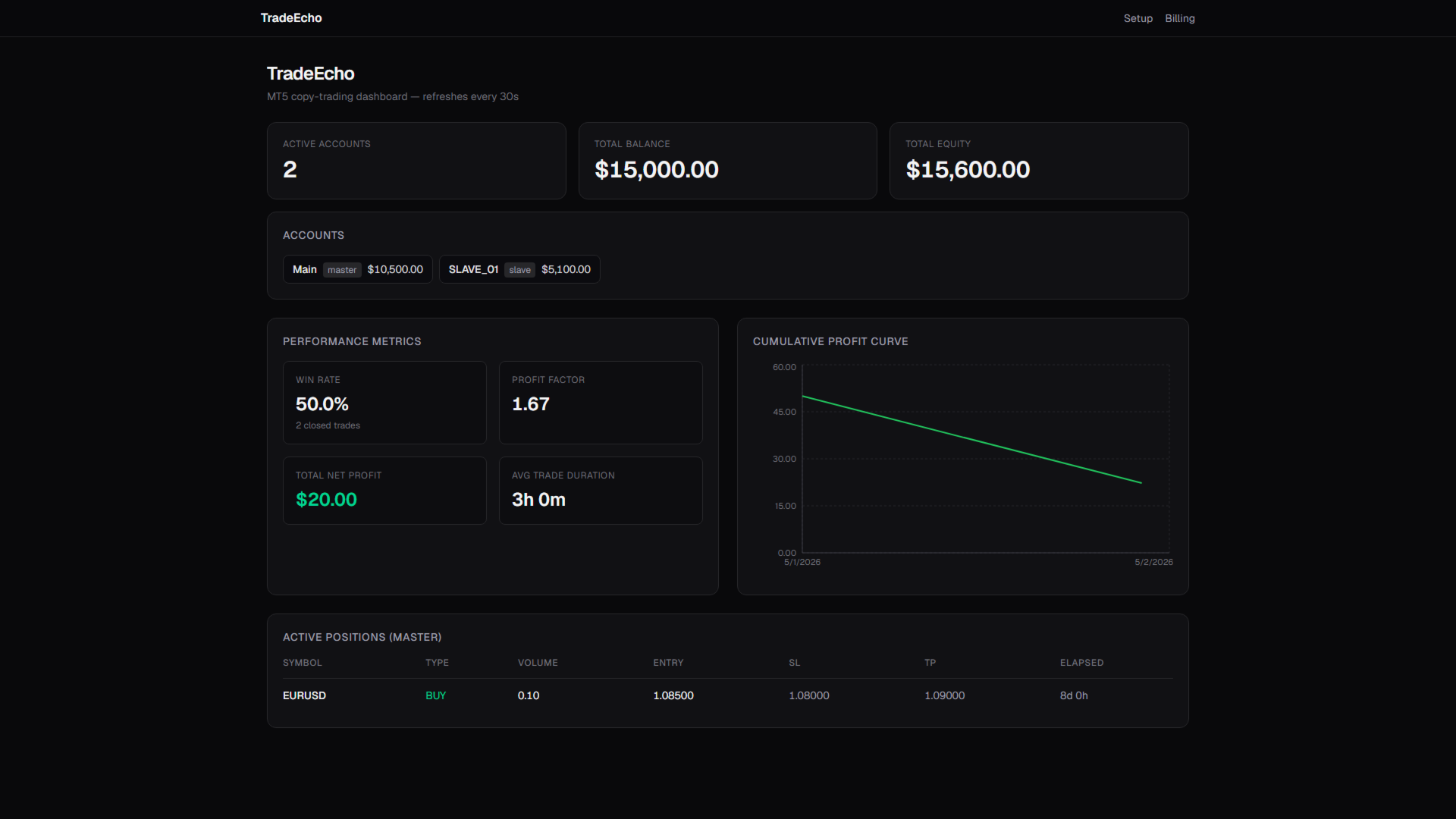
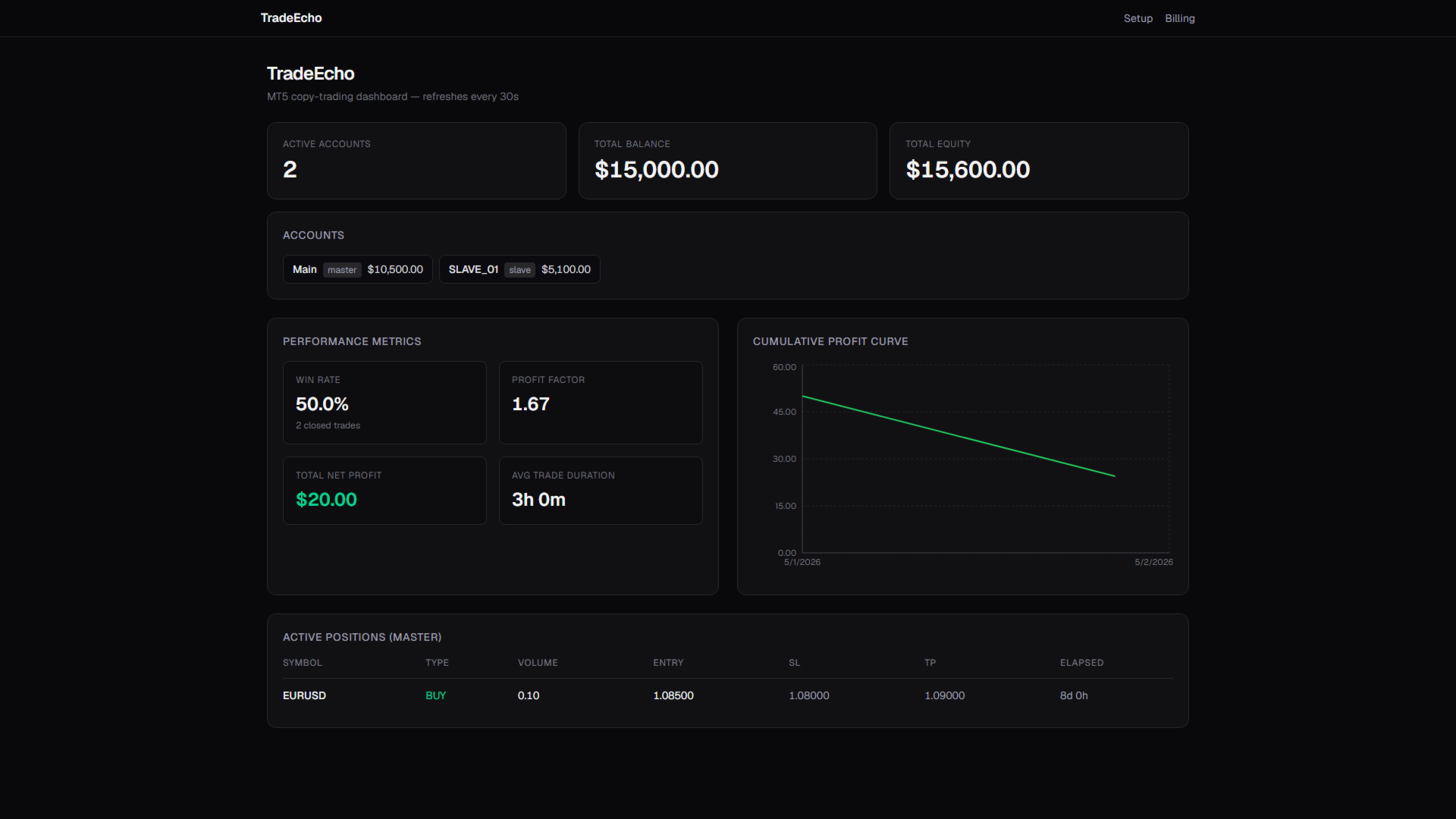
PositionRelay Slave Subscriber reads open positions from your PositionRelay master account and mirrors them on the local MetaTrader 5 terminal. Supports fixed, scaled, and balance-adapted lot sizing, symbol-level controls, and periodic self-reporting for dashboard visibility.
Companion product: PositionRelay Master Publisher (free). The master account must run PositionRelay Master Publisher with the same User ID before slaves can mirror positions.
Requirements:
- Active PositionRelay cloud subscription with available slave slot on your plan (sign up at positionrelay.com)
- PositionRelay User ID from your positionrelay.com dashboard
- PositionRelay Master Publisher running on the master account
- Unique InpAccountLabel per slave terminal
Setup:
1. Create an account and subscribe at positionrelay.com
2. Install and run PositionRelay Master Publisher on the master account
3. Install PositionRelay Slave Subscriber on each follower account
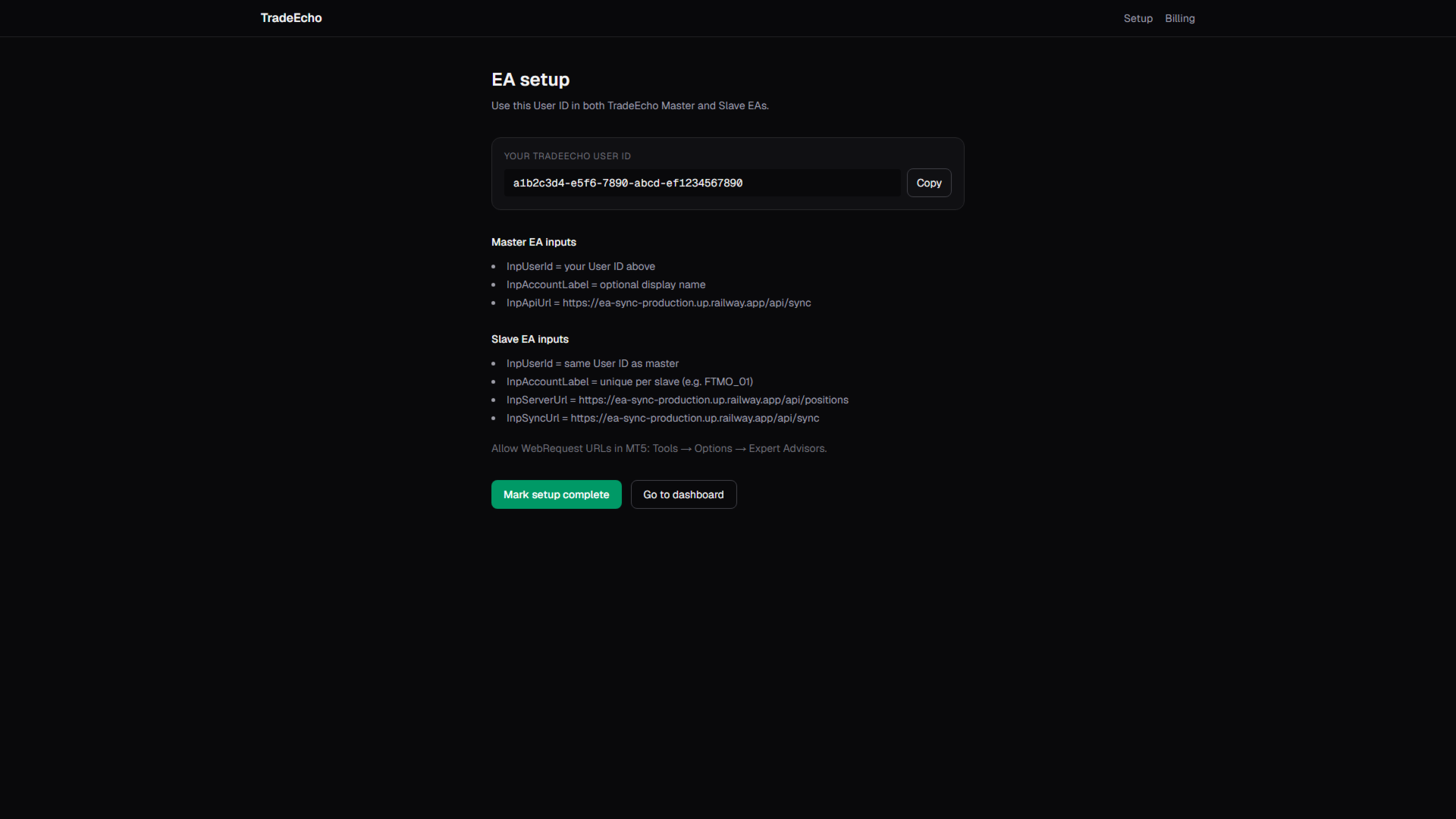
4. Enter the same InpUserId as the master
5. Set a unique InpAccountLabel per slave (for example FTMO_01, ICMarkets_02)
6. Configure lot mode and risk settings
7. Enable Algo Trading and allow WebRequest for https://ea-sync-production.up.railway.app (Tools → Options → Expert Advisors)
The EA connects to the PositionRelay cloud API automatically — endpoint URLs are built into the EA and are not user inputs.
The EA polls the cloud relay, opens missing positions, closes positions removed on the master, and updates stop loss and take profit when changed upstream.
Input parameters:
- InpUserId: same identifier as the master account
- InpAccountLabel: unique label per slave terminal
- InpPollingIntervalSecs: seconds between position polls (default 5)
- InpSelfReportSecs: seconds between dashboard self-reports
- InpLotMode: fixed, scaled (master lot × factor), or balance-adapted lot sizing
- InpFixedLotSize: lot size when using fixed mode (also fallback when master balance unavailable)
- InpLotScaleFactor: multiplier on master lot when using scaled mode
- InpMaxSlippage: max slippage in points on market orders
- InpMagicNumber: magic number for slave trades
- InpOneTradePerSymbol: limit to one open trade per symbol
- InpAllowLotResize: resize lots when master size changes
- InpLotResizeTolerance: minimum lot delta before resize
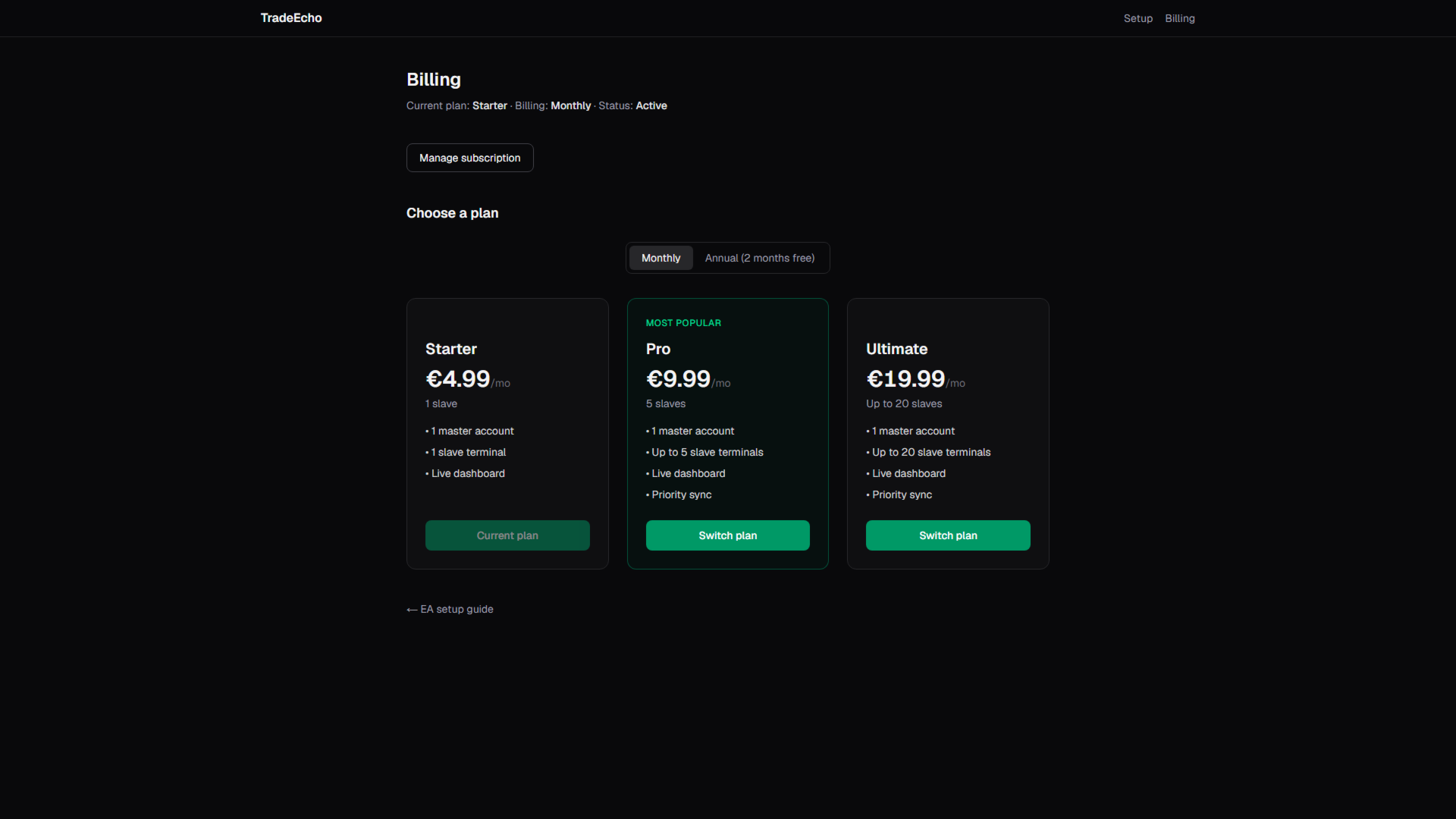
Plan limits (cloud subscription):
- Starter: 1 slave
- Pro: 5 slaves
- Ultimate: up to 20 slaves
Keywords: copy trading, trade copier, slave account, MT5 mirror, prop firm, lot scaling, signal follower