PositionRelay Master Publisher
- Utilities
- Version: 1.3
- Updated: 28 October 2026

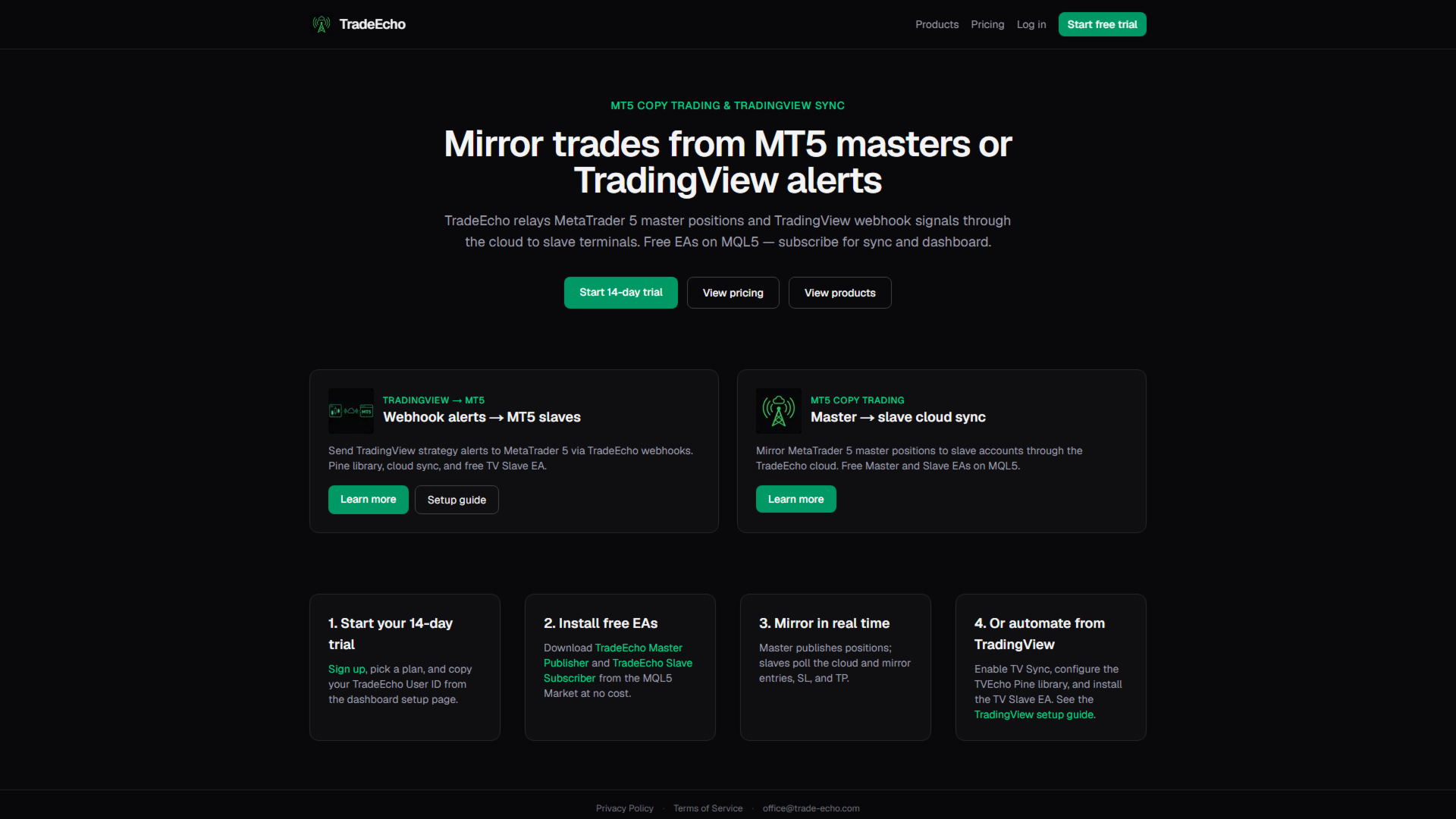
PositionRelay Master Publisher sends your open position snapshot from MetaTrader 5 to the PositionRelay cloud relay. It is designed for traders who run a master account and want slave accounts on other terminals or brokers to mirror entries, exits, stop loss and take profit updates with low latency.
Companion product: PositionRelay Slave Subscriber (free). Install it on each follower account after this EA is publishing. Both EAs use the same PositionRelay User ID.
Requirements:
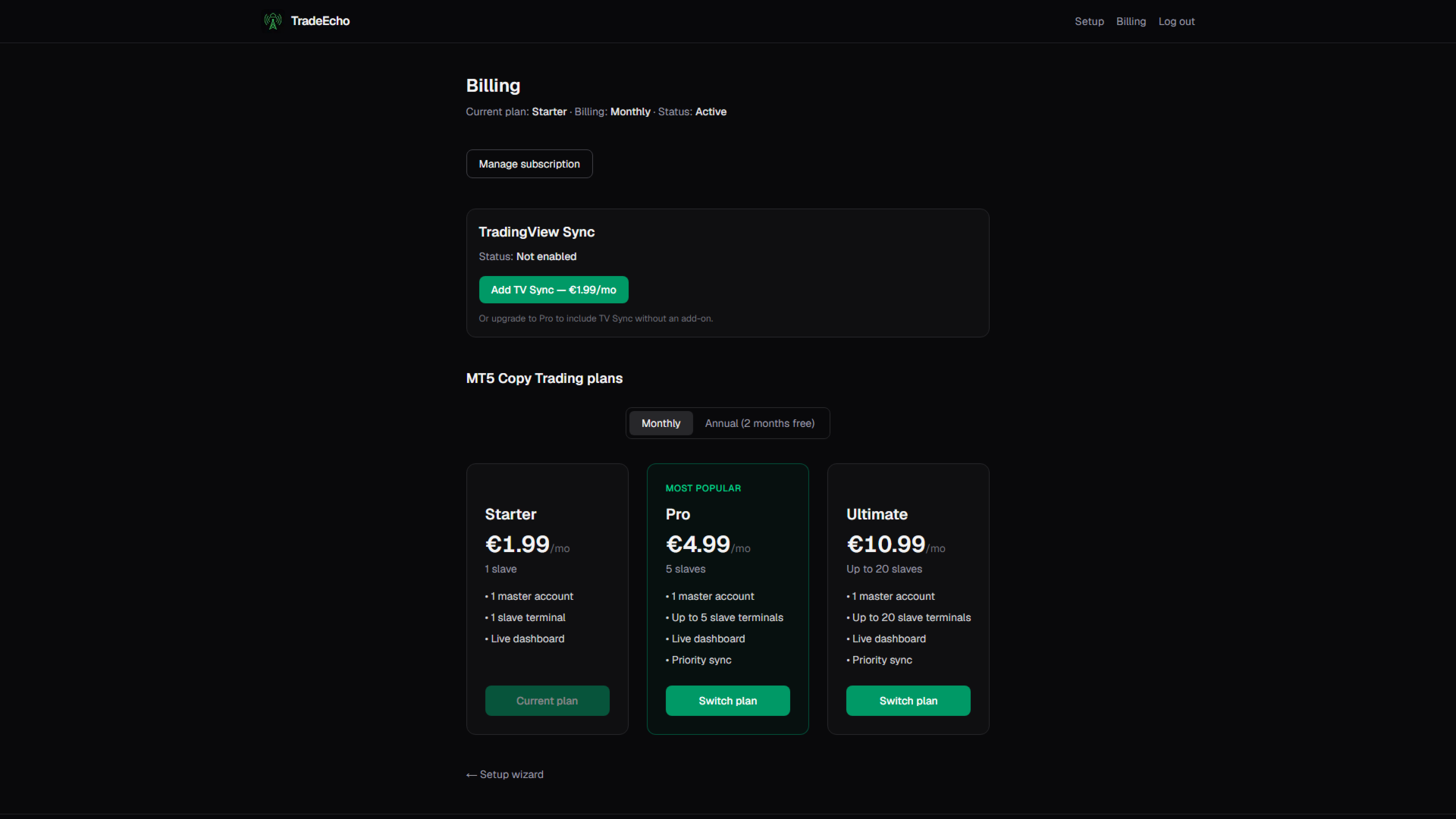
- Active PositionRelay cloud subscription (sign up at positionrelay.com)
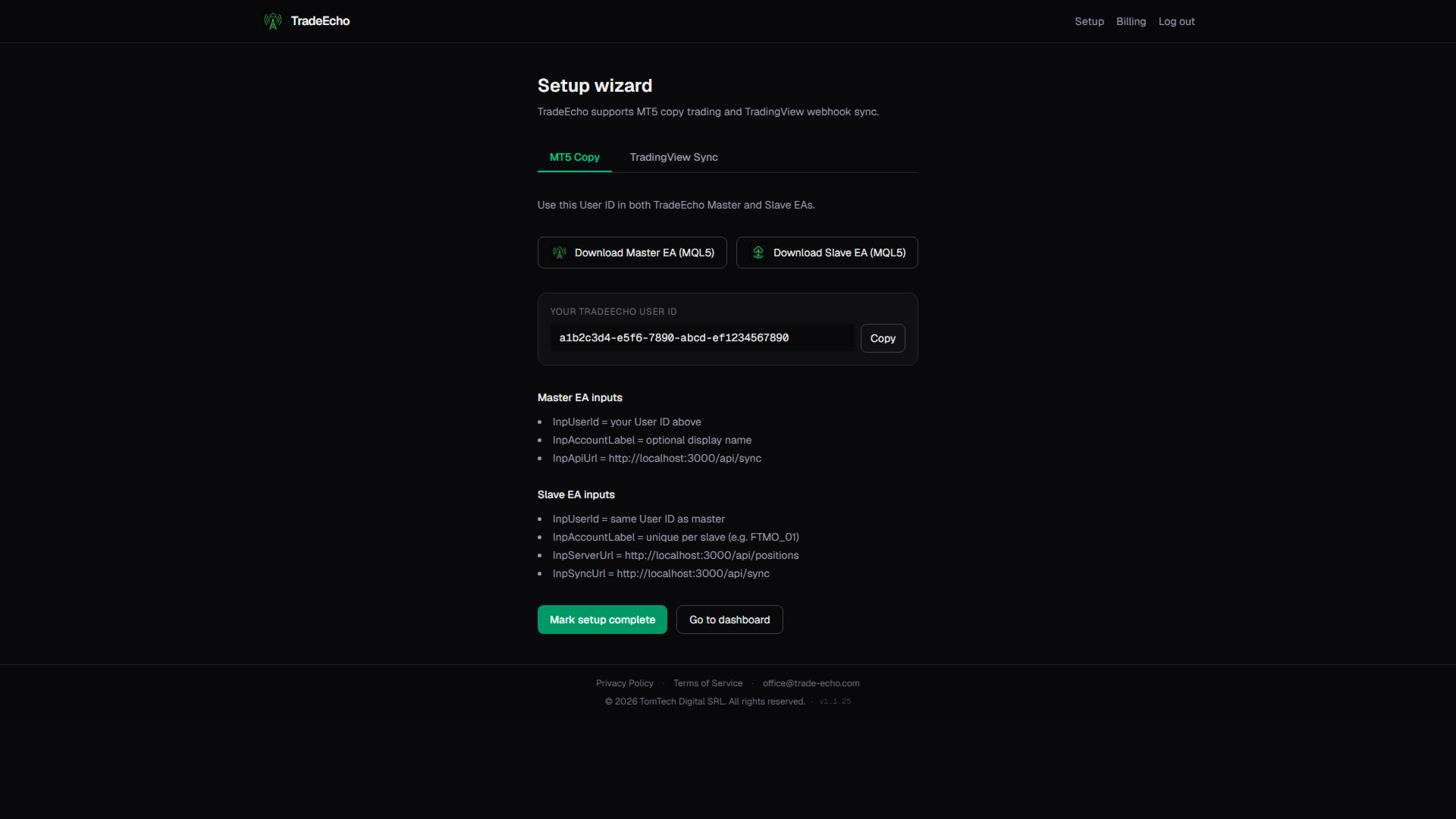
- PositionRelay User ID from your positionrelay.com dashboard
- PositionRelay Slave Subscriber on each follower terminal
- Stable internet connection on the master terminal
Setup:
1. Create an account and subscribe at positionrelay.com
2. Install PositionRelay Master Publisher from the Market
3. Attach the EA to one chart on your master account
4. Enter your PositionRelay User ID in the InpUserId input
5. Set a unique InpAccountLabel per master account (required; use "default" if you only have one)
6. Enable Algo Trading and allow WebRequest for https://positionrelay.com (Tools → Options → Expert Advisors)
7. Install PositionRelay Slave Subscriber on follower accounts (same User ID, unique InpAccountLabel per slave)
The EA connects to the PositionRelay cloud API automatically — endpoint URLs are built into the EA and are not user inputs.
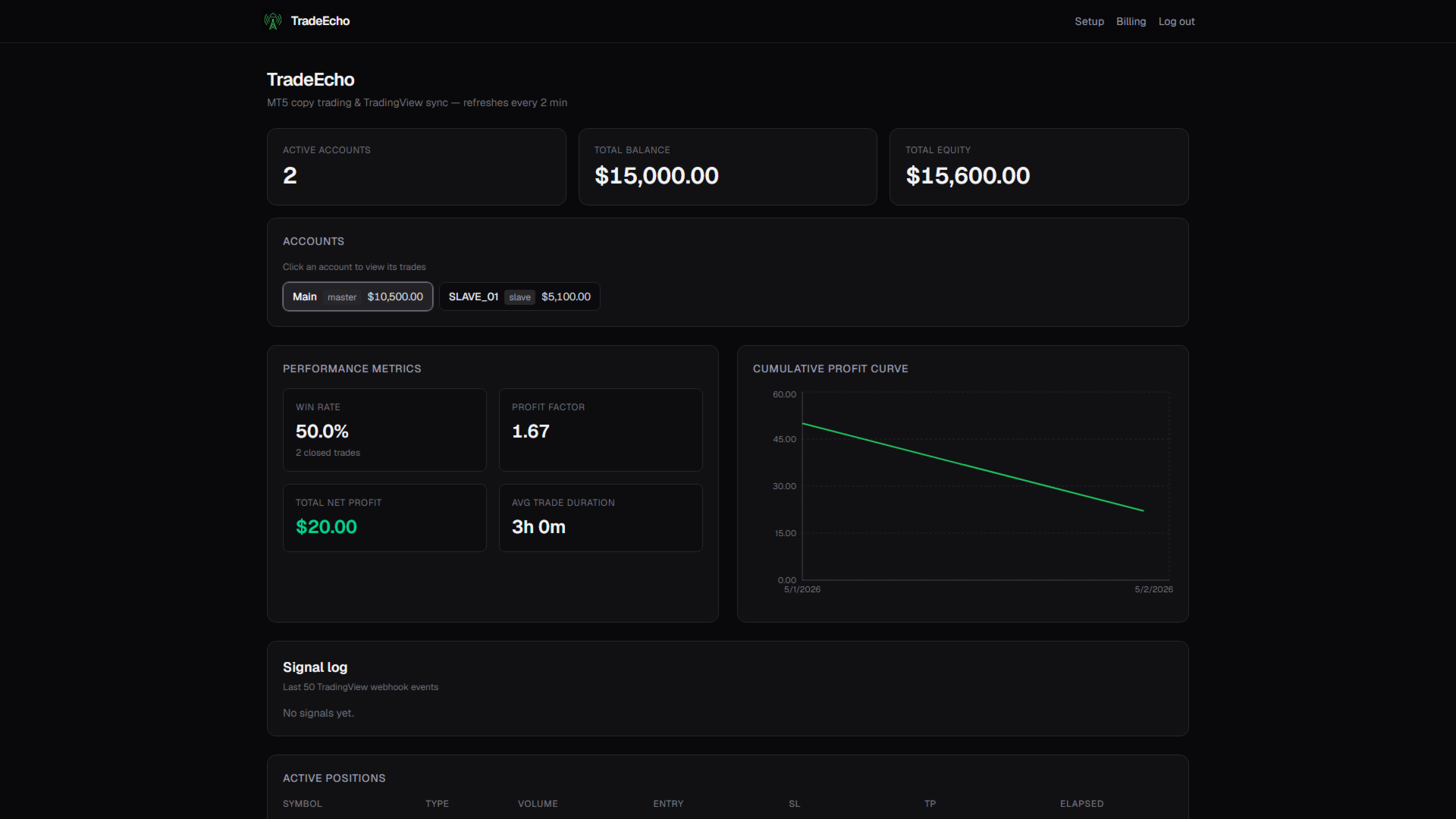
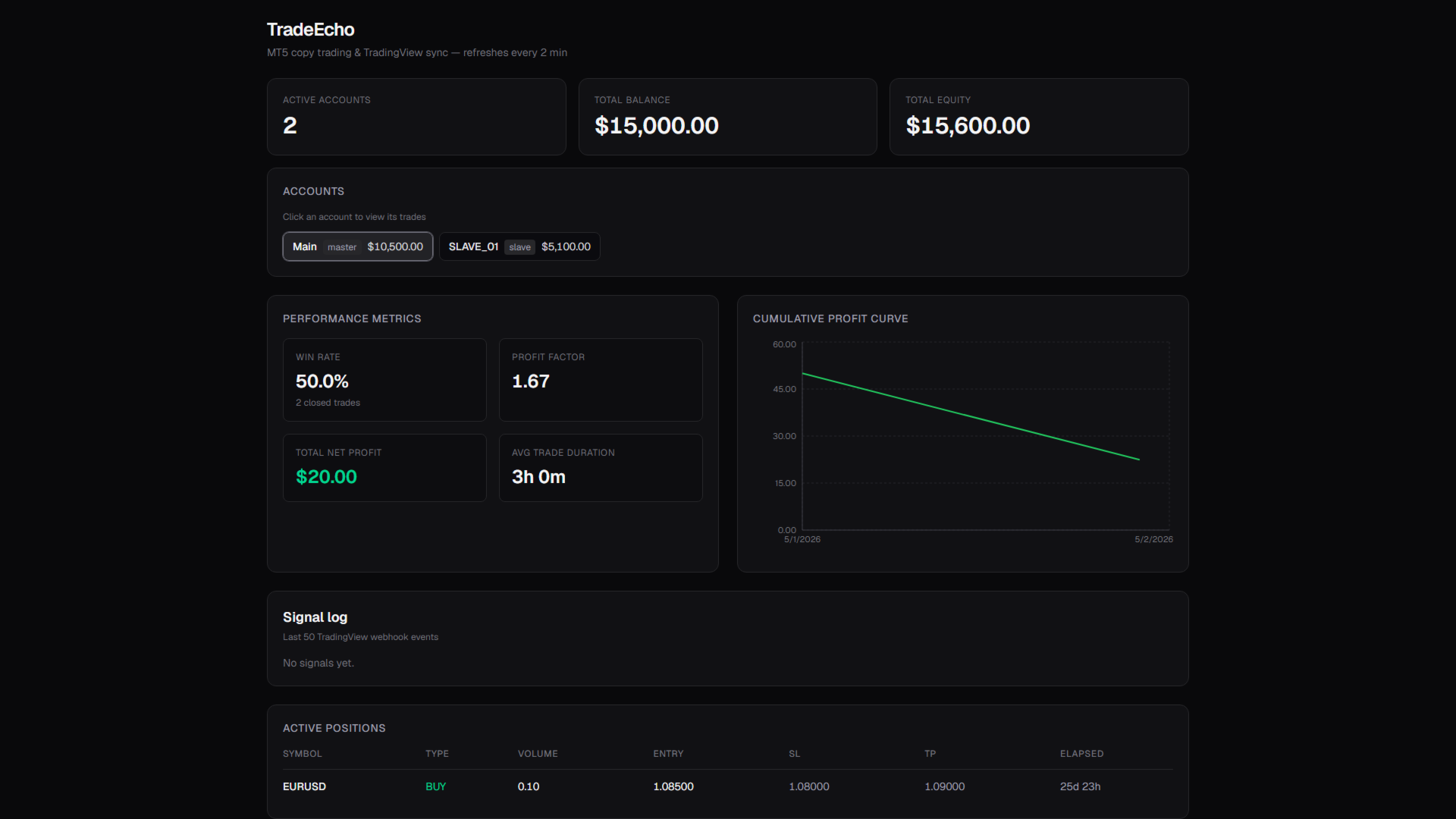
The EA publishes account balance, equity, open positions and recent closed trade history on a configurable timer. It does not open or close trades on the master account by itself. Publishing pauses while Algo Trading is disabled.
Important:
- Run only one MasterPublisher per broker login. Do not run SlaveSubscriber or TVEchoSlave on the same broker login as the master.
- Each InpAccountLabel binds to the broker login that first publishes under it. To move a master to a different login, use a new label or remove the old master account from the dashboard first.
Input parameters:
- InpUserId: your PositionRelay account identifier
- InpAccountLabel: required unique label per master account (shown in the dashboard)
- InpSyncTimer: seconds between sync attempts (default 10)
- InpSyncCooldownMs: minimum milliseconds between sync attempts
- InpHistoryLookbackDays: days of closed history to include
Keywords: copy trading, trade copier, master slave, MT5 sync, position mirror, multi account, prop firm copy