
WOW Candle Time and Spread
- Indicators
- Version: 1.6
- Updated: 18 June 2026

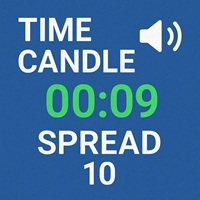
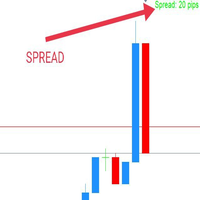
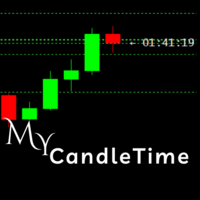
WOW Candle Time and Spread puts two essentials in front of you at all times: how much time is left on the current candle, and what the spread is right now.
The countdown can be shown inside a panel and directly on the current candle, so you never mistime an entry on the bar close. The spread is color-coded — green when it is low, amber in the mid range, red when it is too wide — giving you an instant read on execution cost before you enter.
Key features:
- Candle close countdown — in the panel and optionally on the candle
- Live spread monitor in points, color-coded (low / medium / high thresholds you set)
- Show candle time and spread together, or each one on its own
- 4 display layouts: values only / labeled / two rows / three rows with title
- 3 font themes, with adjustable font size and line spacing
- On-chart timer with 3 placement modes (above / below / right of the candle) and 3 text styles
- Free positioning in any of the four chart corners, with X/Y offset
- Independent colors for the title, the text and each spread threshold
How to use:
- Watch the countdown to time your entries and exits on the candle close
- Check the spread color before entering — set the thresholds per instrument (for example a higher value for indices such as US30 than for major forex pairs)
Notes: Free and fully functional on any account, broker, symbol and timeframe. This is a display and information tool only and does not place trades.



































User didn't leave any comment to the rating