
Telegram Services
- Utilities
- Version: 2.0
- Updated: 19 June 2026
- Activations: 5

Telegram services is a trading application communicating between this EA and your telegram channel. This app generates reports, alerts you when trades opened, closed and modified, opens new trades, closes open trades, modifies existing trades, lists history of trades, gets screenshots from charts, gets stop loss and take profit values to be used. displays current market conditions, gets market news, analyzes log files and most importantly you can copy paste trade signals from another channel to make a valid trade.
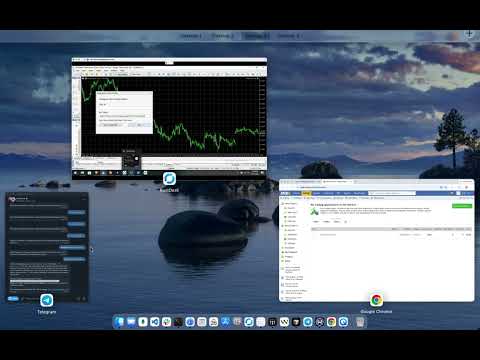
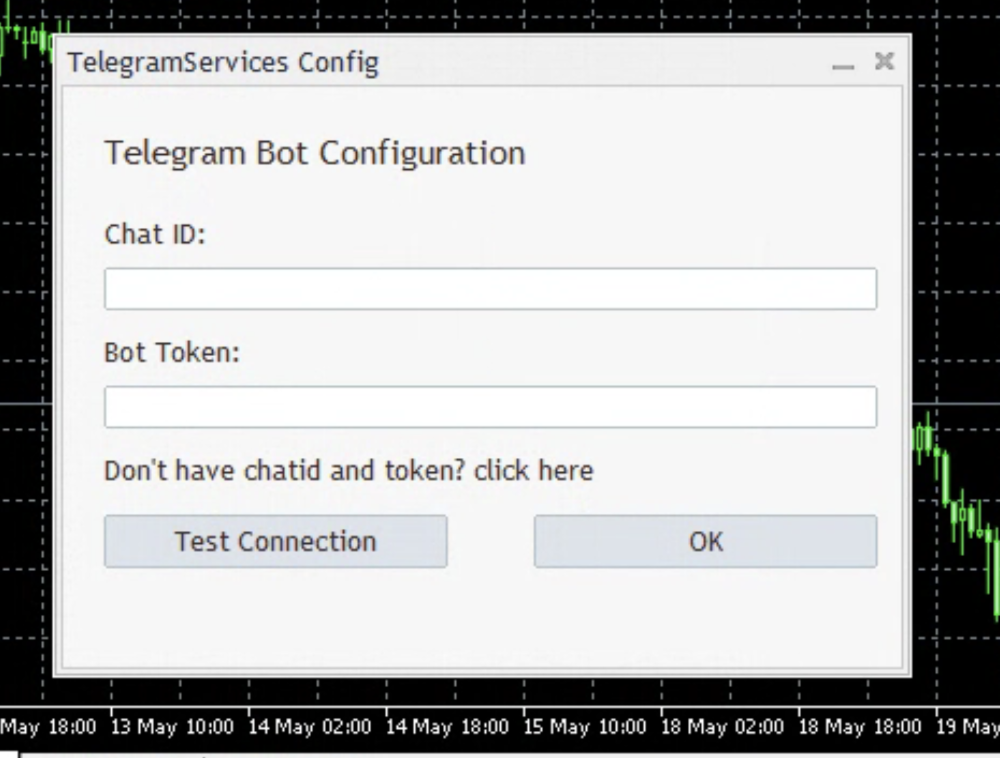
I have created a video on introducing this application and how to create channel, bot and get channel id and bot token that are needed for this application to run in this YouTube video.
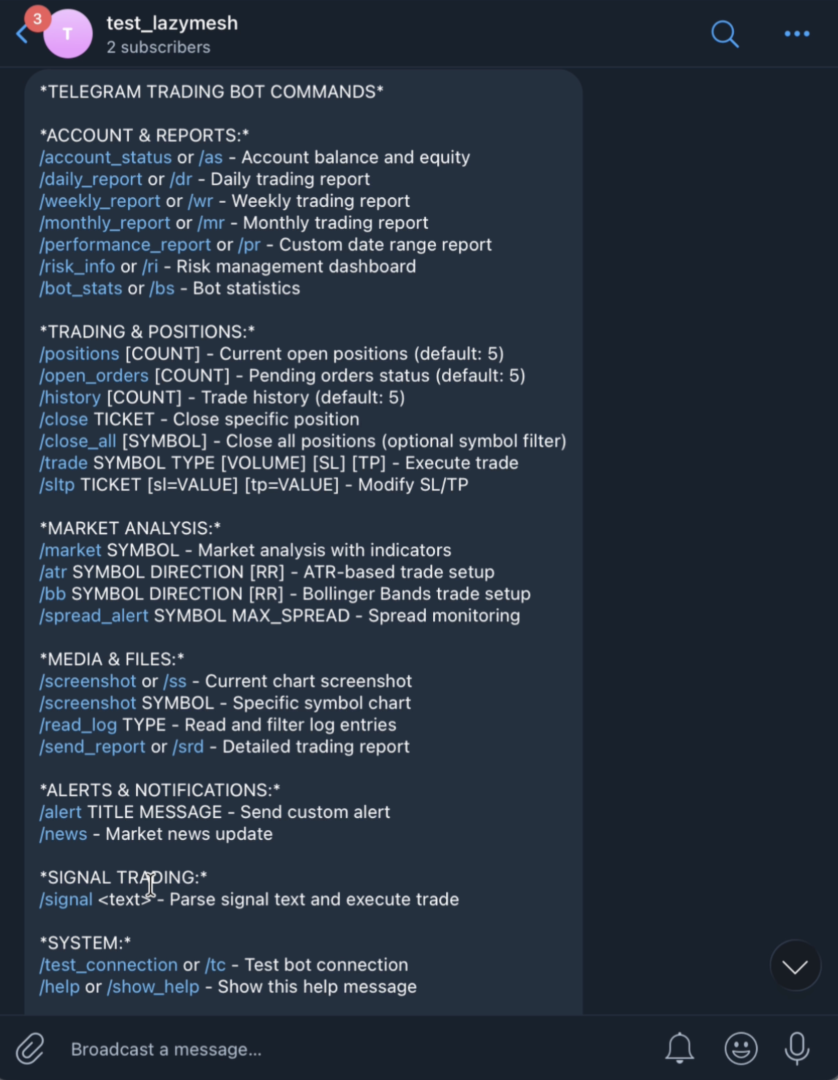
Following are the available commands that can be used. Values inside [] denotes optional :
ACCOUNT & REPORTS:
/account_status or /as - Account balance and equity
/daily_report or /dr - Daily trading report
/weekly_report or /wr - Weekly trading report
/monthly_report or /mr - Monthly trading report
/performance_report or /pr - Custom date range report
/risk_info or /ri - Risk management dashboard
/bot_stats or /bs - Bot statistics
TRADING & POSITIONS:
/positions [COUNT] - Current open positions (default: 5)
/open_orders [COUNT] - Pending orders status (default: 5)
/history [COUNT] - Trade history (default: 5)
/close TICKET - Close specific position
/close_all [SYMBOL] - Close all positions (optional symbol filter)
/trade SYMBOL TYPE [VOLUME] [SL] [TP] - Execute trade
/sltp TICKET [sl=VALUE] [tp=VALUE] - Modify SL/TP
MARKET ANALYSIS:
/market SYMBOL - Market analysis with indicators
/atr SYMBOL DIRECTION [RR] - ATR-based trade setup
/bb SYMBOL DIRECTION [RR] - Bollinger Bands trade setup
/spread_alert SYMBOL MAX_SPREAD - Spread monitoring
MEDIA & FILES:
/screenshot or /ss - Current chart screenshot
/screenshot SYMBOL - Specific symbol chart
/read_log TYPE - Read and filter log entries
/send_report or /srd - Detailed trading report
ALERTS & NOTIFICATIONS:
/alert TITLE MESSAGE - Send custom alert
/news - Market news update
SIGNAL TRADING:
/signal <text> - Parse signal text and execute trade
SYSTEM:
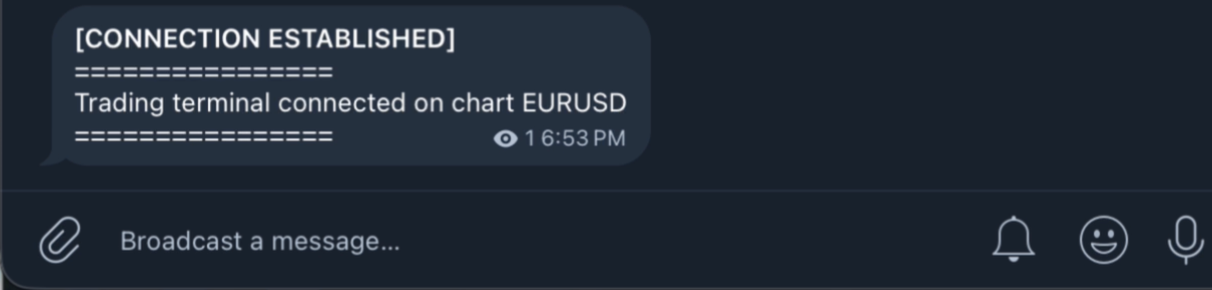
/test_connection or /tc - Test bot connection
/help or /show_help - Show this help message
Examples:
/market EURUSD : this will give you market conditions for EURUSD
/trade EURUSD BUY 0.1 : this will place a buy trade on EURUSD chart with 0.1 lot size and open stoploss and take profit values.
/trade GBPUSD SELL 0.05 1.2000 1.2100 : this will place a sell trade on GBPUSD chart with 0.05 lost size, 1.2000 as stoploss value and 1.2100 as take profit value.
/trade EURUSD BUY 0.1 sl=1.2050 tp=1.2150 : this command is similar to above with explicit sl and tp specified.
/sltp 123456 sl=1.2000 : this command will change stoploss (sl) value of existing trade whose ticket id is 123456
/sltp 123456 tp=1.2100 : this command will change takeprofit (tp) value of existing trade whose ticket it 123456
/sltp 123456 sl=1.2000 tp=1.2100 : this command will modify both sl and tp of open trade identified by ticket 123456
/close 123456 : this will close open trade whose ticket id is 123456
/positions : this will list 5 latest open positions with ticket id and some other useful informations.
/positions 3 : this will list 3 latest open positions with ticket id and some other useful informations.
/open_orders : this will list 5 latest pending orders waiting to be executed
/open_orders 2 : this will list 2 latest pending orders waiting to be executed
/history : this will list 5 latest closed trades.
/history 10 : this will list 10 latest closed trades.
/read_log error : this will display error lines from the log files in metatrader
/atr EURUSD buy 2.0 : this will analyze current EURUSD chart and will suggest you the entry price, stoploss price, take profit price and risk reward ration using atr indicator
/bb EURUSD sell 1.0 : this will analyze current EURUSD chart and will suggest you the entry price, stoploss price, take profit price and risk reward ration using Bollinger bands indicator
/signal chart CHFJPY buy at 1.2394 this is going to go up SL : 1.2100 TP1:1.2400 TP2:1.2450 TP3:1.2599 : this will make trade according the pasted trading signal from other channels. you just copy the signal text from other channel and paste it after /signal command like in this example. It doesn't have to be on the same line as in this example . it can be as following
/signal chart CHFJPY buy at 1.2394
this is going to go up
SL : 1.2100
TP1:1.2400
TP2:1.2450
TP3:1.2599
If you are stuck you can always do /help or /show_help
Notes:
1 MAKE SURE https://api.telegram.org is added in Tools->Options->Expert Advisors->Allow WebRequest for listed URL
2 This is an improved version of https://www.mql5.com/en/market/product/149466 (where trades automatically happens as soon as valid trade signals arrive in those channels) . Here you can choose which signal to use and do copy paste the signals.



















































His product and jobs deliver effectively this is not and exception. The telegram EA delivers the desired function perfectly without freezing. You would love it especially since the seller is only a message away from assisting with any issues