Bollingerify
- Experts
- Version: 1.0
- Activations: 10

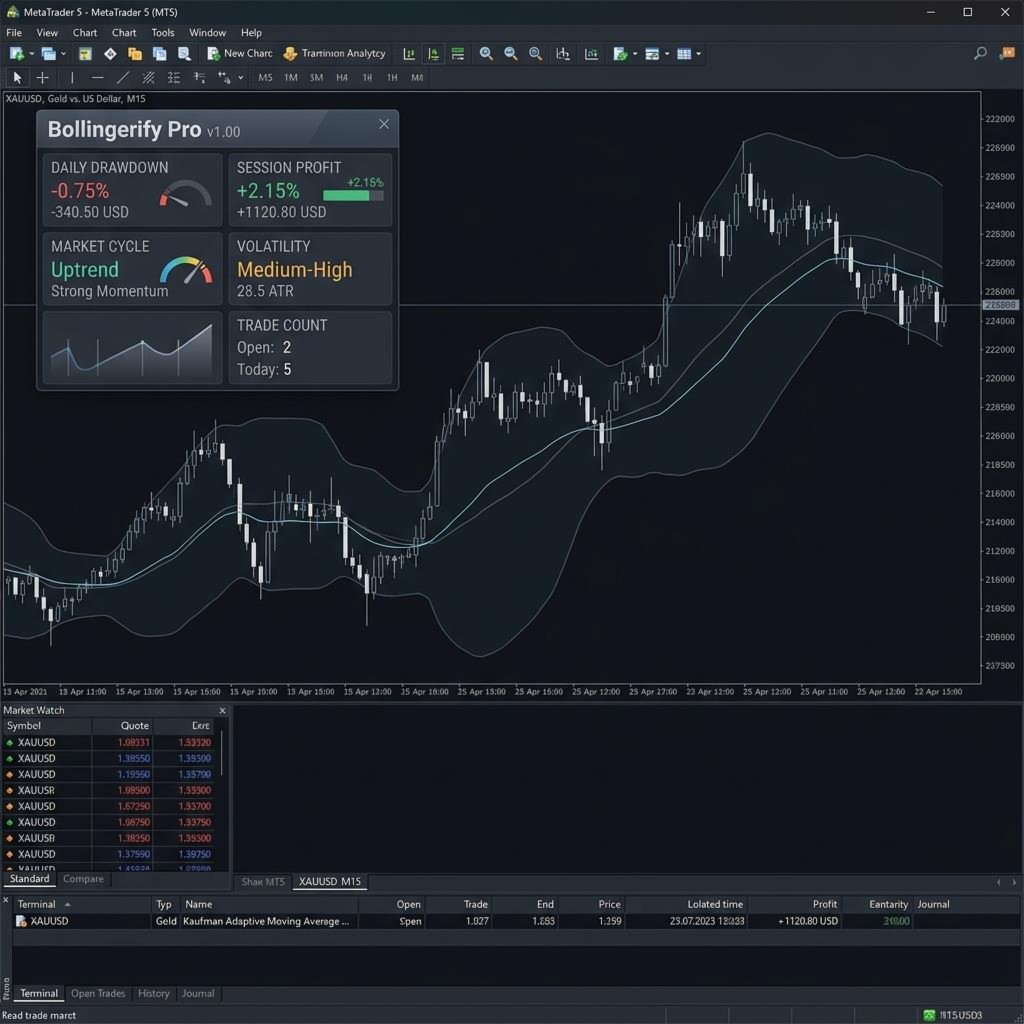
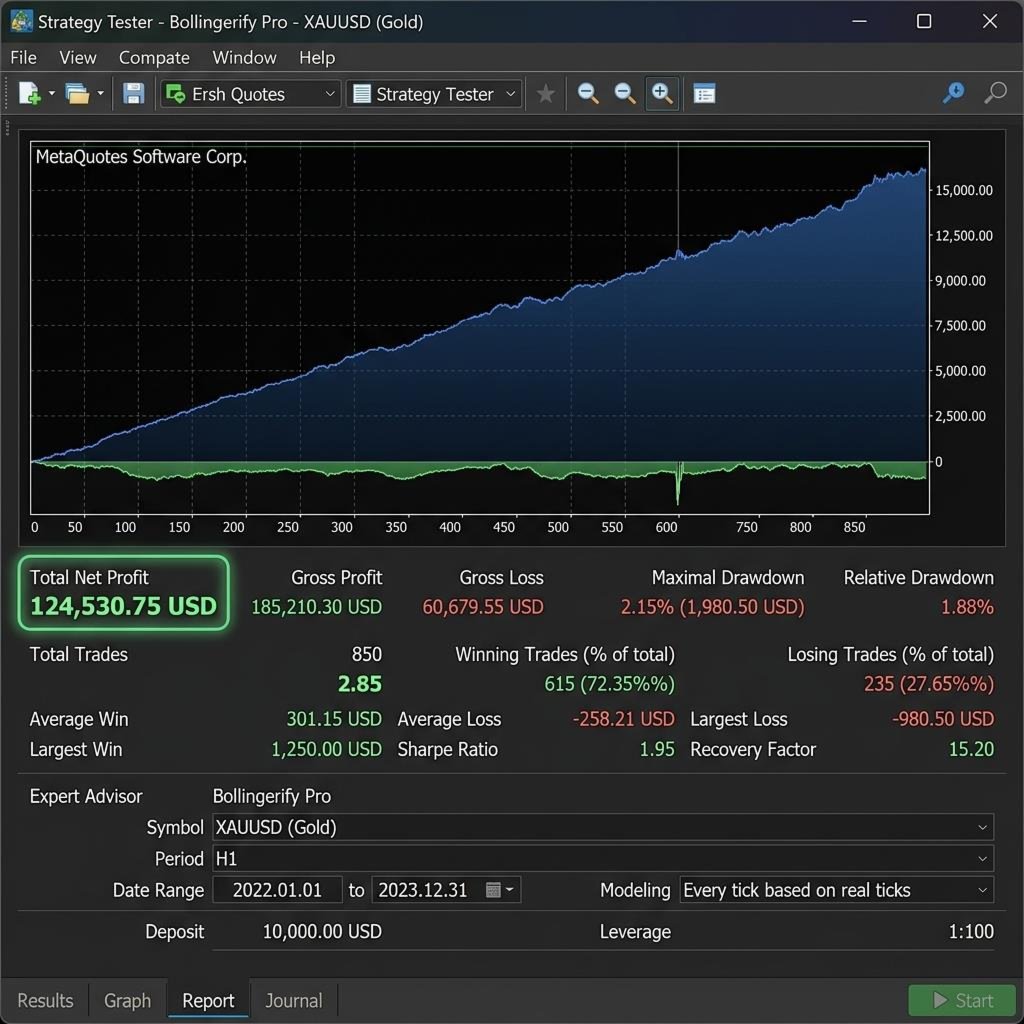
Bollingerify is a professional mean-reversion trading system designed for the MetaTrader 5 platform. The system combines Bollinger Bands analysis with institutional trading concepts to identify reversal points in the market. It is built on a modular framework to ensure stability and efficiency across different market conditions.
Key Features
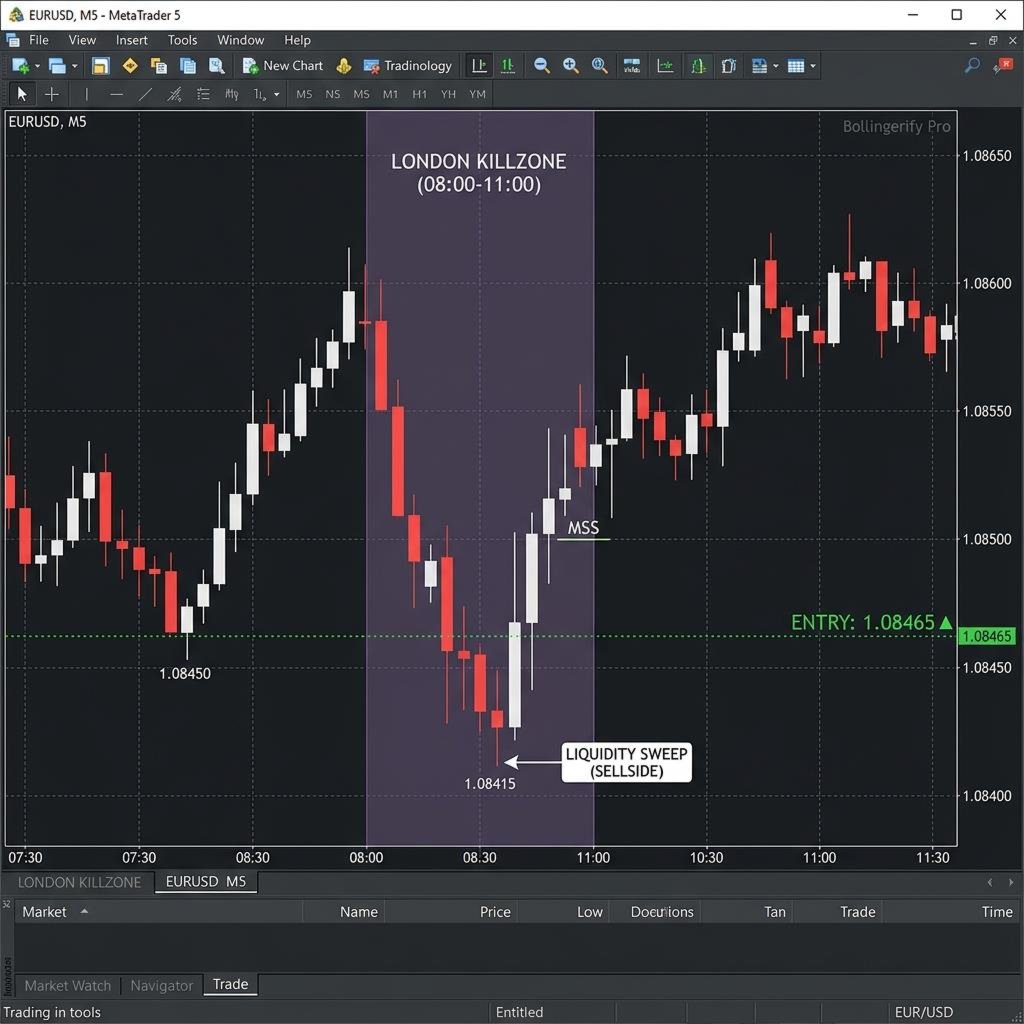
- Institutional Logic: The system incorporates concepts such as Orderblocks and Fair Value Gaps to refine entry signals.
- Market Filtering: Integrated efficiency filters and trend guards help the system identify suitable market environments.
- Volatility Awareness: Uses dynamic stops and session-specific multipliers to adapt to changing volatility.
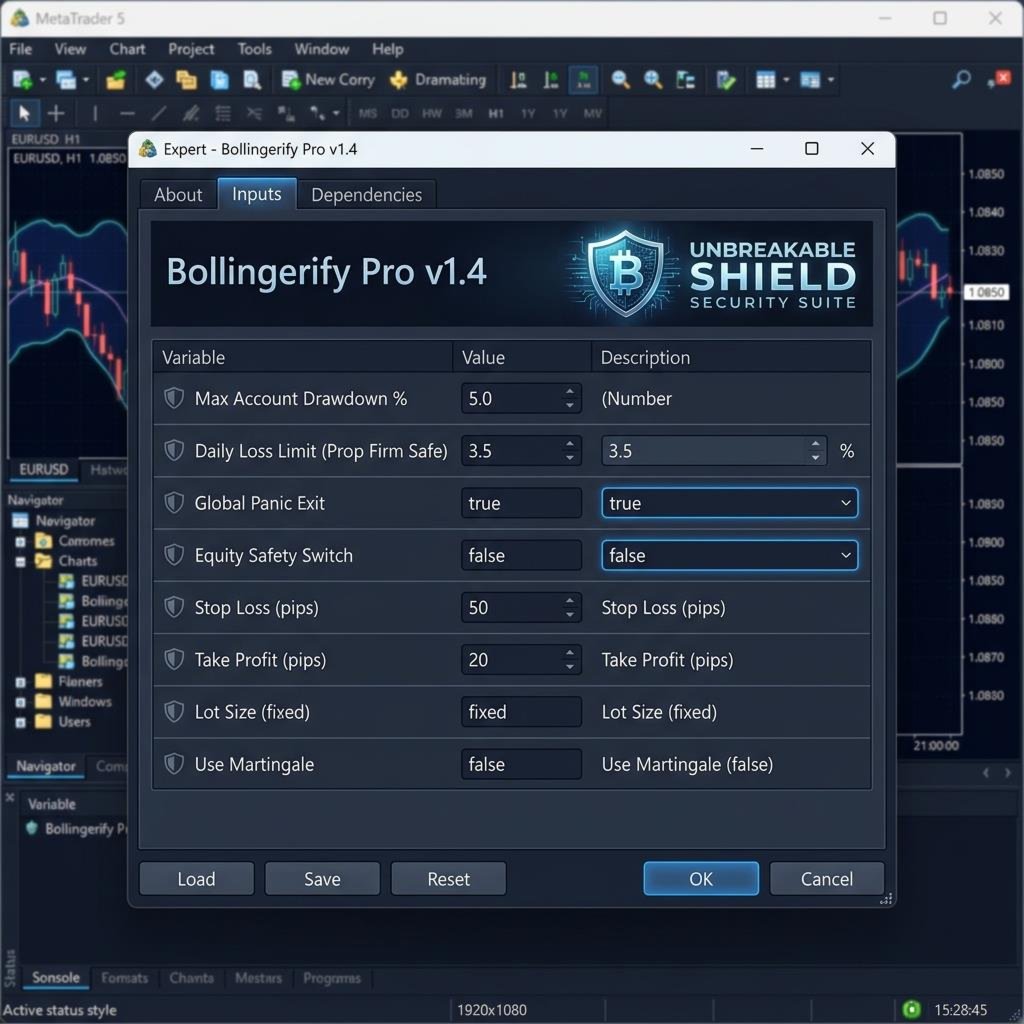
- Risk Protection: Includes a comprehensive safety suite with spike detection and account exposure guards.
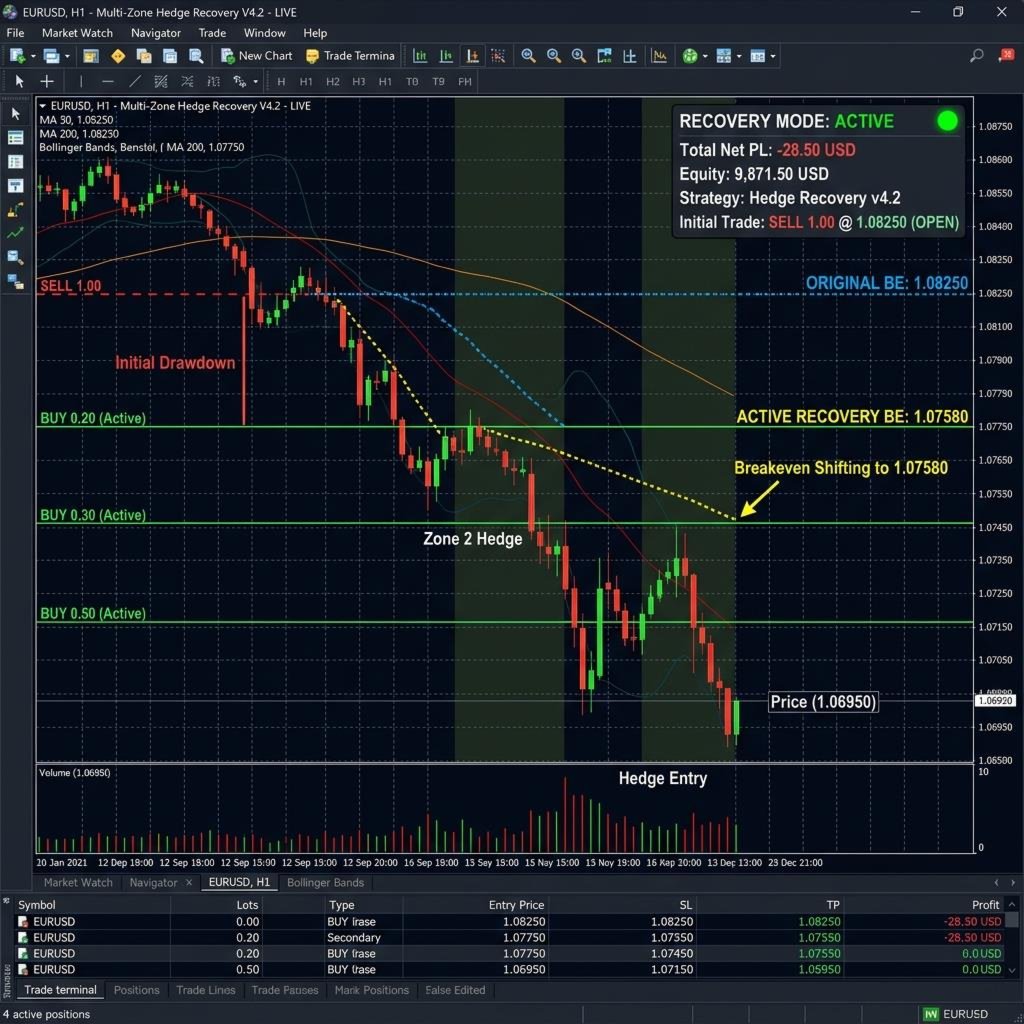
- Trade Management: Features multi-tier take profits, automated breakeven, and structural trailing stops.
- News Filter: Includes a built-in filter to manage trading activity during high-impact news events.
Parameters
News Filter Settings
- Use News Filter: Enable or disable the news filtering system.
- Stop Before Minutes: Minutes to pause trading before a news event.
- Stop After Minutes: Minutes to resume trading after a news event.
- Filter High Impact: Enable protection for high-impact news.
- Filter Medium Impact: Enable protection for medium-impact news.
Institutional Logic Settings
- Use ICT Logic: Enable entry logic based on institutional price action.
- Show Fair Value Gaps: Display identified gap zones on the chart.
- Trade Orderblocks: Enable entries based on institutional orderblocks.
- Killzone Hours: Define specific trading windows for London and New York sessions.
- HTF Trend Filter: Higher timeframe period used for trend confirmation.
Core Signal Settings
- Bollinger Period: The number of bars used for Bollinger Band calculations.
- Bollinger Deviation: The standard deviation setting for the bands.
- Use Squeeze Pro: Enable the Keltner-Bollinger squeeze detection logic.
- KAMA Period: Efficiency period for noise filtering.
- ADX Threshold: Maximum ADX value allowed for mean-reversion entries.
Time and Session Logic
- Use Time Filter: Restrict trading activity to specific hours of the day.
- Use Session Multipliers: Adjust calculation sensitivity based on the active session.
- Asian Multiplier: Sensitivity adjustment for the Asian trading session.
- London Multiplier: Sensitivity adjustment for the London trading session.
- NY Multiplier: Sensitivity adjustment for the New York trading session.
Risk Protection Suite
- Emergency Stop Loss: Secondary safety stop loss as a fallback measure.
- Volatility Spike Exit: Close positions automatically during extreme volatility.
- Global Risk Guard: Limit total account exposure across all symbols.
- Correlation Guard: Adjust risk when trading pairs with high correlation.
Money Management
- Risk Mode: Select between Fixed Fractional, Kelly, or Value at Risk modes.
- Risk Percentage: The percentage of account equity to risk per trade.
- Max Daily Loss: Daily drawdown percentage limit to protect capital.
- Max Daily Profit: Daily profit target percentage.
- Use ATR Stops: Enable dynamic stop loss and take profit based on ATR.
Trade Management
- Use Breakeven: Automatically move the stop loss to the entry price.
- Partial Close: Enable multi-tier profit taking at specified ratios.
- Structural Trail: Trail the stop loss based on market structure levels.
- Magic Number: Unique identifier for the Expert Advisor positions.
Aesthetic Settings
- Main Color: Customize the accent color of the on-chart interface.
- Show HUD: Enable the information dashboard on the trading chart.