ICT Universal Command Center
- Indicators
- Version: 1.1
- Activations: 5

Product Description
The ICT Universal Command Center is a professional workspace management utility designed for traders who utilize institutional time and price theory. This indicator focuses on the core pillars of the Inner Circle Trader (ICT) methodology—Time, Levels, and Narrative—organized into a clean, interactive dashboard.
Unlike standard session indicators that clutter the chart with overlapping text, this tool moves all labels into a dedicated UI panel. This ensures your price action analysis remains clear, allowing you to identify high-probability setups without visual distraction.
Key Features
-
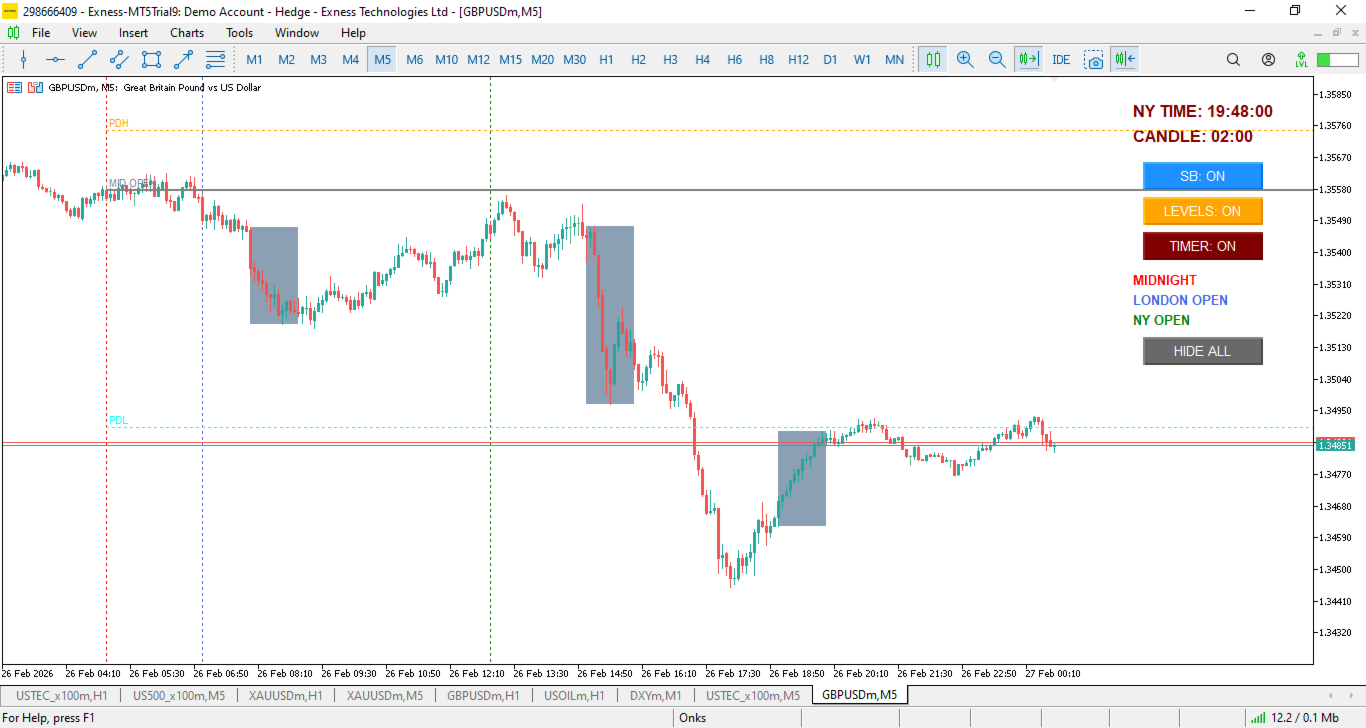
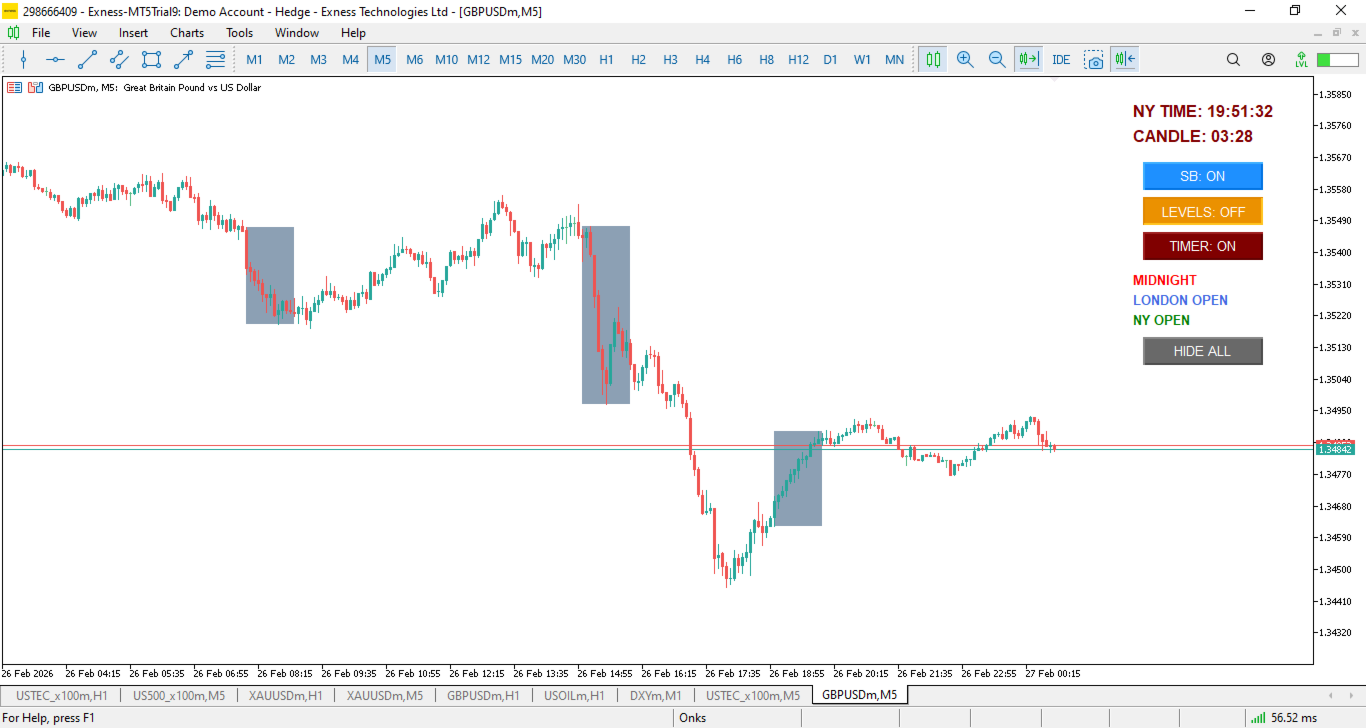
Automated Silver Bullet Highlighting: Automatically identifies and boxes the three primary Silver Bullet windows: London Open (03:00-04:00), AM Session (10:00-11:00), and PM Session (14:00-15:00).
-
Dynamic Range Detection: The Silver Bullet boxes are programmed to automatically enclose the full price range (including wicks) for the specified hour, regardless of the timeframe you are viewing.
-
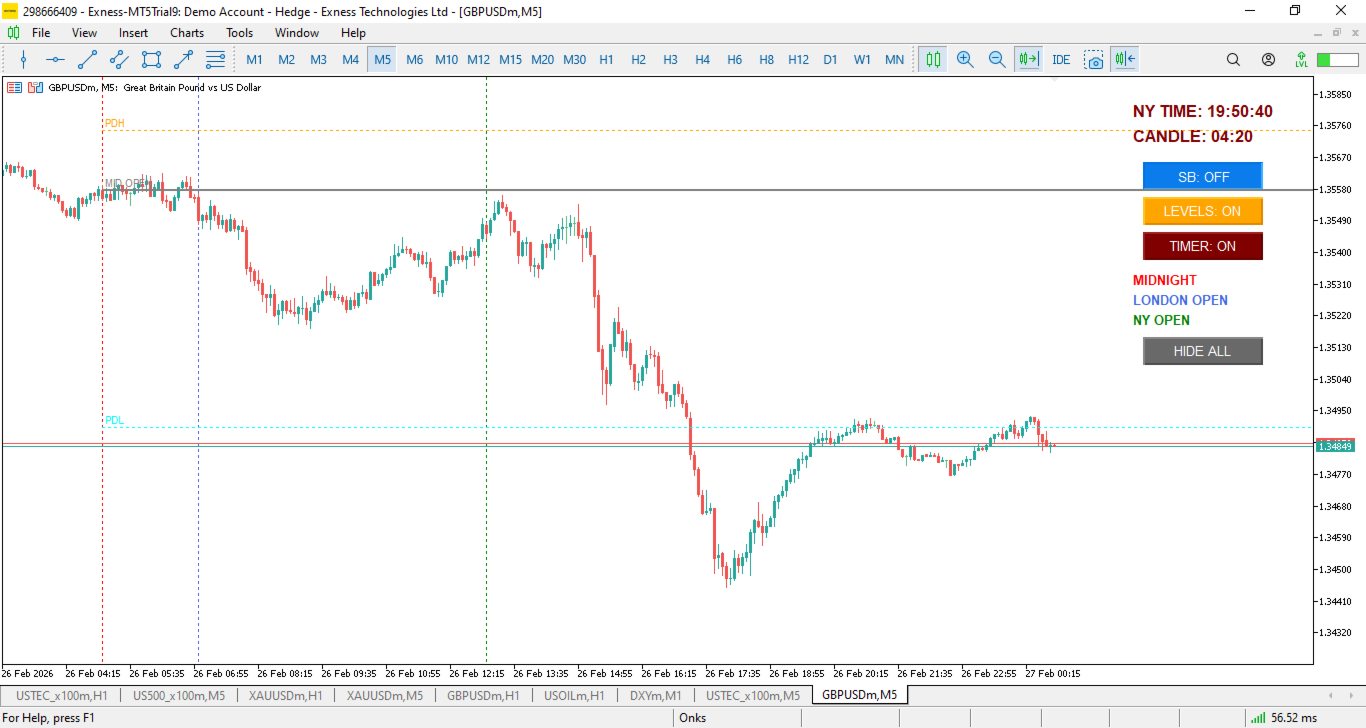
Institutional Price Levels: Automatically plots the Midnight Open (00:00 EST), Previous Day High (PDH), and Previous Day Low (PDL) to help determine daily bias and liquidity targets.
-
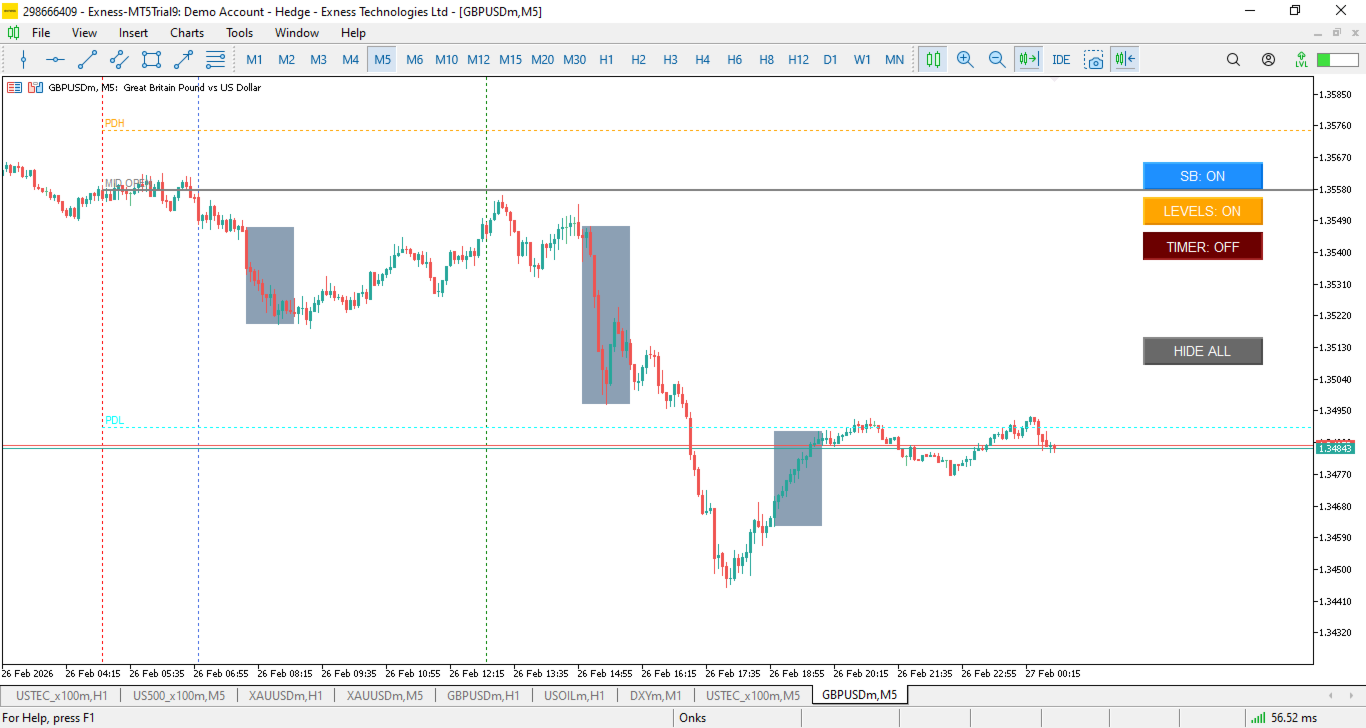
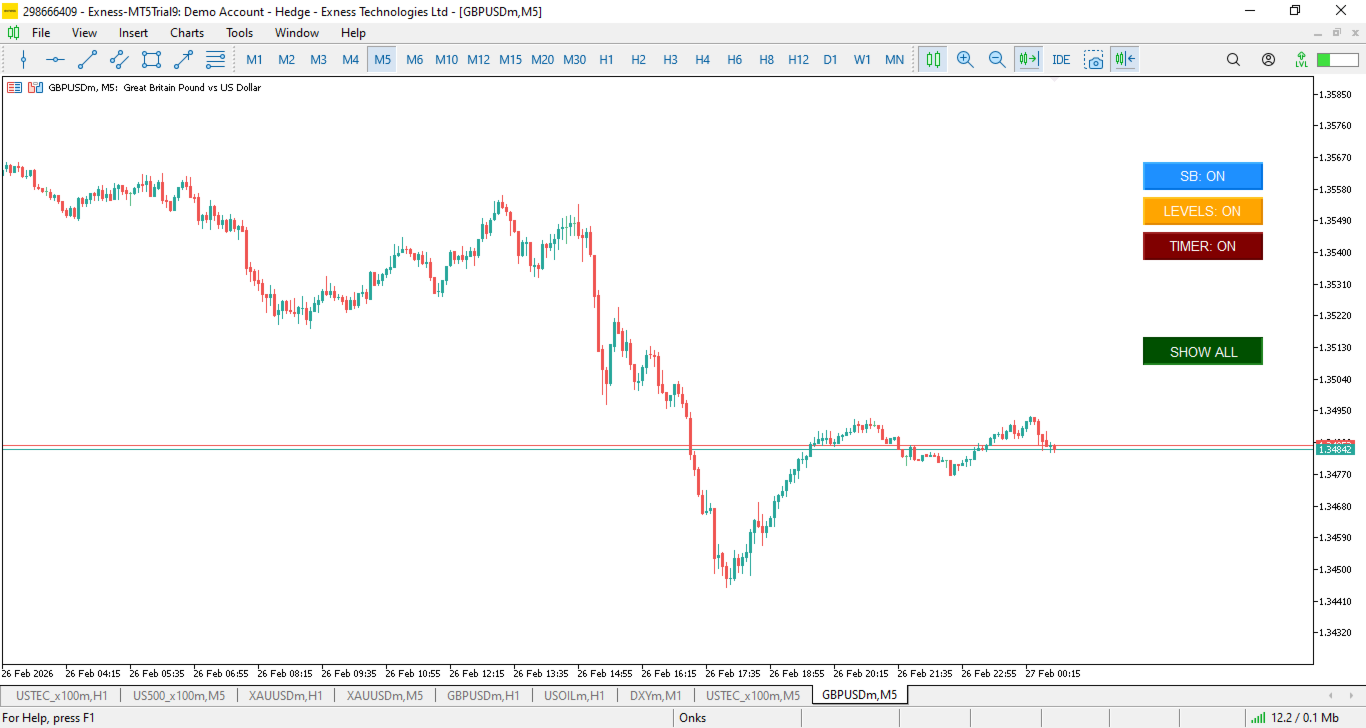
Interactive Command Panel: Toggle Silver Bullet boxes, Price Levels, and the Session Dashboard on or off instantly via on-chart buttons.
-
Master "Hide All" Toggle: A one-click solution to clear all indicator drawings from the chart for "naked" price analysis, with a "Show All" function to restore your workspace instantly.
-
Real-Time Session Timer: Includes a live New York (EST) clock and a candle countdown timer to keep you synchronized with algorithmic volatility windows.
Advantages for the Trader
-
Clean Workspace: Eliminates the need for manual drawing or dozens of messy labels.
-
Time-Sync Accuracy: Built-in EST time conversion ensures you are always trading the correct "Kill Zones."
-
Surgical Precision: Boxes and levels are calculated based on raw price data for maximum accuracy.
-
Efficiency: Designed for fast-paced scalping and day trading environments where clarity is essential.
List of Parameters
Below are the input parameters available to customize the indicator to your broker and style:
-
NY Time Offset: (int) The difference in hours between your broker's server and New York Time. (Standard is -5 or -4 depending on DST).
-
Show Silver Bullet: (bool) Enable or disable the automatic highlighting of SB windows.
-
Silver Bullet Color: (color) Choose the fill color for the SB boxes.
-
Midnight Open Color: (color) Customize the color of the 00:00 EST opening price line.
-
London/NY Open Color: (color) Customize the vertical session dividers.
-
PDH/PDL Color: (color) Set the colors for the Previous Day High and Low levels.
-
Clock X-Offset: (int) Adjust the horizontal position of the dashboard and timer on your screen.
-
Clock Color: (color) The color of the real-time New York clock and candle timer.
How to Set Your NY Time Offset
To ensure the Silver Bullet boxes and Midnight Open align perfectly with New York time, you must set the NY Time Offset based on your broker’s server time.
Step-by-step calculation:
-
Open your MT5 Terminal and look at the Market Watch window (Ctrl+M).
-
Note the current Broker Time.
-
Check the current New York Time (search "Time in New York" on Google).
-
The Formula: NY Offset = Broker Time - New York Time .
Example: If your Broker Time is 15:00 and New York Time is 10:00, your offset is +5. If New York is 5 hours ahead of your broker, your offset is -5.