
Smart Position Manager
- Utilities
- Version: 9.1
- Updated: 18 June 2026

Overview
Helios Smart Position Manager is a professional trade synchronization tool for MetaTrader 5. When you modify the stop loss or take profit on any position, the EA automatically detects the change and applies it to all other positions on the same symbol. This eliminates the need to manually update each position individually, saving time and preventing errors when managing multiple trades on the same instrument.
How It Works
The EA continuously monitors all open positions and maintains a snapshot of their current stop loss and take profit levels. When it detects that a position's SL or TP has changed, it identifies all other positions on the same symbol and applies the same modification automatically. The sync processes one change at a time with built-in cooldown periods to prevent conflicts, and skips positions it has just modified to avoid sync loops.
Both stop loss and take profit changes are detected independently. If you update only the stop loss, only the stop loss syncs across positions. If you update both, both values sync. Price levels are normalized to the correct digit precision for each symbol before modification.
Operating Modes
Auto-sync mode monitors all positions continuously and applies changes immediately without any confirmation dialogs. This is the recommended mode for active trading where speed matters. Auto-sync can be toggled on or off directly from the dashboard with a single click, switching to manual monitoring mode when you want full control without automatic modifications.
Dashboard
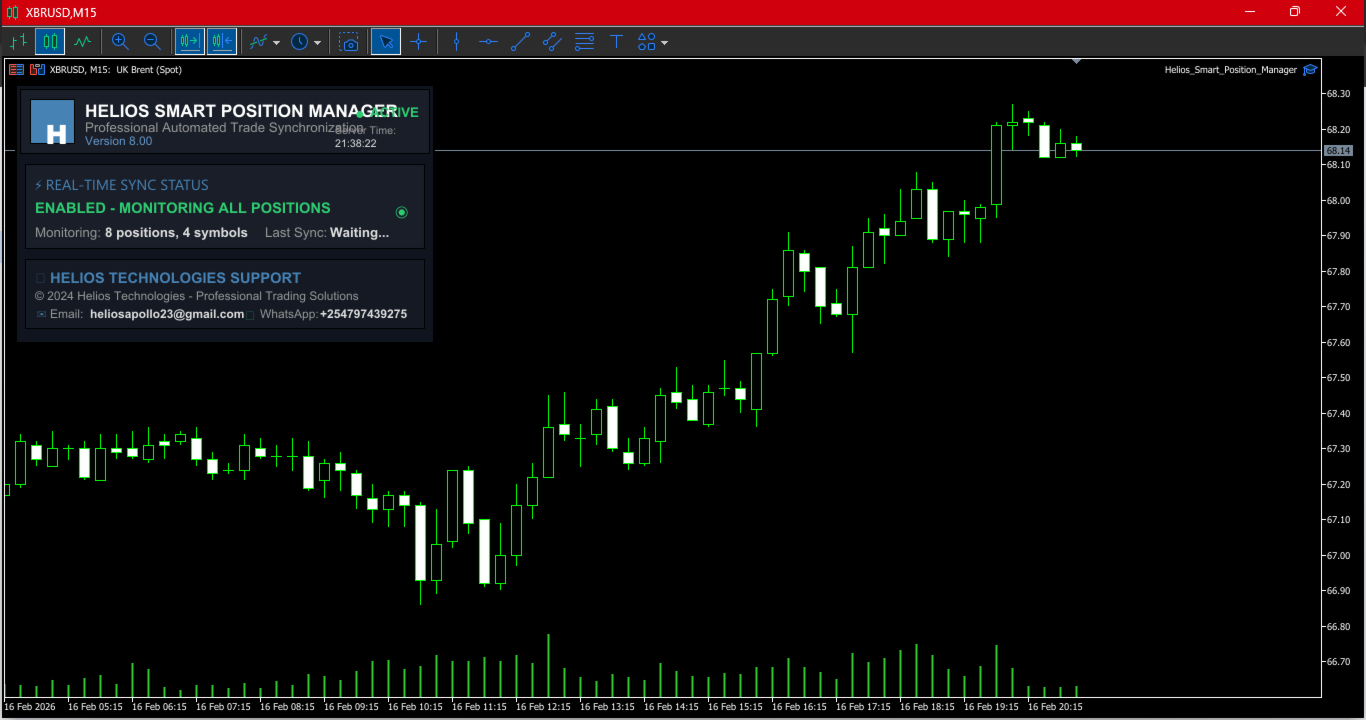
A compact on-chart panel displays real-time sync status, the number of active positions and monitored symbols, time since last synchronization, and current server time. A live status indicator shows whether auto-sync is active or disabled. The dashboard updates at a configurable interval and provides alert notifications when synchronizations complete, reporting how many positions were modified and whether all modifications succeeded.
Configuration
Dashboard position on the chart is adjustable through X and Y coordinates. Auto-sync can be enabled or disabled at startup. The refresh interval controls how frequently the EA checks for changes, with a default of two seconds. Default stop loss and take profit values can be set for reference. Alert messages can be toggled on or off to control notification behavior.
Requirements
Platform: MetaTrader 5. Works on any symbol and any timeframe. Compatible with all account types and brokers. Attach to any chart to monitor all positions across your entire account. No external dependencies or special permissions required beyond standard EA functionality.
Important Notice
This is a position management utility, not a trading system. It does not generate signals or open trades. It modifies existing positions by synchronizing stop loss and take profit levels across same-symbol trades. Ensure your positions are correctly configured before enabling auto-sync. Test on a demo account to verify behavior with your broker before live use.

































very helpfull, thanks