Ratio X Stochastic Scalper
- Uzmanlar
-
Mauricio Vellasquez
 Algoritmik Ticaretin geleceğini inşa ediyoruz.
Bir Veri Bilimci olarak, Makine Öğrenimi ile desteklenen Yüksek Performanslı Ticaret Çözümleri oluşturma konusunda uzmanım. Ratio X sadece bir araç değildir; ticaret yapmanızı profesyonelleştirmek için tasarlanmış eksiksiz bir ekosistemdir. - Sürüm: 1.20
- Etkinleştirmeler: 5
Ratio X Stochastic Scalper — Advanced Stochastic Reversion EA for MT5
Learn More about Ratio X Systems:
Source code and compiled EA: Reasons why the .mq5 file changes everything.
Integrated MQL5 message filters: How to protect professional operating systems without DLLs?How can you build your own expert advisor (EA) brand using white-label trading software?
MQL5 programming methods with ChatGPT and Claude Code (no development knowledge required)
You will have unlimited access to all source code (.mq5) of Ratio X advisors and indicators, as well as trademark rights.
You can buy all my EAs and Indicators for one single payment for lifetime unlimited license: Check More Here
What it is
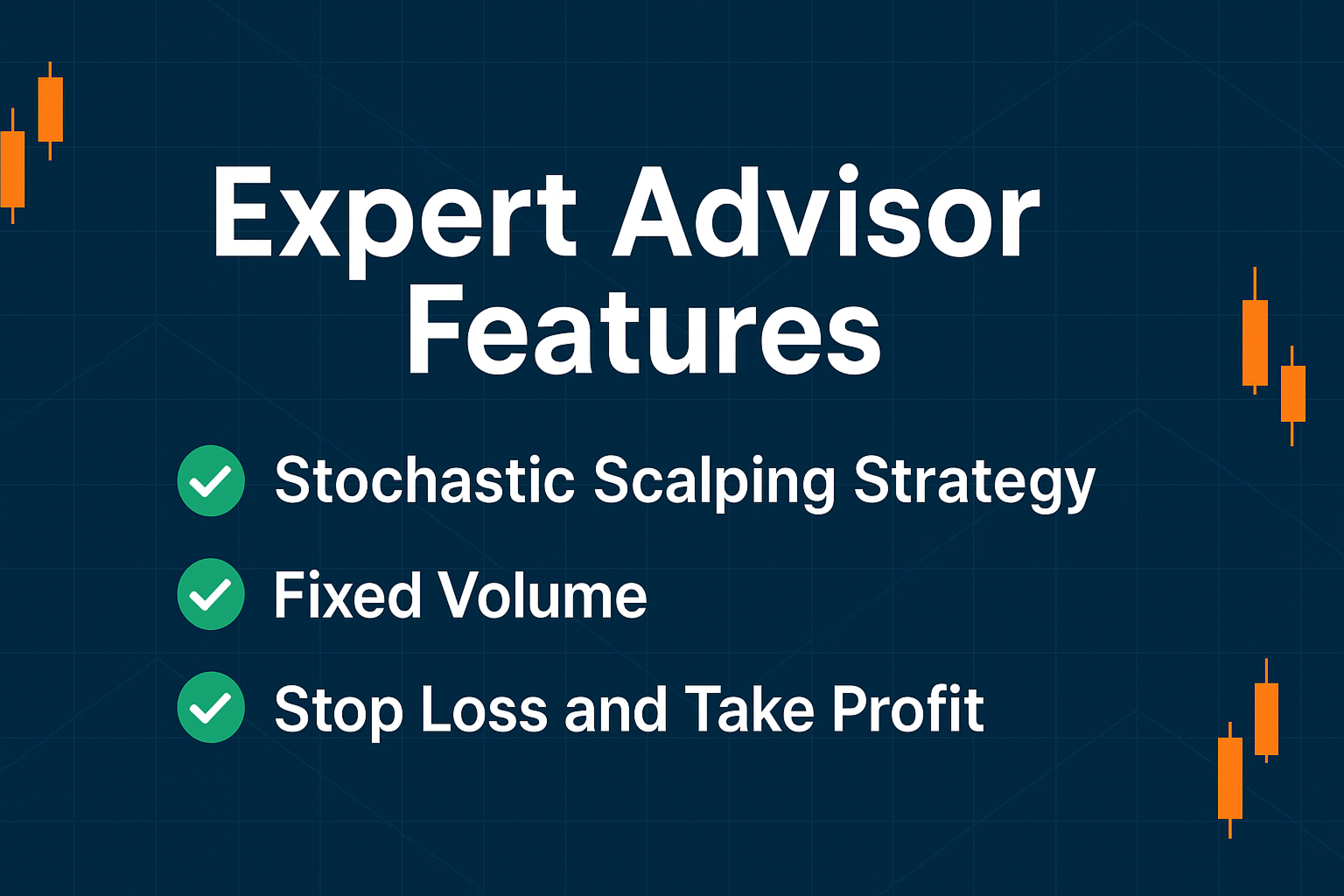
Ratio X Stochastic Scalper is a disciplined scalping Expert Advisor for MetaTrader 5 which enters on Stochastic overbought/oversold reversals, optionally filtered by trend and volatility. It includes robust risk controls (fixed SL/TP, risk-based position sizing, trailing stop, break-even, daily loss and drawdown limits) and clean, MQL5-native notifications.
Who it is for
- Traders who want a rule-based scalper with transparent logic
- Users who prefer configurable risk and capital protection features
- Those backtesting and forward-testing on liquid symbols and tight spreads
How it trades (strategy overview)
- Signal: Buys when Stochastic crosses up from oversold; sells when it crosses down from overbought.
- Confirmation: Optional requirement that the Main line crosses the Signal line.
- Trend filter (optional): Price must be above/below a user-defined MA to align with bias.
- Dynamic levels (optional): Overbought/oversold thresholds adapt using recent Stochastic percentiles.
- Volatility filter (optional): Trades only when ATR is within a specified range.
- Time filter (optional): Restricts trading to user-selected session hours.
Key features
- Clean, minimal UI with MQL5 standard alerts, email, and push notifications
- Close opposite positions on new signal (optional)
- Max simultaneous positions limit
- Risk-based lot sizing by percentage (or fixed lot)
- Trailing Stop and Break-Even engines with start/step/offset controls
- Daily loss and drawdown guards to pause new entries
- Spread, ATR, and Session filters for better execution conditions
Inputs overview (grouped)
Stochastic Parameters
- K Period, D Period, Slowing, MA Method, Price Field
- Use Main Line confirmation (on/off)
Trend Filter
- Enable/Disable; MA Period; MA Method
Dynamic Levels
- Enable/Disable; Static Upper/Lower; Dynamic lookback for percentile levels
Trading Settings
- Working Timeframe; Max Positions; Close Opposite on Signal
Risk Management
- Fixed Lot or Risk % with SL-based sizing
- Stop Loss / Take Profit (points)
- Trailing Stop (start & step), Break-Even (start & profit)
Filters
- Max Spread; Max Daily Loss % ; Max Drawdown %
- ATR Filter (period, min, max)
Time & Notifications
- Trading Session (start/end HH:MM)
- Show Alerts / Send Email / Send Push
- Magic Number
Setup (quick start)
- Attach the EA to the chart and set the working timeframe you intend to trade/test.
- Choose SL/TP and either a fixed lot or a Risk % (Risk % requires SL > 0).
- Optionally enable: Trend MA, Dynamic Levels, ATR filter, Session hours.
- Set Max Spread suitable for your broker/symbol and Max Positions ≥ 1.
- Enable notifications as needed (alerts/email/push via terminal settings).
Testing & optimization tips
- Use broker-specific tick data and realistic commissions/slippage.
- Verify spread and session filters match the symbol’s trading hours.
- When optimizing, group parameters into blocks (signal → filters → risk).
- Forward-test on a demo before going live; validate stability across months with different regimes.
Best practices
- Prefer liquid majors and metals during active sessions; avoid illiquid hours if using the time filter.
- Keep Max Daily Loss and Max Drawdown guards enabled to protect equity.
- Align ATR range with the symbol’s normal volatility to avoid extreme conditions.
Support & communication
Product support is provided exclusively via the Comments section and built-in MQL5 messaging (chats/channels). Please post questions or feedback there. Do not use third-party messengers.
Change log (summary)
- v1.20: Dynamic Stochastic levels; ATR filter; session filter; improved risk-based sizing; trailing & break-even refinements; daily loss & drawdown guards; notifications.
Disclaimers
- Past performance in tests does not guarantee future results.
- Use risk controls and trade only with capital you can afford to risk.
- Broker conditions (spreads, commissions, execution) materially affect outcomes.