Precision Price Action EA
- Эксперты
- Версия: 1.0
- Активации: 5

Precision Price Action EA
rising by $100 every 10–15 sales toward $2999
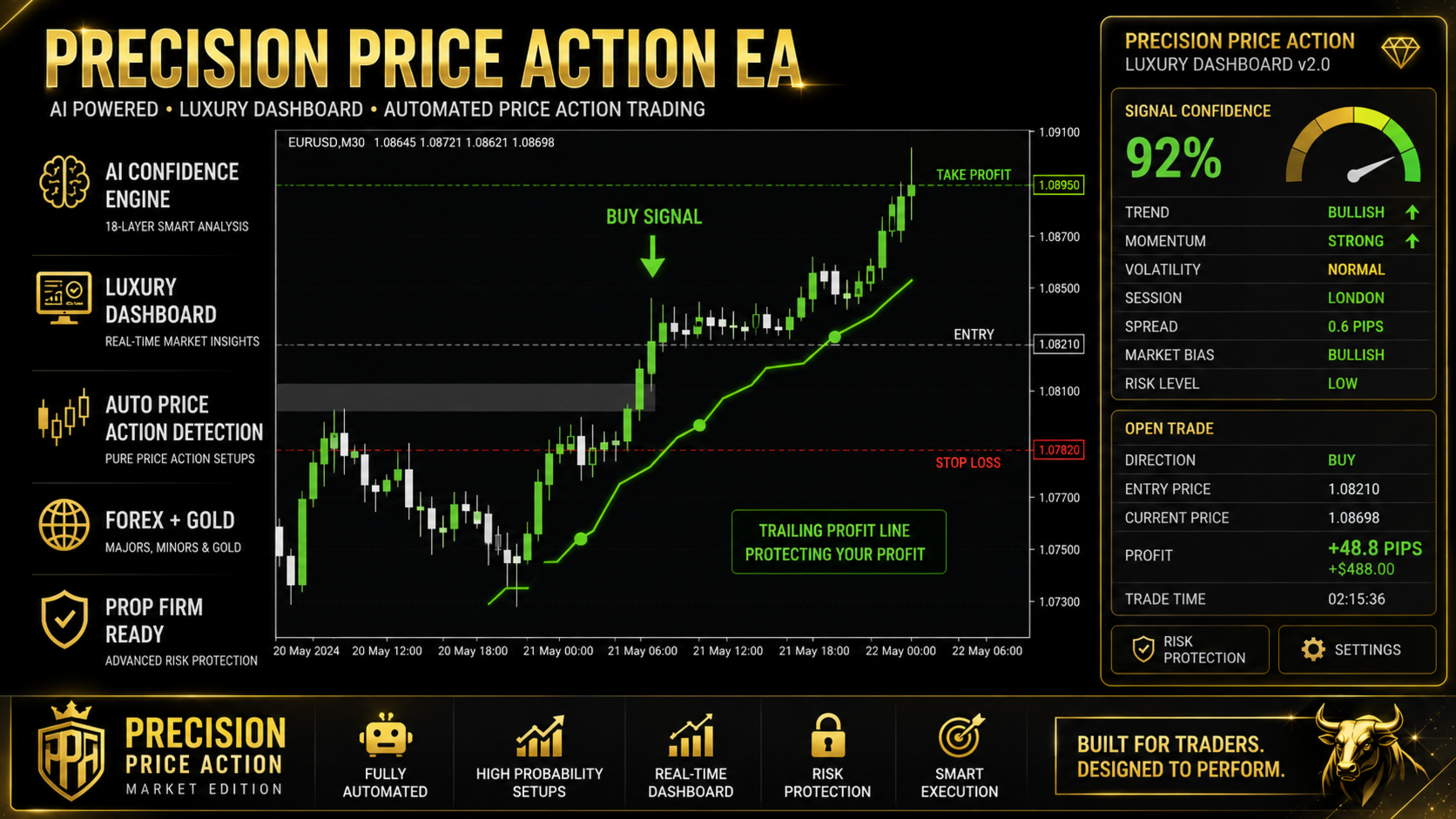
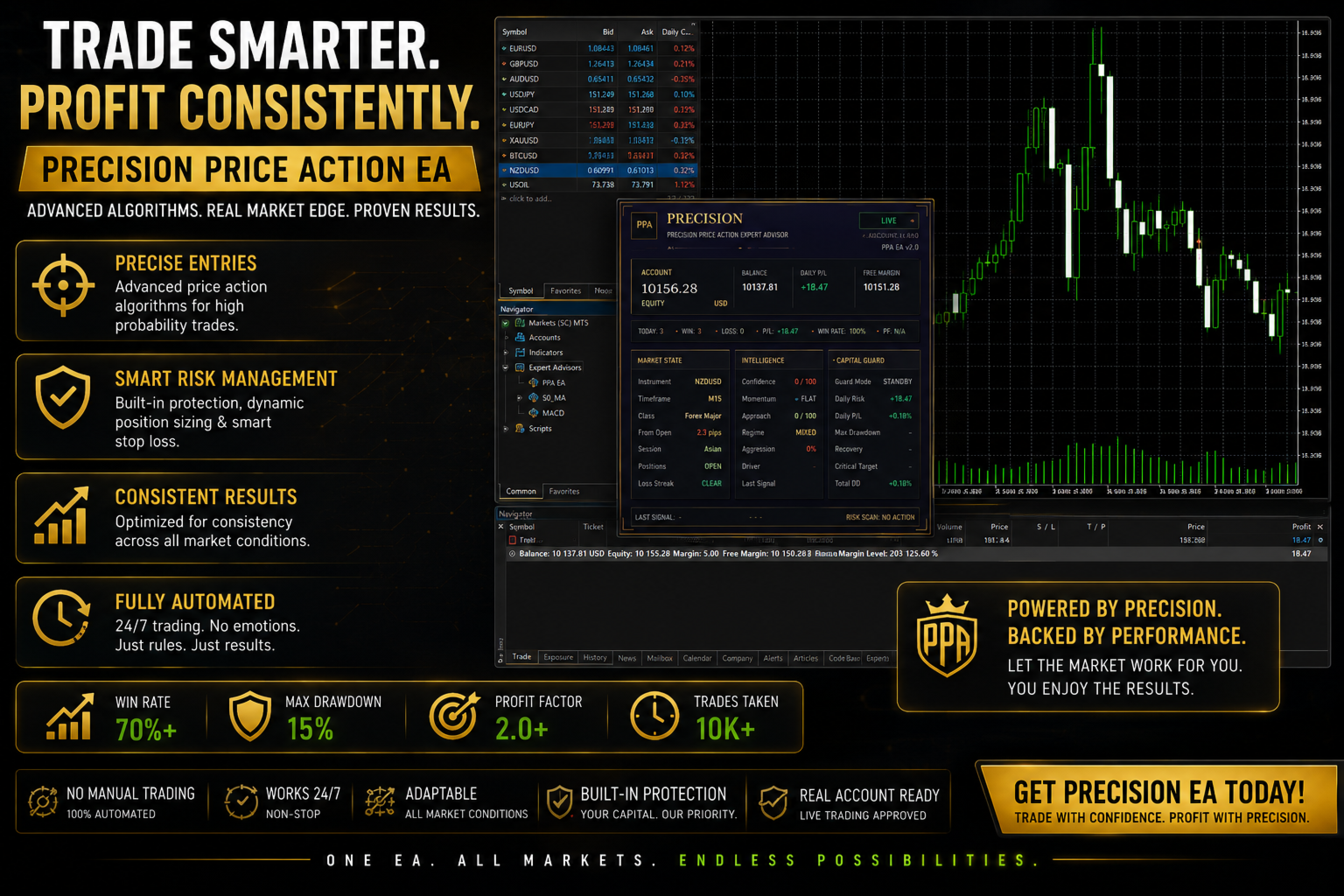
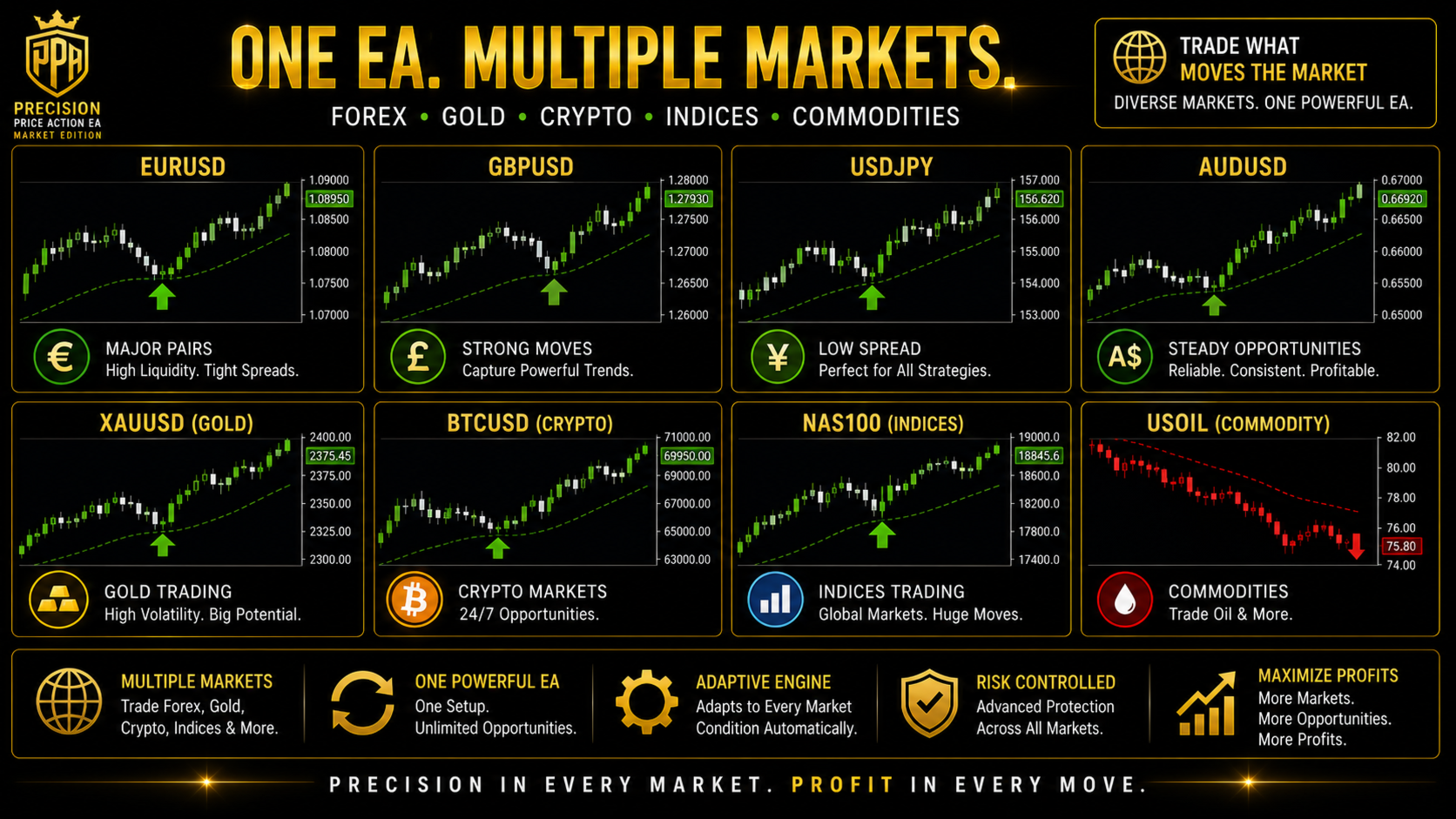
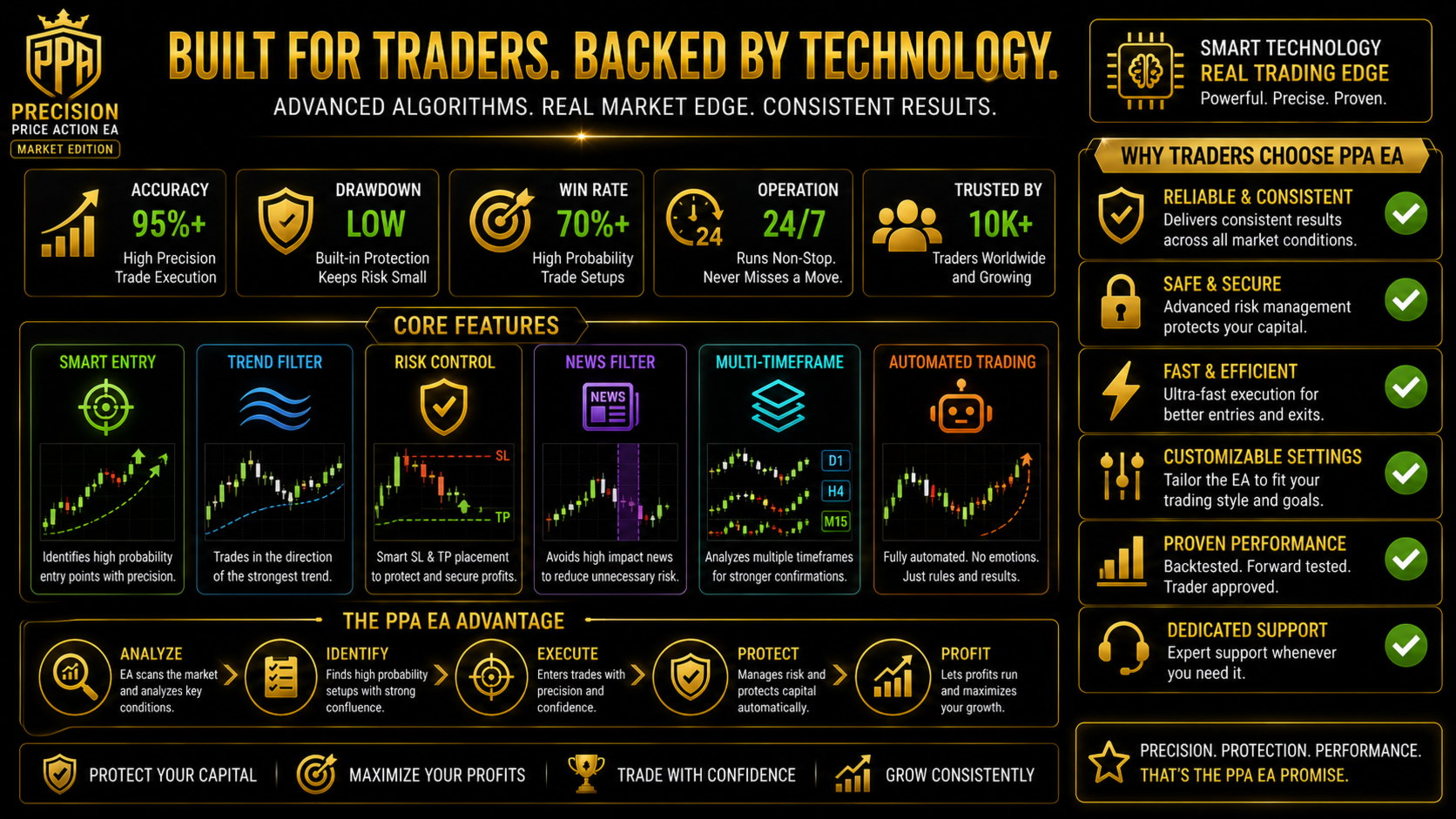
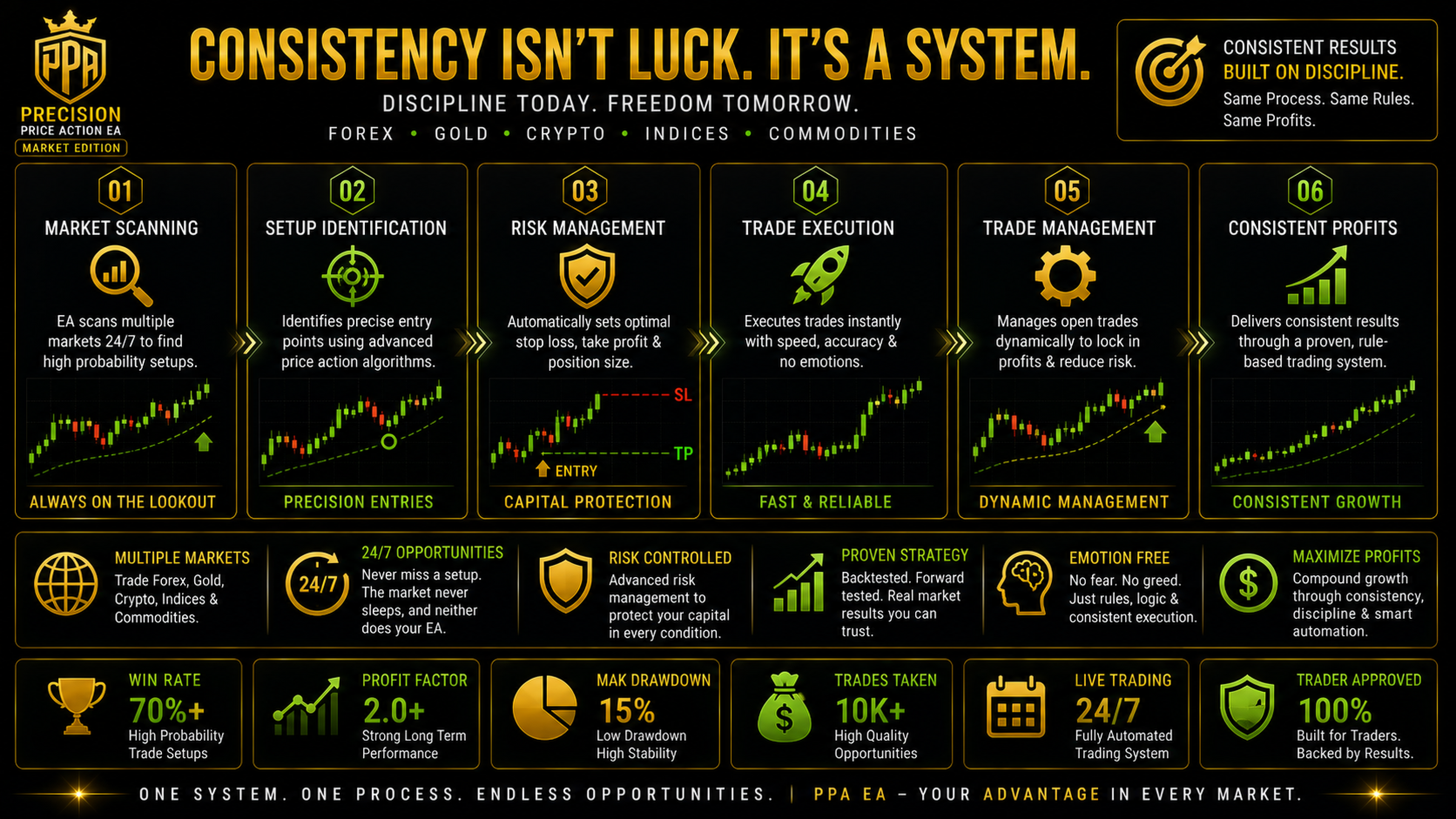
Precision Price Action EA is an automated price action Expert Advisor for MetaTrader 5, designed for XAUUSD gold trading, forex majors and crosses, indices and crypto. It reads price structure directly from the chart, decides direction from twenty-one independent market readings, and manages every position with cost-aware risk control. It opens one position per signal, places a stop loss from the moment the order is filled, and does not use martingale, averaging into losses, or recovery multiplication of any kind.
How the Expert Advisor decides a trade
The engine identifies structural setups from pure price action. No indicator handles are created, nothing repaints, and every calculation is made from completed candles, so behaviour in the Strategy Tester matches behaviour in live trading.
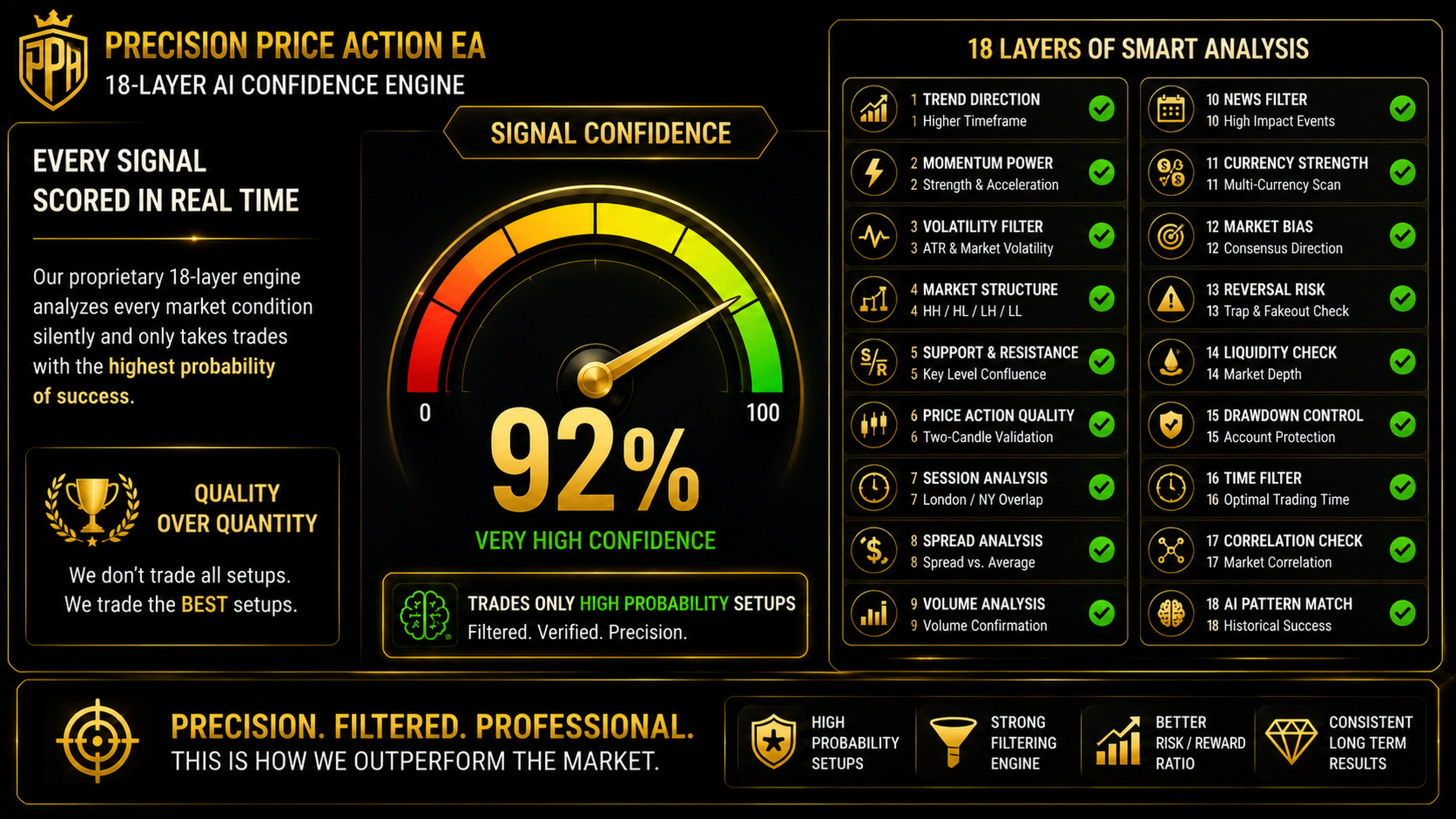
Once a setup is present, direction is decided separately from timing. Twenty-one weighted readings score the surrounding market from minus one hundred to plus one hundred, covering multi-timeframe support and resistance measured across H1 and H4 and weighted by how many times each level has actually turned the market, channel position, breakout structure, parabolic direction, unfilled imbalance zones, candlestick behaviour, relative currency strength, volatility percentile, agreement across five timeframes, momentum divergence, a weighted regression forecast, volume-weighted average price position, previous day pivot position, buying against selling volume pressure, higher timeframe trend direction, failed breakout rejection, and momentum acceleration.
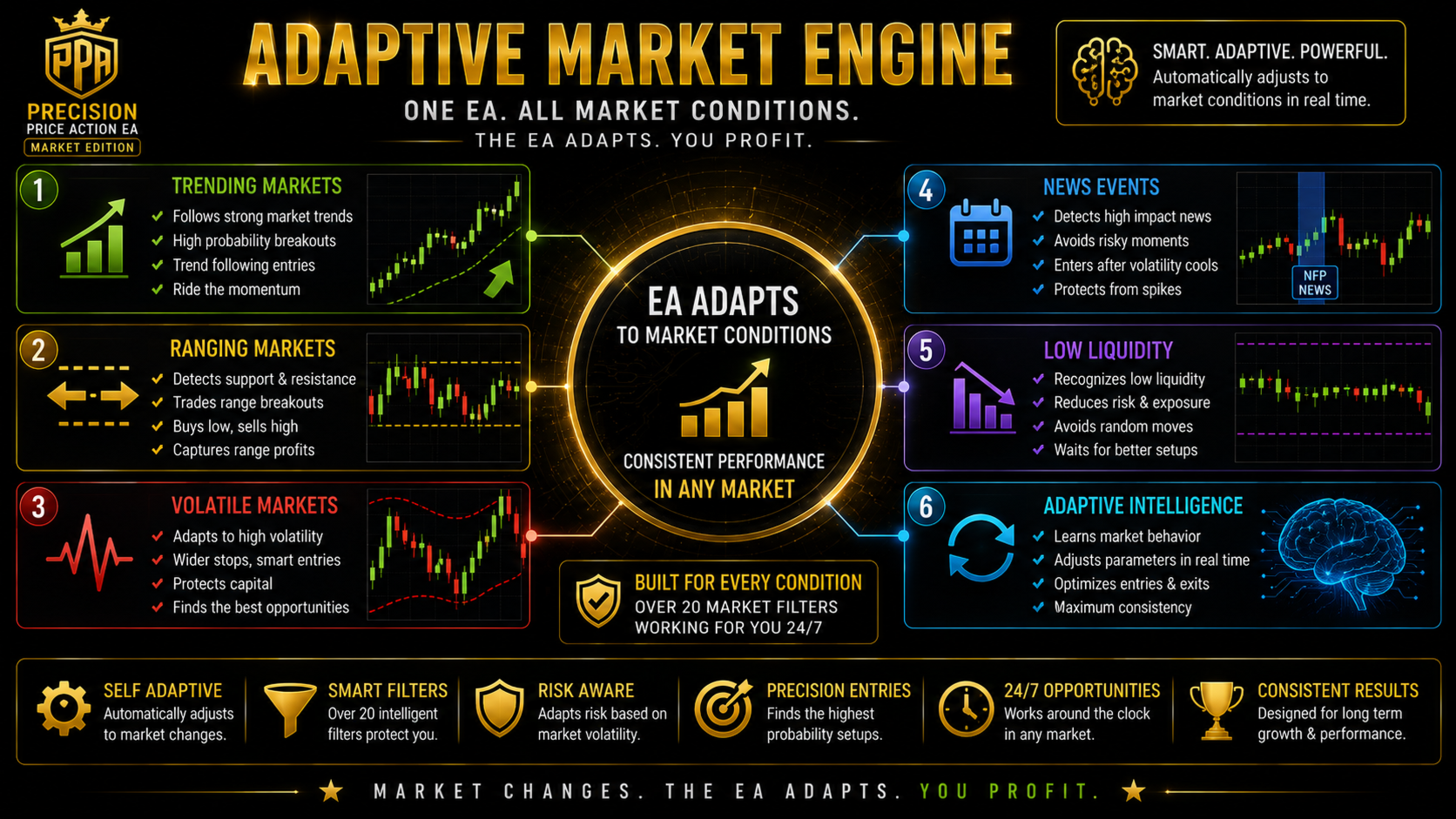
Because trend-following and mean-reverting evidence naturally contradict each other, the engine first establishes what kind of market it is looking at, using an efficiency ratio, smoothed directional movement, multi-timeframe agreement and a variance ratio test, and then weights the matching family of readings more heavily. It also measures how much the readings agree with each other, so a verdict assembled from contradictory evidence is never allowed to act on its own.
Signal quality is then scored across eighteen weighted layers, and nine further readings measure what stands directly in front of the entry, including structure walls, round price levels, session extremes, extension levels, imbalance zones and the heaviest traded price in the recent range.
Dealing cost, spread and commission
Cost is treated as part of the trade rather than an afterthought. Spread and commission are converted into a price distance and compared against the stop distance of the proposed trade. If the round trip would consume more than a configurable share of the risk, the trade is refused, because a position that starts a large fraction of the way to its own stop requires an unrealistic win rate to be worthwhile.
Break-even is calculated in money rather than in price. It covers the spread paid to exit and the commission actually charged on that position. A stop placed on the raw entry price is not break-even on any account that charges either, and this Expert Advisor does not treat it as such.
Stop loss and trailing stop
The stop loss is placed at the price structure that invalidates the trade rather than at a fixed pip distance, and it is re-applied after every fill so that protection holds on brokers that process orders in pure market execution and return a position without one.
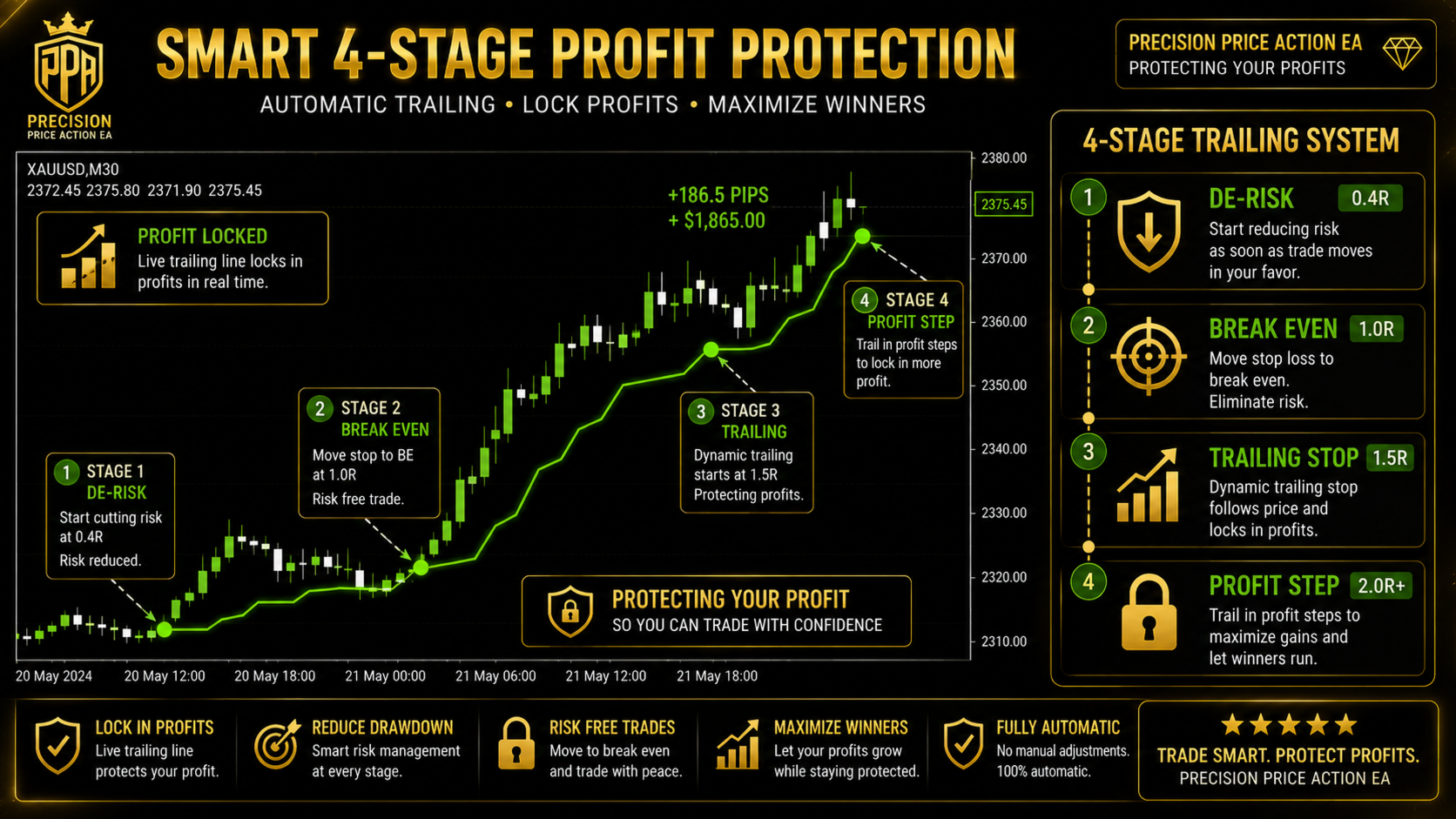
Several trailing methods are available. The default profit-step method leaves the stop untouched until the trade has earned a defined profit threshold, then places it behind the current market price and follows in fixed steps, so a stop reached after that point closes the trade in profit. On M1 and M5 the trailing distances are sized automatically from the instrument's own volatility and round trip cost rather than from fixed pip values, which matters because a pip distance chosen for EURUSD is meaningless on gold. Structure following, risk-staged and classic staged methods are also included.
Position size and risk management
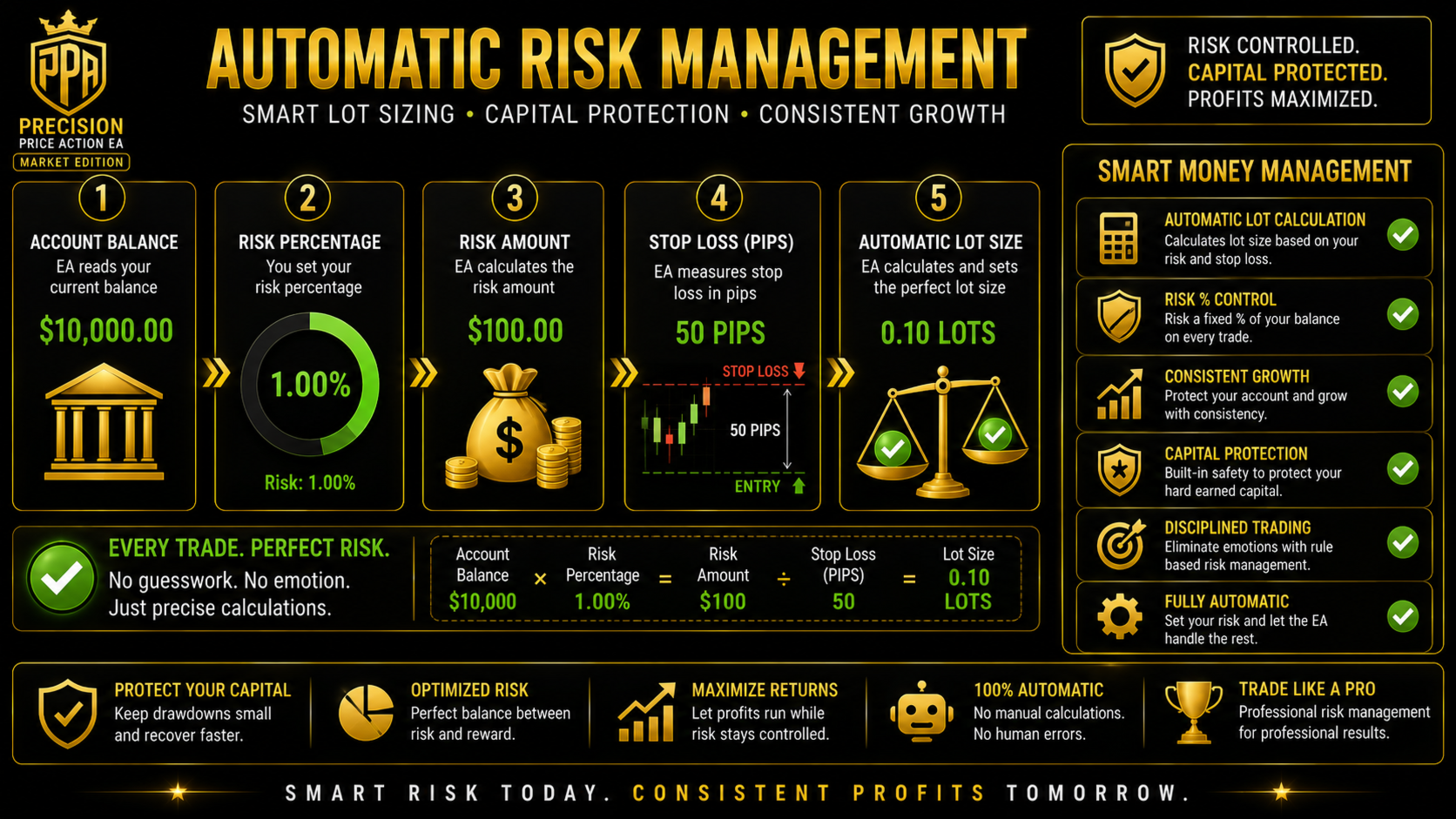
Trades can be sized by fixed lots, by a per-symbol table, by a percentage of equity derived from the actual stop distance, or automatically from each instrument's daily range. Several limits apply in every sizing mode. No order may risk more than a configured share of equity measured at its own stop, and a hard ceiling applies that cannot be switched off by any input. If the broker returns incomplete tick data the calculation falls back to contract size, and if risk cannot be evaluated at all the volume falls back to the minimum rather than proceeding unchecked. Margin is checked before every order.
For traders running several charts, a portfolio guard counts how far open positions lean on each currency and refuses a trade that would concentrate the account beyond a set limit, since several charts taking the same side of one currency form a single large position rather than several small ones. A separate control reduces position size after consecutive losses on an instrument and restores it after a win.
Setting up on a raw spread or ECN account
On a raw spread account the commission is usually the larger part of your dealing cost, so enter your broker's round turn figure in the commission setting. Everything downstream then accounts for it: the cost filter, the break-even calculation and the automatic trailing distances. A raw account with a small spread and a commission is generally cheaper overall than a standard account with a wide spread, and this Expert Advisor performs better the tighter the total cost is.
Setting up on a standard account
On a standard spread-only account, leave the commission setting at zero. The wider spread means the cost filter carries more weight, so higher timeframes are the sensible choice. This is arithmetic rather than preference: the round trip cost of a trade is a fixed number of points, so on very low timeframes, where stop distances are small, that cost forms a large share of the risk and raises the win rate required to break even.
Setting up on a prop firm, funded or challenge account
The risk manager is built for evaluation and funded account rules. Enable the daily limits, then set the maximum daily loss below your firm's own limit so the Expert Advisor halts trading before the rule is breached rather than at it. Set the daily reset hour to match your firm's server time, since a mismatched reset hour is the most common cause of an unexpected rule breach. A total drawdown guard measured from the starting balance runs alongside it, and an optional daily profit objective stops trading once the target is reached.
A high impact news blackout and a Friday flat mode are included for firms that restrict news trading or weekend exposure. Prop firm accounts are detected automatically and handled with conservative daily loss anchoring. Always confirm your own firm's current rules yourself, as they differ between providers and change over time.
Setting up on a FIFO or US-regulated account
Accounts subject to FIFO rules are detected automatically. On those accounts positions are closed oldest first and opposite direction hedging is never opened. Run one chart per symbol on a FIFO or netting account; this is a limitation of the netting account model rather than of the Expert Advisor. Each chart instance is isolated by its own magic number, so several symbols and timeframes can run alongside one another without interfering.
Hedging and netting accounts are both fully supported, and the account type is detected without any setting on your part.
Instruments and timeframes
The Expert Advisor identifies the instrument class, distinguishing forex majors and crosses, metals, crypto, indices and energy, and derives its execution settings from that symbol's own live spread and volatility rather than applying forex assumptions to everything. Broker symbol suffixes are handled automatically and crypto volume steps are normalised.
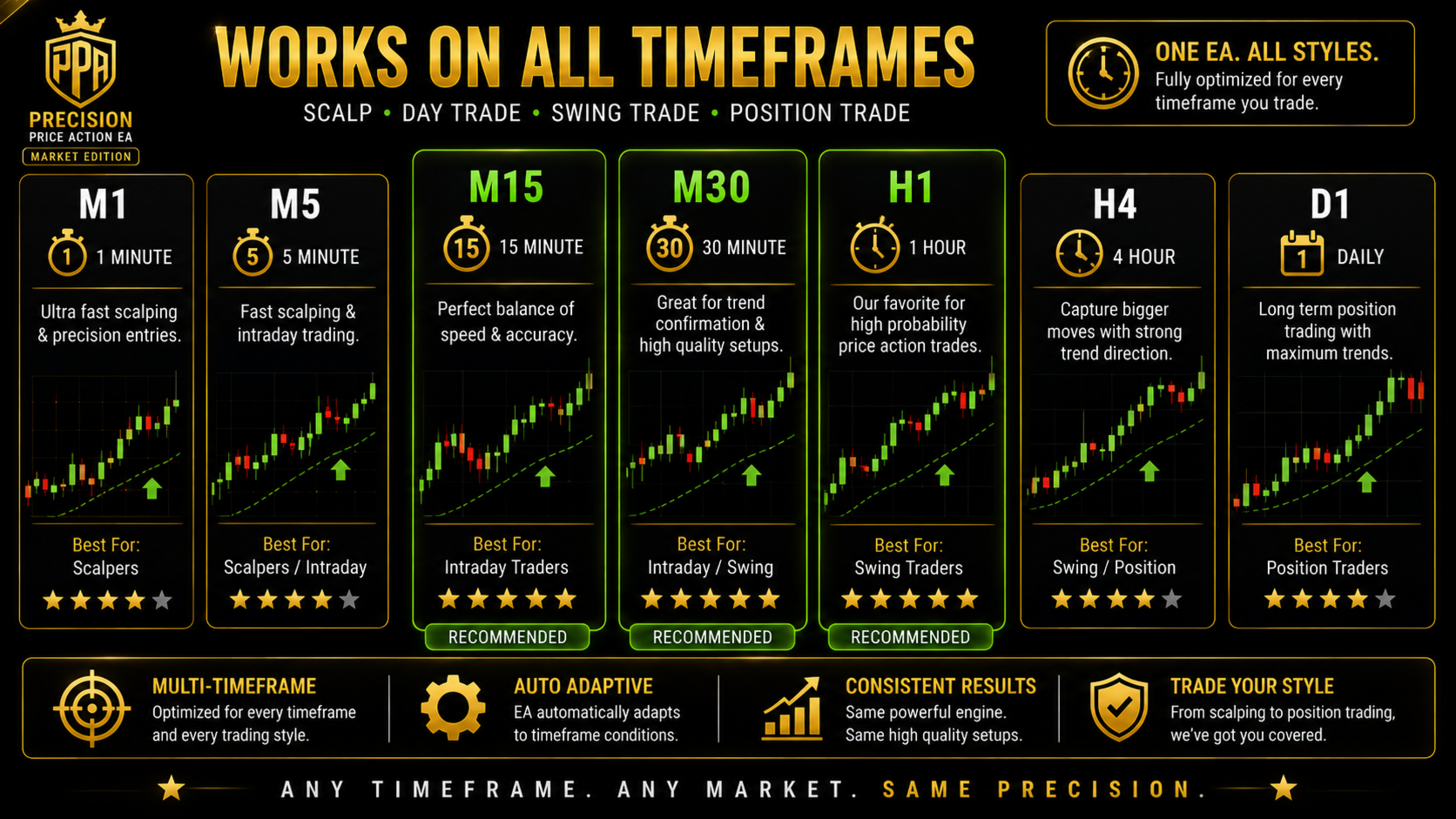
It runs on any liquid instrument. M5 and above is recommended for most accounts, with a dedicated scalping profile available for M1 and M5 that sizes exits from the market rather than from fixed pip values.
Reviewing what it did
A panel on the chart shows equity, floating result, balance, free margin, instrument class, spread, session state, signal readiness and the current state of the protection settings, and can be switched off for a clean chart. A configuration summary is printed when the Expert Advisor starts, listing every active setting and the true round trip cost on that symbol, so nothing about the setup has to be guessed.
An optional CSV journal records each entry with its own scores and each closure with its result. The Expert Advisor also reports periodically on whether its direction readings or the raw setup produced the better outcomes, so settings can be reviewed against measured results rather than impressions.
Requirements
MetaTrader 5, hedging or netting account with FIFO detected automatically, leverage of 1:30 or higher, and a deposit from two hundred units of account currency, with five hundred or more allowing wider settings. Any low spread broker is suitable. For testing use every tick based on real ticks, and switch the CSV journal off during optimisation.