Eudora Trade Pad
- Utilities
-
Gabriele Volpato
 Eudora Lab is the home of the Eudora Expert Advisors.
One Expert Advisor per instrument, validated on real ticks, with the exact backtest recipe published so you can reproduce the numbers before you buy.
Every message gets a personal answer. - Version: 1.0
Every manual order one click away, on one animated panel.
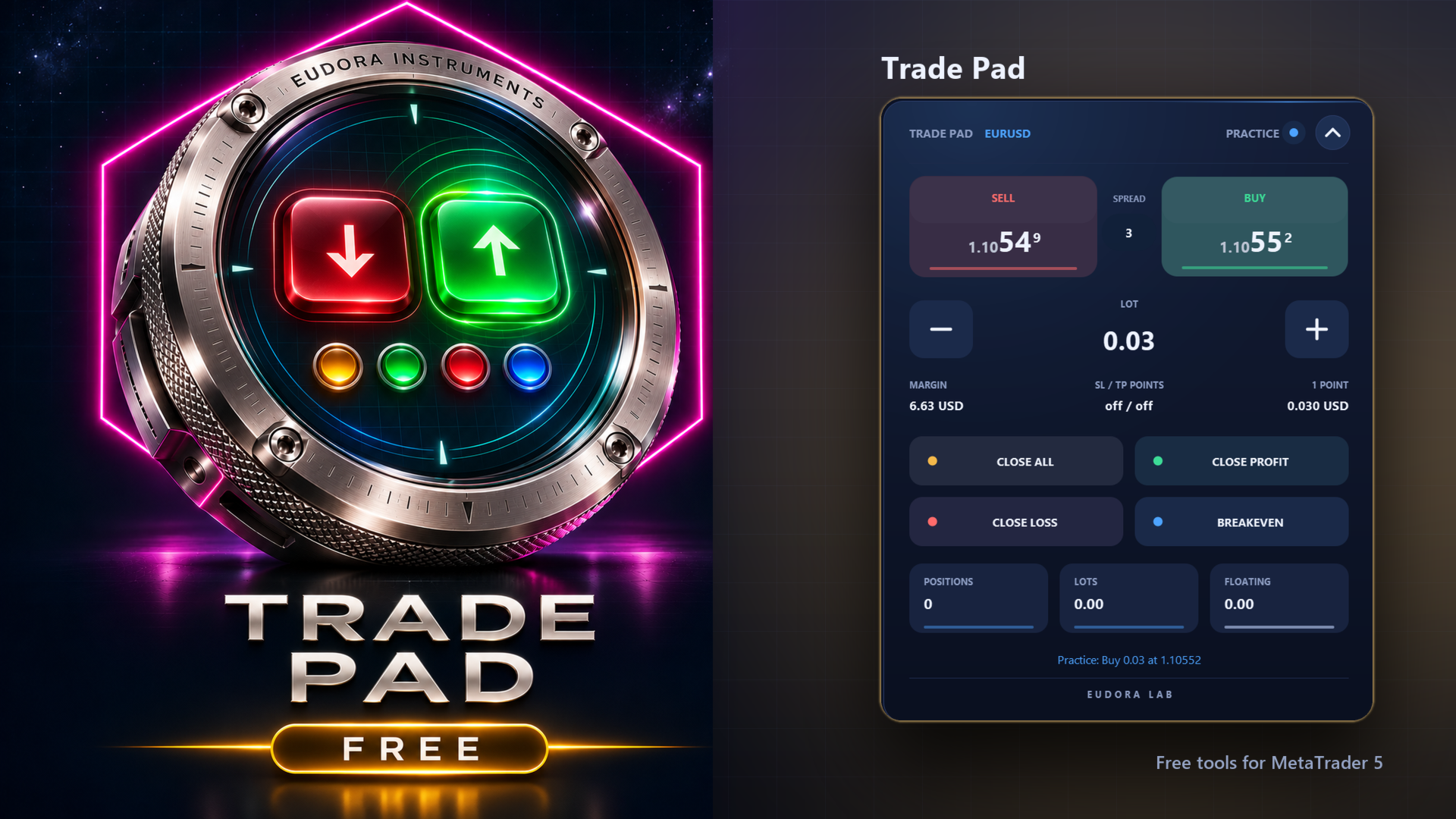
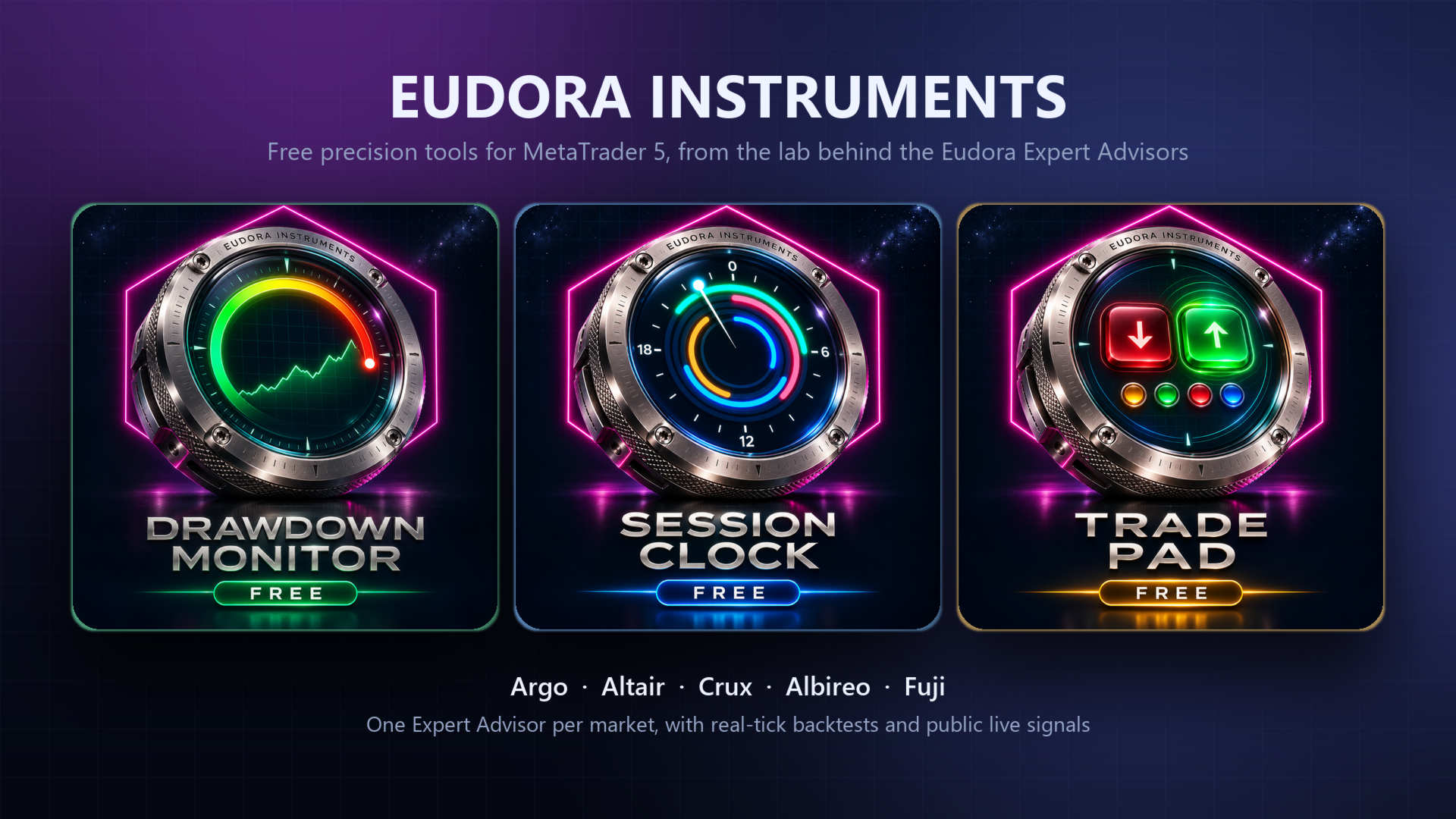
Trade Pad puts buy, sell, the lot and four ways to manage open positions on a single panel. Every button answers the mouse with light and movement, and every action is confirmed in plain words. Free, and part of the Eudora Instruments series.
The buttons
- BUY / SELL: a market order at the lot shown, with the live ask and bid on the buttons and the spread between them.
- Lot: minus and plus move the lot by one step of the symbol. Under it, the margin required and the value of one point.
- CLOSE ALL: closes the positions the pad manages, after a second click on CONFIRM.
- CLOSE PROFIT: closes only the positions in profit.
- CLOSE LOSS: closes only the positions at a loss, with the same second click.
- BREAKEVEN: moves the stop loss to the open price on the positions in profit.
Built to be safe
- An order is sent only by a real click on the visible panel. A double click places one order.
- By default the pad manages manual trades and the trades it opened; the positions of other Expert Advisors on the symbol are left to them.
- Stops closer than the broker allows are refused with a message that names the minimum.
- The header shows DEMO or REAL, and the buttons take a disabled look when trading is switched off.
- Practice mode: every button moves and answers, and the status line says what would have been sent.
Inputs
- Position, size and accent color of the panel.
- Starting lot, stop loss and take profit in points, maximum slippage, magic number.
- Positions the pad manages: manual and its own, only its own, or every position on the symbol.
- Practice mode.
- Control from other programs, off by default.
Attach it to a chart and allow algorithmic trading. A button folds the panel into a slim bar and it can be dragged anywhere on the chart. Works on hedging and netting accounts.