Eudora Trade Pad
- Yardımcı programlar
- Sürüm: 1.0

Every manual order one click away, on one animated panel.
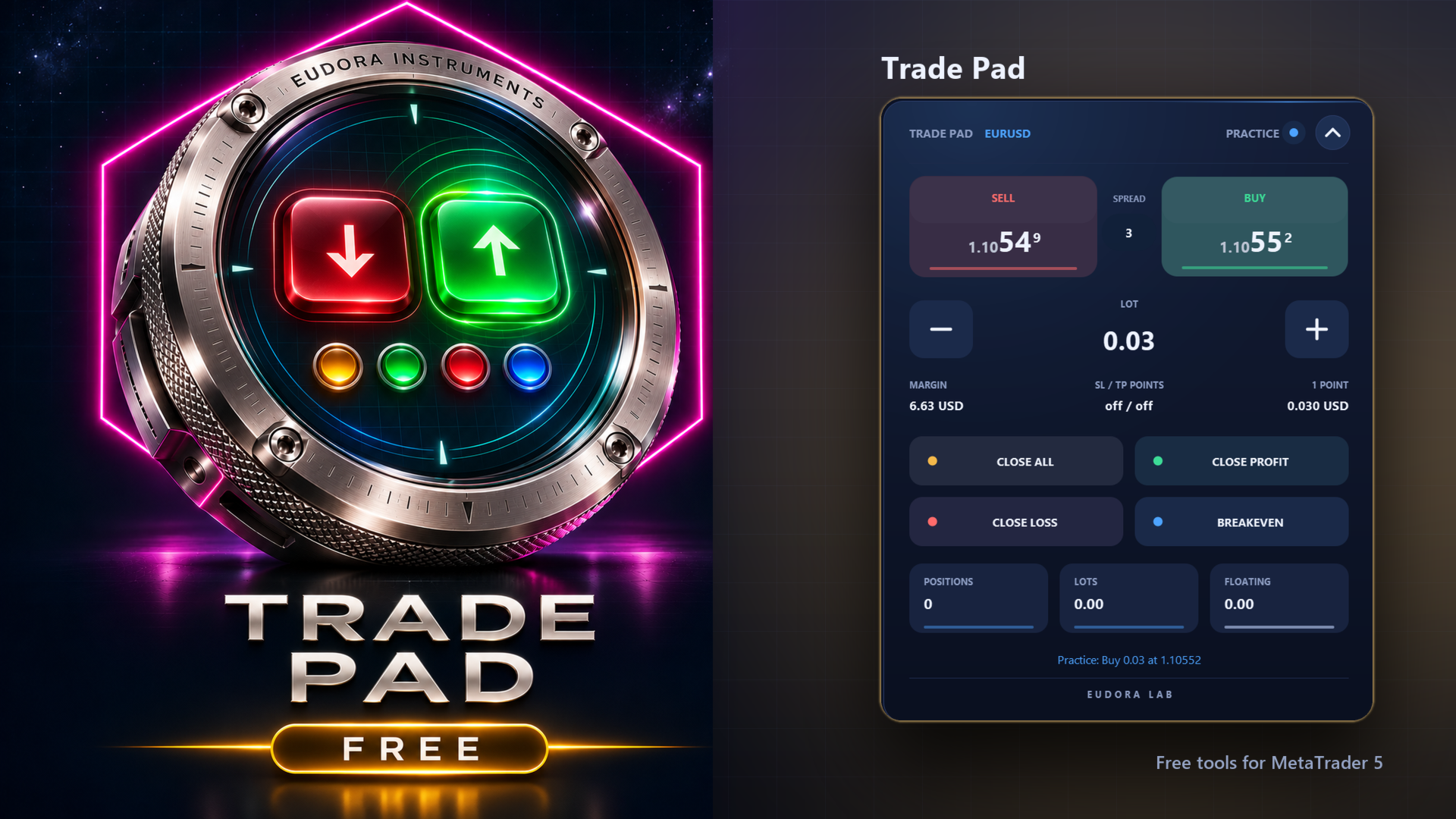
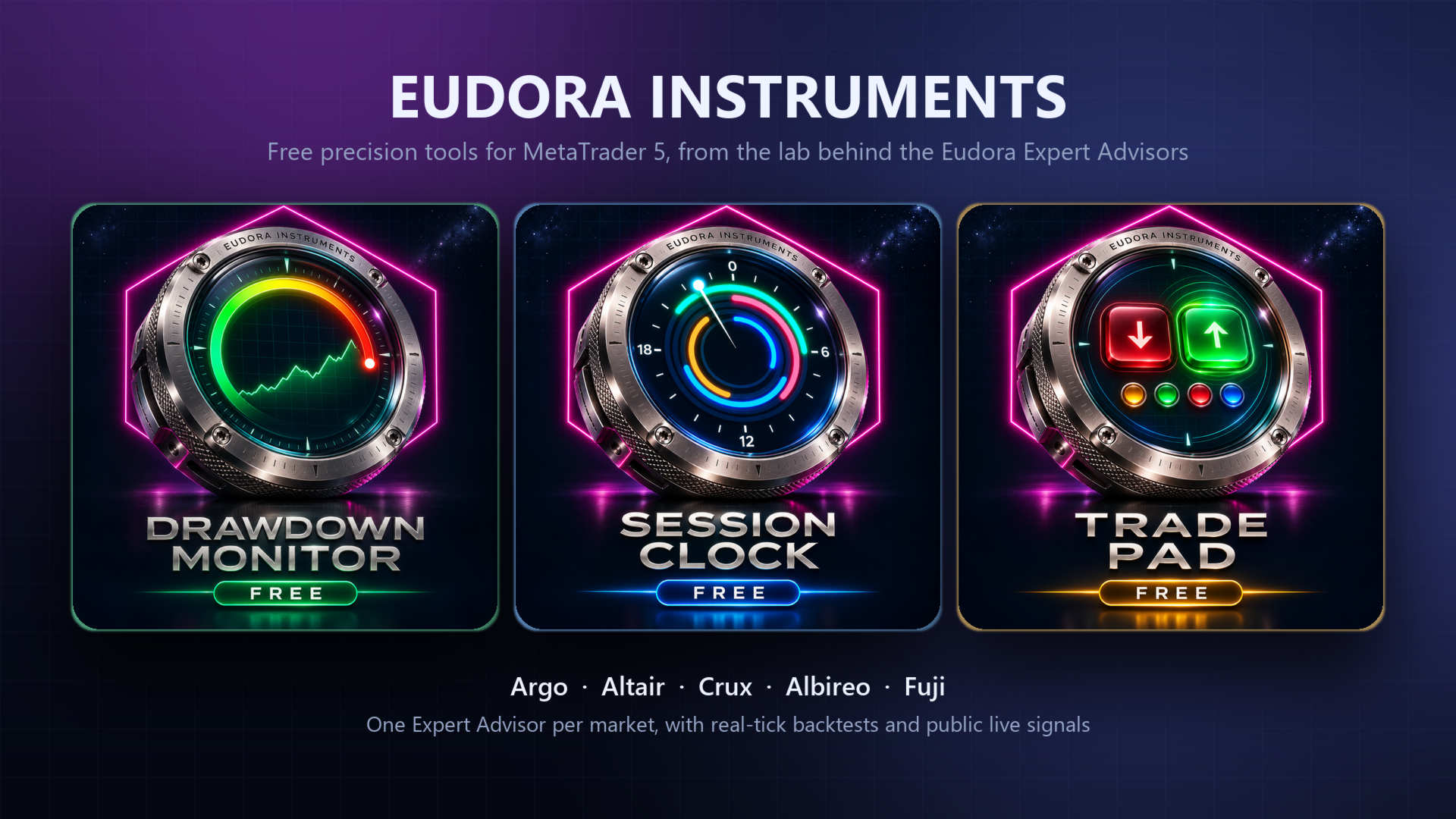
Trade Pad puts buy, sell, the lot and four ways to manage open positions on a single panel. Every button answers the mouse with light and movement, and every action is confirmed in plain words. Free, and part of the Eudora Instruments series.
The buttons
- BUY / SELL: a market order at the lot shown, with the live ask and bid on the buttons and the spread between them.
- Lot: minus and plus move the lot by one step of the symbol. Under it, the margin required and the value of one point.
- CLOSE ALL: closes the positions the pad manages, after a second click on CONFIRM.
- CLOSE PROFIT: closes only the positions in profit.
- CLOSE LOSS: closes only the positions at a loss, with the same second click.
- BREAKEVEN: moves the stop loss to the open price on the positions in profit.
Built to be safe
- An order is sent only by a real click on the visible panel. A double click places one order.
- By default the pad manages manual trades and the trades it opened; the positions of other Expert Advisors on the symbol are left to them.
- Stops closer than the broker allows are refused with a message that names the minimum.
- The header shows DEMO or REAL, and the buttons take a disabled look when trading is switched off.
- Practice mode: every button moves and answers, and the status line says what would have been sent.
Inputs
- Position, size and accent color of the panel.
- Starting lot, stop loss and take profit in points, maximum slippage, magic number.
- Positions the pad manages: manual and its own, only its own, or every position on the symbol.
- Practice mode.
- Control from other programs, off by default.
Attach it to a chart and allow algorithmic trading. A button folds the panel into a slim bar and it can be dragged anywhere on the chart. Works on hedging and netting accounts.