
MA Trade Assistant
- Utilities
-
Mohamed Ali M Abdelaziz
 Independent order-flow trader and developer of trading tools for MetaTrader 5, based in Belgium.
 - Version: 2.45
- Updated: 24 October 2026
MA Trade Assistant is a trade panel for MetaTrader 5. It does not open trades by itself and it gives no signals. You decide the trade; the panel calculates the lot from your risk, checks the order before it is sent and manages the position afterwards.
Main features
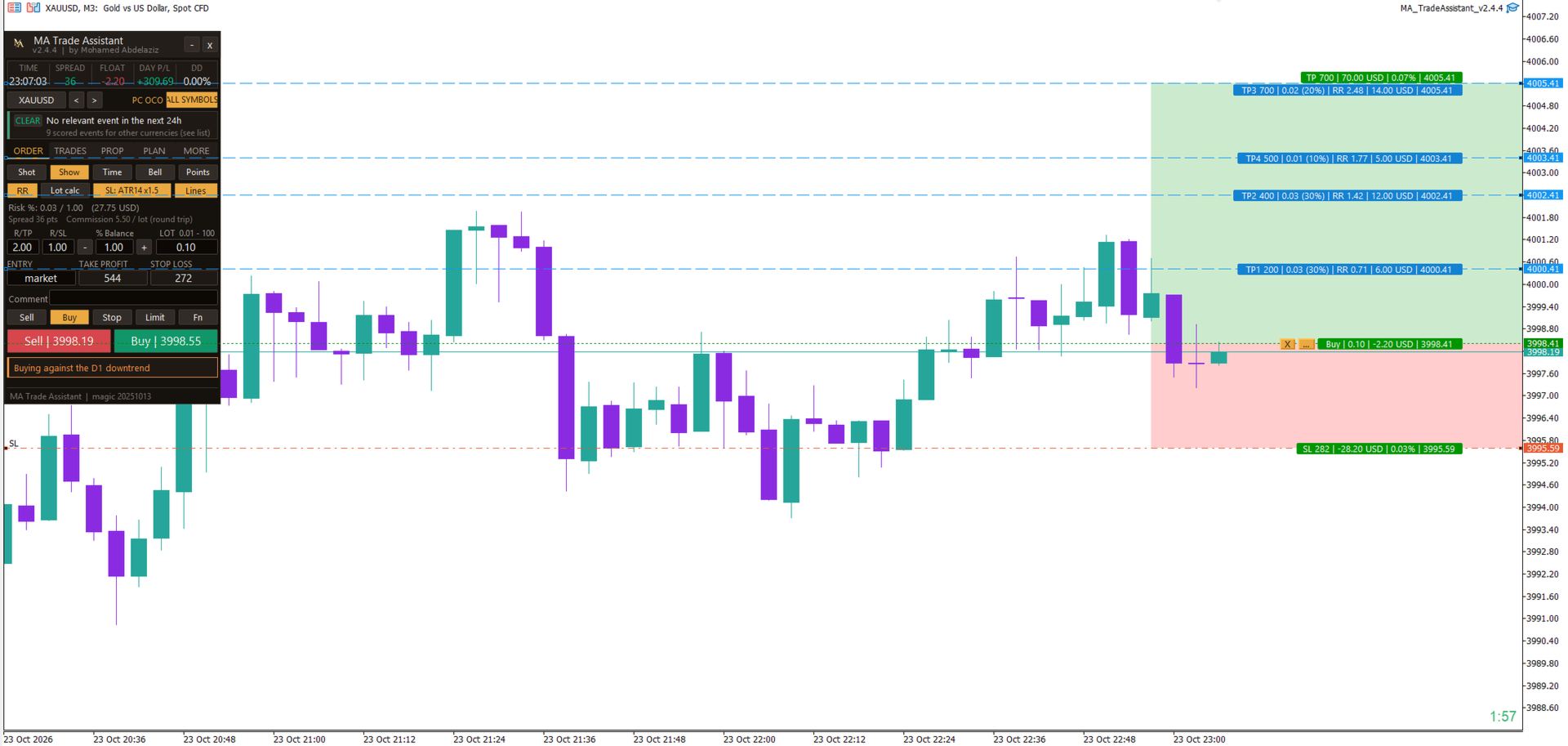
- Lot from risk: 8 risk modes (fixed money, % of balance, equity or free margin, % of a custom amount, % of the previous day / week / month balance). Commission can be included; the lot is rounded down to the volume step and limited by the free margin.
- Pre-trade checks: spread, upcoming news, risk %, stop size compared with ATR, reward:risk, D1 trend, margin and the Algo Trading state. A hard rule shows BLOCKED and the order is not sent.
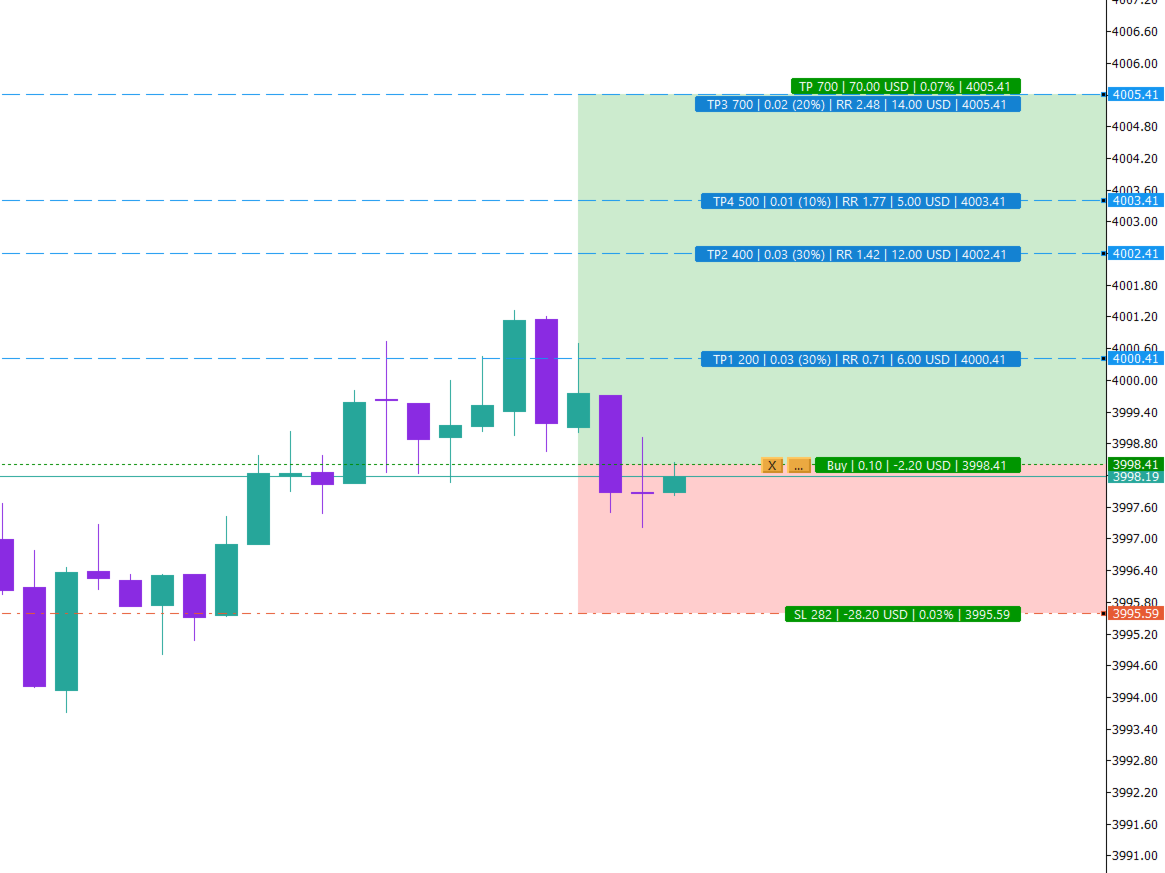
- Chart trading: click the chart to place limit and stop orders; drag the entry, SL, TP and partial take-profit lines. Labels show points, lots, R:R, money and price.
- Real fill price: for market orders the planned SL and TP distances are re-applied to the actual fill price, so slippage does not change your risk.
- Position management: manual and automatic break-even, 9 trailing modes, 4 partial take-profit levels with optional break-even after the first one. A stop is never moved to a looser level.
- Protection: daily loss lock, prop-firm rules that you enter (daily loss, max drawdown, target, minimum days), news guard based on the MetaTrader 5 economic calendar, and limits for open trades, trades per day, trading hours and spread.
- Hidden SL / TP with an emergency stop kept on the server, virtual pending orders, OCO, trailing of pending orders, and close options: all, buy, sell, profit, loss or by percentage.
- Several charts: one chart manages each symbol, the settings are shared and a timeframe change does not interrupt the management.
- Extras: candle countdown timer with alerts, hotkeys, sounds, push notifications, screenshots and a log of every automatic action.
How to start
- Attach the utility to a chart and allow Algo Trading.
- In the ORDER tab choose the risk mode and value, the stop loss and the R:R.
- Read the checks line under the Buy / Sell buttons, then press Buy or Sell.
- Use the MORE tab to set break-even, trailing and the partial take-profit plan.
Notes
- Prop-firm rules are entered by you; the utility does not connect to any prop-firm server and is not affiliated with any firm.
- In the Strategy Tester the economic calendar and chart clicks are not available.
- Test on a demo account first. Trading leveraged products involves a high risk of loss.












































Excellent work