Meridia Session Suite
- Indicators
-
Marco Lorenzo Gerbino
 MT5/MT4 developer focused on reliable, tested Expert Advisors and indicators.
How I work:
1. I turn your idea into a short written spec, and you approve it before I start.
2. I build it and test the logic on synthetic data, then in the Strategy Tester. - Version: 2.0
- Activations: 5
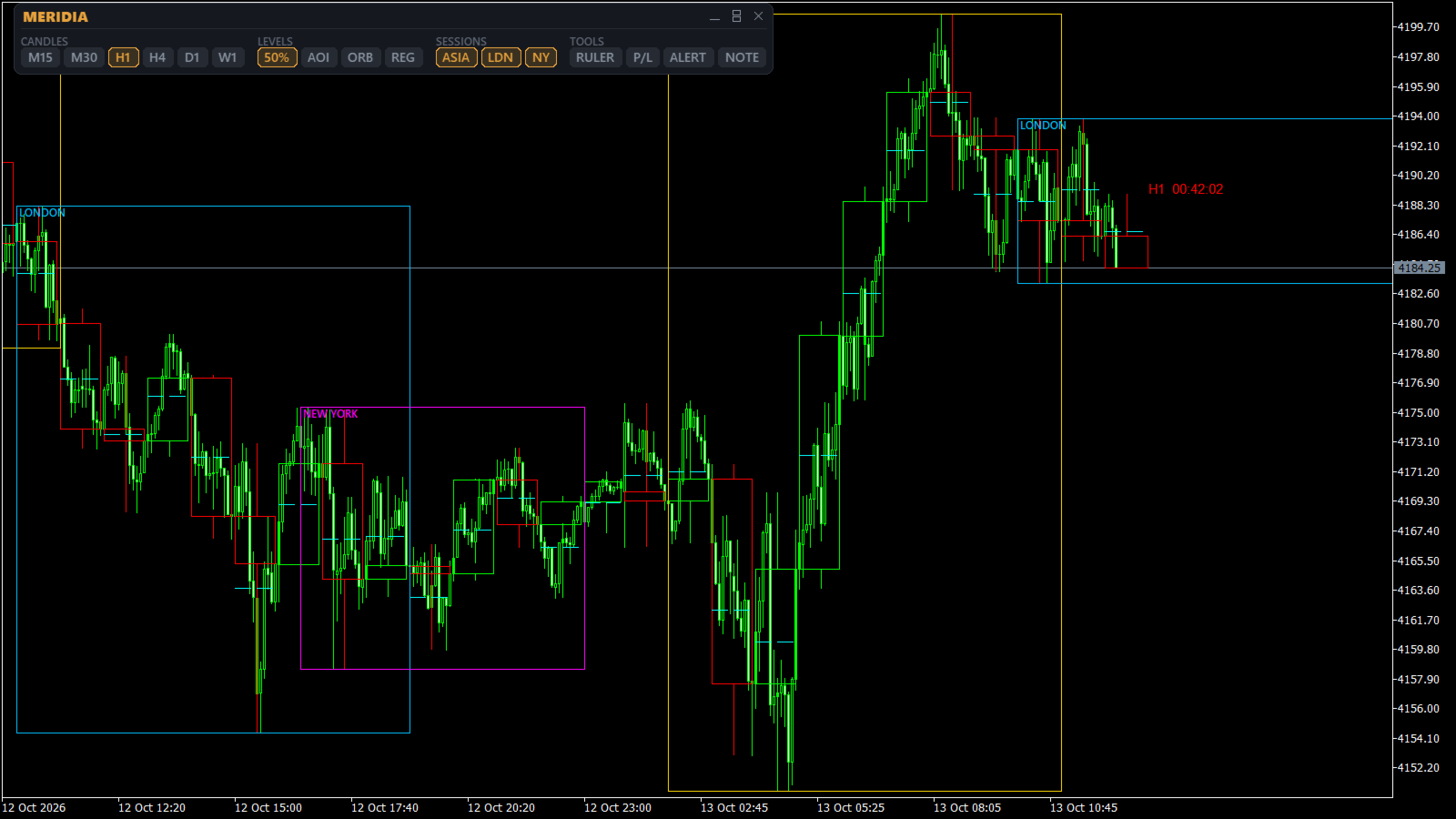
Meridia Session Suite brings the tools a session trader uses every day into one clean panel on the chart. Every tool is switched on or off with one click, and the panel remembers your choices.
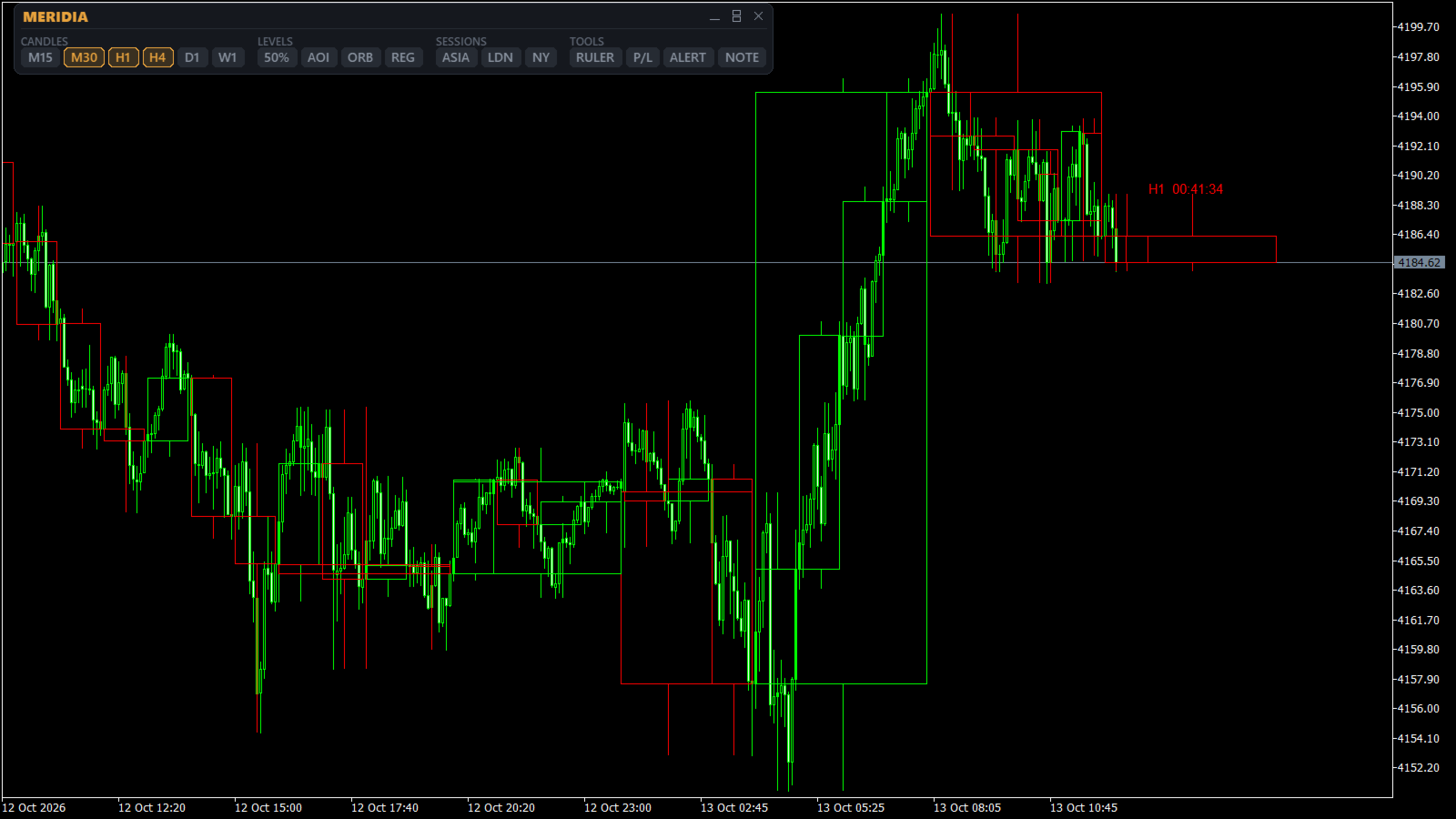
Multi-timeframe candles
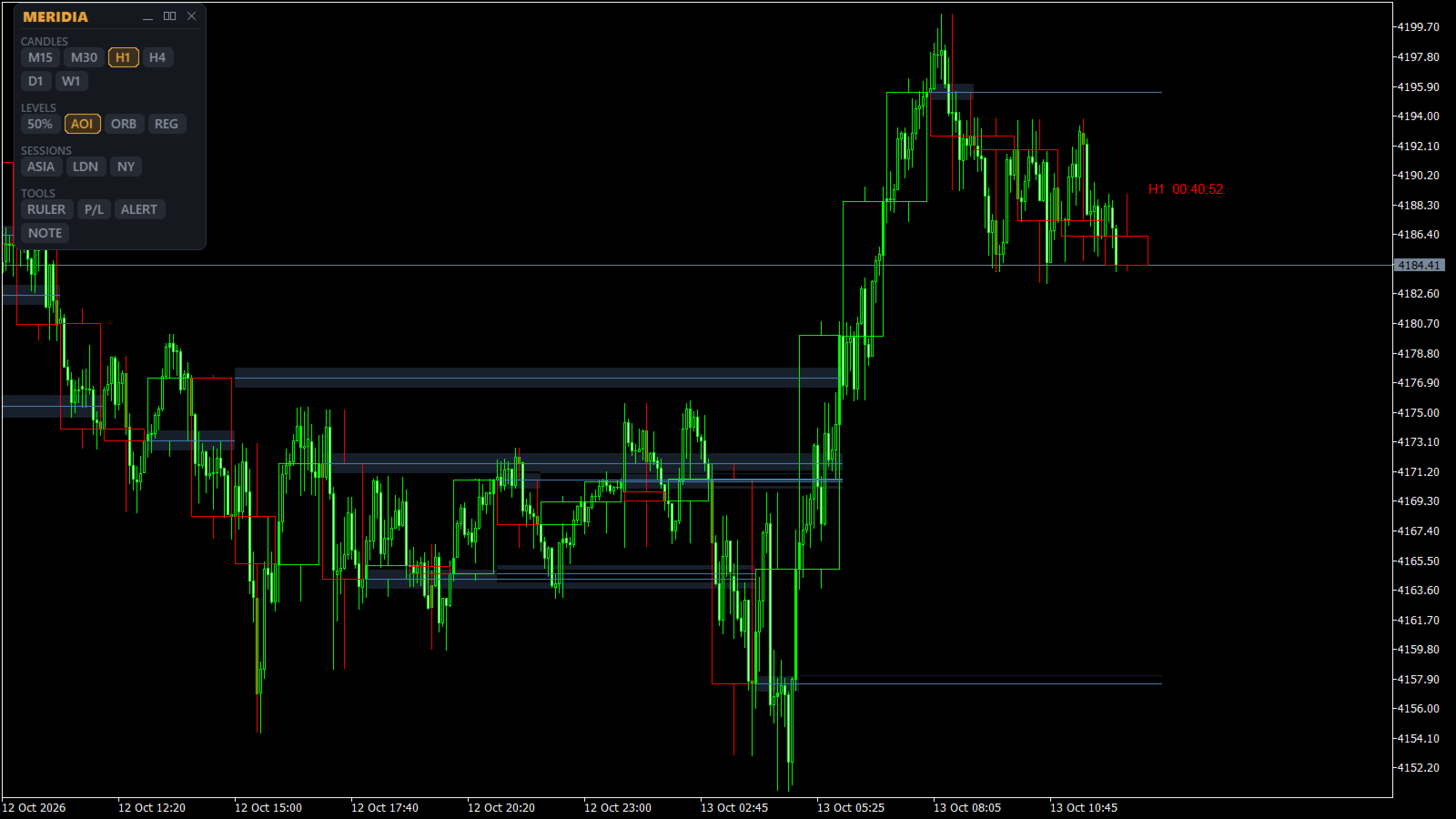
Draw M15, M30, H1, H4, D1 and W1 candles directly on your current chart, up to 500 per timeframe. The current H1 candle shows a live countdown to its close. When a new candle opens, the oldest one is removed, so the chart stays light.
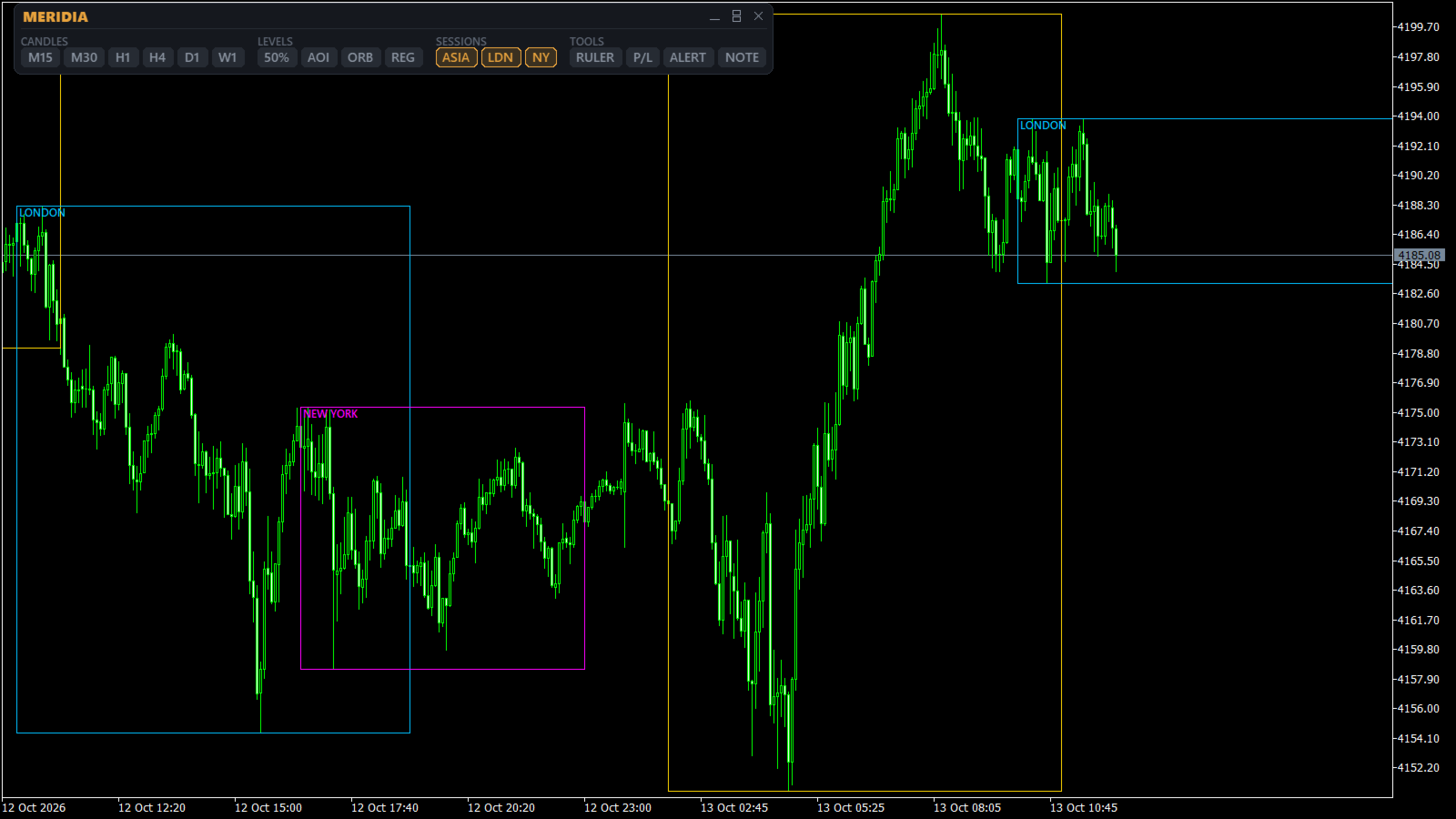
Trading sessions with automatic daylight saving
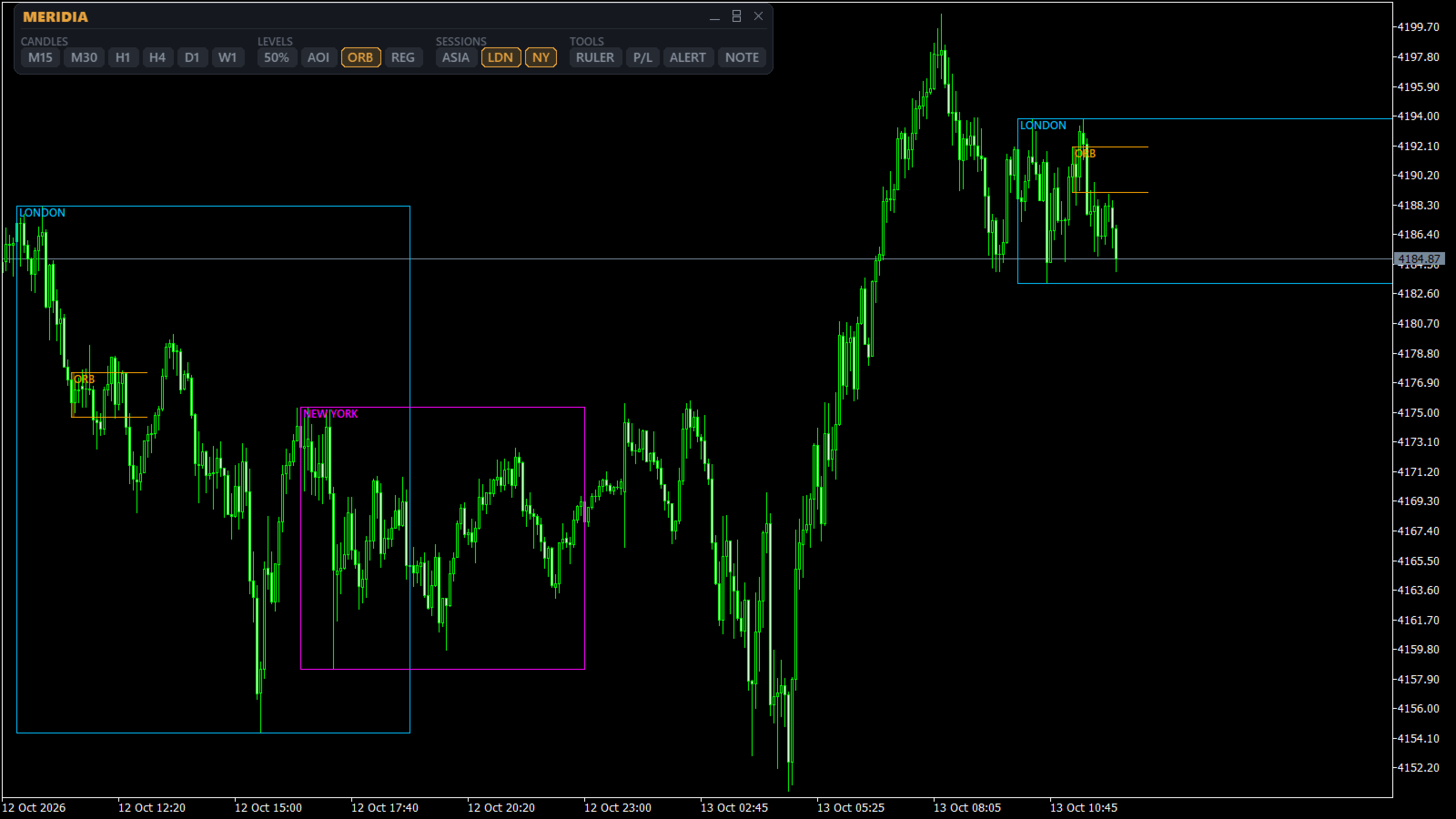
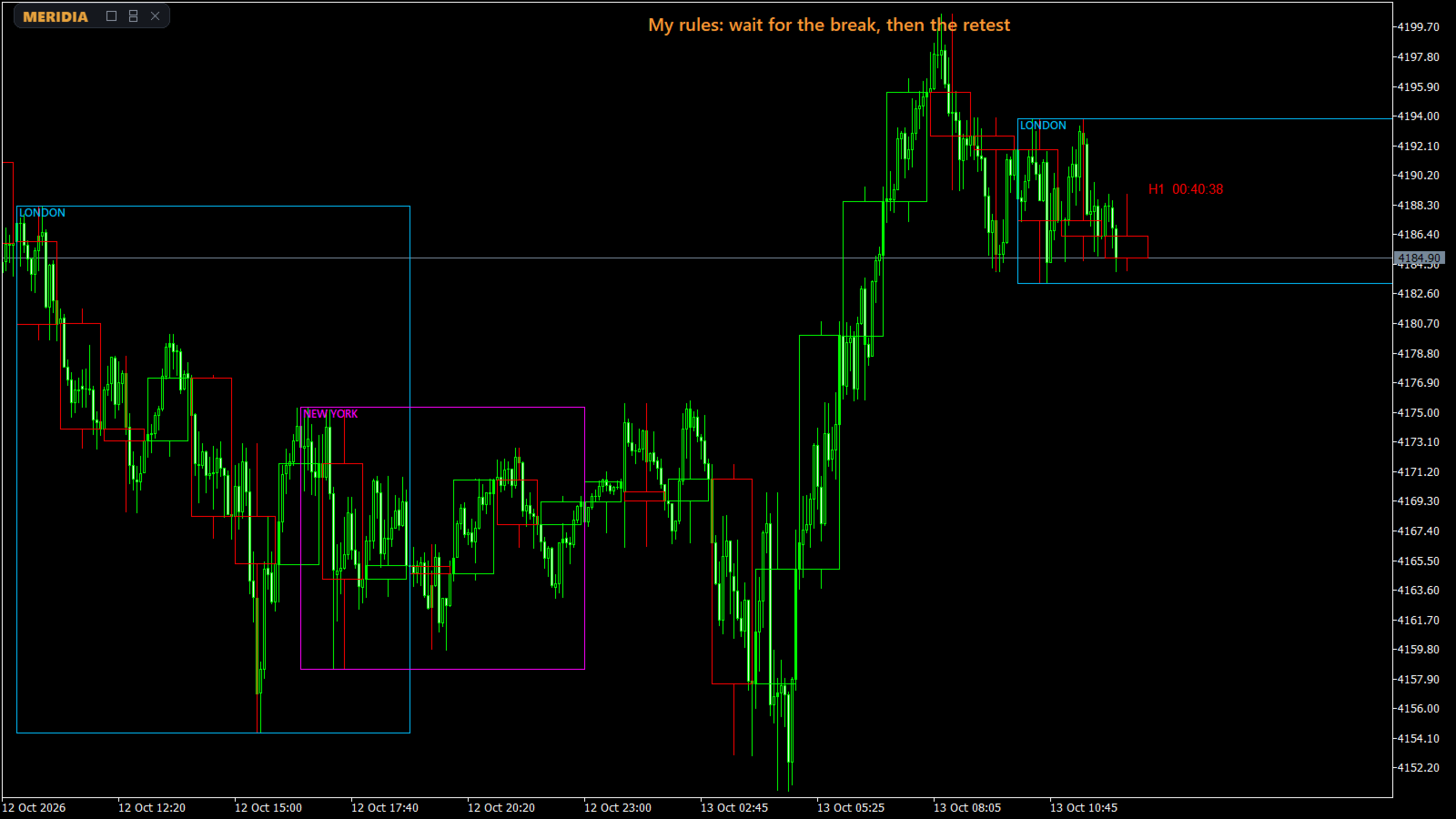
Asia, London and New York are drawn as boxes with their high and low. Each session has its own time zone (Central Europe, London, New York, Tokyo, Sydney, UTC or broker server), and daylight saving is applied automatically every year. The broker server offset is detected automatically. You set the hours once, and they stay correct through every clock change, including the weeks when the US and Europe change on different dates.
Levels
- H1 50% level: the midpoint between high and low of each H1 candle
- Areas of Interest from H1 candle bodies
- Opening Range Breakout: range and levels at the time and time zone you choose
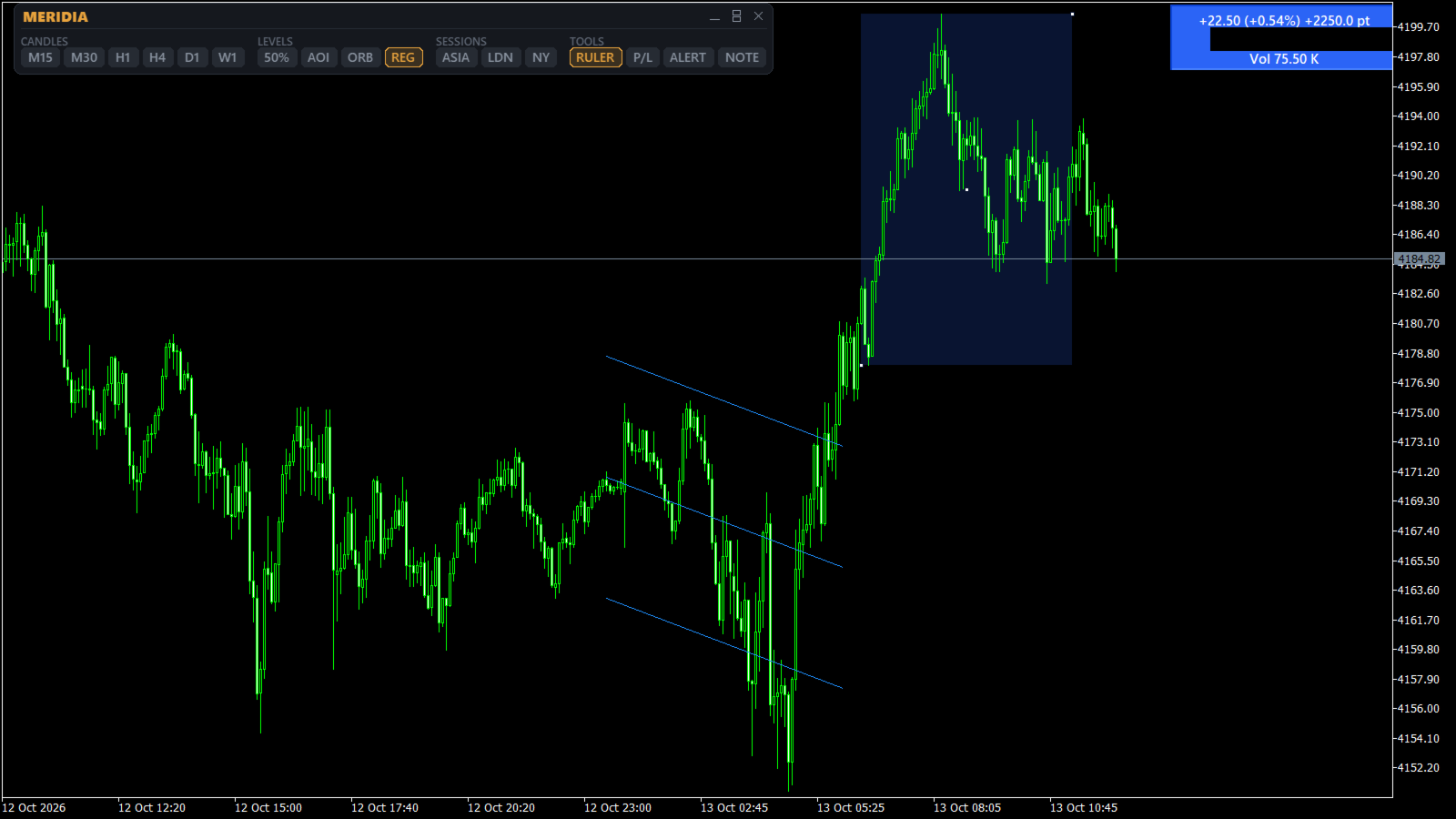
- Regression channel drawn between two candles, editable by dragging
Tools
- Ruler: price change, percent, points, number of bars, time and tick volume between two points
- P/L line: drag a price level and see the total result of your open positions on the symbol at that price
- Alerts: popup and push notification when the previous H1 high or low breaks
- Note: your own trading rules shown at the top of the chart
Panel
Horizontal or vertical layout, draggable, and it can be minimized to a small title bar. Chart texts are available in English, Italian, Spanish and Portuguese. The panel also works in the Strategy Tester in visual mode, so you can try every tool in the demo before buying.
Main inputs
- Chart language: English, Italiano, Español, Português
- Number of candles: one input per timeframe, 1 to 500
- Visible at first start: one input per tool, to choose what is on when the indicator is attached
- Session time zone, start and end: one set for Asia, London and New York
- ORB time zone, range start, range end and levels end
- Broker server DST: Auto (GMT+2/+3 servers follow US daylight saving), US, EU or None
- Days of sessions, AOI and ORB history: 1 to 30
- Colors and line widths for every element, and the text of the note
Notes
- Works on any symbol and timeframe.
- Sessions and ORB need M1 history for the days you display.
- If your broker has a GMT+2/+3 server that does not follow US daylight saving, set "Broker server DST" to EU or None.
- A free version, Meridia Sessions Lite, contains the H1 candles and the three sessions.