GoldHunterAI Pro
- Experts
- Version: 1.0
- Activations: 20

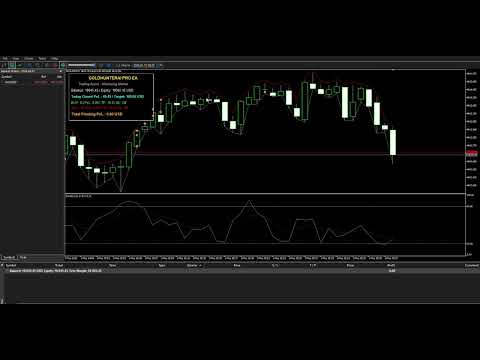
GoldHunterAI Pro EA is an automated Expert Advisor designed specifically for XAUUSD (Gold) trading on MetaTrader 5.
The EA combines Stochastic-based entry logic, Martingale position management, distance-based Grid entries, optional Basket TP, Hedge protection, individual BUY/SELL profit and loss controls, Daily Profit Aim management, and a real-time on-chart monitoring dashboard.
It is designed to give traders a structured framework for managing Gold positions while keeping important trading parameters configurable from the EA inputs.
KEY FEATURES
1. Stochastic-Based Entry Logic
The EA uses the built-in Stochastic Indicator for initial BUY and SELL trade conditions.
Default settings:
-
K Period: 1
-
D Period: 3
-
Slowing: 3
-
Smoothing: SMMA
-
BUY Level: 20
-
SELL Level: 80
A BUY can be opened when the Stochastic conditions indicate upward movement from the lower level, while a SELL can be opened when the corresponding upper-level conditions indicate downward movement.
2. Martingale Position Management
GoldHunterAI Pro includes configurable Martingale position sizing.
Default settings:
-
Start Lots: 0.01
-
Martingale Multiplier: 2.0
-
Distance: 200 pips
-
Maximum Martingale Steps: 15
When additional entries are required according to the configured distance, the EA calculates the next position volume using the selected Martingale multiplier.
Important: Martingale trading can significantly increase exposure and drawdown. Traders should understand the associated risks before using this feature on a live account.
3. Distance-Based Grid Entries
The EA can add positions when price moves against the latest position by the configured distance.
Separate BUY and SELL position counts and volumes are tracked, allowing the EA to manage each direction independently.
This mechanism is intended for basket-style position management rather than conventional single-position trading.
4. Basket / Average Price Management
The EA calculates the weighted average price of open positions and can update take-profit levels based on the average entry price.
Configurable parameters include:
-
Legacy Profit
-
Basket TP
-
Close at Basket TP
-
Maximum Martingale Steps
-
Close-All Martingale Step Limit
Basket TP functionality can be enabled or disabled from the inputs.
5. BUY & SELL Profit/Loss Controls
GoldHunterAI Pro provides separate controls for BUY and SELL positions.
You can configure:
BUY
-
BUY Profit Target
-
BUY Loss Limit
SELL
-
SELL Profit Target
-
SELL Loss Limit
When a configured target is reached, the corresponding positions can be closed automatically.
Setting a value to 0 disables that particular control.
6. Daily Profit Aim
The EA includes a Daily Profit Aim feature designed to monitor the EA's closed profit for the current trading day.
Default:
Daily Profit Aim = 100.00
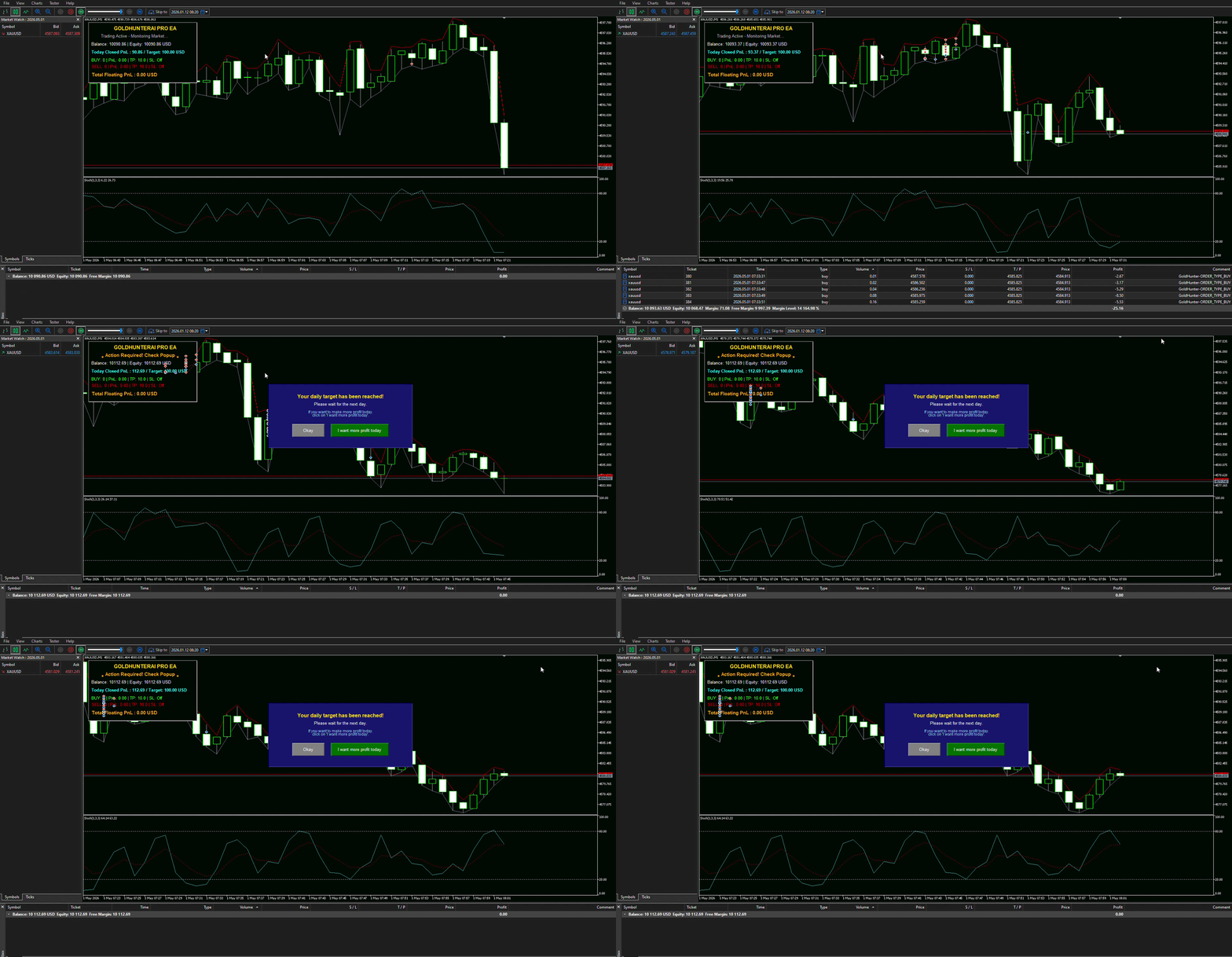
When the configured daily target is reached, the EA can pause new initial entries for the remainder of the day.
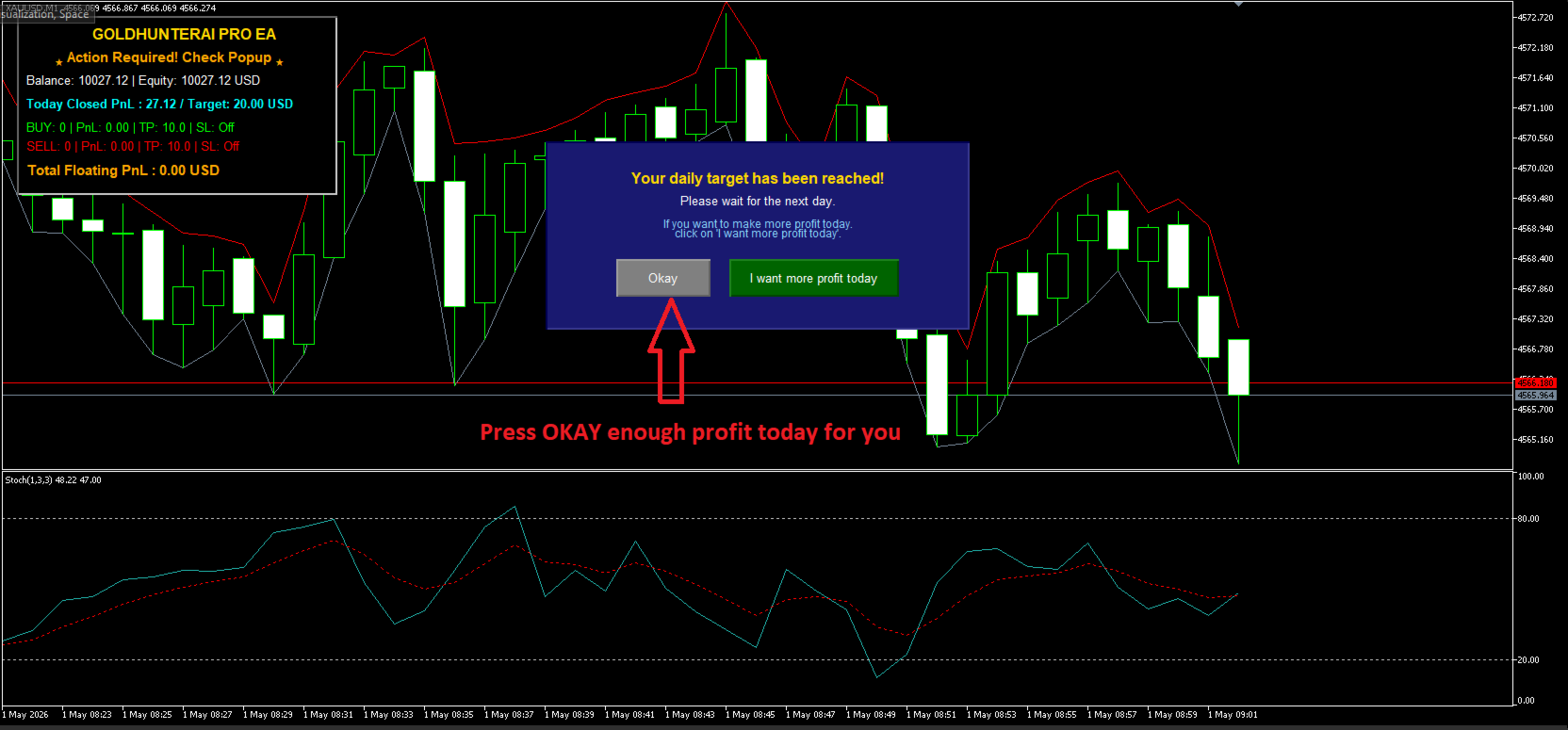
A chart popup informs the trader when the daily target has been reached.
The trader can acknowledge the target or choose to continue with a higher daily target through the available popup controls.
7. Hedge Protection
The EA includes a configurable hedge mechanism.
Default settings:
-
Hedge Threshold: 20
-
Hedge Volume Factor: 1.0
When the configured position threshold is reached, the EA evaluates the net exposure and can place an opposite-direction hedge based on the configured hedge volume factor.
This feature is intended to help manage directional exposure during extended movements.
Hedging availability depends on the broker/account configuration and MT5 account type.
8. Real-Time On-Chart Dashboard
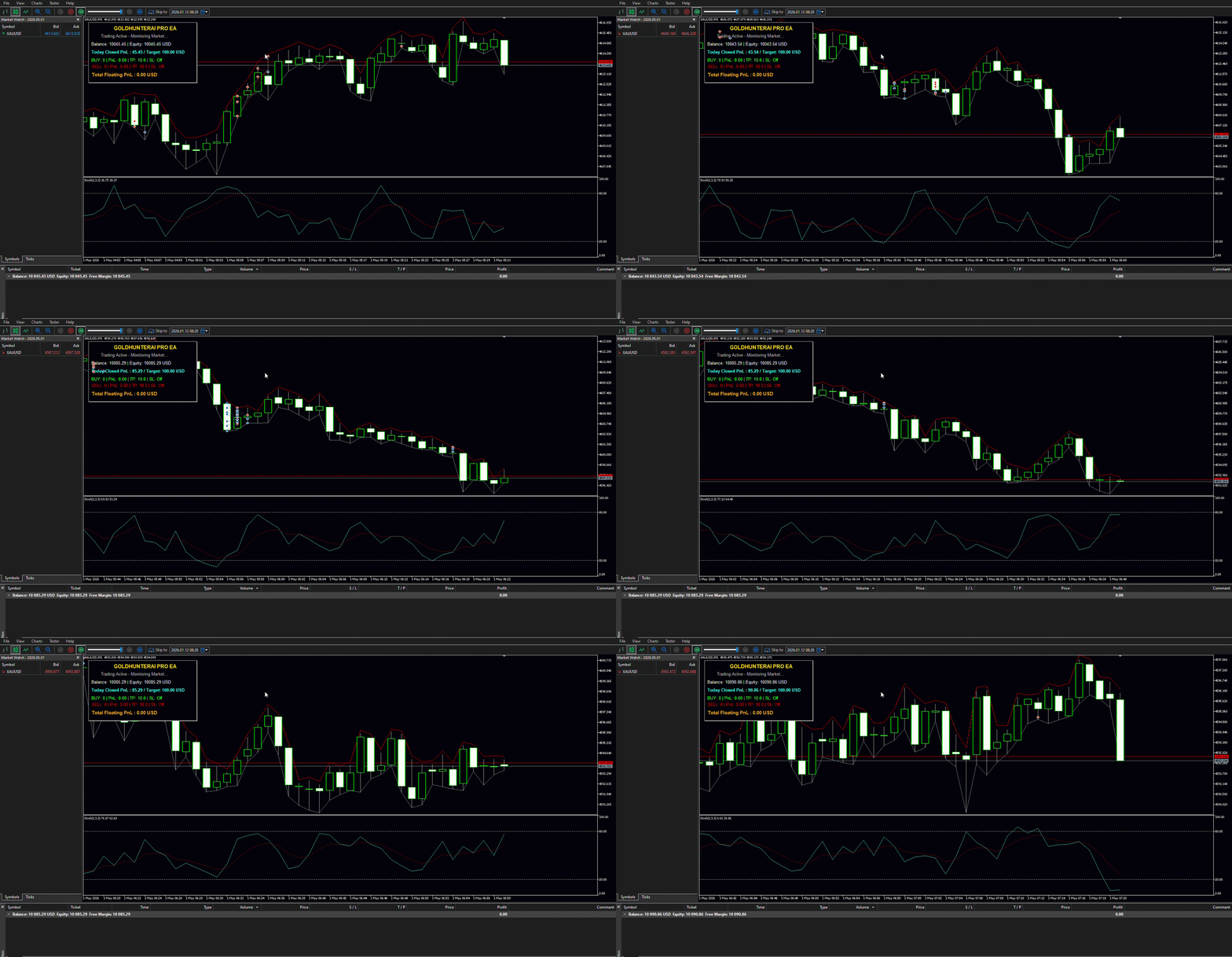
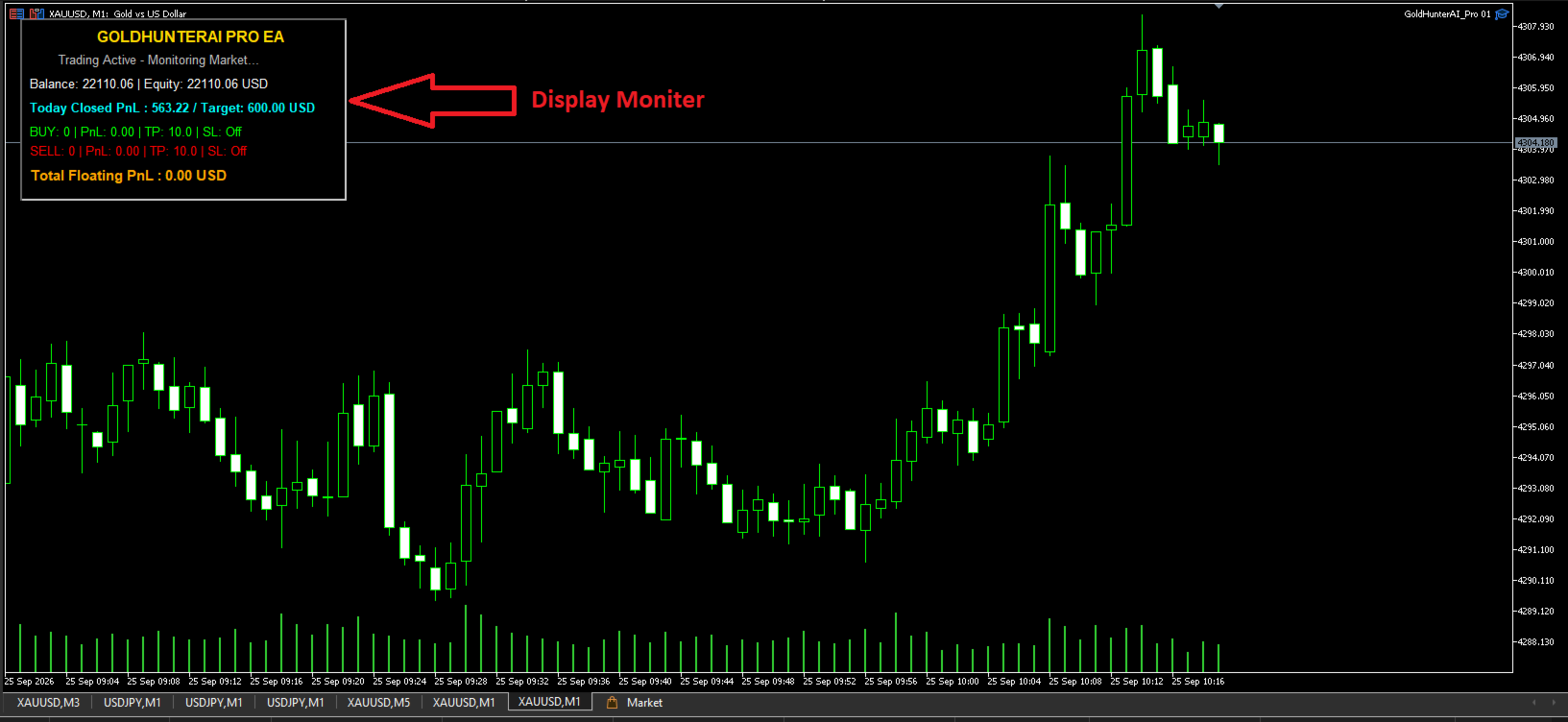
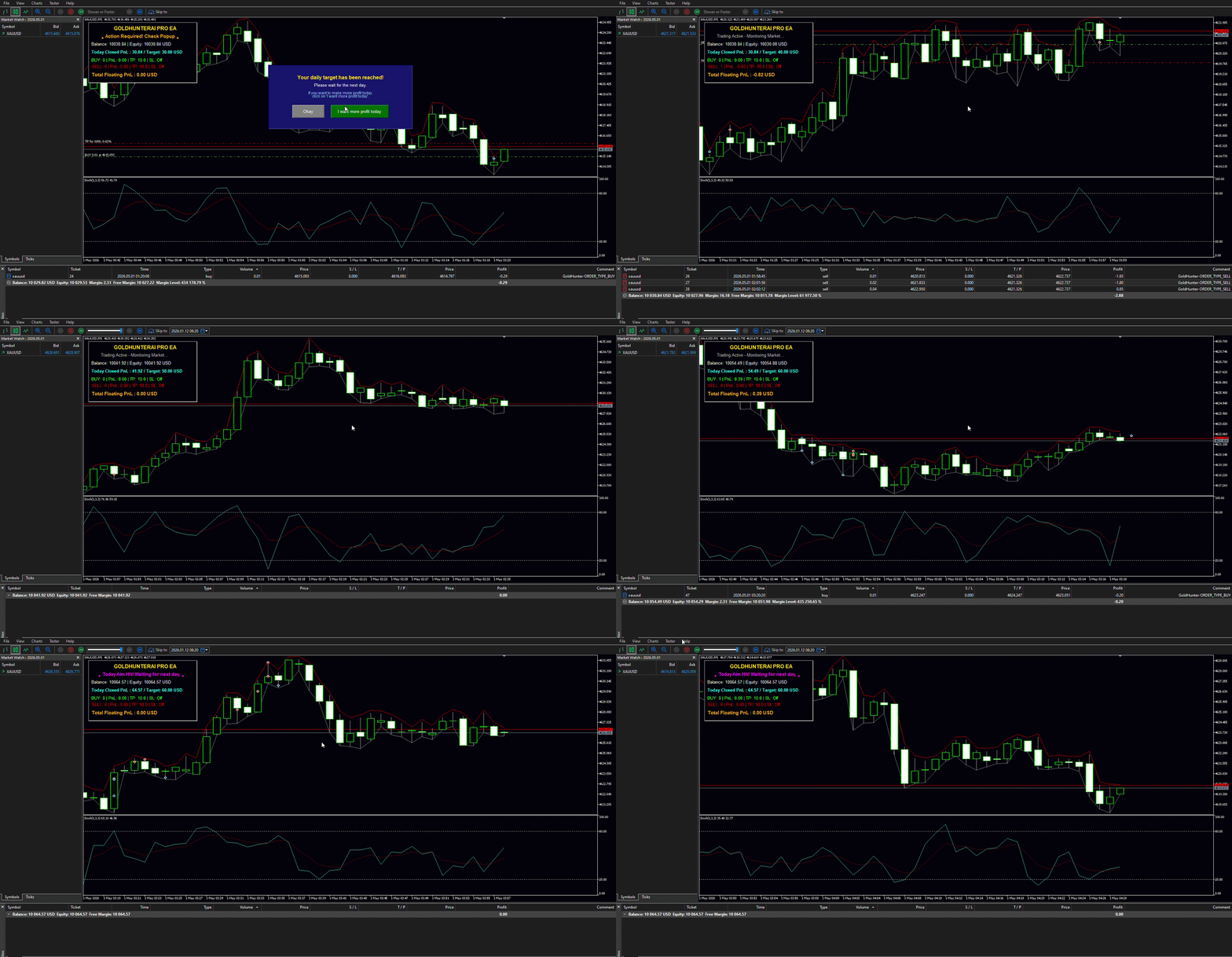
GoldHunterAI Pro provides an optional monitoring dashboard directly on the MT5 chart.
The dashboard can display:
-
Account Balance
-
Account Equity
-
Current BUY positions
-
Current SELL positions
-
BUY floating P/L
-
SELL floating P/L
-
Total floating P/L
-
Daily closed P/L
-
Daily Profit Target
-
BUY Profit/Loss settings
-
SELL Profit/Loss settings
-
Current EA trading status
The dashboard can be enabled or disabled through the input settings.
9. Daily Target Popup
When the Daily Profit Aim is reached, the EA can display a popup notification.
Available controls include:
-
Okay
-
I want more profit today
An optional popup timer is also available.
DEFAULT SETTINGS
| Parameter | Default |
|---|---|
| Start Lots | 0.01 |
| Martingale Multiplier | 2.0 |
| Distance | 200 pips |
| Legacy Profit | 10 pips |
| BUY Profit | 10.0 |
| BUY Loss | 0.0 |
| SELL Profit | 10.0 |
| SELL Loss | 0.0 |
| Daily Profit Aim | 100.0 |
| Stochastic K | 1 |
| Stochastic D | 3 |
| Stochastic Slowing | 3 |
| BUY Level | 20 |
| SELL Level | 80 |
| Max Martingale Steps | 15 |
| Close-All Step Limit | 20 |
| Basket TP | 4 pips |
| Hedge Threshold | 20 |
| Hedge Volume Factor | 1.0 |
| Dashboard | Enabled |
HOW THE EA WORKS
BUY FLOW
Stochastic Condition → Initial BUY → Price Moves Against Position → Distance Condition → Additional BUY → Martingale Volume → Average Price / TP Management
SELL FLOW
Stochastic Condition → Initial SELL → Price Moves Against Position → Distance Condition → Additional SELL → Martingale Volume → Average Price / TP Management
HEDGE FLOW
Position Threshold Reached → Net Exposure Calculated → Opposite Hedge Evaluated → Hedge Position Opened
DAILY TARGET FLOW
Closed Profit Calculated → Daily Target Checked → Target Reached → Popup Notification → New Initial Entries Paused
XAUUSD FOCUSED
GoldHunterAI Pro was developed with XAUUSD / Gold trading in mind.
The EA can be attached to an XAUUSD chart and its parameters can be adjusted according to:
-
Account size
-
Broker conditions
-
Gold volatility
-
Trading timeframe
-
Risk tolerance
-
Maximum acceptable exposure
Different brokers may use different XAUUSD contract specifications, spreads, digits, minimum lot sizes and trading conditions. Always verify the EA behavior with your broker before live deployment.
RISK MANAGEMENT NOTICE
GoldHunterAI Pro uses Martingale and Grid-style position management, which can increase trading volume as additional positions are opened.
This means that during a strong one-directional market movement, floating drawdown and margin requirements can increase substantially.
The EA does not guarantee profits, does not guarantee recovery of losses, and should not be considered a risk-free trading system.
The default BUY/SELL loss controls are set to 0.0, meaning those individual loss limits are disabled by default. Traders should review all risk-related settings before using the EA on a live account.
RECOMMENDED USE
Before using GoldHunterAI Pro with real money:
-
Test the EA in the MT5 Strategy Tester.
-
Test it on a demo account.
-
Check your broker's XAUUSD contract specifications.
-
Verify minimum lot size and lot-step requirements.
-
Evaluate maximum drawdown and margin usage.
-
Test different market conditions.
-
Start with conservative position sizing.
-
Never use money you cannot afford to lose.
Past backtest or demo results do not guarantee future trading results.
CONFIGURATION
GoldHunterAI Pro provides configurable parameters for:
-
Magic Number
-
Trade Comments
-
Starting Lot
-
Martingale Multiplier
-
Grid Distance
-
Profit Management
-
BUY/SELL P&L Controls
-
Daily Profit Aim
-
Stochastic Settings
-
Maximum Martingale Steps
-
Basket TP
-
Hedge Threshold
-
Hedge Volume Factor
-
Dashboard
-
Popup Timer
This allows traders to adapt the EA's behavior to their own testing and risk-management requirements.
IMPORTANT
GoldHunterAI Pro is an automated trading software tool for MetaTrader 5.
It does not provide financial advice, guaranteed returns, or guaranteed trading results.
Trading Forex, CFDs and Gold involves substantial risk, and automated trading can result in rapid losses under unfavorable market conditions.
Always perform your own testing and risk assessment before deploying the EA on a live trading account.
Trade responsibly. Test first. Manage your risk.
(You can view my seller profile on MQL5 for more trading tools and utilities).