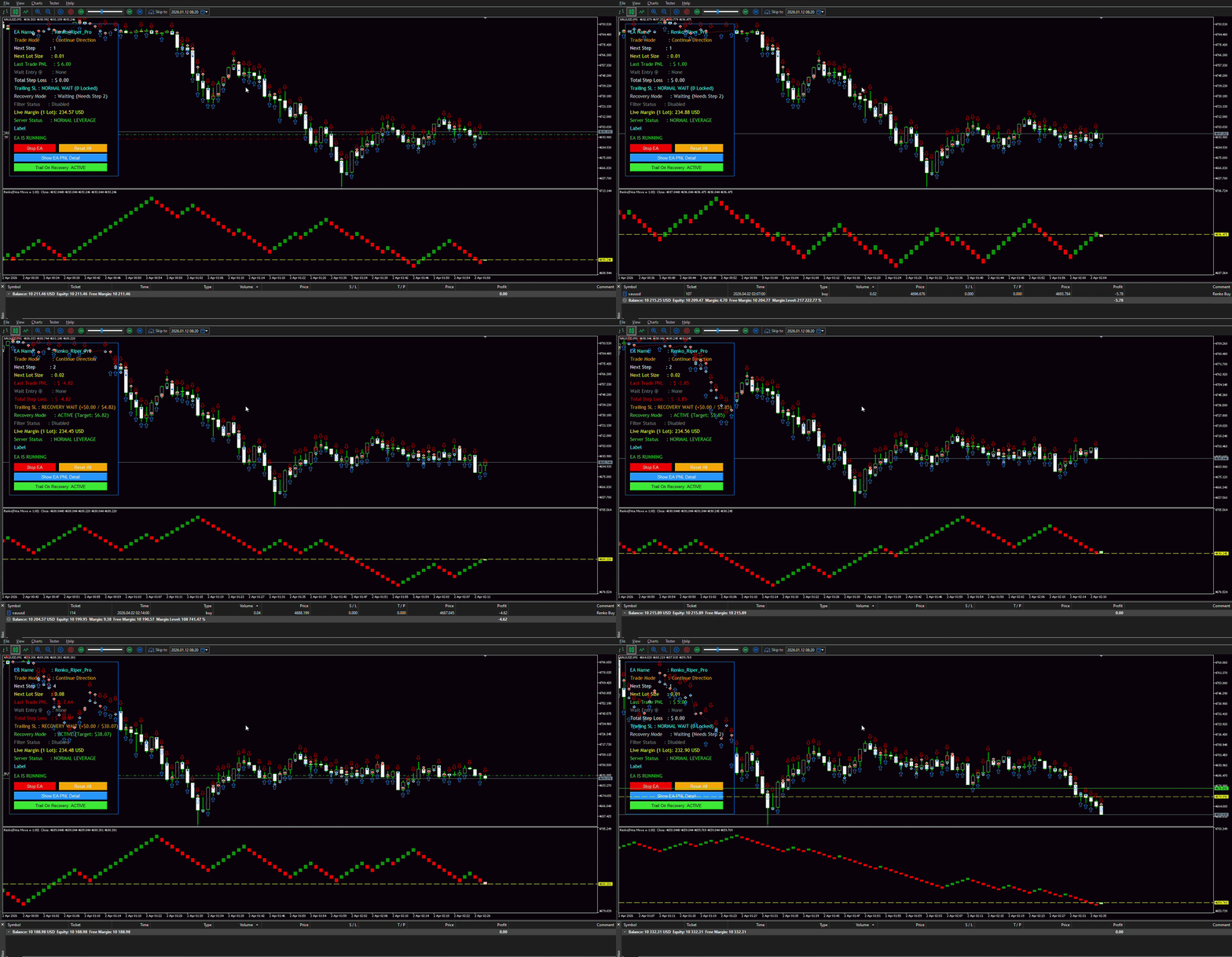
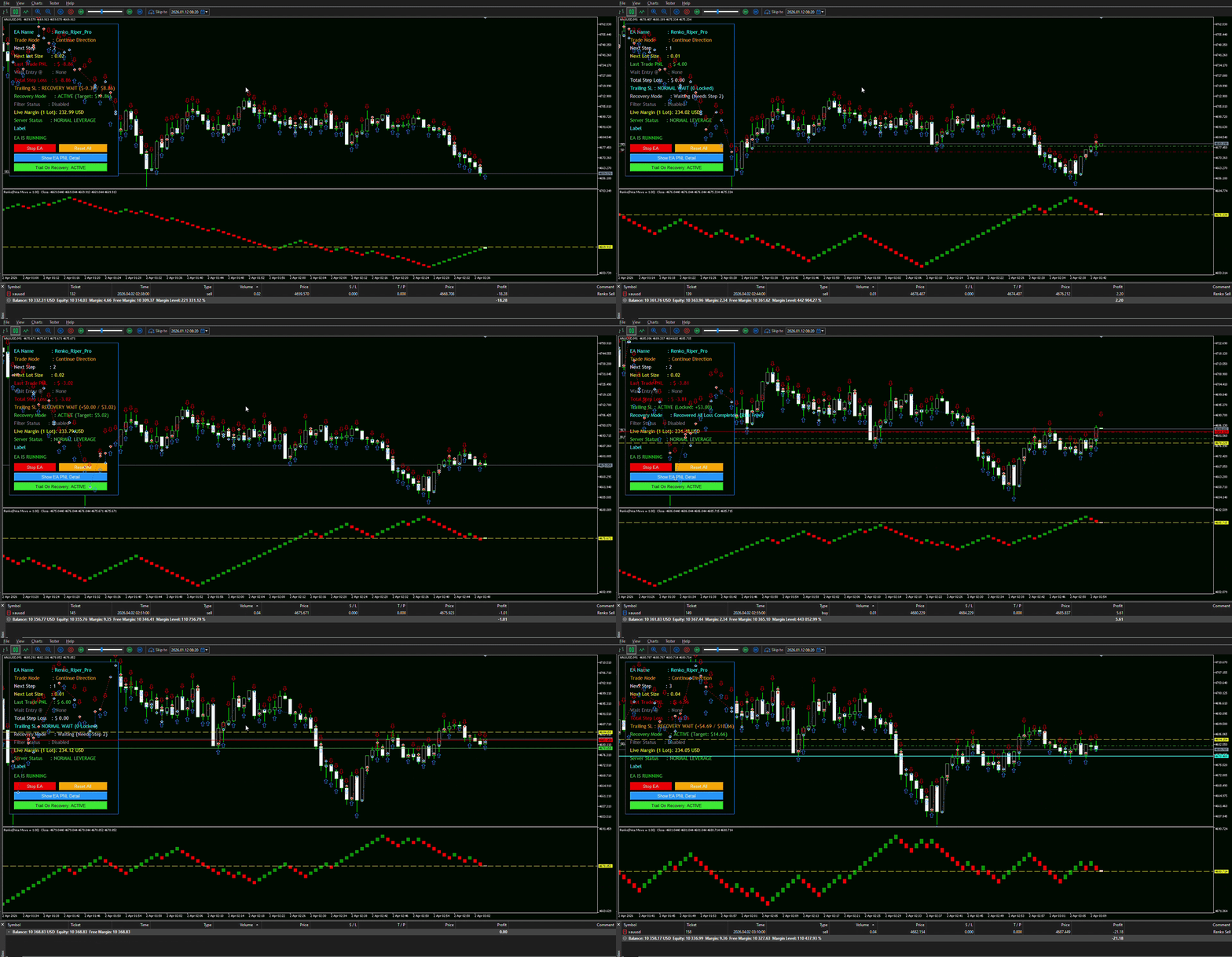
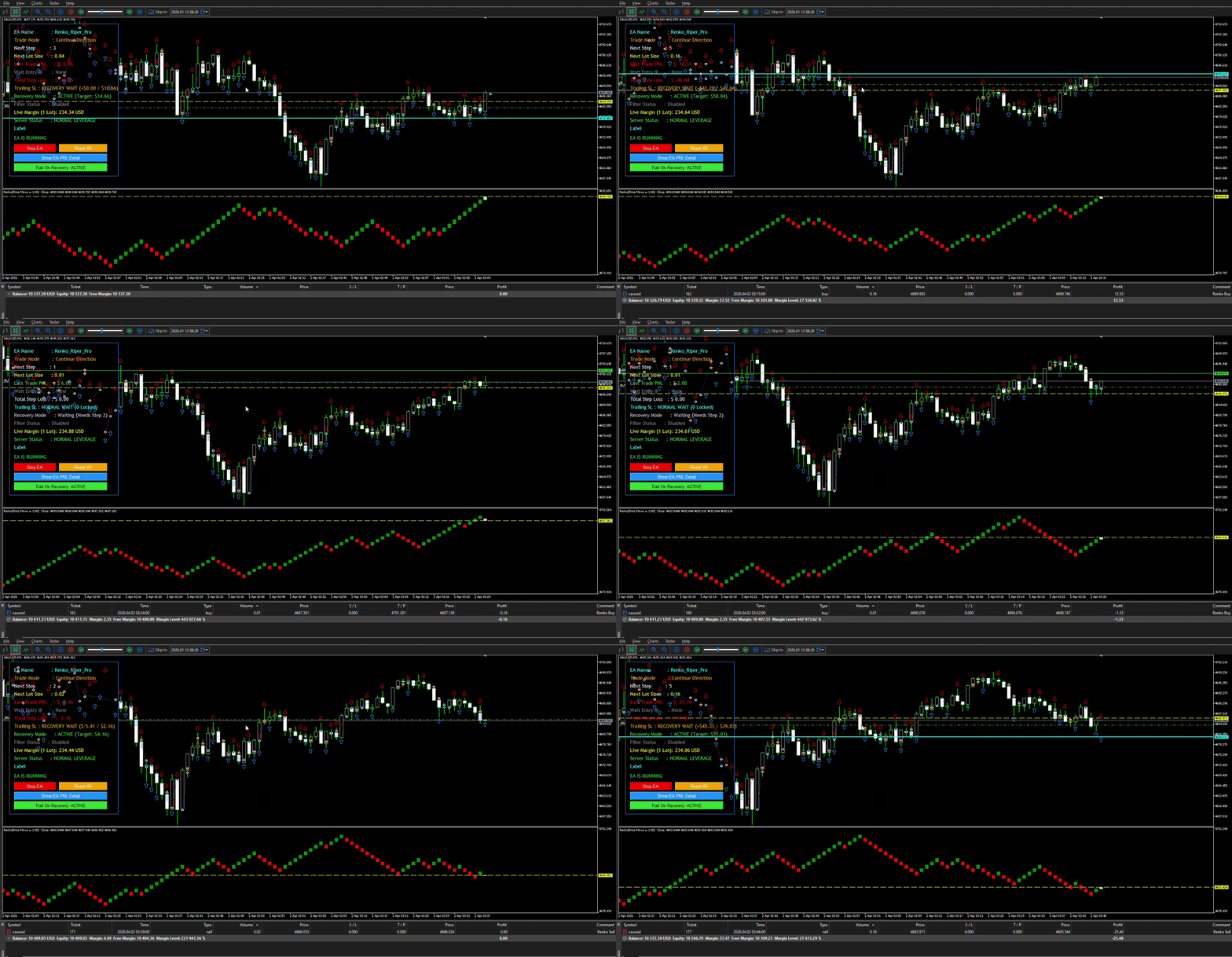
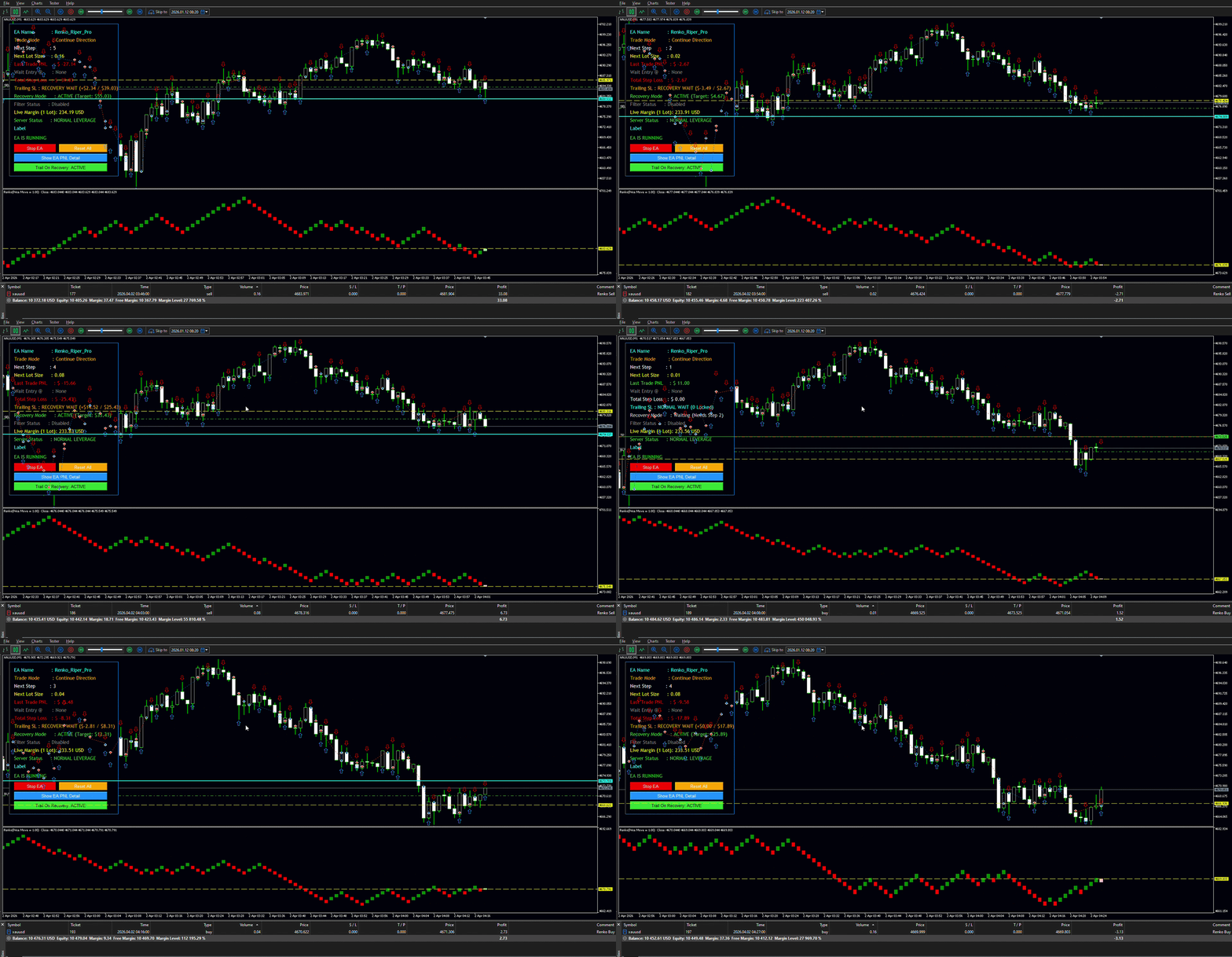
Renko Riper Pro EA
- Experts
-
Deepak
 Welcome to Deepak Fx Trader. I’ve seen countless people step into the trading world with big dreams, only to get lost without a clear path or the right technical guidance. I build advanced Expert Advisors, Indicators, and Trading Utilities to give you that exact direction. True success in trading
 - Version: 12.0
- Activations: 5
Renko Riper Pro for MetaTrader 5
Advanced Renko-based Automated Trading System for MT5
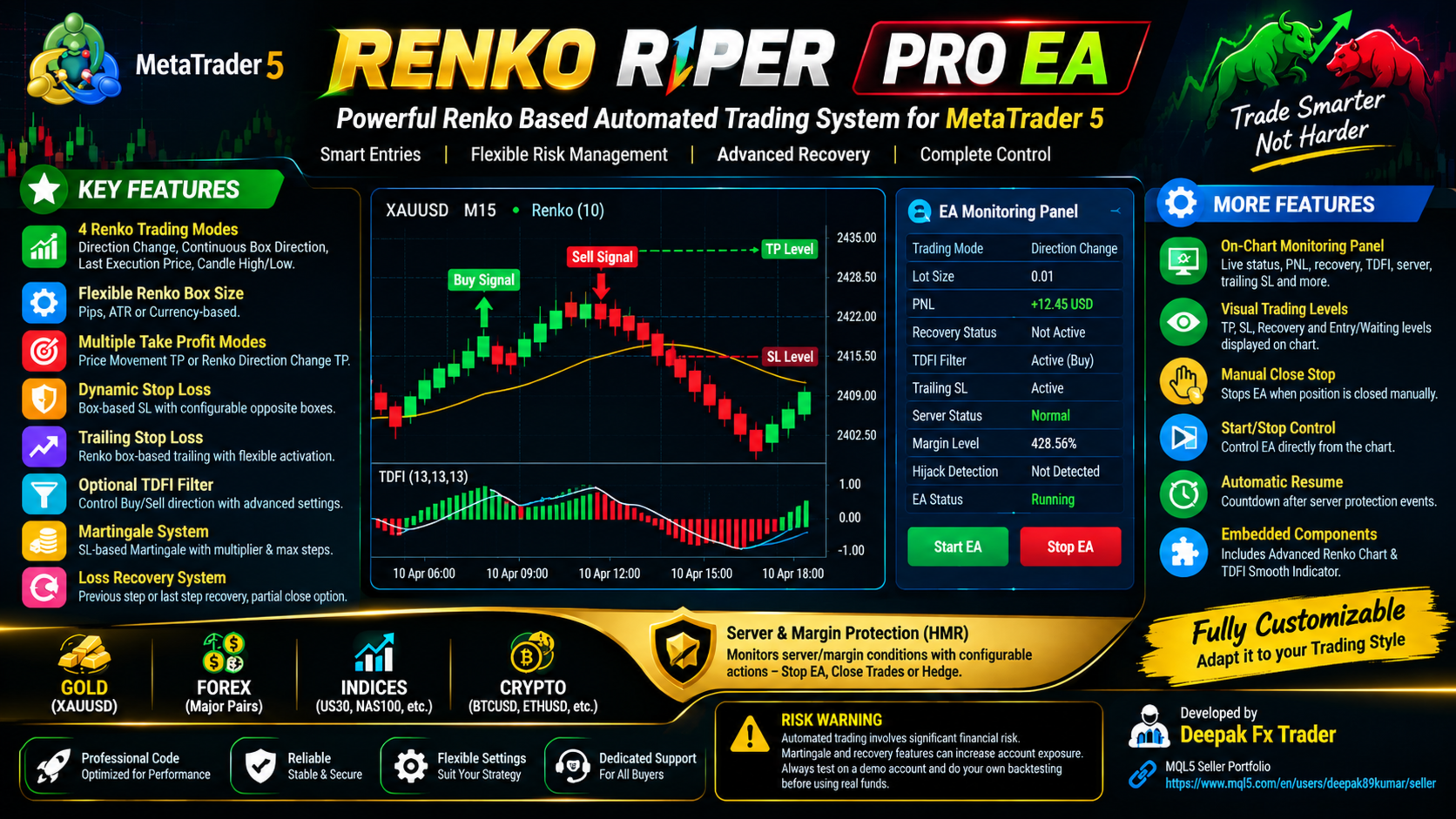
Renko Riper Pro is a highly configurable automated trading system designed around Renko price movement and box-based trading logic. The EA combines multiple Renko entry modes with flexible Take Profit logic, dynamic Stop Loss, trailing Stop Loss, optional TDFI filtering, Martingale management, loss recovery, and server/margin protection.
The system is designed to give traders extensive control over how trades are opened, managed, recovered, and closed.
RENKO-BASED TRADING ENGINE
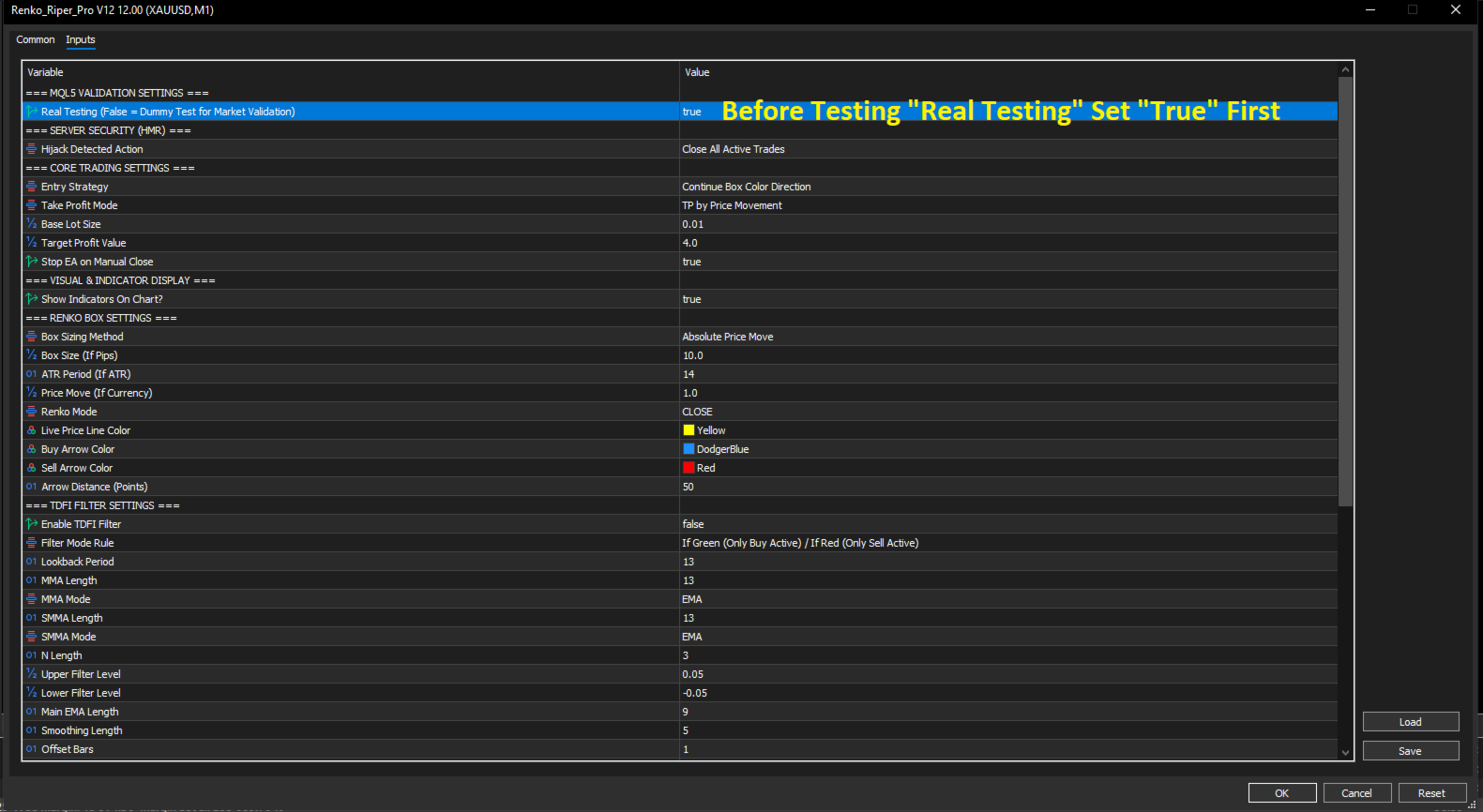
The core of the EA is based on Renko box movement rather than relying only on traditional candle formations. The Renko engine supports different box-size calculation methods:
-
Pips Mode – Define a fixed Renko box size in pips.
-
ATR Mode – Calculate the box size using ATR.
-
Currency/Price Movement Mode – Define the required absolute price movement.
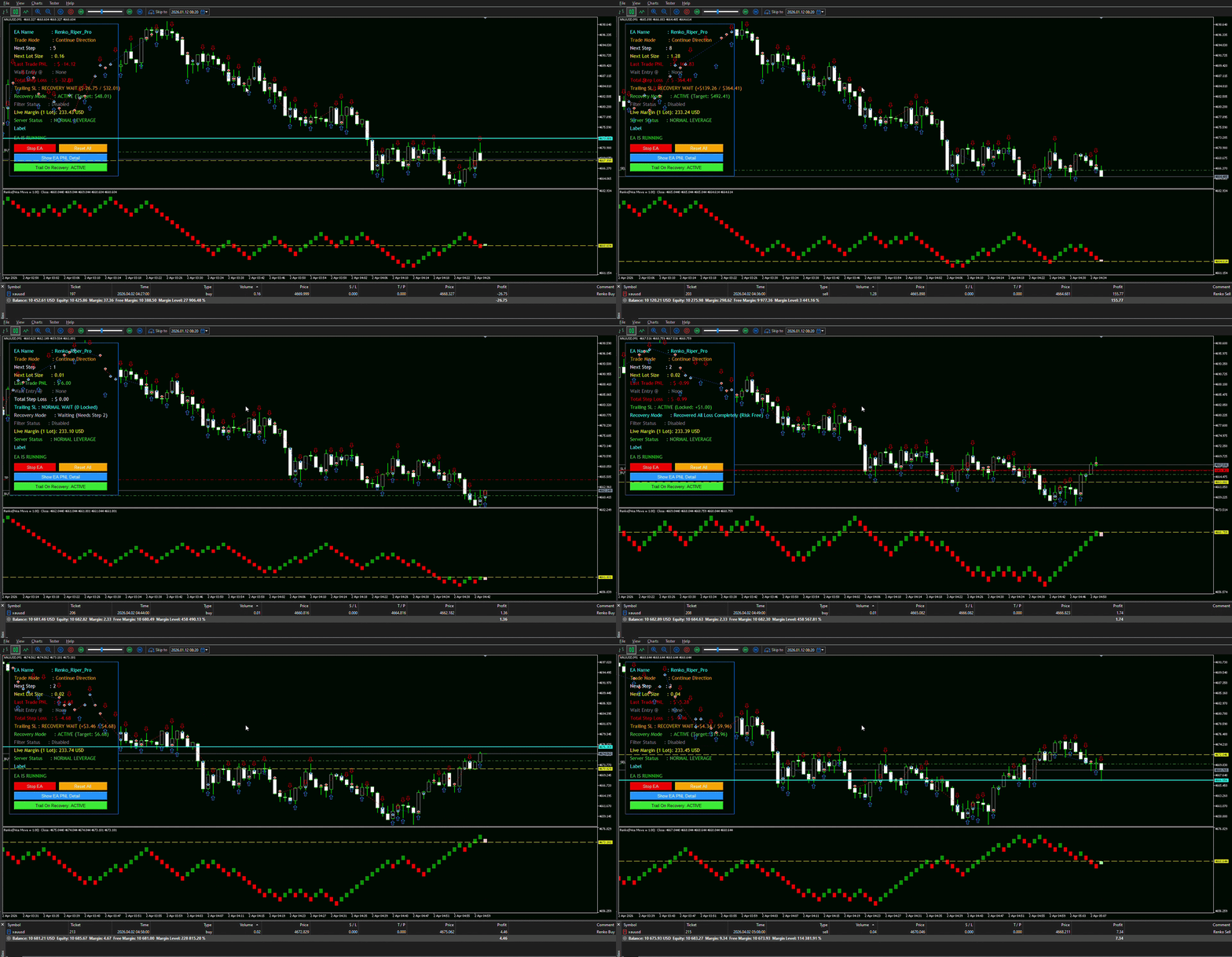
The Renko mode can therefore be adapted to different instruments and trading conditions. The EA also provides visual Renko information directly on the chart, including live price movement and Buy/Sell indications.
MULTIPLE TRADING MODES
The EA provides four different trading modes so the user can choose how new positions should be generated from Renko movement:
-
Only Direction Change: Trades are generated when the Renko direction changes. This mode prevents continuous entries in the same direction.
-
Continue Box Color Direction: The EA can continue trading according to the current Renko box colour/direction.
-
Continue Box With Last Execution Price: The EA continues its trading logic using the previous execution price as an additional reference for subsequent entries.
-
Continue Box With Closing Candle High/Low: The EA uses the closing candle's High/Low together with the Renko movement when determining subsequent trade execution.
FLEXIBLE TAKE PROFIT SYSTEM
The EA supports multiple Take Profit methods:
-
Price Movement TP: The position is managed according to a defined price-movement target.
-
Renko Direction Change TP: The EA uses a change in Renko box direction as the Take Profit/exit condition.
DYNAMIC STOP LOSS
The EA includes a configurable box-based Dynamic Stop Loss. The SL is calculated using the number of opposite Renko boxes from the entry position. Users can configure the exact number of opposite boxes used for the SL calculation, adapting it to their trading style.
BOX-BASED TRAILING STOP LOSS
A built-in Trailing Stop system is available that follows Renko box movement instead of simply using a fixed-point trailing distance.
-
Enable/Disable Trailing SL
-
Configure the number of Renko boxes before trailing begins
-
Option to activate trailing only after the loss-recovery process
-
Dynamic adjustment according to the selected Renko structure
OPTIONAL TDFI FILTER
The EA includes an optional Smoothed TDFI Filter to control which trading direction is permitted. Two filter modes are available:
-
TDFI Only Signal Side: If the TDFI signal allows Buy, Sell trading is blocked (and vice versa).
-
TDFI Both Sides: Allows both sides according to the Renko box direction.
Configurable parameters include Lookback, MMA Length/Mode, SMMA Length/Mode, N Length, Upper/Lower Levels, Main EMA Length, and Smoothing.
MARTINGALE MANAGEMENT
The EA includes an optional SL-Based Martingale system.
-
Configure Martingale multiplier & Maximum steps.
-
Define Starting lot size.
-
Important: Martingale trading can significantly increase account exposure and drawdown. Test carefully according to your risk tolerance.
LOSS RECOVERY SYSTEM
A dedicated Loss Recovery System is included, capable of starting recovery from a selected Martingale step.
-
All Previous Steps: Recovery target considers accumulated losses from all previous steps.
-
Only Last Step: Recovery target focuses only on the most recent closed loss.
-
Features include Recovery Profit Multiplier, Fixed Profit After Recovery, Partial Close options, and Remaining Lot settings.
SERVER / MARGIN MONITORING & HMR PROTECTION
The EA monitors account margin conditions and displays the current server status on the chart to protect against abnormal server/margin conditions (Hijack Margin Requirements).
-
Stop EA: Stops new trading activity.
-
Close Active Trades: Closes active positions based on protection logic.
-
Hedge Active Opposite Direction: Attempts to hedge the active exposure.
LIVE EA MONITORING PANEL
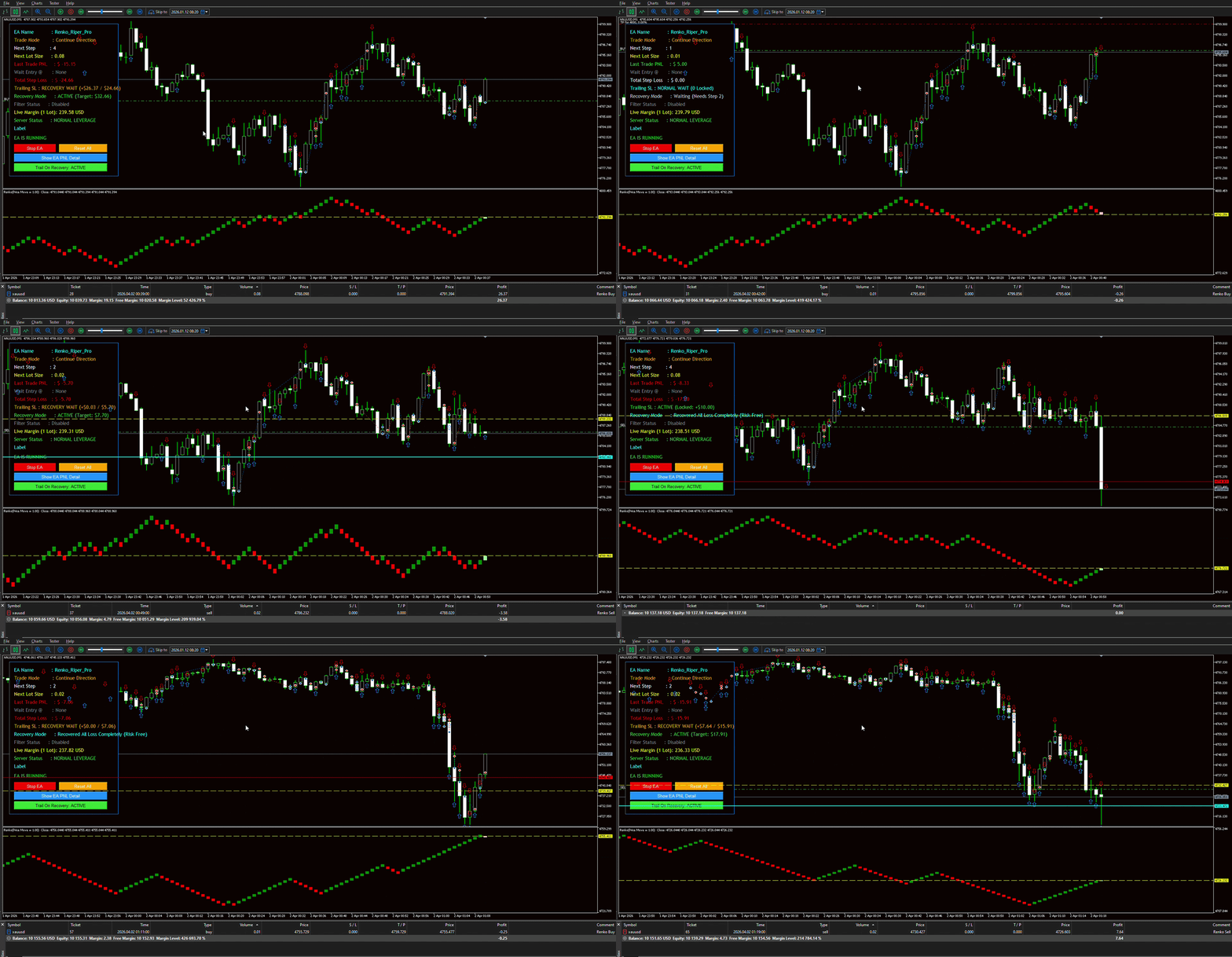
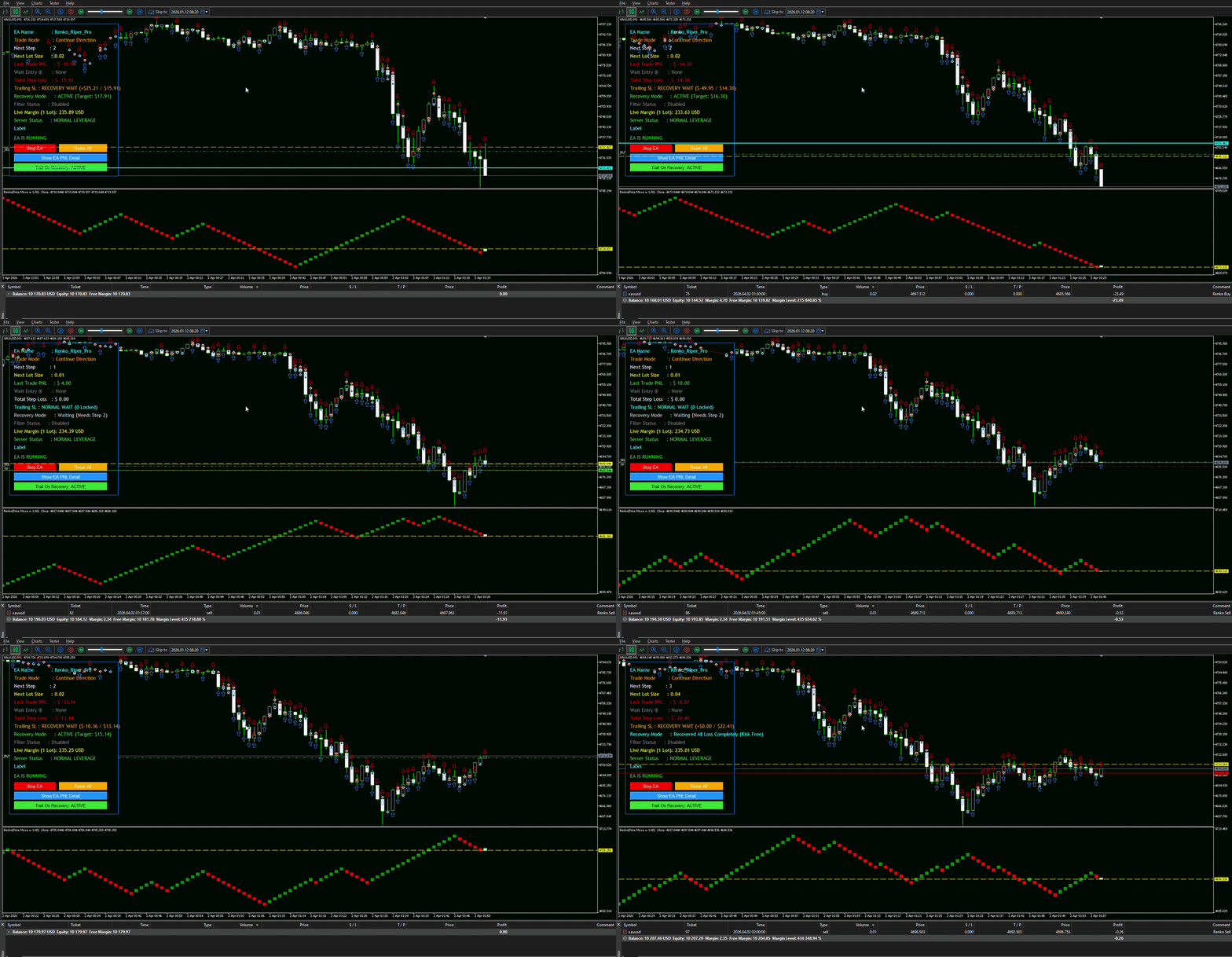
A sleek on-chart monitoring interface displays important information without opening the Inputs window:
-
Current trading status, Lot size, and Next Step
-
Trailing Stop & TDFI Filter status
-
Live margin information & Server hijack detection status
-
Auto-resume countdown & EA Running/Stopped toggles
-
Interactive buttons for Start/Stop, Reset, and showing/hiding PNL details.
VISUAL CHART INFORMATION
When visual display is enabled, the EA displays its embedded Renko and TDFI components directly on the MT5 chart, including:
-
Live price line, Buy/Sell arrows, TP/SL levels, Recovery levels, and Wait-entry lines.
EMBEDDED COMPONENTS
The required Renko and TDFI components are natively embedded into the EA resource. You do not need to download or configure any external indicators separately!
-
Embedded: Advanced True Renko Chart EA & TDFI Smooth Verified Indicator.
WHO IS THIS EA FOR?
This EA is designed for traders interested in:
-
Renko-based automated trading & Box-based logic.
-
Automated trade management with Dynamic SL & Trailing Stops.
-
Advanced recovery systems (Martingale & Custom Loss Recovery).
-
On-chart EA monitoring and Server/Margin protection.
IMPORTANT RISK WARNING
This Expert Advisor is an automated trading software tool and does not guarantee profits. Features such as Martingale and Loss Recovery can substantially increase account exposure and drawdown.
-
Always test on a Demo Account first.
-
Perform your own Strategy Tester backtests.
-
Carefully configure lot sizes and risk parameters.
-
Understand all Recovery settings before enabling them.
Developer: Deepak Fx Trader MQL5 Expert Advisor & Indicator Developer View my complete MQL5 portfolio: https://www.mql5.com/en/users/deepak89kumar/seller