Bitcoin Storm PRO
- Experts
- Version: 2.2
- Activations: 15

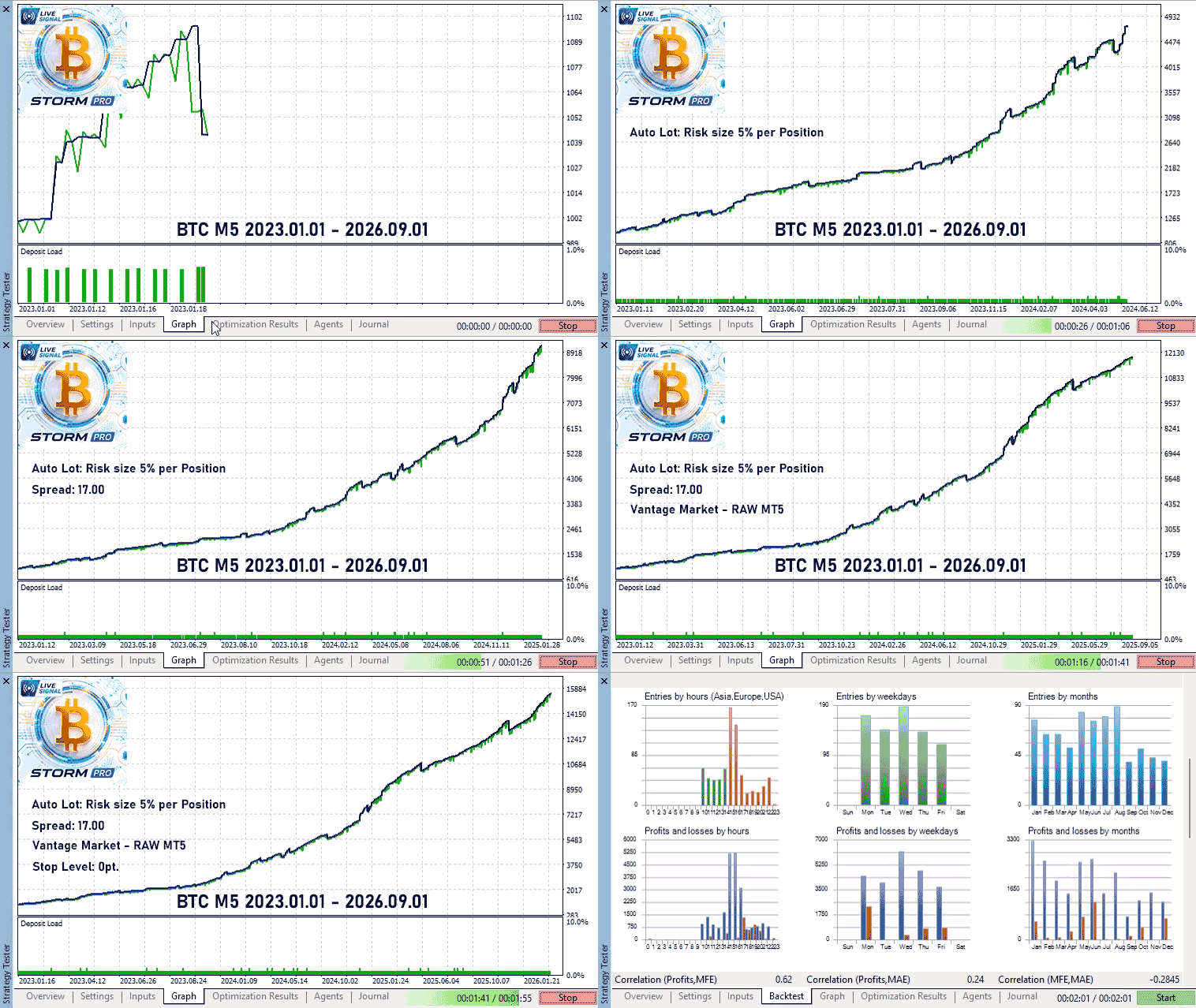
Bitcoin Storm PRO is an automated trading robot for BTCUSD designed to trade strong market impulses.
The algorithm continuously monitors the Bitcoin market and places pending orders to capture potential impulsive price movements with a predefined fixed risk per trade.
Live Trading Signal: https://www.mql5.com/en/signals/2388338
Trading Account Requirements
Order execution quality and broker trading conditions have a significant impact on Bitcoin Storm PRO performance.
- Account Type: RAW
- Spread: up to 30.00
- Leverage: from 1:25
- Minimum Deposit: 50 USD
Known Risk Before Every Trade
Bitcoin Storm PRO automatically calculates the position size so that the potential Stop Loss does not exceed the value specified in the The amount of risk per transaction parameter. Simply set a comfortable risk level, and the robot will automatically calculate the required lot size based on account balance and Stop Loss distance.
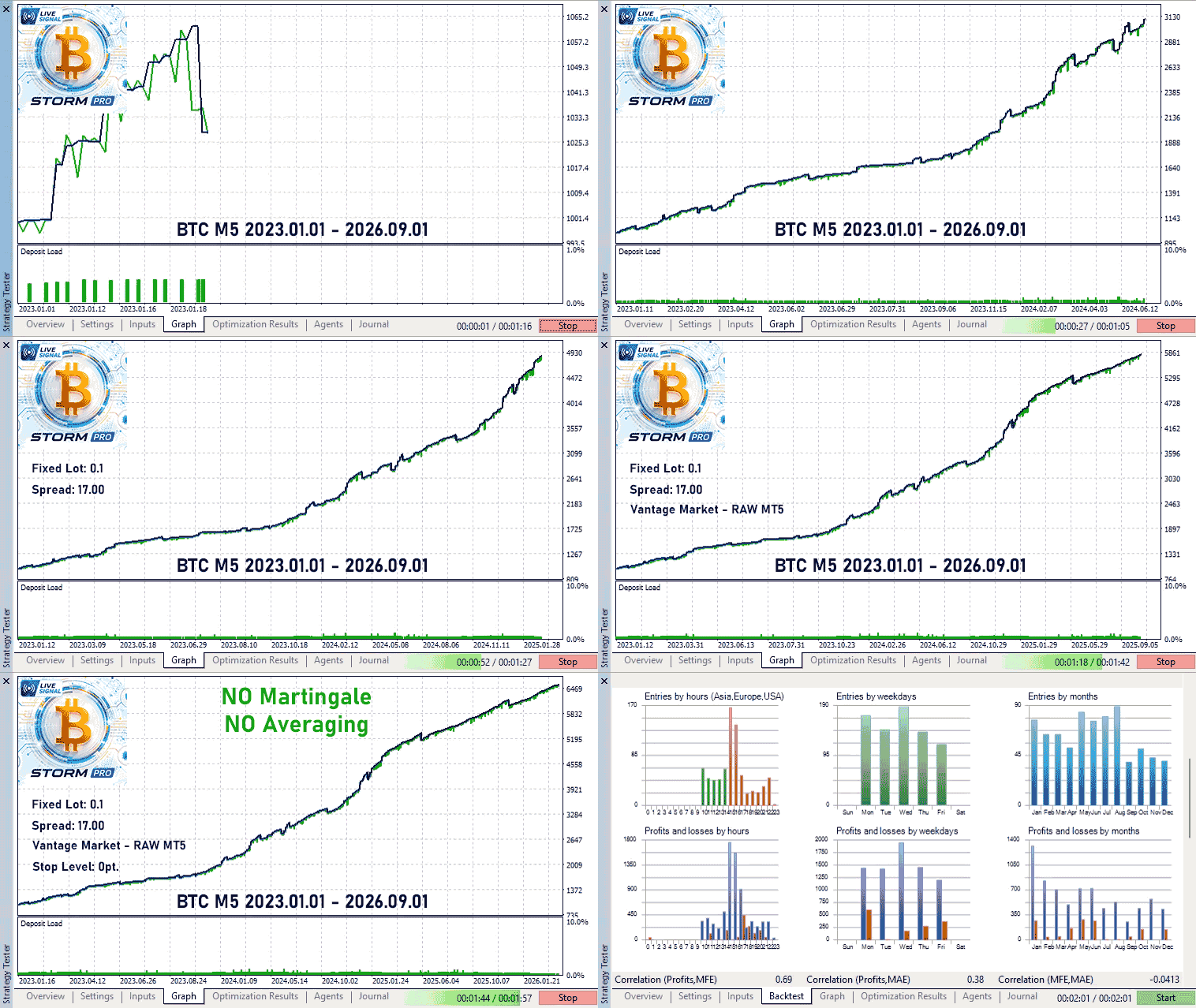
The robot does not use Martingale, averaging, or any hidden drawdown recovery techniques. If you prefer to trade with a fixed volume, set Lot calculation type = Fixed Lot.
No Martingale. No Averaging. No Surprises.
Captures Movement, Not Predictions
Bitcoin Storm PRO operates during the most active market hours and analyzes Bitcoin volatility every 5 minutes. Based on current market conditions, the algorithm calculates price levels that indicate the beginning of an impulsive move and places pending orders above and below the current price, remaining ready to enter the market whenever a strong movement occurs.
Three Independent Trade Management Systems
After opening a position, Bitcoin Storm PRO uses multiple trade management mechanisms. Positions can be closed by traditional Stop Loss and Take Profit levels, by Trailing Stop, or through the built-in Impulse Scanner, which continuously analyzes market momentum after entry.
If the impulse begins to weaken and the probability of reaching Take Profit decreases, the Impulse Scanner can close the trade early, helping to lock in results before the market completely loses momentum.
Suitable for Prop Firm Trading
Bitcoin Storm PRO can be used on Prop Firm accounts. To comply with daily drawdown limits, simply configure the The amount of risk per transaction parameter according to your risk management rules and your firm's requirements.
Thanks to fixed risk per trade and the absence of Martingale, averaging, and grid strategies, traders always know the maximum exposure associated with each position.
Bitcoin Storm PRO Input Parameters
- Lot calculation type — position size calculation method: fixed lot or percentage risk based on account balance.
- Fixed lot — fixed position size used in Fixed Lot mode.
- The amount of risk per transaction — risk per trade as a percentage of account balance.
- Start Hour — trading session start hour.
- Stop Hour — trading session end hour.
- Order Period — working timeframe used by the expert advisor.
- Expiration Minute — pending order expiration time in minutes.
- Stop-loss type — Stop Loss calculation method.
- Fixed Stop-loss — fixed Stop Loss value in Bitcoin price units.
- Percent Stop-loss — Stop Loss calculated as a percentage of the current Bitcoin price.
- Take-profit type — Take Profit calculation method.
- Fixed TakeProfit — fixed Take Profit value in Bitcoin price units.
- Trailing Stop — enables or disables trailing stop management.
- Trailing Distance — distance between market price and trailing stop.
- Trailing Step — minimum movement required to adjust the trailing stop.
- Trailing Start — profit level required before trailing stop activation.
- Impulse Close — enables or disables the Impulse Scanner trade management system.
- Friday Delete Orders — automatically removes pending orders before the weekend.
- Friday Delete Orders Hour — hour when pending orders are deleted on Friday.
- Friday Close Positions — automatically closes open positions before the weekend.
- Friday Close Positions Hour — hour when all positions are closed on Friday.
- Monday — enable or disable trading on Monday.
- Tuesday — enable or disable trading on Tuesday.
- Wednesday — enable or disable trading on Wednesday.
- Thursday — enable or disable trading on Thursday.
- Friday — enable or disable trading on Friday.
- Saturday — enable or disable trading on Saturday.
- Sunday — enable or disable trading on Sunday.
- Comment Orders — comment attached to orders and positions opened by the expert advisor.