
SFRecovery EA
- Experts
-
Benjamin Sanchez Parra
 Fundador de SignalForge AI
Herramientas inteligentes de trading que conectan TradingView con MetaTrader 5. - Version: 3.32
- Updated: 5 October 2026
SFRecovery EA - FREE drawdown recovery manager for MT5 that calculates its worst case BEFORE each cycle starts.
Any grid or recovery EA can average down a losing basket. Very few can answer the only question that matters at launch: "if this goes wrong, how much can I lose?" SFRecovery computes it before every cycle, with the same grid engine it is about to trade, shows it on the panel, in the journal and in Telegram, and can refuse to launch when the worst case exceeds the share of equity you set.
100% FREE - FULL VERSION
Every feature unlocked. No time limit, no subscription, no paid upgrade, no upsell. Test it in the Strategy Tester and run it on your live account with the same file.
IT RESCUES YOUR POSITIONS - IT HAS NO STRATEGY OF ITS OWN
SFRecovery has no entry signal. Attach it to one chart and it watches the positions you choose on that symbol: manual trades, other EAs (by magic number, or "*" for all of them) and webhook bots. When they fall into drawdown it takes over the basket - averaging, partial closes or a hedge lock - and works it out to break-even plus your target. Your strategy finds the entries; SFRecovery is the damage control.
NEW IN v3.32 (OCTOBER 2026)
- Account-wide worst case: with the EA on several charts, each panel shows the SUM of every live instance, with an optional account-level limit
- Grid margin projection: see whether a stop-out could arrive before the worst case does
- Protections survive reloads: a timeframe change, VPS reboot or terminal update no longer resets the equity peak, revives a stopped EA or clears the daily halt
- Multi-line Telegram alerts are delivered again (daily halt, circuit breaker, absolute close, max loss)
- OBSERVE mode: one CSV row per finished cycle, to calibrate with your own data
SET THE LOSS CAPS FIRST
With the bare default inputs the hard money cap and the absolute close are OFF: only the circuit breaker protects you, and it re-arms after every cooldown, so repeated stops can add up. Before going live, set "Hard kill $" and "Absolute close %", or load one of the presets - they all ship with both caps ON. The config summary printed at start lists every trigger and cap as ON or OFF.
TRY IT IN 5 MINUTES
Open the Strategy Tester and run it on any symbol. In the tester, "Auto-open losing trades in tester" (ON by default) makes the EA open random trades so you can watch complete recovery cycles. Those entries are random: they show how the manager behaves, not a strategy result. In visual mode you can also trade from the on-chart pad. The option does nothing on a live account.
WHAT YOU SEE, ALWAYS
- Worst case in money and % of equity, for this chart and summed across all your SFRecovery charts
- Margin the full grid would lock, and the free margin left after it
- The live loss against the exact trigger that launches a cycle, and why each cycle launched
- Every exit tagged in the journal: basket TP, partial, anti-stall, max loss, circuit breaker, absolute close
PROTECTION STACK
- 3-tier circuit breaker: reduce lots, halt adds, flatten + cooldown
- Hard money cap on the basket
- Absolute close from the true equity peak: flatten and stop for good
- Kill scope + halt guard: a protection stop can also close other EAs' trades on the symbol or the account, and keeps closing what they open while halted. MT5 does not let one EA switch another off; this is the enforceable equivalent
- Worst-case gate per chart and per account: no cycle starts above your risk limit (opt-in)
- Daily equity stop and day halt after N stops, for prop-firm rules
- Exit cost buffer, exposure cap, spread and rollover guards
RECOVERY STYLES
- Averaging grid: fixed step, ATR or Kalman filter
- Overlap partial closes: the basket shrinks during the cycle
- LOCK_FIRST / LOCK_DRAIN: freeze the loss with an opposite lock (hedging accounts)
- ZONE dual-side and CONTROL mode: work both sides of the swing, or take over the whole symbol book at your drawdown threshold
UNIVERSAL
Money targets auto-scale to the symbol and to your equity; the panel shows the scale in use. Metals, forex, indices, crypto and commodities.
QUICK START
1. Attach it to one chart per symbol. 2. Choose what to monitor (0 = manual trades, magic numbers, or "*" = every position on the symbol). 3. Load a v3.32 preset or set your launch trigger. 4. Check the hard money cap and the absolute close. 5. Read the config summary in the Experts journal. The first averaging order opens at launch by design; the cyan line is the basket break-even price, not a stop.
FULL GUIDES ON OUR WEBSITE
Product page: https://www.signalforge-ai.com/sf-recovery/
Input manual: https://www.signalforge-ai.com/sf-recovery/manual/
Step-by-step setup: https://www.signalforge-ai.com/blog/recovery-ea-setup/
v3.32 presets (.zip): https://www.signalforge-ai.com/downloads/SFRecovery_v3.32_XAUUSD_Sets.zip
PRESETS, MANUAL AND SUPPORT
The user manual, the calibrated .set presets for every recovery style and the changelog are in the Comments tab of this page. Questions and bug reports go there too. If SFRecovery is useful to you, an honest review helps other traders decide.
HONEST LIMITS
This is a position manager, not a trading system: it has no entry signal and it will not turn a losing strategy into a winning one. Averaging down turns many small losses into fewer, larger ones - that is why the caps come first. ZONE and CONTROL raise exposure and swap cost because both sides work at once. Past tests do not guarantee future results: try it on a demo account with the exact sizes you plan to run.
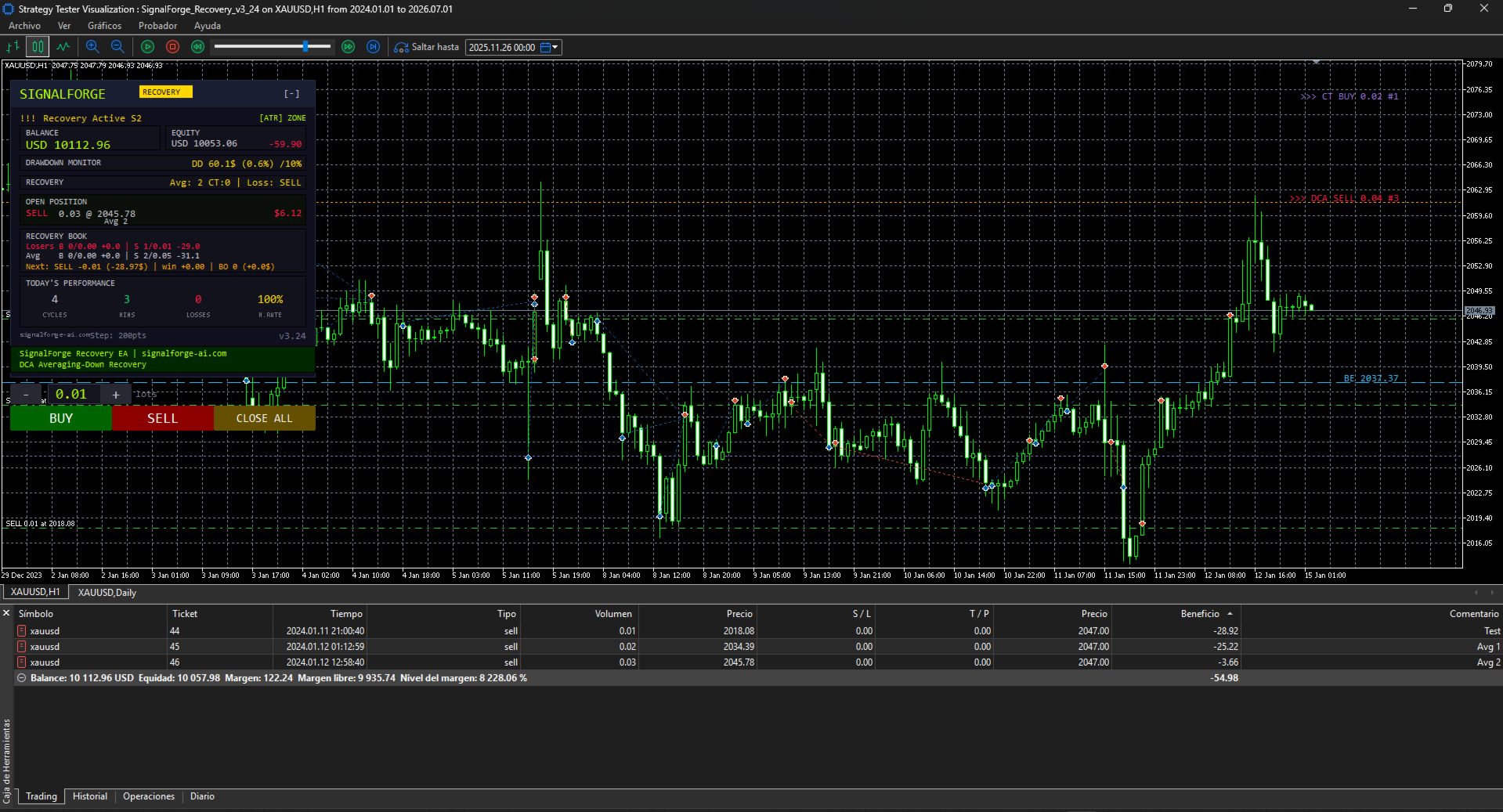
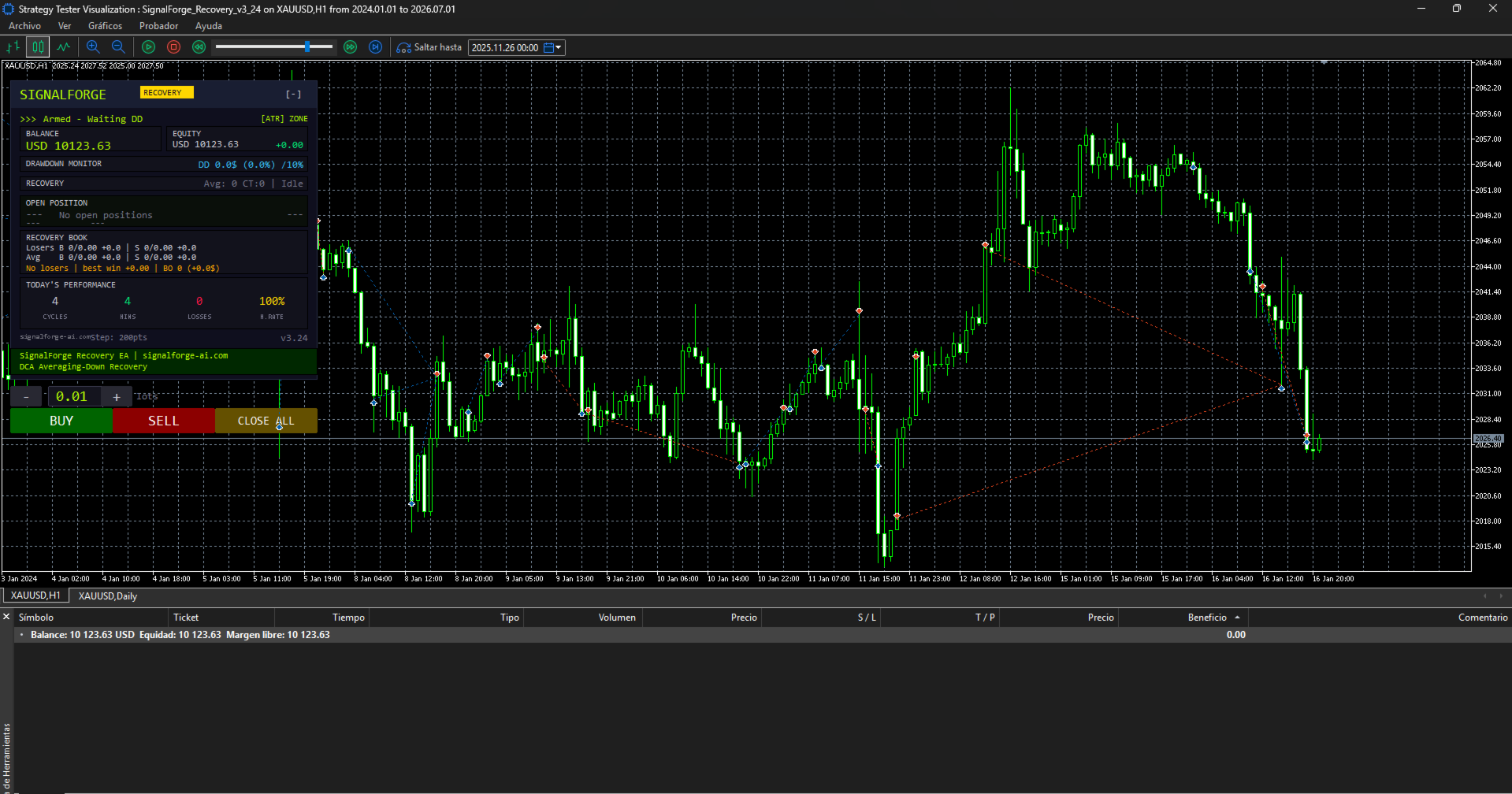
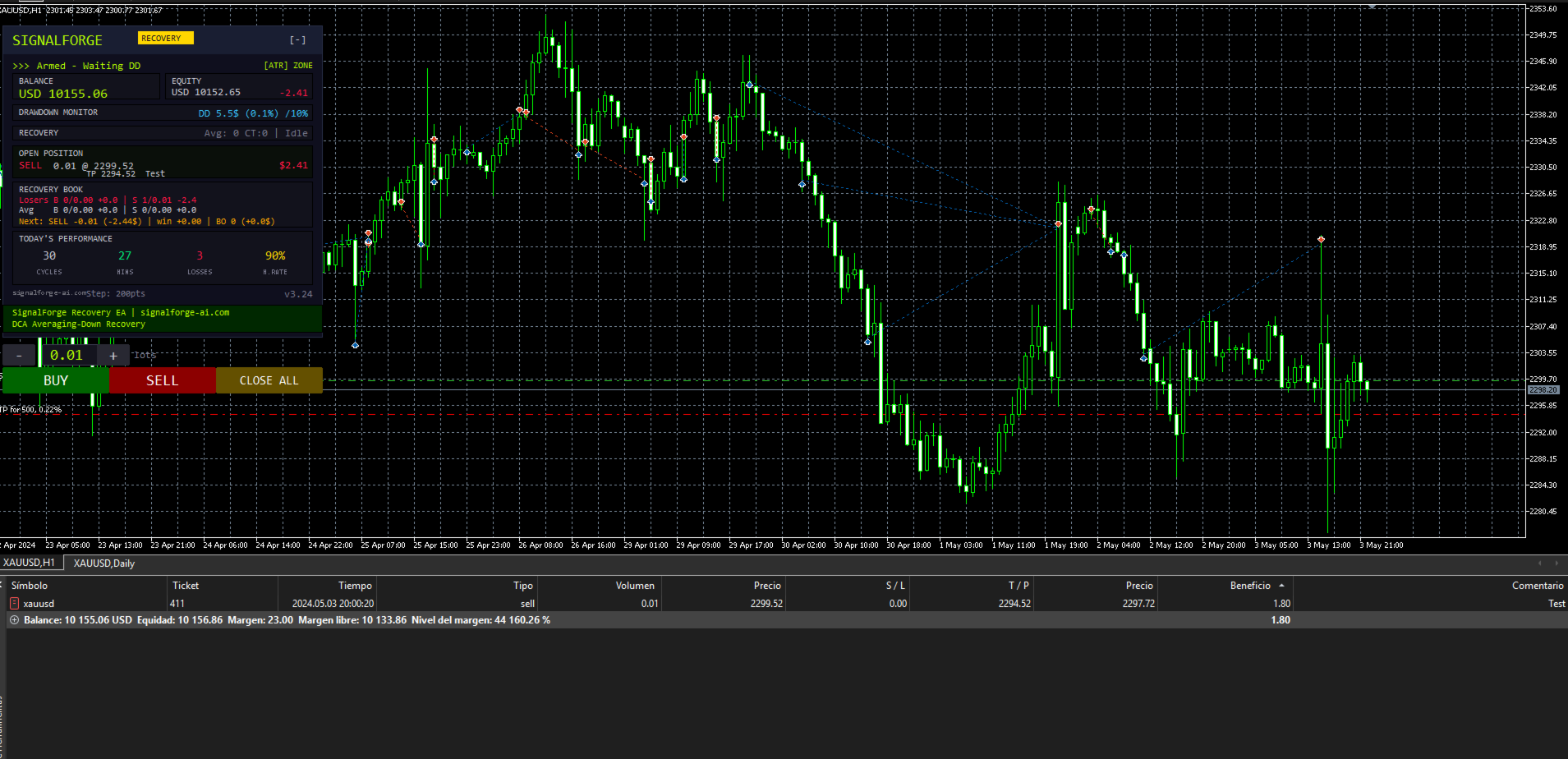





























Unfortunately, the EA does not behave as it should. During my testing, even when using the set files provided by the developer, the EA repeatedly burns through the account, either gradually or all at once. I contacted the developer/support to try to understand what was happening. However, instead of properly addressing the issue, I was told that I was an “odd” person and that the problem was somehow my fault. I have done nothing unusual. I simply tested the EA using all of the files and set files provided by the developer, and the EA behaved in essentially the same way with all of them: it opens positions and closes them at significant losses without any clear reason, or continues operating until the account is completely wiped out. The developer first called me “odd” and then told me that a new version would be released this weekend. In my opinion, an EA of this type should be thoroughly tested before being sold, especially when customers are expected to use the provided settings. And regardless of technical issues, customers should be treated respectfully and should not be insulted when they report a problem. Unfortunately, my experience so far has been very disappointing.
Edit:
I can understand the confusion regarding the word “odd”, but the fact remains that the EA does not work as it should with any of the provided set files, and even with the default settings.
From my experience, the EA is currently unusable. I have tested it with the settings provided and tried different configurations, but the behaviour remains the same.
Unfortunately, at this point, I feel that I have simply wasted my money.
I will Update if anything changes with new release!
It was a count, never a description of you. I understand it read
differently, and that is my wording's fault, not your reading. I am sorry
for it. On the EA: SFRecovery has no entry signal. The extra positions are its
averaging grid, and the "BE" line on the chart is a display of the basket
break-even price - not a stop, and not tied to the DD% input. This weekend I am releasing the new version. It adds a pre-flight that calculates the maximum loss of a full grid before
every cycle and can refuse a launch above the risk limit you set. If you send me the set and the period you tested, I will reproduce your run
and answer with facts instead of opinions. Thank you for your patience.