
SFRecovery EA
- Experts
-
Benjamin Sanchez Parra
 Fundador de SignalForge AI
Herramientas inteligentes de trading que conectan TradingView con MetaTrader 5. - 버전: 3.32
- 업데이트됨: 5 10월 2026
SFRecovery EA - 각 사이클이 시작되기 전에 최악의 경우를 계산하는 MT5용 무료 드로다운 회복 관리자.
그리드나 리커버리 EA라면 어느 것이든 손실 중인 바스켓에 물타기를 할 수 있습니다. 하지만 시작 시점에 정말 중요한 단 하나의 질문, "잘못되면 얼마까지 잃을 수 있는가?"에 답할 수 있는 것은 거의 없습니다. SFRecovery는 각 사이클 전에 실제로 거래할 것과 같은 그리드 엔진으로 이를 계산해 패널, 저널, Telegram에 표시하며, 최악의 경우가 사용자가 정한 자산 비율을 넘으면 시작을 거부할 수 있습니다.
100% 무료 - 정식 버전
모든 기능이 잠금 해제되어 있습니다. 기간 제한 없음, 구독 없음, 유료 버전 없음, 추가 판매 없음. 전략 테스터에서 시험해 보고, 같은 파일로 실계좌에서 사용하세요.
당신의 포지션을 구합니다 - 자체 전략은 없습니다
SFRecovery에는 진입 신호가 없습니다. 차트 하나에 붙이면 해당 심볼에서 선택한 포지션을 감시합니다: 수동 거래, 다른 EA(매직 넘버로 지정하거나 전체는 "*"), 웹훅 봇. 이 포지션들이 드로다운에 빠지면 바스켓을 넘겨받아 - 물타기, 부분 청산 또는 헤지 락 - 손익분기점에 목표 수익을 더한 지점까지 관리합니다. 진입은 당신의 전략이, 손실 관리는 SFRecovery가 맡습니다.
v3.32 새 기능 (2026년 10월)
- 계좌 전체의 최악의 경우: 여러 차트에서 EA를 실행하면 각 패널에 실행 중인 모든 인스턴스의 합계가 표시되며, 계좌 단위 한도를 선택적으로 설정할 수 있습니다
- 그리드 증거금 예측: 최악의 경우보다 스톱아웃이 먼저 올 수 있는지 확인할 수 있습니다
- 다시 불러와도 보호 기능 유지: 타임프레임 변경, VPS 재부팅, 터미널 업데이트 후에도 자산 고점이 초기화되거나, 정지된 EA가 다시 살아나거나, 일일 정지가 해제되지 않습니다
- 여러 줄짜리 Telegram 알림이 다시 전달됩니다 (일일 정지, 서킷 브레이커, 절대 청산, 최대 손실)
- OBSERVE 모드: 끝난 사이클마다 CSV 한 줄을 기록해 자신의 데이터로 보정할 수 있습니다
손실 한도부터 설정하세요
기본 입력값에서는 금액 기준 손실 한도와 절대 청산이 꺼져 있습니다. 서킷 브레이커만 보호하며, 쿨다운이 끝날 때마다 다시 활성화되므로 연속된 정지 손실이 누적될 수 있습니다. 실계좌 전에 "Hard kill $"와 "Absolute close %"를 설정하거나 프리셋 중 하나를 불러오세요. 모든 프리셋은 두 한도가 모두 켜진 상태입니다. 시작 시 출력되는 설정 요약에서 각 트리거와 한도의 ON / OFF를 확인할 수 있습니다.
5분 만에 체험
전략 테스터를 열고 아무 심볼에서나 실행하세요. 테스터에서는 "Auto-open losing trades in tester"(기본값 켜짐)가 EA에 무작위 거래를 열게 해 전체 회복 사이클을 볼 수 있습니다. 이 진입은 무작위이므로 전략 성과가 아니라 관리자의 동작을 보여 줍니다. 비주얼 모드에서는 차트 위 패드로 직접 거래할 수도 있습니다. 이 옵션은 실계좌에서는 아무 동작도 하지 않습니다.
항상 보이는 정보
- 금액과 자산 비율로 표시되는 최악의 경우 (이 차트 기준, 그리고 SFRecovery를 실행 중인 모든 차트의 합계)
- 전체 그리드가 묶어 둘 증거금과 그 후 남는 여유 증거금
- 사이클을 시작시키는 정확한 트리거 대비 현재 손실, 그리고 각 사이클이 시작된 이유
- 저널에 태그로 남는 모든 청산: 바스켓 TP, 부분 청산, 정체 방지, 최대 손실, 서킷 브레이커, 절대 청산
보호 기능
- 3단계 서킷 브레이커: 랏 축소, 추가 진입 중단, 전부 청산 + 쿨다운
- 바스켓의 금액 기준 손실 한도
- 실제 자산 고점 기준 절대 청산: 전부 청산하고 완전히 정지
- 킬 범위 + halt guard: 보호 정지가 같은 심볼이나 계좌 전체의 다른 EA 거래도 청산할 수 있으며, 정지 중에 다른 EA가 새로 여는 포지션도 계속 청산합니다. MT5에서는 EA가 다른 EA를 끌 수 없으므로 이것이 실행 가능한 대안입니다
- 차트별·계좌별 최악의 경우 필터: 위험 한도를 넘는 사이클은 시작하지 않습니다 (선택 사항)
- 프롭 펌 규칙을 위한 일일 자산 손절과 N회 정지 후 당일 정지
- 청산 비용 버퍼, 노출 한도, 스프레드 및 롤오버 필터
회복 방식
- 물타기 그리드: 고정 간격, ATR 또는 칼만 필터
- 상쇄형 부분 청산: 사이클 동안 바스켓이 줄어듭니다
- LOCK_FIRST / LOCK_DRAIN: 반대 방향 락으로 손실을 동결 (헤징 계좌)
- 양방향 ZONE과 CONTROL 모드: 움직임의 양쪽에서 운용하거나, 드로다운 임계값에 도달하면 해당 심볼의 전체 포지션을 인수
범용
금액 목표는 심볼과 자산에 맞춰 자동으로 조정되며, 사용 중인 배율은 패널에 표시됩니다. 금속, 외환, 지수, 암호화폐, 원자재.
빠른 시작
1. 심볼마다 차트 하나에 붙입니다. 2. 감시할 대상을 고릅니다 (0 = 수동 거래, 매직 넘버, 또는 "*" = 해당 심볼의 모든 포지션). 3. v3.32 프리셋을 불러오거나 트리거를 설정합니다. 4. 금액 한도와 절대 청산을 확인합니다. 5. "전문가" 저널에서 설정 요약을 읽습니다. 첫 물타기 주문은 설계상 시작 시점에 열립니다. 청록색 선은 바스켓의 손익분기 가격이며 손절선이 아닙니다.
웹사이트 상세 가이드(영어)
제품 페이지: https://www.signalforge-ai.com/sf-recovery/
입력값 매뉴얼: https://www.signalforge-ai.com/sf-recovery/manual/
단계별 설정: https://www.signalforge-ai.com/blog/recovery-ea-setup/
v3.32 프리셋 (.zip): https://www.signalforge-ai.com/downloads/SFRecovery_v3.32_XAUUSD_Sets.zip
프리셋, 매뉴얼, 지원
사용자 매뉴얼, 각 회복 방식에 맞게 보정된 .set 프리셋, 변경 내역은 이 페이지의 "댓글" 탭에 있습니다. 질문과 버그 신고도 그곳에 남겨 주세요. SFRecovery가 도움이 되었다면, 솔직한 리뷰가 다른 트레이더의 결정에 도움이 됩니다.
솔직한 한계
이것은 포지션 관리자이지 매매 시스템이 아닙니다. 진입 신호가 없으며, 손실 나는 전략을 수익 나는 전략으로 바꿔 주지 않습니다. 물타기는 작은 손실 여러 번을 더 적지만 더 큰 손실로 바꿉니다. 그래서 한도 설정이 먼저입니다. ZONE과 CONTROL은 양쪽을 동시에 운용하므로 노출과 스왑 비용이 늘어납니다. 과거 테스트는 미래 결과를 보장하지 않습니다. 실제로 사용할 랏 크기로 데모 계좌에서 먼저 시험해 보세요.
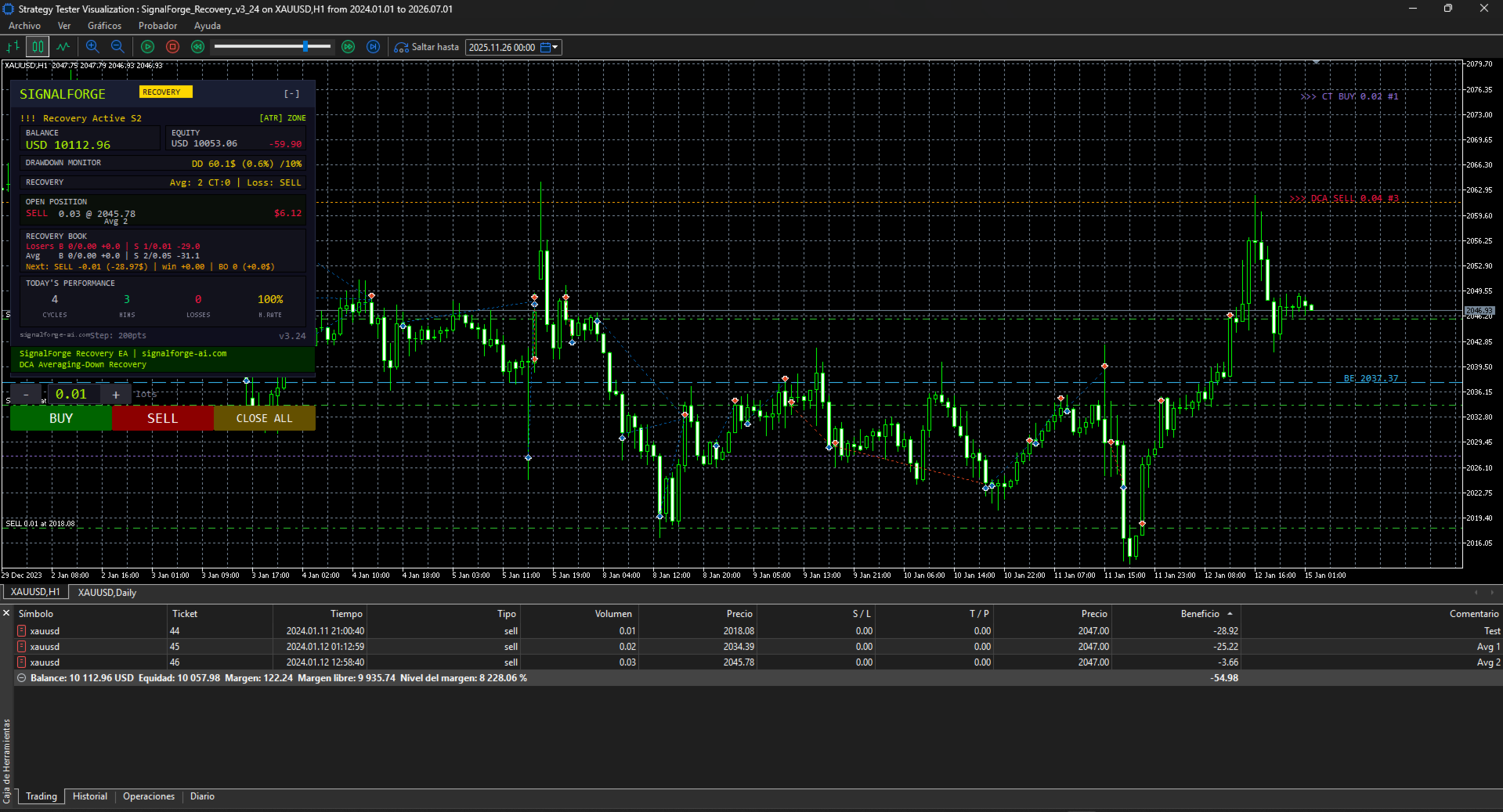
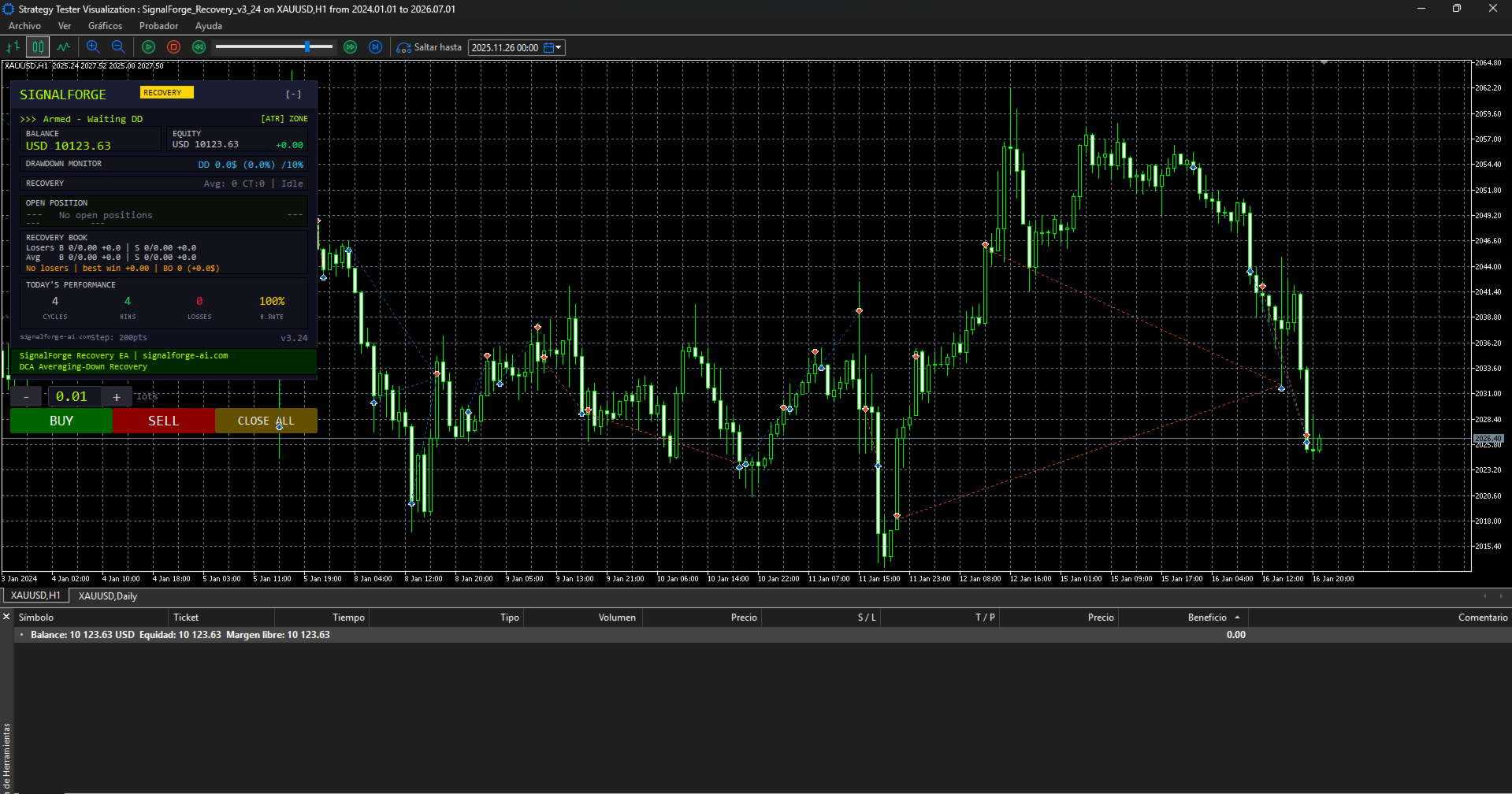
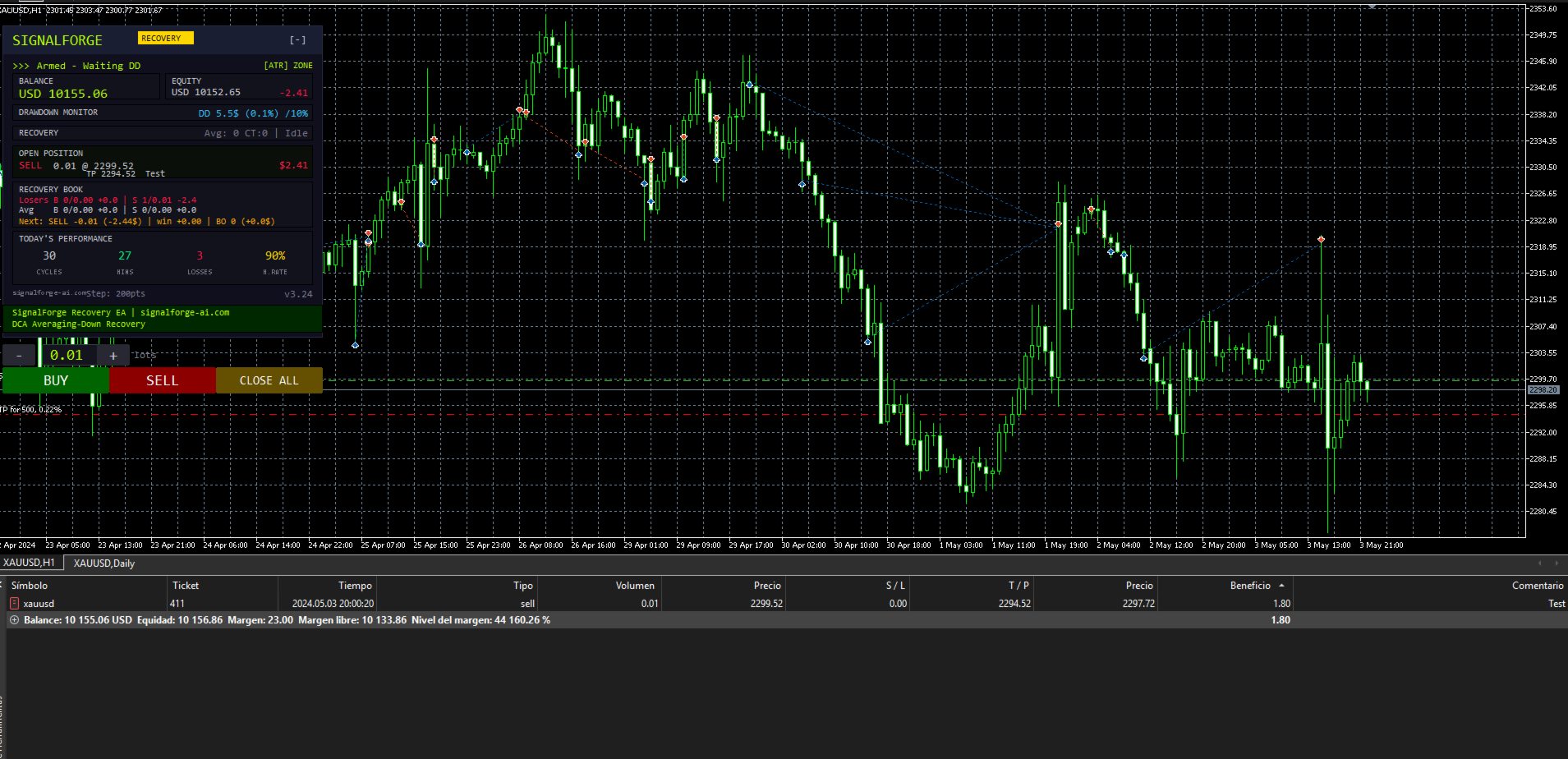
































Unfortunately, the EA does not behave as it should. During my testing, even when using the set files provided by the developer, the EA repeatedly burns through the account, either gradually or all at once. I contacted the developer/support to try to understand what was happening. However, instead of properly addressing the issue, I was told that I was an “odd” person and that the problem was somehow my fault. I have done nothing unusual. I simply tested the EA using all of the files and set files provided by the developer, and the EA behaved in essentially the same way with all of them: it opens positions and closes them at significant losses without any clear reason, or continues operating until the account is completely wiped out. The developer first called me “odd” and then told me that a new version would be released this weekend. In my opinion, an EA of this type should be thoroughly tested before being sold, especially when customers are expected to use the provided settings. And regardless of technical issues, customers should be treated respectfully and should not be insulted when they report a problem. Unfortunately, my experience so far has been very disappointing.
Edit:
I can understand the confusion regarding the word “odd”, but the fact remains that the EA does not work as it should with any of the provided set files, and even with the default settings.
From my experience, the EA is currently unusable. I have tested it with the settings provided and tried different configurations, but the behaviour remains the same.
Unfortunately, at this point, I feel that I have simply wasted my money.
I will Update if anything changes with new release!
It was a count, never a description of you. I understand it read
differently, and that is my wording's fault, not your reading. I am sorry
for it. On the EA: SFRecovery has no entry signal. The extra positions are its
averaging grid, and the "BE" line on the chart is a display of the basket
break-even price - not a stop, and not tied to the DD% input. This weekend I am releasing the new version. It adds a pre-flight that calculates the maximum loss of a full grid before
every cycle and can refuse a launch above the risk limit you set. If you send me the set and the period you tested, I will reproduce your run
and answer with facts instead of opinions. Thank you for your patience.