Color schemes
- Utilità
- Versione: 1.0
- Attivazioni: 5

Colors schemes
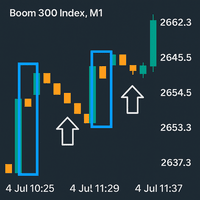
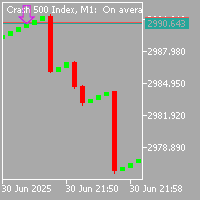
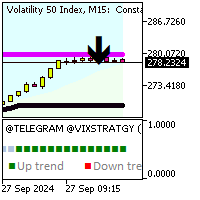
powerful MetaTrader 5 script designed for traders who value speed and a personalized trading environment. With a single click, you can instantly transform your chart's appearance using one of several professional, pre-designed color schemes, including popular styles like ICT/SMC.
How to Use:
- In your MetaTrader 5 terminal, open the Navigator window (Ctrl+N).
- Find the Colors schemes script under the "Scripts" section.
- Drag and drop the script onto the chart you want to customize.
- A settings window will pop up. Select your desired Color Scheme from the dropdown menu.
- Choose whether to show the Ask/Bid lines and set their width.
- Click OK. Your chart will instantly update.
How It's Helpful (Saves Time & Effort):
- Instant Customization: Manually changing chart colors through Properties is tedious and time-consuming. This script automates the process, saving you dozens of clicks and allowing you to switch themes in seconds.
- Professional Themes: No more guessing which colors work well together. The script offers 8 carefully selected, professional-grade color palettes that reduce eye strain and improve chart clarity.
- Consistency: Easily apply the same professional look across all your charts and symbols, creating a cohesive and focused trading workspace.
- All-in-One Tool: It not only changes colors but also conveniently adds or removes Ask/Bid lines, a feature many traders use manually.