Smart Round Levels
- Indicators
- Version: 1.0

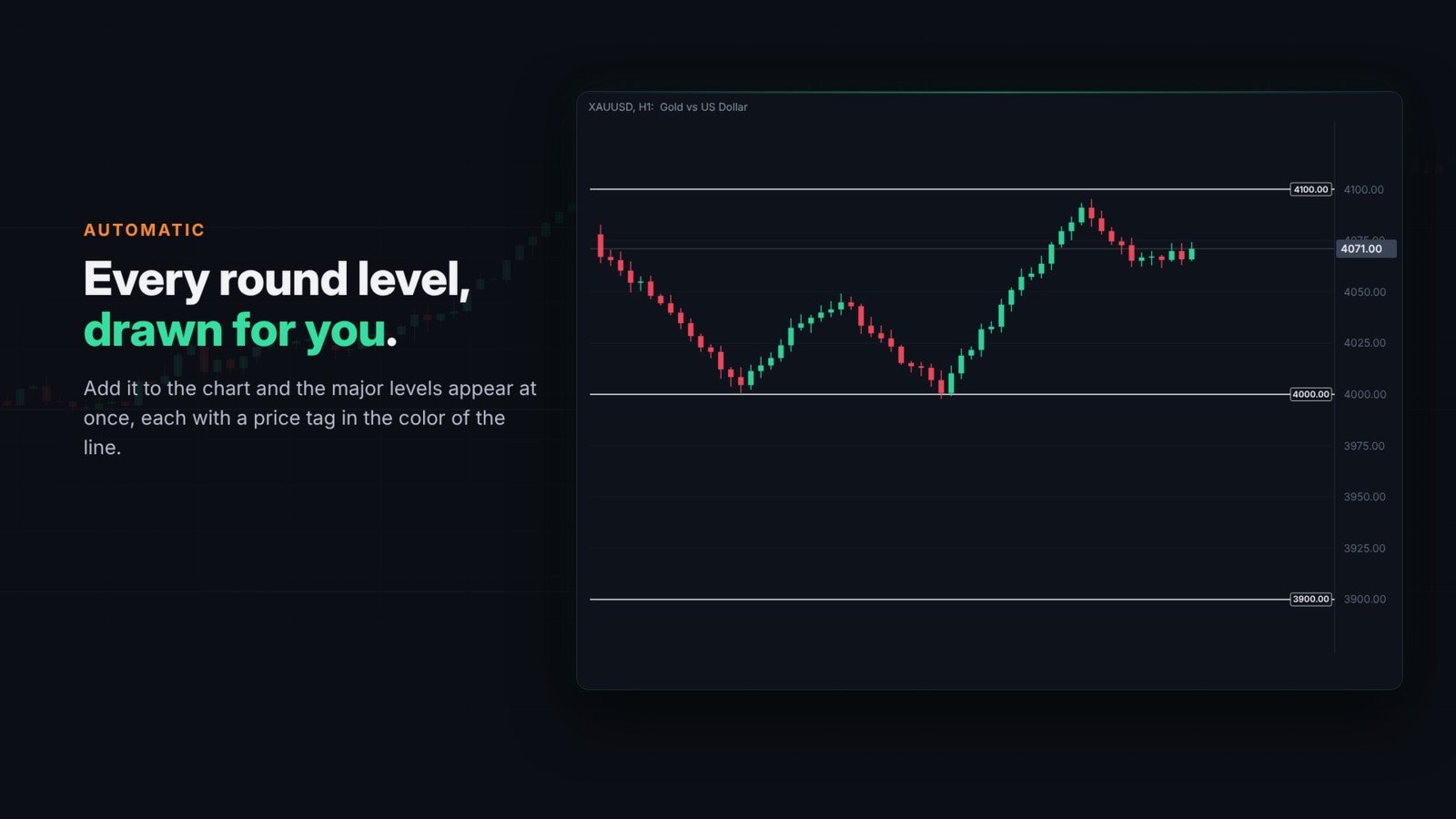
Smart Round Levels draws round number levels, also called psychological levels, on your chart automatically. It works on any symbol: forex pairs, metals, indices and crypto. Add it to the chart and the levels appear at a distance that makes sense for that symbol, with no setup.
If you find it useful, please leave a star rating and a short comment in the Reviews tab. It helps me keep improving this tool. Thank you.
How the step is chosen
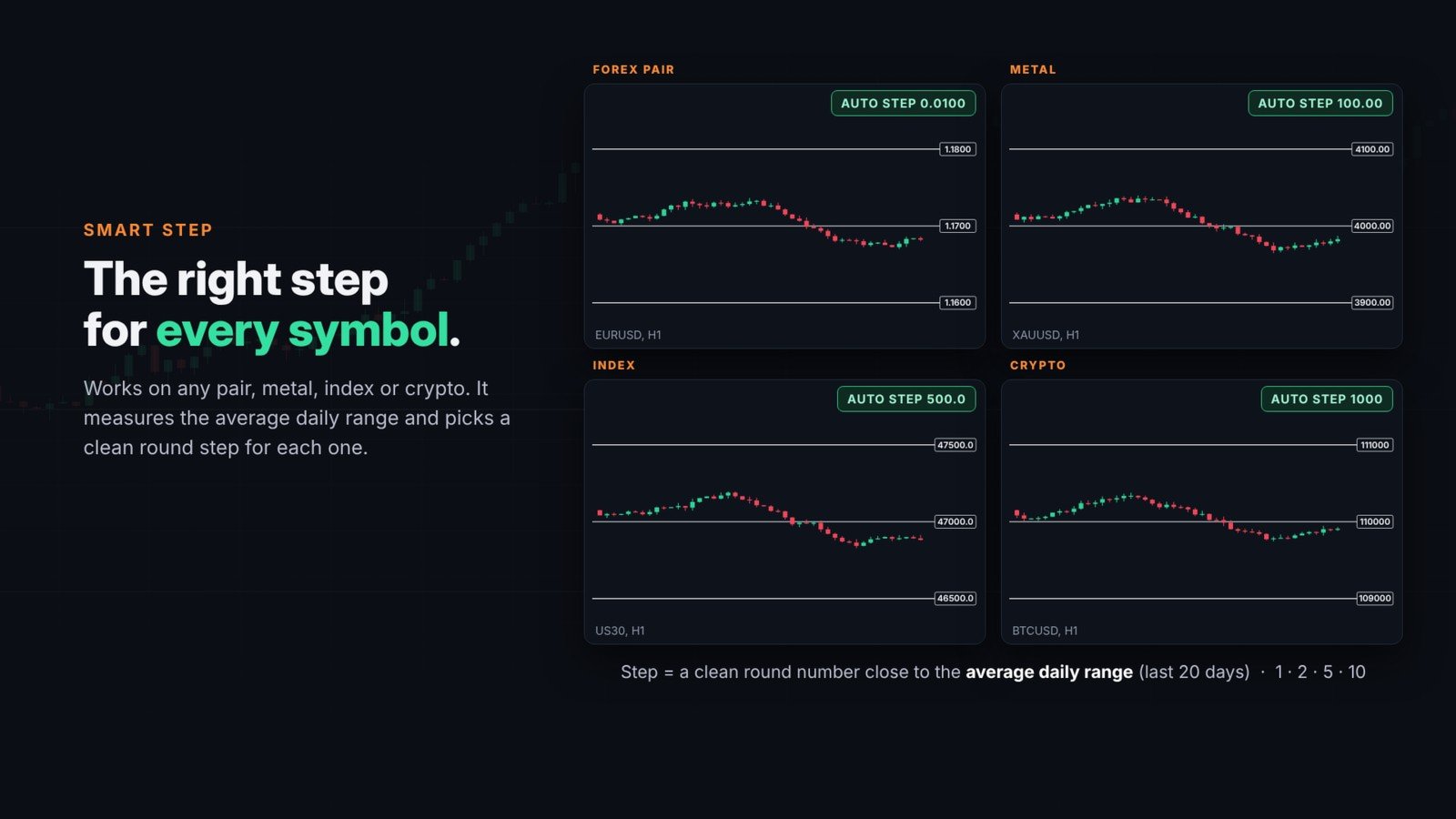
The step is the distance between two major levels, measured in the price of the chart. In automatic mode the indicator measures the average daily range of the last 20 days and picks a clean round number close to it (1, 2 or 5 times a power of ten). For example, it usually chooses 0.0100 on EURUSD, 1.00 on USDJPY and 100 on gold. On weekly and monthly charts the step moves up to the next round number, so the levels never disappear and never clutter the chart. If you prefer the lines to stay fixed on every timeframe, you can turn this off.
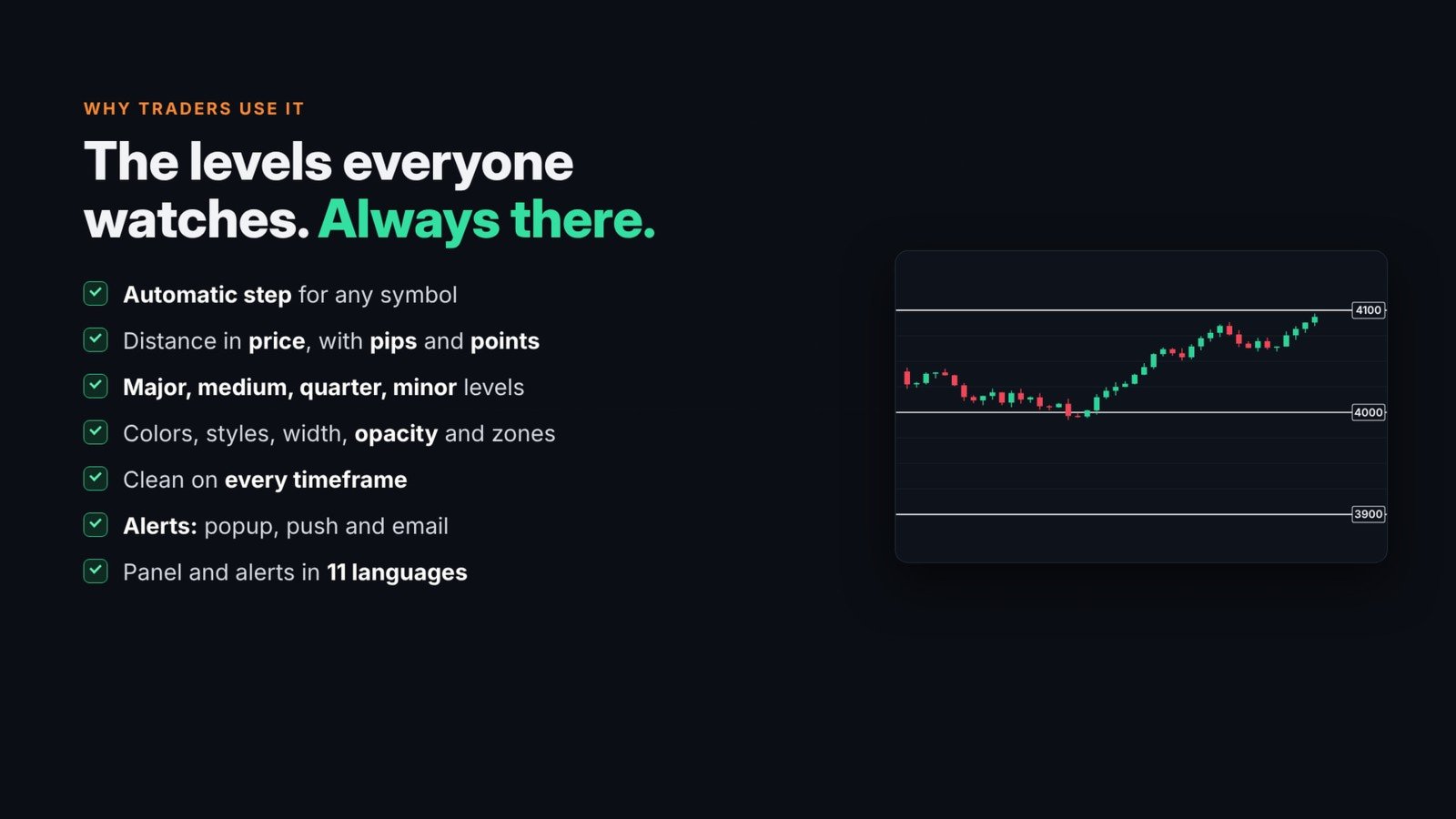
Because the step is a price distance, it is the same in any account currency. On gold, 4000 to 4100 is a move of 100 dollars, which is the same as 1,000 pips or 10,000 points. If you prefer to set it yourself, choose a manual mode and enter the step in price, pips or points.
Four types of levels
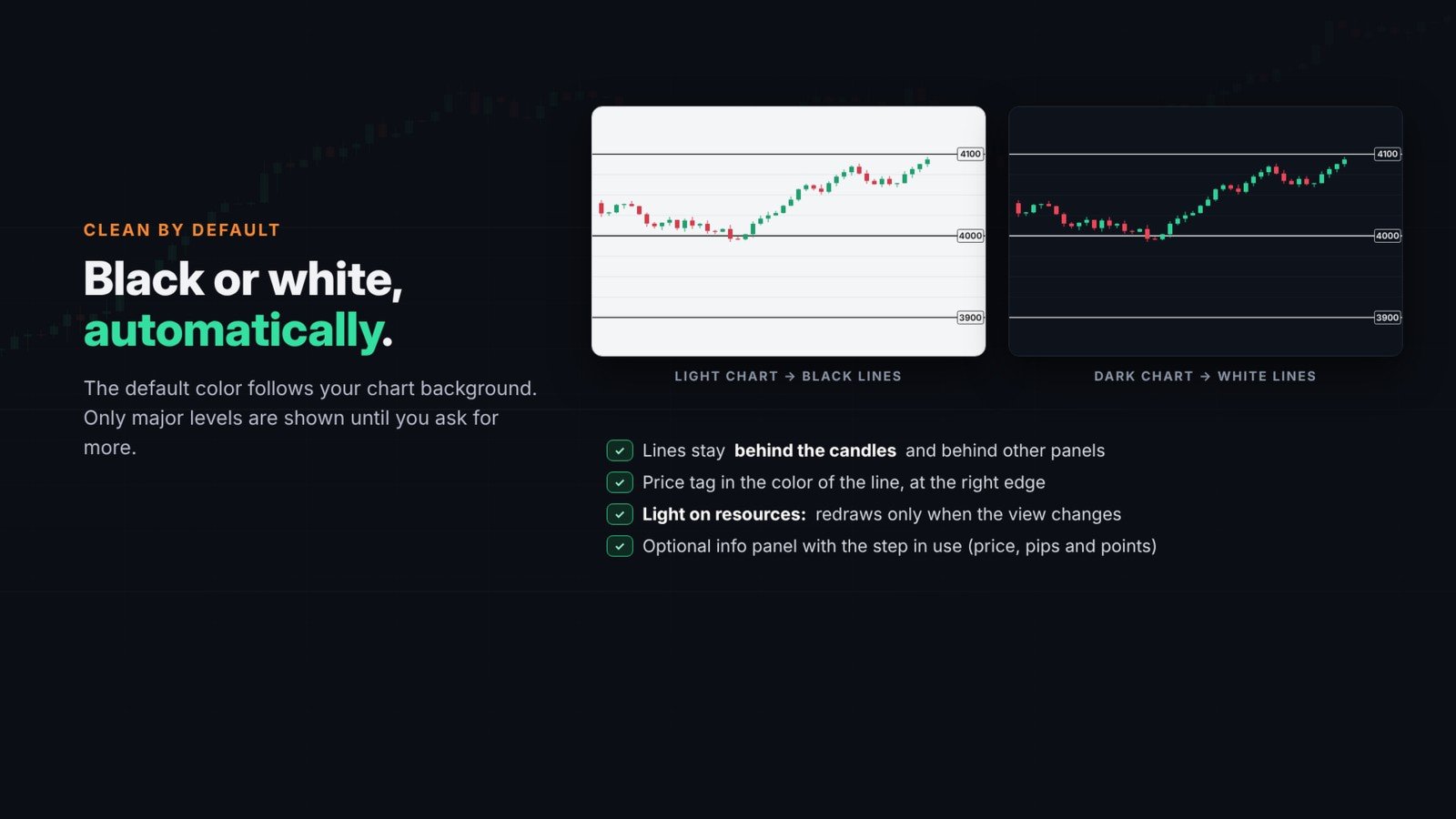
From the step, the indicator builds four types of levels. By default only the major levels are shown, in black or white depending on your chart background.
- Major: every step.
- Medium: every 1/2 step.
- Quarter: every 1/4 step.
- Minor: every 1/10 step.
Alerts and languages
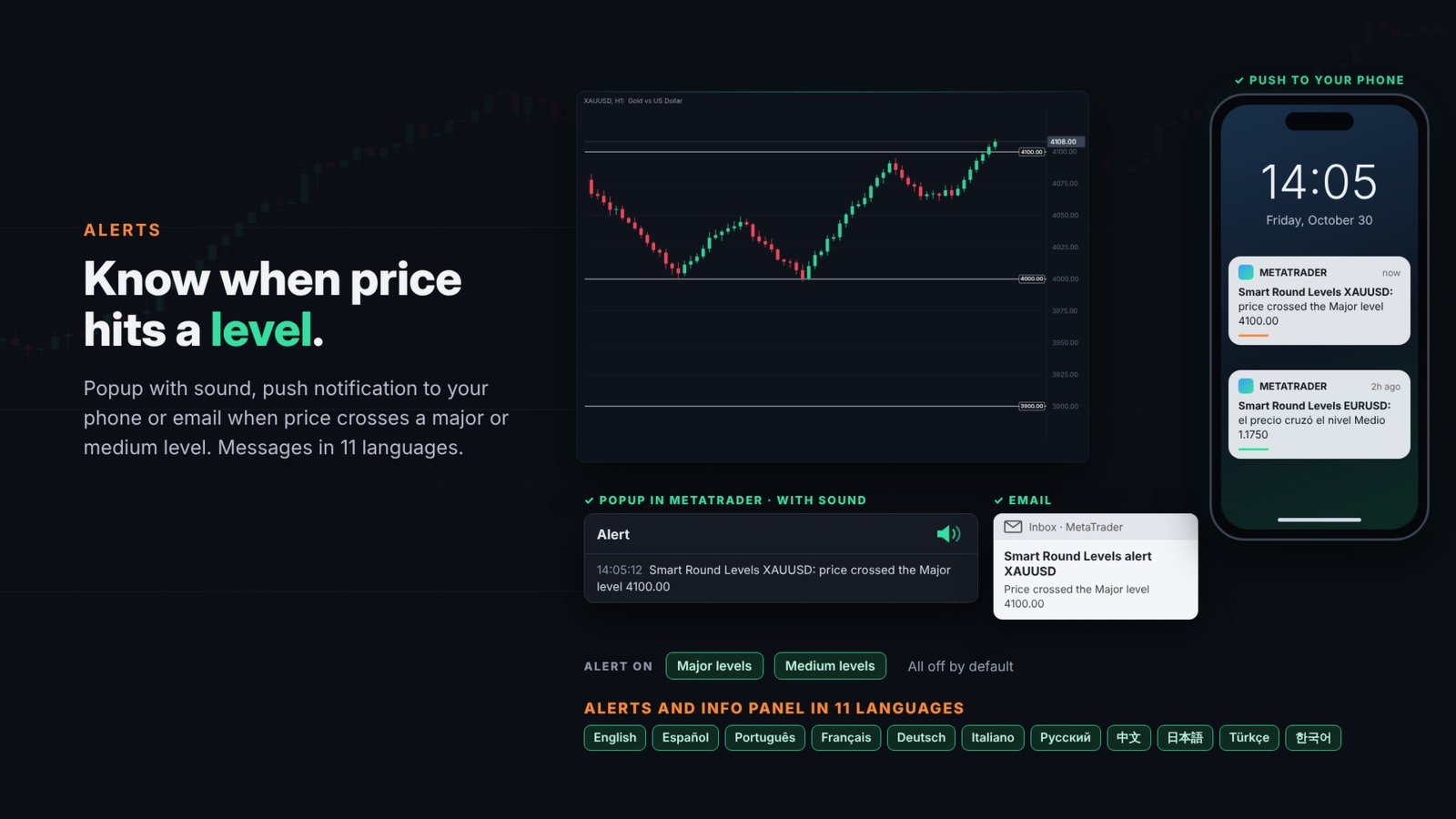
You can receive an alert when price crosses a major or medium level, as a popup with sound, a push notification to your phone or an email. Alerts are off by default, and a minimum time between messages avoids repeats. The alerts and the optional info panel are available in 11 languages, chosen automatically from your terminal language or selected in the settings.
Input parameters
The inputs are numbered in nine groups, in the same order as in the settings window:
- 1. Step: step mode (Automatic, or Manual in price, pips or points), the manual step, the density of the automatic mode and the option to keep the step fixed on every timeframe.
- 2 to 5. Major, medium, quarter and minor levels: show, color (None means automatic black or white), style, width, opacity and price label.
- 6. Zones: zones on major and medium levels, zone size, color and opacity.
- 7. Alerts: alerts on major and medium levels, and the channels: popup, sound, push and email.
- 8. Info panel and language: the language of the panel and alerts, and an optional panel that shows the step in price, pips and points.
- 9. Advanced: minimum distance between major lines in pixels, days for the average daily range, points per pip, visible timeframes for each level type, maximum lines and label font. You can leave them as they are.
The levels are drawn behind the candles and behind other indicator panels, and the indicator only redraws when the visible part of the chart changes, so it uses very few resources. It works on any timeframe and on hedging and netting accounts.
Round numbers are reference levels, not trading signals. The indicator does not open or close trades.