Matrix Trade Pad Pro
- Utilities
- Version: 3.20
- Activations: 5

Matrix Trade Pad Pro is a professional trade execution and position management panel for MetaTrader 5.
It is designed for traders who want faster manual execution, structured multi-target management, and built-in risk management tools directly from the chart.
Matrix Trade Pad Pro does not generate trading signals or open trades automatically based on a strategy. The trader decides when to Buy or Sell, while the panel handles execution and trade management according to the selected settings.
MAIN FEATURES
• One-click BUY and SELL execution
• Total lot size control
• Up to 5 Take Profit levels: TP1, TP2, TP3, TP4 and TP5
• Individual percentage allocation for each Take Profit level
• Enable or disable any TP level
• Common Stop Loss for the complete trade batch
• Break Even management
• Adjustable Break Even trigger
• Adjustable Break Even profit offset
• Trailing Stop management
• Automatic Hedging and Netting account detection
• Support for both Hedging and Netting MT5 accounts
• Position recovery after terminal restart
• Large volume handling according to broker volume limits
• Automatic broker lot step and volume validation
• Stop Level and Freeze Level validation
• Margin and trade permission checks
• Optional maximum spread protection
• Optional daily loss protection
• Duplicate-click protection
• Optional Close All confirmation
• Close All managed positions
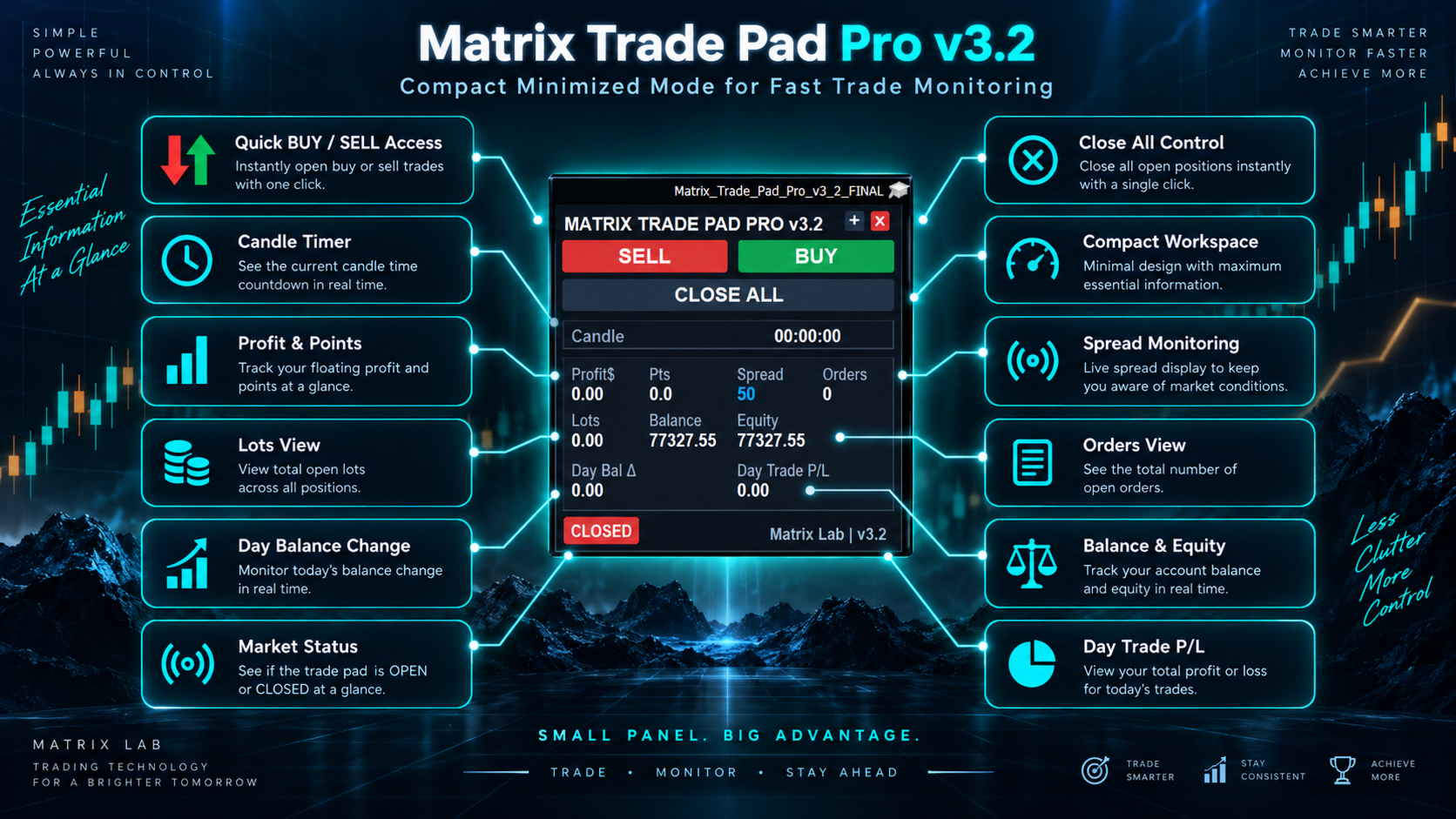
• Floating profit display
• Profit in points display
• Current spread display
• Open positions and total lots display
• Balance and Equity display
• Daily Balance Change
• Daily realized Trade P/L
• Candle close countdown
• Full and minimized panel modes
• Automatic panel repositioning when the chart is resized
• OPEN / CLOSED market status indicator
• Persistent panel settings
HEDGING ACCOUNTS
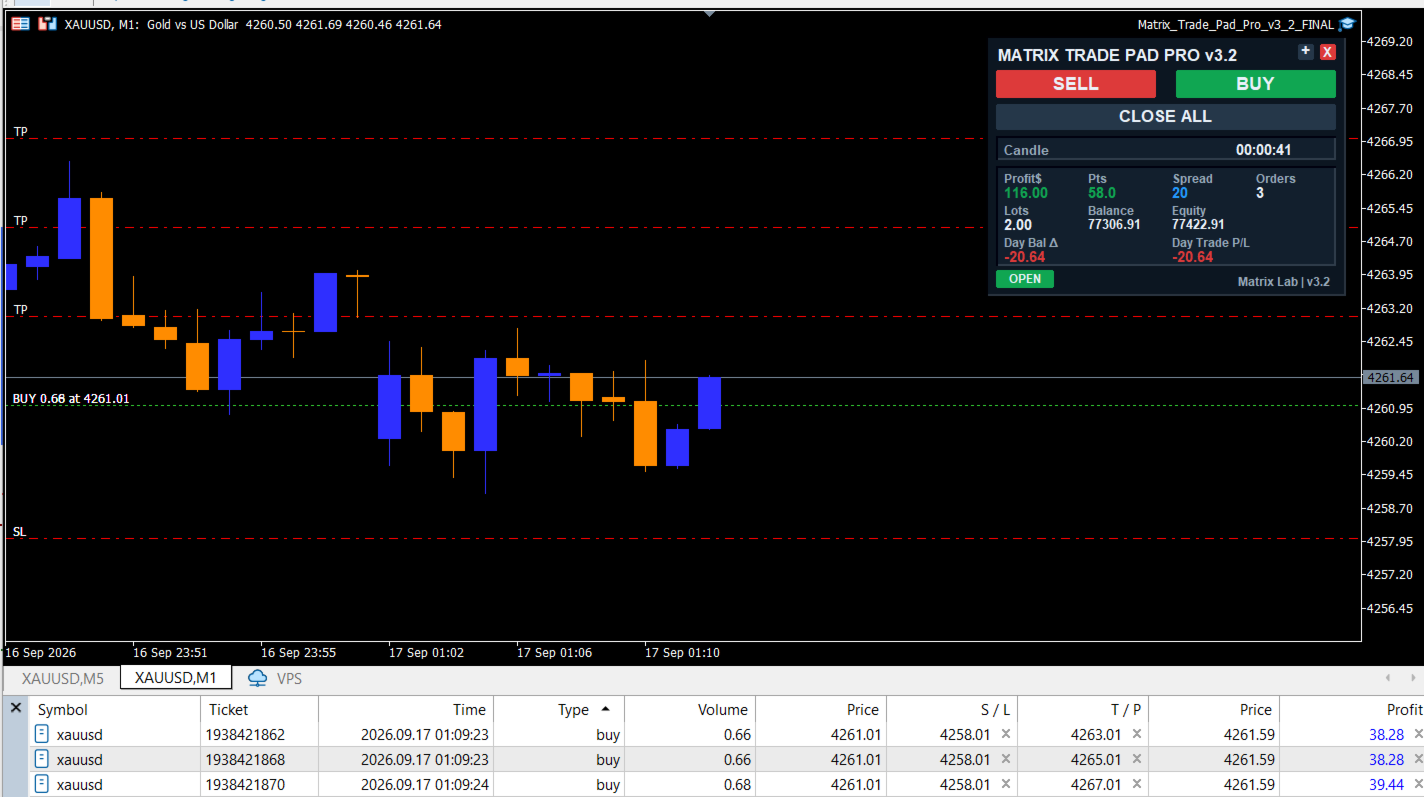
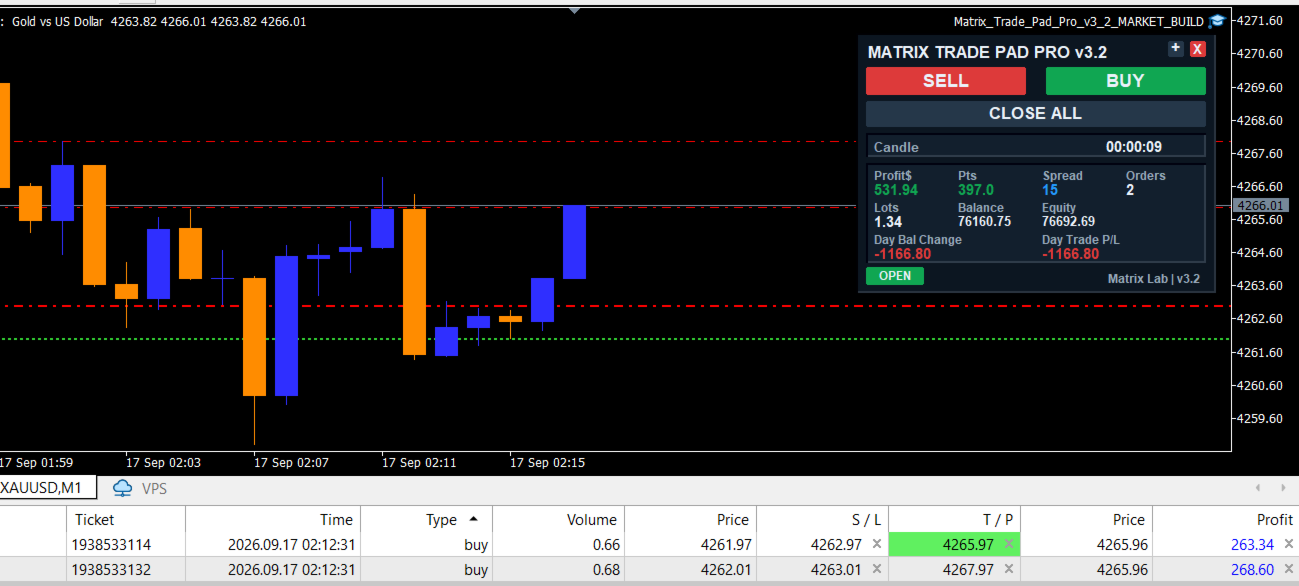
On Hedging accounts, Matrix Trade Pad Pro can open separate positions for the enabled Take Profit targets.
For example, if TP1 to TP5 are enabled, the requested total lot size is distributed between the enabled targets according to their percentage settings.
All positions in the same trade batch use a common Stop Loss.
Break Even and Trailing Stop management are applied to all managed positions.
NETTING ACCOUNTS
On Netting accounts, MetaTrader 5 allows only one net position per symbol.
Matrix Trade Pad Pro automatically detects this account type and manages the targets using partial position reductions.
The TP plan is stored so the panel can continue managing the position after a terminal restart.
TRADE SAFETY
Before submitting a new trade, the panel checks important broker and terminal conditions including:
• Trading availability
• Symbol trading permissions
• Volume limits
• Volume step
• Available margin
• Stop distance requirements
• Spread protection when enabled
If an order cannot be executed, the panel displays a status message instead of silently failing.
IMPORTANT
Matrix Trade Pad Pro is a trade execution and management tool. It is not a trading signal service and does not guarantee profitable results.
Trading involves financial risk. The user is fully responsible for trade direction, lot size, Stop Loss, Take Profit levels and overall risk management.
For best results, test the product on a demo account before using it on a live trading account.
Developed by Matrix Lab.