MT5 Backtesting Studio
- Utilities
-
Israel Gaudette
 I’m Israel Gaudette, a full-time trader and the founder of Gaudette Trader Tools.
 - Version: 2.54
- Updated: 8 September 2026
- Activations: 20
Practise your trading process with recorded broker history inside MetaTrader 5.
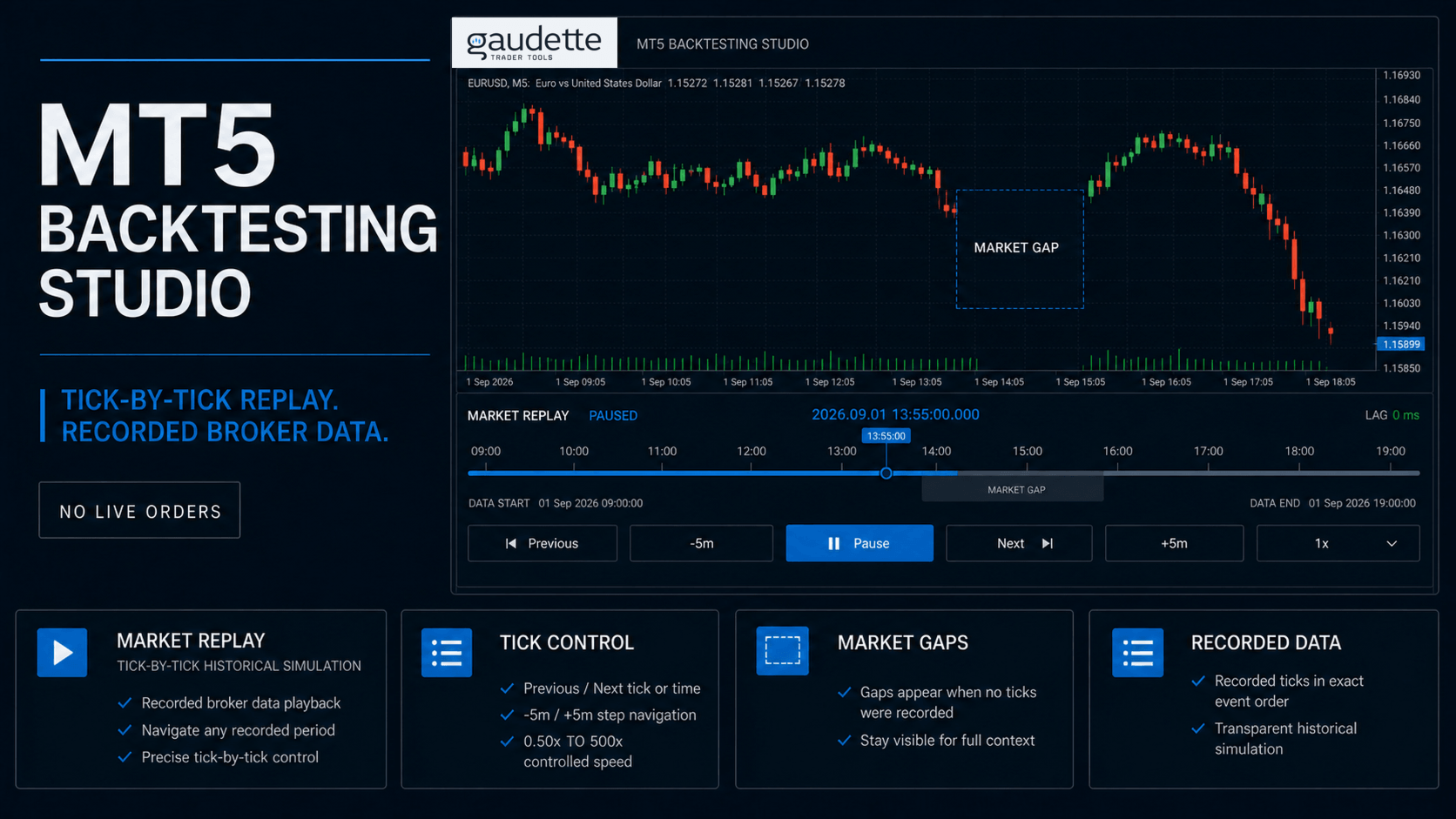
Replay recorded history from your broker
Choose the replay detail for your workflow
- Ticks / Accurate replays the recorded broker tick sequence and is the default choice for detailed M1 and M5 practice.
- Reduced ticks / Smooth keeps actual first, last, Bid, Ask, and Last extremes for each second. It is an approximate option for M15 and M30 work.
- M1 OHLC / Swing keeps actual quote control points for each M1 bar. It is an approximate option for H1 and higher-timeframe review.
Reuse validated history with persistent caching
Compatible sessions reuse those pages and request only missing intervals. A first load can take longer while MT5 and the broker provide the required history; nearby dates and later sessions can reuse the local cache when its feed, symbol contract, ownership, and coverage checks pass.
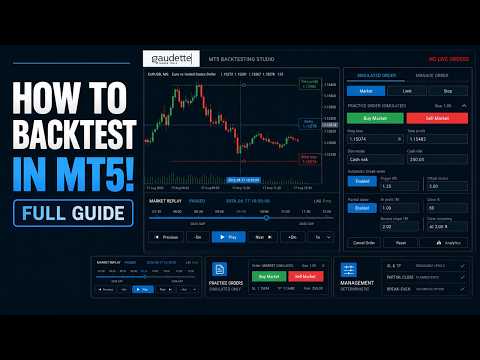
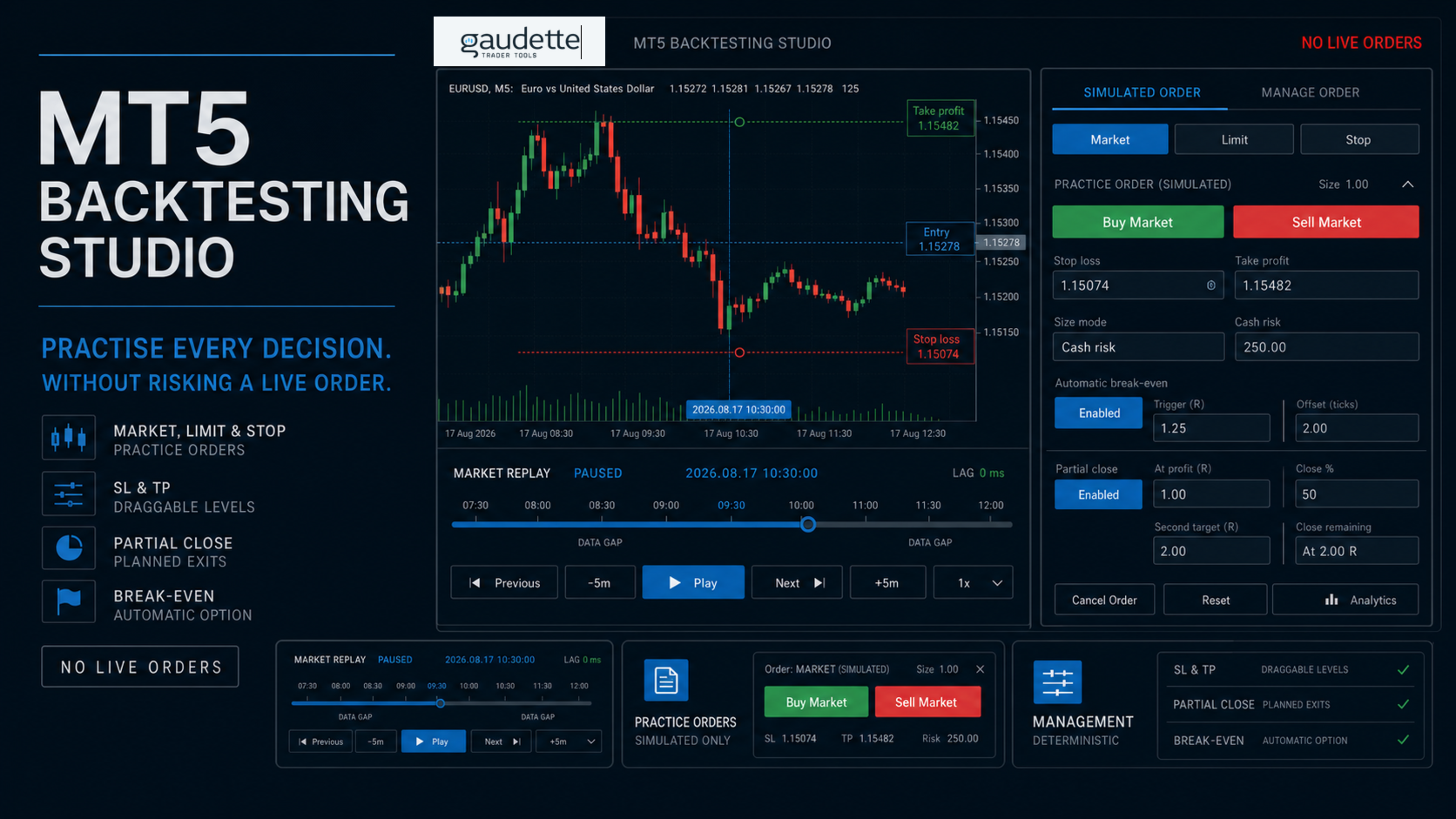
Simulate manual trade decisions
Review sessions and trading decisions
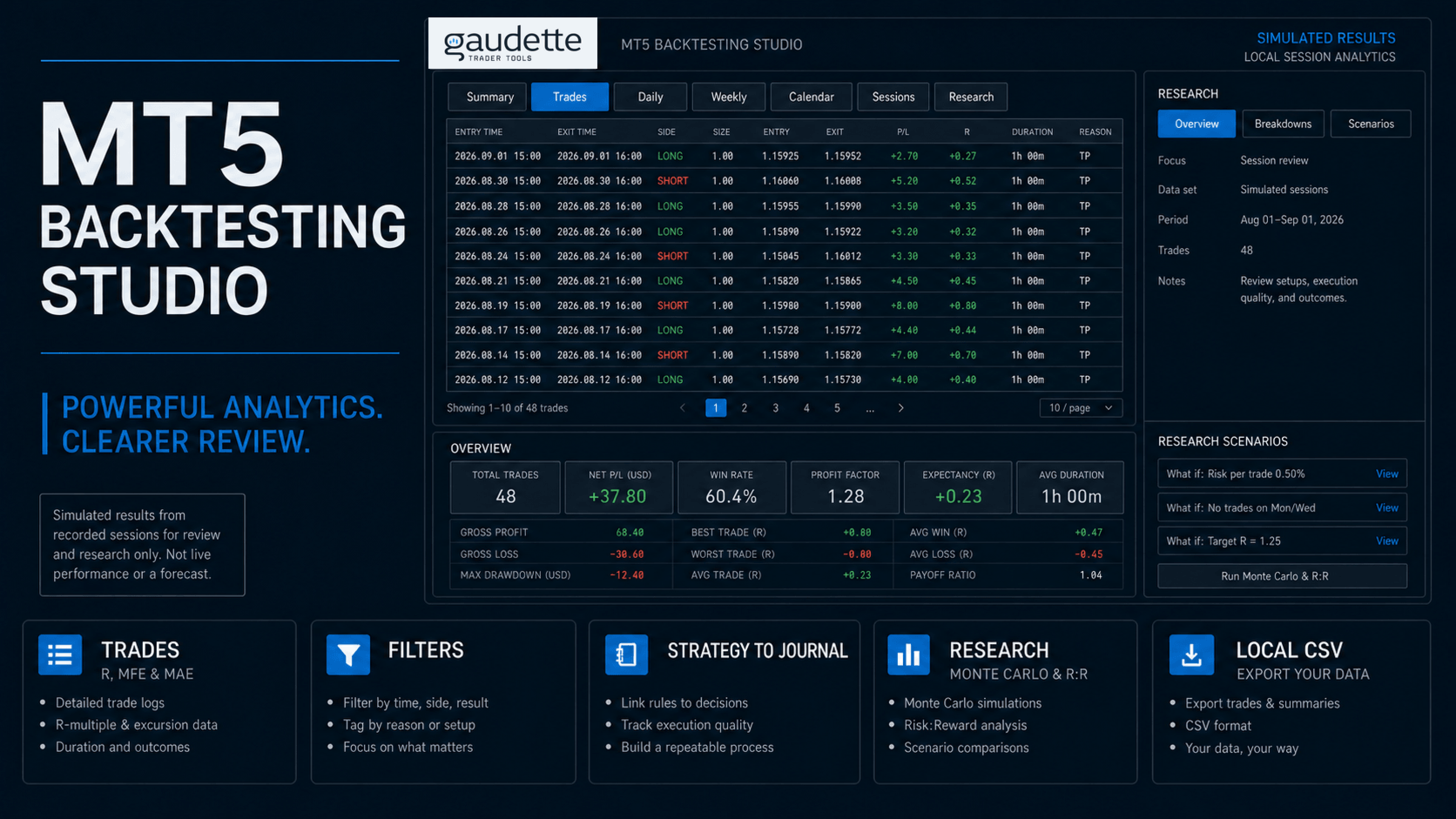
- summary, trades, daily, weekly, calendar, and session views;
- recorded costs, results in R multiples, trade duration, maximum favorable excursion (MFE), and maximum adverse excursion (MAE);
- filters by strategy, symbol, direction, date, session, setup tag, weekday, hour, and journal dimensions;
- descriptive Monte Carlo and path-limited risk-to-reward sensitivity with visible sample-size warnings;
- local CSV exports for further review.
Build a repeatable research process
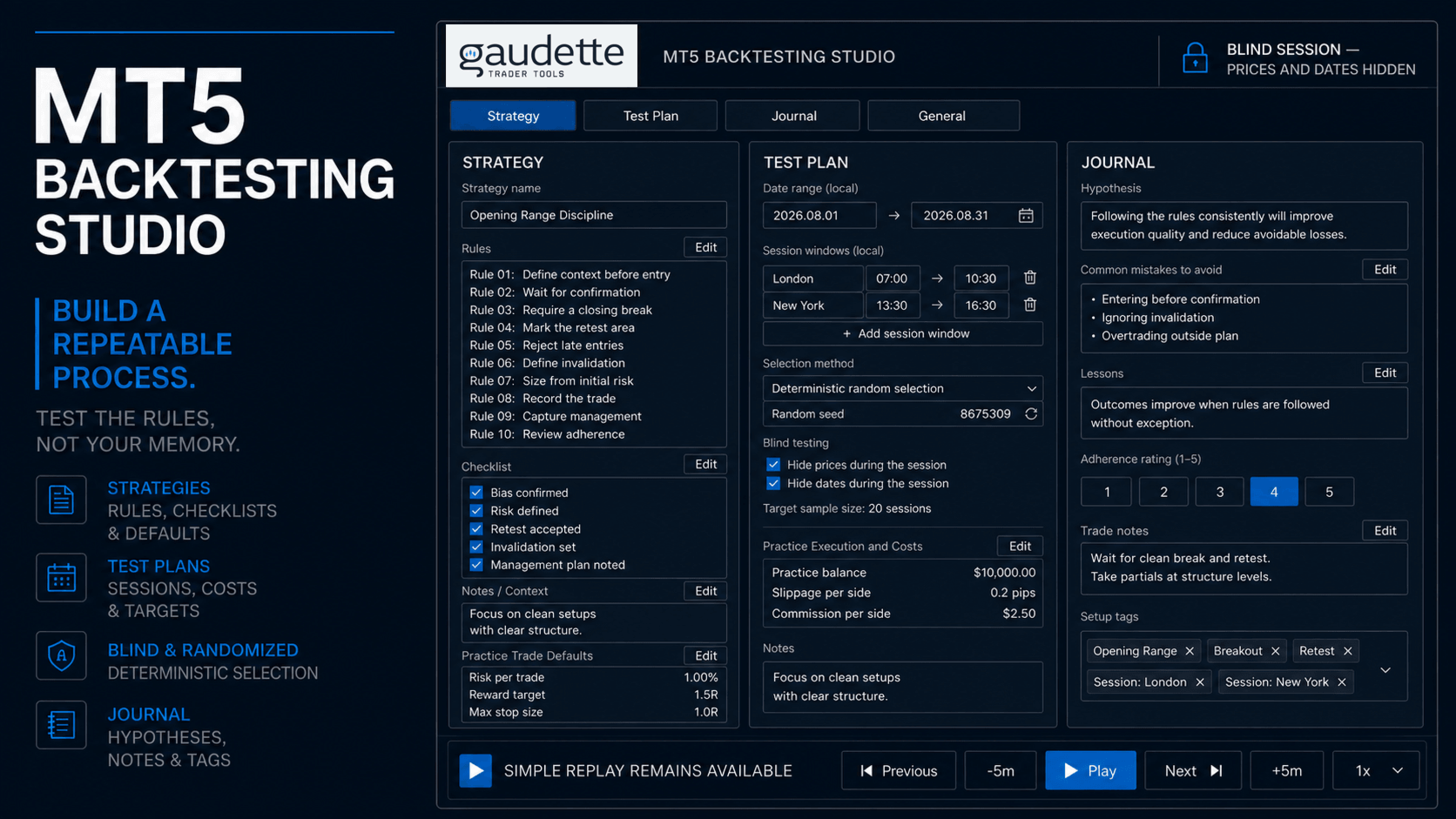
Create and save named strategies with rules, checklists, notes, and practice trade defaults. Optional Test Plans add controlled dates, session windows, costs, deterministic random selection, blind testing, and completion targets.
The optional Journal records session hypotheses, mistakes, lessons, adherence, trade notes, and setup tags.
Simple Replay remains available without creating a Test Plan or Journal entry.
Keep compatible MT5 indicators in your replay
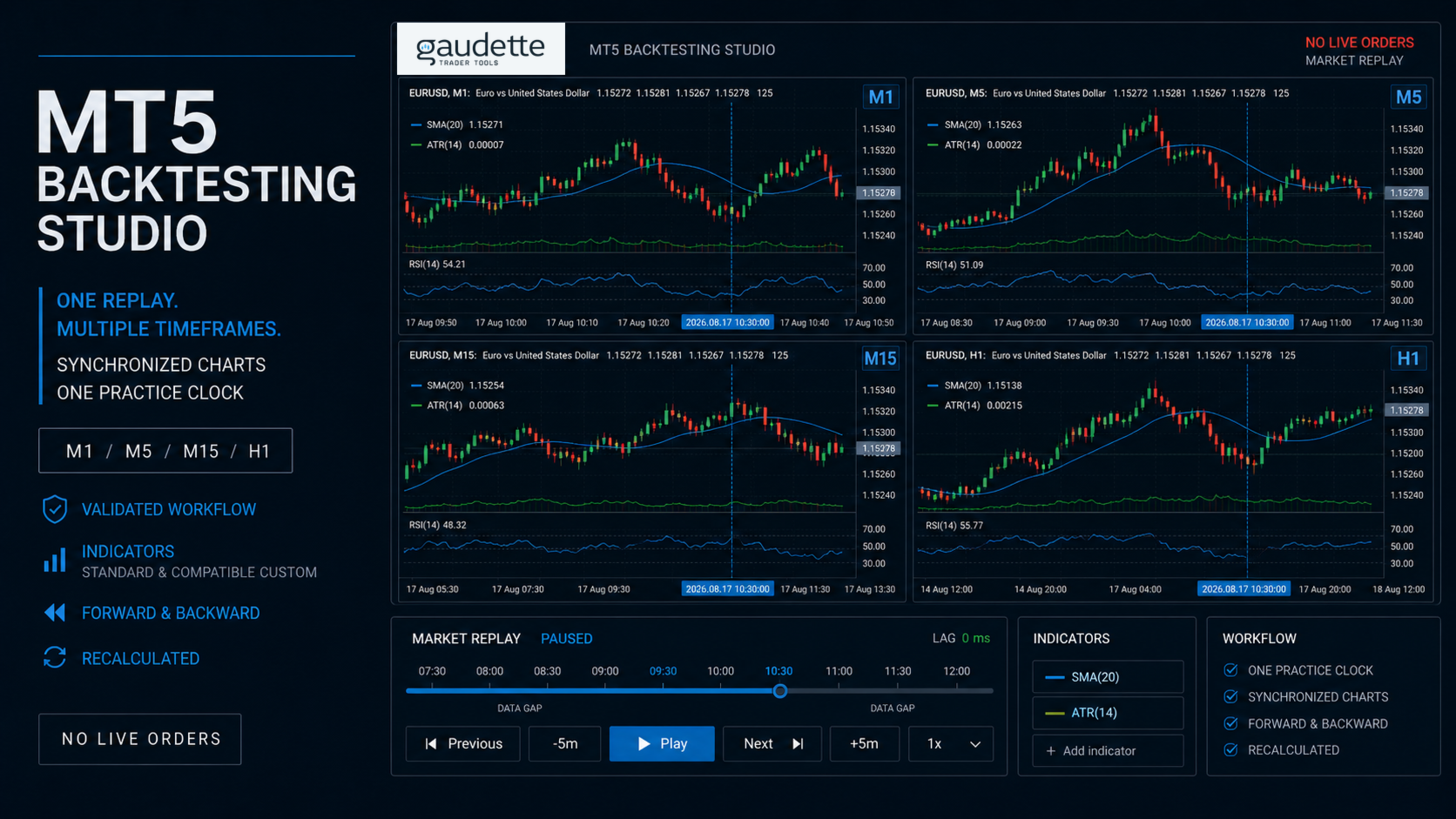
Use standard MT5 indicators and compatible custom indicators on the replay charts, so an indicator-based strategy can be practised in the platform where it is normally viewed. Compatible indicators that calculate from the active chart symbol can recalculate as replay advances across synchronized timeframes.
Current validation covers a standard moving average and two parameterized custom indicators on M1, M5, M15, and H1 through Play, forward navigation, backward rebuild, chart restoration, and cleanup. Indicators that hard-code a different symbol, intentionally read unrevealed source history, depend on live account state, or require unavailable market depth may not be replay-safe.
Fit the workspace to your chart setup
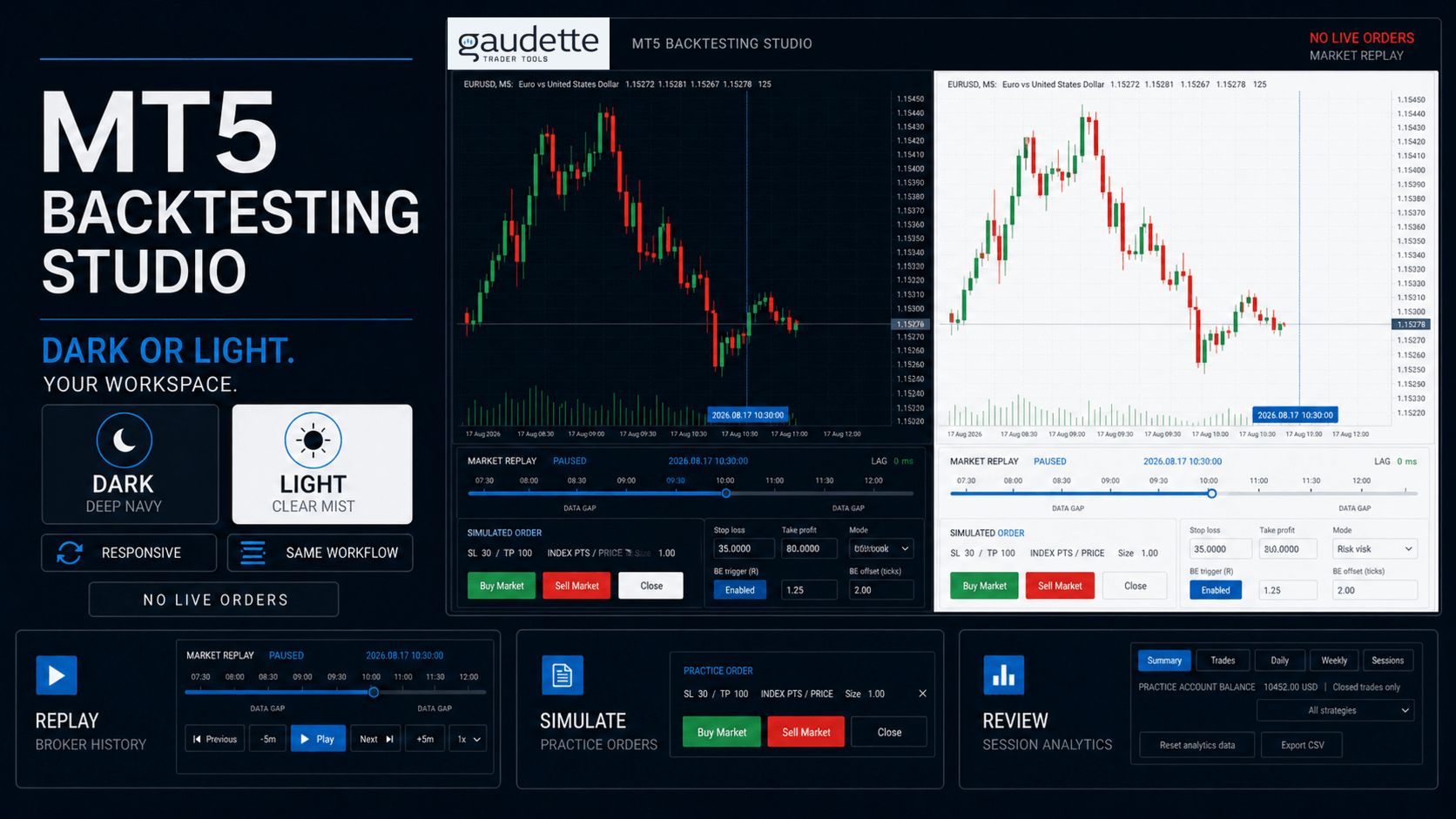
- Explicit Dark and Light themes, with Dark as the clean-install default.
- Optional Broker, UTC, New York, London, Tokyo, or Sydney display times.
- Synchronized replay across selected chart timeframes.
- Adjustable replay-pane height and five workspace text sizes.
- Scrollable Settings and Analytics workspaces for shorter charts.
- Local session recovery after an interruption when ownership and history checks pass.
The product does not recolor your chart. It manages only its prefixed objects, owned replay symbols, and files inside the terminal sandbox.
Data and safety
MT5 Backtesting Studio does not place, modify, or close broker orders. It has no DLL, network, telemetry, external licensing, or personal-data collection path. Sessions, analytics, settings, exports, and history cache files remain inside the MetaTrader 5 file sandbox.
Important limitations
- Results are simulated and are not live performance.
- Replay quality and available dates depend on broker-provided history.
- MetaTrader 5 does not identify a broker's historical daylight-saving-time policy. Leave timezone conversion Off when the broker's historical schedule is unknown.
- The simulator supports one net practice position. It does not provide hedging, arbitrary scaling, multiple concurrent parent orders, or programmable trailing stops.
Getting started
- Open a broker symbol with the recorded history you want to practise.
- Attach MT5 Backtesting Studio to the source chart.
- Choose a past date, strategy, and replay mode.
- Select **Start Replay** and use the lower control pane.
Support is provided through the MQL5 product comments and MQL5 messaging.
Launch price: USD 79 for the first 50 completed paid purchases