Apex Drawdown Zero
- Experts
- Version: 9.20
- Updated: 15 July 2026
- Activations: 11

Apex Drawdown Zero
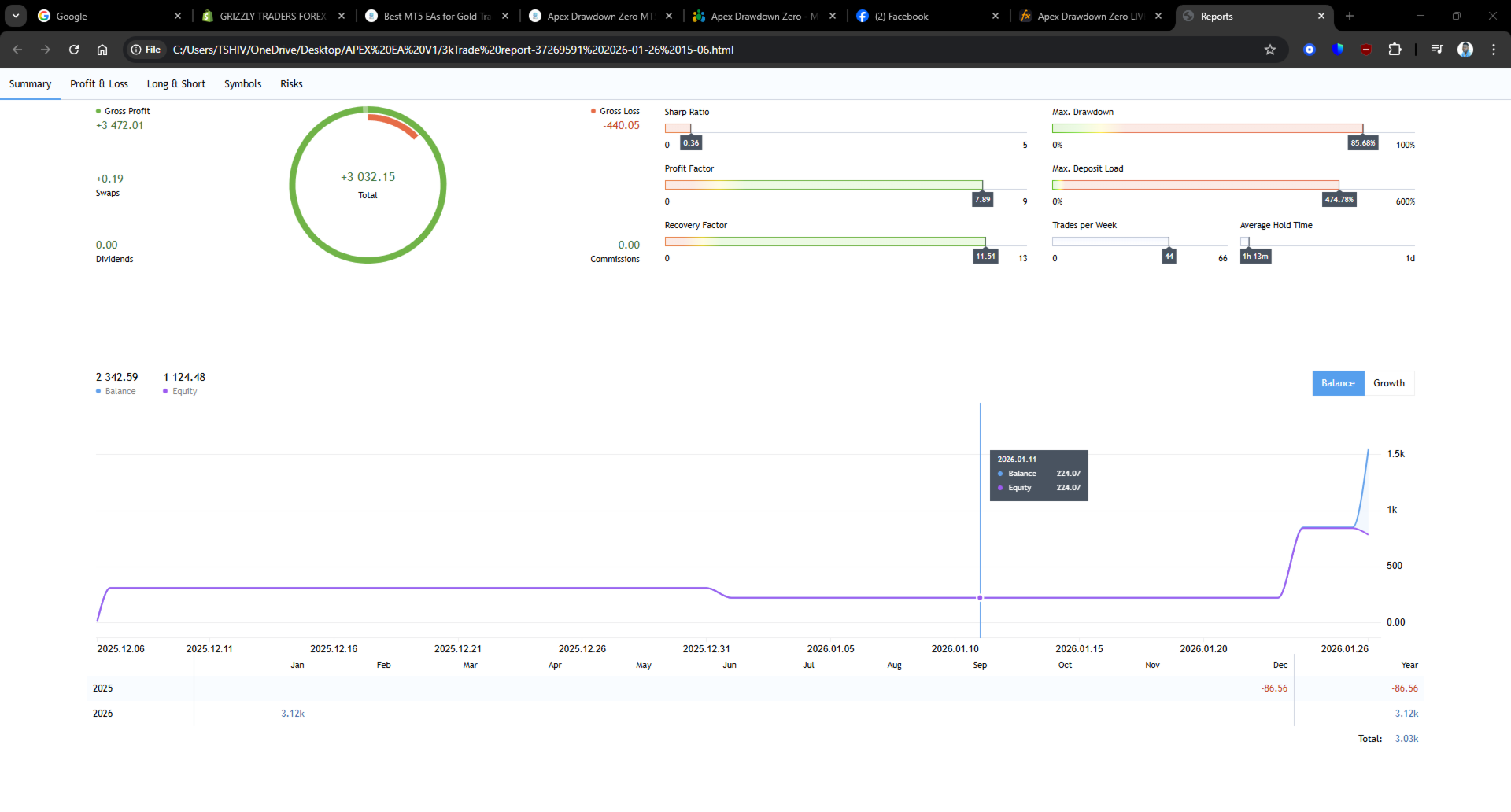
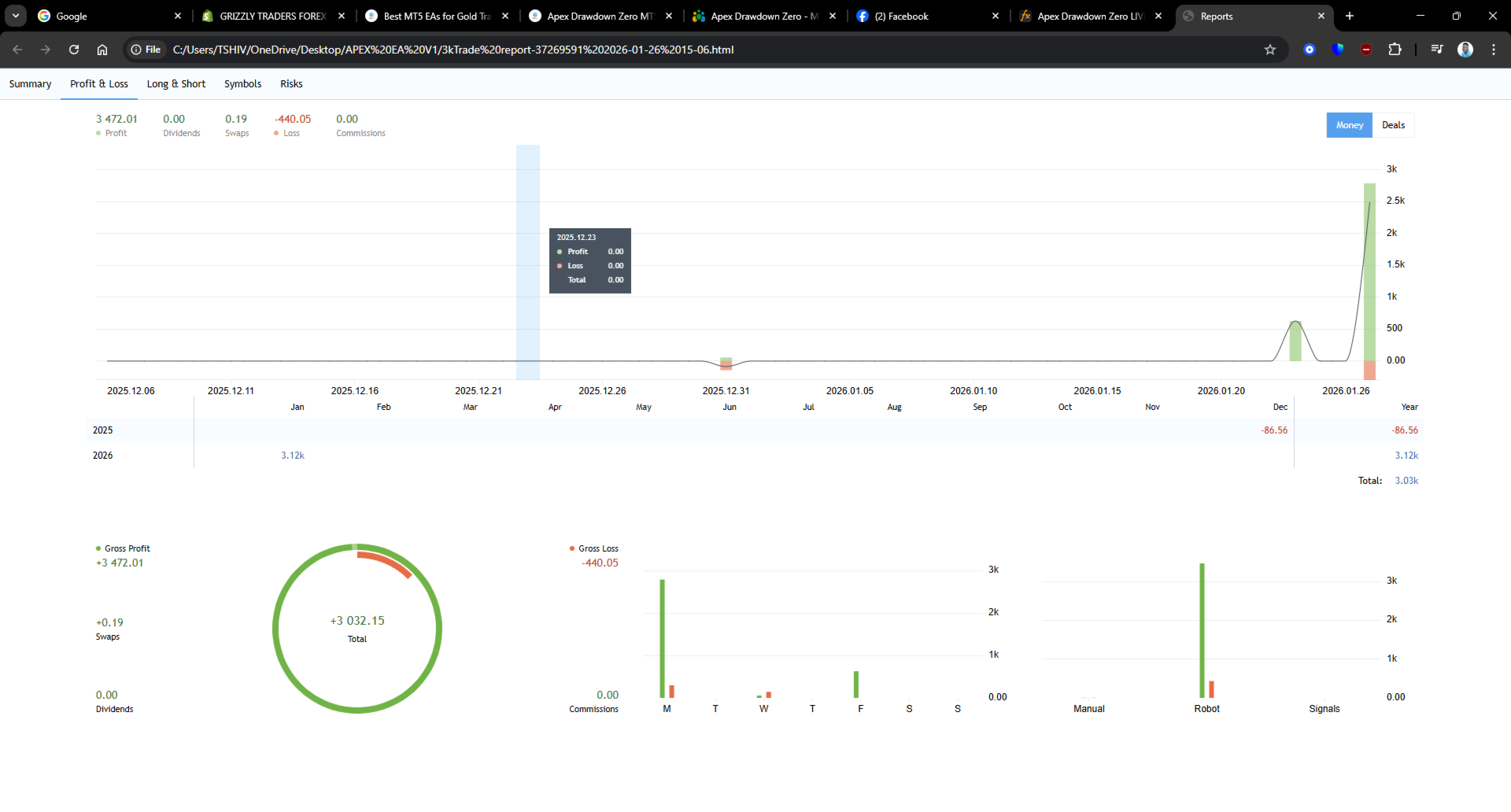
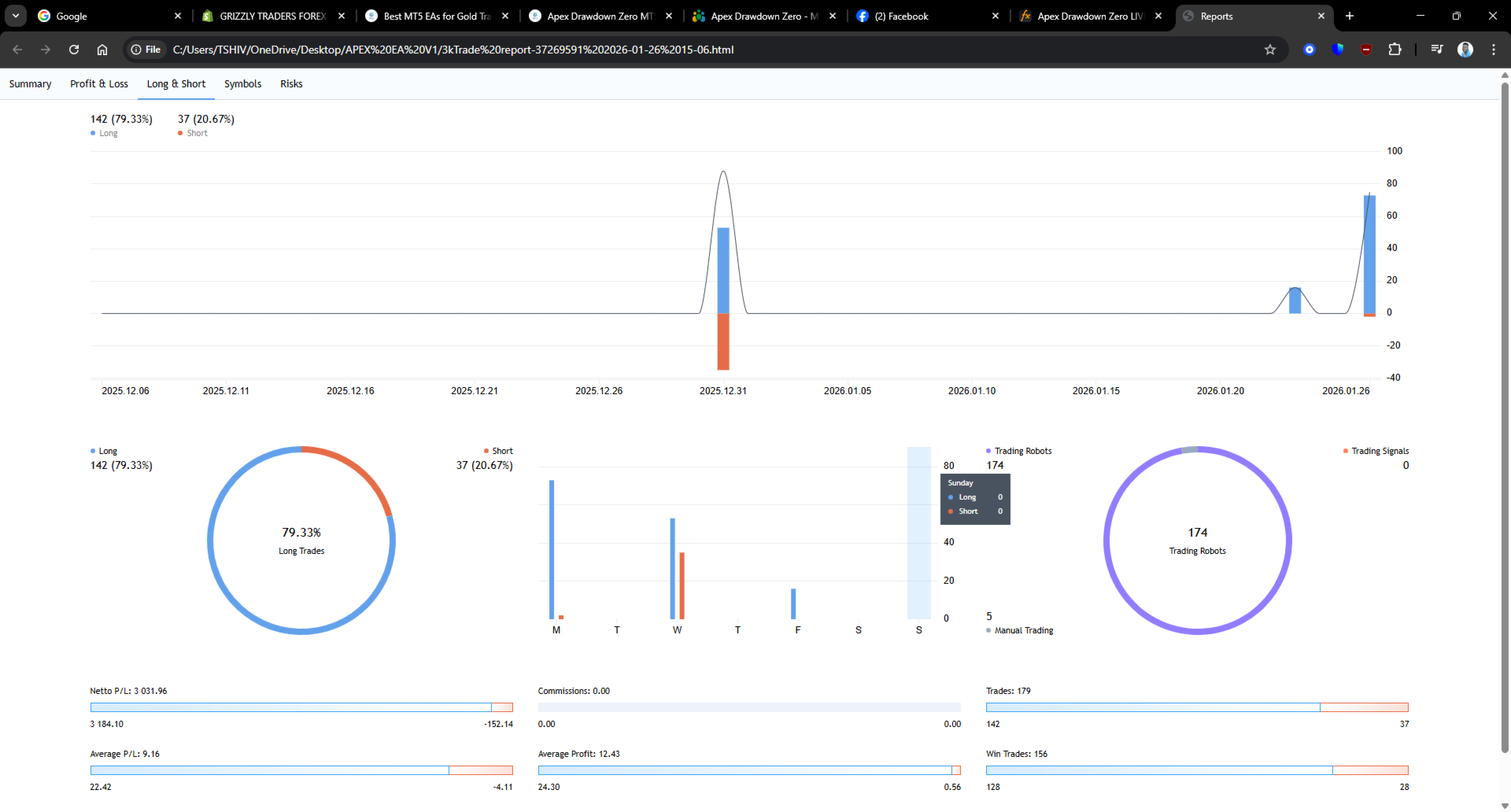
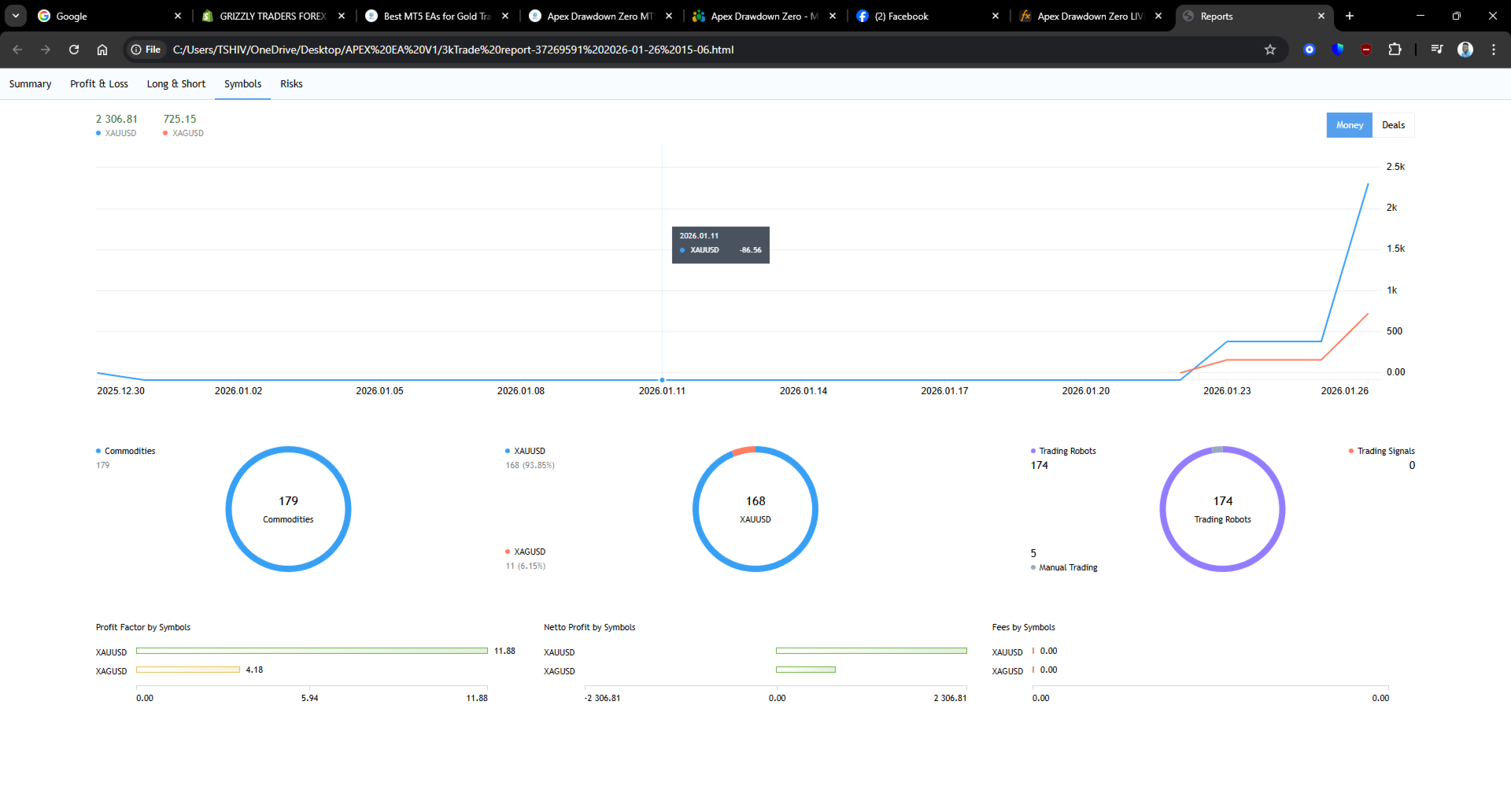
Apex Drawdown EA V9.20 is a fully automated Expert Advisor for MetaTrader 5. It is designed for selective trading on XAUUSD, EURUSD and EURJPY using the H1 timeframe.
The EA evaluates market conditions, volatility, price behaviour, trading hours and broker conditions before considering an entry. When the required conditions are not present, the EA remains inactive.
The exact entry logic and internal calculations are proprietary.
PRICE RISES EVERY 10 SALES:
Current price: $989
After the next 10 sales: $1,099
The price rises by $200 after every 10 sales until it reaches $2,000
Apex Club
Join the Apex Club MQL5 channel for product updates, announcements and community information.
Supported setup
- Platform: MetaTrader 5
- Symbols: XAUUSD, EURUSD and EURJPY
- Recommended timeframe: H1
- Preset: AUTO
Other symbols are not officially supported without separate testing.
Features
- Automated trade execution
- Symbol-based automatic presets
- Percentage-based position sizing
- Volatility-aware Stop Loss calculation
- Risk-reward based Take Profit
- Spread, margin and broker-volume checks
- Break-even protection
- Optional trailing-stop management
- Optional pyramiding mode
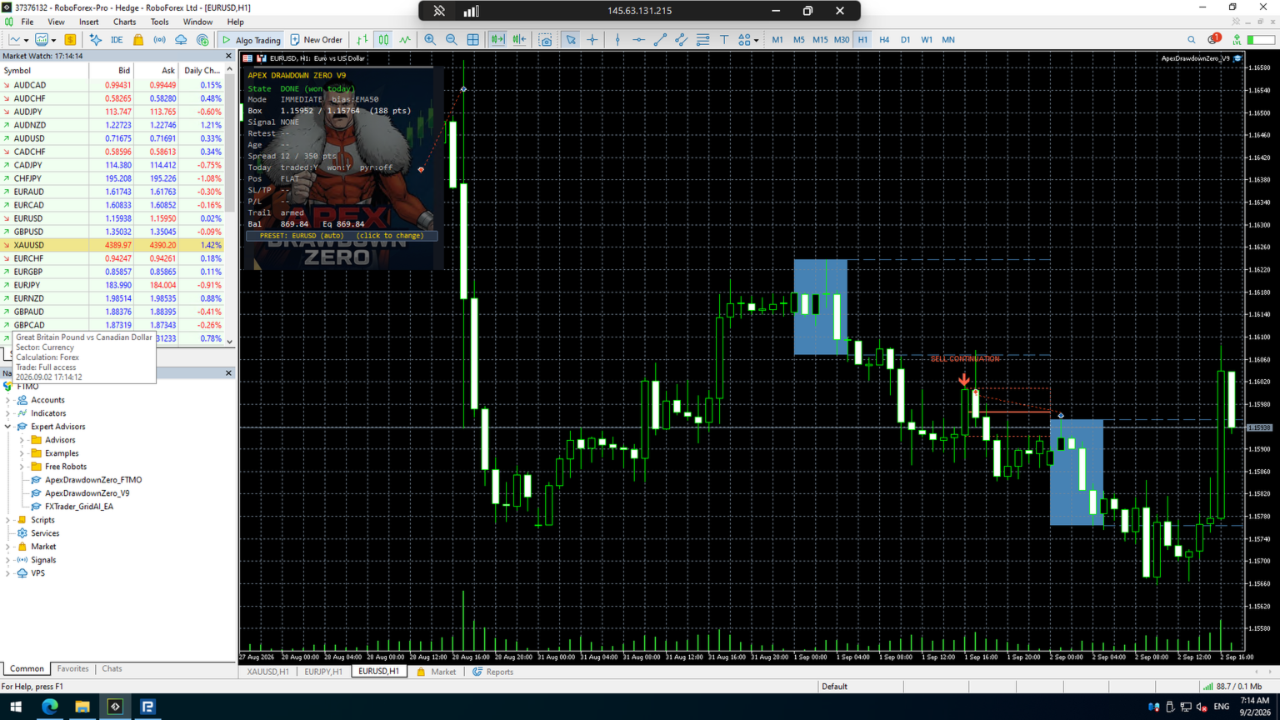
- On-chart status dashboard
The EA is designed to trade selectively and can limit trading to one qualified trade per day. Stop After Win can also be enabled.
Risk management
Position size is calculated from the selected risk percentage and account balance.
The EA checks available margin, broker lot limits, volume steps, spread, StopLevel and FreezeLevel conditions before placing or modifying orders. If the required conditions are not met, the trade can be skipped.
Installation
- Open MetaTrader 5.
- Open an H1 chart for a supported symbol.
- Attach the EA to the chart.
- Leave Preset set to AUTO.
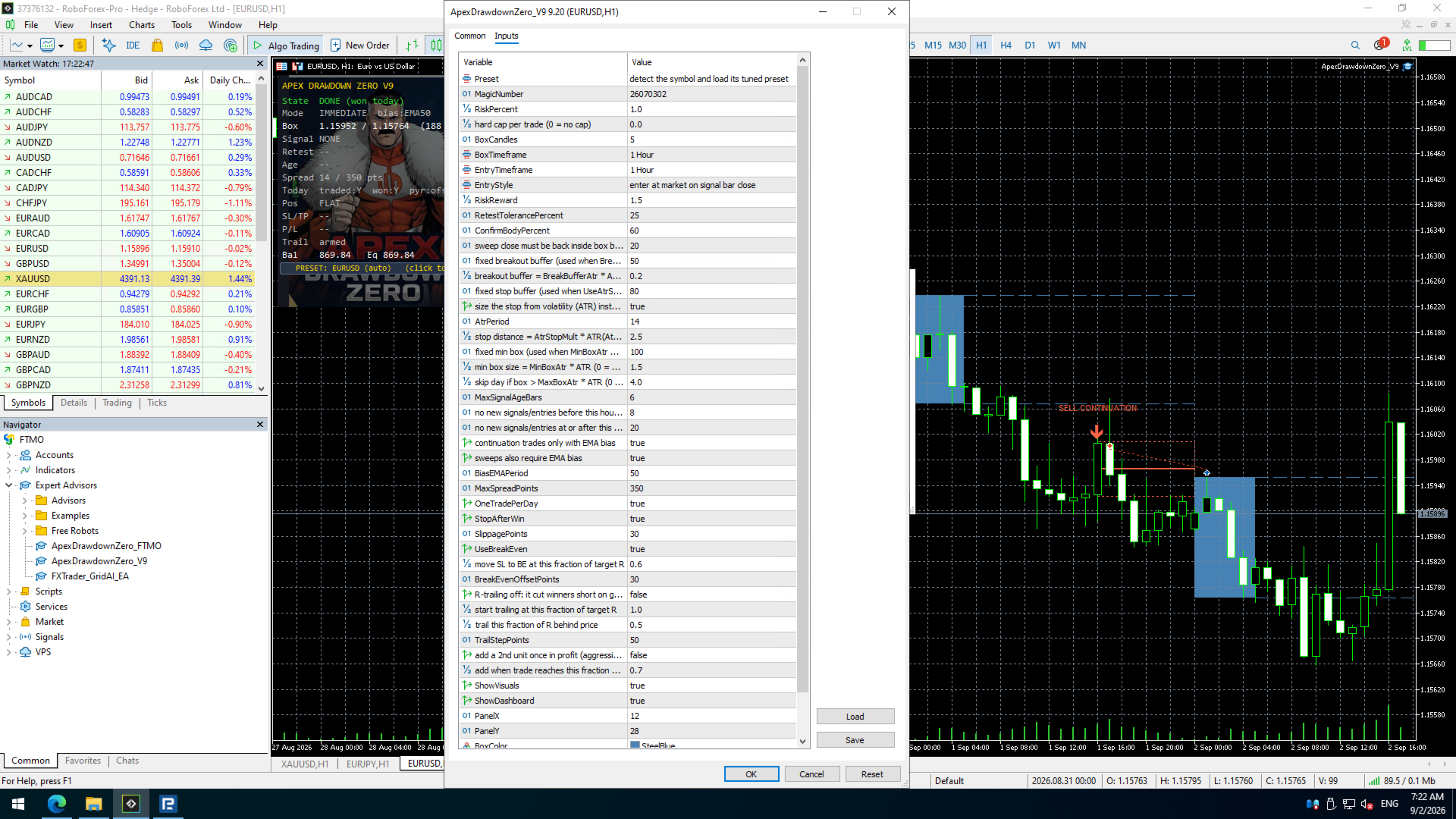
- Set the preferred risk percentage.
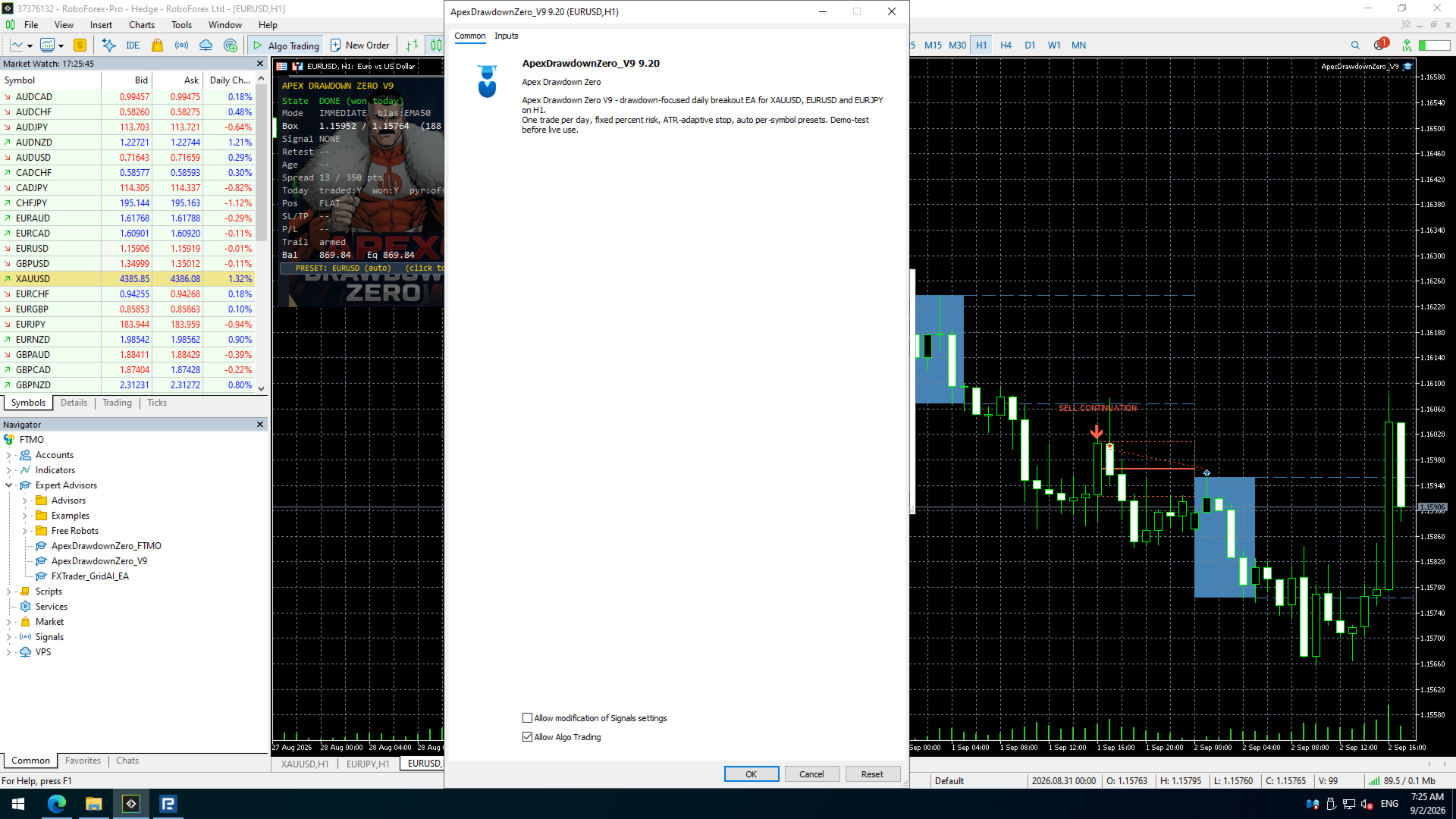
- Enable Algo Trading.
- Confirm that the dashboard is active.
A VPS is recommended for continuous terminal operation.
Broker time
The EA uses broker server time for its trading schedule. Confirm your broker's server time before live deployment.
Testing
Test the EA in the MetaTrader 5 Strategy Tester and on a demo account using realistic spread, commission, swap and execution conditions.
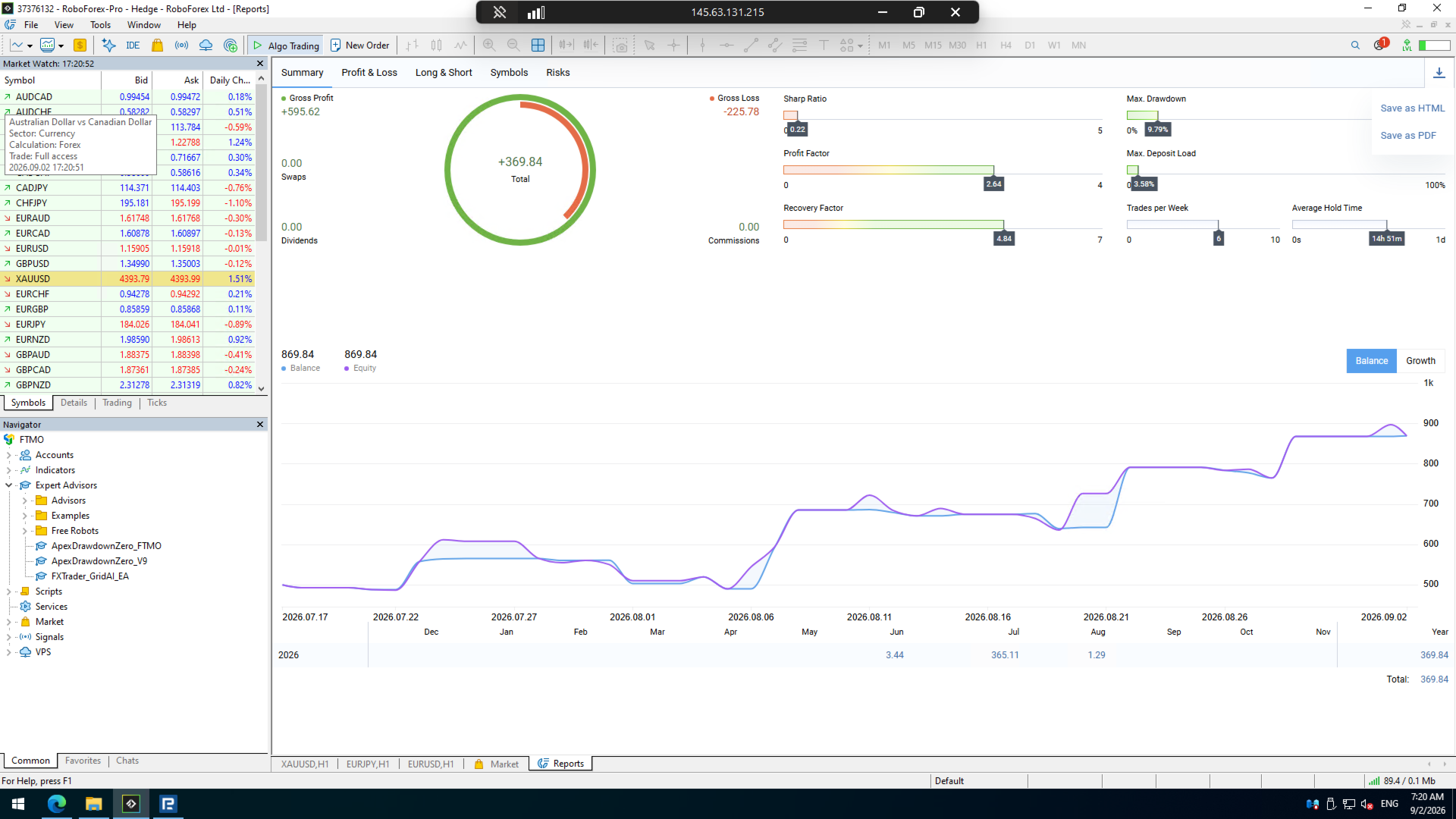
Backtests, simulations and previous performance do not guarantee future results. Results may differ between brokers and account types.
Account compatibility
The EA may be used on trading accounts that permit Expert Advisors. Users remain responsible for checking broker or proprietary trading provider rules and selecting an appropriate risk level.
Included
- MetaTrader 5 Expert Advisor
- Installation and settings information
- Product updates
- Support through MQL5 comments and private messages
Risk disclosure
Apex Adaptive Range EA does not guarantee profits or loss-free trading. Trading Forex, Gold and CFDs on margin involves substantial risk. A Stop Loss cannot guarantee the intended exit price during gaps, slippage, spread expansion or abnormal market conditions.
Never trade with money you cannot afford to lose.