Trade Manager Bruno Automate your Manual Trades
- Utilities
- Version: 1.0
- Activations: 5

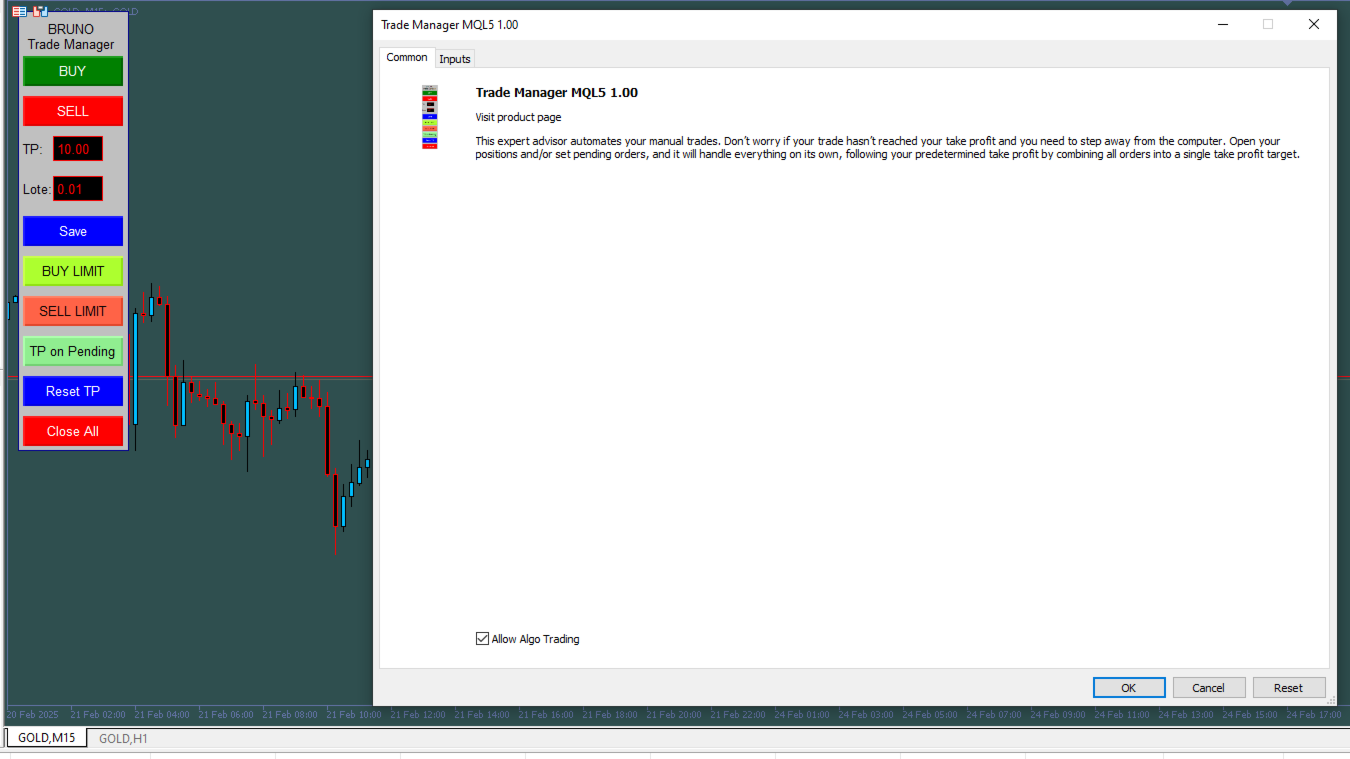
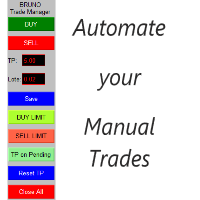
The Trade Manager Bruno automates your manual trades.
Note: The parameters are set for brokers with two decimal places. If your broker uses three decimal places, don't forget to update them for proper functionality.
- Is your position still open and you need to step away from the computer? No problem! The Trade Manager will handle all your orders automatically.
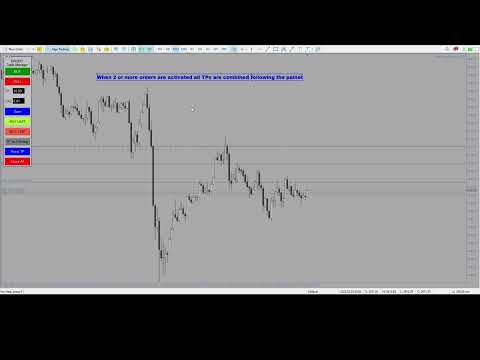
- Want to set a pending order to average your price if the market moves against your position? Now you can! Once triggered, the Trade Manager will automatically calculate the average price and adjust the new take profit accordingly.
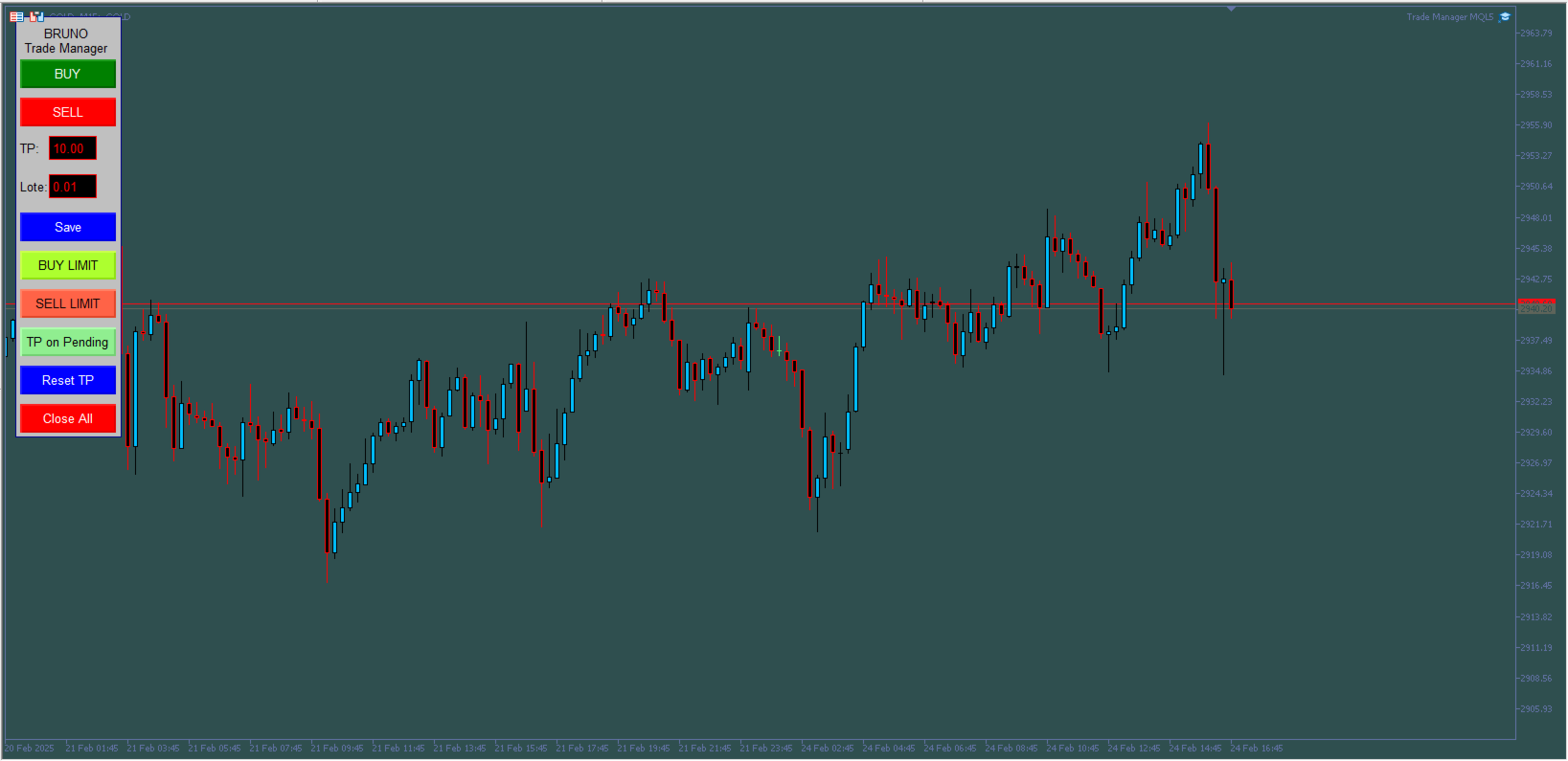
- With easy access, adjust the take profit of your orders by simply editing the new take profit value in pips on the panel. After making the change, click "Save" and then "Reset TP." The Trade Manager will set a combined take profit for all orders to the new desired value.
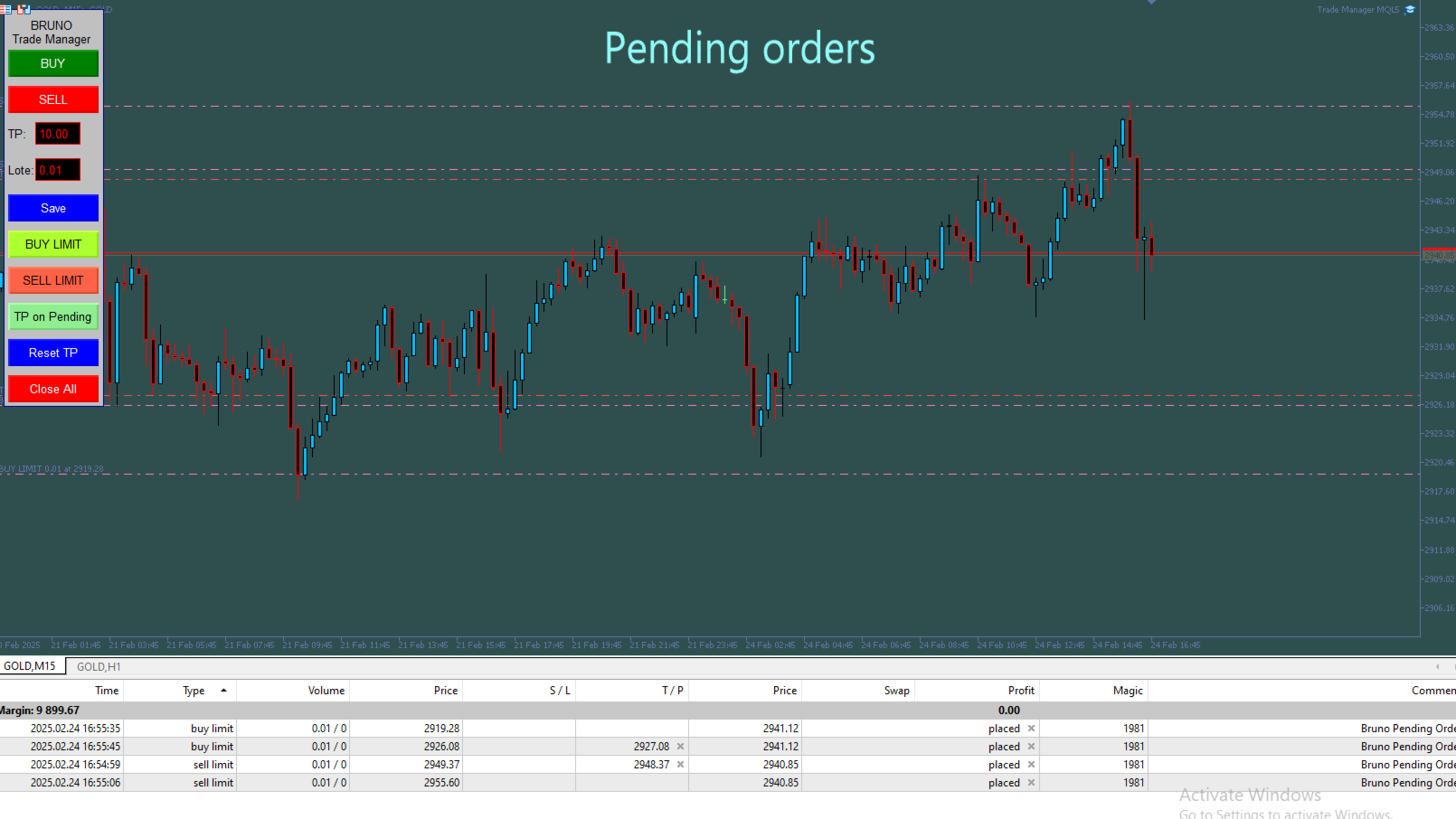
- Place pending orders on the chart at specific points using BUY LIMIT or SELL LIMIT orders. Once triggered, the Trade Manager will automatically apply your desired take profit.
- Even better, want to add more pending orders? You can! If a new order is triggered and the price moves against you, rest easy—when another pending order activates, the Trade Manager will automatically average the price based on the predetermined take profit and close everything together.
- Use the "BUY" and "SELL" buttons to execute immediate market orders.
- The "TP on Pending" button allows you to place a pending order on the chart with its take profit already set—perfect for the first pending order to be triggered. For subsequent orders, to keep the chart cleaner with fewer lines, you can disable this option, and pending orders will appear without a take profit line, making the chart less cluttered. Note that the first order must have a take profit set so the Trade Manager can follow it, averaging the price of all orders and updating the take profit with each new triggered order.
- The "Close All" button closes and cancels any active or pending orders.
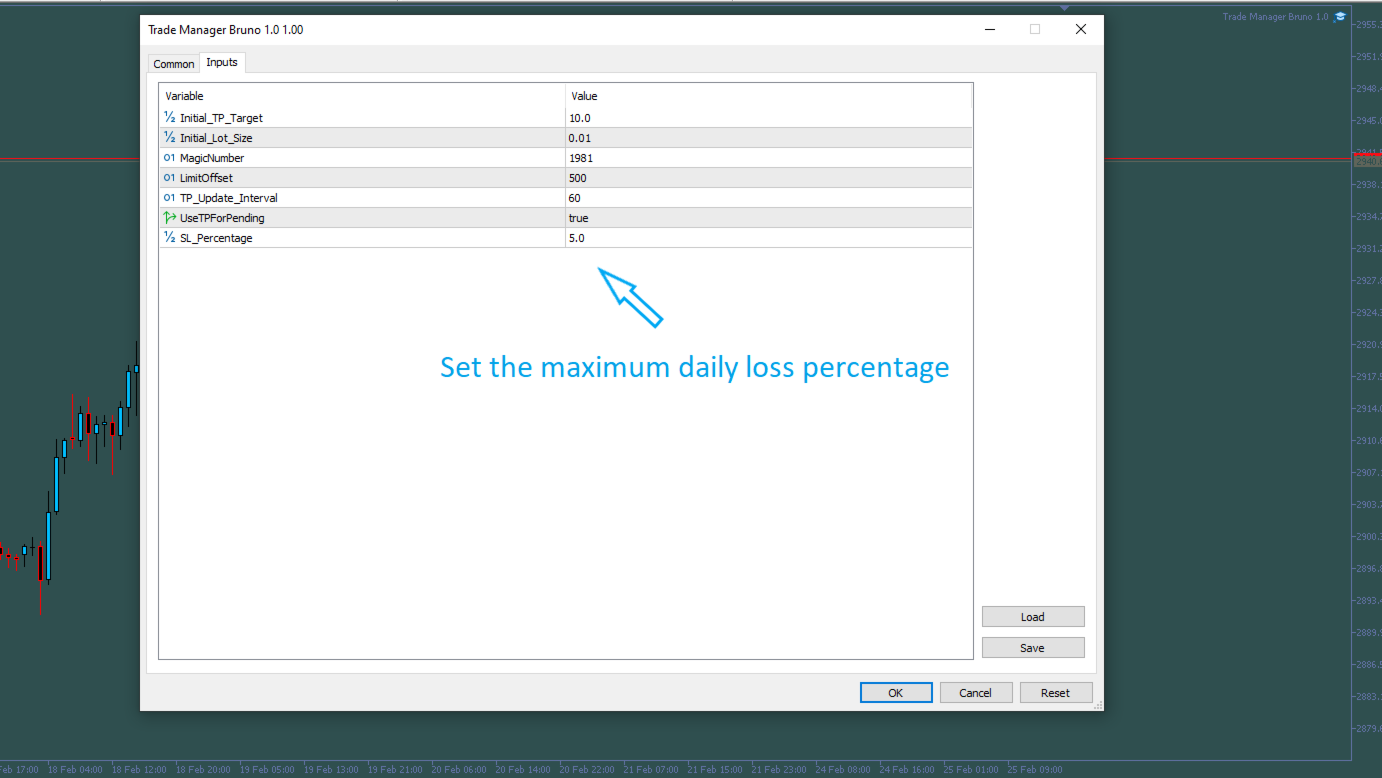
- Set the maximum daily loss percentage within the EA parameters.
- Trailing Stop: if left true, it will only work on the first open position. Any other open position after the first, the Trade Manager disables trailing and follows the average TP of open orders.