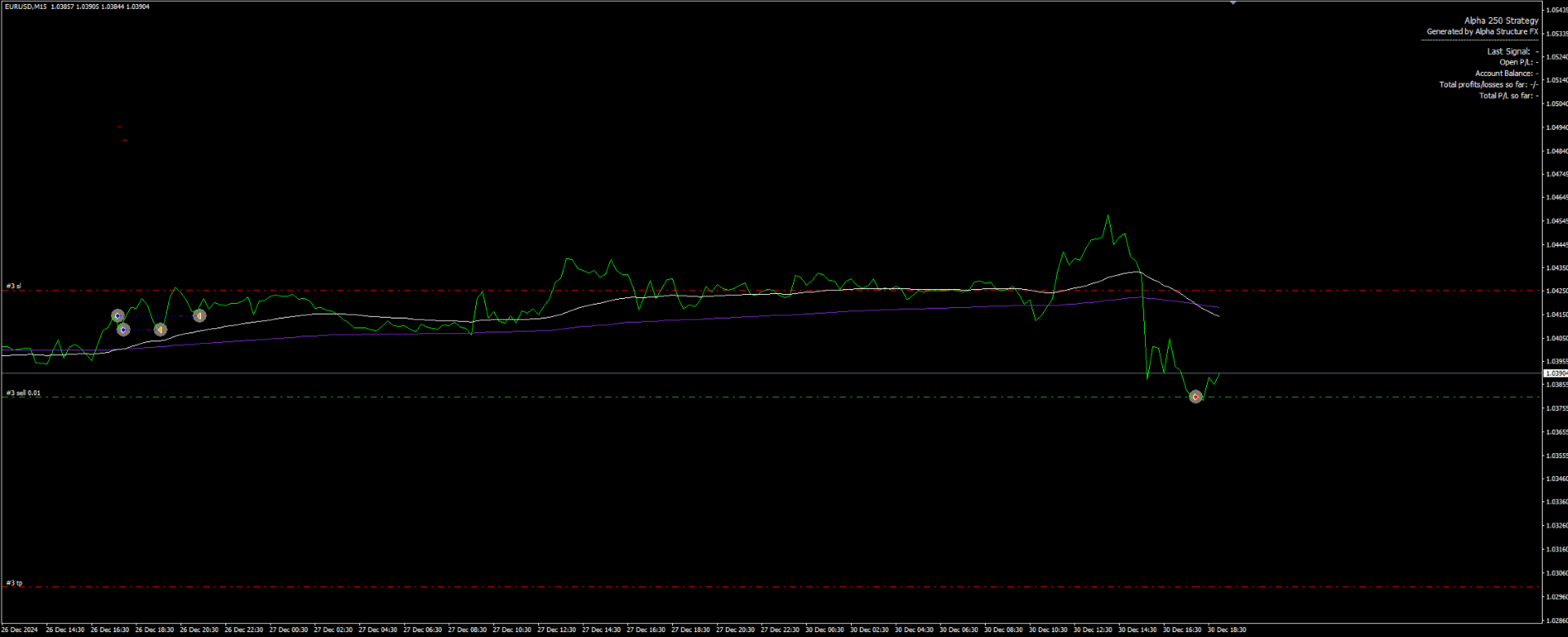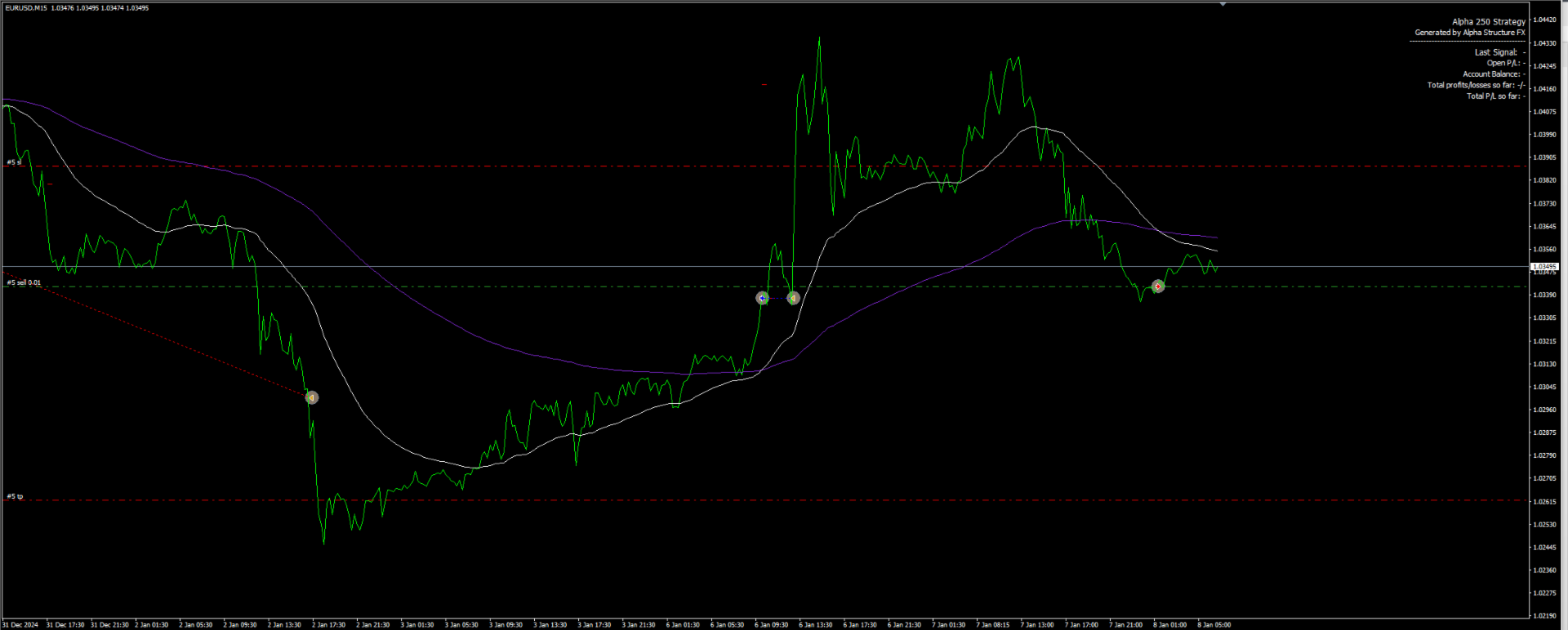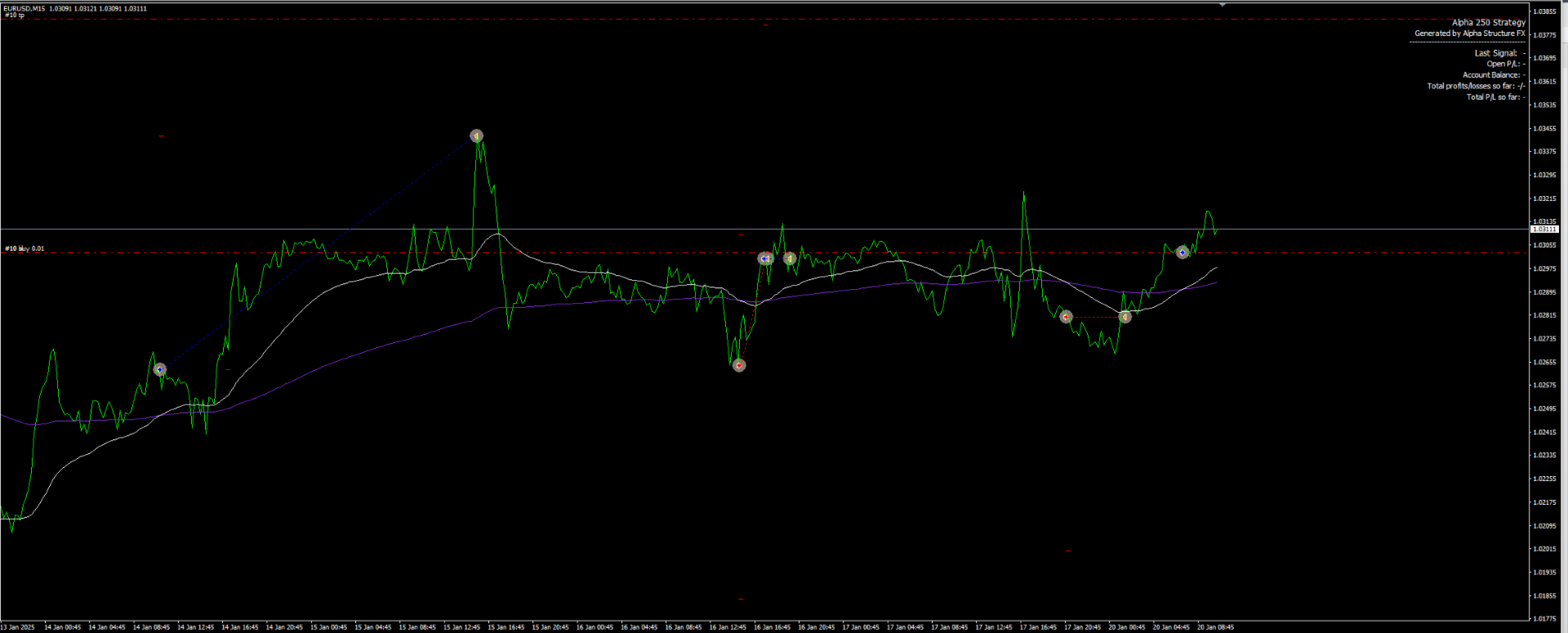
Alpa Crossover Strategy EA
- Experts
- Versione: 1.0
- Attivazioni: 6

Overview
Alpha Crossover Strategy is an automated Expert Advisor for MetaTrader 4 based on an EMA crossover model (EMA 50 and EMA 200).
It is designed to trade directional signals when the fast EMA crosses the slow EMA (Golden Cross / Death Cross).
The EA works with one active market direction at a time and can close an opposite trade when a new signal appears.
Lot sizing can be fixed, with an optional Martingale mode available for users who understand the related risk.
What the EA Does
The EA monitors EMA 50 and EMA 200 and evaluates signals on new bars.
A buy signal is formed when EMA 50 crosses above EMA 200.
A sell signal is formed when EMA 50 crosses below EMA 200.
On a new signal, the EA can close an open trade in the opposite direction and open a new trade in the signal direction.
Orders are managed using the EA’s Magic Number and comment so they are separated from manual trades or other EAs.
Exits can be handled by Stop Loss / Take Profit and optional management rules (e.g., breakeven).
Key Features
-
EMA 50 / EMA 200 crossover entries (Golden Cross / Death Cross)
-
One-direction logic (can close opposite trade on a new signal)
-
Magic Number and trade comments for clean order separation
-
Two lot sizing modes: Fixed lot or optional Martingale
-
Optional breakeven and basic trade management tools
-
Time controls (session limits, weekend blocking, scheduled close options)
-
Safety limits such as max trades per day (if enabled)
Risk Management & Safety Notes
Trading involves risk, and losses are possible.
This EA does not guarantee results and is not financial advice.
Martingale (if enabled) increases position size after losses and can lead to rapid drawdowns and large losses during adverse market conditions.
If you do not want Martingale behavior, use fixed lot mode and keep position sizes conservative.
Spread, slippage, execution speed, and broker trading conditions can affect entries and exits.
Always test the EA in Strategy Tester (historical simulation) and on a demo account before any live use.
Use Stop Loss and account risk rules that match your own risk tolerance.
Inputs
Trading
-
Symbol/timeframe use (attach to the chart you want to trade)
-
Magic Number / order comment
-
Entry on new bar (signal evaluation timing)
Lot Size
-
Fixed lot size setting
-
Risk limits you apply externally (account-based rules)
-
Optional maximum trade size limits (if provided)
Martingale (Optional)
-
Enable/disable Martingale mode
-
Lot multiplier and maximum step/level
-
Mode behavior for tracking long/short cycles (together or separately, if provided)
Trade Management
-
Stop Loss and Take Profit
-
Breakeven trigger and offset (if enabled)
-
Max trades per day and distance/validation filters (if enabled)
Time Filters
-
Custom trading session start/end
-
Weekend trading block
-
Scheduled close time (daily and/or Friday, if enabled)
Setup
-
Copy the EA file to MQL4/Experts and restart MT4 (or refresh the Navigator).
-
Open the chart you want to trade (default usage: EURUSD, M15).
-
Attach the EA to the chart and enable AutoTrading.
-
Set Magic Number if you run multiple EAs or instances.
-
Choose lot sizing mode (Fixed lot recommended for most users) and configure SL/TP and management options.
-
If using time filters, confirm the times match your broker server time.
Recommended Evaluation
Run Strategy Tester as a historical simulation to confirm signal timing, order placement, and management behavior.
Test with realistic spread assumptions and your broker’s symbol settings (digits, contract size, stop level).
Continue on a demo account to observe execution, slippage, and time-filter behavior in real conditions.
If you enable Martingale, evaluate maximum exposure and drawdown scenarios before considering any live use.
Change one setting group at a time (entries, then exits, then time filters) to understand impact.
Avoid judging behavior from a short time window; include different volatility conditions.
Compatibility
Platform: MetaTrader 4 (MT4).
Default profile: EURUSD on M15 (other liquid symbols/timeframes can be used with your own testing).
Broker conditions (spread, execution, leverage, minimum lot, and stop levels) can affect behavior.
Designed to manage trades identified by its Magic Number and comment.
FAQ
Q: Does it open multiple trades at once?
A: It is designed to hold one active market direction at a time and can close the opposite position on a new signal.
Q: Is Martingale required?
A: No. Martingale is optional. Fixed lot mode is available and is generally simpler to control.
Q: Is this a grid EA?
A: No. Martingale (if enabled) changes lot size after losses, but it does not place a grid of layered entries by design.
Q: Why did it not trade?
A: Check AutoTrading, symbol permissions, session filters, max trades per day, and whether a crossover signal occurred on the evaluated bar.
Q: What should I use for testing?
A: Start with Strategy Tester (historical simulation) and then a demo account on your broker before live use.
Q: Where can I get support?
A: Support is provided via MQL5 comments or MQL5 messages only.
Changelog
-
Please refer to the Market “Versions” tab for the full change history.