Flying Turtles
- Experts
- Versione: 1.500
- Aggiornato: 16 gennaio 2026
- Attivazioni: 10

Flying Turtles EA for MT5
Breakout Power with Turtle Trading DNA.
The Flying Turtles EA is inspired by the legendary Turtle Trading System, built to detect breakouts from consolidation zones and ride trends with discipline and precision. Whether you’re trading forex, indices, or metals, this EA aims to capture big moves after price breaks out of key levels.
✅ Key Features:
-
Classic Turtle Trading Logic: Identifies breakout levels based on recent highs/lows and executes trades with trend-following confirmation.
-
Customizable Breakout Strategy:
-
User-defined Donchian channel period
-
Filter false breakouts with optional ATR volatility or moving average trend filter
-
-
Smart Risk Management:
-
Fixed or dynamic lot sizing
-
Custom SL/TP in ATR-based
-
Optional breakeven and trailing stop functions
-
-
Time & Session Filter: Trade during optimal breakout hours only (e.g., London/NY Session
🔍 Optimized for:
Trending long and short-term moves with tight SL/TP and fast execution
Low-spread, fast-execution brokers (ECN preferred), but works for all brokers
Trending long and short-term moves with tight SL/TP and fast execution
Low-spread, fast-execution brokers (ECN preferred), but works for all brokers
✅ Features:
Multiple strategies: Trending, Scalping, Breakout, Reversal, Range
Dynamic TP/SL and trailing stop control
Time/session filters to avoid high-risk periods
Directional trade control (Buy/Sell/Both)
Works best on Forex, Spot Metal (Gold), Indices and Crypto
Multiple strategies: Trending, Scalping, Breakout, Reversal, Range
Dynamic TP/SL and trailing stop control
Time/session filters to avoid high-risk periods
Directional trade control (Buy/Sell/Both)
Works best on Forex, Spot Metal (Gold), Indices and Crypto
💼 Perfect For:
Traders who want fast, high-probability trending
Compatible with funded accounts and prop firm rules
Traders who want fast, high-probability trending
Compatible with funded accounts and prop firm rules
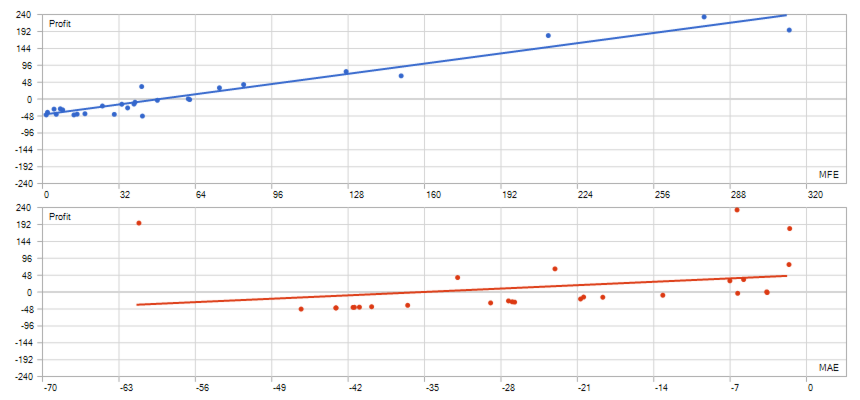
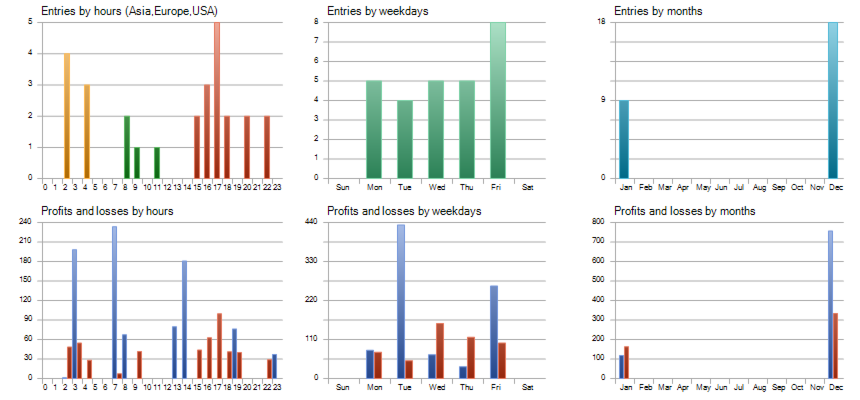
📊 Ready for backtesting, live trading, and custom optimization.
💬 Full support provided – message for setup help or advanced use cases!
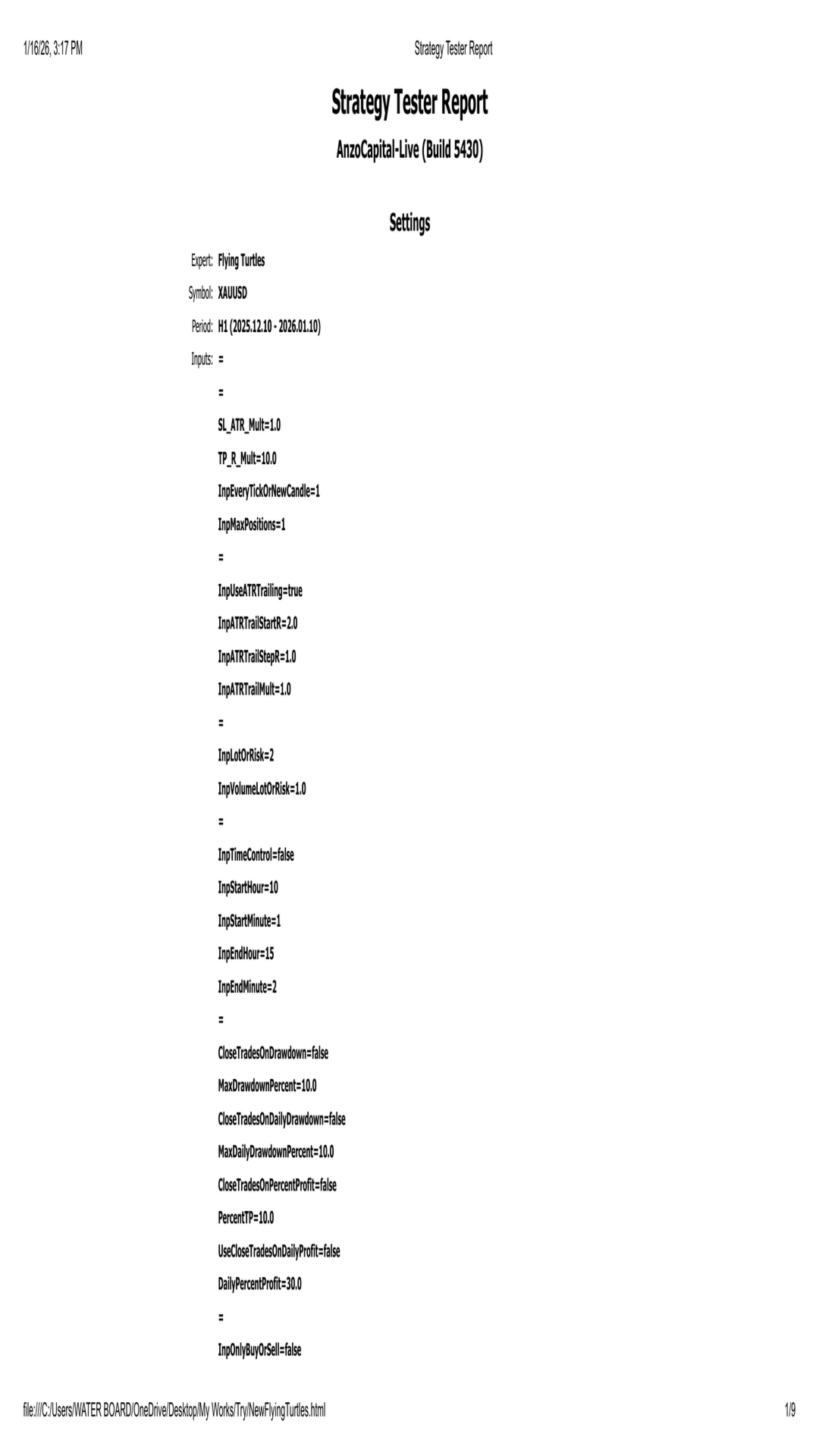
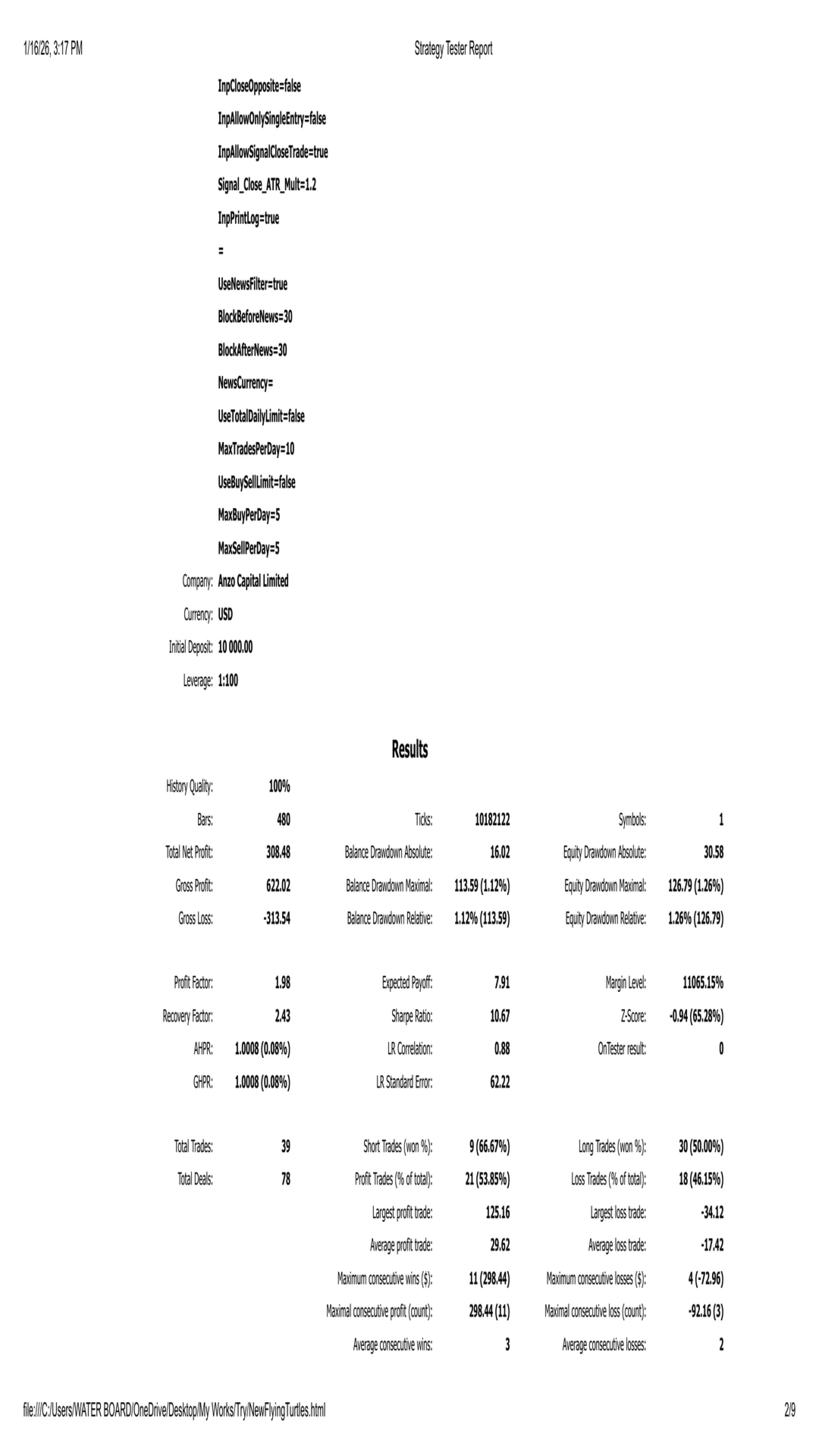
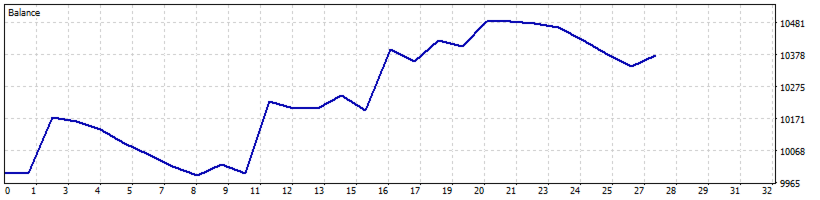
Backtest using 1H or 4H time frame
For further information about the product, kindly use link below
https://www.mql5.com/en/channels/fxnaijatrendscalping