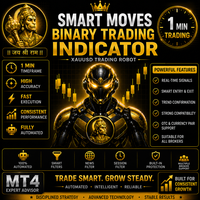
Smart Moves Binary Indicator
- Indicators
-
Gunapu Sankara Rao
 Expert MQL4 Developer | XAUUSD Scalping EA | Custom Indicators |
Strategy Optimization
I develop automated trading systems for MetaTrader 4 (MQL4) with focus
on algorithmic trading, risk management, and backtesting.
Professional MQL4 Developer with 7+ years of Experience. - Version: 2.0
- Updated: 15 July 2026
- Activations: 5
Overview
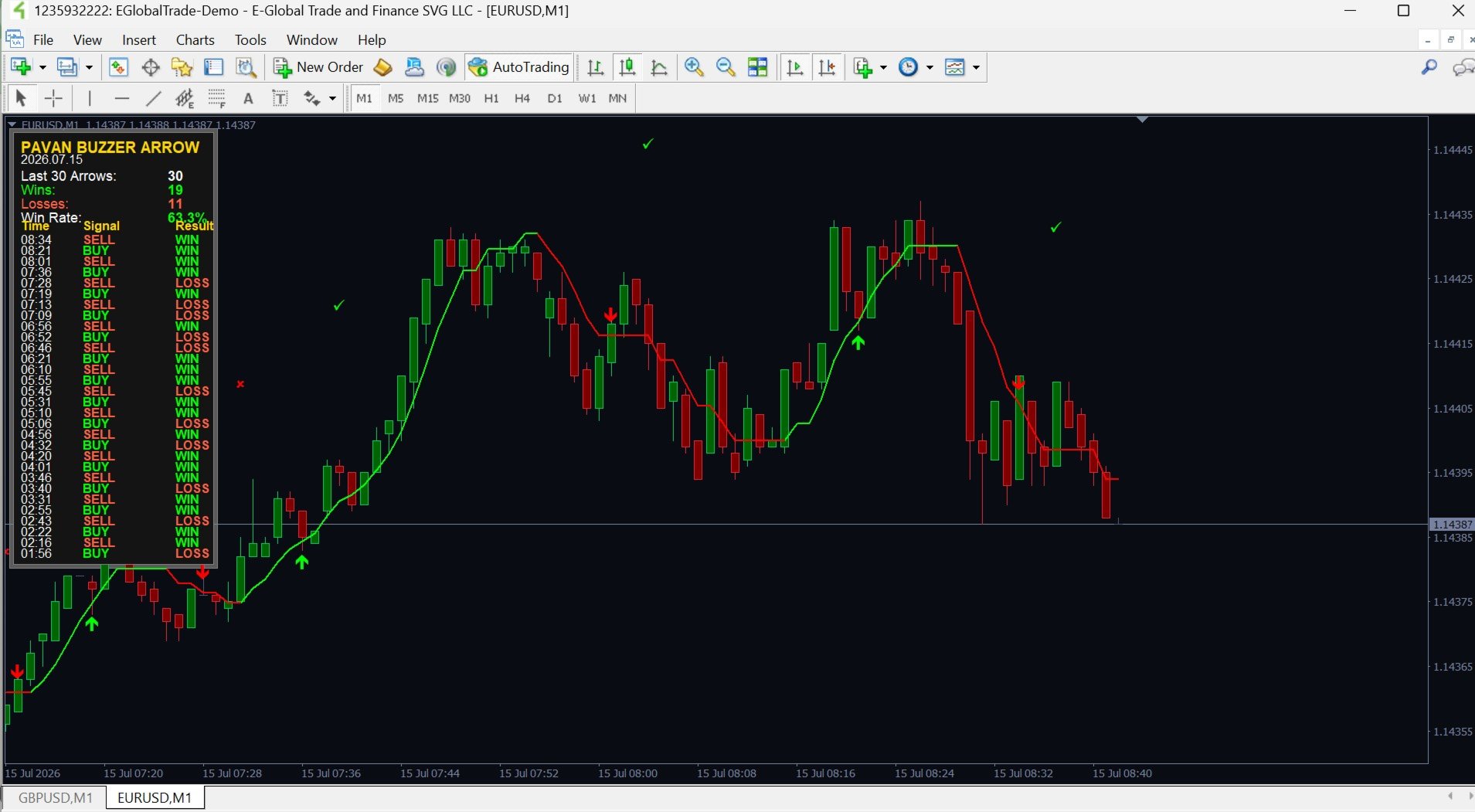
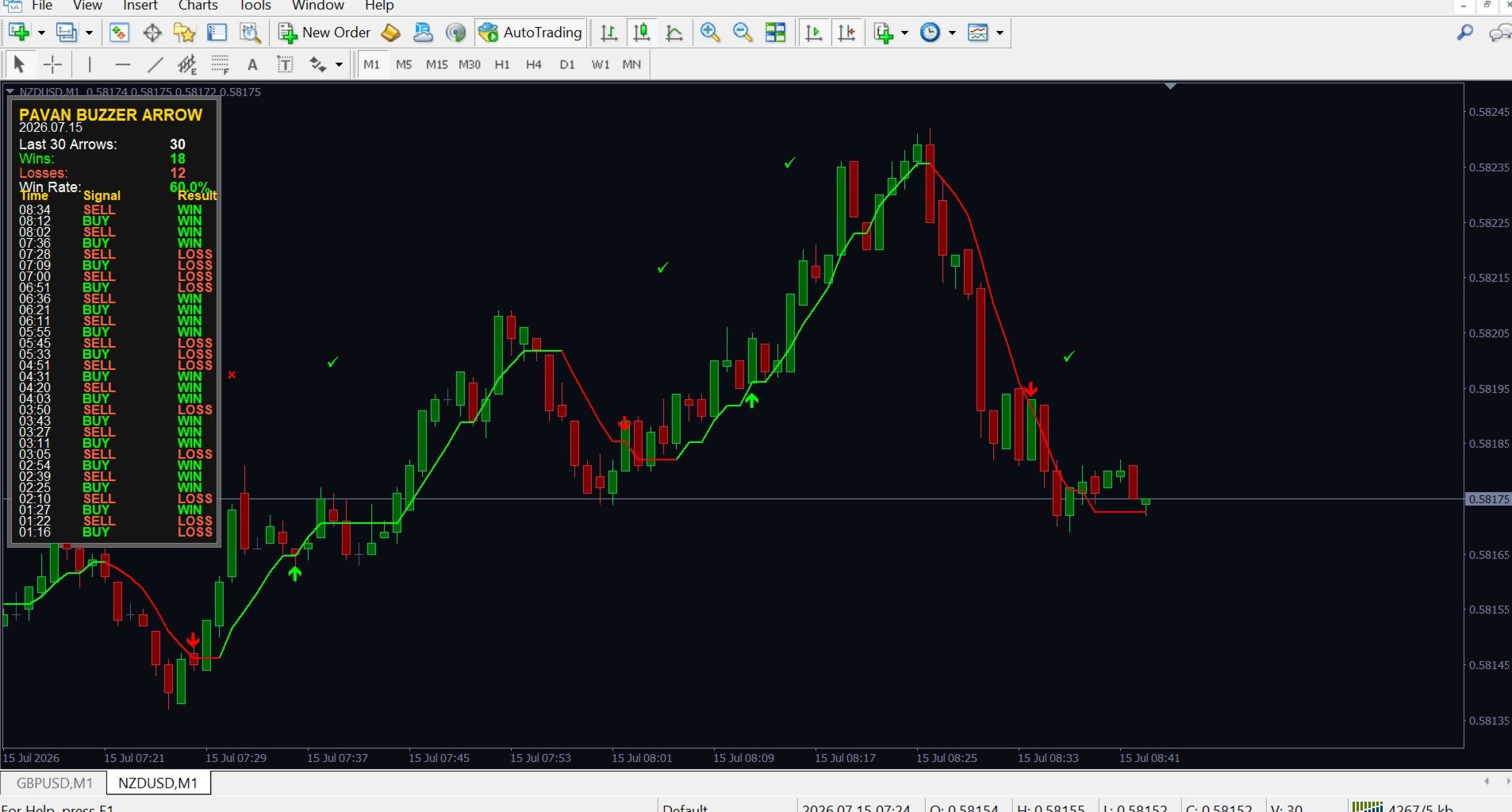
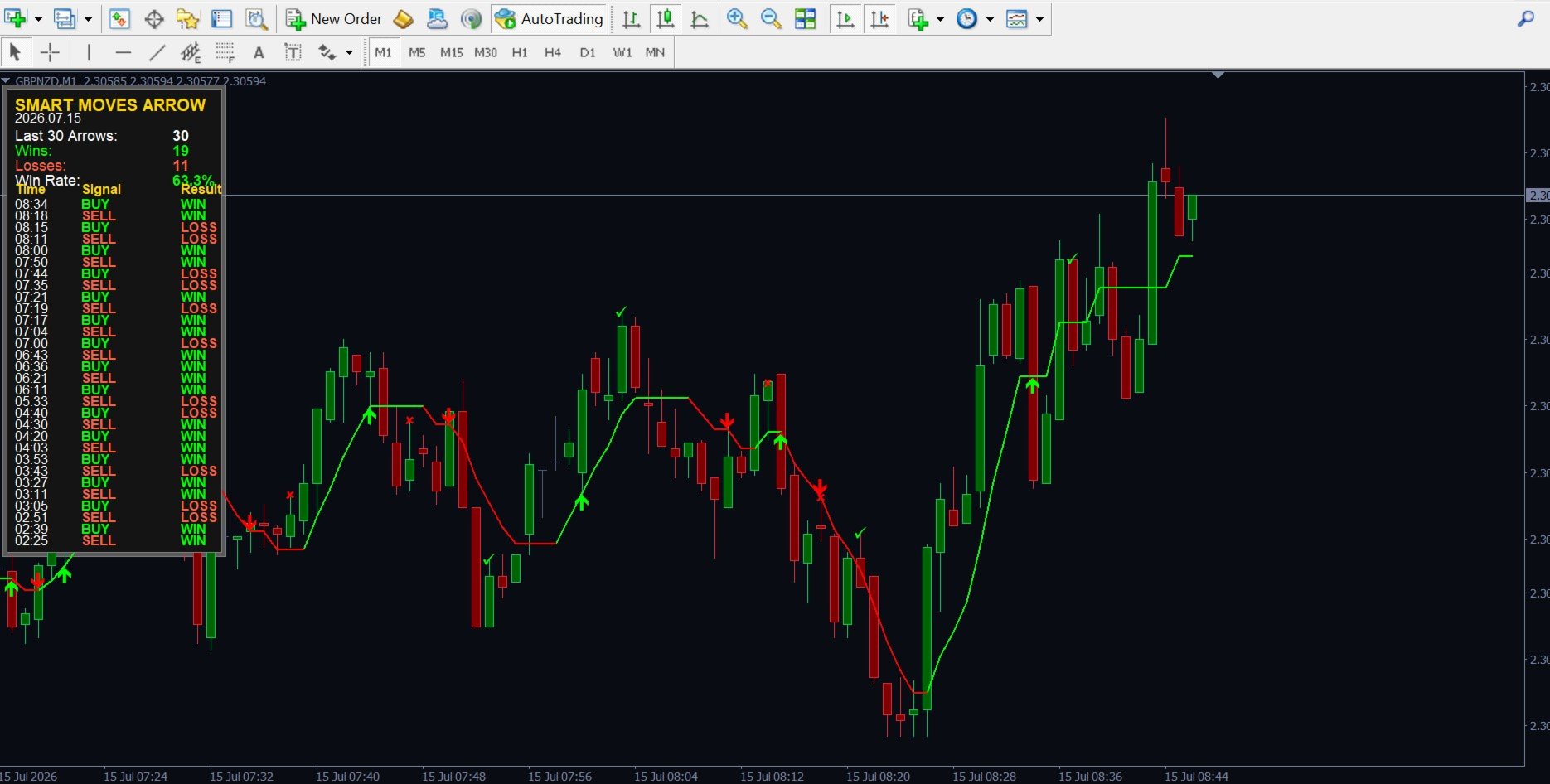
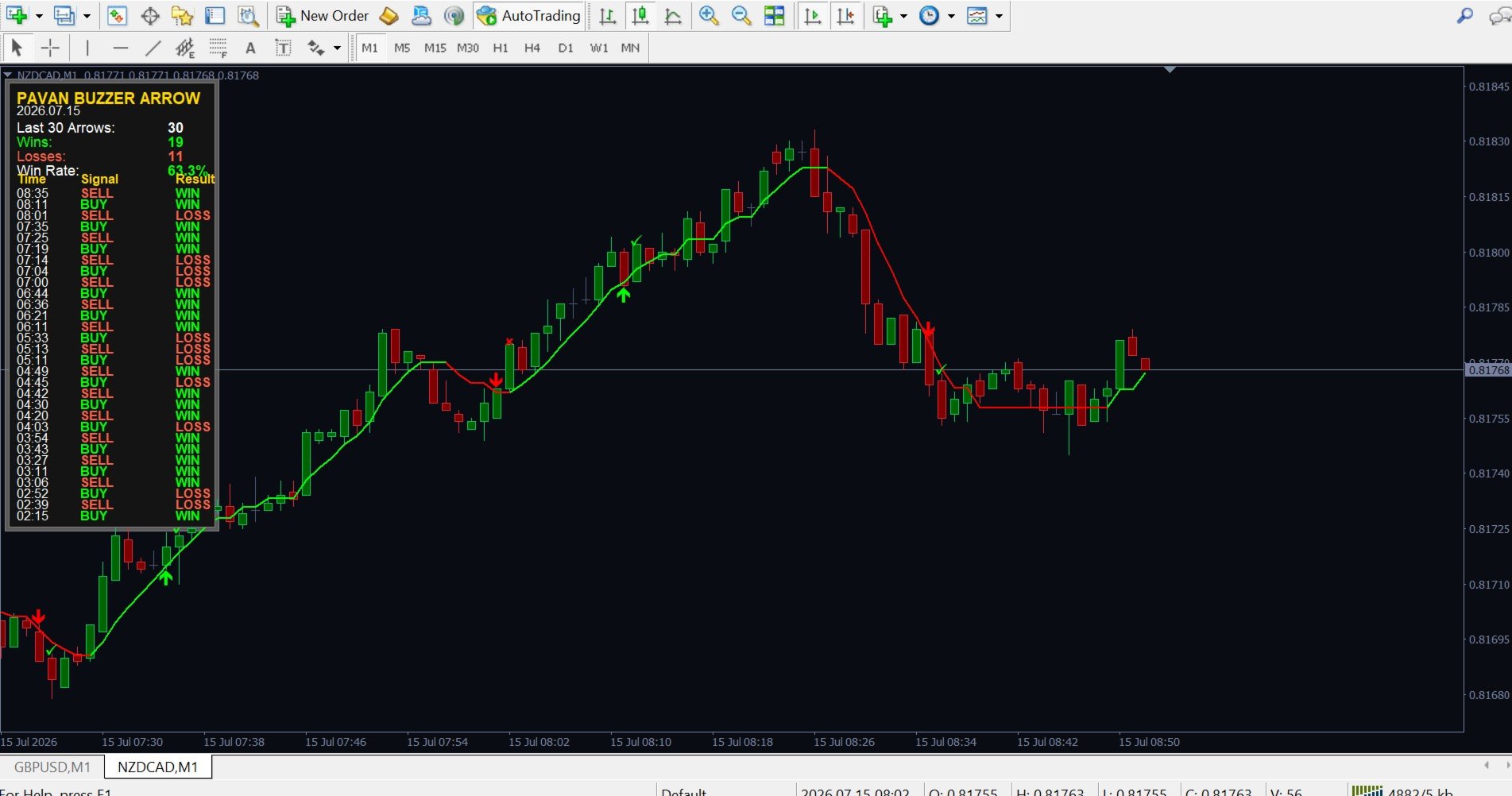
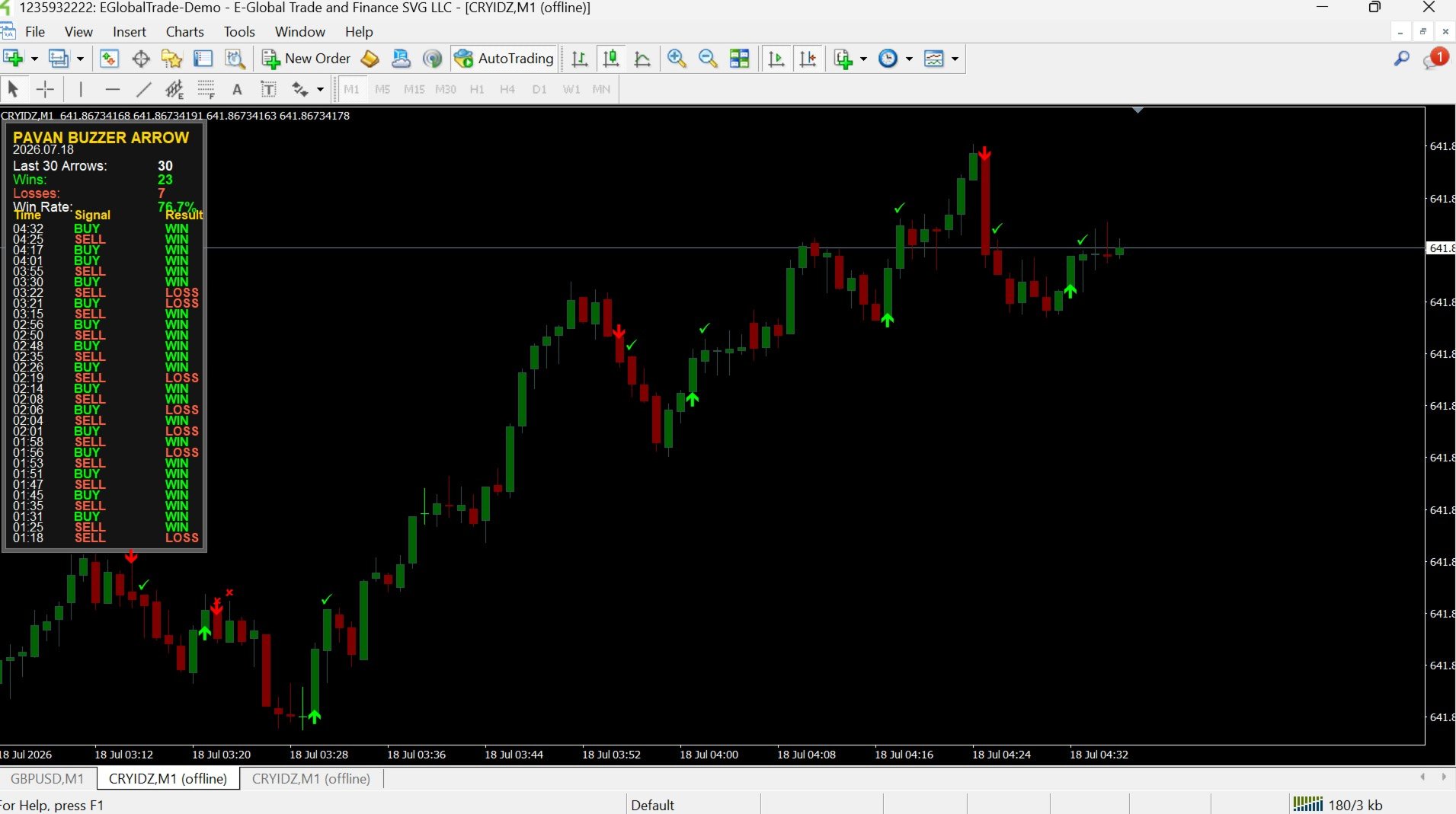
Smart Moves Binary Indicator is a technical analysis indicator for MetaTrader 4 (MT4) designed to help traders identify potential BUY and SELL opportunities after candle confirmation. Signals are generated only after the current candle has closed, ensuring that confirmed arrows remain fixed on historical bars without recalculation.
The indicator is suitable for any Forex currency pair and supports multiple timeframes, making it adaptable to different trading styles.
Key Features
-
BUY and SELL signals generated after candle confirmation
-
Confirmed historical signals remain fixed after they appear
-
Supports any Forex currency pair
-
Compatible with multiple timeframes (M1 to H1)
-
Built-in cooldown filter to help reduce consecutive signals during ranging markets
-
Optional on-chart statistics panel
-
Popup alerts
-
Push notifications
-
Email notifications
-
No DLL files required
-
No external files or libraries required
-
Easy installation and configuration
Signal Logic
Signals are generated only after a candle has completely closed.
Once a BUY or SELL signal is confirmed, the corresponding arrow remains fixed on historical bars and is not recalculated. This allows traders to review previous signals for chart analysis and strategy evaluation.
Statistics Panel
The optional statistics panel displays useful trading information directly on the chart, including:
-
Daily signal count
-
Historical signal statistics
-
Trading session information
-
Current indicator status
The panel can be enabled or disabled through the input settings.
Alert Options
The indicator supports multiple notification methods:
-
Popup Alerts
-
Push Notifications
-
Email Notifications
Alerts are generated only after a trading signal has been confirmed.
Supported Timeframes
Smart Moves Binary Indicator supports:
-
M1
-
M5
-
M15
-
M30
-
H1
Select the timeframe that best suits your trading approach.
Compatible Markets
The indicator can be used on:
-
Major Forex currency pairs
-
Minor Forex currency pairs
-
Cross currency pairs
Signal frequency may vary depending on market conditions, volatility, and the selected trading instrument.
Customizable Settings
Available input options include:
-
Enable or disable popup alerts
-
Enable or disable push notifications
-
Enable or disable email notifications
-
Show or hide the statistics panel
-
Cooldown filter settings
-
Arrow display settings
Installation
-
Install the indicator in MetaTrader 4.
-
Attach the indicator to your preferred chart.
-
Configure the desired input parameters.
-
Enable alerts if required.
-
Monitor confirmed trading signals according to your trading plan.
No additional software is required.
Important Notes
-
Signals are generated only after candle confirmation.
-
Confirmed historical signals remain unchanged.
-
No DLL files are required.
-
No external resources are required.
-
The indicator is intended to support trading decisions and should be used together with proper risk management and trading discipline.
Risk Disclaimer
Trading financial markets involves substantial risk and may not be suitable for all investors. This indicator is provided as a technical analysis tool to assist trading decisions and should not be considered financial advice. Past performance does not guarantee future results, and trading outcomes depend on market conditions, individual trading decisions, and risk management.
Product Support
If you have any questions, need assistance, or would like to report an issue, please contact us through the MQL5 messaging system or the Product Comments section.
Product updates and improvements may be released periodically to enhance functionality, stability, and the overall user experience.