Dynamic Pullbackify
- Experts
- Version: 1.0
- Activations: 20

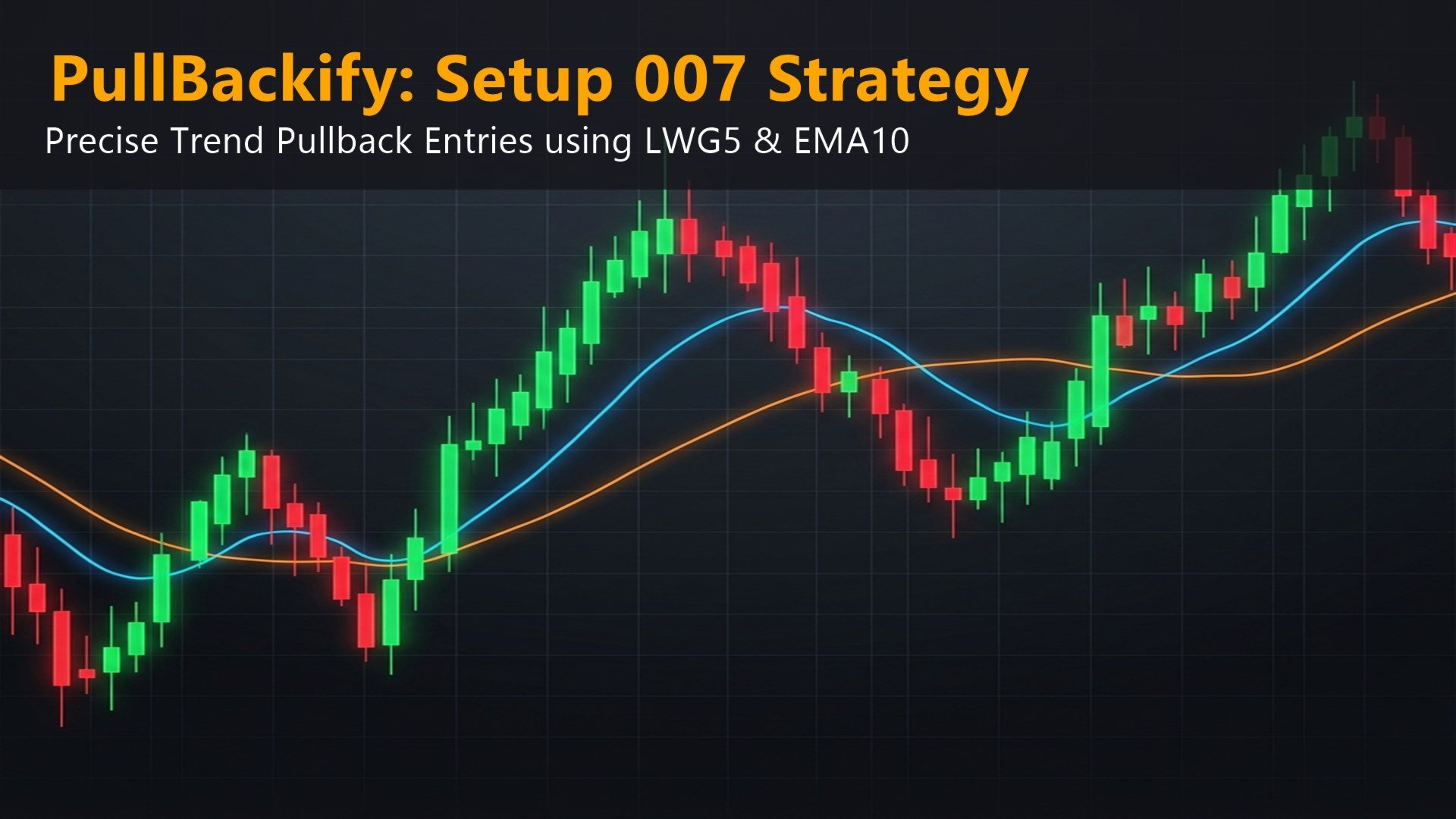
Dynamic Pullbackify is a professional trend-following Expert Advisor designed to execute precise entries during market retracements. Instead of relying on risky averaging or grid systems, this Expert Advisor uses dynamic volatility adjustments and a comprehensive suite of account protection mechanisms to manage risk.
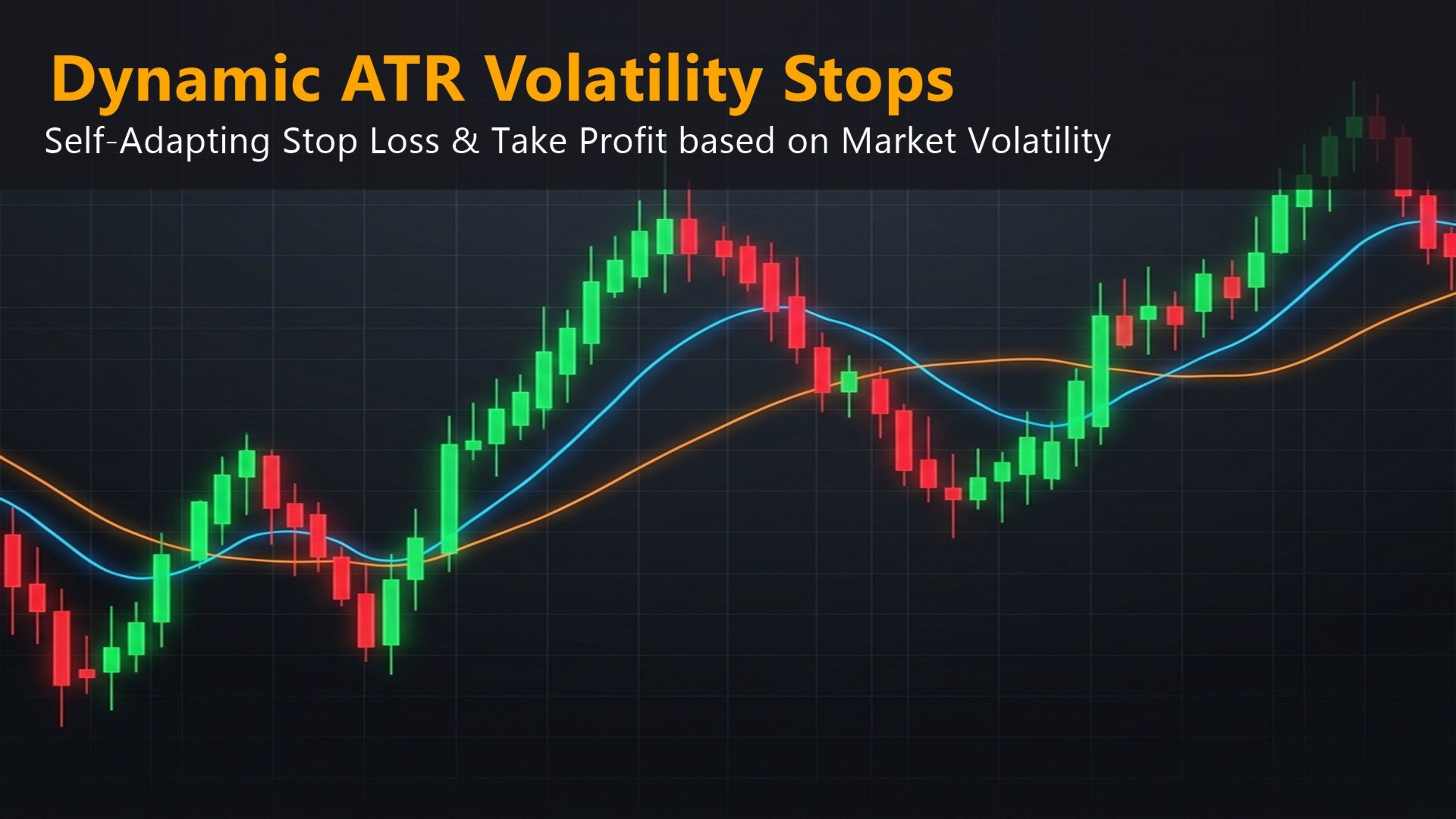
The core trading logic identifies established trends using customized moving averages and waits for a temporary pullback to place pending orders. This ensures that trades are only executed when the market resumes its primary direction. Furthermore, the Stop Loss and Take Profit levels automatically adapt to real-time market volatility using the Average True Range indicator.
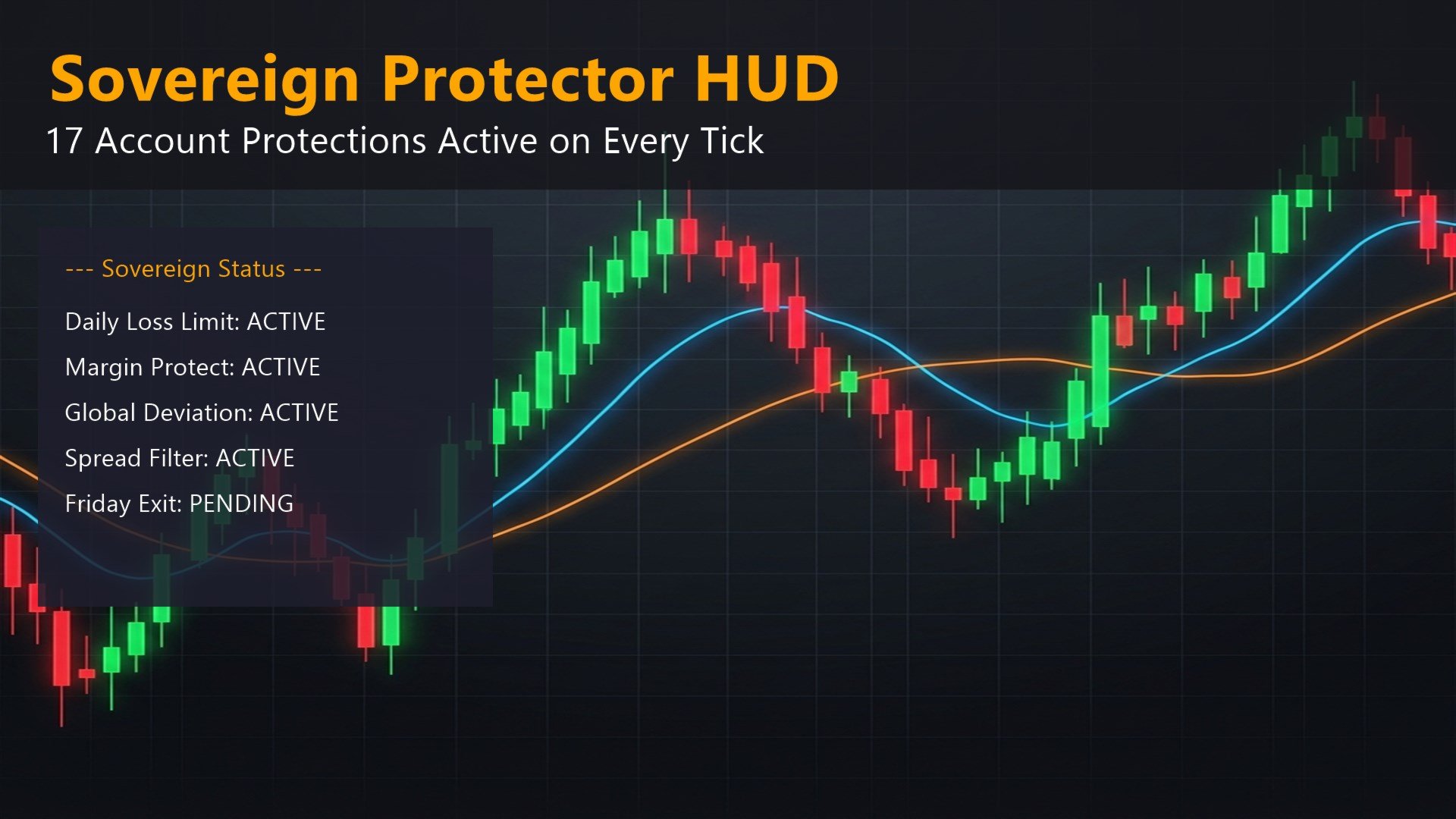
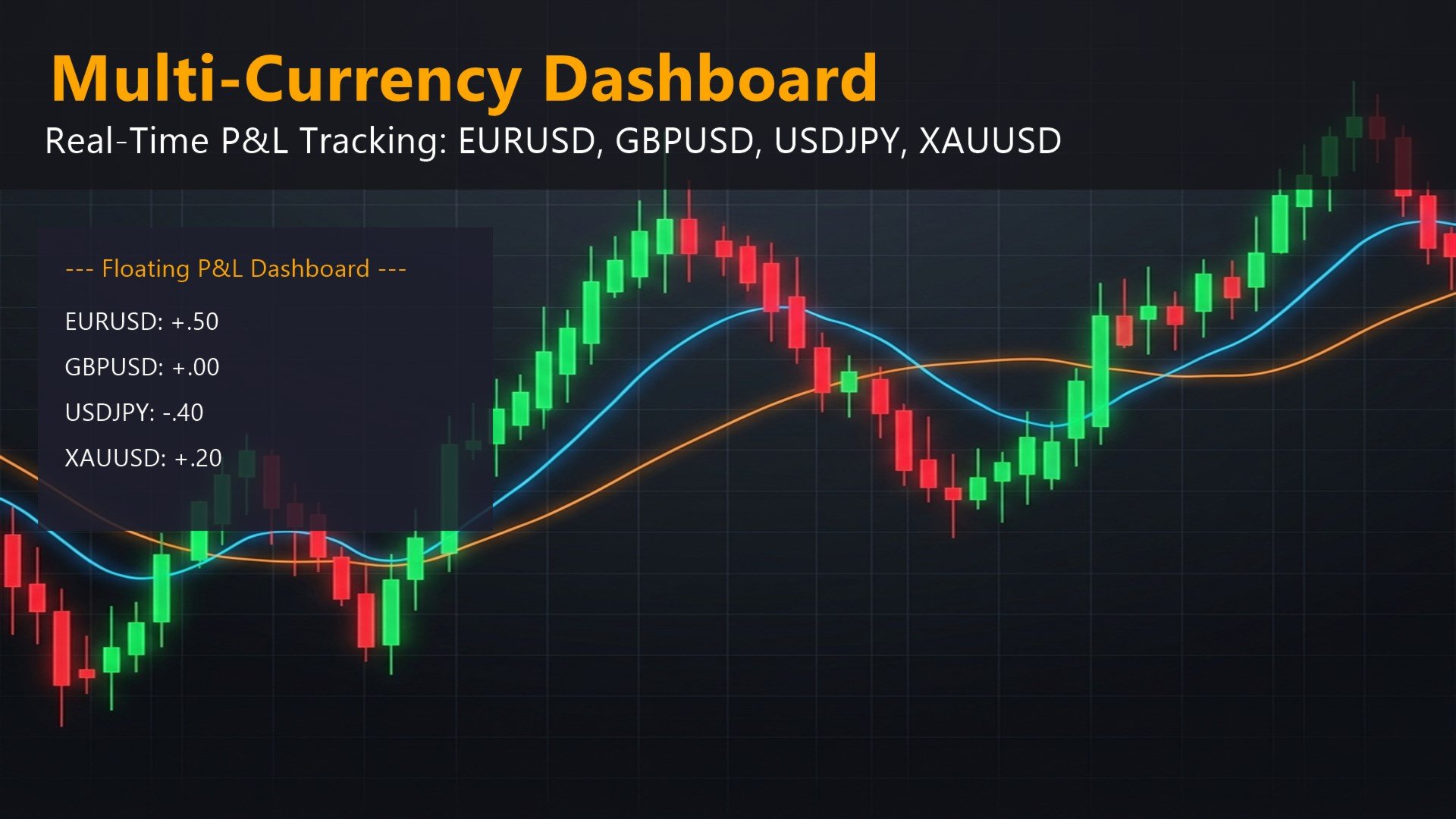
A defining feature of this product is the Sovereign Protector Suite. This is a built-in risk management system that continuously monitors your account. It provides 17 distinct layers of protection, including global equity trailing, daily loss limits, margin level preservation, and high-impact news filtering. The product also includes an interactive on-chart dashboard that allows you to monitor floating profit and loss across multiple currency pairs simultaneously.
Advantages and Features
- Trend Pullback Logic: Enters the market using pending orders only when a trend resumes after a pullback, avoiding premature entries.
- Dynamic Volatility Stops: Uses the Average True Range to widen or tighten Stop Loss and Take Profit distances based on current market conditions.
- Sovereign Protector Suite: Actively guards your account balance with strict daily loss limits, minimum margin requirements, and maximum drawdown thresholds.
- Interactive Dashboard: A built-in multi-currency panel provides real-time visibility into the performance of several specified symbols from a single chart.
- Advanced Trade Management: Secures floating profits automatically using Break Even activation, Jumping Trailing Stops, and Partial Close mechanisms.
- Clean Execution: Operates with strict MQL5 Validator compliance, handling slippage, spread widening, and strict volume limits seamlessly.
Input Parameters
General Settings
- Trading Timeframe - The execution timeframe for the trend logic.
- Fixed Lot Size - The static lot size used if Risk Percent is set to 0.
- Risk Percent - Dynamic lot sizing based on account balance.
- Take Profit - Static take profit distance in points.
- Stop Loss - Static stop loss distance in points.
- Max Allowed Spread - Maximum spread limit in points to allow trading.
- Magic Number - Unique identifier for the Expert Advisor trades.
- Enable Debug Prints - Toggles journal logging for trade execution details.
Advanced Market Adaptability
- Use ATR Dynamic Stops - Overrides static take profit and stop loss with volatility-based distances.
- ATR Period - The period used for the Average True Range calculation.
- ATR Multiplier for Stop Loss - The multiplier applied to the ATR for stop loss placement.
- ATR Multiplier for Take Profit - The multiplier applied to the ATR for take profit placement.
Strategy Setups
- Enable Pullback Setup 007 - Activates the core trend pullback logic.
- Allow Long Trades - Enables the placement of Buy Stop orders.
- Allow Short Trades - Enables the placement of Sell Stop orders.
- Min Distance Between Trades - The minimum required distance in points between consecutive entries.
- Order Expiry Lifetime - Time in minutes before an unexecuted pending order is canceled.
Premium Competitive Features
- Optimizer Turbo Mode - Disables the user interface for faster strategy testing.
- Min ATR Threshold - Minimum volatility required to allow new trade entries.
- Max Daily Trades Limit - Hard limit on the number of trades executed per day.
- Enable Rollover Daily Close - Closes all active positions at a specified daily time.
- Rollover Close Time - The specific time for the daily rollover close.
- Enable High-Impact News Filter - Pauses trading around major news events.
- Minutes Before News - Trading pause duration before a news event.
- Minutes After News - Trading pause duration after a news event.
- Enable Max Drawdown - Activates the maximum allowable drawdown limit.
- Max Drawdown Threshold - The percentage limit for maximum drawdown.
- Enable Global Equity Trailing Stop - Trails the entire account equity to lock in overall gains.
Trade Management
- Enable True Break Even - Moves the stop loss to the entry price when a profit threshold is met.
- BE Threshold - Points of profit required to trigger the break even function.
- BE Profit - Points of profit to lock in above the open price.
- Enable Trailing Stop - Activates the jumping step trailing stop mechanism.
- Trailing Step - Points required to move the stop loss further into profit.
- Trailing Start Threshold - Points of profit required before the trailing stop begins.
Sovereign Protector Settings
- Target Equity Increase - Closes all positions when the account equity increases by this percentage.
- Margin Limit Val - Disables automated trading if free margin drops below this value.
- Enable Magic 1000 Close - Closes trades and exits the platform upon reaching a specific point target.
- Partial Close Profit - The profit threshold in points to execute a partial volume close.
- Partial Close Volume Percent - The percentage of the total trade volume to close.
- Enable Friday Exit - Automatically closes all trades before the weekend market close.
- Max Loss Limit - Hard monetary limit for maximum floating loss.
- Daily Loss Limit - Hard monetary limit for total daily realized loss.
- Global Dev Threshold Pct - The deviation limit percentage to trigger chart closure.
- Max Orders Threshold - Maximum allowed open orders before trading is paused.
- Min Balance Threshold - Minimum required balance to allow continued trading.