Mathsify
- Experts
- Version: 1.0
- Activations: 10

MATHSIFY is an institutional-grade, multi-strategy quantitative trading engine designed to solve the most common problem in algorithmic trading: market regime changes. Unlike traditional systems that fail when the market shifts from a trend to a sideways range, MATHSIFY utilizes advanced statistical analysis to identify the current market state and deploy the correct strategy automatically.
Built with capital preservation as its primary focus, this Expert Advisor incorporates strict risk management protocols, avoiding dangerous recovery methods like grid or martingale.
Core Advantages and Features
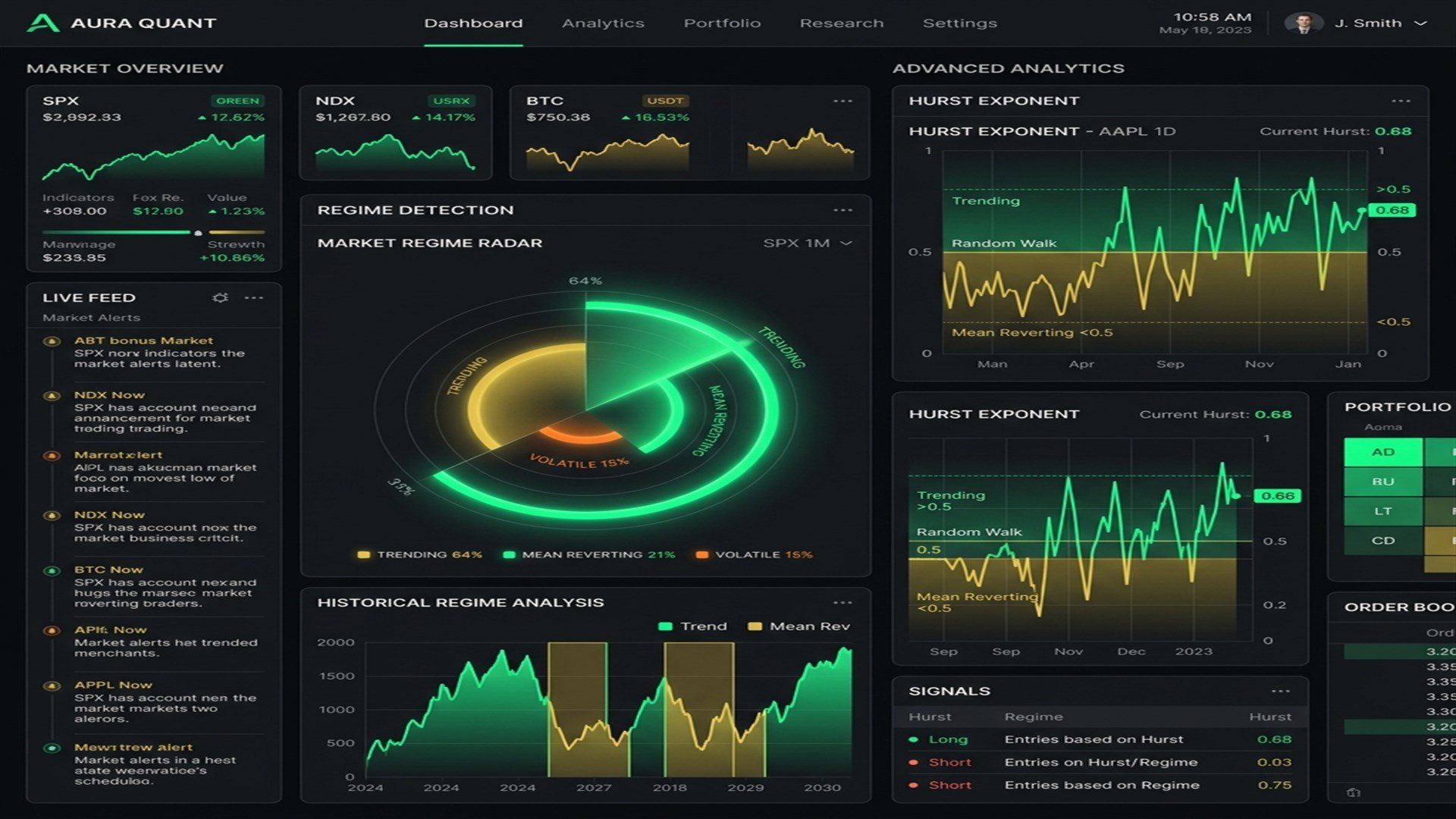
- Adaptive Regime Detection: Uses the Hurst Exponent and Average Directional Index (ADX) to determine if the market is trending or mean-reverting.
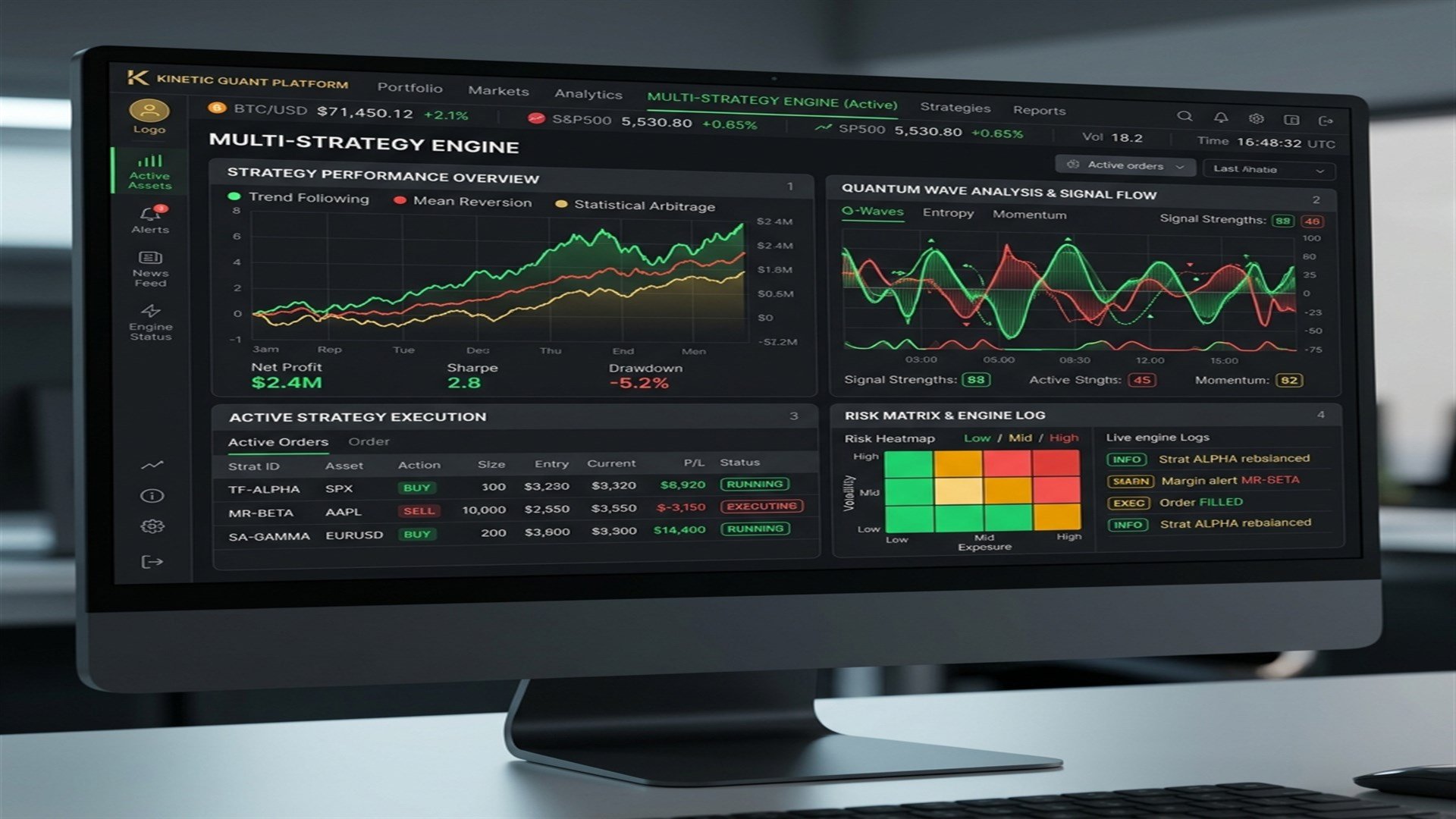
- Four Distinct Alpha Modules: Contains four independent mathematical strategies in one engine (Kalman Trend, Z-Score Mean Reversion, Murrey Math Extremes, and Figurative Polynomials).
- Strict Risk Management: Every trade utilizes a hard stop loss and take profit. There is absolutely no martingale or dangerous grid sizing used in this system.
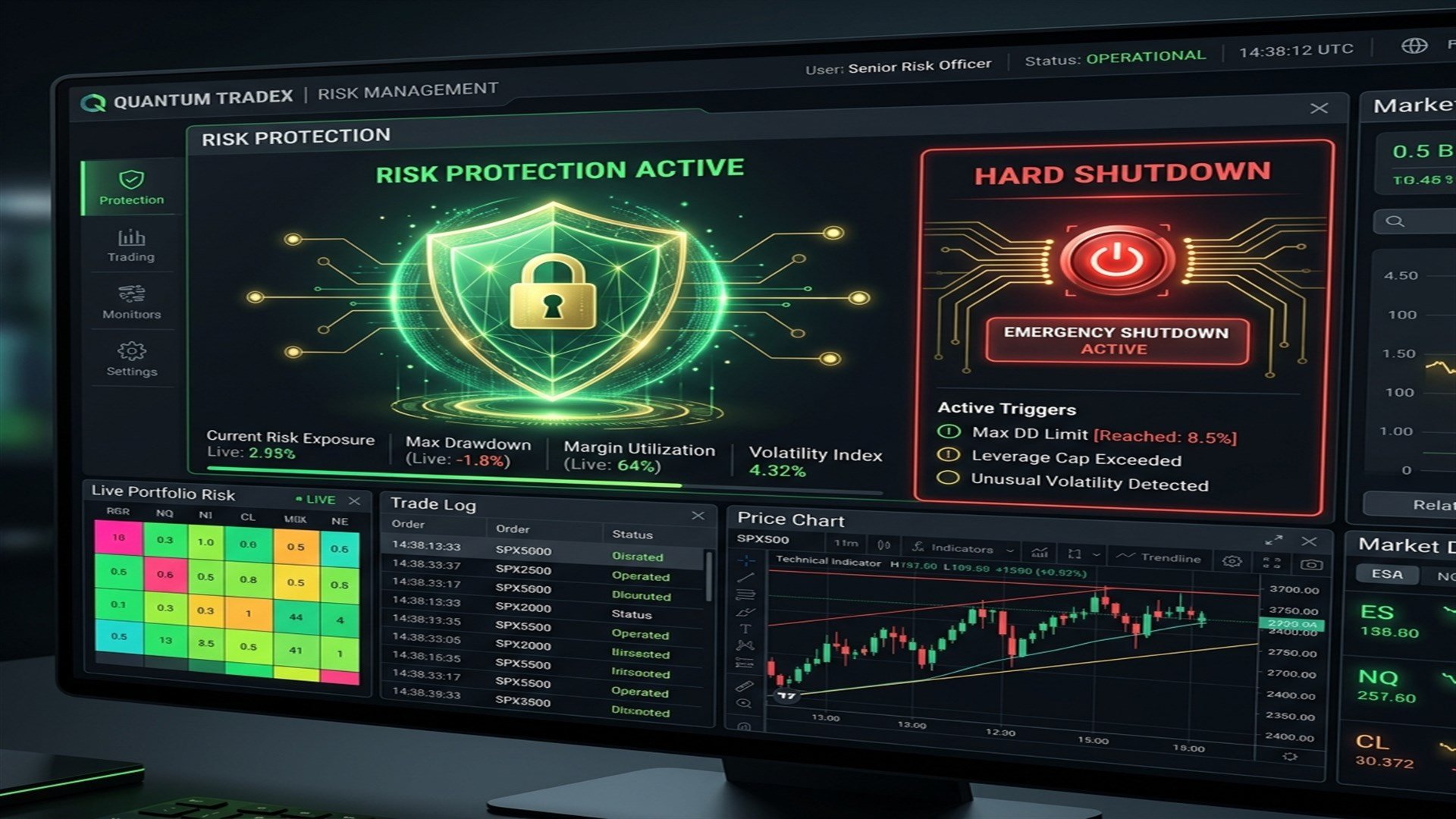
- Institutional Capital Protection: Features built-in equity drawdown monitors and margin level shields that act as a hard emergency shutdown if market conditions become hostile.
- Dynamic Loss-Streak Reduction: Automatically reduces your risk exposure (lot sizes) if a consecutive string of losses is detected, protecting the account from rapid drawdown.
- Spread Volatility Guard: Monitors real-time broker spreads and blocks non-critical position closures if the spread widens dangerously.
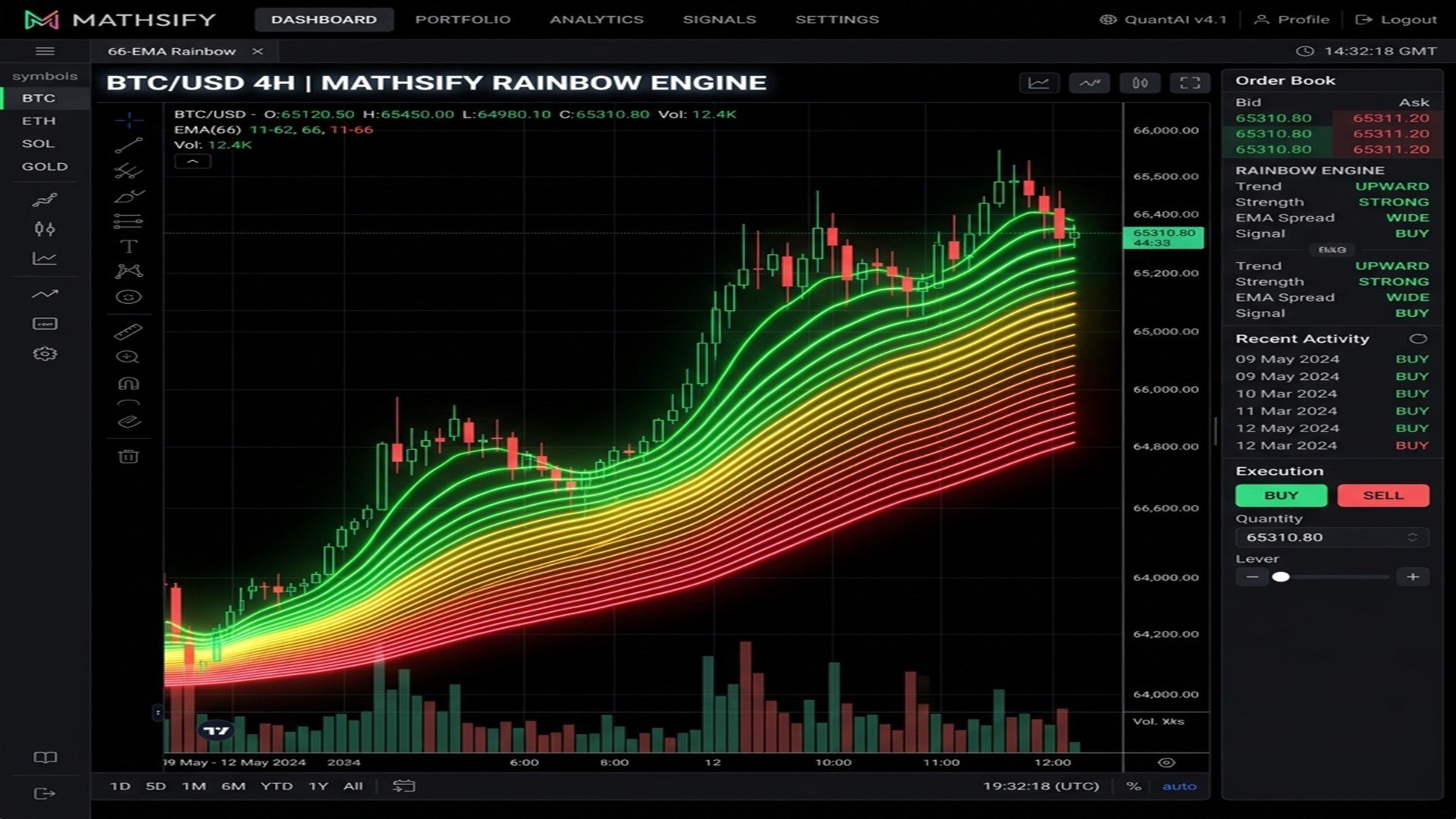
- The 66-EMA Rainbow Visualizer: An optional visual feature that overlays 66 multi-colored moving averages onto your live chart for advanced human analysis without impacting automated trading speed.
Input Parameters
Engine Core
- Show Rainbow MAs: Toggles the 66-EMA visual chart overlay (turn on for live visual analysis).
- Expert Advisor Magic Number: Unique ID for the EA to track its own trades.
- Maximum Simultaneous Positions: The maximum number of trades the EA can hold at once.
- Engine Mode: Choose between Adaptive (automatic strategy switching) or Manual mode.
- Manual Strategy Selection: Forces the EA to use a specific strategy module if Engine Mode is set to Manual.
- Data Warm-Up Period (Bars): The amount of historical bar data required before trading begins.
- Auto-Tune for Metals: Automatically applies optimized parameters if trading XAU or XAG.
Regime Detection
- Regime Detection Method: Choose between ADX or Hurst Exponent.
- ADX Smoothing Period: The calculation window for ADX trend detection.
- Hurst Exponent Calculation Window: The lookback period for the fractal regime detector.
- Hurst Threshold for Trending: The statistical threshold to activate trend strategies.
- Hurst Threshold for Mean Reversion: The statistical threshold to activate mean-reversion strategies.
Mathsify Account Protector
- Enable Free Margin Hard Shutdown: Stops trading entirely if Free Margin drops below a defined level.
- Minimum Free Margin: The dollar amount required to allow trading.
- Enable Margin Level Hard Shutdown: Stops trading if the account Margin Level percentage drops dangerously low.
- Minimum Margin Level: The required margin percentage limit.
- Maximum Peak Equity Drawdown: The maximum percentage drop from the highest recorded equity before triggering an emergency shutdown.
- Maximum Daily Loss: Soft limit that pauses trading until the next day if the daily loss percentage is hit.
Symbol & Cross-Trade Logic
- Source Symbol for Correlation Check: The primary symbol monitored for exposure.
- Symbol to Disable on Correlation: The secondary symbol that will be blocked if the source symbol reaches the open trades threshold.
- Open Trades Threshold: The number of trades required to activate the cross-symbol block.
Institutional Risk
- Risk Per Trade: The percentage of account equity to risk on a standard setup.
- Reduce Risk on Consecutive Loss Streak: Automatically lowers lot sizing during a losing streak.
- Maximum Consecutive Losses Before Shutdown: Pauses trading if the specified number of sequential losses is reached.
- Cooldown Period Between Trades: Minimum minutes to wait before opening a new trade.
- Maximum Entry Spread: Block entries if the broker spread exceeds this point value.
- Block Non-Critical Close on High Spread: Prevents the EA from closing trades prematurely during severe spread widening events.
Trade Architecture
- Stop Loss ATR Multiplier: Dynamic stop loss calculation based on market volatility.
- Take Profit ATR Multiplier: Dynamic profit target calculation based on market volatility.
- Enable Partial Profit Taking: Closes a portion of the trade when a specific profit threshold is reached.
- Percentage of Volume to Close at Partial: Defines how much of the lot size to secure during a partial close.
- Trailing Stop ATR Multiplier: The volatility-adjusted distance for the trailing stop loss.
- Breakeven Activation Distance: The amount of profit required before the stop loss is moved to the entry price.
Session Control
- Trading Session Start Hour: The broker server hour when the EA is allowed to begin scanning for trades.
- Trading Session End Hour: The broker server hour when the EA stops scanning for new setups.
- Broker Time Offset: Hour adjustment to align the EA logic with your local or preferred time zone.