
ORB Range Architect
- Indicators
-
Hadi Pourkerman
 Market Atlas Labs
@MarketAtlasLabs
Welcome to Market Atlas Labs. We develop High-performance MT5 tools for Gold & All Indices.
High-performance MT5 Trading Frameworks. Specializing in Multi-Timeframe (MTF) Context & Adaptive Momentum for Gold (XAUUSD) and US100. 🏛️ - Version: 1.0
- Activations: 5
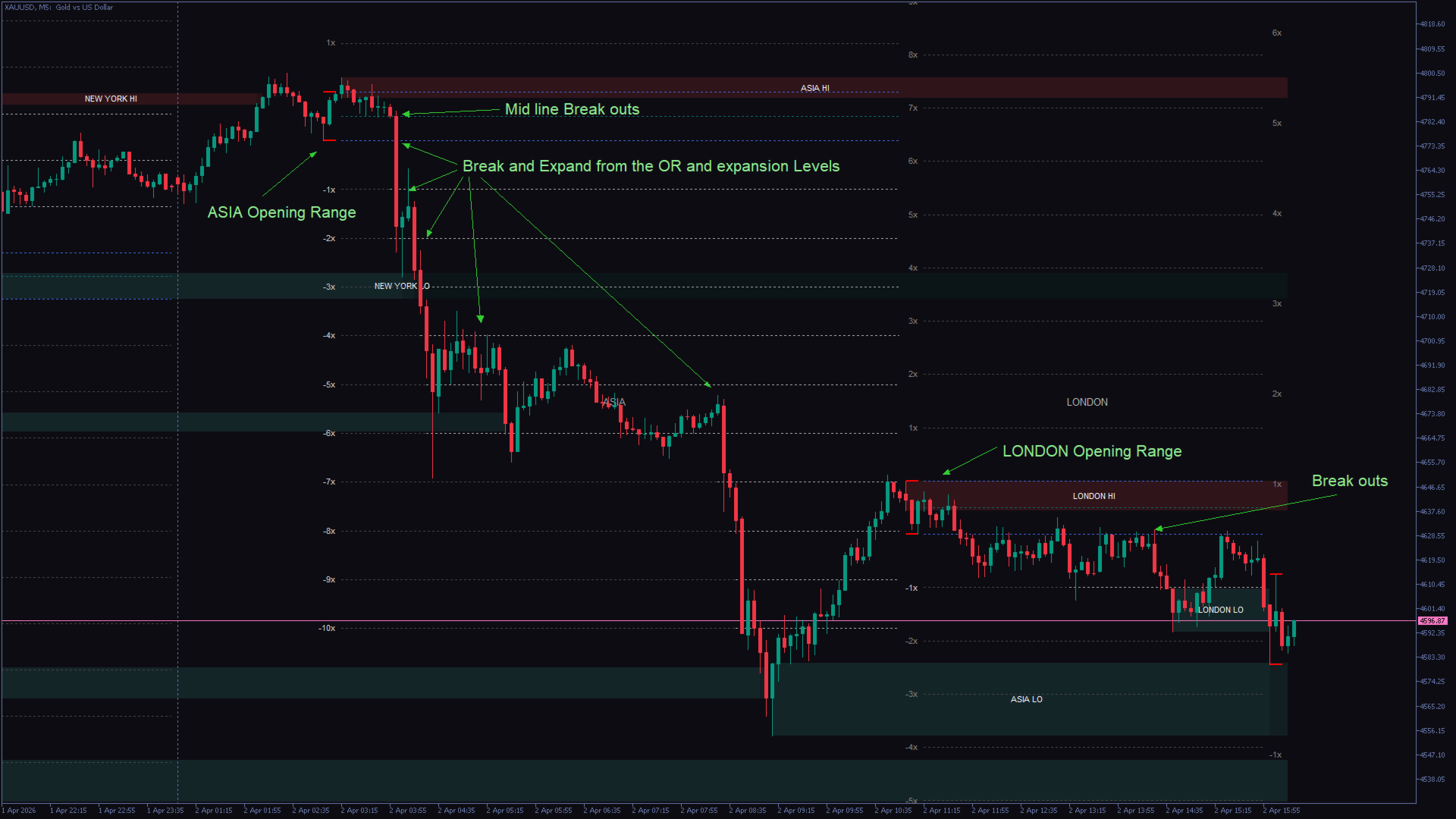
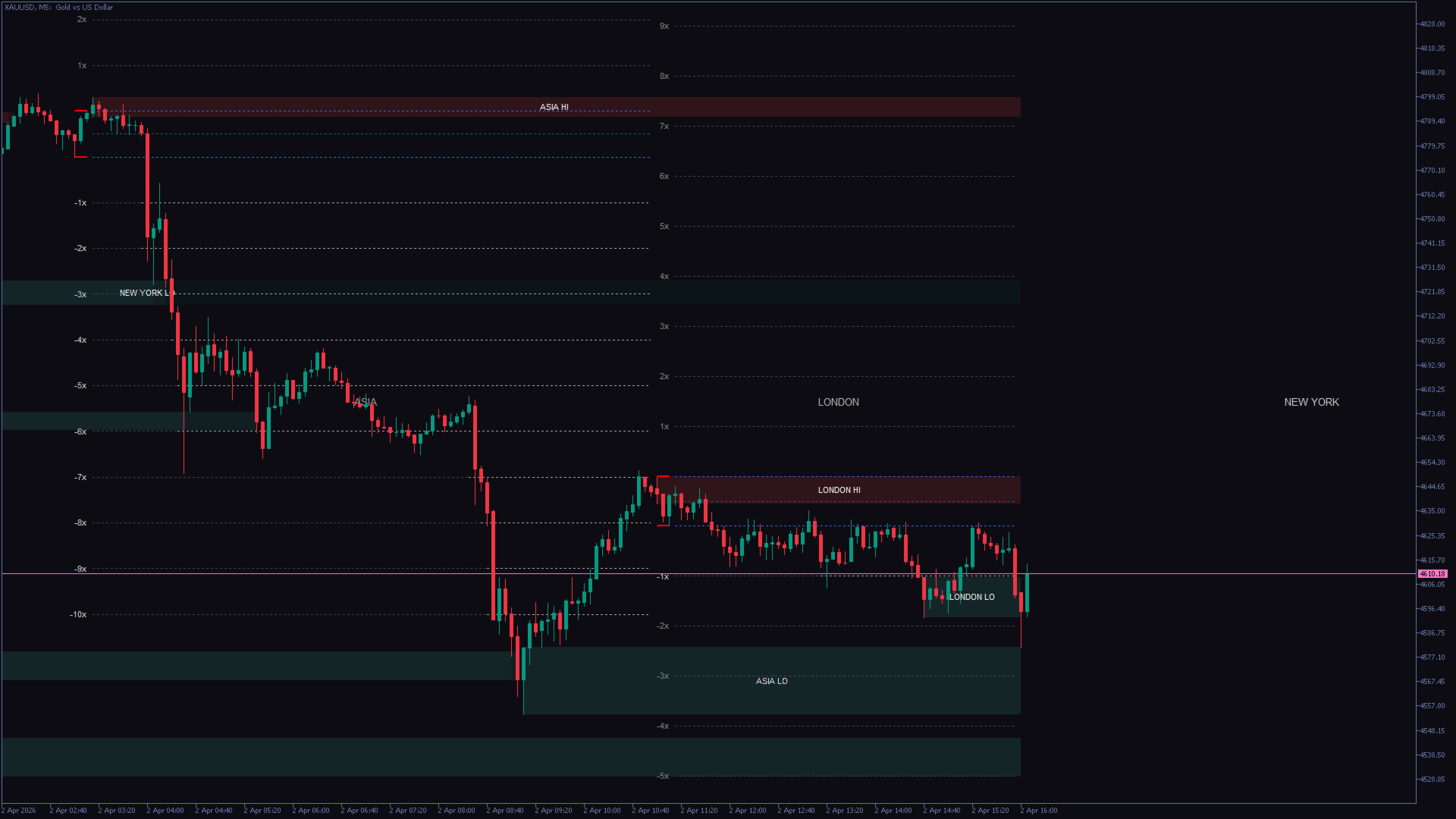
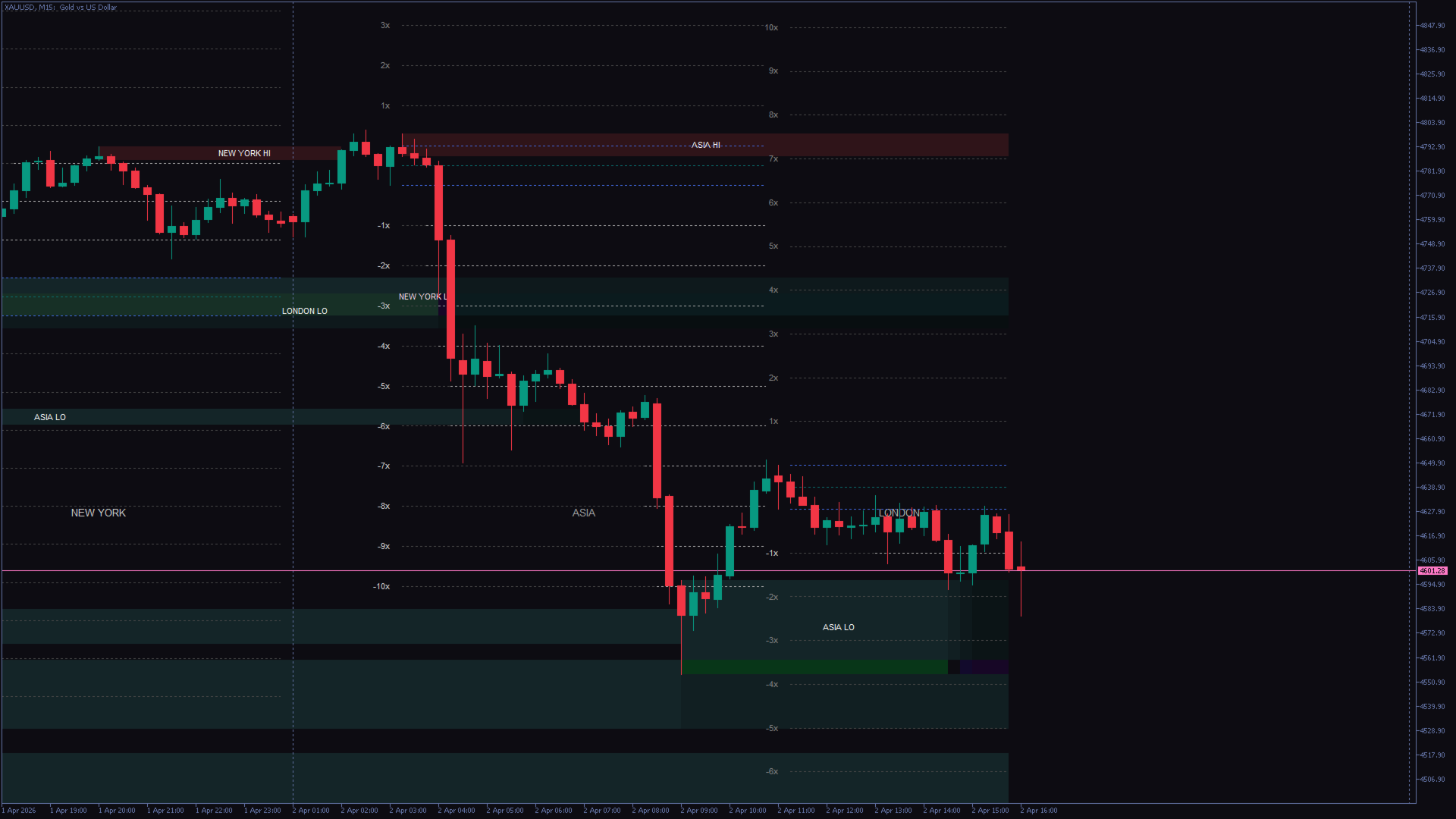
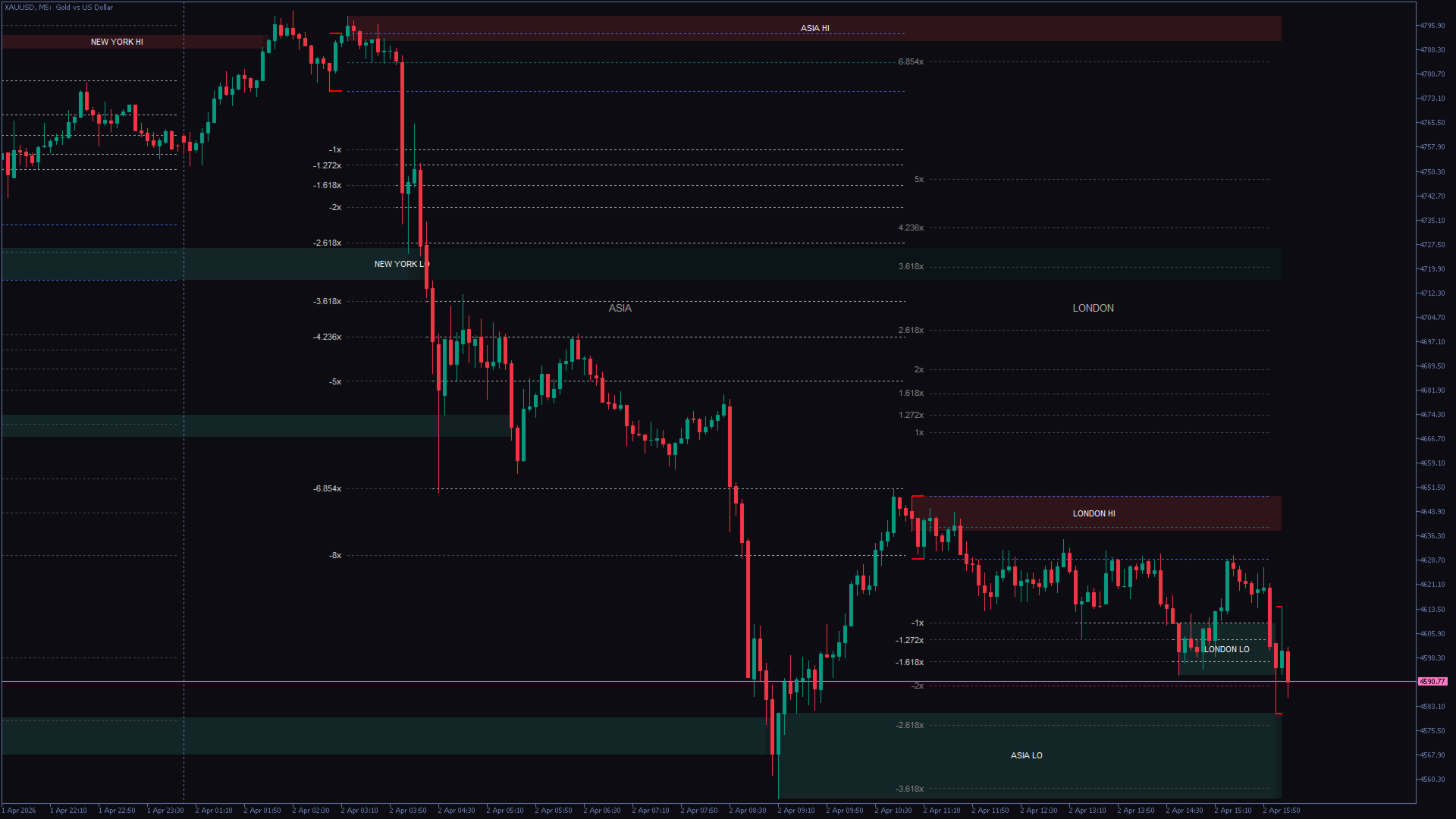
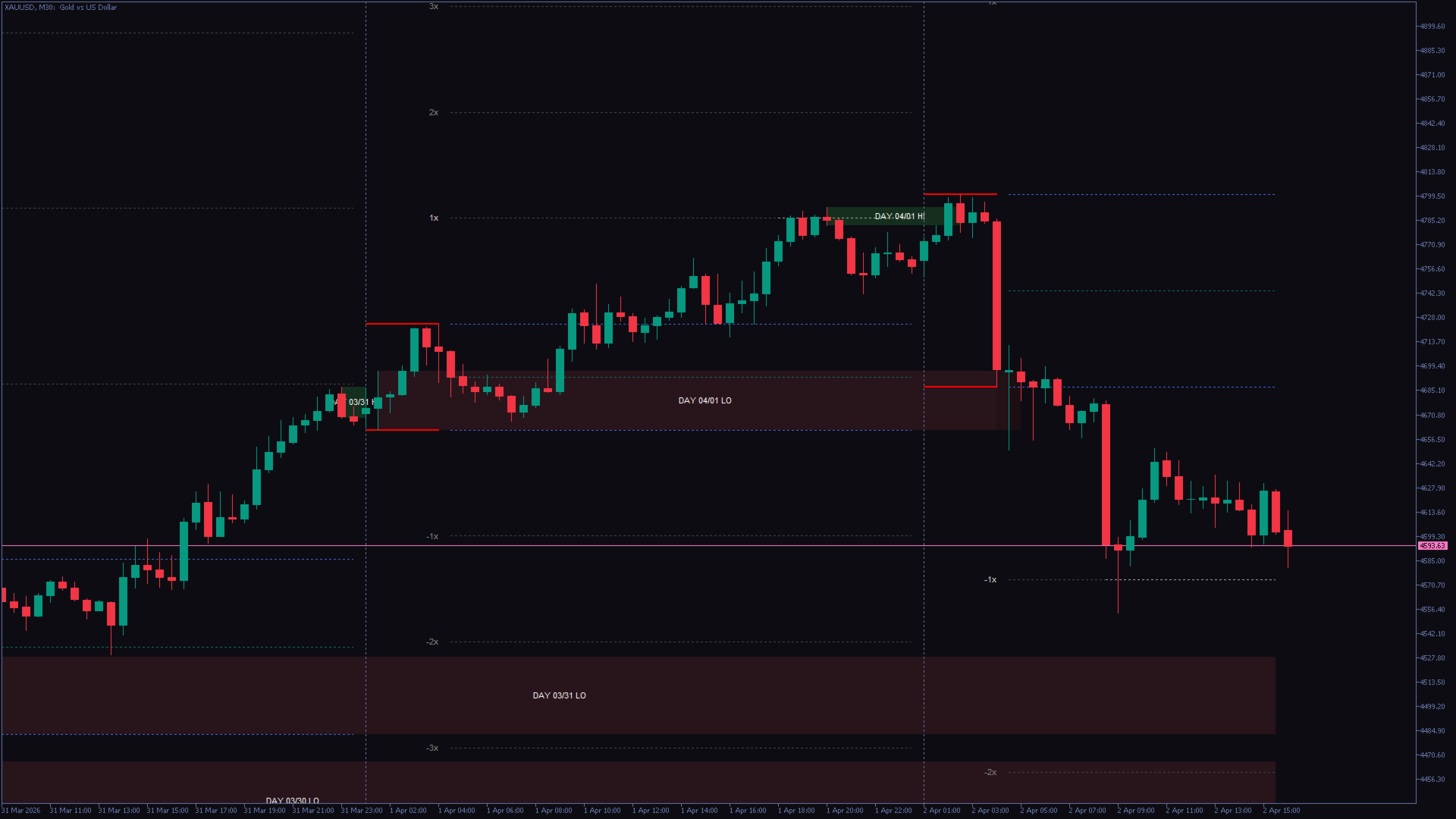
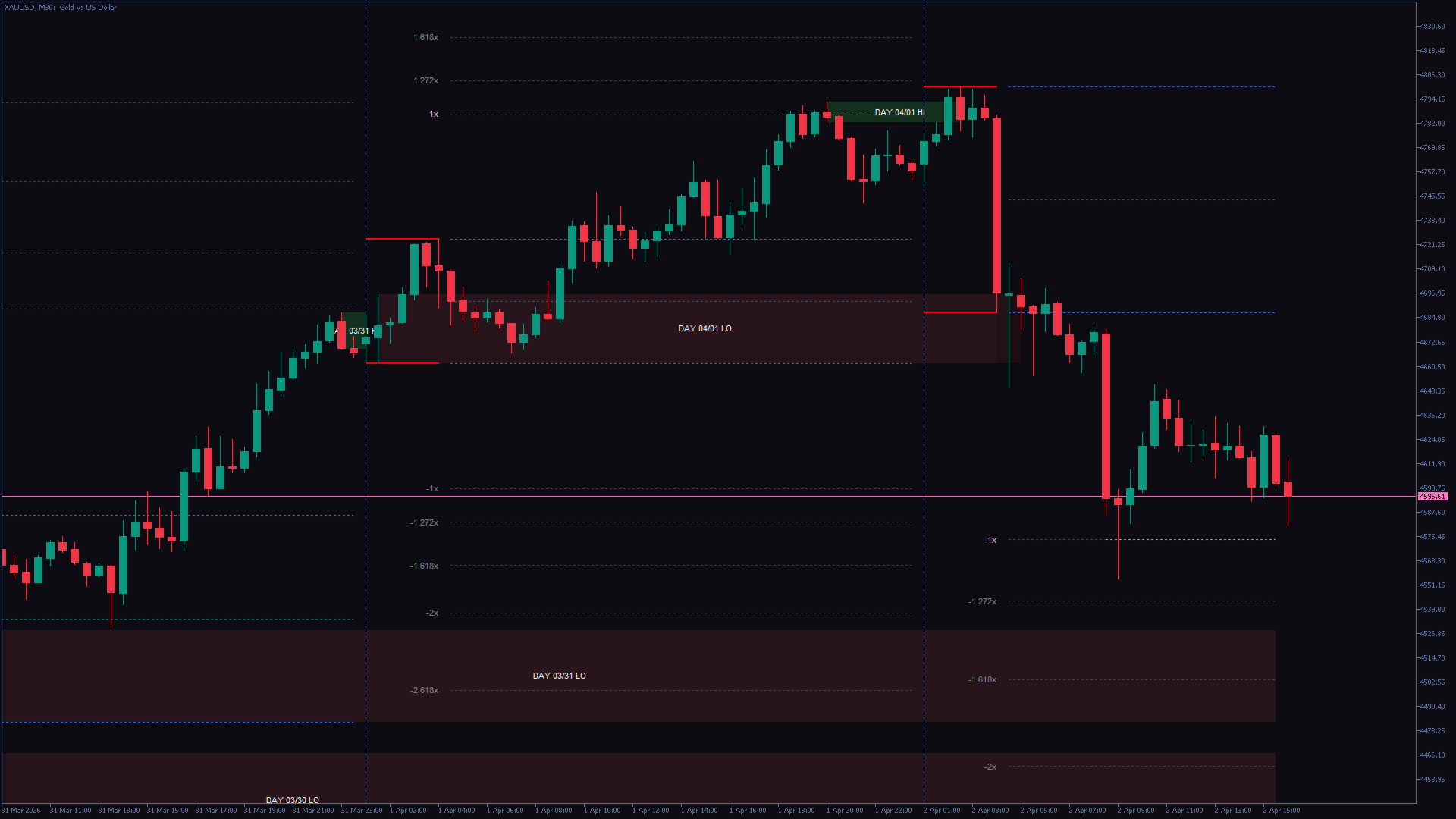
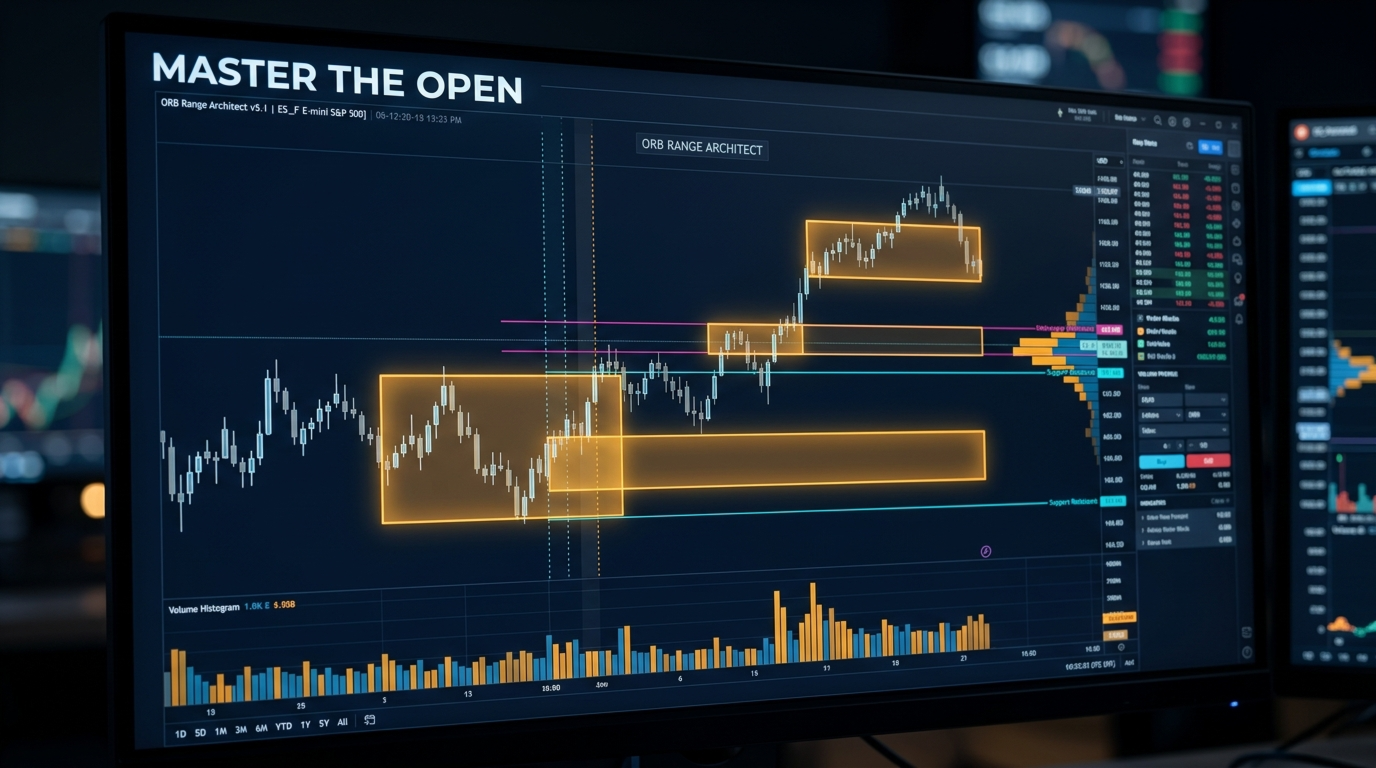
ORB Range Architect is a MetaTrader 5 chart indicator for opening-range analysis. It measures a time window, displays its high, low and midpoint, and projects levels above and below the range. Optional high/low zones are derived from completed sessions, days and weeks. It does not place trades.
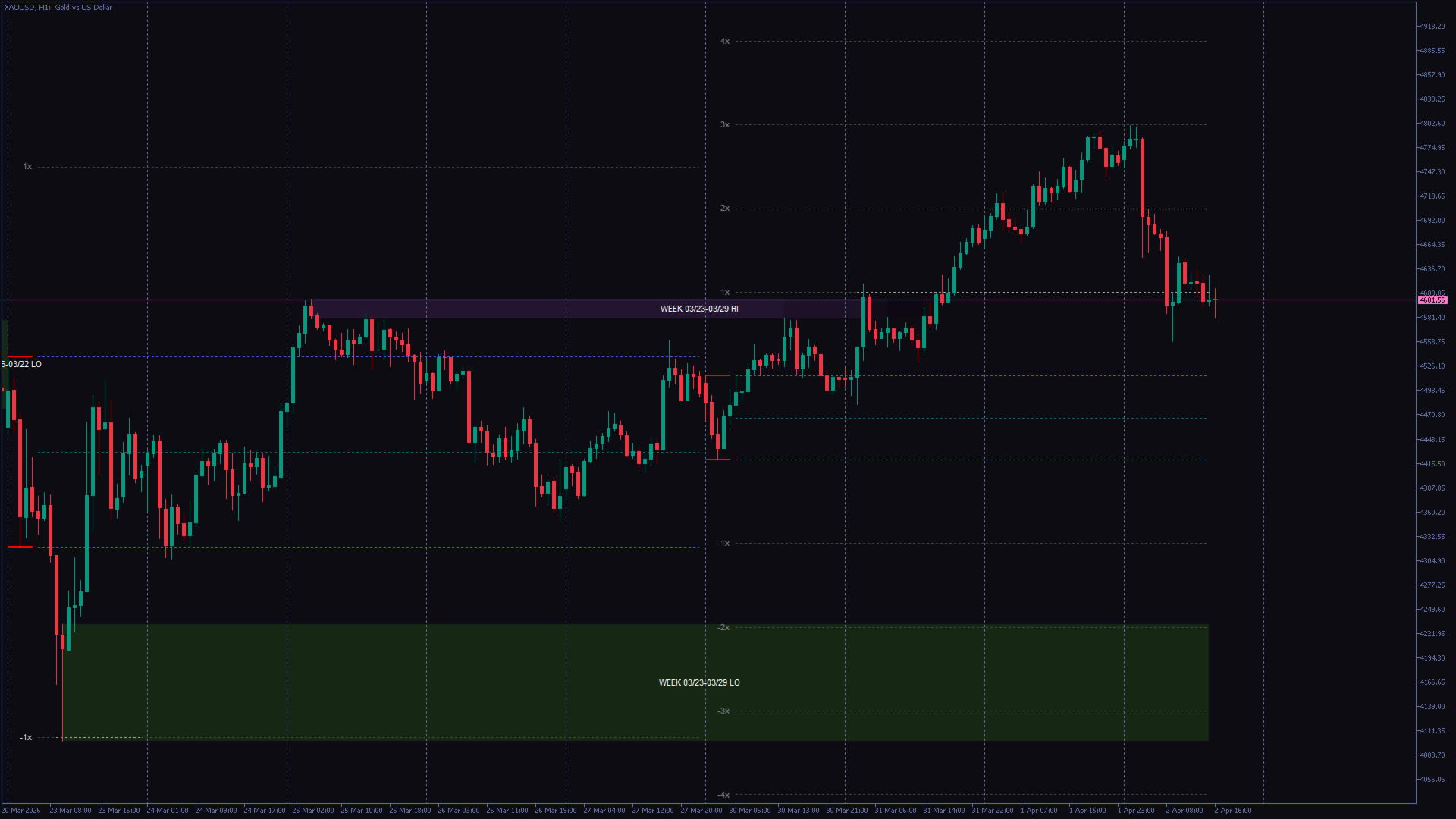
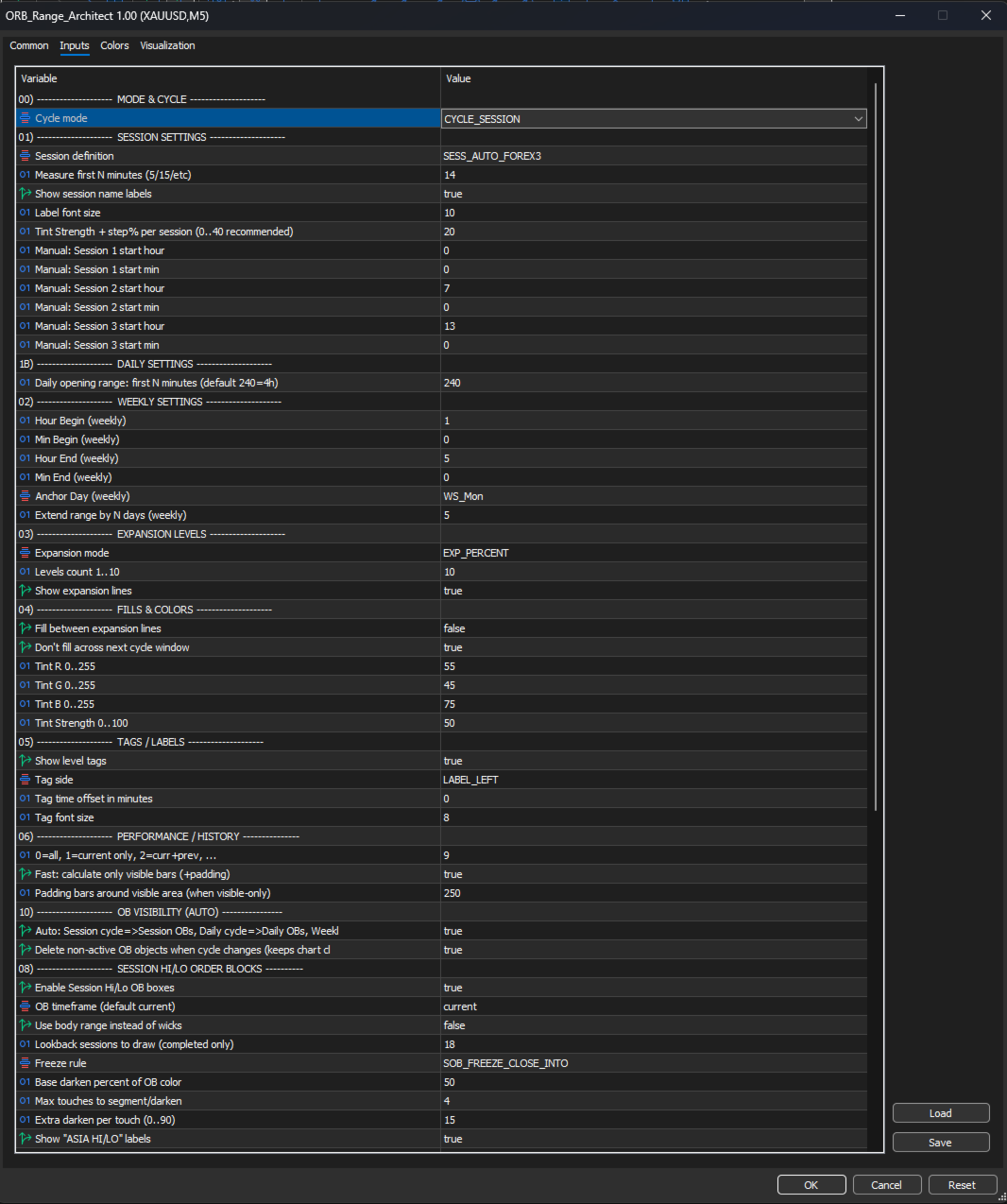
Choose CycleMode first. Session mode measures the first SessionMeasureMinutes of each session; the supplied default is 14 minutes. Daily mode starts at broker-server midnight and uses DailyMeasureMinutes, initially 240 minutes. Weekly mode uses AnchorDay and the Hour/Min Begin and End settings; ExtendDays controls how far the weekly structure is extended.
SessionDef selects automatic or manual sessions. Automatic mode uses fixed reference starts of 00:00, 08:00 and 13:00 UTC, converted to server time. These are reference times, not an exchange calendar with seasonal opening-time adjustments. In manual mode, Sess1/2/3 Hour and Min are broker-server times. Check the alignment on your broker’s chart before interpreting the ranges.
In normal live use with ValidationSafeMode=false, the automatic offset is calculated from server time and UTC. With ValidationSafeMode=true, during optimization, or in the Strategy Tester, AutoSessionOffsetMin_Tester supplies the fixed offset in minutes; its default is 180. Set it to match the data being tested. ValidationSafeMode and optimization activate reduced visuals: fills are suppressed, and OB_ShowInTester controls high/low boxes in that reduced mode. For the regular visual display, use ValidationSafeMode=false and test outside optimization.
ExpMode selects whole-range multiples or a fixed Fibonacci sequence. If range width is R, upper levels are high + multiplier × R and lower levels are low − multiplier × R. LevelsCount selects 1 to 10 levels. ShowExp, ShowFill, ShowTags and TagSide control display. MaxCyclesBack limits history; CalcOnlyVisible and CalcPadBars control visible-area calculations.
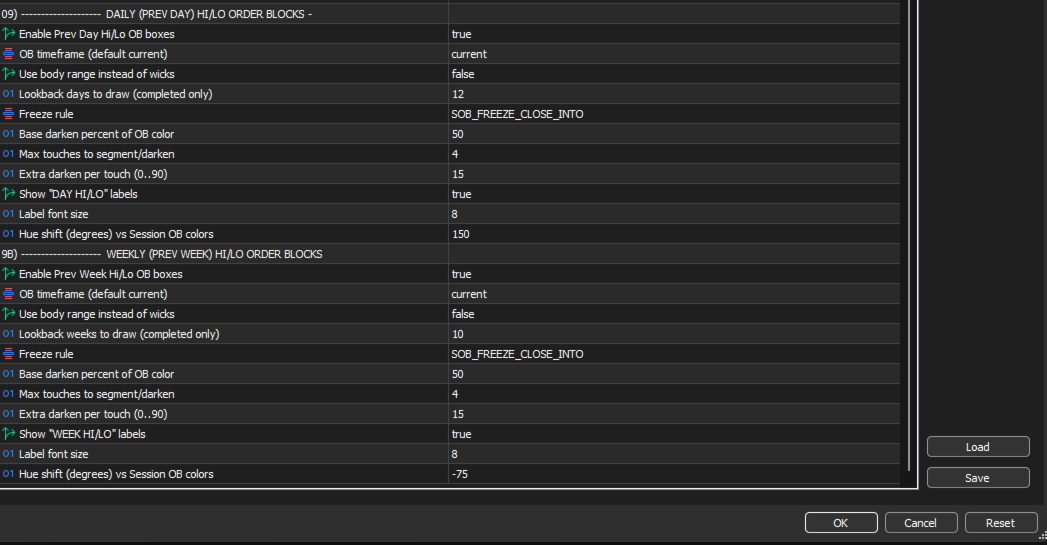
Session, daily and weekly high/low boxes use the respective SOB, DOB and WOB settings. Select their source timeframe, body or wick range and lookback. FreezeMode can leave a box extending or freeze it on a wick touch or close into the zone. Touch settings segment and darken the boxes. OB_AutoByCycle matches the displayed zone type to CycleMode. These are price-derived zones, not evidence of institutional orders.
For a first setup, use a chart timeframe fine enough to represent the measurement window, verify session times, and display a few historical cycles. Wait for the measurement window to finish before treating its boundaries as a completed opening range. Traders can study breaks, retests and returns into the range; expansion levels are reference distances, not guaranteed targets or entry instructions. Define trade confirmation, invalidation and risk separately and test on a demo account. Support is available through product comments or MQL5 messaging.








































The new set files are the game changer for me. I messaged the author privately asking why my chart looked different from his and he asked to have a few days. The new files did the job. Excellent indicator excellent support