
Latte
- Experts
- Versione: 1.50
- Aggiornato: 5 ottobre 2025
- Attivazioni: 10

The "Latte" EA is ready to trade several symbols in the fully automated mode from 1 chart.
The EA uses a "Transformer" neural network to forecast price movements. The main advantage of the Transformer over an LSTM network is its ability to find patterns even across very long sequences of data. While LSTMs often lose information when dealing with sequences longer than 2–3 months, Transformers handle sequences as long as a year with ease.
The Transformer architecture was first introduced by Google in 2017 for language translation tasks. Since then, this type of neural network has been widely adopted for building artificial intelligence systems, including ChatGPT. The key difference with the Transformer is that it encodes each input into a high-dimensional space (tens of thousands of dimensions), allowing it to capture complex relationships between all elements in the sequence. This approach sparked a revolution in machine learning, initially discussed only among experts, but later driving major advances as AI became more mainstream. As a result, Transformer models have increasingly replaced LSTMs in many fields, including financial market forecasting.
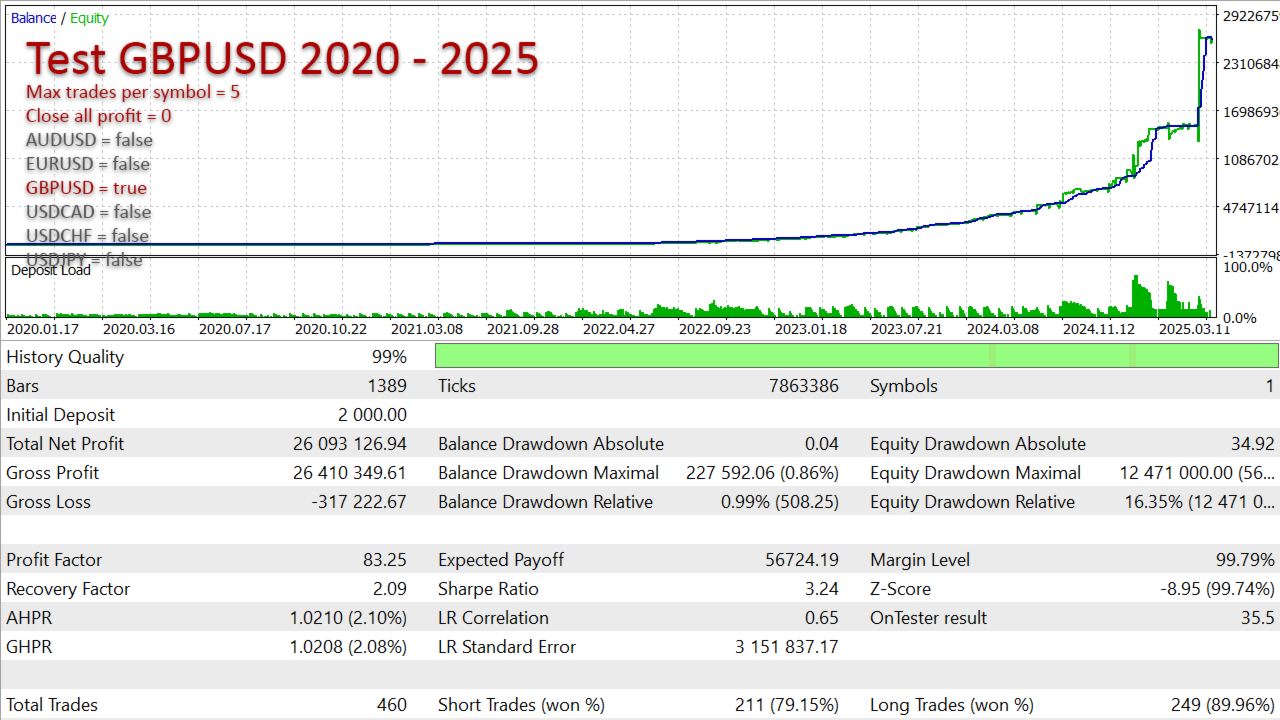
What impressed me the most is that the Transformer is able to continue learning even when the validation data differs from the training data. In my experience, LSTM networks often require the validation set to contain similar patterns to the training set in order to make further progress. When the validation examples are too different, LSTM training does not move at all. The Transformer, however, generalizes much better and continues to improve even on unfamiliar validation data. My tests show that the Transformer significantly outperforms LSTM in binary classification tasks. I have included a comparative table of performance metrics in the images.
Another key difference is that the Transformer is a much more complex architecture. While training an LSTM took me many hours, training a Transformer can take many days. For this reason, I plan to expand the capabilities of this EA gradually. And if the idea becomes popular, the very first thing I’ll do is buy the most advanced GPU to run large-scale experiments.
The Transformer neural network processes hundreds of bars and performs extensive calculations, which is why historical testing can be time-consuming. To speed up the process, here are two recommendations: 1) Test one symbol at a time - disable other symbols in the EA's settings; 2) Use "1-minute OHLC" ticks for faster backtesting. I’m currently working on further code optimizations. That said, it’s important to note that Transformer neural networks inherently require significant computation time. This delay only affects historical testing - live trading remains unaffected since signals are calculated just once per day.
Start the EA in one chart of any symbol. The EA always trades all its symbols from one chart, regardless of your current chart.
The EA trades using daily data. So you can use both "Every tick" or "1 minute OHLC". You can substaintially decrease the testing time using the latter option.
Recommendations for live trading
- Chart EURUSD D1
- Deposit 500 USD (even better 1500 USD)
- Max trades per signal = 2
Properties of the EA
- Max trades per symbol >> max number of trades for a symbol. If a signal repeats, the EA keeps opening similar trades until it reaches the max number.
- Suffix for symbols >> it can be handy for those who have symbols with different suffixes in their terminal. Most users can leave this field empty.
- Close all profit (%) >> a profit target as a percentage to allow closing all trades. Set 0 to switch off. After this function triggers, new trades will be opened next week.
- Resume trading on "Close all" >> if this is ON, the EA will start trading again the next day after hitting the "Close all profit (%)" target. If it's OFF (default), trading will wait until next week. Waiting usually gives better chances for new signals and fresh trades.
- Max spread >> the EA won't open or close trades if the spread is higher than this.
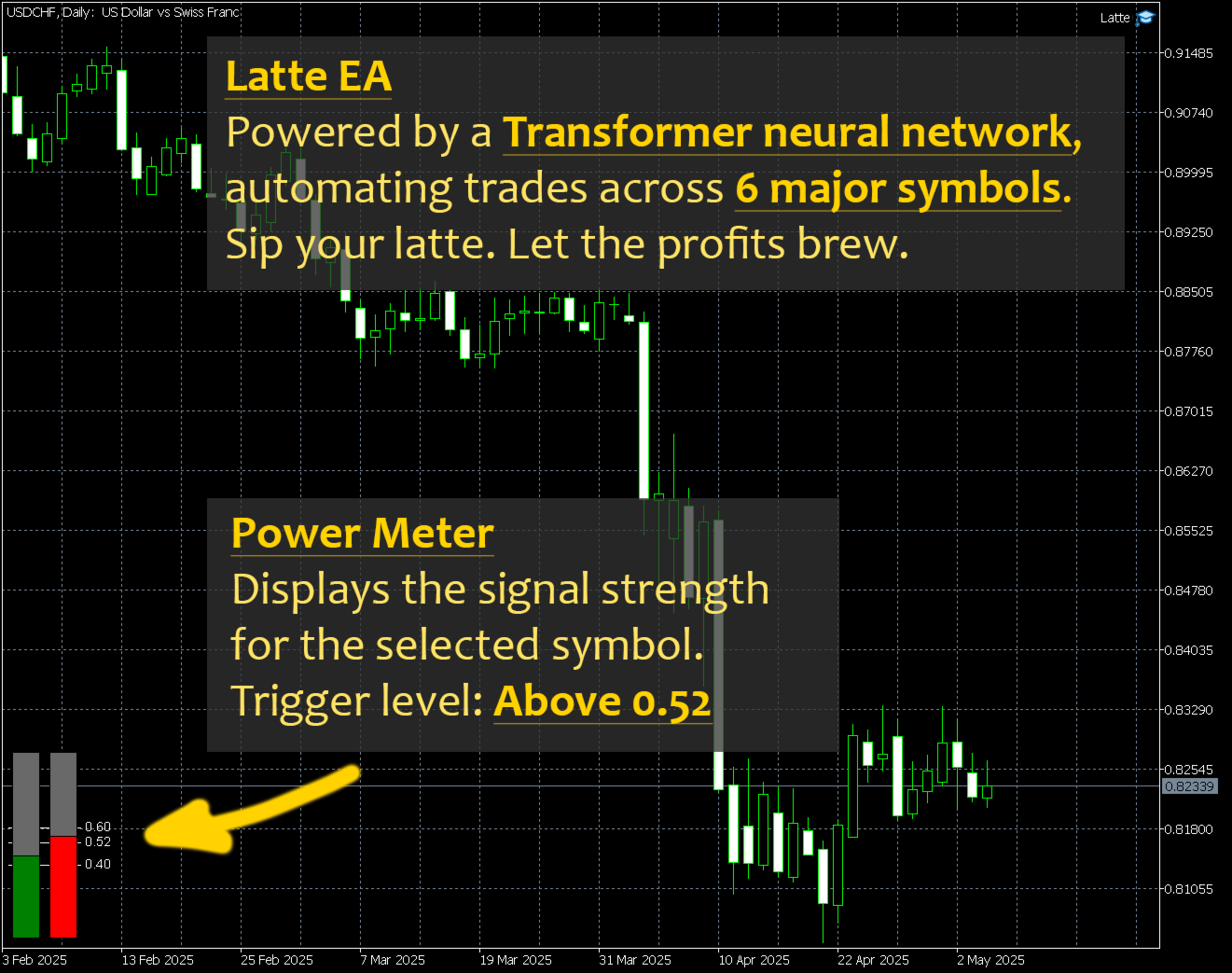
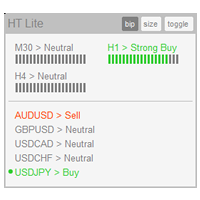
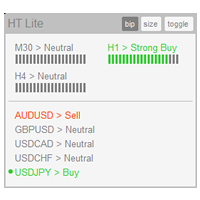
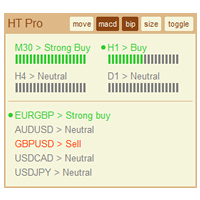
- Show power meter >> shows a panel of the signal power for the chart's symbol.
- Magic >> different magic numbers should differ by at least 2.
- Takeprofit
- Trail
- Stoploss >> the EA manages trades internally based on its calculations. The stoploss serves more as a nominal safeguard.
- Volume >> volume per trade. Fixed volume (example: 0.02) or percentage of available funds (example: 0.015%). The EA prints the real volume on the "Experts" tab when starting or changing the timeframe. Always use a fixed amount for accounts that use a deposit currency other than the US dollar (i.e. euro, yuan, bitcoin, Australian dollar, etc.).
- Flags of symbols >> a lot of users ask for the option to turn symbols on or off. I do not recommend turning off symbols just based on 1–2 months of trading results. You need many symbols for good diversification - some work better this month, others shine the next month. By alternating their profitability in different months, the EA has the highest chance of stacking up profits over long-term.
































































The Author has given me advise and hopefully this EA can bring a good result. Thanks author.