Range Terminator
- Experts
- Version: 1.10
- Activations: 5

RANGE TERMINATOR
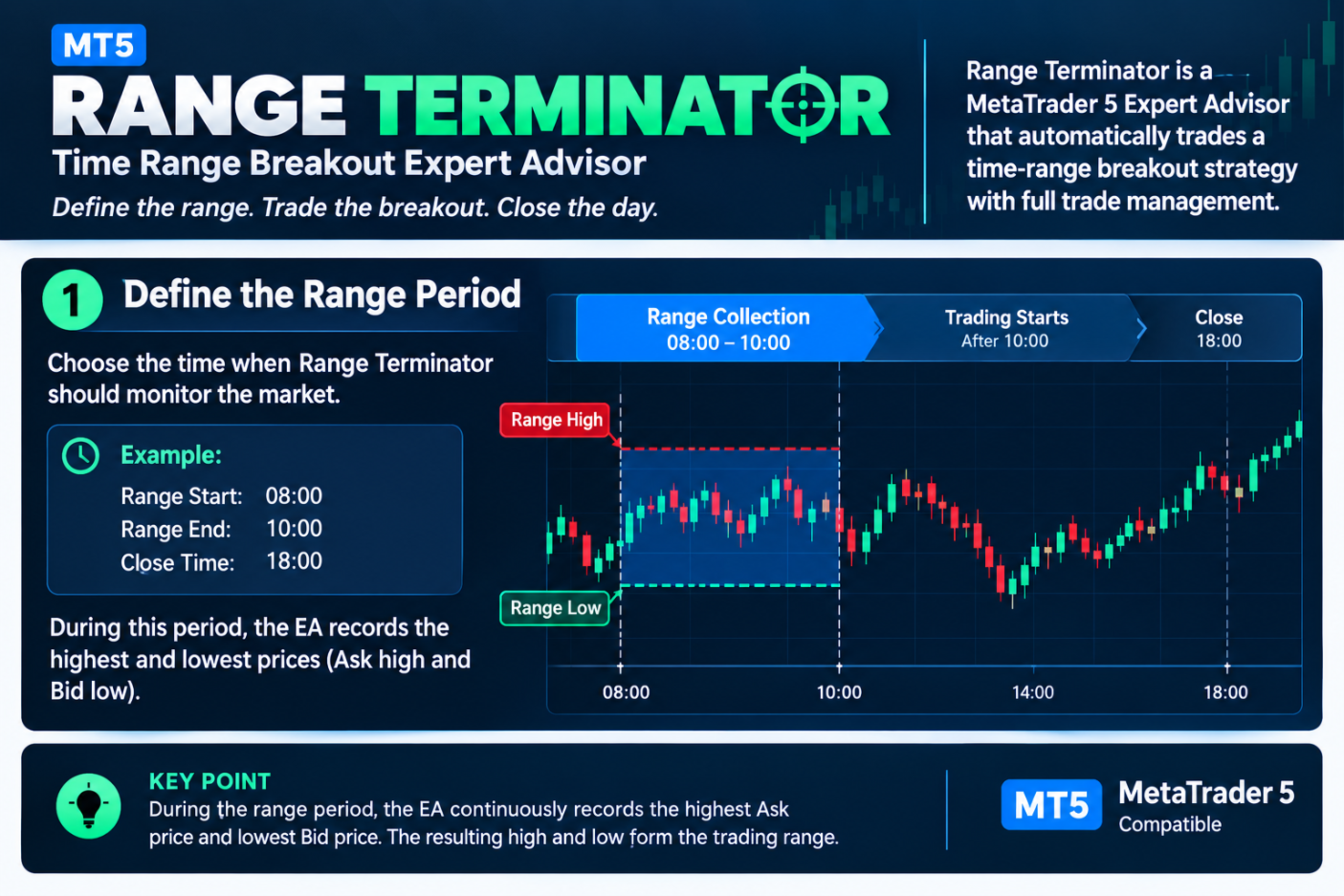
Range Terminator is a MetaTrader 5 Expert Advisor based on a time-range breakout strategy.
The EA defines a specific trading range during your chosen time window. It records the highest and lowest prices during the range. When the range ends, Range Terminator automatically places breakout pending orders above and below the range.
HOW RANGE TERMINATOR WORKS
-
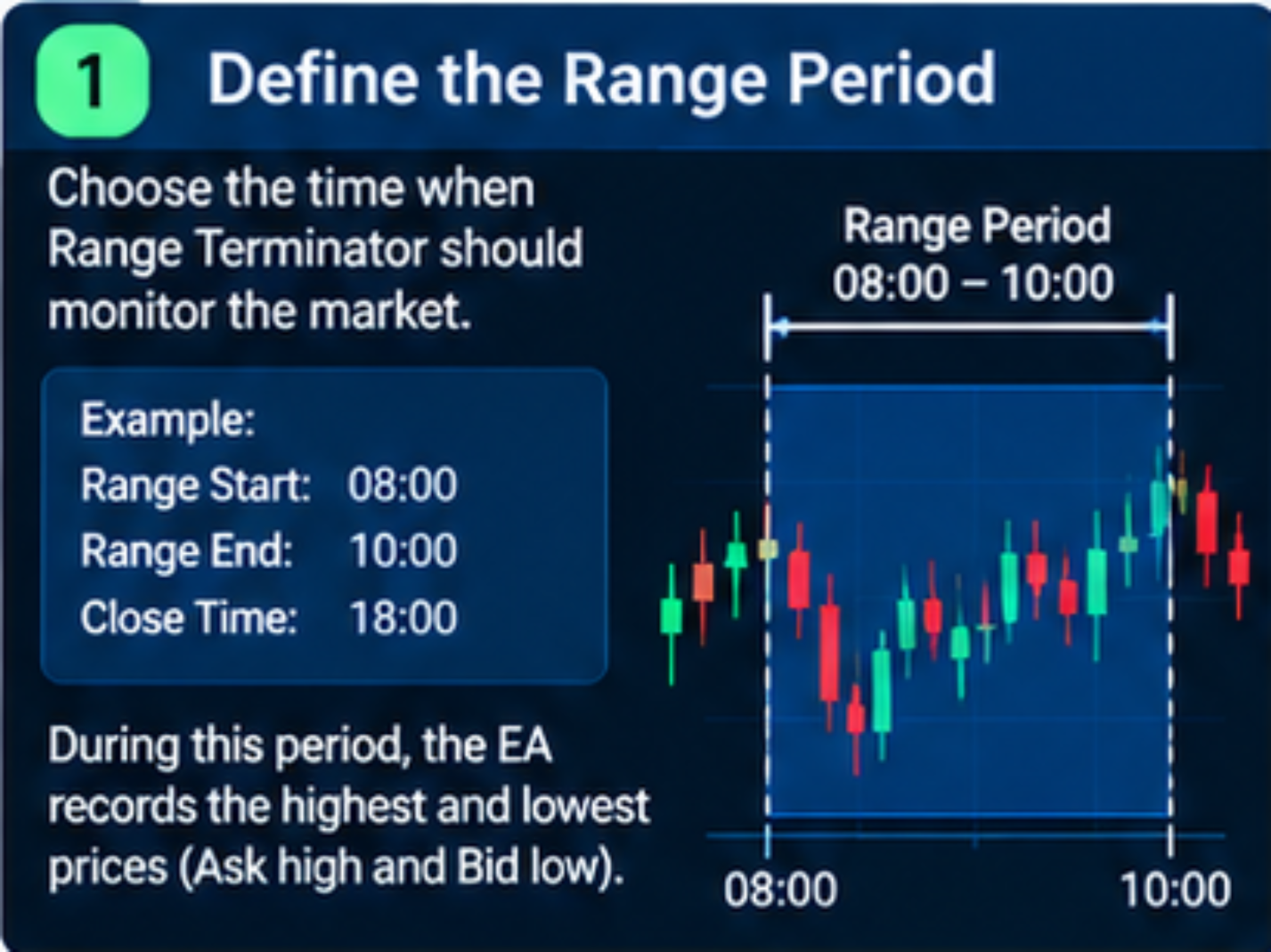
Define the range period
Choose the time when Range Terminator should monitor the market.
Example:
Range Start: 08:00
Range End: 10:00
Close Time: 18:00
During the range period, the EA continuously records:
Range High
Range Low
-
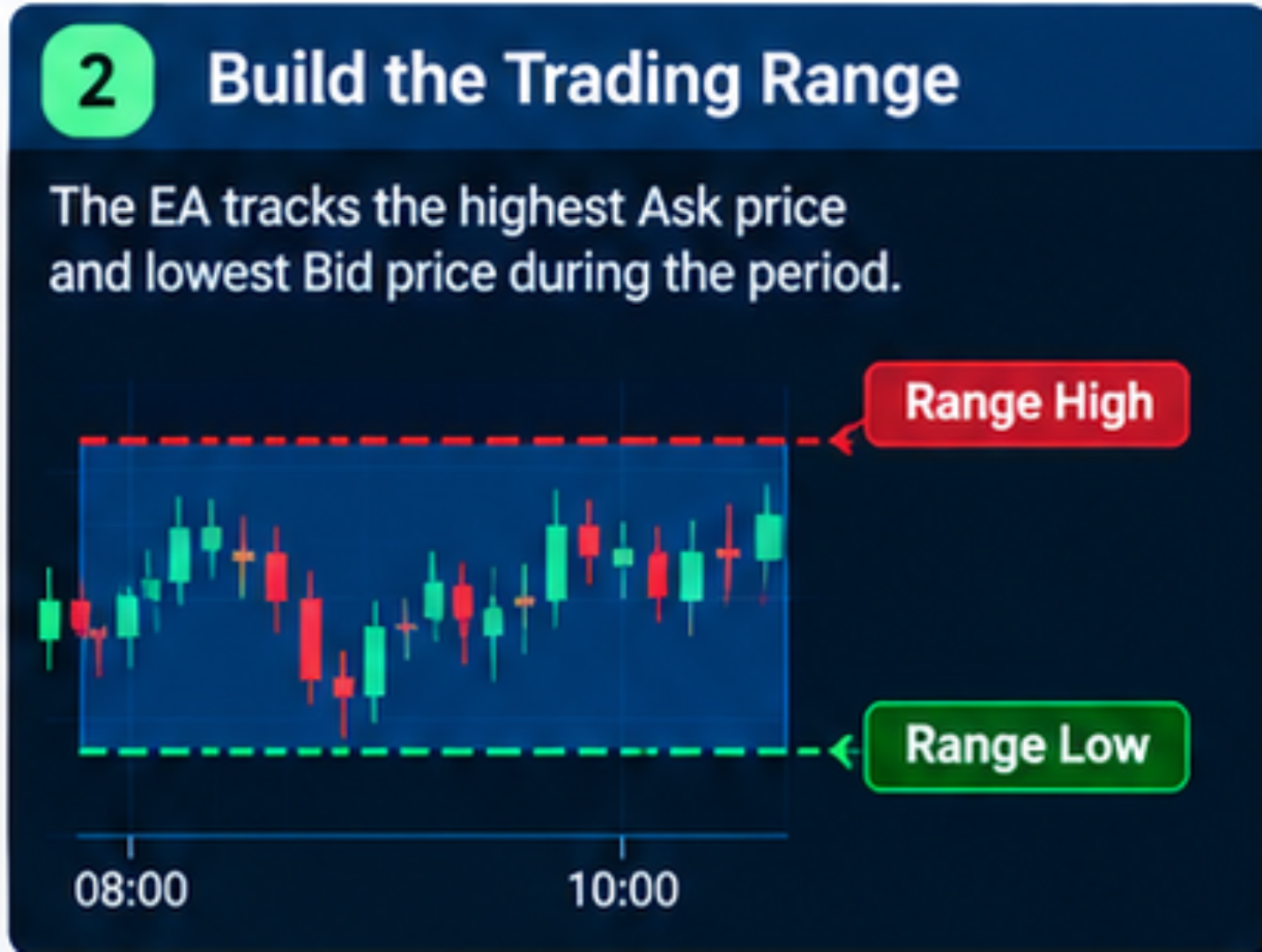
Build the trading range
The EA monitors the market throughout the selected range period.
It tracks the highest Ask price and lowest Bid price reached during the period.
The resulting high and low form the trading range.
-
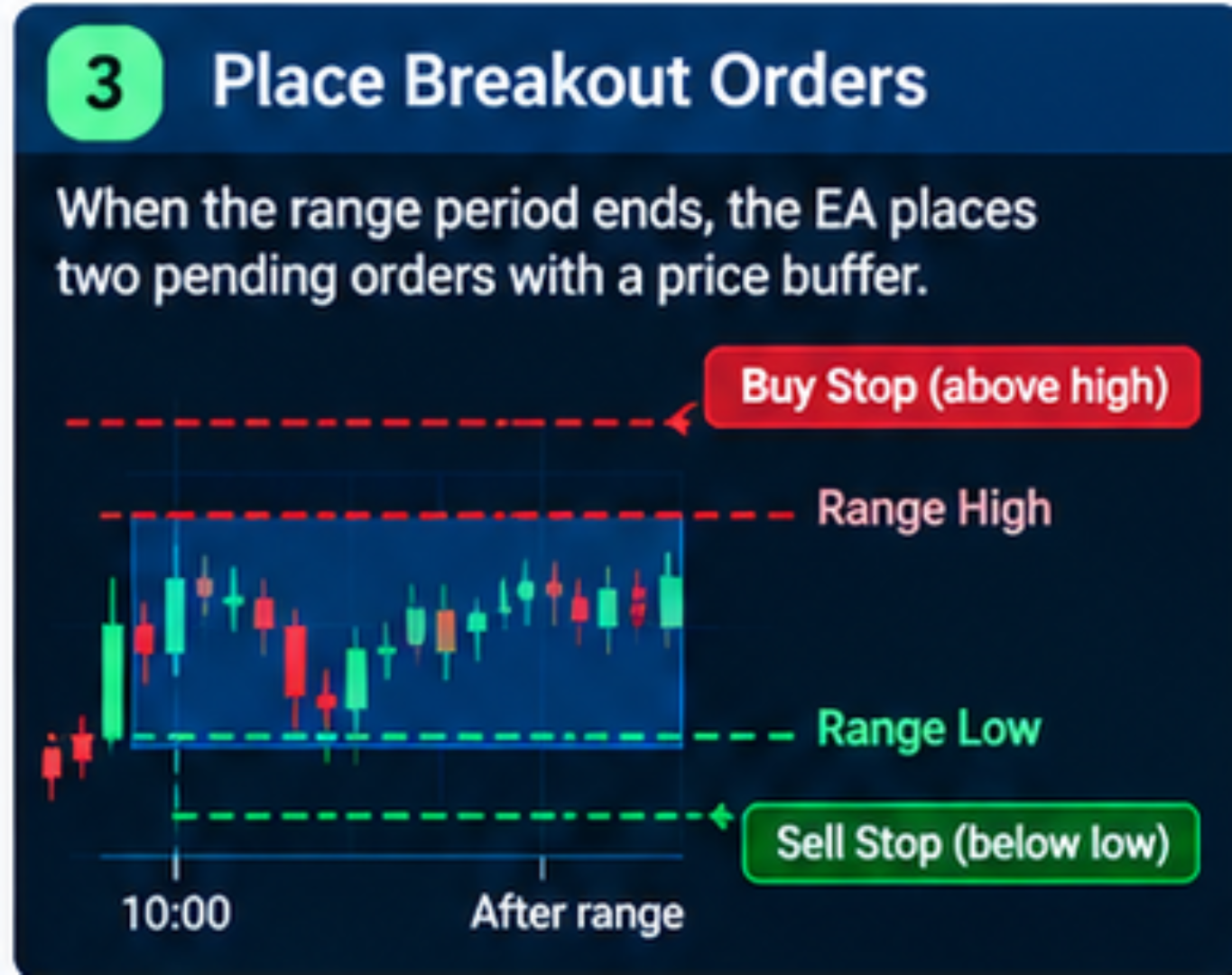
Place breakout orders
When the range period ends, Range Terminator places two pending orders:
Buy Stop above the range high
Sell Stop below the range low
The EA also applies a price buffer to the breakout levels.
This helps place the pending orders outside the recorded range.
-
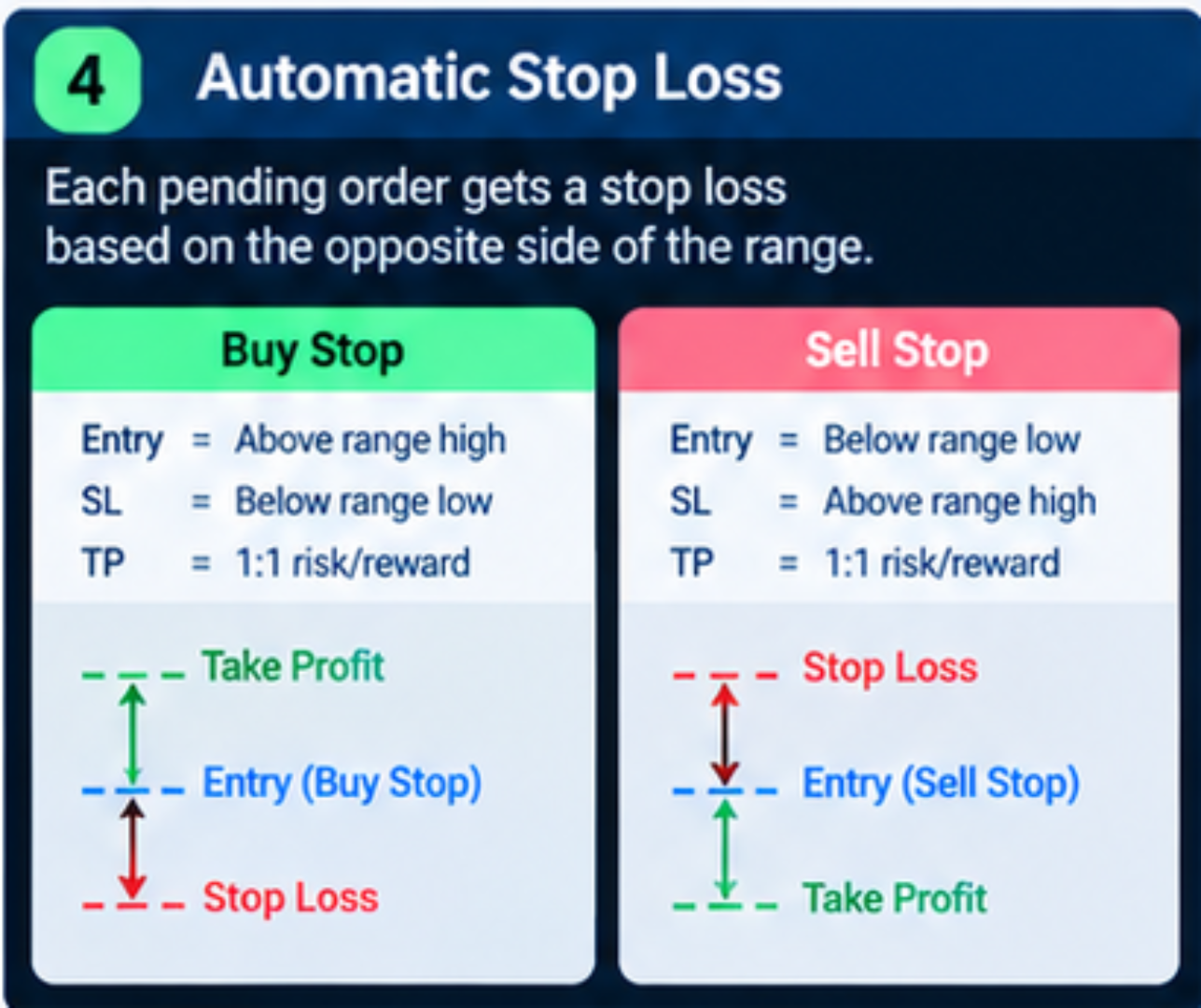
Automatic stop loss
Each pending order receives a stop loss based on the opposite side of the range.
For a Buy Stop:
Entry = Above the range high
Stop Loss = Below the range low
For a Sell Stop:
Entry = Below the range low
Stop Loss = Above the range high
-
Automatic take profit
Range Terminator uses a 1:1 risk-to-reward structure.
If the distance between entry and stop loss is 50 points, the take profit is placed 50 points from the entry in the opposite direction.
Example:
Buy Entry: 1.1050
Stop Loss: 1.1000
Take Profit: 1.1100
-
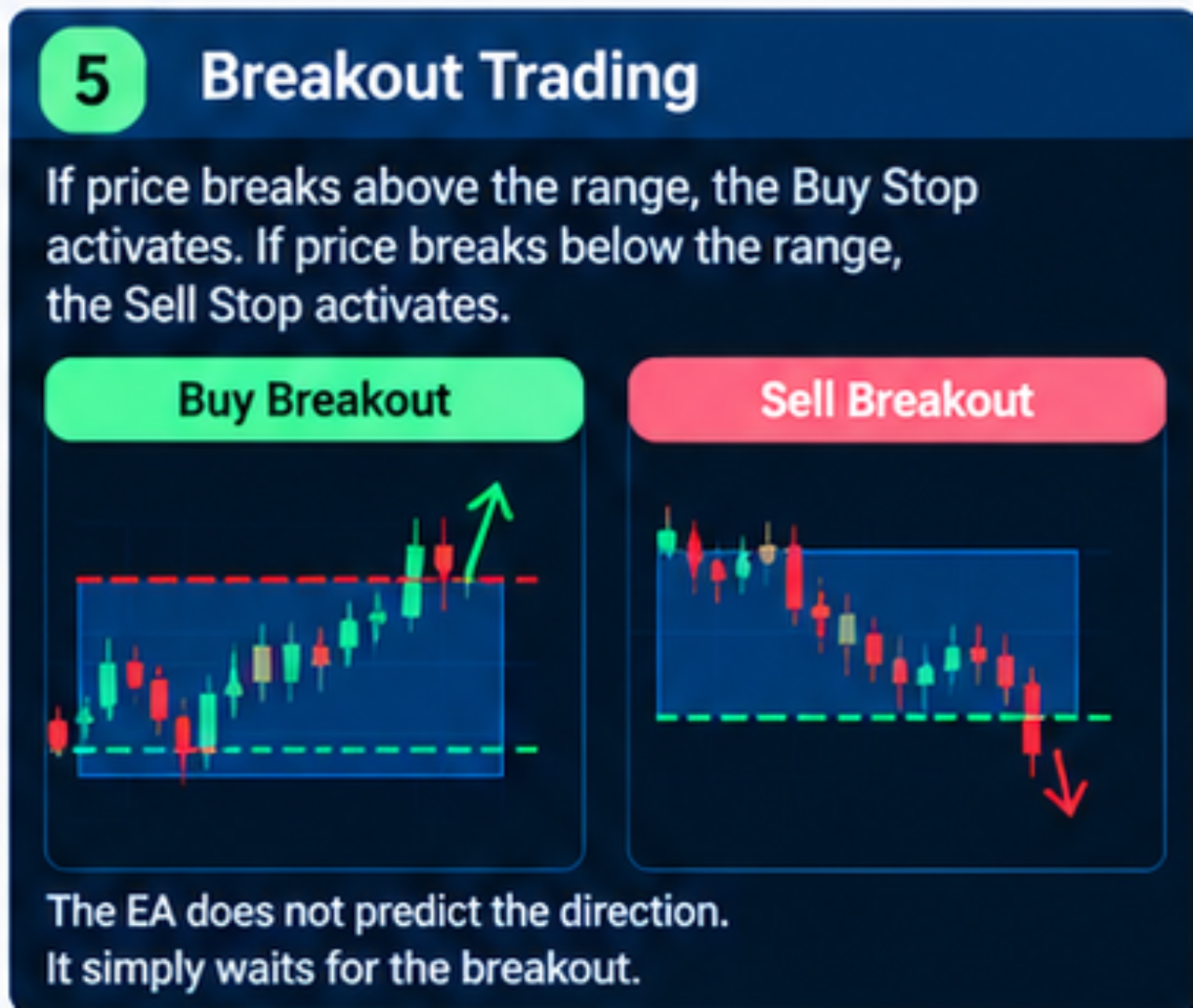
Breakout trading
If price breaks above the range, the Buy Stop activates.
If price breaks below the range, the Sell Stop activates.
The EA does not attempt to predict the direction of the breakout. It waits for price to break the defined range.
-
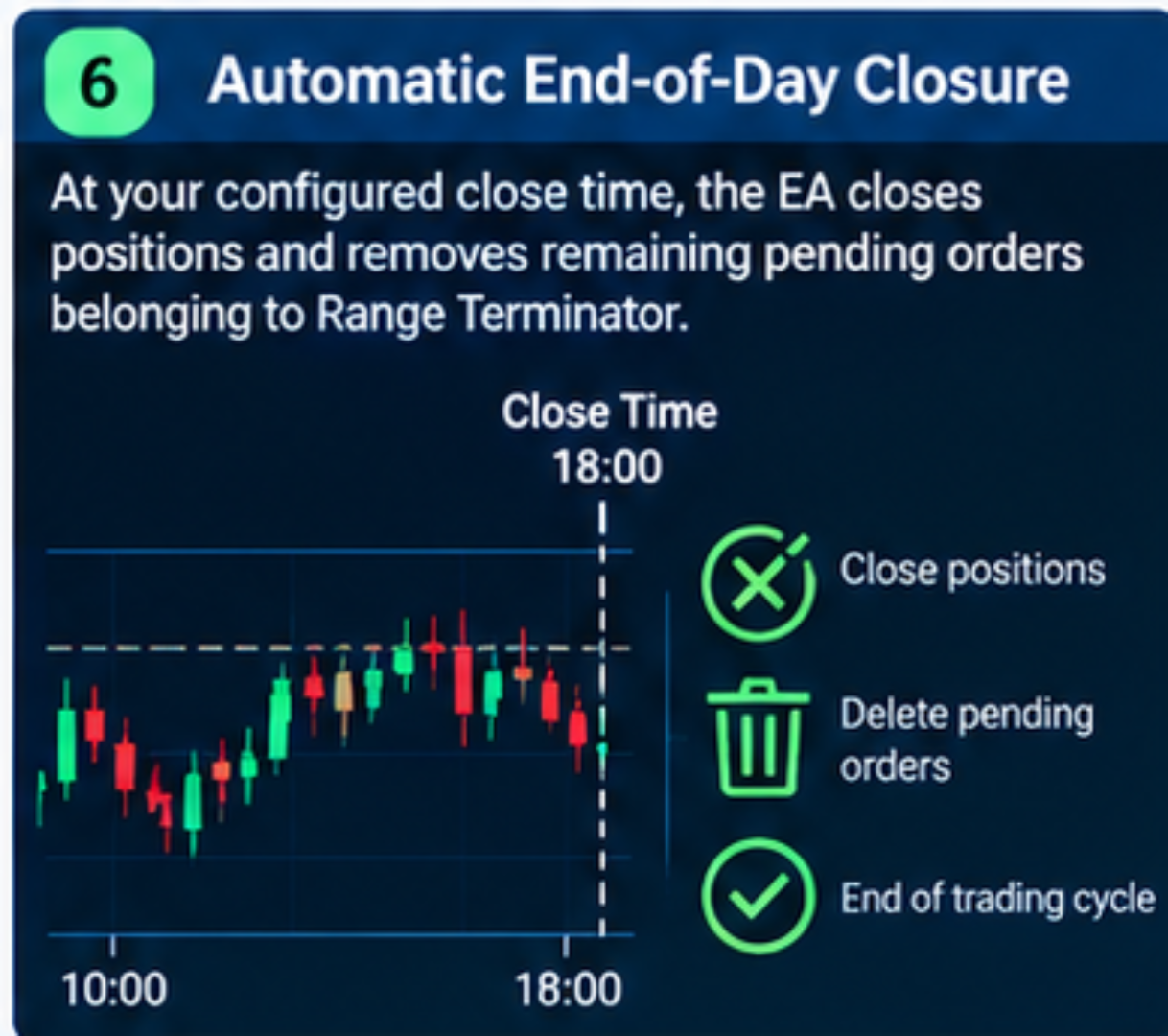
Automatic end-of-day closure
At the configured close time, Range Terminator closes positions associated with the EA and removes its remaining pending orders.
Example:
Range: 08:00 to 10:00
Trading: From the breakout after 10:00
Close: 18:00
At the close time, the EA ends the trading cycle.
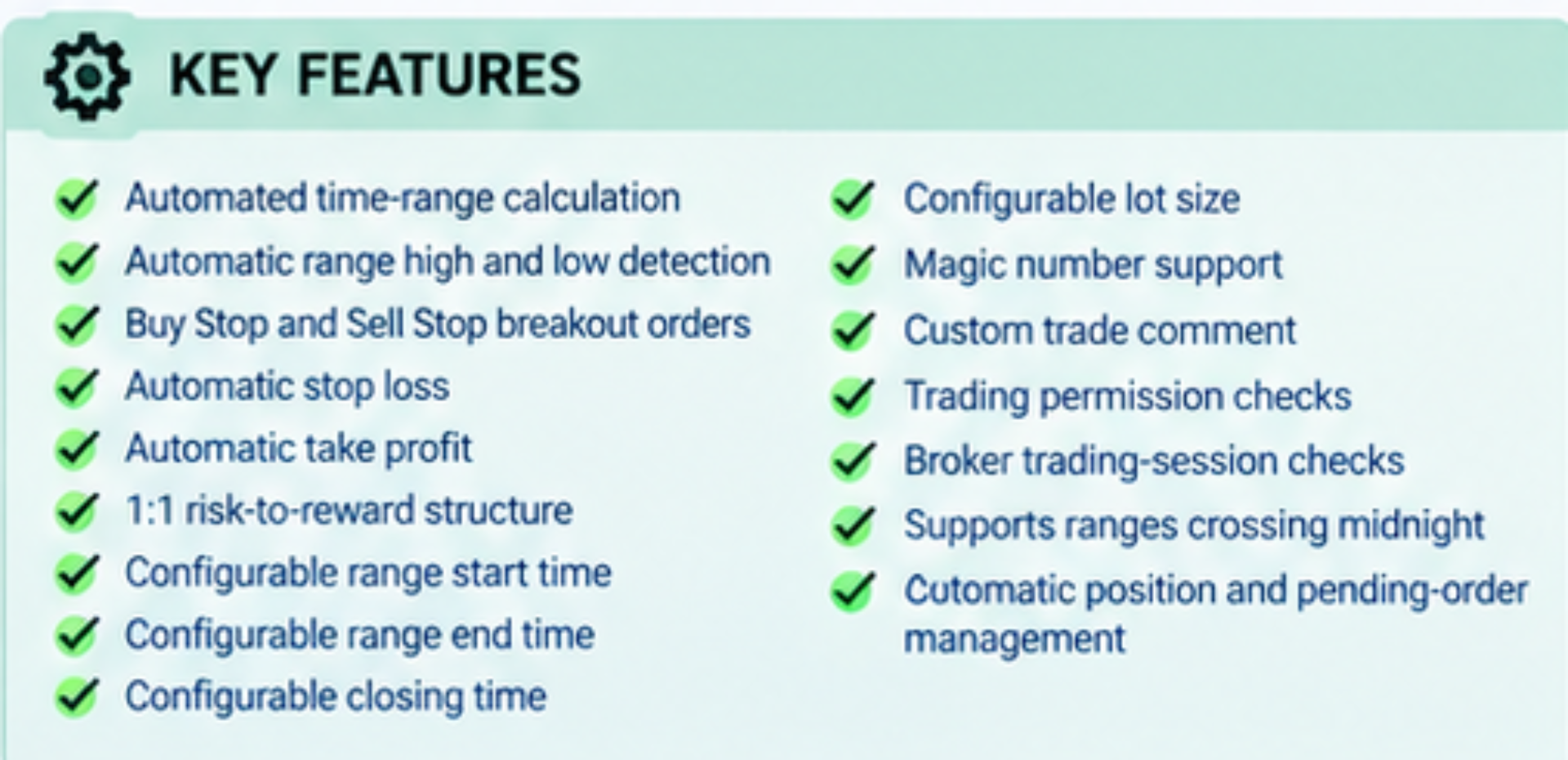
KEY FEATURES
• Automated time-range calculation
• Automatic range high and low detection
• Buy Stop and Sell Stop breakout orders
• Automatic stop loss
• Automatic take profit
• 1:1 risk-to-reward structure
• Configurable range start time
• Configurable range end time
• Configurable closing time
• Configurable lot size
• Magic number support
• Custom trade comment
• Trading permission checks
• Broker trading-session checks
• Supports ranges crossing midnight
• Automatic position and pending-order management
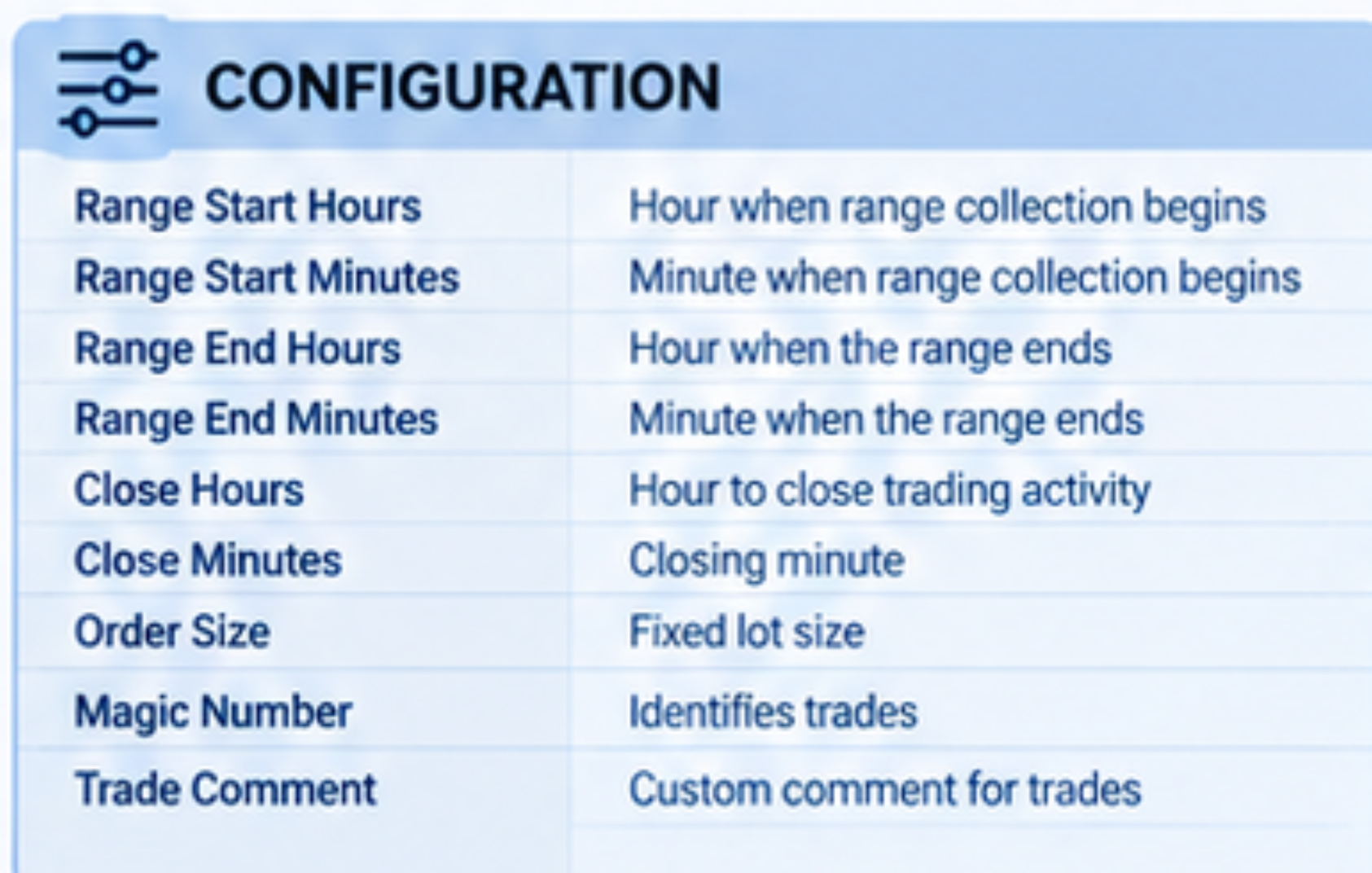
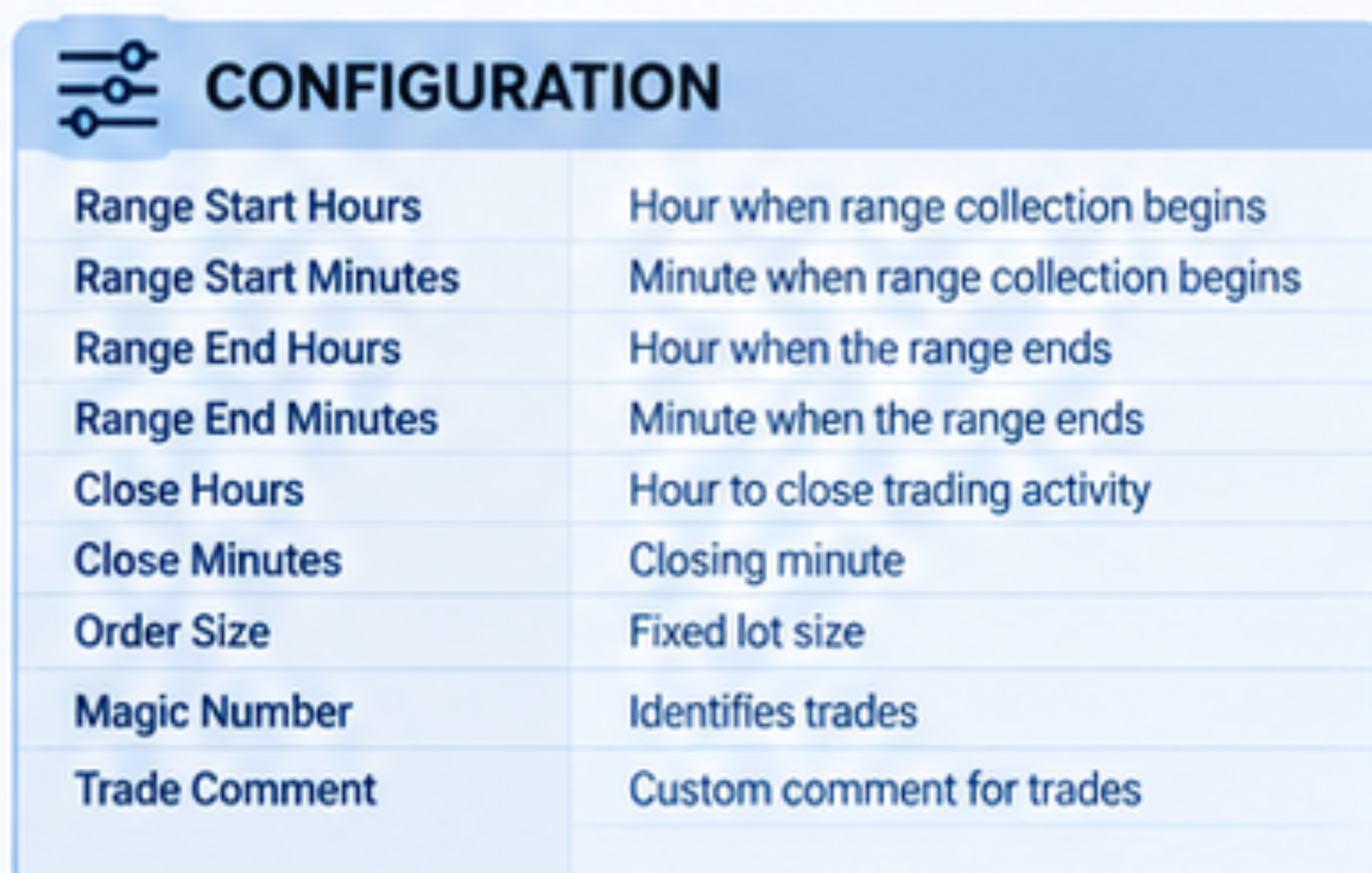
CONFIGURATION
Range Start Hours
Defines the hour when range collection begins.
Range Start Minutes
Defines the minute when range collection begins.
Range End Hours
Defines the hour when the range ends.
Range End Minutes
Defines the minute when the range ends.
Close Hours
Defines when the EA closes its trading activity.
Close Minutes
Defines the closing minute.
Order Size
Defines the fixed lot size used by the EA.
Magic Number
Identifies trades belonging to Range Terminator.
Trade Comment
Adds a custom comment to trades opened by the EA.
EXAMPLE
Suppose you configure:
Range Start: 08:00
Range End: 10:00
Close Time: 18:00
Lot Size: 0.01
Between 08:00 and 10:00, the EA records the market range.
Assume:
Range High = 1.1050
Range Low = 1.1000
After 10:00, the EA places breakout pending orders around these levels.
Buy Stop: Above the range high
Sell Stop: Below the range low
If the upside breakout occurs, the Buy Stop activates.
If the downside breakout occurs, the Sell Stop activates.
The position uses the opposite side of the range as its stop-loss reference and a corresponding 1:1 take-profit target.
At 18:00, the EA closes positions and removes remaining pending orders belonging to Range Terminator.
IMPORTANT
Range Terminator is a mechanical breakout system. Its performance depends on the selected market, timeframe, trading session, spread, volatility, broker execution and input settings.
Test the EA with your chosen symbol, broker and settings before using it on a live account.
Past backtest performance does not guarantee future results.