Quick Lines Tool MT5
- Indicators
- Version: 1.2
- Updated: 4 August 2025
- Activations: 10

Quick Lines Tool: A User-Friendly Indicator for Drawing Trend Lines and Rectangles
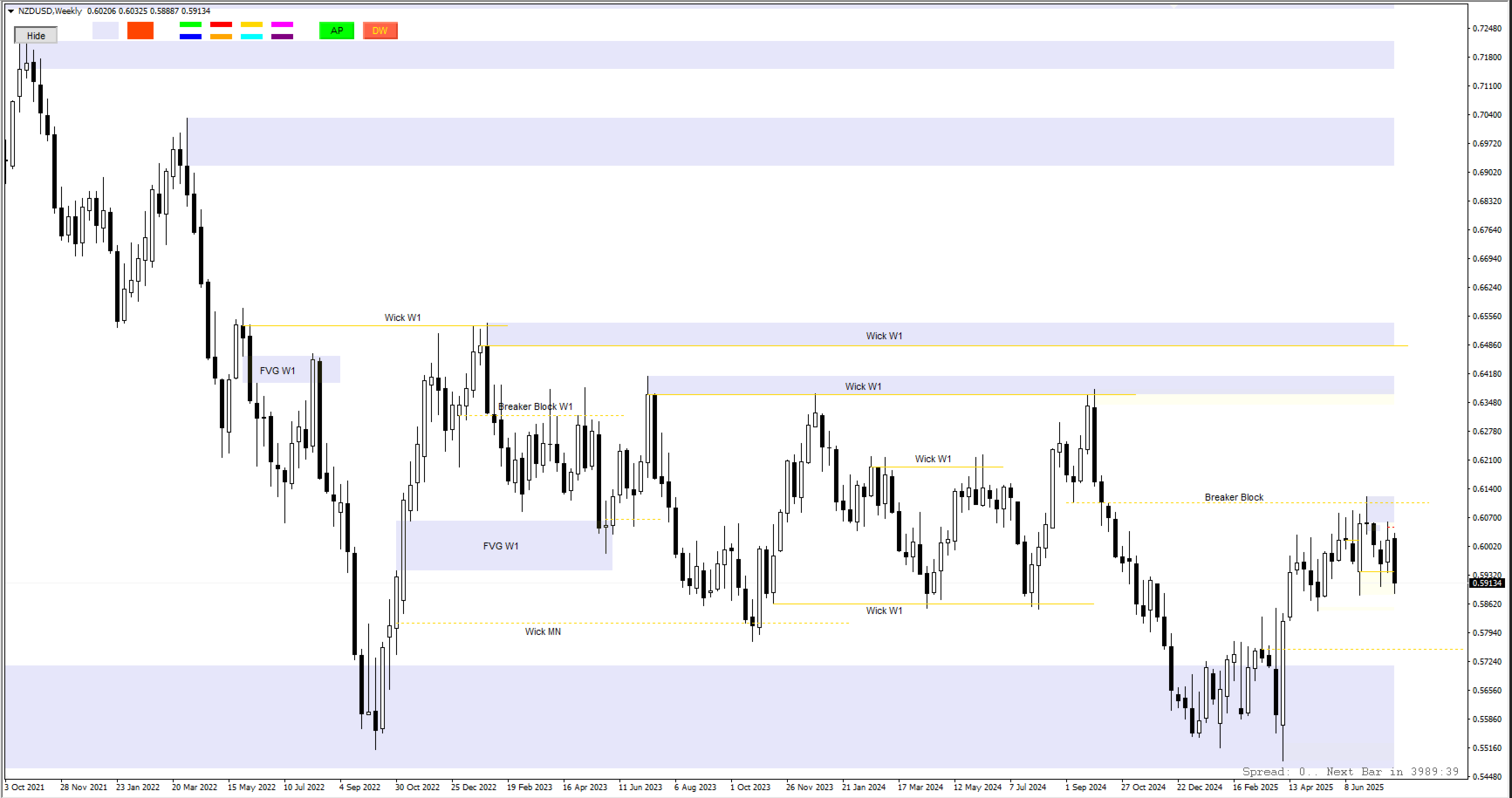
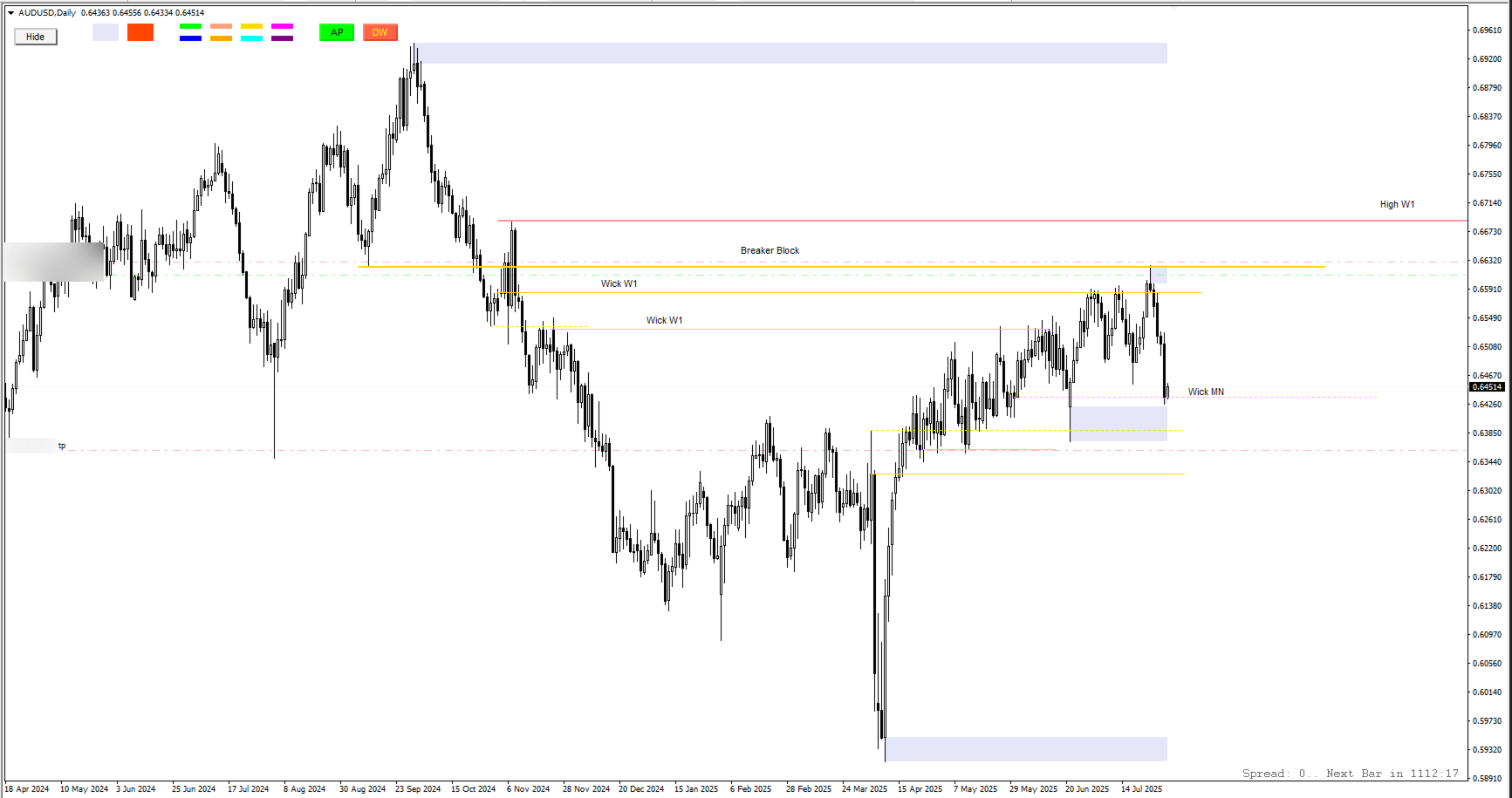
Quick Lines Tool is a powerful and intuitive indicator for MetaTrader 4 designed for traders who need fast and effective tools for technical analysis. With this indicator, you can easily create trend lines, support/resistance levels (AP/DW), and rectangles, optimizing your chart marking process. It is ideal for both beginners and professional traders looking to enhance their analysis accuracy and speed.
Main advantages
Intuitive interface: Control all functions through a user-friendly button panel that supports "Show/Hide" functions to minimize distractions.
Customization flexibility: Customizable colors, styles, and line thicknesses, as well as button sizes and positions, to adapt to your trading style.
Multi-timeframe support: Trend lines and rectangles are displayed on the current and lower timeframes, while AP/DW lines and key buttons are visible on all timeframes.
Stable positioning: Objects are created with a fixed margin (6 cm from the left edge, 100 pixels below the panel) and maintain their width (~10 cm) regardless of the chart's scaling.
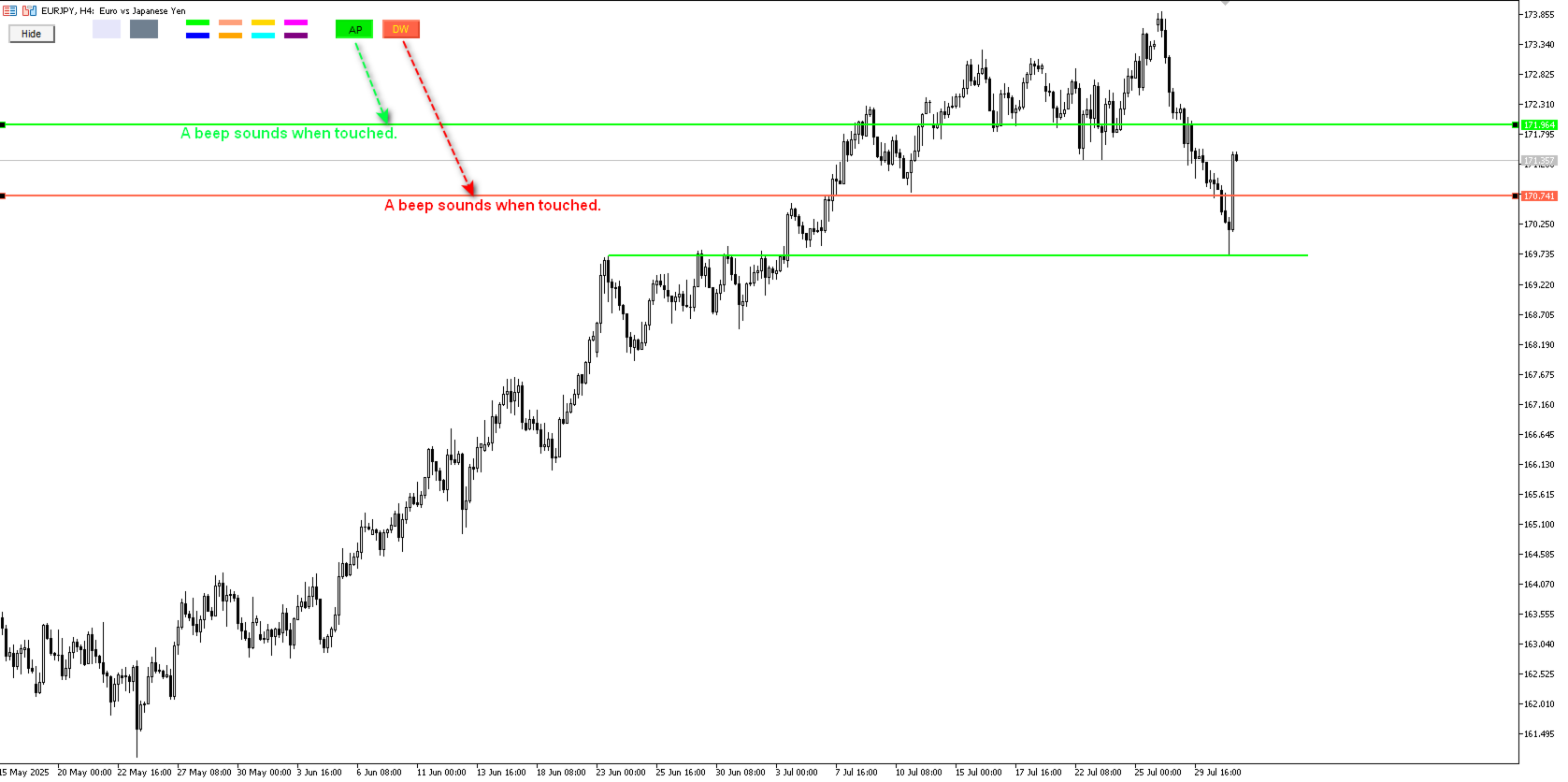
Automatic alerts: Receive sound and visual notifications when the price touches the AP/DW lines, ensuring that you don't miss important market events.
Filled rectangles: The first rectangle is filled with color to highlight zones, while the second remains transparent for better visibility.
Error protection: Reliable event handling, including double-click protection and correct behavior when changing timeframes.
Key features
Trend lines:
Four upper and four lower lines with individual colors, styles, and thicknesses.
Automatic placement with a 20-point offset from the price for convenient analysis.
Fixed length (~10 cm) and width preservation when scaling.
AP/DW lines:
Create horizontal support (AP) and resistance (DW) lines 1 cm away from the current Bid price.
Alerts when the price touches the lines (with a 0.1 pip threshold for 5-digit quotes).
Visibility on all timeframes for tracking key levels.
Rectangles:
Two types of rectangles: filled (for support/resistance zones) and outline (for highlighting ranges).
Placement under the button panel with a height of 40 pixels and a fixed width (~10 cm).
Interactive panel:
Buttons for quickly creating objects: 4 top, 4 bottom, 2 for rectangles, as well as AP and DW.
The "Show/Hide" button to control the visibility of the panel, always available on the chart.
AP/DW buttons are enlarged for convenience and have customizable text colors.
Adaptability:
Automatic adjustment of objects when changing the timeframe or scaling the chart.
Support for all tools and screen resolutions.
Why choose Quick Lines Tool?
Time-saving: Quickly create and manage graphical objects without the need for manual configuration.
Versatility: Suitable for any strategy, from scalping to long-term trading.
Reliability: Thoroughly tested code with error handling and detailed logging for diagnostics.
Easy to use: The intuitive interface and documentation allow you to start working immediately after installation.
Installation and configuration
Copy the QuickLinesTool.mq4 file to the MQL4/Indicators folder of your MetaTrader 4 terminal.
Drag the indicator onto the chart or add it via the Navigator menu.
Configure the parameters (colors, button sizes, and padding) in the indicator settings window.
Start trading using the buttons to create lines and rectangles!
Technical specifications
Platform: MetaTrader 4
Compatibility: All timeframes and instruments
Indicator type: Graphical, without buffers
Settings: Fully customizable settings for lines, buttons, and alerts
Support: Documentation and live assistance via [developer contacts]
Example of use
Click the "AP" button to create a support line 1 cm above the current Bid price.
Receive an alert when the price touches the line and use it to enter a position.
Create a filled rectangle (RectBtn1) to highlight the consolidation area under the panel.
Hide the button panel to focus on the chart, leaving only the "Show/Hide" button.
Target audience
Traders who use technical analysis and charting tools.
Scalpers and intraday traders who need quick level marking.
Analysts who track key support and resistance levels on different timeframes.
Quick Lines Tool is your reliable assistant for simplifying analysis and improving trading efficiency. Purchase now and make your charts more informative and convenient!
[Buy on MQL5] | [Contact the developer]