
Start Vwap Custom Midas
- 指标
-
Ricardo Almeida Branco
 我从2018年开始在模拟账户中关注巴西证券交易所,发现使用的设置数量很有趣。 认真对待学习甚至是演示,我明白我应该开始编程以验证/放弃设置。
我是一名经过培训和专业的数学家,并且凭借我对编程的知识,我对mql5了如指掌(当然,我仍然在学习),并且我开始为交易员群体的一些朋友开发或调整指标我参与了,直到开发了我的第一个设置和专有指标。
那时,我在MIDAS技术分析一书中了解了Richard Wyckoff的研究以及Paul Levine,Andrews Cole和David Hawkins的研究,然后我开始研究更多有关价格和数量的知识,这使我意识到了数量在阅读中的重要性价格变动。 - 版本: 6.2
- 更新: 14 十一月 2023
- 激活: 5
Attention: New update- 4 major practicality improvements!
1) Alarm 2) Midas text value 3) Click panel 4) Can be connected to an EA to operate in semi-automatic mode
Attention - This indicator does not work perfectly in backtest due to MT5 peculiarities (Reading hotkeys or panel clicks). My suggestion is that you test Automatic Vwap Midas which has automatic operation to analyze the calculation and then buy Start if you think the indicator will match your operating.
This indicator is used by REAL TRADERS who have helped me to improve the indicator so that they can use it in their operations. That's why we've now had a big update to cater to these traders!
How do you know what the big investors are doing?
Several authors have studied price and volume, including Richard Wyckoff, Paul Levine, Andrew Coles, David Hawkins and Bob English.
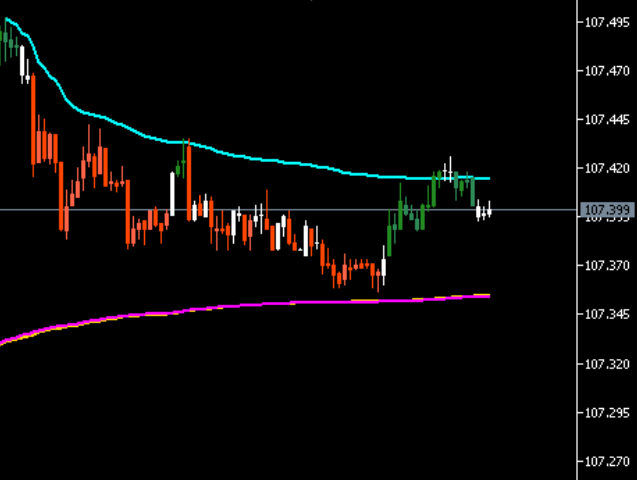
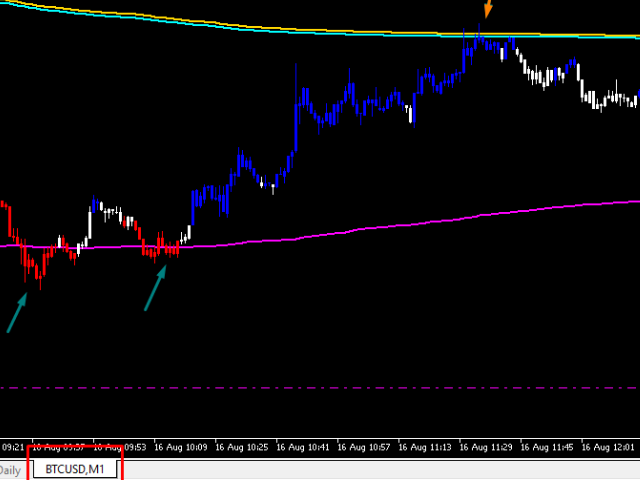
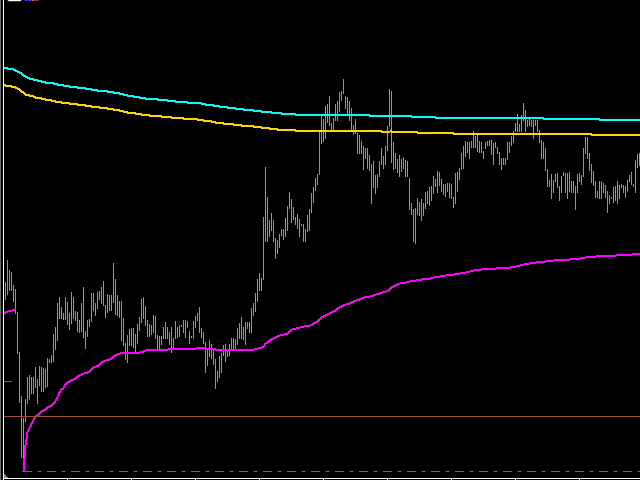
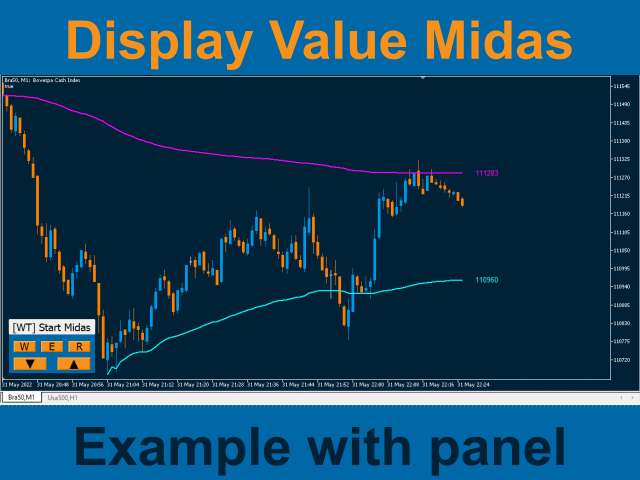
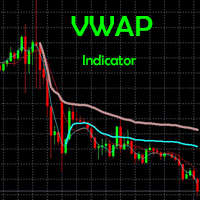
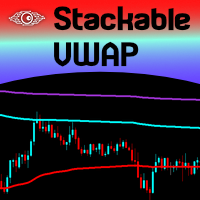
Vwap Custom (Midas) shows the average price of large investors as it is a volume weighted average. In addition, Vwap Custom can be positioned at specific points, mapping large or small movements.
The use strategies are diverse, GAP Midas, top or bottom Midas. Midas Disruption (JAC) or Midas Defense?
Now, let's go to the Start Vwap indicator:
By loading the indicator on your MT5 you will be able to plot * as many Midas as you want * quickly and simply.
* It works for both B3 (Brazil) and Forex.
* The choice of volume is automatic.
* Does not lose anchoring when changing time frame.
* Can be used during trading or outside it.
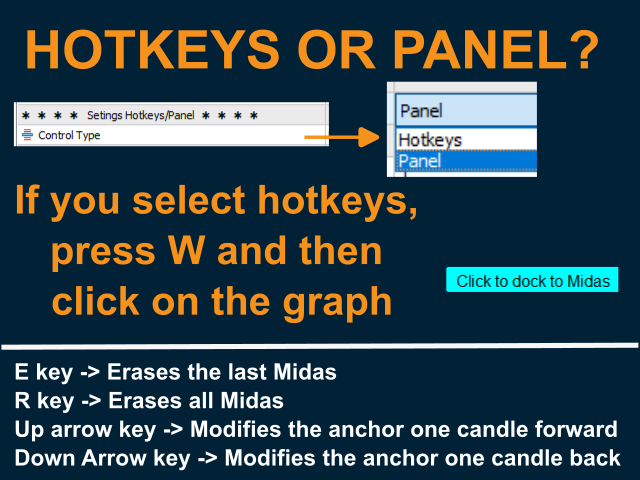
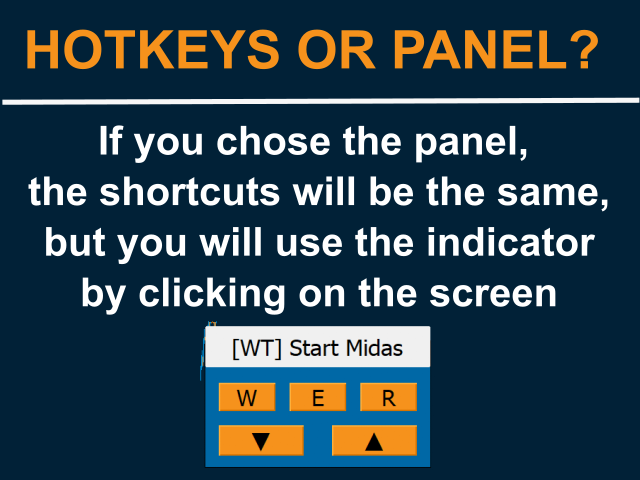
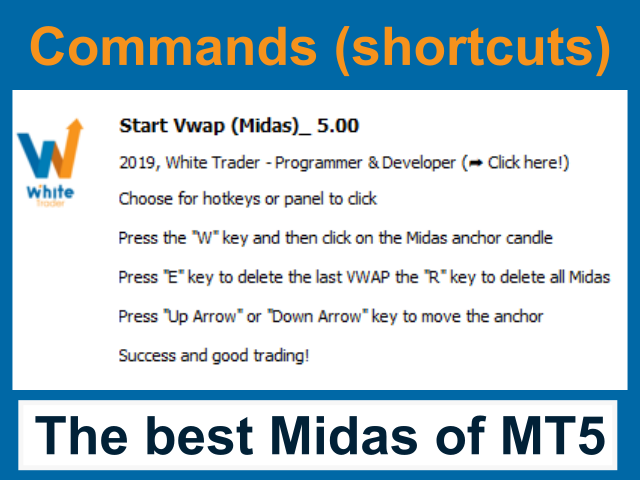
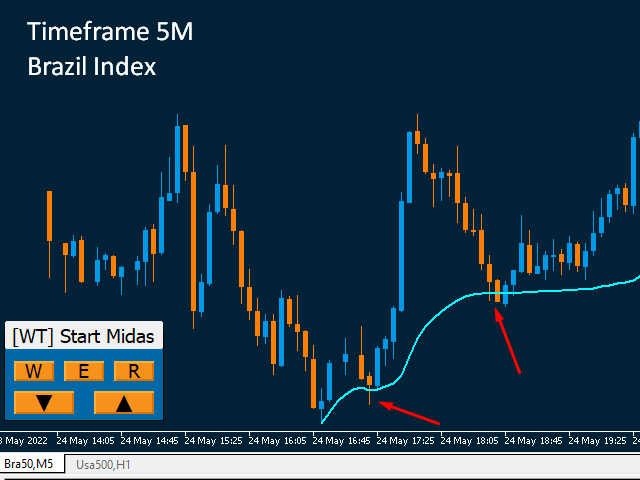
You can choose "Hotkeys" or "Panel" mode. By pressing "w" the indicator enters listening mode and waits, up to 5 seconds, for you to click somewhere on the screen to trace Midas.How to use?
The default indicator will bring the version with shortcut keys, if you want, just switch to panel mode to be able to work only with clicks on the screen.
The indicator will recognize if you clicked near the high of the candle and then plot a top VWAP, or if the click was close to the low and then draw a bottom VWAP.
If you need to edit the anchor point, line color, thickness, just double-click on Midas when on screen or go through the list of indicators (CTRL + I) and select the Midas to be modified and edit the inputs.
The alert function will let you decide whether to trade in Midas direction (Buy at Midas bottom, for example) or break out of Midas (sell in Midas touch) or in either direction.
At the time of the alert, a signal buffer will be activated, for those who want to automate the entries (I don't have the EA that does the reading for the operations).
SetIndexBuffer(0, BufferMidas, INDICATOR_DATA);
SetIndexBuffer(1, BufferSignal, INDICATOR_DATA);
Also, depending on your choice, the indicator can send a message to your mobile phoneor to your email (it is necessary to configure the sending of push messages or the sending of emails in MT5 itself).
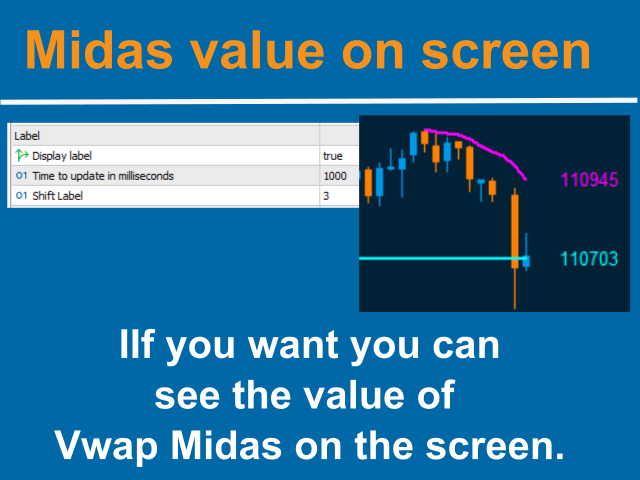
The last of the new functions is the text value on the screen for those who wish to view this information. Thinking about performance, updating the value on the screen (consumes more computer processing) has an option to choose the update time. 1000 Milliseconds represents 1 second (default).
Success and good trading!
















































Bom dia Ricardo, parabéns pelo indicador. Poderia por favor implementar a opção de alerta apenas sonoro, sem a caixa de mensagem?