
Fibo Z
- 实用工具
-
Ricardo Almeida Branco
 我从2018年开始在模拟账户中关注巴西证券交易所,发现使用的设置数量很有趣。 认真对待学习甚至是演示,我明白我应该开始编程以验证/放弃设置。
我是一名经过培训和专业的数学家,并且凭借我对编程的知识,我对mql5了如指掌(当然,我仍然在学习),并且我开始为交易员群体的一些朋友开发或调整指标我参与了,直到开发了我的第一个设置和专有指标。
那时,我在MIDAS技术分析一书中了解了Richard Wyckoff的研究以及Paul Levine,Andrews Cole和David Hawkins的研究,然后我开始研究更多有关价格和数量的知识,这使我意识到了数量在阅读中的重要性价格变动。 - 版本: 1.20
- 更新: 28 七月 2022
- 激活: 5
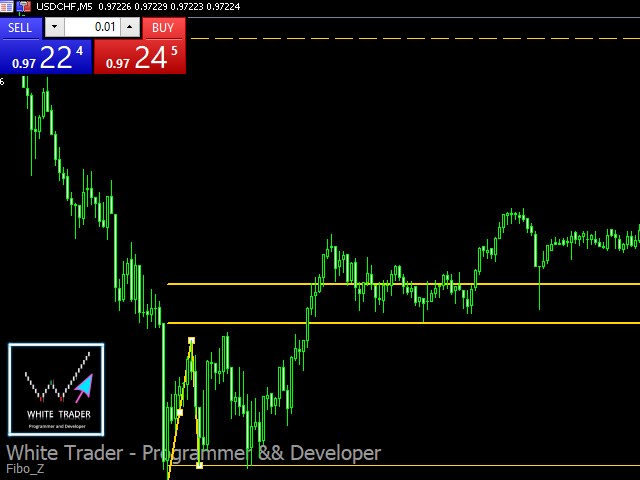
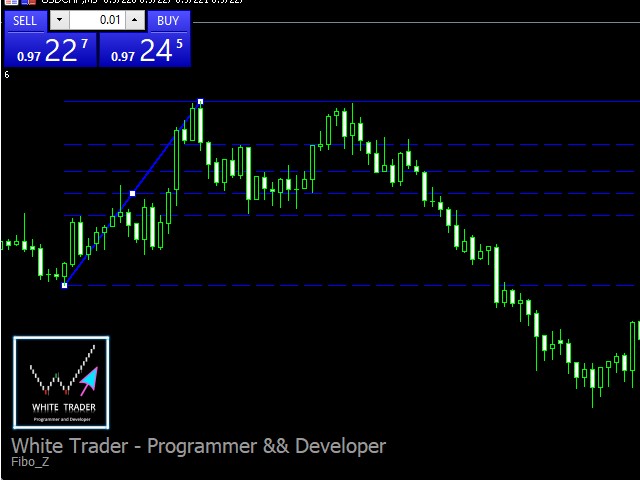
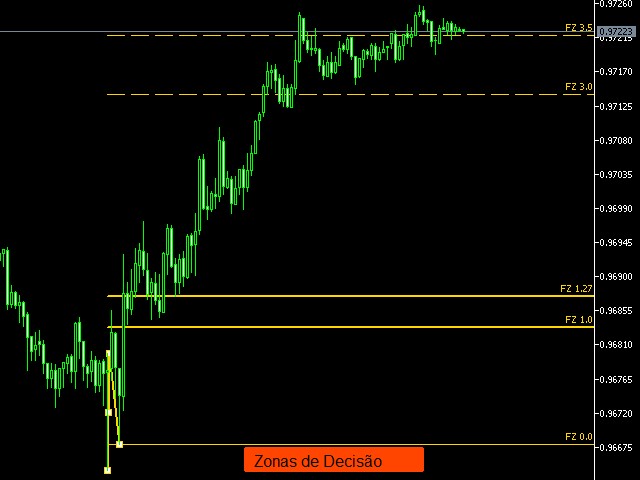
With it, you leave pre-configured two expansion
settings and one fibo retraction configuration to use via keyboard shortcut and mouse click.
That is, the Fibo_Z utility facilitates the use of MT5's native functions.
The shortcut keys are:
"Z" configuration 1 of the expansion.
"X" expansion setting 2
"Z" retraction configuration.
"V" clears objects from the screen.
It is.
Success and good trades!
That is, the Fibo_Z utility facilitates the use of MT5's native functions.
The shortcut keys are:
"Z" configuration 1 of the expansion.
"X" expansion setting 2
"Z" retraction configuration.
"V" clears objects from the screen.
It is.
Success and good trades!









































































If you know Chart Patterns, you would like this utility.