Curve Gate
- 实用工具
-
Shipra Gupta
 我是 Shipra Gupta,一名交易员和量化策略开发者,拥有扎实的数学、经济学以及算法交易系统背景。多年来,我长期专注于外汇、黄金、指数、大宗商品及加密货币市场,致力于构建以数据驱动、强调稳定性、精准度与纪律执行的交易策略。
我的专长包括开发 MetaTrader 5 Expert Advisors(EA)、量化交易模型、剥头皮交易系统、趋势跟随算法、波动率策略以及风险控制自动化框架。我开发的每一个系统都基于市场结构分析、统计研究、历史回测、优化以及真实市场验证。 - 版本: 1.0
- 激活: 5
CurveGate MT5
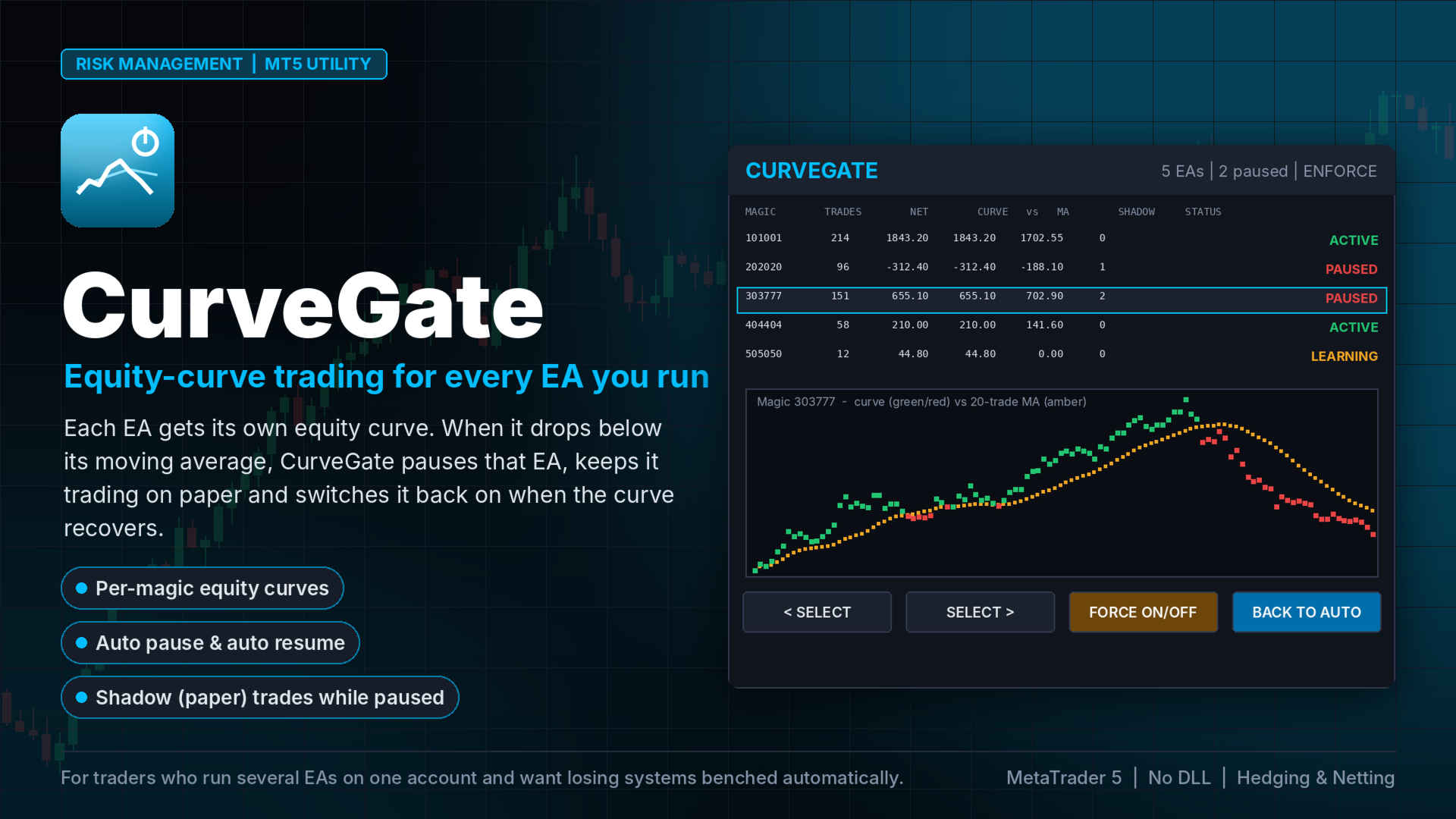
Equity-curve trading for any Expert Advisor: each EA (magic number) is paused when its own equity curve falls below its moving average, keeps trading on paper (shadow trades) and is resumed automatically when the curve recovers.
Every EA goes through bad phases. Equity-curve trading is the classic professional answer: stop trading a system while it is below its own equity-curve average, start again when it recovers. Until now you needed the EA's source code to do it. CurveGate does it from the outside, for every EA on the account.
HOW IT WORKS
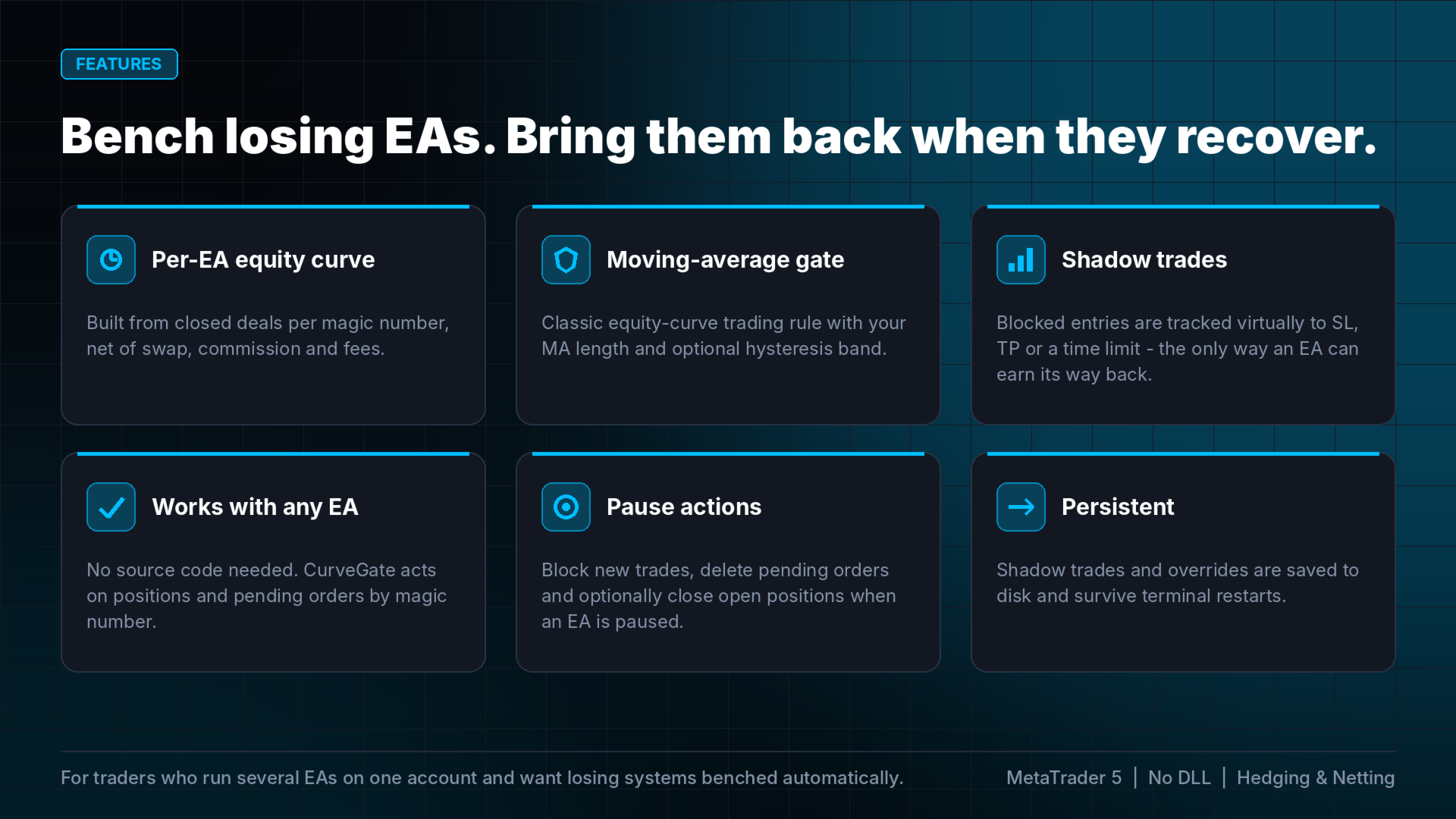
- CurveGate builds a separate equity curve for each magic number from your closed deals (profit + swap + commission + fees).
- It calculates a moving average of that curve over the last N trades.
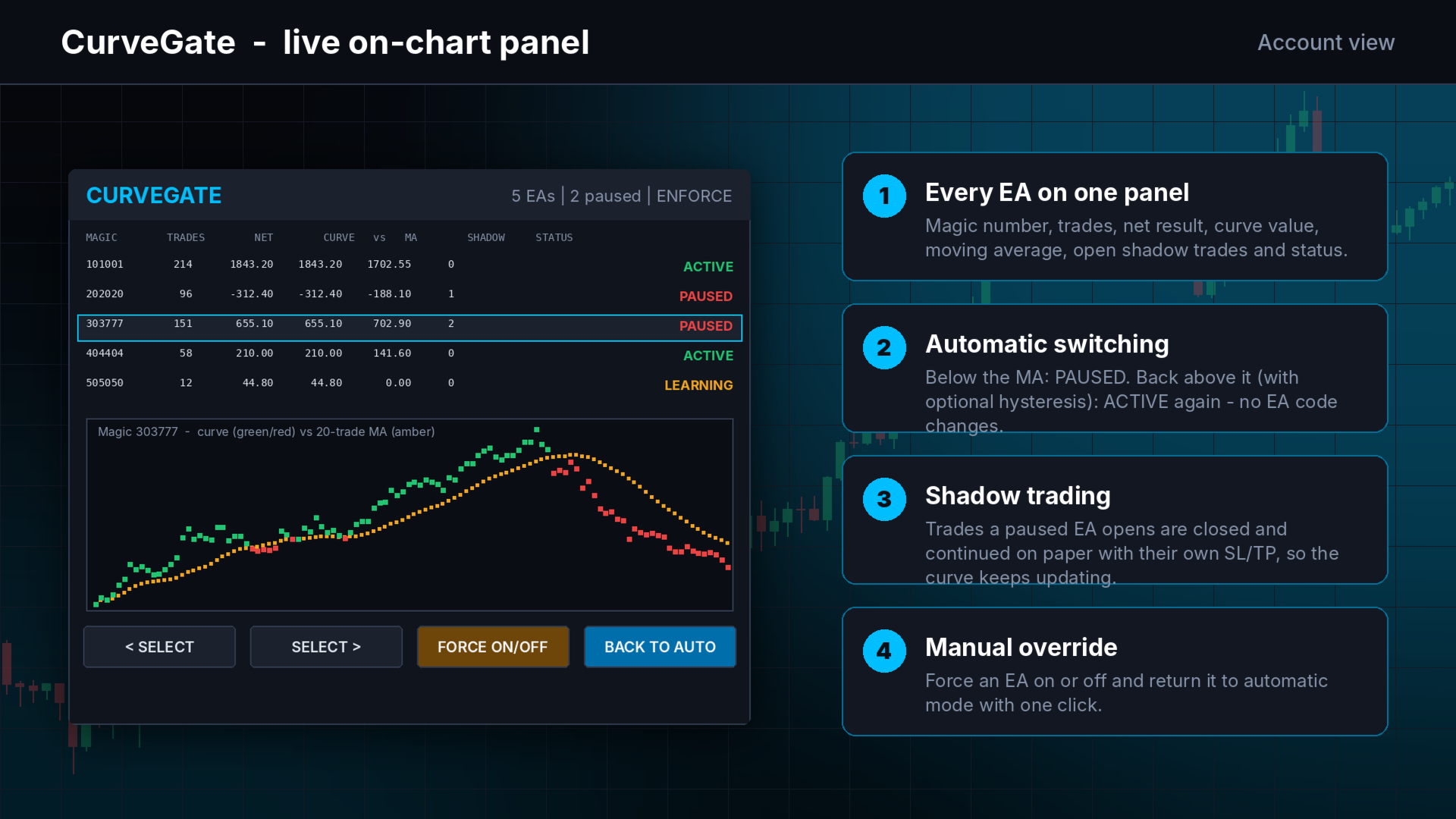
- Curve below MA: the EA is PAUSED. New positions it opens are closed immediately and continued as shadow (paper) trades with the same entry, SL and TP. Pending orders of the EA can be deleted.
- Shadow results are added to the curve, so the EA keeps "trading" and can earn its way back.
- Curve back above MA (optionally plus a hysteresis band): the EA is ACTIVE again and trades normally.
FEATURES
- Works with any EA, no source code needed - control is by magic number.
- Govern ALL EAs or a list of magic numbers.
- Minimum trade count before a curve may pause an EA (learning phase).
- Hysteresis to avoid frequent on/off switching.
- Optional close of open positions at the moment an EA is paused.
- Shadow trades exit on their SL, TP or a maximum holding time.
- Manual override: force an EA on or off, or return it to automatic mode.
- Panel: every EA with trades, net result, curve value, MA, open shadow trades and status, plus a curve-vs-MA chart of the selected EA.
- Shadow trades and overrides are saved to disk and survive restarts.
- Popup and push alerts on every pause and resume.
HOW TO USE
1. Attach CurveGate to ONE chart. Leave "Magic numbers" as ALL or list the EAs to govern (e.g. 101,202).
2. Choose MA period (trades), minimum trades and hysteresis.
3. Choose Alert only or Enforce.
4. Let your EAs run as usual.
INPUTS
Strategies: magic numbers, history days, minimum trades. Curve rule: MA period, hysteresis %, action, close positions on pause, delete pending orders, shadow max hours. Alerts: popup, push. Panel position.
GOOD TO KNOW
- Manual trades (magic 0) are never governed.
- Enforce mode closes a paused EA's new positions right after they open; the spread of that open/close is the cost of the protection.
- Shadow trades are evaluated on live prices while the terminal runs; use a VPS for continuous operation.
- No DLL. Hedging and netting accounts. In the Strategy Tester CurveGate opens small demonstration trades under two magic numbers so you can watch it work.