
GridMartin Conqueror
- Uzmanlar
-
Konstantin Kulikov
 💎 HELPFUL INFORMATION 💎
🔹 Autostart of terminals when rebooting VPS: https://www.mql5.com/en/blogs/post/736914 - Sürüm: 2.51
- Güncellendi: 21 Mart 2026
- Etkinleştirmeler: 20
An automated trading system with smart entry/exit algorithms that uses grid and martingale techniques to maximize profits.
You can search for current signals on this page, or write me a personal message: https://www.mql5.com/en/signals/author/test-standart
- The default settings (M1 timeframe) are suitable for currency pairs, especially for pairs with GBP
- All new sets appear here: https://www.mql5.com/en/blogs/post/747929
- A description of the Expert's parameters can be found in the comment thread.
- Version for MT5 (it is better to do all backtests in MT5): https://www.mql5.com/en/market/product/64329
Highlights to pay attention to
- During live operation of the expert the GMT offset parameter is determined automatically based on local time of the computer (GMT_Offset_AUTO=true). This parameter provides synchronization of the expert settings with the MetaTrader 5 server time. To ensure the correctness of settings it is necessary: to compare the GMT time in expert information area on any one chart of currency pair, to which the expert is attached, with time.is/GMT (or other reliable source). If the values do not match, then set GMT_Offset_AUTO=false and set a value of GMT_Offset_Manual according to the instructions in https://www.mql5.com/en/blogs/post/682539
- If you use the news filter in EA settings, you must enable "Allow WebRequest" and add news site to the URL list in the terminal settings. Click Tools > Options > Expert Advisors. Check the option "Allow WebRequests for listed URL:". Add this (delete the space): https:// sslecal2.investing.com
Pay attention to the useful information in my profile: https://www.mql5.com/en/users/test-standart
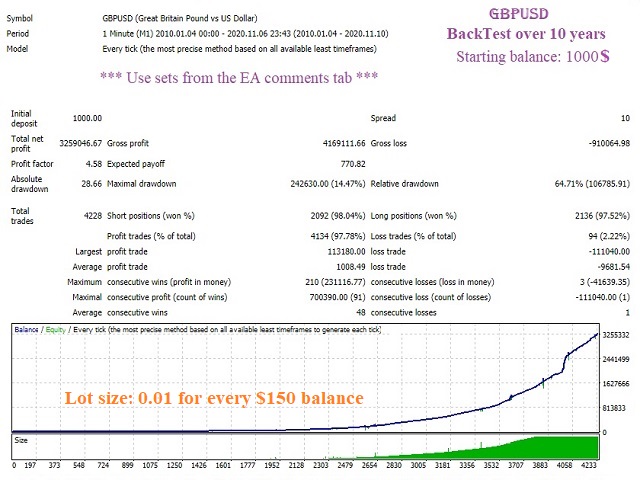
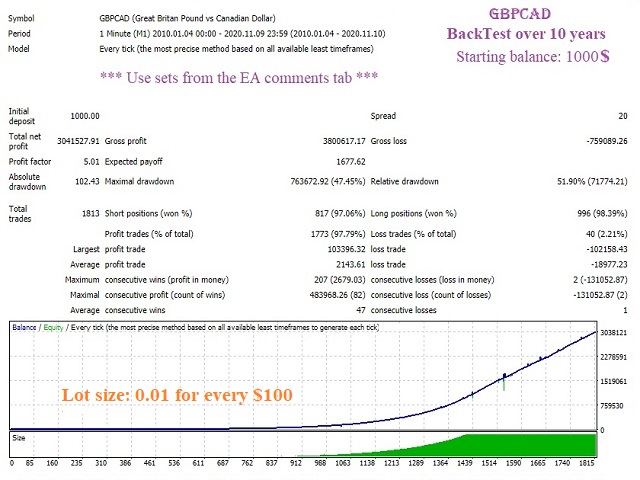
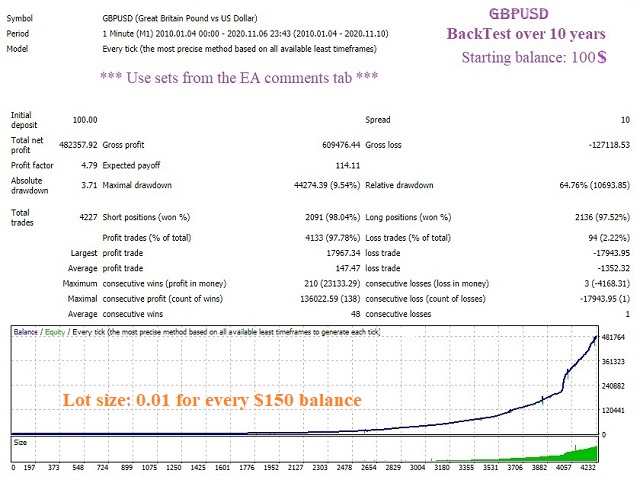
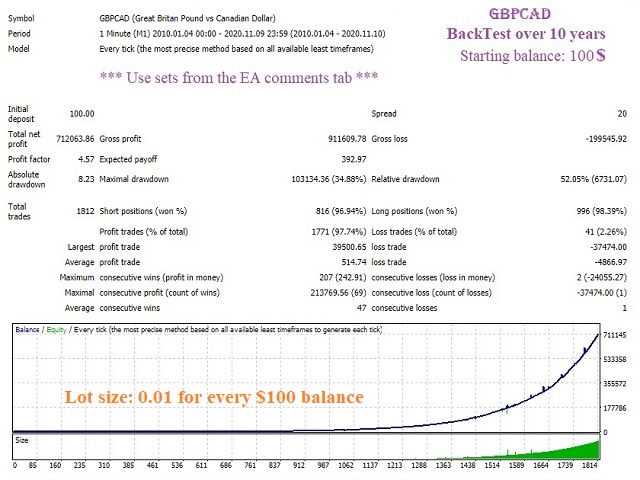
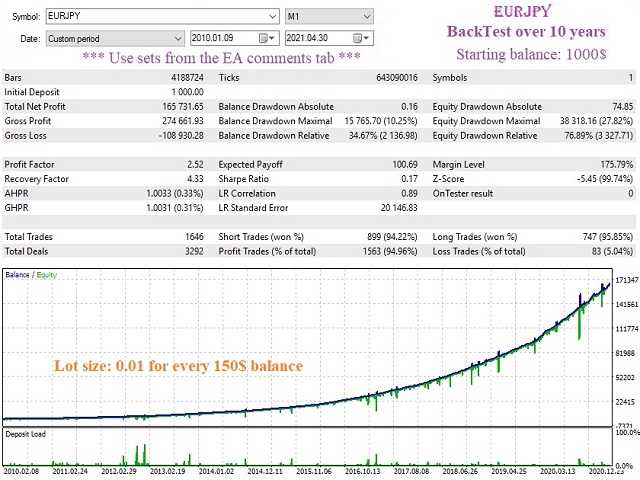
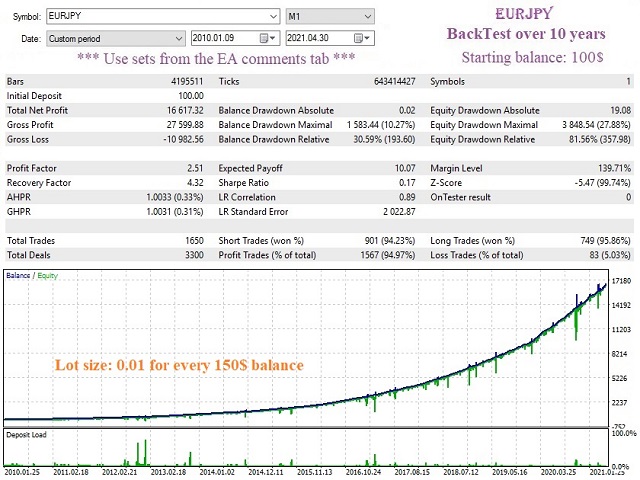


















































































This is an interesting EA I used with good result, however you must withdraw 100% profit once it reached. As stated, it's a grid martin EA so you have to use it smart and mindful.