Smart Target Script
- Yardımcı programlar
- Sürüm: 1.20

Smart Target Script
Smart Target Script is an advanced risk management utility designed to simplify complex trading scenarios. When managing multiple open positions on a single symbol, calculating the exact exit price for a specific combined profit or acceptable loss can be mathematically challenging. This script automates that process instantly.
By analyzing your total buy and sell volumes, the script calculates the true weighted break-even price. It then translates your desired profit or risk parameters into exact Take Profit (TP) and Stop Loss (SL) prices, modifying all active trades to share this single, unified target.
Key Features:
-
Dynamic Net-Volume Math: Automatically accounts for both long and short positions to determine the exact price level where your combined positions break even.
-
Multiple Target Modes: Define your Take Profit and Stop Loss using three distinct methods:
-
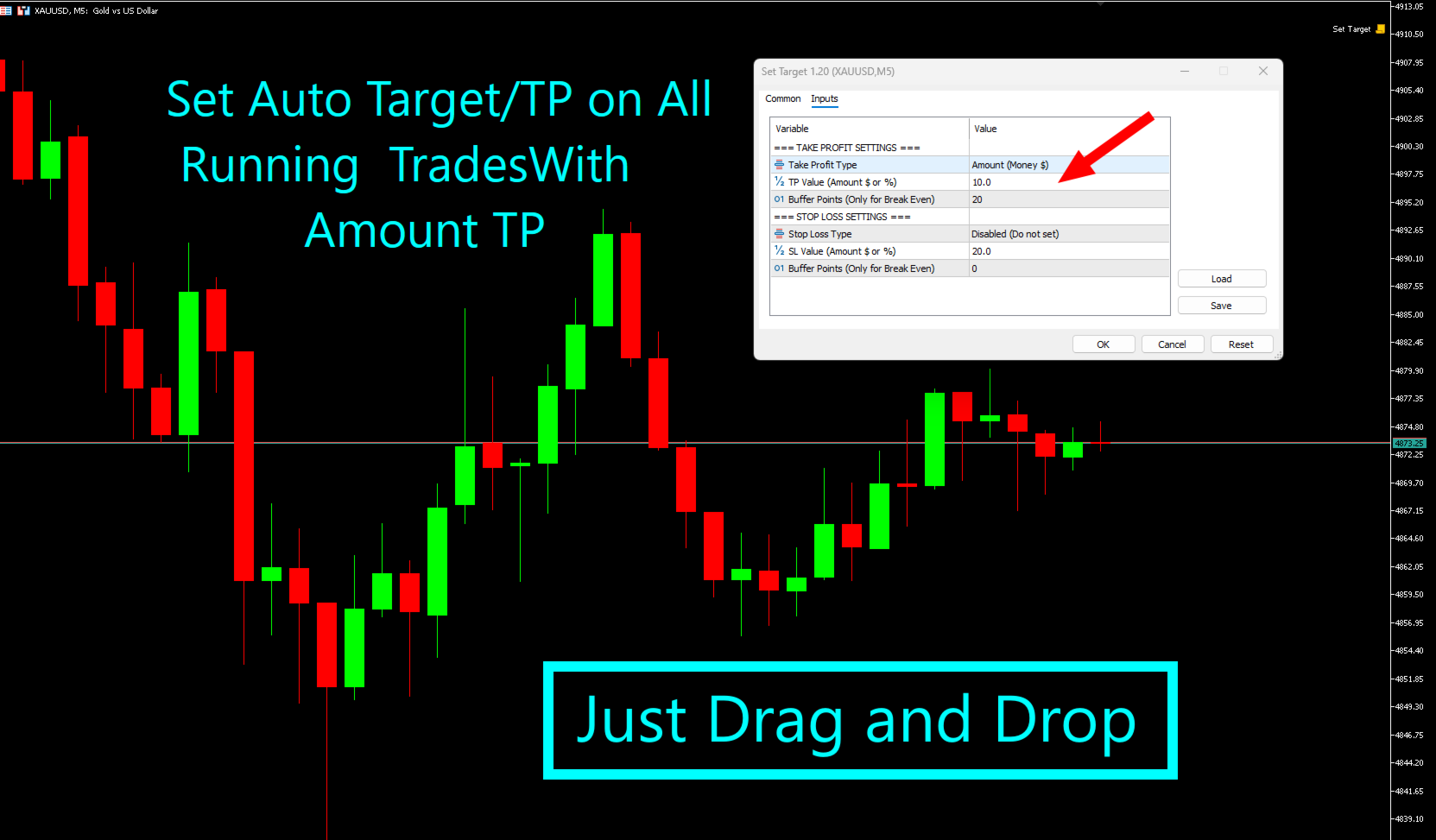
Target Amount: A fixed monetary value in your account currency (e.g., $50).
-
Target Percentage: A percentage of your current account balance (e.g., 5%).
-
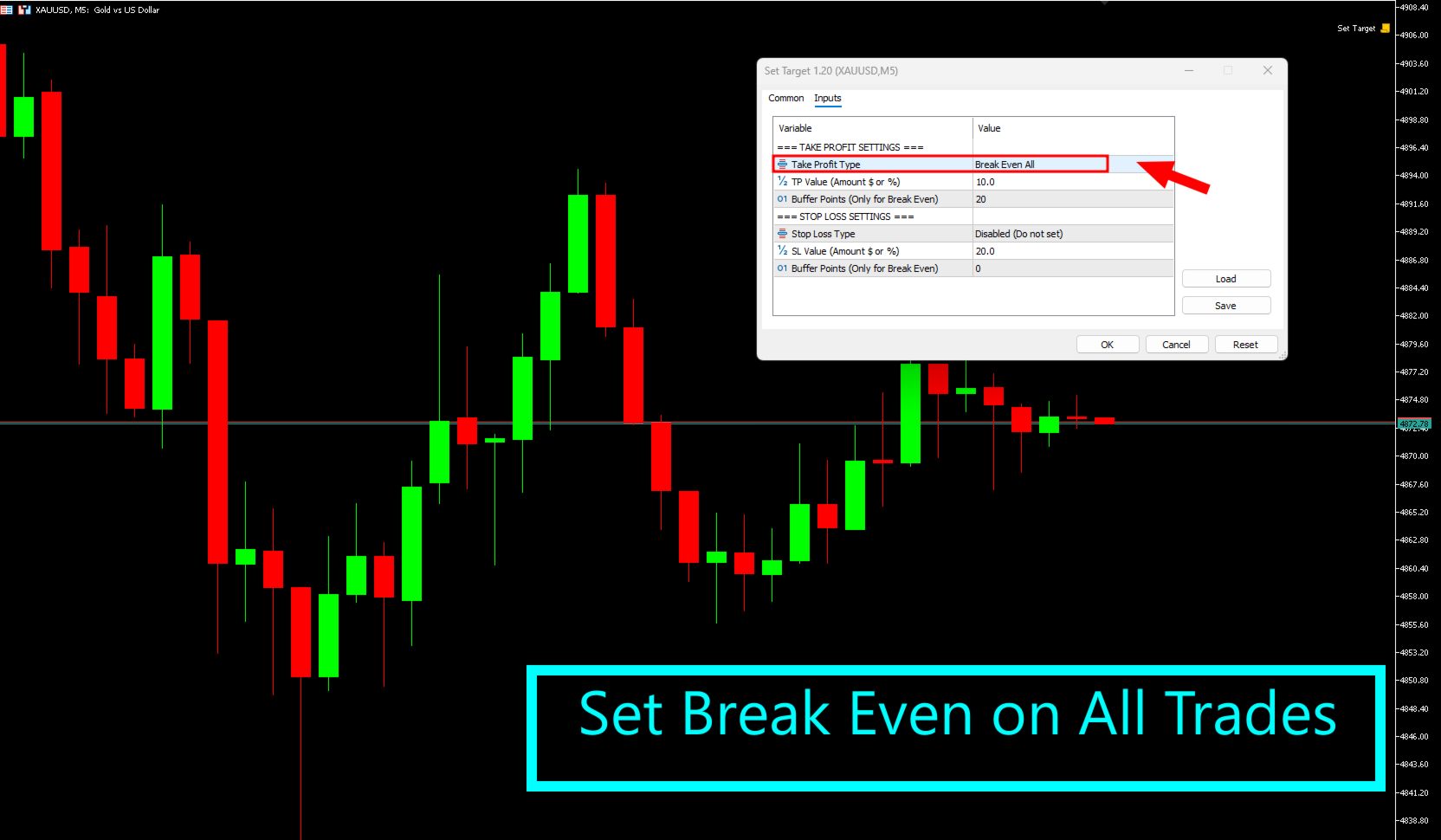
Break-Even All: Sets targets exactly at the zero-loss level.
-
-
Buffer Points: When using the Break-Even mode, you can add custom buffer points to cover hidden costs like swaps, commissions, or potential slippage.
-
Hedge Protection: Intelligently detects fully hedged positions (where net volume is zero) and safely halts execution, as price movement does not affect fully hedged PnL.
-
Independent Controls: The Take Profit and Stop Loss modules can be configured independently or disabled completely if you only wish to set one side.
How to Use: Simply attach the script to the chart containing your active trades. Configure your desired TP and SL settings in the input window and click OK. The script will instantly calculate the required prices, modify all trades for that symbol, and then automatically remove itself from the chart.
Input Parameters:
-
Take Profit Type: Choose between Amount, Percentage, Break-Even, or Disabled.
-
TP Value: Enter the desired value for Amount or Percentage.
-
TP Buffer Points: Extra points to add when Break-Even is selected.
-
Stop Loss Type: Choose between Amount, Percentage, Break-Even, or Disabled.
-
SL Value: Enter the desired value for Amount or Percentage risk.
-
SL Buffer Points: Extra points to add when Break-Even SL is selected.
Important Note: This is a Script, not an Expert Advisor (EA). It executes its calculations and modifications once upon being attached to the chart. It does not monitor trades continuously in the background.