Oni Strength Master
- Uzman Danışmanlar
- Yuki Miyake
- Sürüm: 32.0
👹 Oni Strength Master
[IMPORTANT] Getting Started
To use this add-on, the base indicator is required. Please download the latest version from the link below first:
Following the overwhelming feedback from Oni_Strength_Pro users reporting fantastic results, we have developed the definitive add-on to solidify your profits: Oni Strength Master.
This all-in-one tool covers everything from automated execution to advanced risk management. As a token of our gratitude for your support, it is available completely FREE this month!
1. Overview: Turn Your Indicator into a Powerhouse
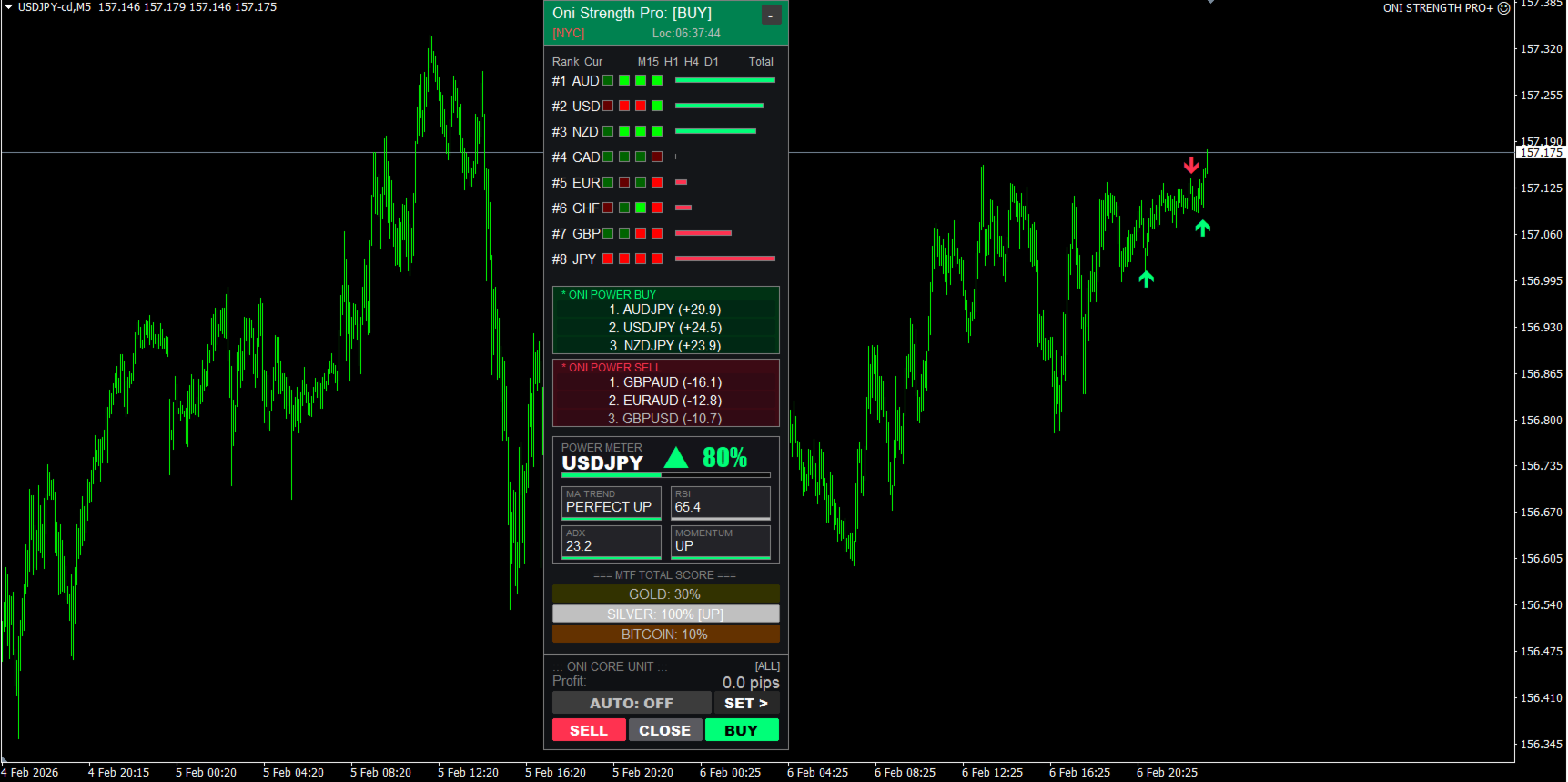
This Expert Advisor (EA) detects signals from the high-precision Oni_Strength_Pro indicator in milliseconds and automatically executes trades based on your customized strategy. Free yourself from the stress of monitoring charts and achieve disciplined trading.
[!IMPORTANT]
Operating Requirement:
The Oni_Strength_Pro indicator MUST be attached to the chart. This EA will not function as a standalone tool.
2. Control Panel Guide
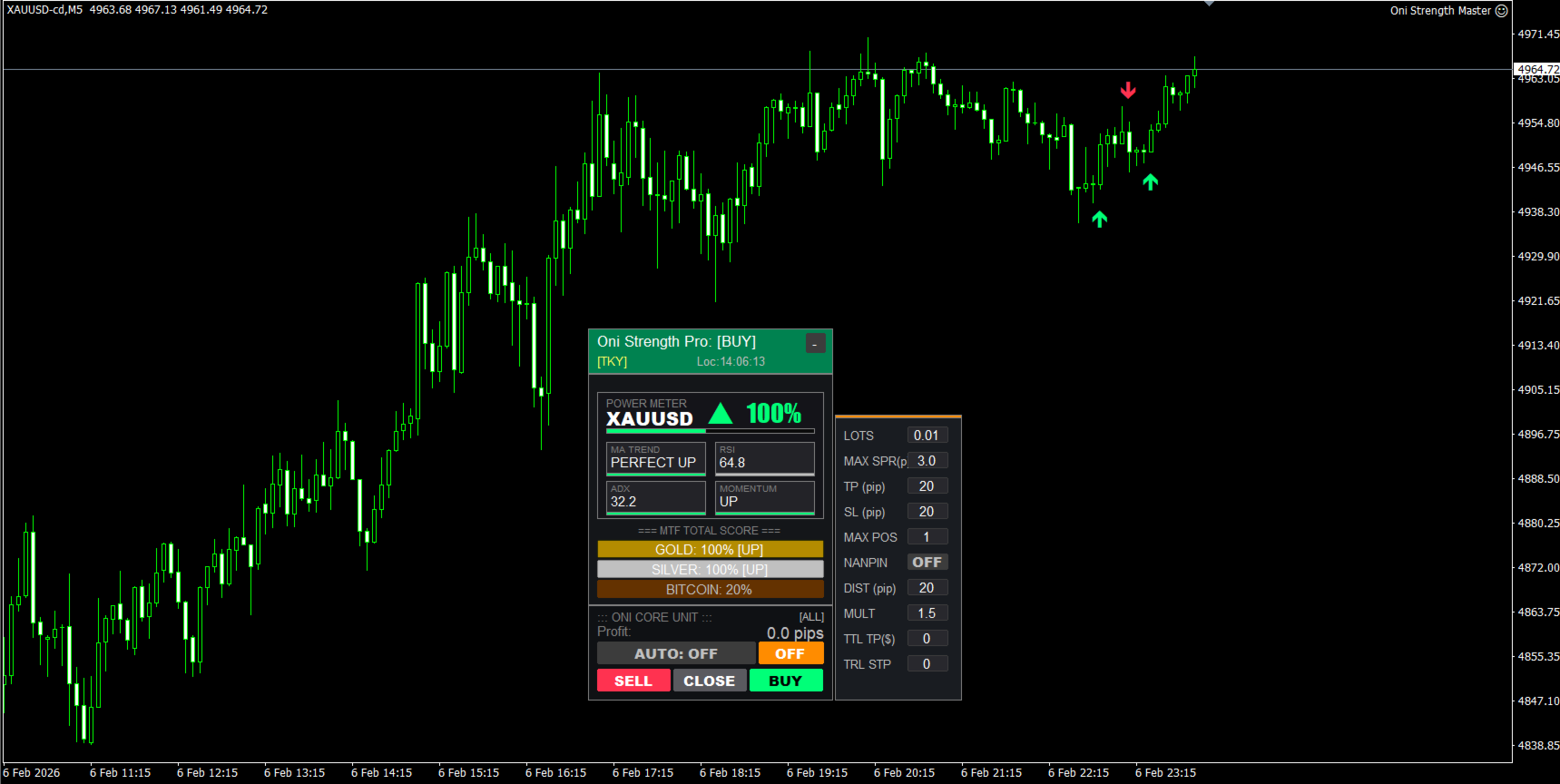
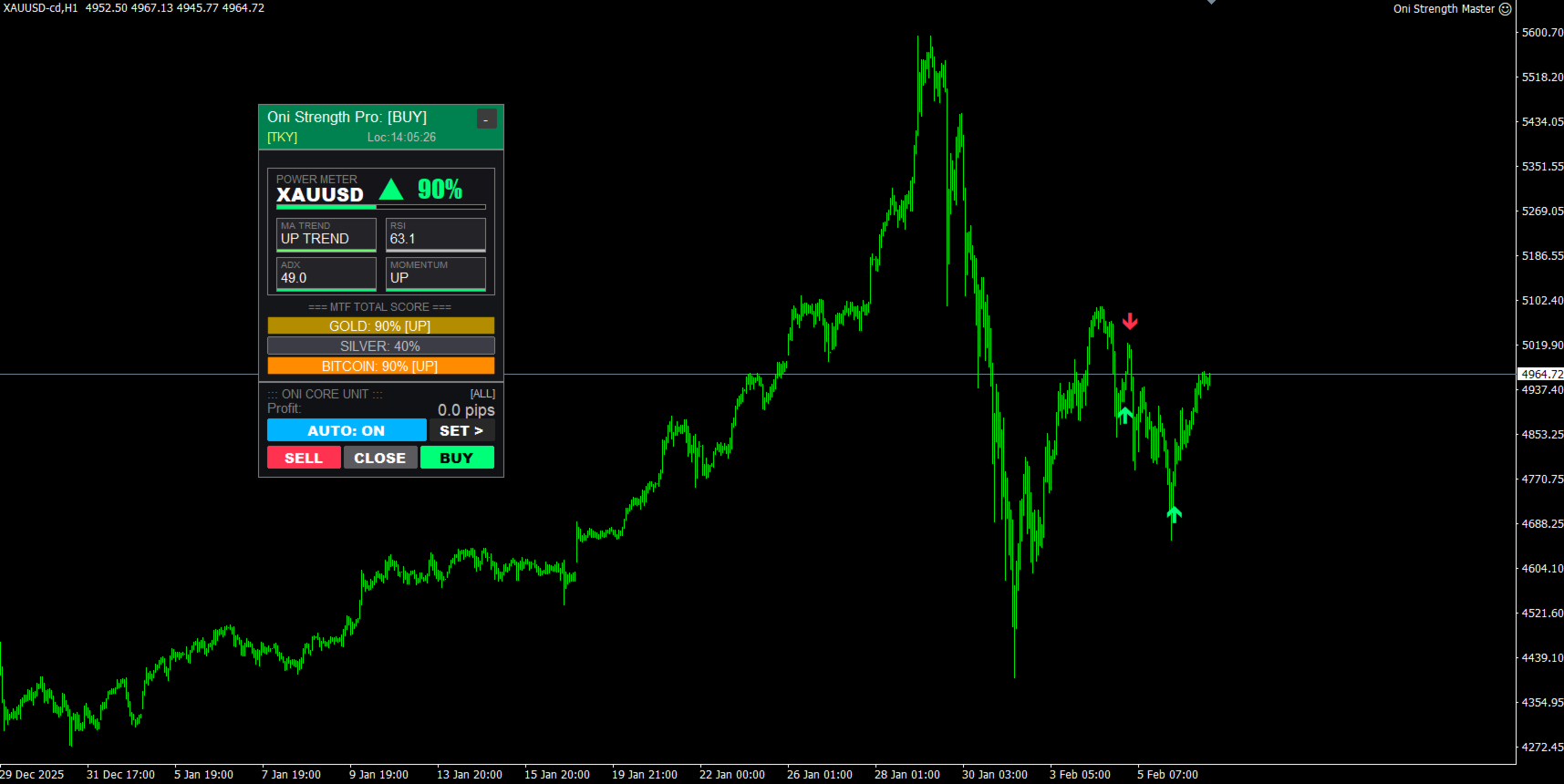
■ CORE UNIT (Main Panel)
-
AUTO (ON/OFF):
-
ON (Blue): Automatically enters a trade the moment the indicator arrow appears.
-
OFF (Gray): Disables auto-trading. Manual buttons remain active.
-
-
SET: Toggle the visibility of the detailed settings panel (SIDECAR).
-
BUY / SELL: Instantly enter a manual trade with the current lot size. The EA will manage subsequent exits or grid (nanpin) logic.
-
CLOSE: Closes all positions managed by this EA (based on Magic Number).
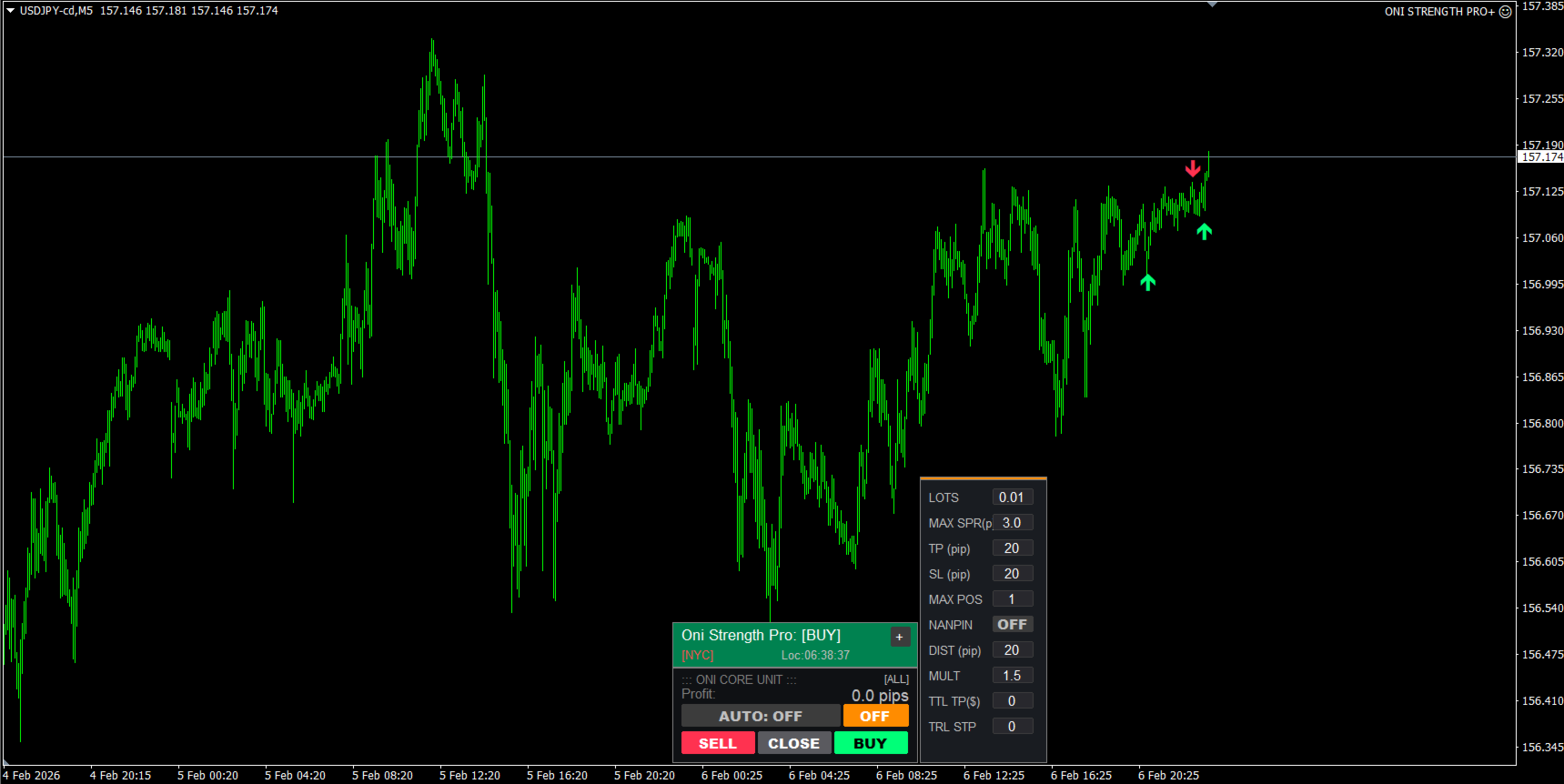
■ SIDECAR (Advanced Settings)
Build sophisticated strategies directly on the chart.
| Item | Description |
| LOTS | Initial entry lot size. Adjust according to your capital. |
| MAX SPR(p) | Max Spread Filter. Prevents entry if the spread is too wide. |
| TP / SL (pip) | Individual Take Profit and Stop Loss per position. Set to 0 to disable. |
| MAX POS | Max Positions. Limits the total number of positions, including grid orders. |
| NANPIN | When ON, the EA automatically adds positions during price retracement. |
| DIST (pip) | Grid Distance. The required pips of movement to trigger an additional order. |
| MULT | Lot Multiplier. Increases the next lot size (e.g., Previous Lot x 1.5). |
| TTL TP($) | Total Profit Target. Closes all positions once the net profit reaches this dollar amount. |
| TRL STP | Trailing Stop. Automatically moves the SL to lock in profits as the price moves in your favor. |
3. Startup Parameters
Configure these settings when first attaching the EA to the chart.
-
Trade Mode (InpTradeMode): Choose between "Buy Only," "Sell Only," or "Both."
-
Opposite Signal Logic (InpOppositeLogic):
-
Close Only: Closes a Buy position if a Sell arrow appears.
-
Reversal (Doten): Closes the current position and instantly opens a trade in the opposite direction.
-
💡 A Note to Users
To protect your capital, please test the EA on a Demo Account first to familiarize yourself with its behavior before moving to a Live Account.
While we have taken every precaution in development, if you encounter any bugs or unusual behavior, please contact us immediately. Your feedback helps us improve!