Three 3TP Easy Trade Pad for MT4
- Утилиты
- Mehnoosh Karimi
- Версия: 3.1
- Активации: 10
Three 3TP Easy Trade Pad Expert for MT4 – Download
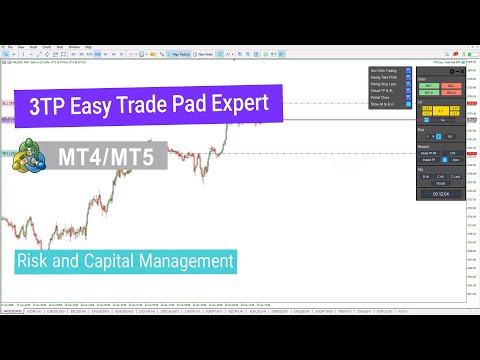
The 3TP Easy Trade Pad Expert is an advanced tool designed for capital management, risk control, and streamlined trading within the MetaTrader 4 (MT4) platform. With its functional and specialized interface, this expert advisor allows traders to effortlessly set and manage Stop Loss (SL) and Take Profit (TP) levels.
In addition to simplifying trade execution, the tool provides features for defining acceptable risk, expected profit (R/R), and advanced trade management options—offering users a more professional and efficient trading experience.
Specifications Table – 3TP Easy Trade Pad Expert
| Category | Capital Management – Risk Management – Trading Tools |
| Platform | MetaTrader 4 |
| Skill Level | Beginner |
| Indicator Type | Risk and Capital Management |
| Time Frame | Multi-Timeframe |
| Trading Style | Scalping – Day Trading – Intraday Trading |
| Markets | Forex – Stocks – Indices |
3TP Easy Trade Pad Expert at a Glance
The 3TP Easy Trade Pad Expert is a powerful and user-friendly tool for traders who prefer managing their trades directly from the chart. With this expert, users can quickly set SL and TP levels and handle their positions more efficiently to enhance profitability.
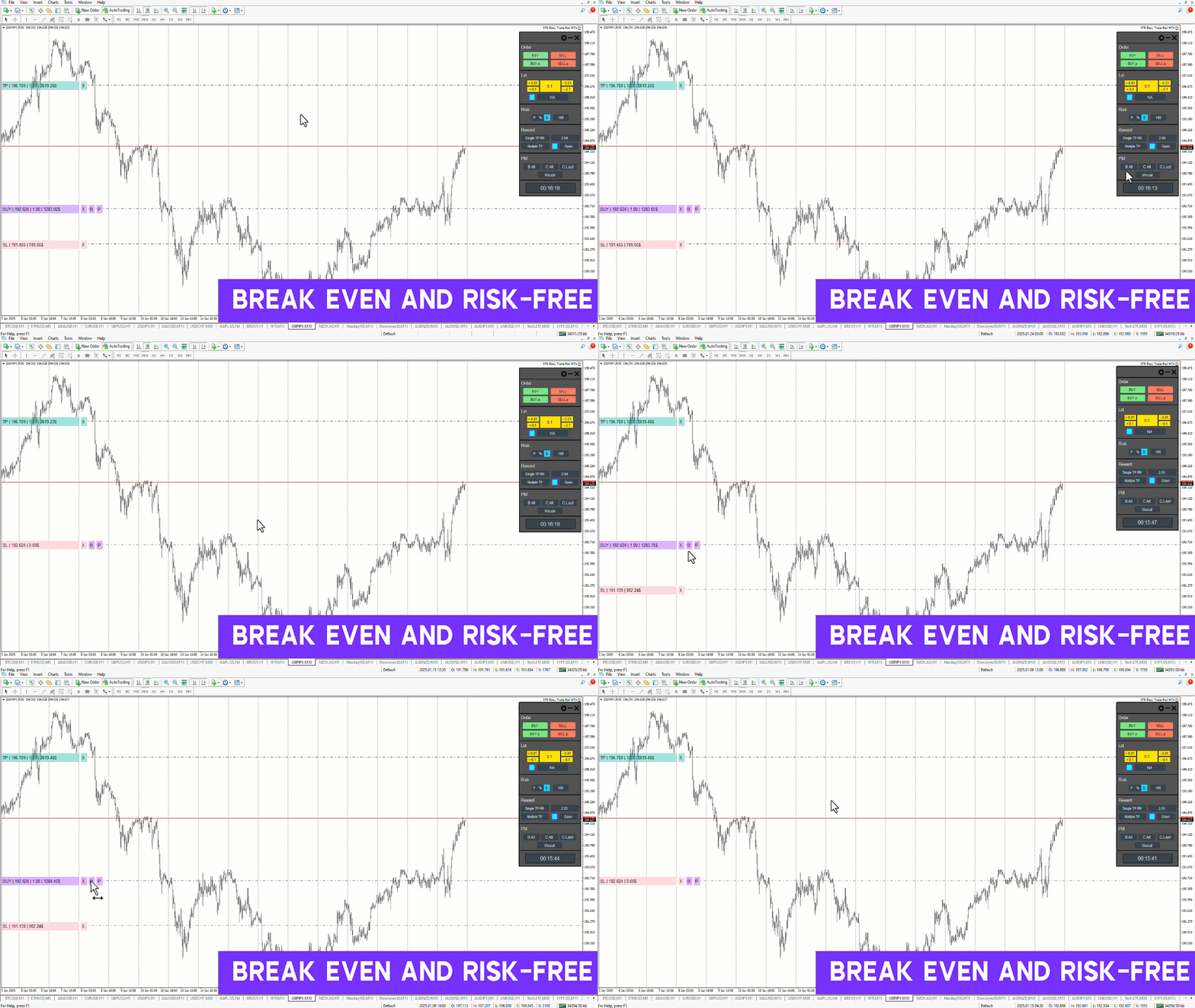
Key features include the ability to set multiple take-profit targets, perform partial position closures, and activate risk-free trades using the Break-Even function—taking the trading experience to the next level.
Buy Trades
On the GBP/USD H1 chart, the expert’s capabilities are clearly displayed.
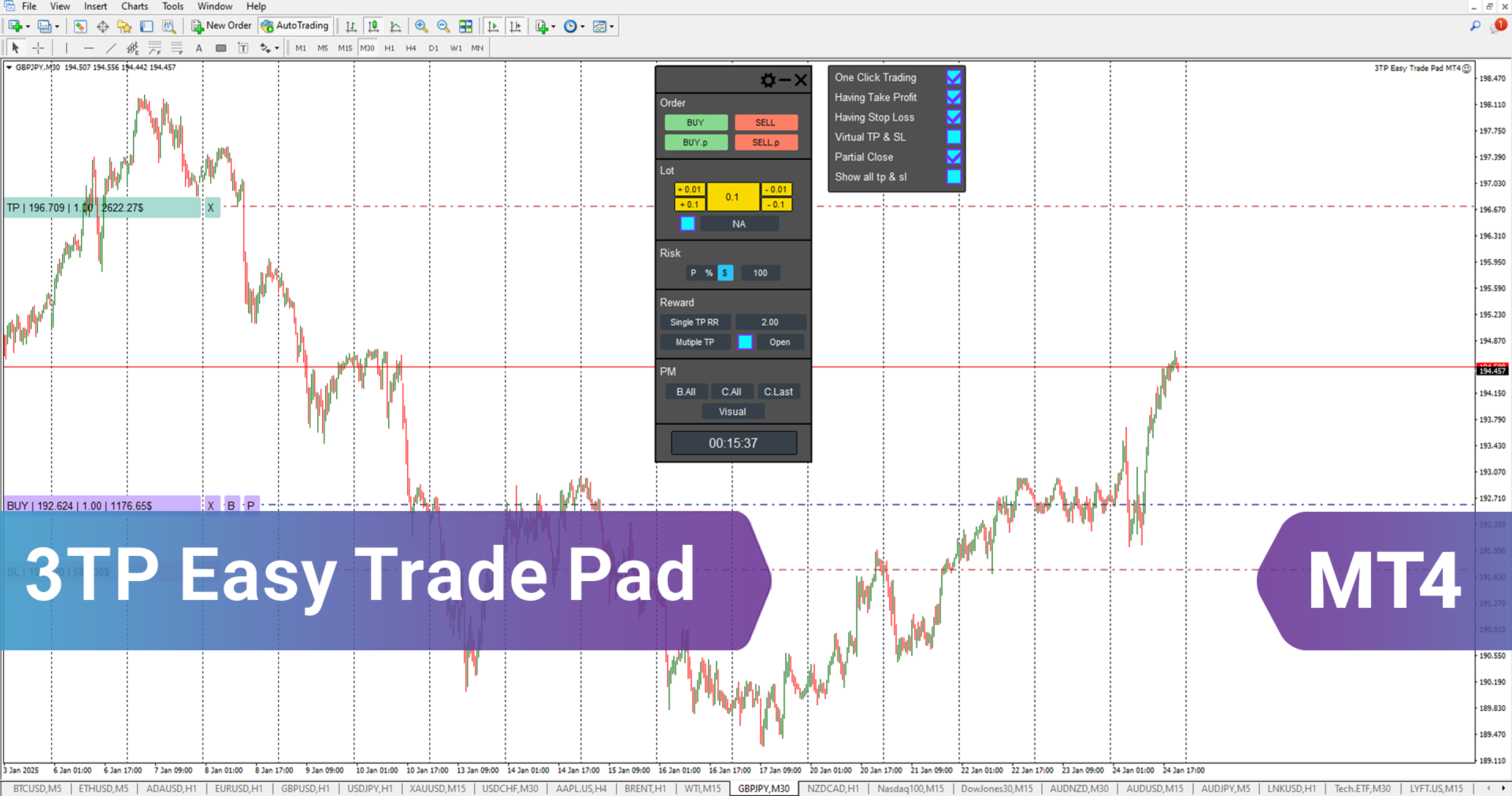
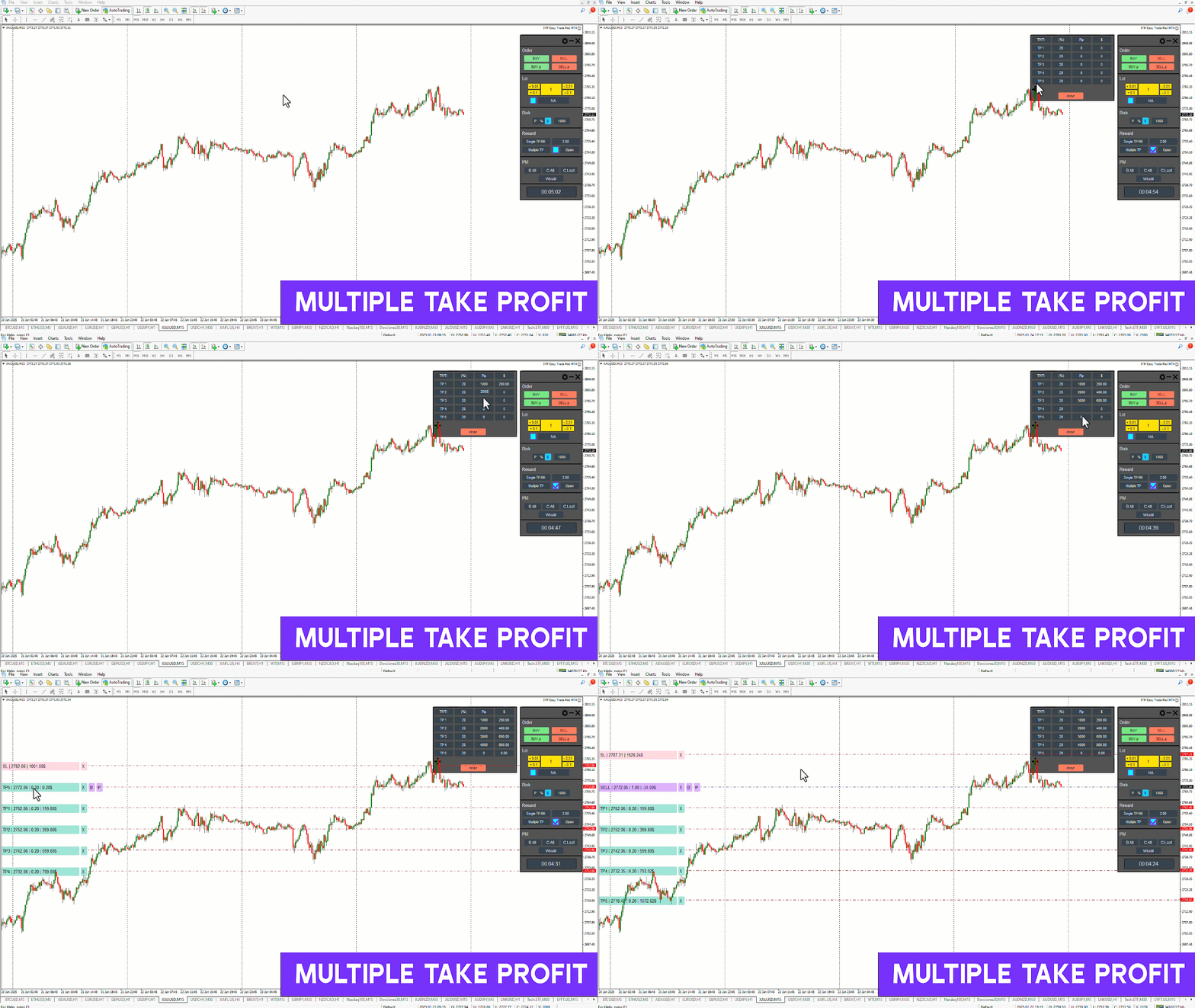
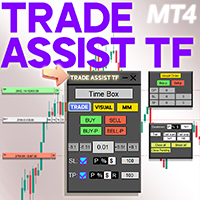
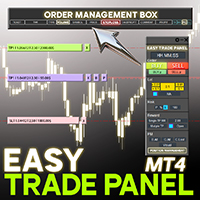
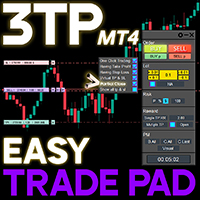
The right-hand panel provides various capital and risk management functions, enabling traders to manage positions easily.
Entry price, SL, and TP levels appear directly on the chart, along with two essential tools for trade management: Partial Close (P) and Break Even (B).
Sell Trades
On the USD/JPY H1 chart, the expert showcases its features for managing sell trades.
Traders can set SL and TP levels seamlessly, use the Break Even (B) function to make a trade risk-free, and apply Partial Close (P) to secure profits progressively.
These features help traders make more strategic and profitable trade decisions.
3TP Easy Trade Pad Expert Settings
Below is an overview of the main settings available in the 3TP Easy Trade Pad panel:
Settings
- One Click Trading – Enable/disable order confirmation
- Having Take Profit – Enable/disable TP execution
- Having Stop Loss – Enable/disable SL execution
- Virtual TP & SL – Enable/disable virtual trade execution
- Partial Close – Enable/disable closing 50% of the position
- Show All TP & SL – Display TP/SL for server-side trades
Panel
Order
- Buy / Sell – Execute instant market orders
- Buy P / Sell P – Execute pending orders
Lot
- Set lot size (N/A)
Risk
- SL Type – Define stop loss based on dollar amount ($), balance percentage (%), or pips (P)
Reward
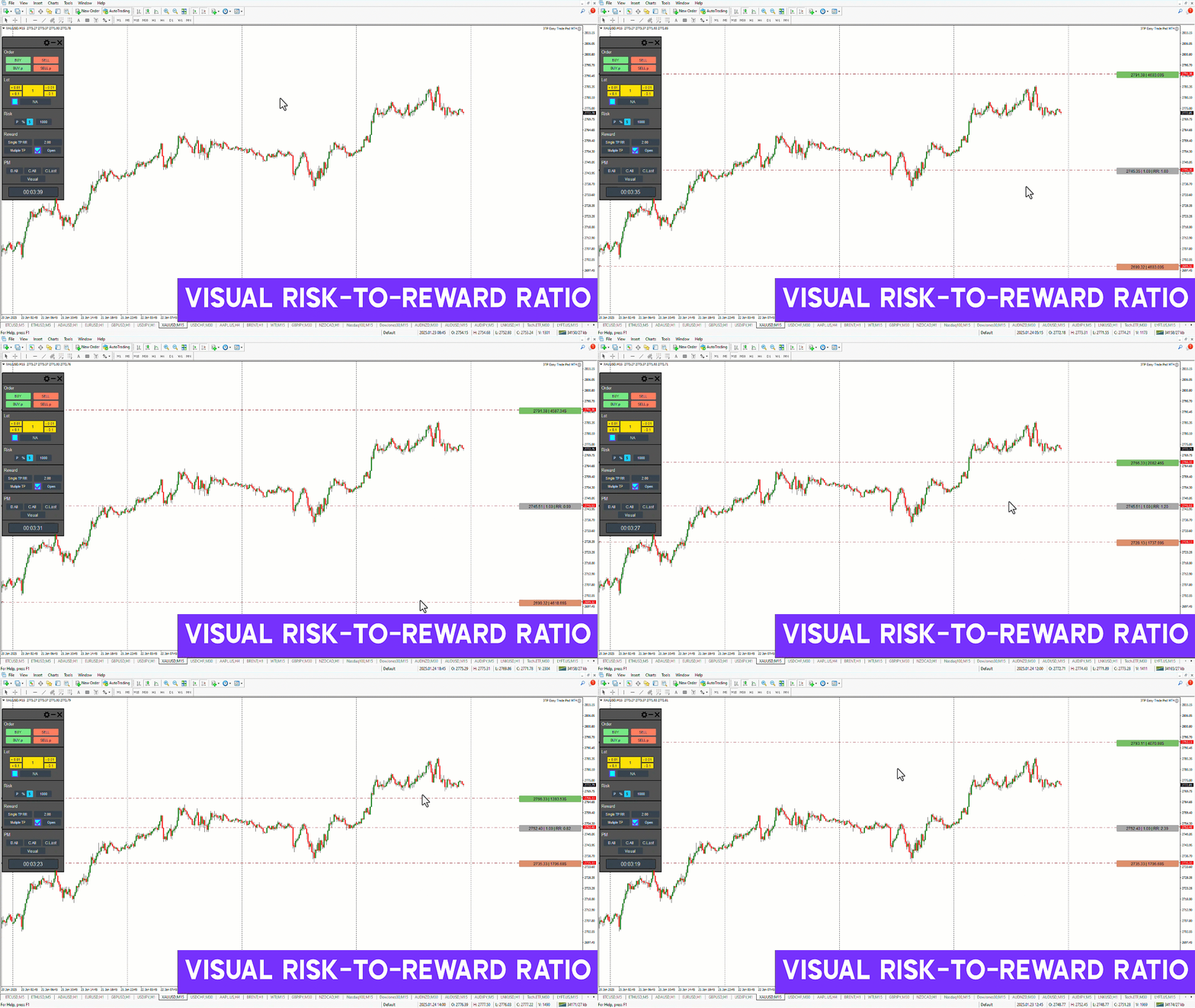
- Single TP RR – Set a risk-to-reward ratio
- Multiple TP – Enable multiple take-profit targets with predefined levels
PM (Position Management)
- B All – Set all trades to Break Even
- C All – Close all positions
- C Last – Close the most recent position
- Visual – Show a visual risk-to-reward representation
- Time to the Next Bar – Display remaining time for the current candle
Conclusion
The 3TP Easy Trade Pad Expert is a comprehensive and specialized tool that helps traders manage their positions with greater accuracy while optimizing both risk and profitability.
Its advanced features support more precise entries, improved risk management, and overall better trade control—making it a valuable asset for traders seeking professional-level trade execution.