Momentum OBV on Bands Array
- Indicatori
- Versione: 1.10
- Aggiornato: 13 dicembre 2025
- Attivazioni: 10

🎛 User Controls for iMomentum–iOBV–iBands 1.0
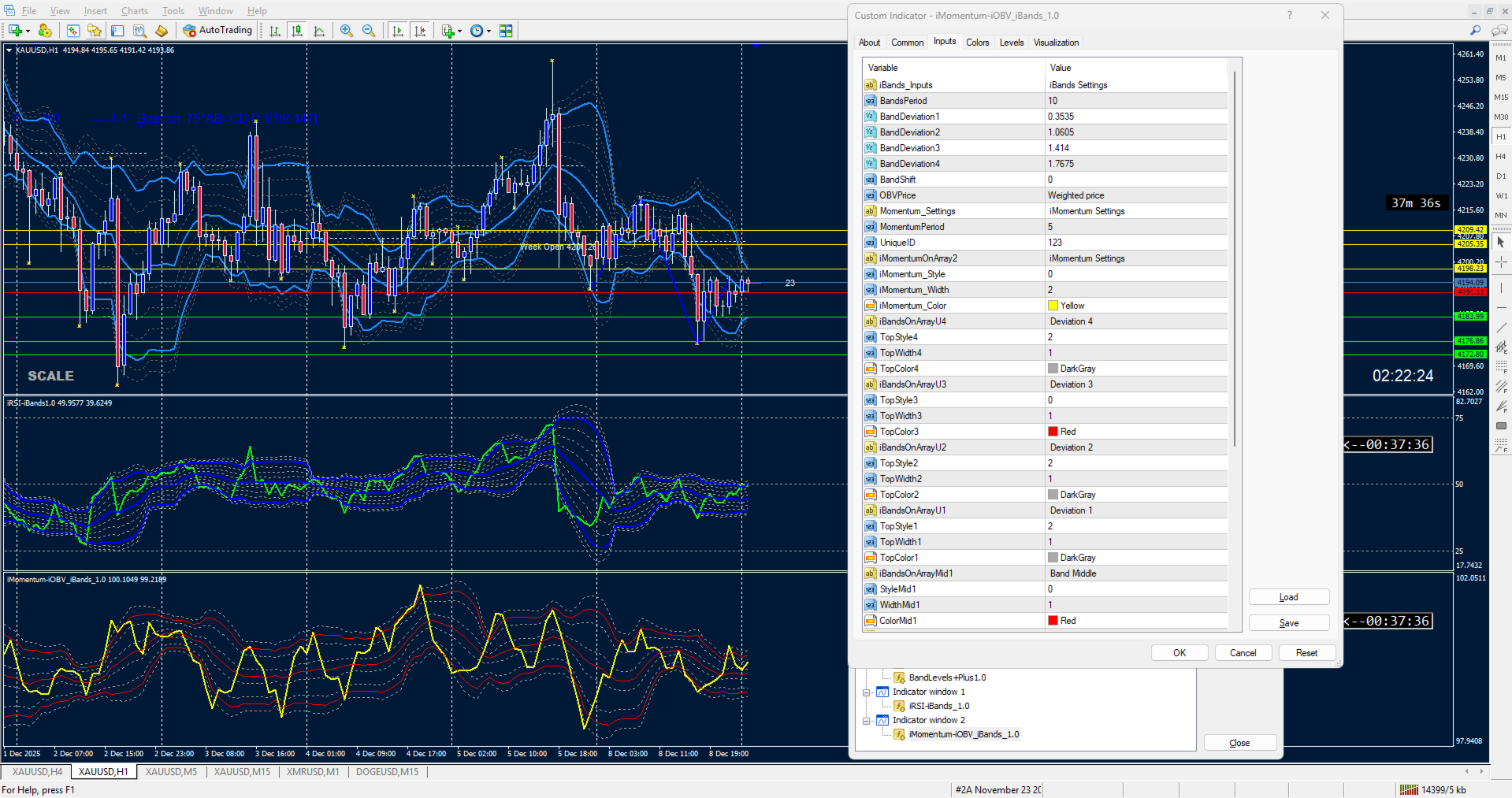
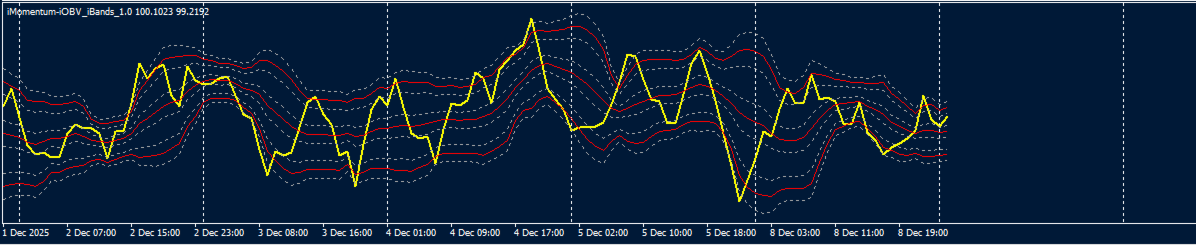
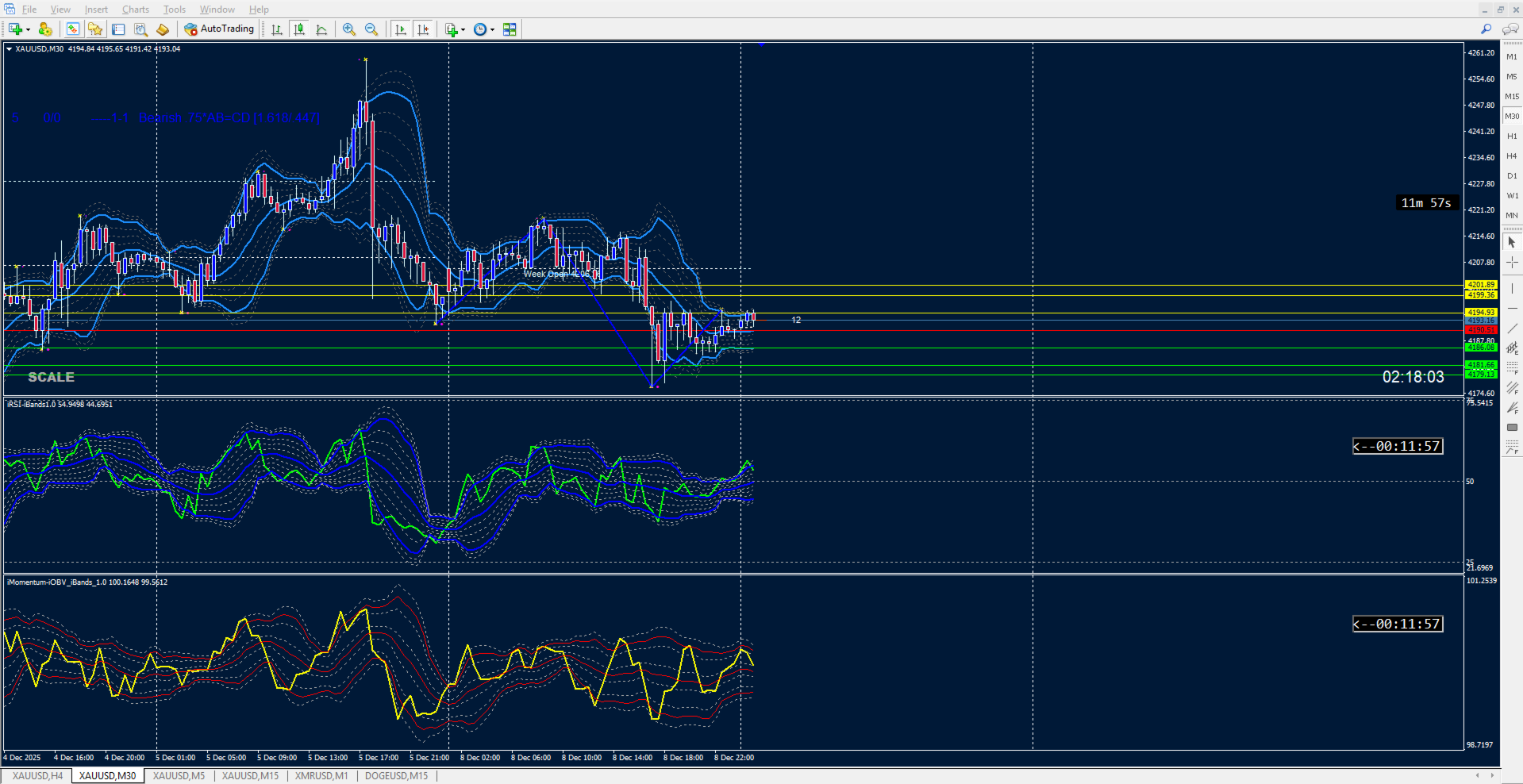
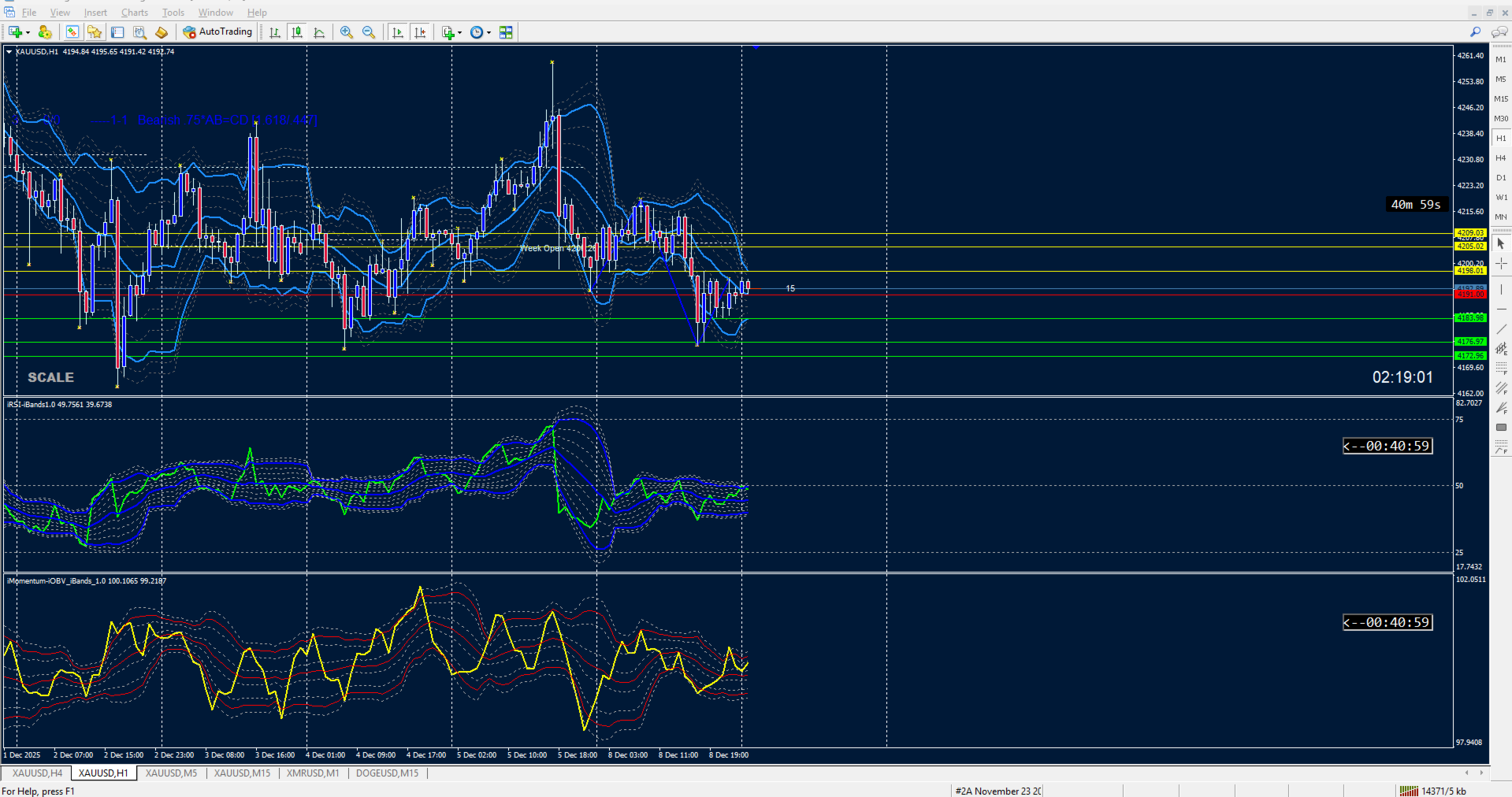
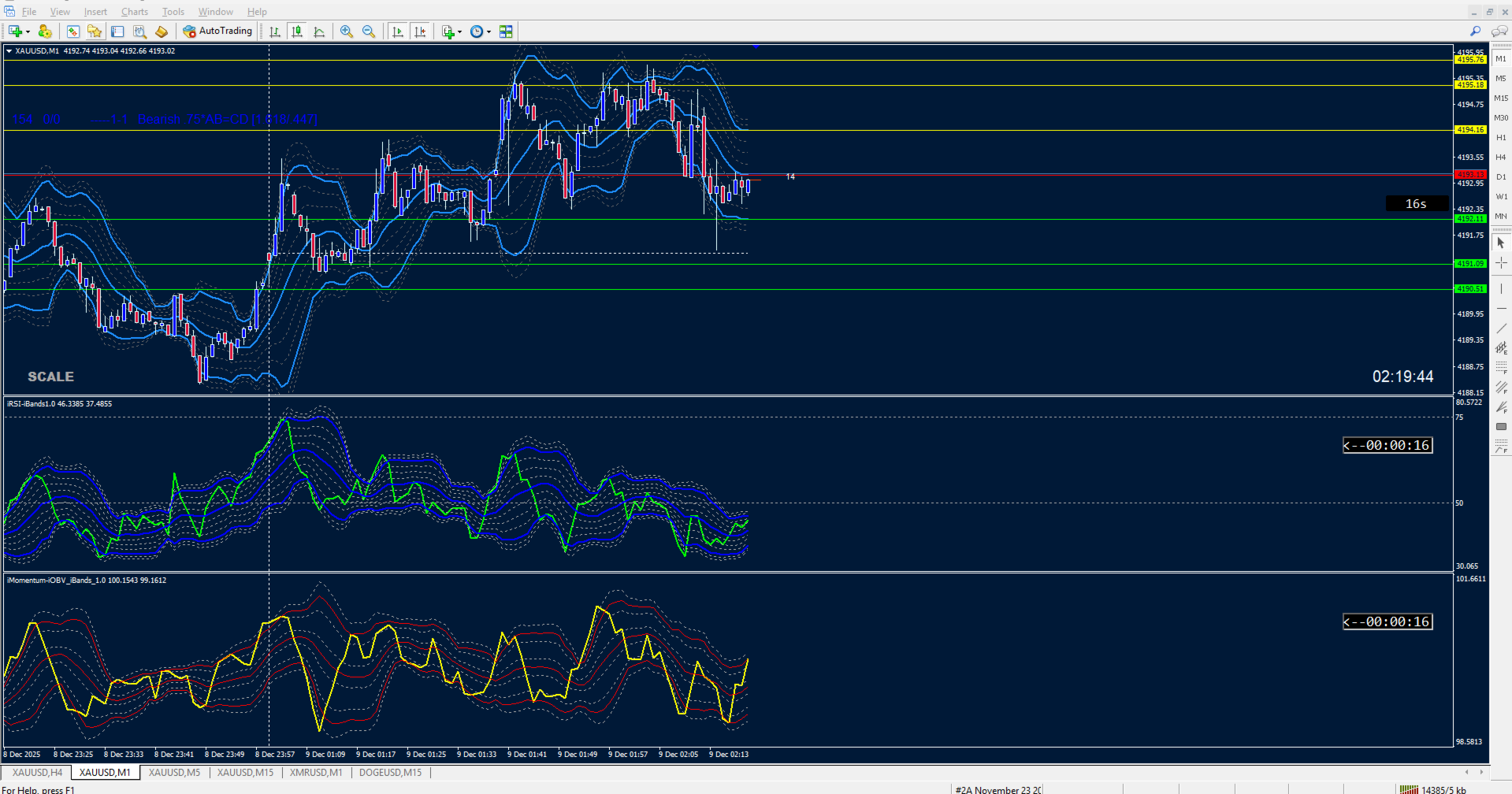
This indicator combines On‑Balance Volume (OBV), Momentum, and adaptive Bands. Buyers have full control over the following inputs and style settings: ShortName updated in download.
📊 OBV Settings
• Applied Price (OBVPrice) → Choose how OBV is calculated (Close, Weighted, Typical, etc.)
⚡ Momentum Settings
• Momentum Period → Define the lookback period for Momentum calculation
• Momentum Line Style → Solid or dotted line options
• Momentum Line Width → Adjust thickness for visibility
• Momentum Line Color → Select your preferred color (default: Yellow)
📐 Band Levels Settings
• Bands Period → Set the moving average period used for band calculations
• Bands Shift → Shift bands forward/backward on the chart
• Deviation Controls → Four independent deviation inputs for upper/lower bands:
• BandDeviation1
• BandDeviation2
• BandDeviation3
• BandDeviation4
Each deviation produces its own upper and lower band line, plus a middle line, giving you a layered volatility framework.
🎨 Style & Appearance Controls
• Upper Bands (Deviation 1–4) → Each has independent style, width, and color controls
• Middle Band → Style, width, and color fully customizable (default: Red)
• Lower Bands (Deviation 1–4) → Each has independent style, width, and color controls
• Color Coding → Red for main bands, gray for warning bands, yellow for Momentum line
🛠 Unique ID
• UniqueID → Assign a unique identifier so multiple instances of the indicator can run on the same chart without conflicts.
✅ Buyer Value
With these controls, traders can:
• Adjust OBV and Momentum sensitivity
• Layer multiple band deviations for volatility analysis
• Customize line styles and colors for audit clarity
• Run multiple instances safely with unique IDs
🧠 Product Description: iOBV–iMomentum–iBands 1.0