QuantBench Strategy
- Utilities
- Version: 1.950
- Updated: 9 November 2026
- Activations: 10

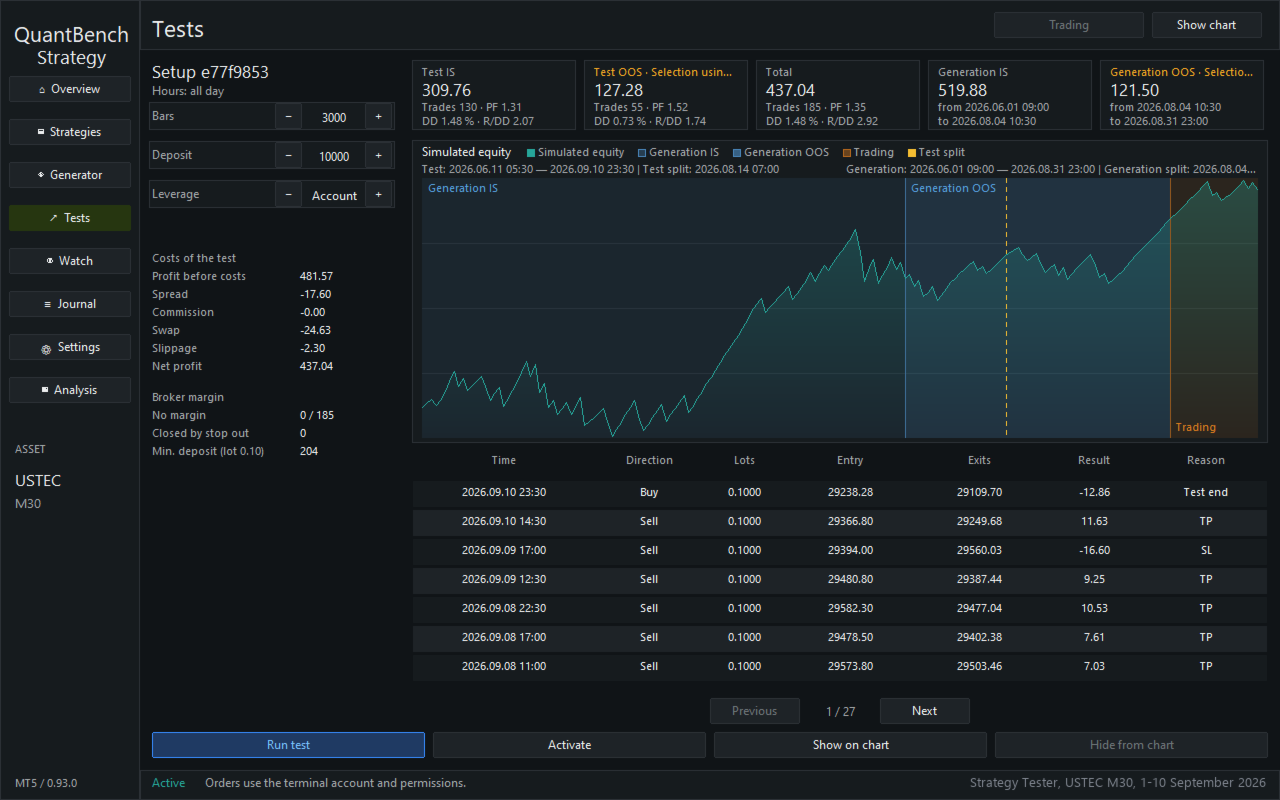
QuantBench is an Expert Advisor for MetaTrader 5 that builds trading strategies on the asset and timeframe of the chart. It tests them on past candles: on a building part (in-sample) and on a part the strategy did not see while it was built (out-of-sample). It keeps the strategies that pass your filters in a list and lets you choose which strategies trade.
On a chart, the Expert Advisor does not search for or choose strategies by itself. You start the search, you choose the strategies and you decide if they send real orders.
**Launch promotion: early bird pricing** - First 10 copies: $99 (current launch price) - Next 10 copies: $119 - Final target price: $399 The price goes up after every 10 copies sold. All future updates and strategy packs are included free of charge for existing buyers. |
|---|
**How to use it**
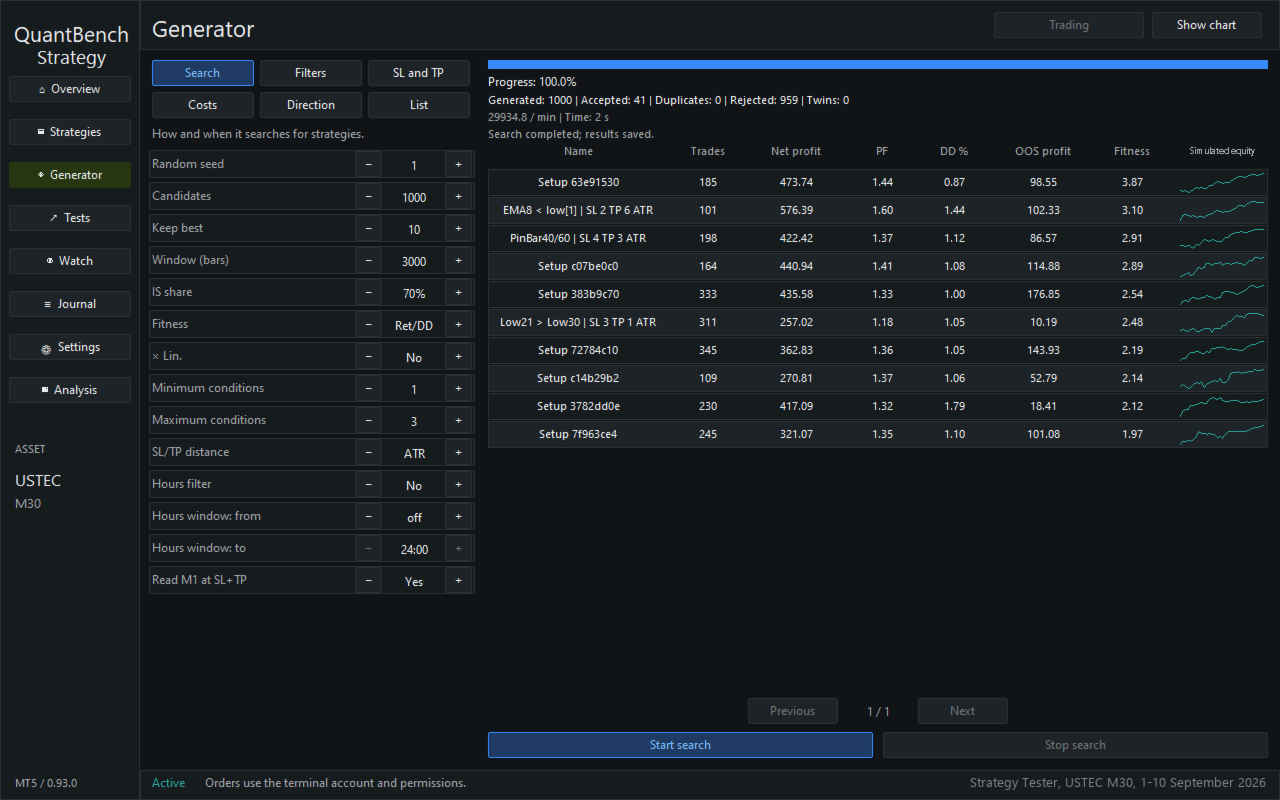
1. On the Generator page, set the filters and click "Start search".
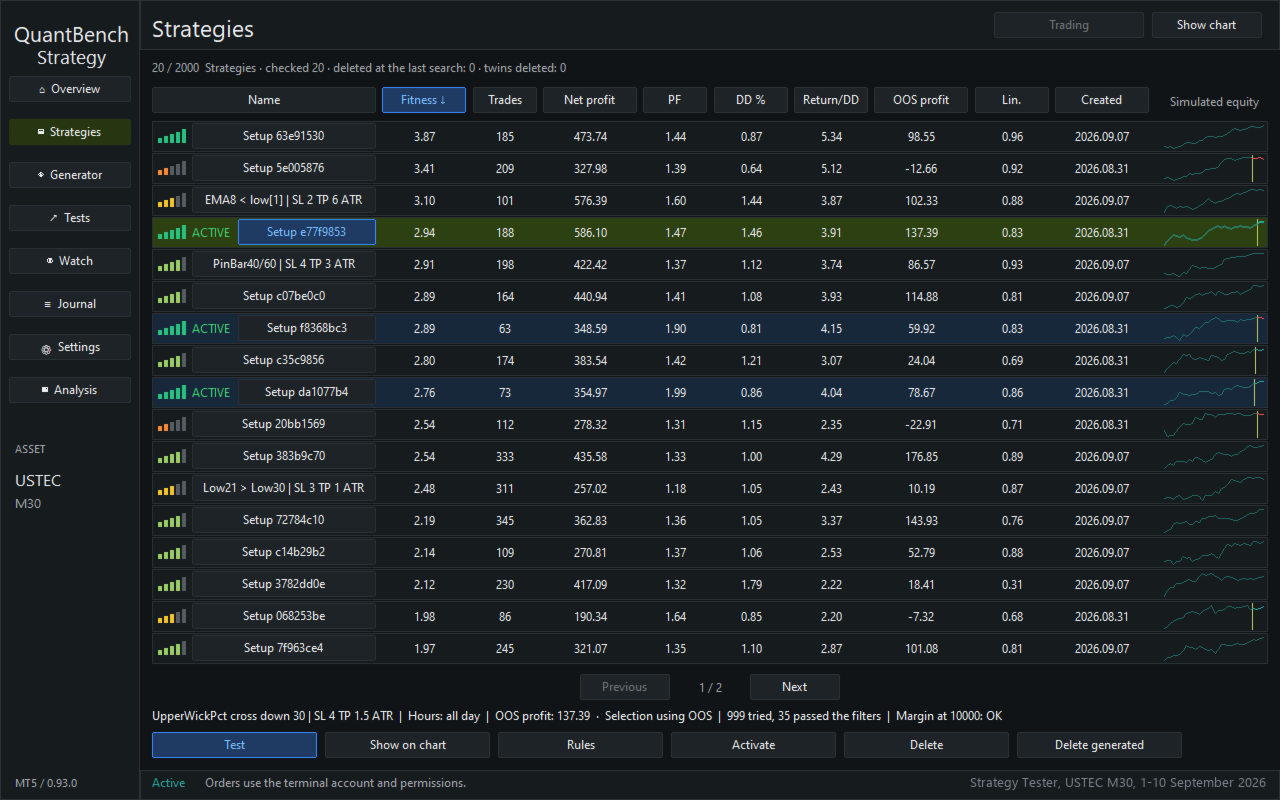
2. On the Strategies page, you see the strategies found, each with its score and a small chart. Test a strategy, then put it on a place with "Activate". There are 4 places.
3. The button at the top switches between Simulation and Trading. Simulation is the default: no real orders. Trading needs a second click within 5 seconds; after that, every place sends real orders.
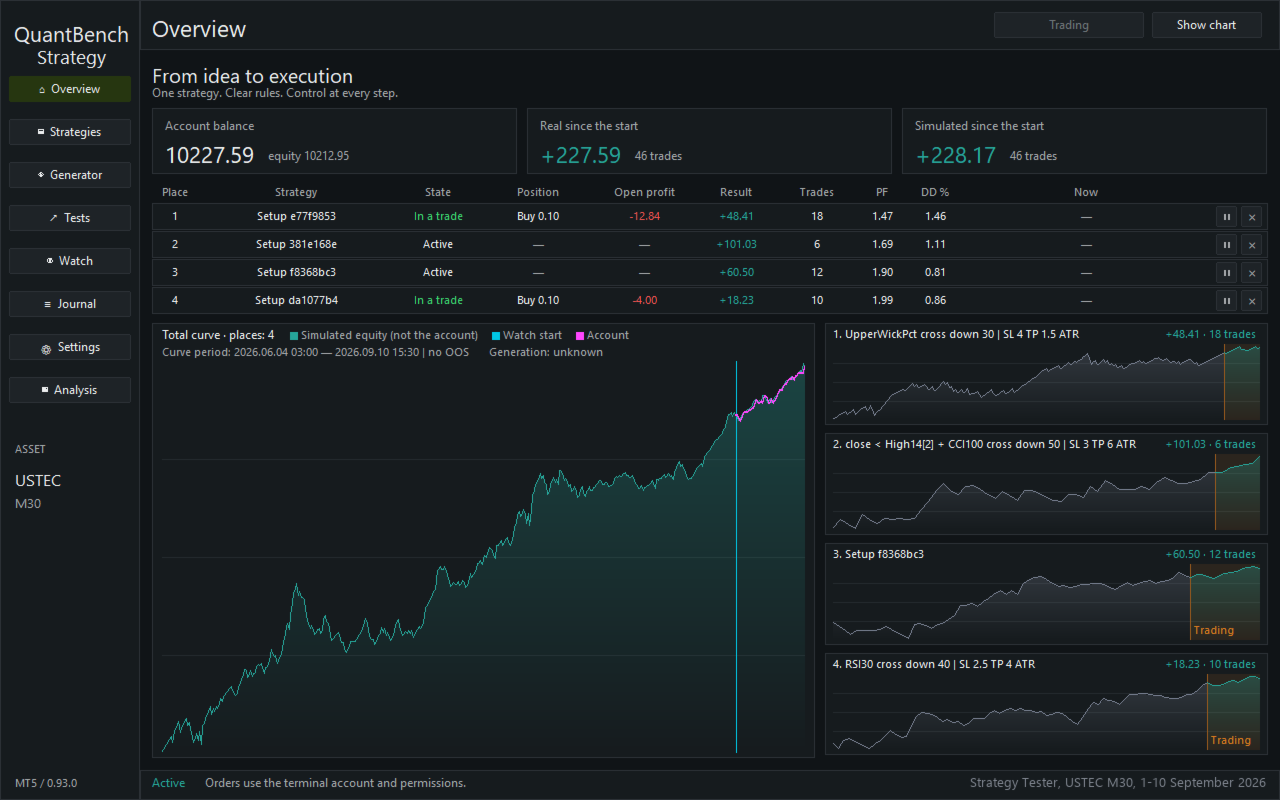
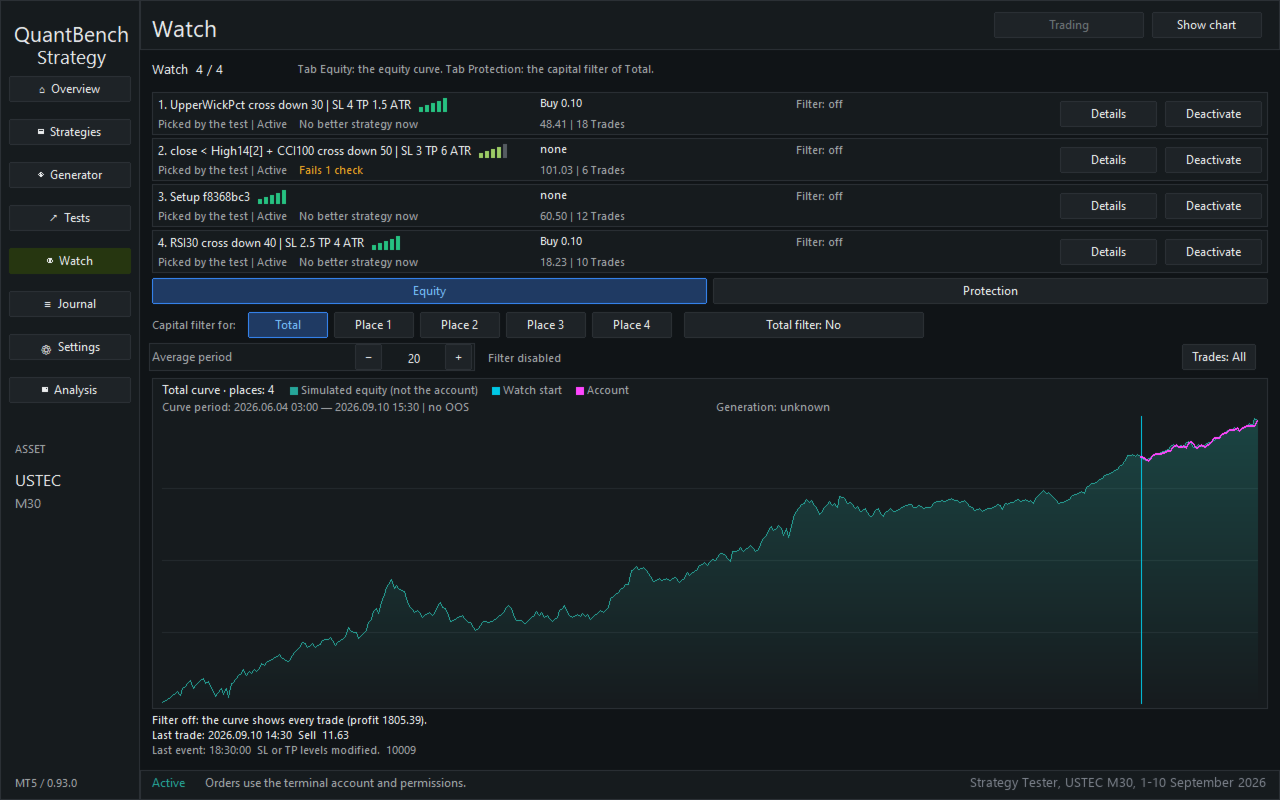
4. On the Overview page, you watch the places. You can pause a place or remove it.
**Also included**
- The tests count the spread, the commission and the slippage.
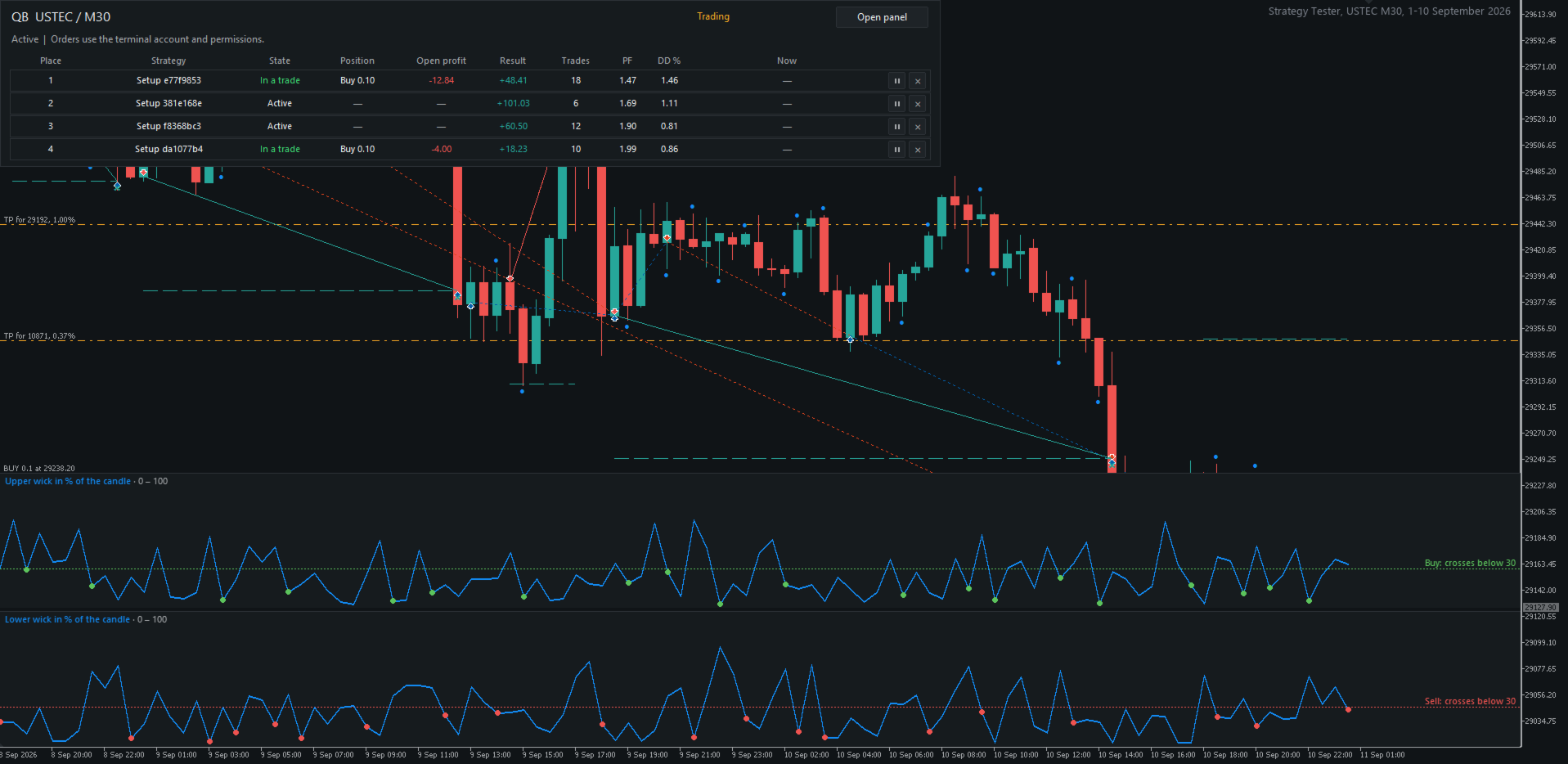
- Check bars on the recent candles. They only inform you; you decide.
- Equity filter, off by default.
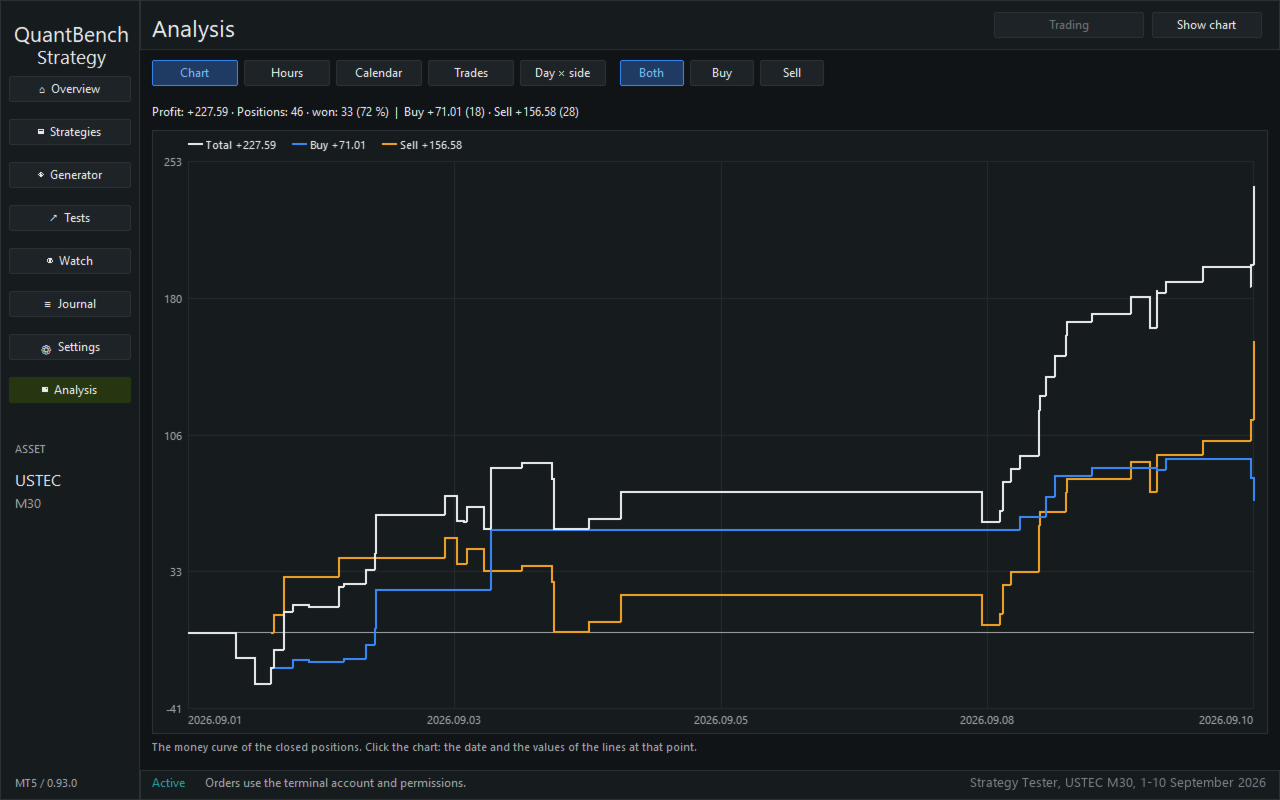
- Analysis of the closed real positions, and a journal.
- Fixed lot or risk as a percentage of equity.
- Panel in 12 languages, dark or light theme.
**Demo in the Strategy Tester**
The free demo runs only in the Strategy Tester. There, the Expert Advisor searches by itself and puts one strategy on each free place, one time only. In a visual test, the places start paused: click the play sign on the Overview page. In the demo, the rules and the names of the strategies are hidden. After purchase, you see them.
**Keep in mind**
- Results on past candles are not results of real trading and do not guarantee future results.
- Trading with real orders involves a risk of loss. Start in Simulation, on a demo account.
- For real orders, the Algo Trading button of MetaTrader 5 must be on.
- A search uses the processor and can take time.